
适用场景
- 以结构化、可复用的提示词为起点,而非空白对话框。
- 根据自己的需求调整提示词,同时保持原始意图不变。
- 与Design & Art, Photography相关的工作流。
通过提升画质、去除噪点、校正光线并添加色彩,修复和增强老照片。
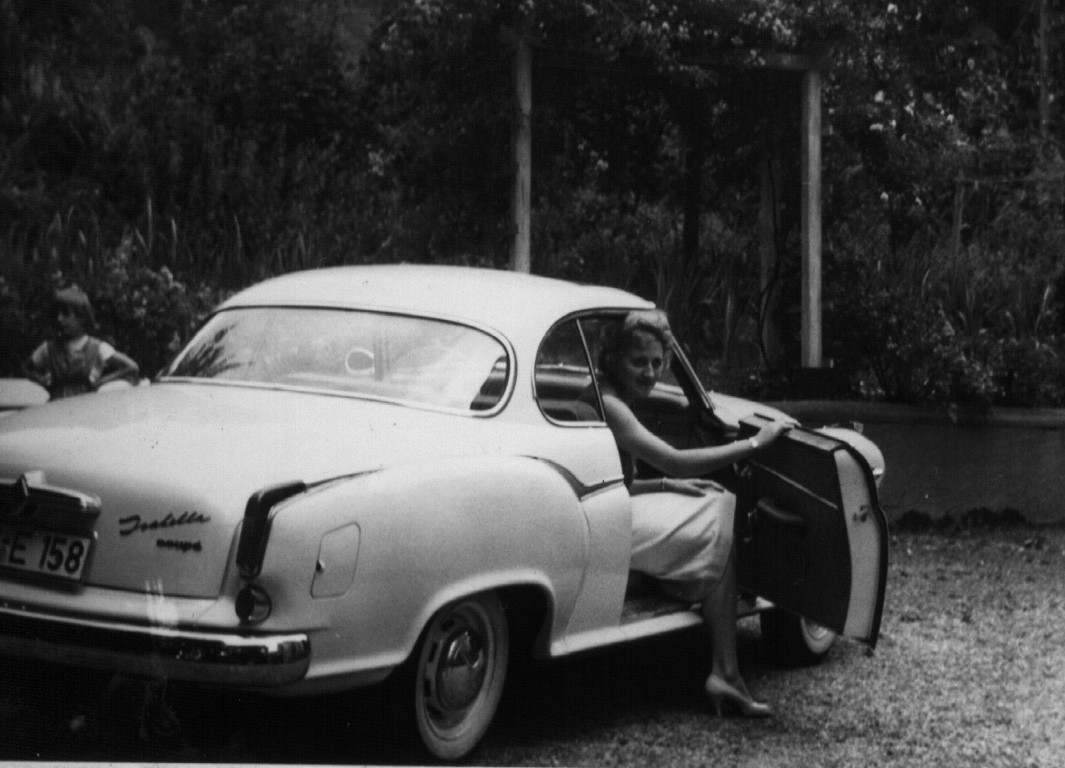
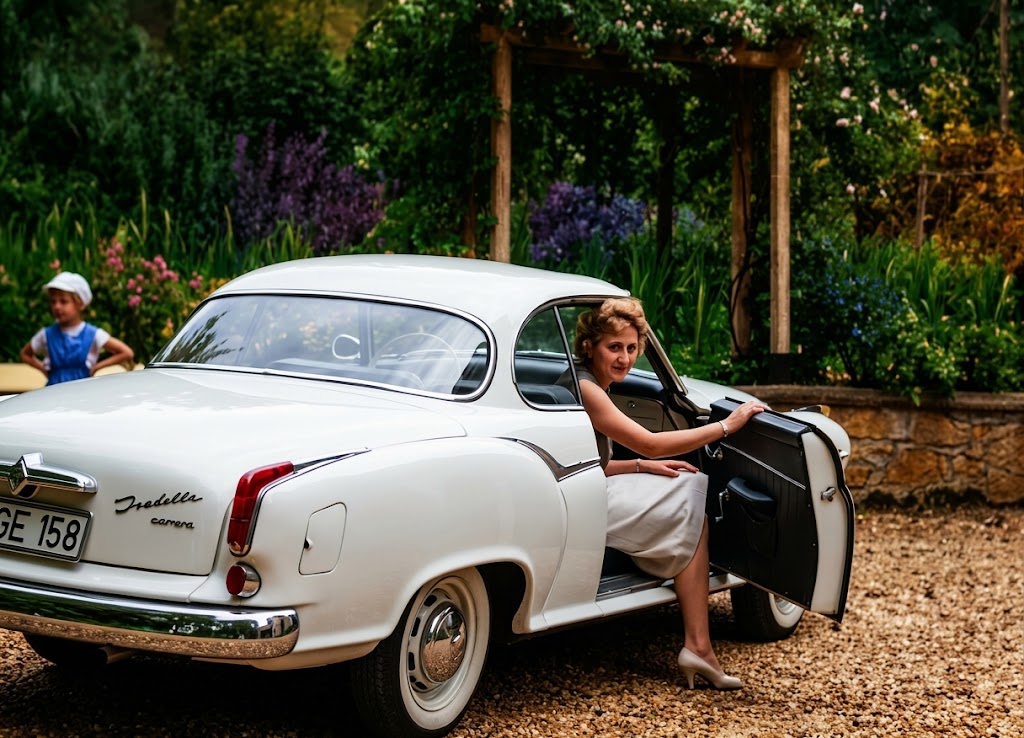
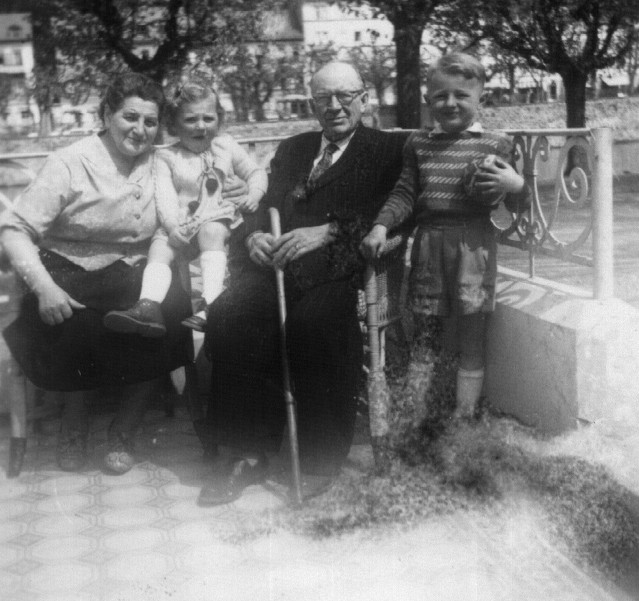
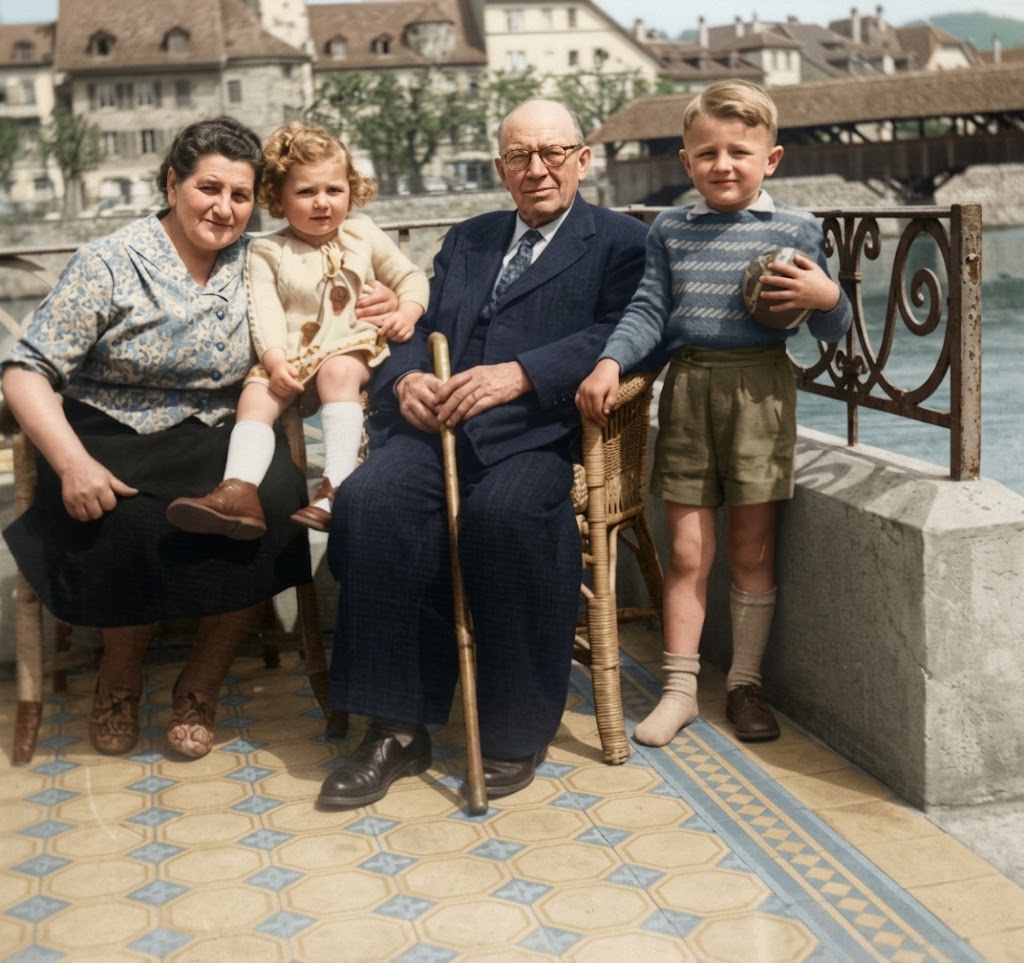
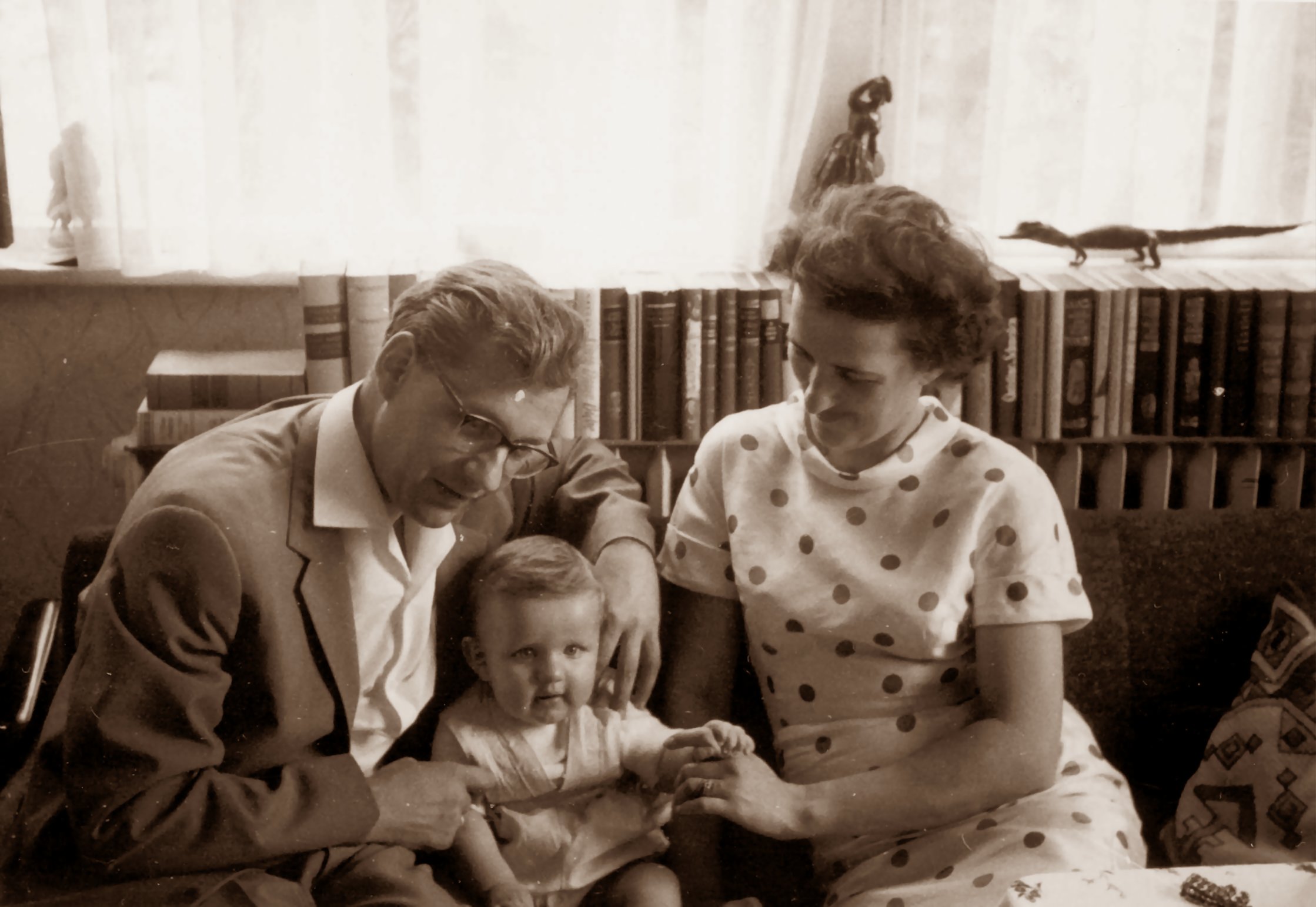
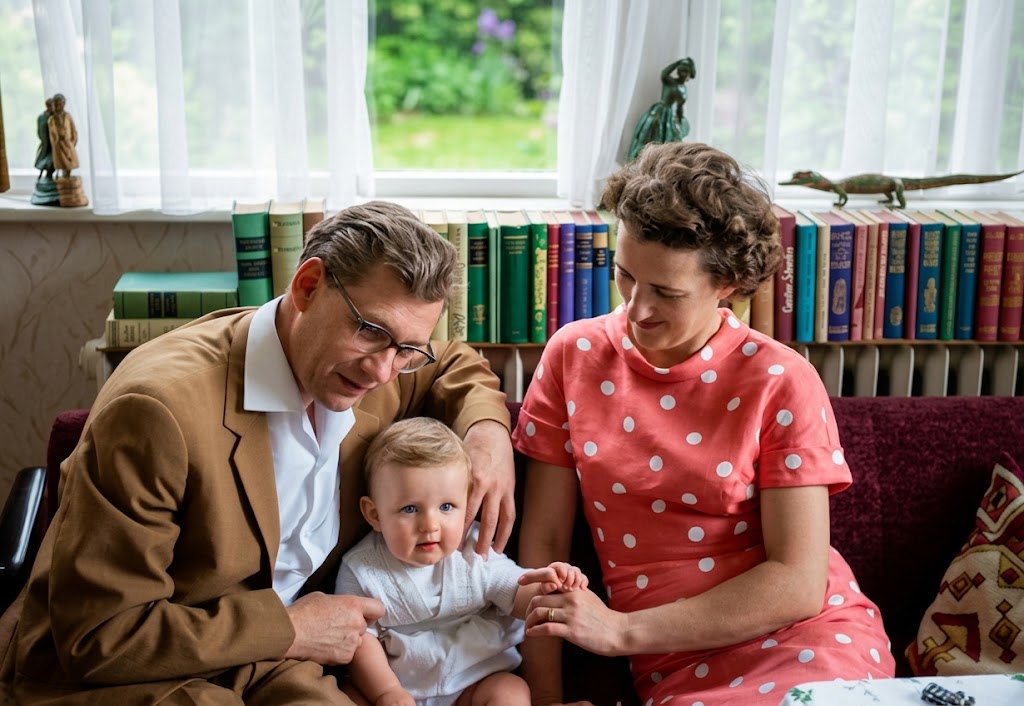
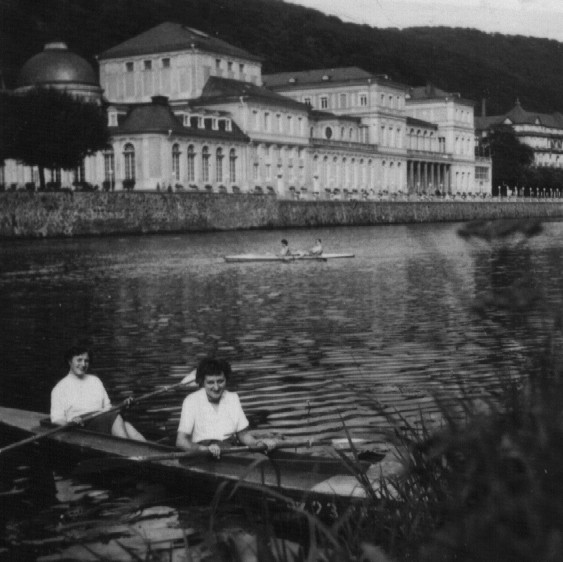
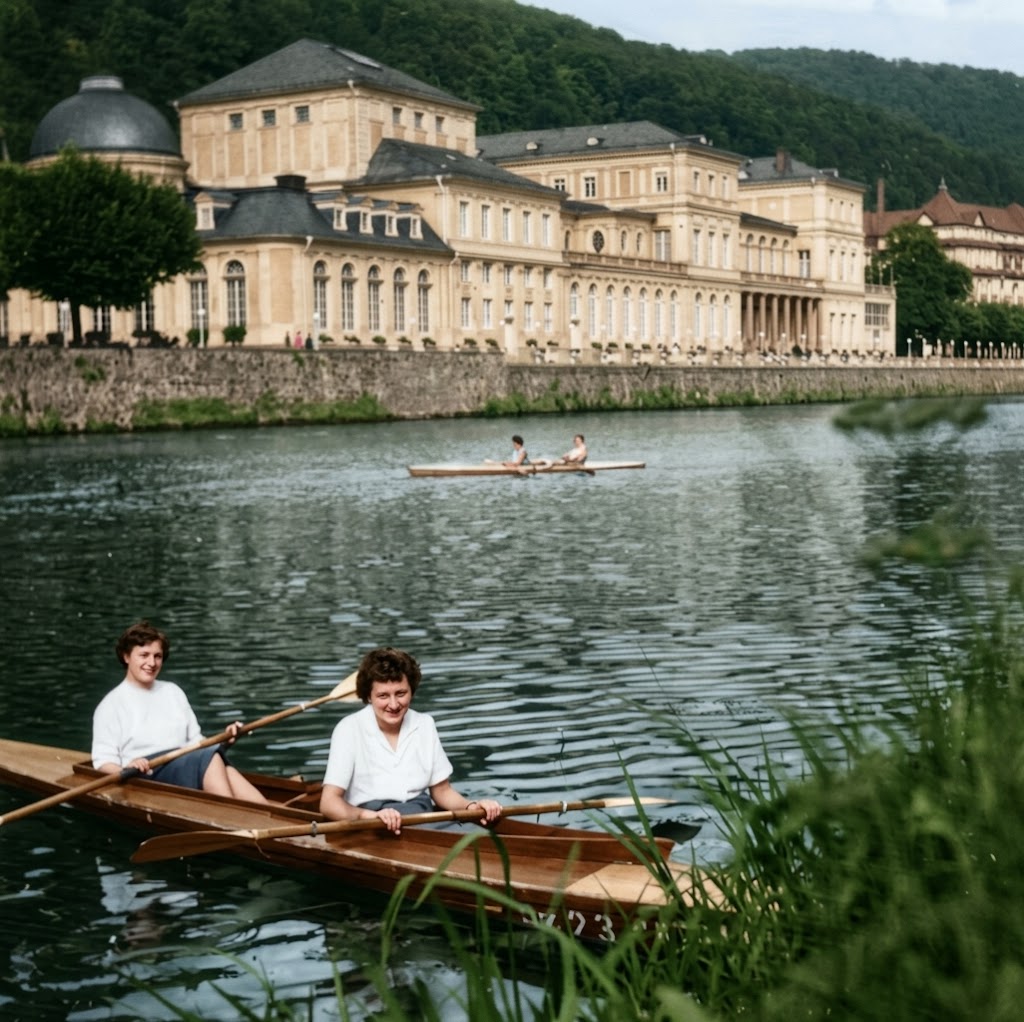
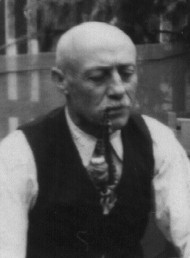
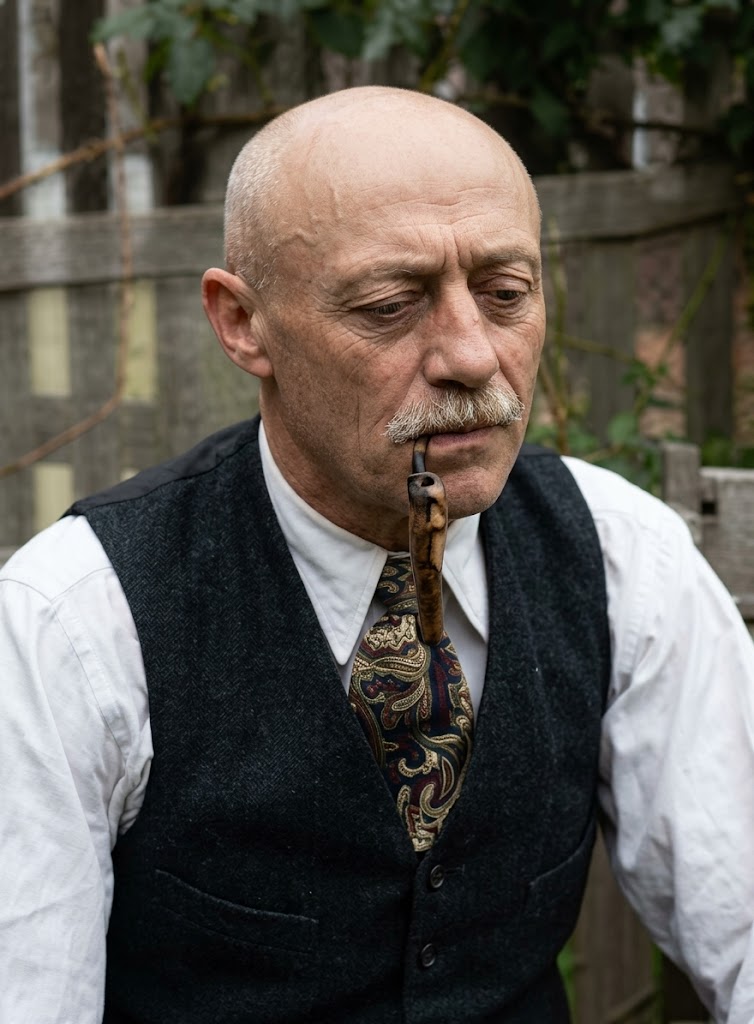
Restore this old photograph. Improve image quality, increase resolution without losing details, remove noise and digital artifacts, and balance light and contrast. Colorize the image using {{Color Palette:vibrant juicy colors, realistic historical tones, sepia, faded color}}. Render in the style of a {{Style:modern professional photograph, vintage film scan}}. Shot on {{Camera:Nikon D6 SLR camera, Sony A7R IV, Canon EOS R5}} by a professional photographer.
vibrant juicy colors, realistic historical tones, sepia, faded color
modern professional photograph, vintage film scan
Nikon D6 SLR camera, Sony A7R IV, Canon EOS R5
Restore this old photograph. Improve image quality, increase resolution without losing details, remove noise and digital artifacts, and balance light and contrast. Colorize the image using vibrant juicy colors. Render in the style of a modern professional photograph. Shot on Nikon D6 SLR camera by a professional photographer.
变量被 {{ 和 }} 包裹,遵循以下格式:
选项可以通过方括号引用预定义变量列表。这些选项以[橙色]显示,提供颜色、语气或语言等常用值。
也可以提供以逗号分隔的内联选项列表。
提示:使用这些提示词无需 PUCO 应用!只需复制模板,直接在 ChatGPT、Claude、Gemini 或任何其他 AI 助手中将每个 {{…}} 部分替换为自己的文本。