适用场景
- 以结构化、可复用的提示词为起点,而非空白对话框。
- 根据自己的需求调整提示词,同时保持原始意图不变。
- 与Creative & Visuals相关的工作流。

使用专业电影制作技巧、电影级灯光和逼真的皮肤纹理,将主体变成超级英雄。
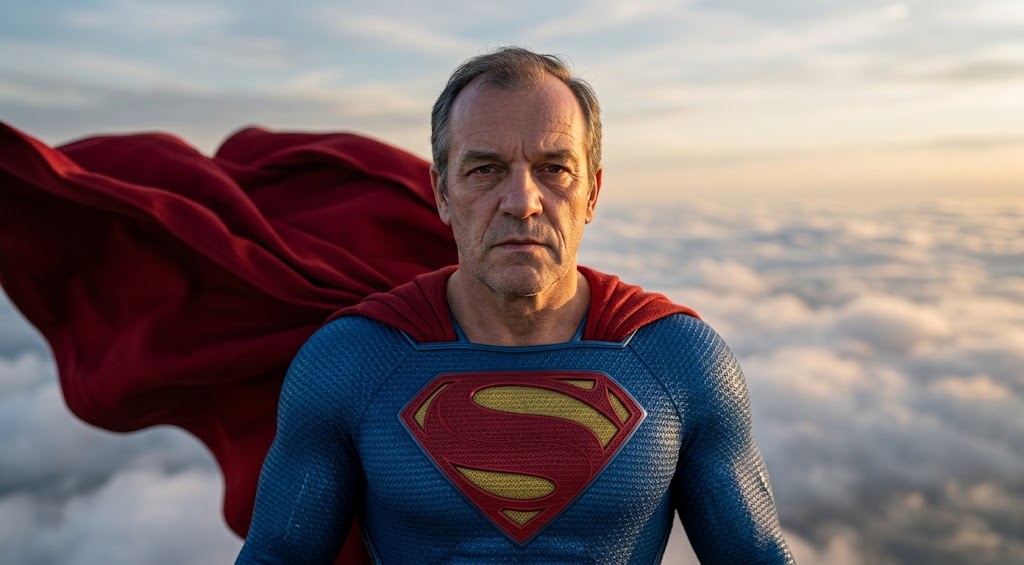
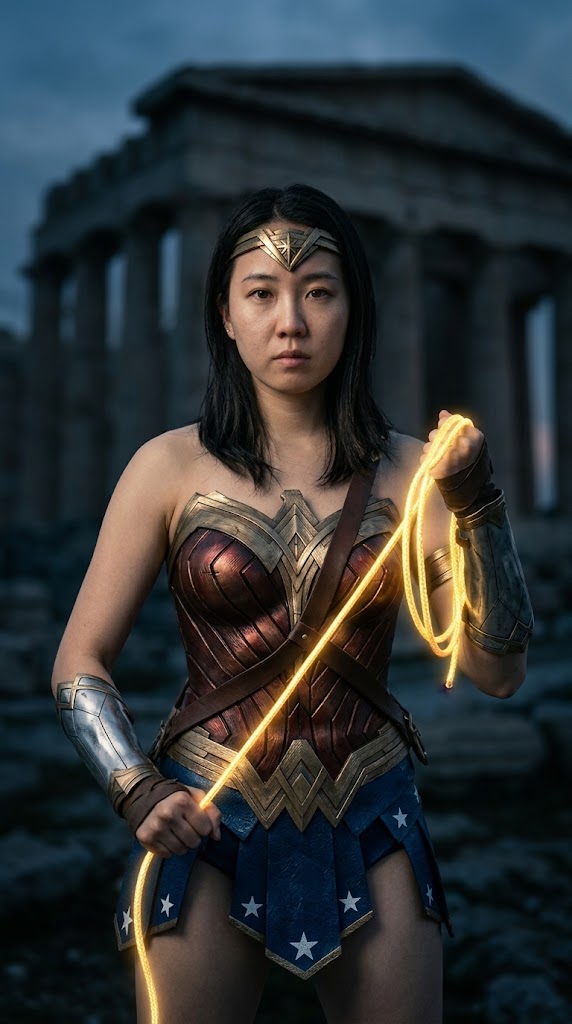

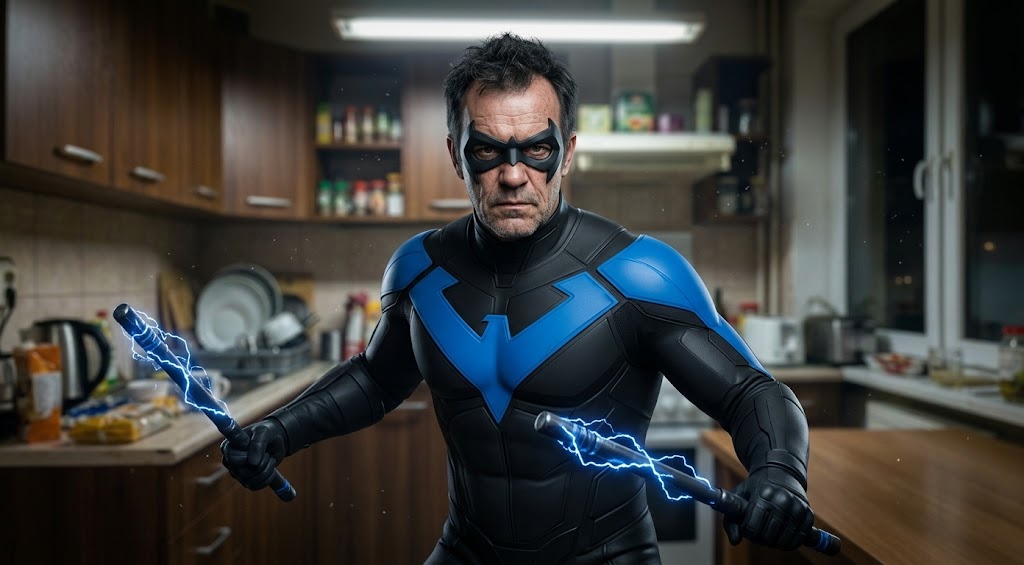
Analyze the subject in the uploaded file and transform them into {{Super Heroes: [super_heroes]}}. Apply {{Lighting: Cinematic, Three-point, Side/Rim, High Contrast, Soft Diffused}} to create depth and mood. Emulate a professional movie camera using a {{Camera Style: Shallow Depth of Field, 85mm Lens, Film Grain}} for a high-end aesthetic. Ensure the character features {{Skin & Makeup: Natural Film Makeup, Matte Finish, Realistic Pores}} to achieve a flawless yet realistic cinematic appearance.
[super_heroes]
Cinematic, Three-point, Side/Rim, High Contrast, Soft Diffused
Shallow Depth of Field, 85mm Lens, Film Grain
Analyze the subject in the uploaded file and transform them into [super_heroes]. Apply Cinematic to create depth and mood. Emulate a professional movie camera using a Shallow Depth of Field for a high-end aesthetic. Ensure the character features {{Skin & Makeup: Natural Film Makeup, Matte Finish, Realistic Pores}} to achieve a flawless yet realistic cinematic appearance.
变量被 {{ 和 }} 包裹,遵循以下格式:
选项可以通过方括号引用预定义变量列表。这些选项以[橙色]显示,提供颜色、语气或语言等常用值。
也可以提供以逗号分隔的内联选项列表。
提示:使用这些提示词无需 PUCO 应用!只需复制模板,直接在 ChatGPT、Claude、Gemini 或任何其他 AI 助手中将每个 {{…}} 部分替换为自己的文本。