适用场景
- 以结构化、可复用的提示词为起点,而非空白对话框。
- 根据自己的需求调整提示词,同时保持原始意图不变。
- 与Gaming, Design & Art相关的工作流。

生成一款怀旧的低分辨率像素艺术图标,适合复古游戏应用或风格化工具。
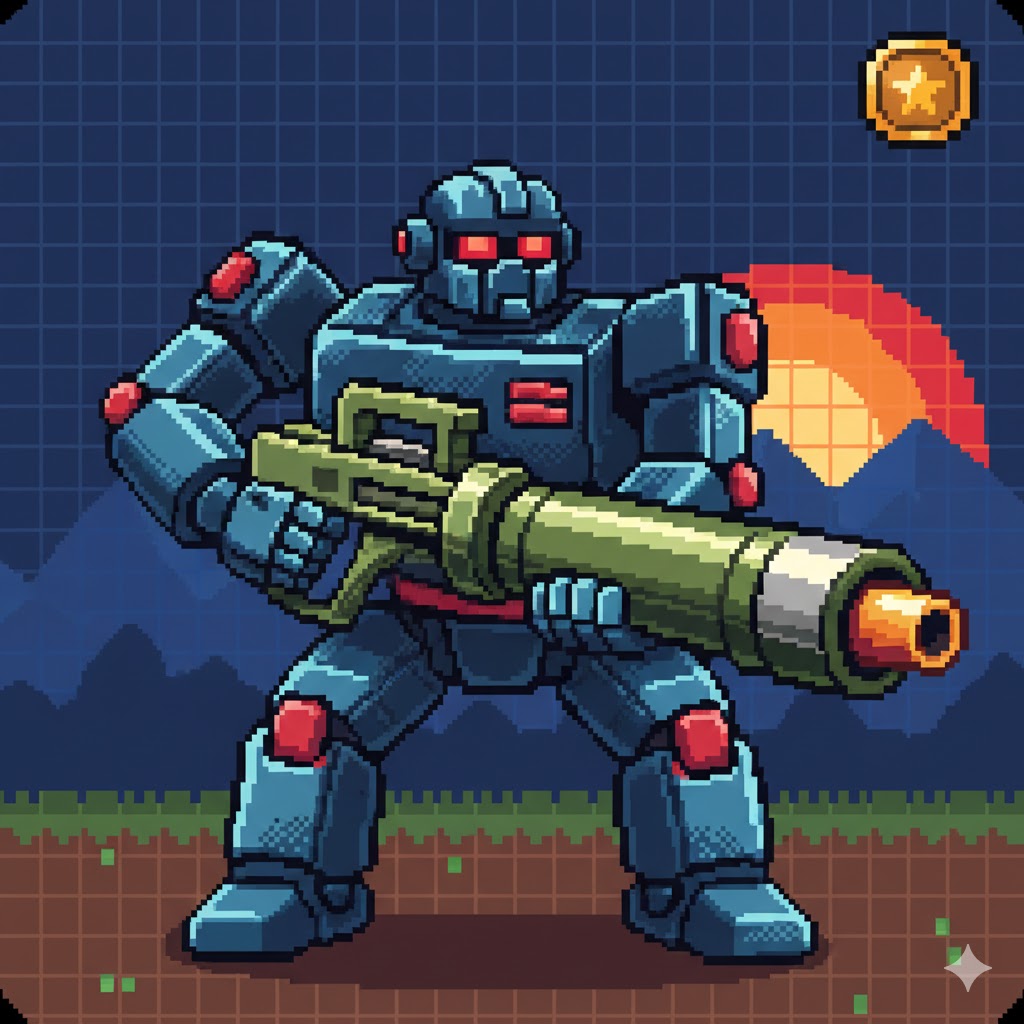
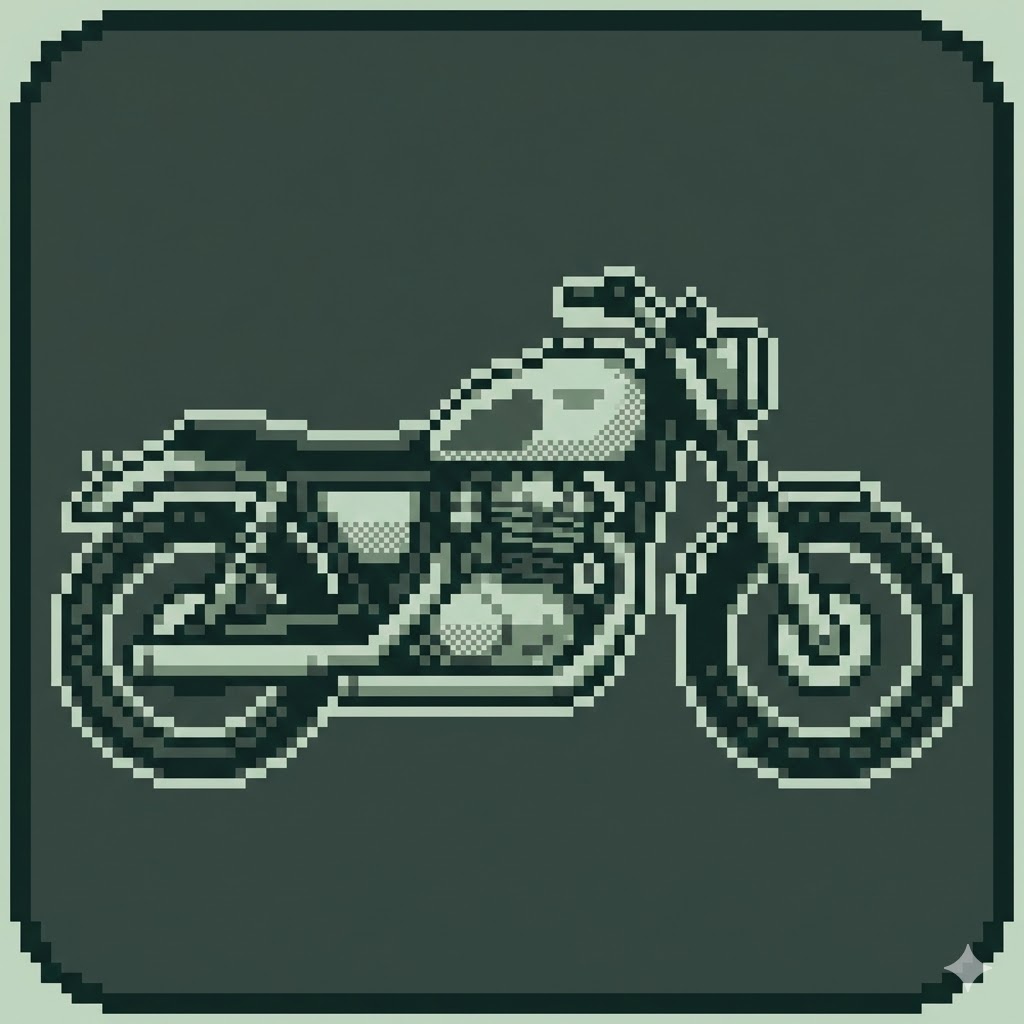
Act as an expert AI image generator. Create a pixel art app icon.

Object to depict: {{object: e.g. A robot with a bazooka}}
Bit Style: {{bit_depth: 8-bit NES style, 16-bit SNES style, Gameboy mono}}

Stylistic constraints: visible pixels, grid-aligned, limited retro color palette, dithering for shading, clean pixel edges, suitable for a square icon format. The image size is 1024x1024. The icon is drawn to the edges without rounded corners
e.g. A robot with a bazooka
8-bit NES style, 16-bit SNES style, Gameboy mono
Act as an expert AI image generator. Create a pixel art app icon.

Object to depict: e.g. A robot with a bazooka
Bit Style: 8-bit NES style

Stylistic constraints: visible pixels, grid-aligned, limited retro color palette, dithering for shading, clean pixel edges, suitable for a square icon format. The image size is 1024x1024. The icon is drawn to the edges without rounded corners
变量被 {{ 和 }} 包裹,遵循以下格式:
选项可以通过方括号引用预定义变量列表。这些选项以[橙色]显示,提供颜色、语气或语言等常用值。
也可以提供以逗号分隔的内联选项列表。
提示:使用这些提示词无需 PUCO 应用!只需复制模板,直接在 ChatGPT、Claude、Gemini 或任何其他 AI 助手中将每个 {{…}} 部分替换为自己的文本。