适用场景
- 以结构化、可复用的提示词为起点,而非空白对话框。
- 根据自己的需求调整提示词,同时保持原始意图不变。
- 与Creative & Visuals相关的工作流。

将提供的肖像转换为特定的历史时尚风格,同时保留人物身份。
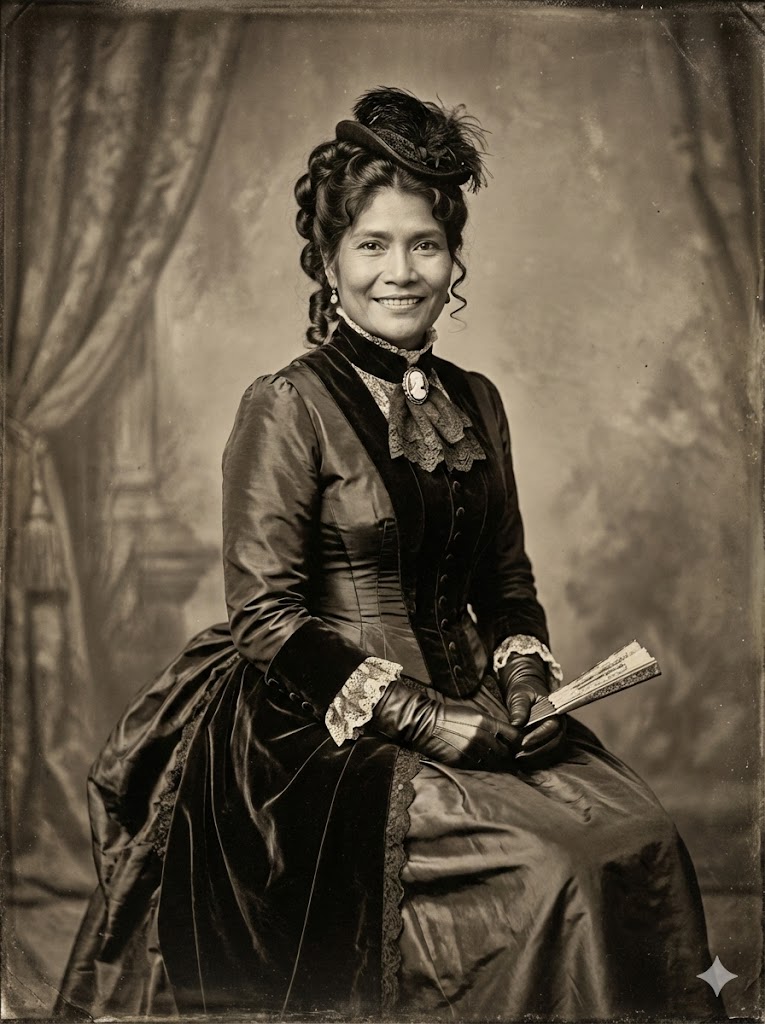
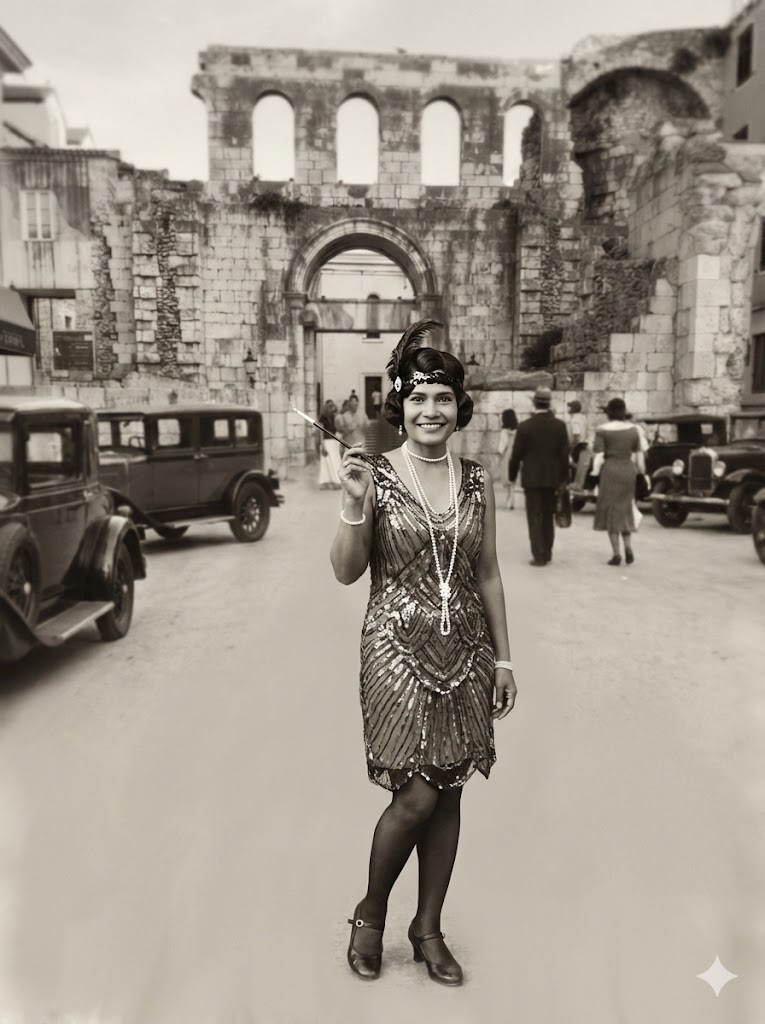
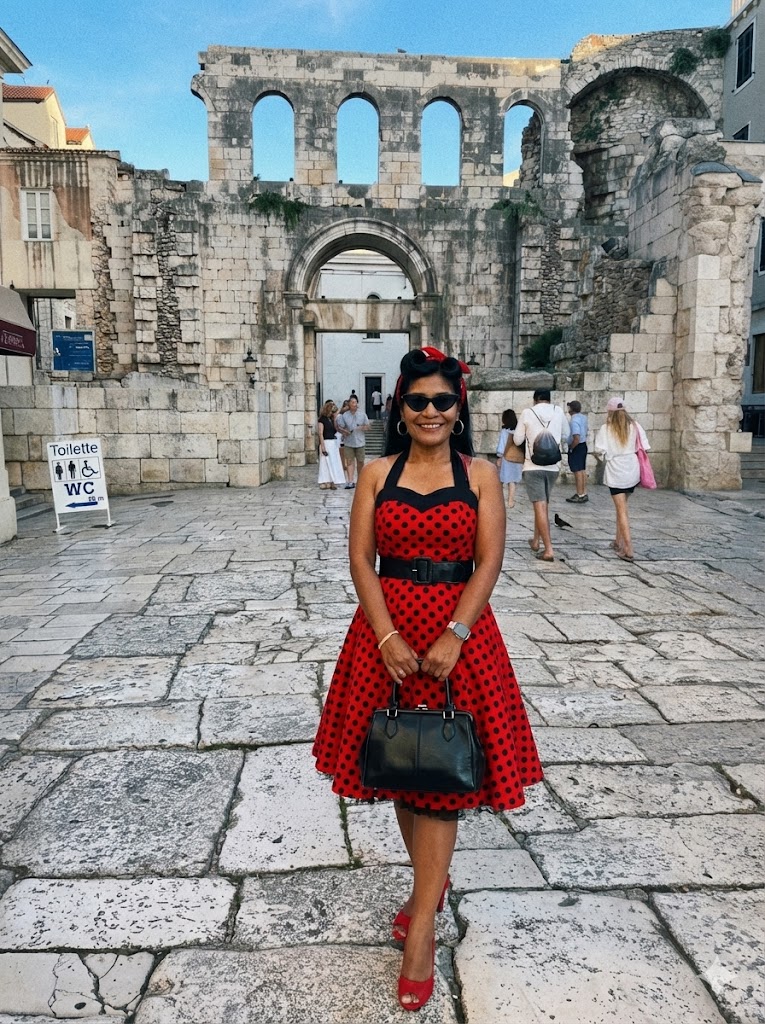
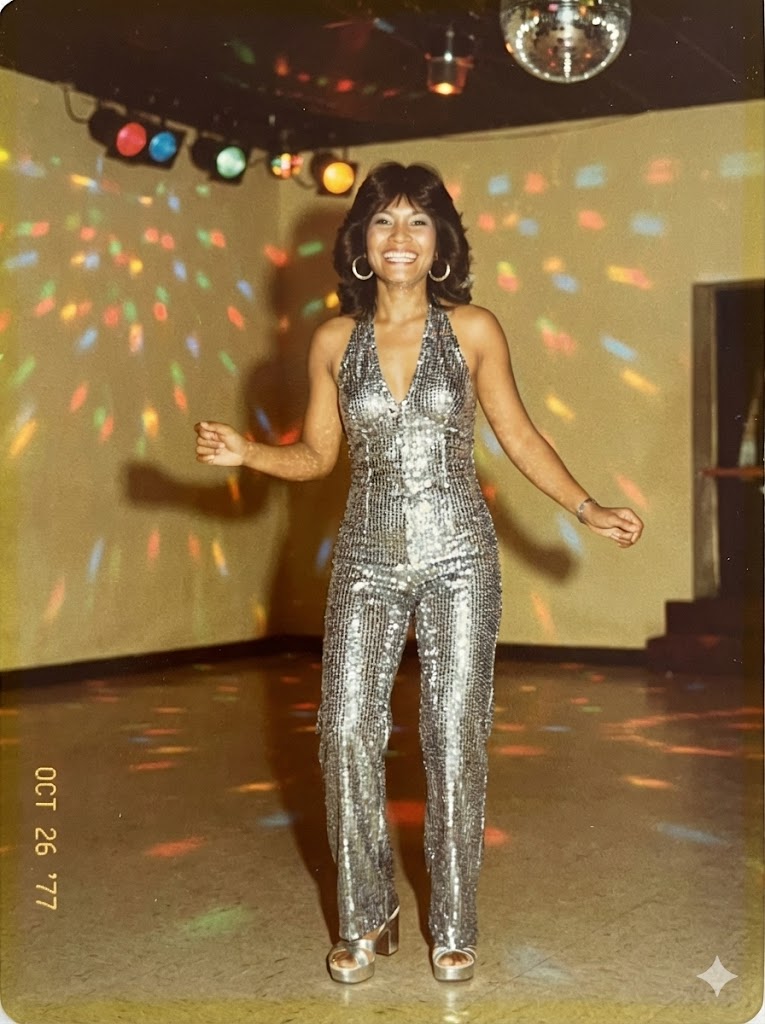
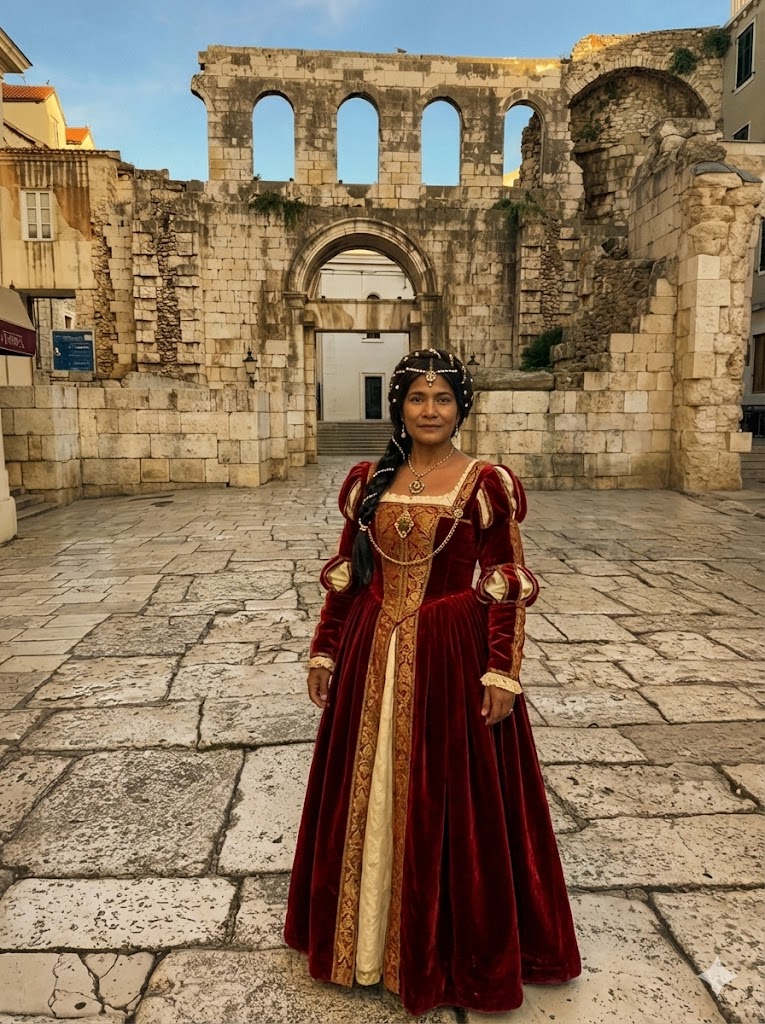
Create an image. Transform the subject in the provided image into the authentic fashion style of the {{Era: Victorian, Roaring 20s, 1940s Noir, 1950s Rockabilly, 1960s Mod, 1970s Disco, 1980s Neon, 1990s Grunge, Renaissance, Regency}} era, ensuring the clothing, accessories, hairstyle, and photographic texture accurately reflect the chosen time period.
Always ensure that the face remains the same from face shape to  eyes mouth nose teeth eye brows.
Victorian, Roaring 20s, 1940s Noir, 1950s Rockabilly, 1960s Mod, 1970s Disco, 1980s Neon, 1990s Grunge
Create an image. Transform the subject in the provided image into the authentic fashion style of the Victorian era, ensuring the clothing, accessories, hairstyle, and photographic texture accurately reflect the chosen time period.
Always ensure that the face remains the same from face shape to  eyes mouth nose teeth eye brows.
变量被 {{ 和 }} 包裹,遵循以下格式:
选项可以通过方括号引用预定义变量列表。这些选项以[橙色]显示,提供颜色、语气或语言等常用值。
也可以提供以逗号分隔的内联选项列表。
提示:使用这些提示词无需 PUCO 应用!只需复制模板,直接在 ChatGPT、Claude、Gemini 或任何其他 AI 助手中将每个 {{…}} 部分替换为自己的文本。