เหมาะสำหรับ
- เริ่มจากพรอมต์ที่มีโครงสร้างและใช้ซ้ำได้ แทนที่จะเป็นแชทเปล่า
- ปรับพรอมต์ให้เข้ากับข้อมูลของคุณ โดยยังคงเจตนาเดิมไว้
- เวิร์กโฟลว์ที่เกี่ยวข้องกับ Creative & Visuals

แปลงภาพพอร์ตเทรตที่ให้มาให้เป็นสไตล์แฟชันในยุคประวัติศาสตร์เฉพาะ โดยคงเอกลักษณ์ของบุคคลไว้
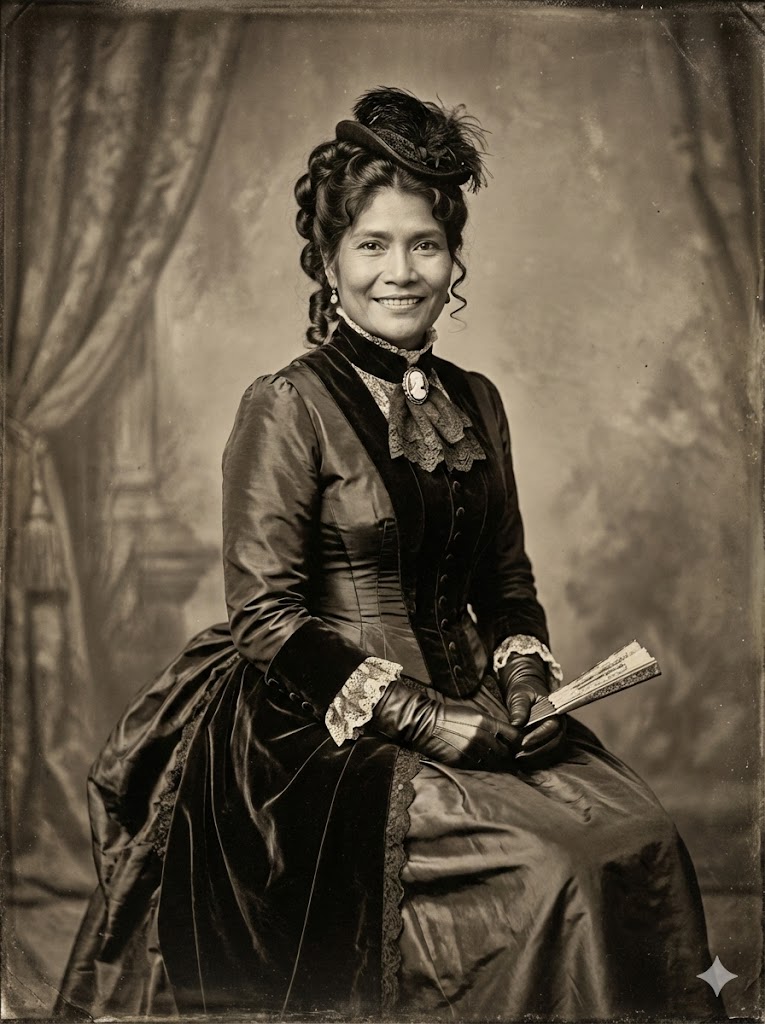
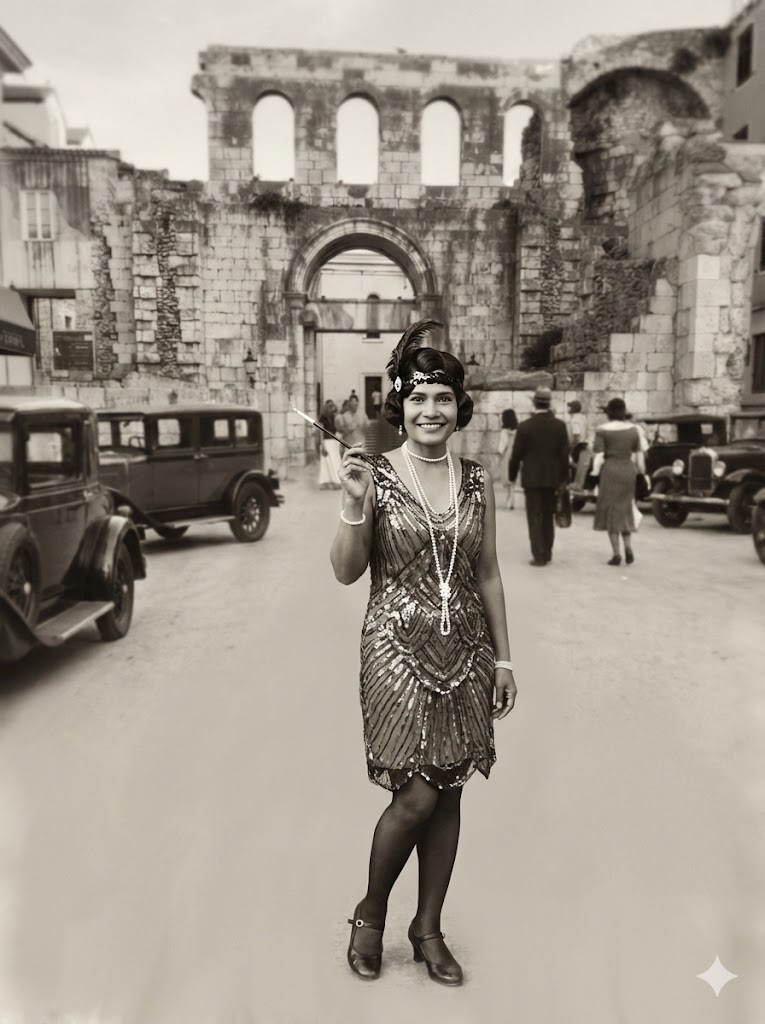
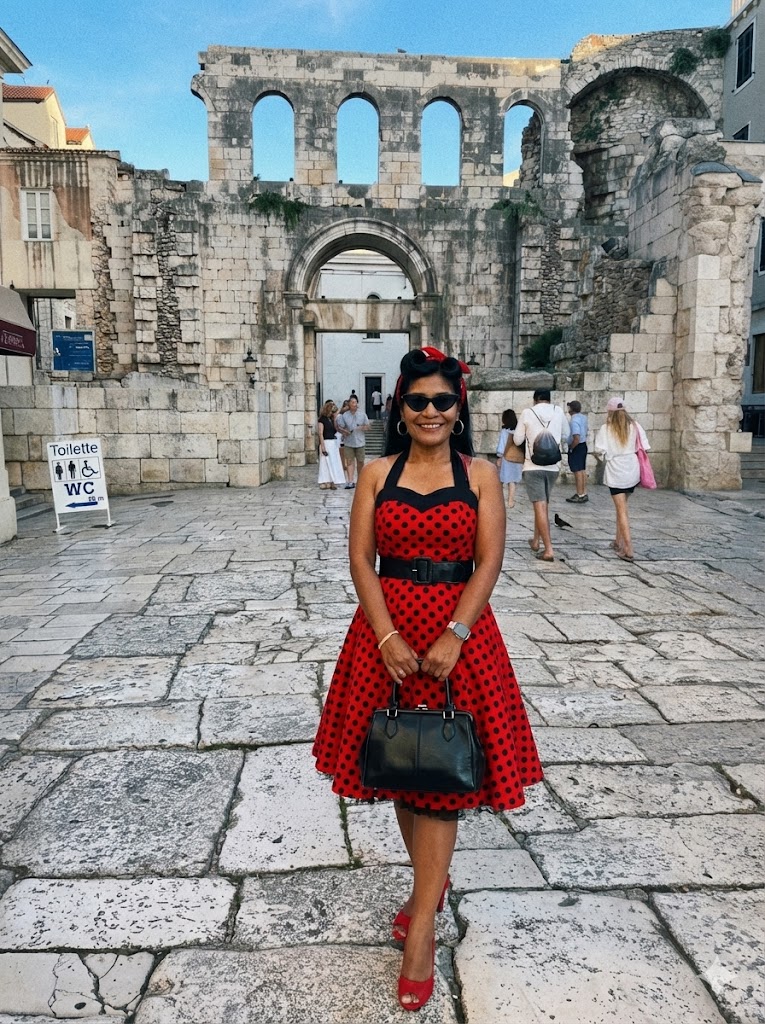
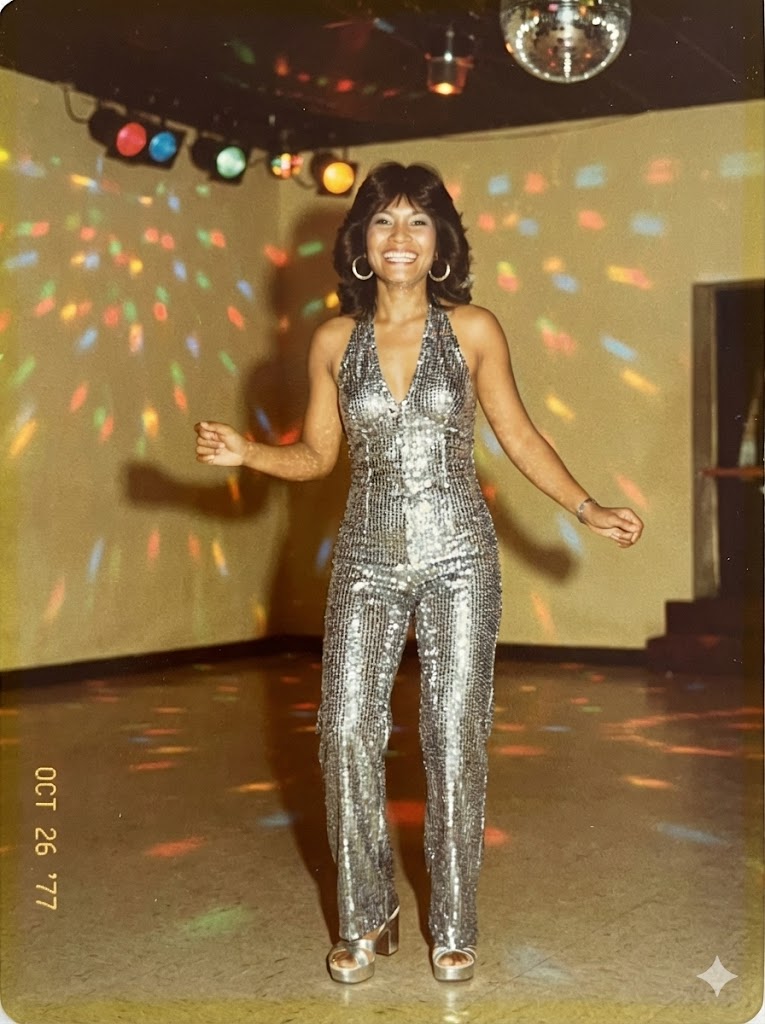
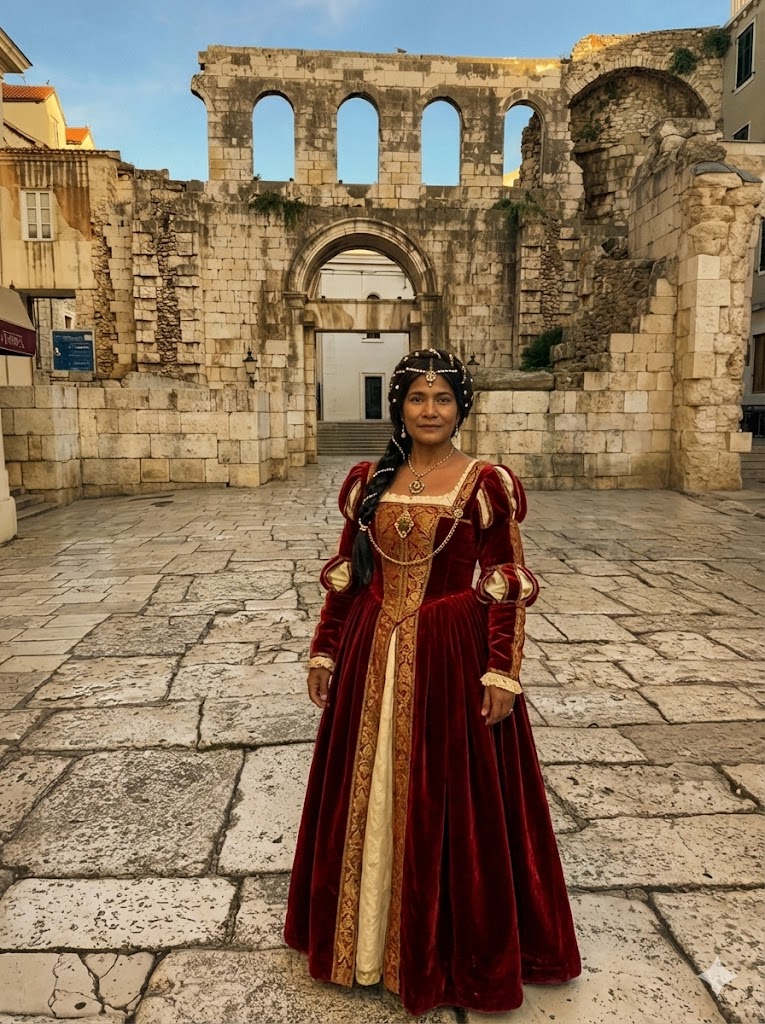
Create an image. Transform the subject in the provided image into the authentic fashion style of the {{Era: Victorian, Roaring 20s, 1940s Noir, 1950s Rockabilly, 1960s Mod, 1970s Disco, 1980s Neon, 1990s Grunge, Renaissance, Regency}} era, ensuring the clothing, accessories, hairstyle, and photographic texture accurately reflect the chosen time period.
Always ensure that the face remains the same from face shape to  eyes mouth nose teeth eye brows.
Victorian, Roaring 20s, 1940s Noir, 1950s Rockabilly, 1960s Mod, 1970s Disco, 1980s Neon, 1990s Grunge
Create an image. Transform the subject in the provided image into the authentic fashion style of the Victorian era, ensuring the clothing, accessories, hairstyle, and photographic texture accurately reflect the chosen time period.
Always ensure that the face remains the same from face shape to  eyes mouth nose teeth eye brows.
ตัวแปรจะอยู่ภายใน {{ และ }} และเป็นไปตามรูปแบบนี้:
ตัวเลือกสามารถอ้างอิงรายการตัวแปรที่กำหนดไว้ล่วงหน้าโดยใช้วงเล็บเหลี่ยม ตัวเลือกเหล่านี้จะแสดงเป็น[สีส้ม]และให้ค่าที่ใช้บ่อย เช่น สี โทน หรือภาษา
คุณยังสามารถระบุรายการตัวเลือกแบบอินไลน์ โดยคั่นด้วยเครื่องหมายจุลภาคได้
เคล็ดลับ: คุณไม่จำเป็นต้องใช้แอป PUCO เพื่อใช้พรอมต์เหล่านี้! เพียงคัดลอกเทมเพลตและแทนที่แต่ละส่วน {{…}} ด้วยข้อความของคุณเองโดยตรงใน ChatGPT, Claude, Gemini หรือผู้ช่วย AI อื่น ๆ