
เหมาะสำหรับ
- เริ่มจากพรอมต์ที่มีโครงสร้างและใช้ซ้ำได้ แทนที่จะเป็นแชทเปล่า
- ปรับพรอมต์ให้เข้ากับข้อมูลของคุณ โดยยังคงเจตนาเดิมไว้
- เวิร์กโฟลว์ที่เกี่ยวข้องกับ Creative & Visuals
แปลงภาพที่อัปโหลดให้เป็นไดโอรามาเลโก้บล็อกพลาสติกแบบ 3D ที่มีรายละเอียดสูง โดยคงองค์ประกอบเดิม ตัวแบบ และแสงไว้
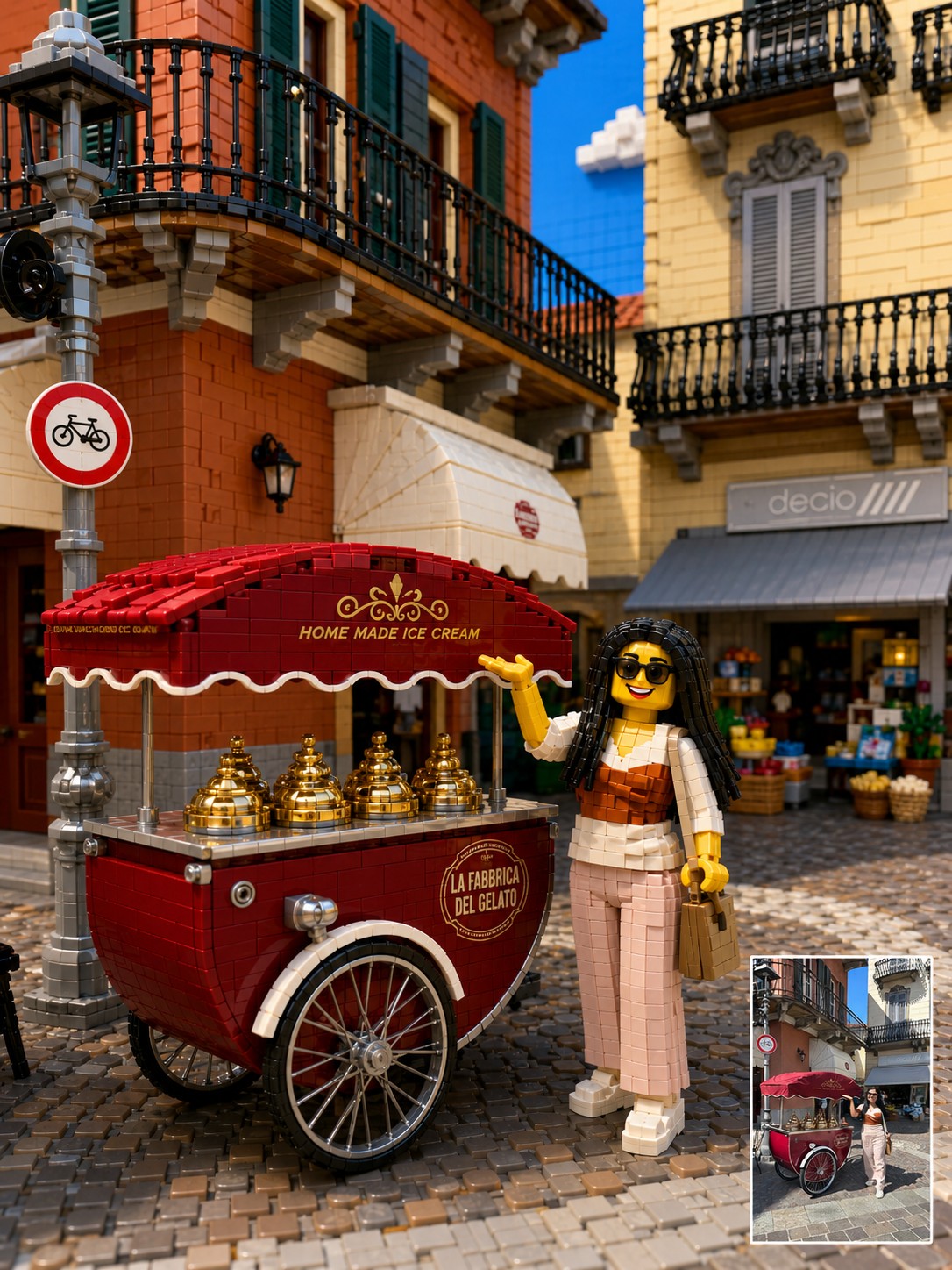
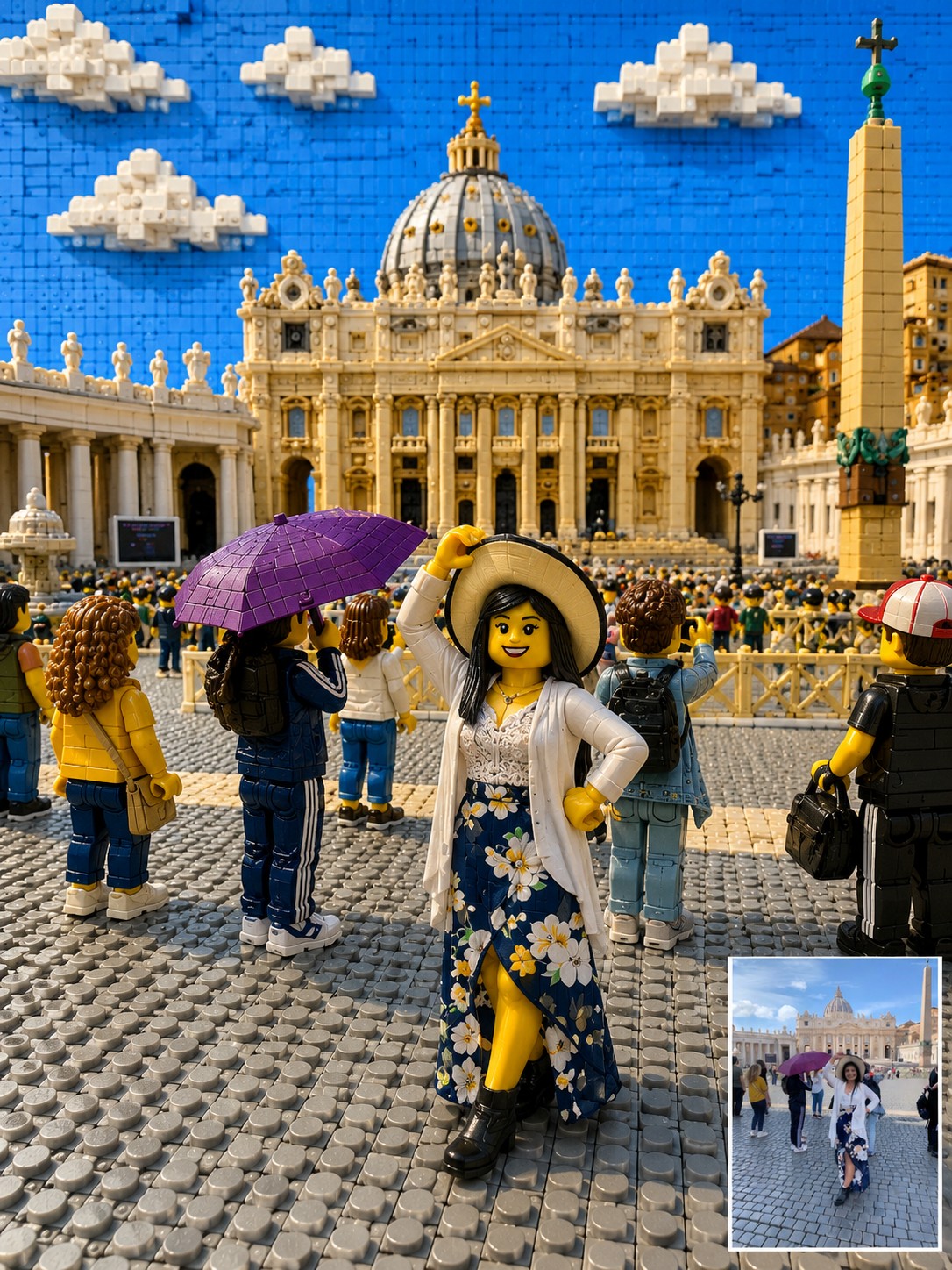
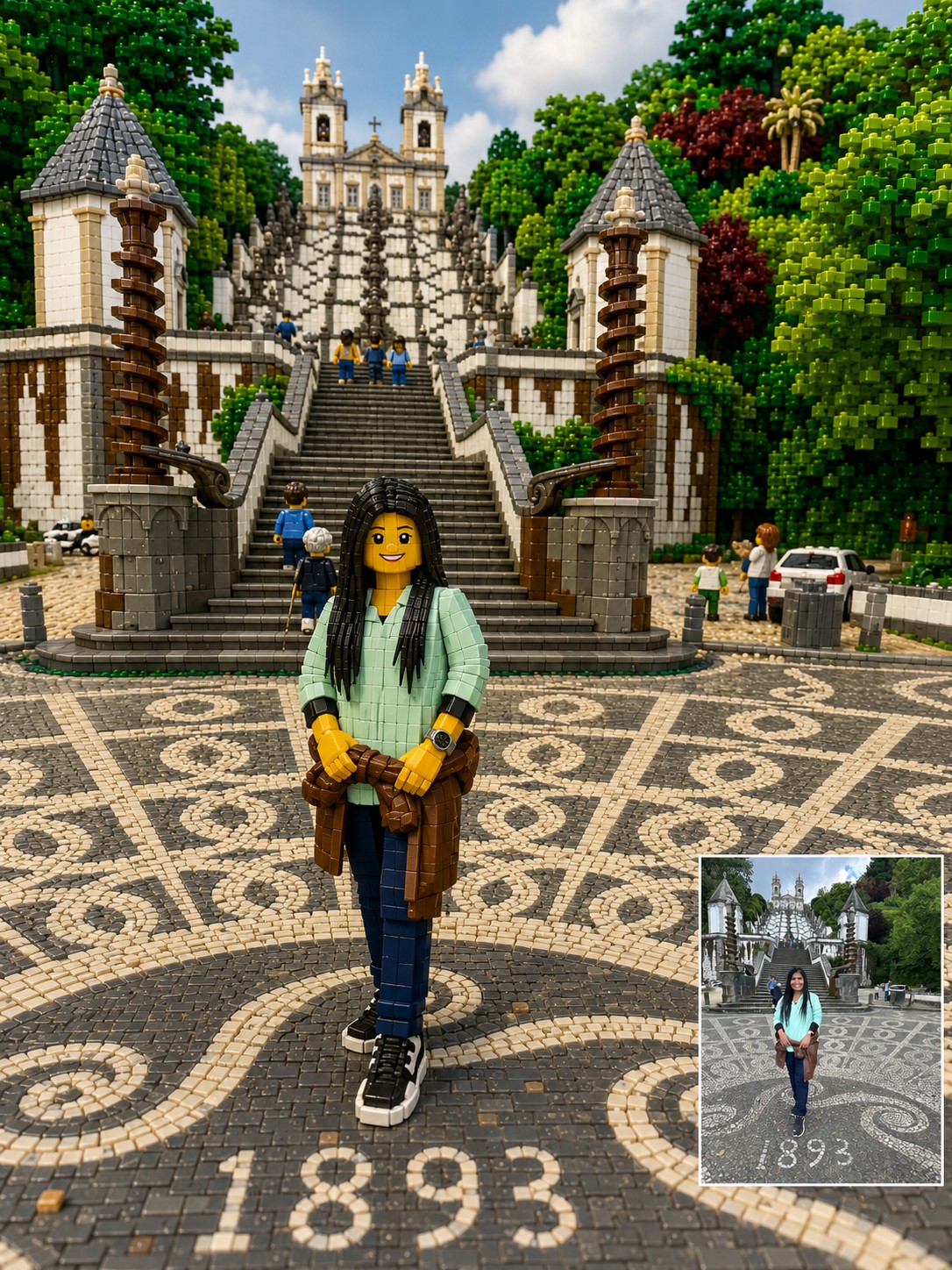
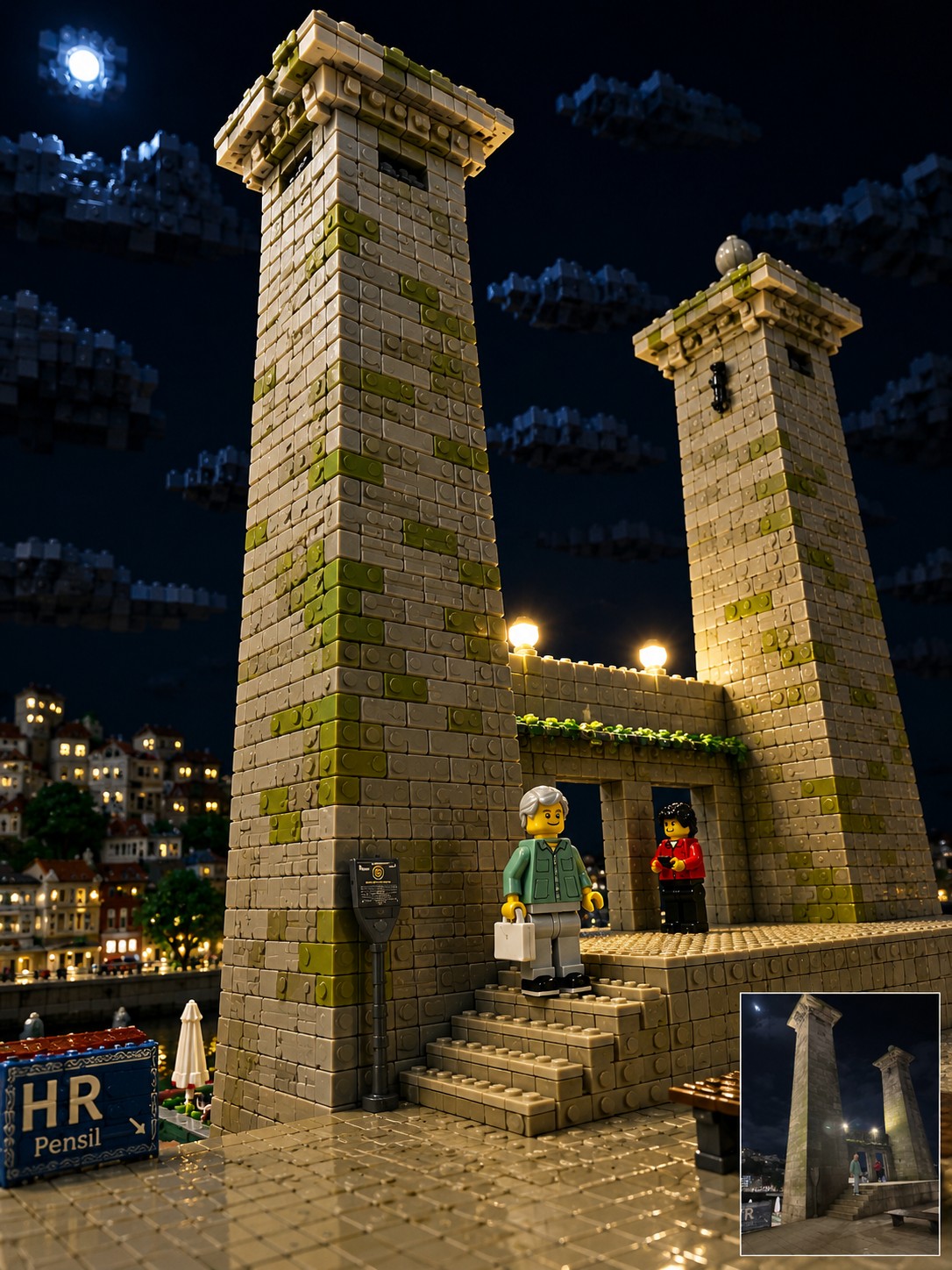
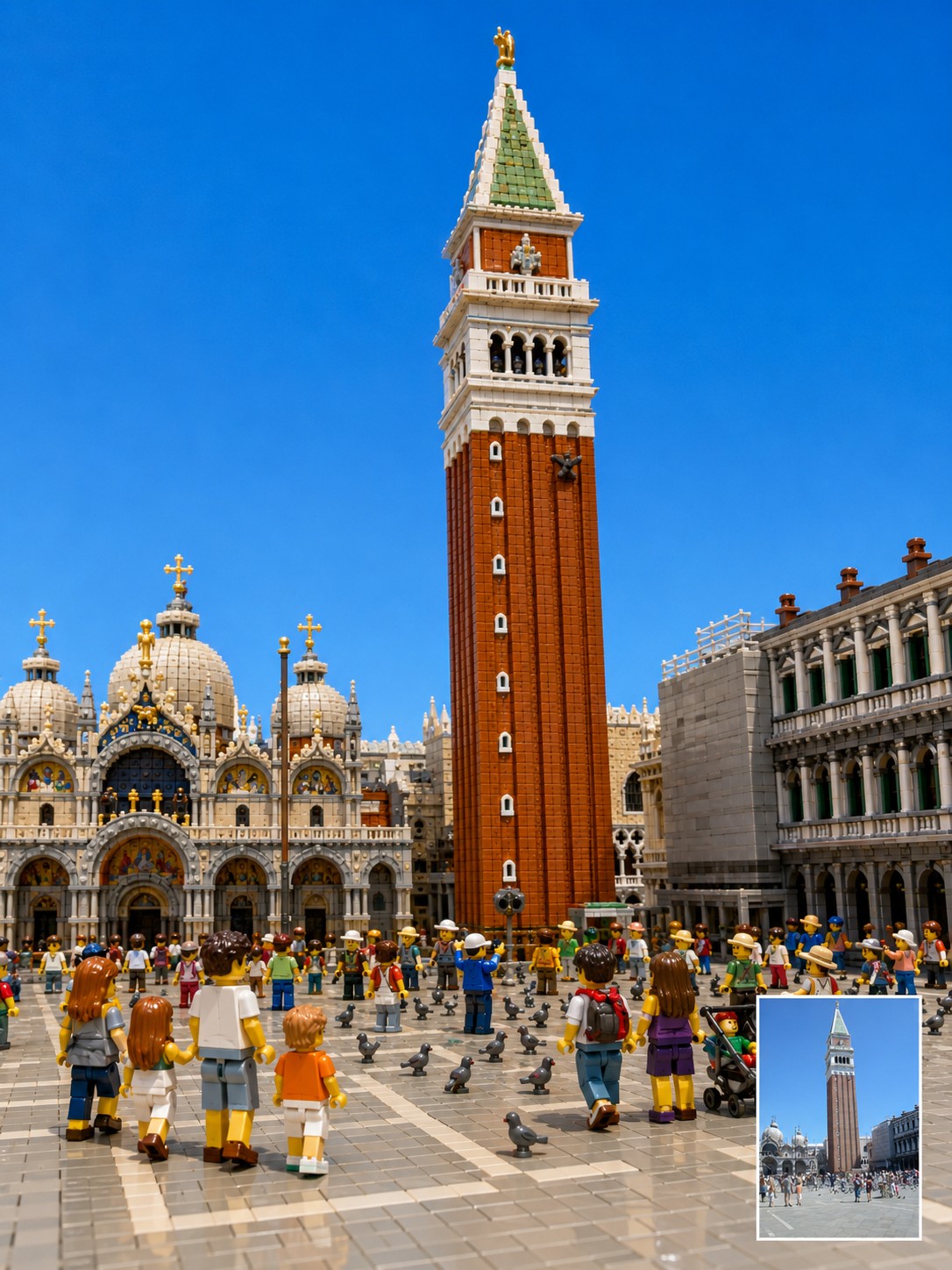
Reinterpret the uploaded photo as a highly detailed, three-dimensional toy-brick diorama built from interlocking plastic building blocks. Focus on translating the context. Preserve the original photo’s camera angle, framing, perspective, subject placement, pose, lighting direction, landmark identity, room layout, background architecture, visible objects, and overall mood as closely as possible. The final image should feel like a premium miniature brick-built scene photographed in a studio, not a flat cartoon or generic toy illustration. Every major object in the original photo should be rebuilt as volumetric plastic bricks with visible studs, seams, layered plates, curved specialty pieces, and a subtle glossy plastic sheen. Keep the location recognizable. If the photo includes a famous landmark, bridge, monument, skyline, interior room, street, sign, window view, furniture, railing, road, artwork, desk setup, pet, or travel prop, preserve its position and visual role in the composition. Translate these elements into brick form instead of replacing them with unrelated objects. Transform people and animals into cute, detailed brick figures while preserving their essence. Maintain the original pose, body orientation, outfit colors, hairstyle silhouette, accessories, pet breed, pet posture, facial expression, and emotional vibe. If a face is blurred, hidden, very small, or unclear, do not invent a realistic identity. Use a simple friendly brick-figure face while preserving the pose, clothing colors, and scene relationship. Use a {{Palette: Bright and Vivid, Pastel, Muted, Vintage Travel-Poster}} color palette with crisp details, clean edges, realistic miniature depth, and playful craftsmanship. Make the scene look {{Vibe: Joyful, Playful, Retro, Cinematic}}, tactile, and collectible, as if it were a custom display set built from thousands of pieces. Important constraints: Do not change the location. Do not move the main subject. Do not replace the landmark. Do not add fantasy elements. Do not simplify the scene into a children’s cartoon. Do not make it look like clay, paper, plush, or low-poly 3D. Keep it recognizably based on the uploaded photo while converting the entire material world into detailed plastic building blocks.
Bright and Vivid, Pastel, Muted, Vintage Travel-Poster
Joyful, Playful, Retro, Cinematic
Reinterpret the uploaded photo as a highly detailed, three-dimensional toy-brick diorama built from interlocking plastic building blocks. Focus on translating the context. Preserve the original photo’s camera angle, framing, perspective, subject placement, pose, lighting direction, landmark identity, room layout, background architecture, visible objects, and overall mood as closely as possible. The final image should feel like a premium miniature brick-built scene photographed in a studio, not a flat cartoon or generic toy illustration. Every major object in the original photo should be rebuilt as volumetric plastic bricks with visible studs, seams, layered plates, curved specialty pieces, and a subtle glossy plastic sheen. Keep the location recognizable. If the photo includes a famous landmark, bridge, monument, skyline, interior room, street, sign, window view, furniture, railing...
ตัวแปรจะอยู่ภายใน {{ และ }} และเป็นไปตามรูปแบบนี้:
ตัวเลือกสามารถอ้างอิงรายการตัวแปรที่กำหนดไว้ล่วงหน้าโดยใช้วงเล็บเหลี่ยม ตัวเลือกเหล่านี้จะแสดงเป็น[สีส้ม]และให้ค่าที่ใช้บ่อย เช่น สี โทน หรือภาษา
คุณยังสามารถระบุรายการตัวเลือกแบบอินไลน์ โดยคั่นด้วยเครื่องหมายจุลภาคได้
เคล็ดลับ: คุณไม่จำเป็นต้องใช้แอป PUCO เพื่อใช้พรอมต์เหล่านี้! เพียงคัดลอกเทมเพลตและแทนที่แต่ละส่วน {{…}} ด้วยข้อความของคุณเองโดยตรงใน ChatGPT, Claude, Gemini หรือผู้ช่วย AI อื่น ๆ