เหมาะสำหรับ
- เริ่มจากพรอมต์ที่มีโครงสร้างและใช้ซ้ำได้ แทนที่จะเป็นแชทเปล่า
- ปรับพรอมต์ให้เข้ากับข้อมูลของคุณ โดยยังคงเจตนาเดิมไว้
- เวิร์กโฟลว์ที่เกี่ยวข้องกับ Creative & Visuals

สร้างชีตรูปแบบอ้างอิงตัวละครแบบหลายมุมมองระดับมืออาชีพ เพื่อคงความสม่ำเสมอของภาพในการสร้างภาพและวิดีโอด้วย AI
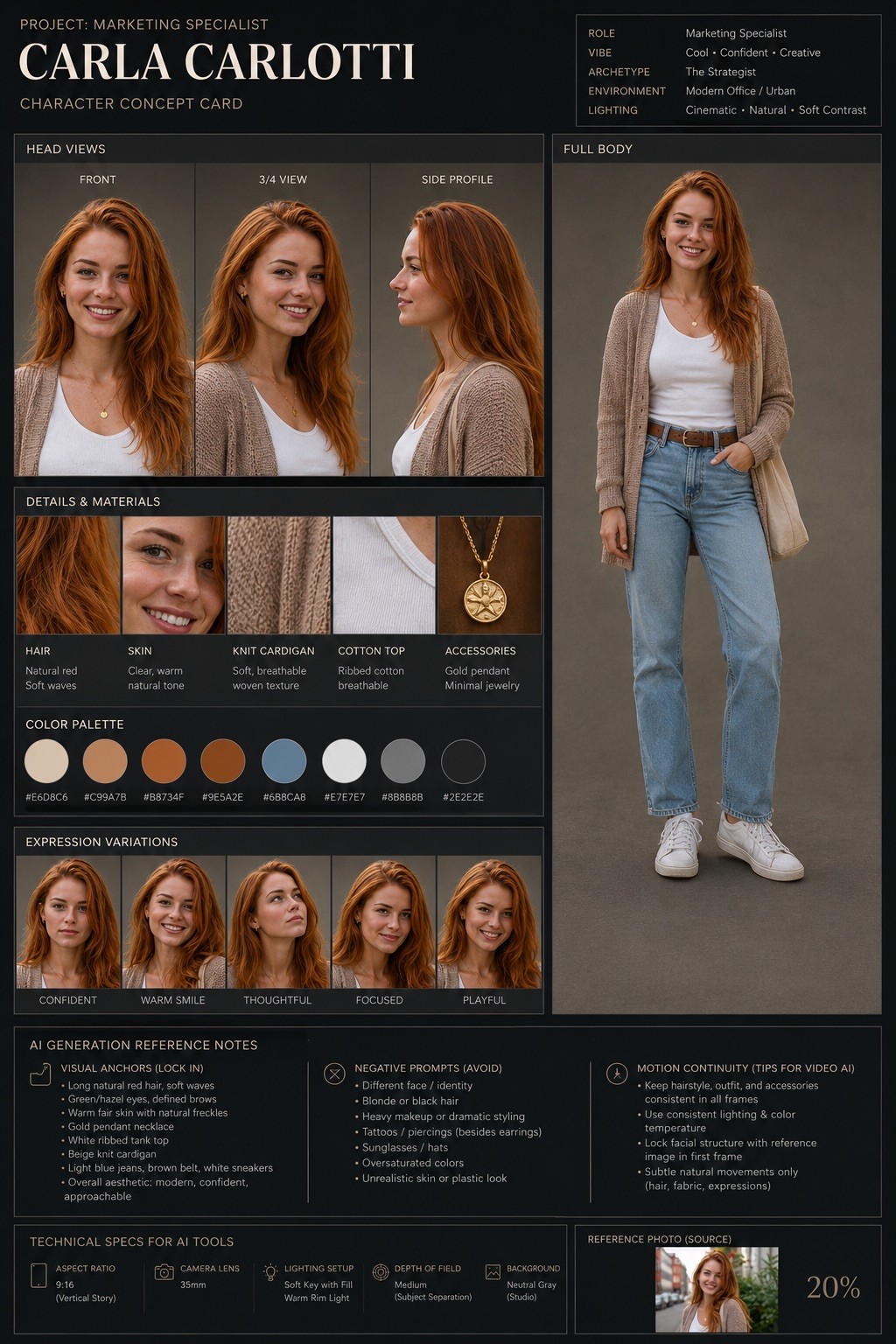
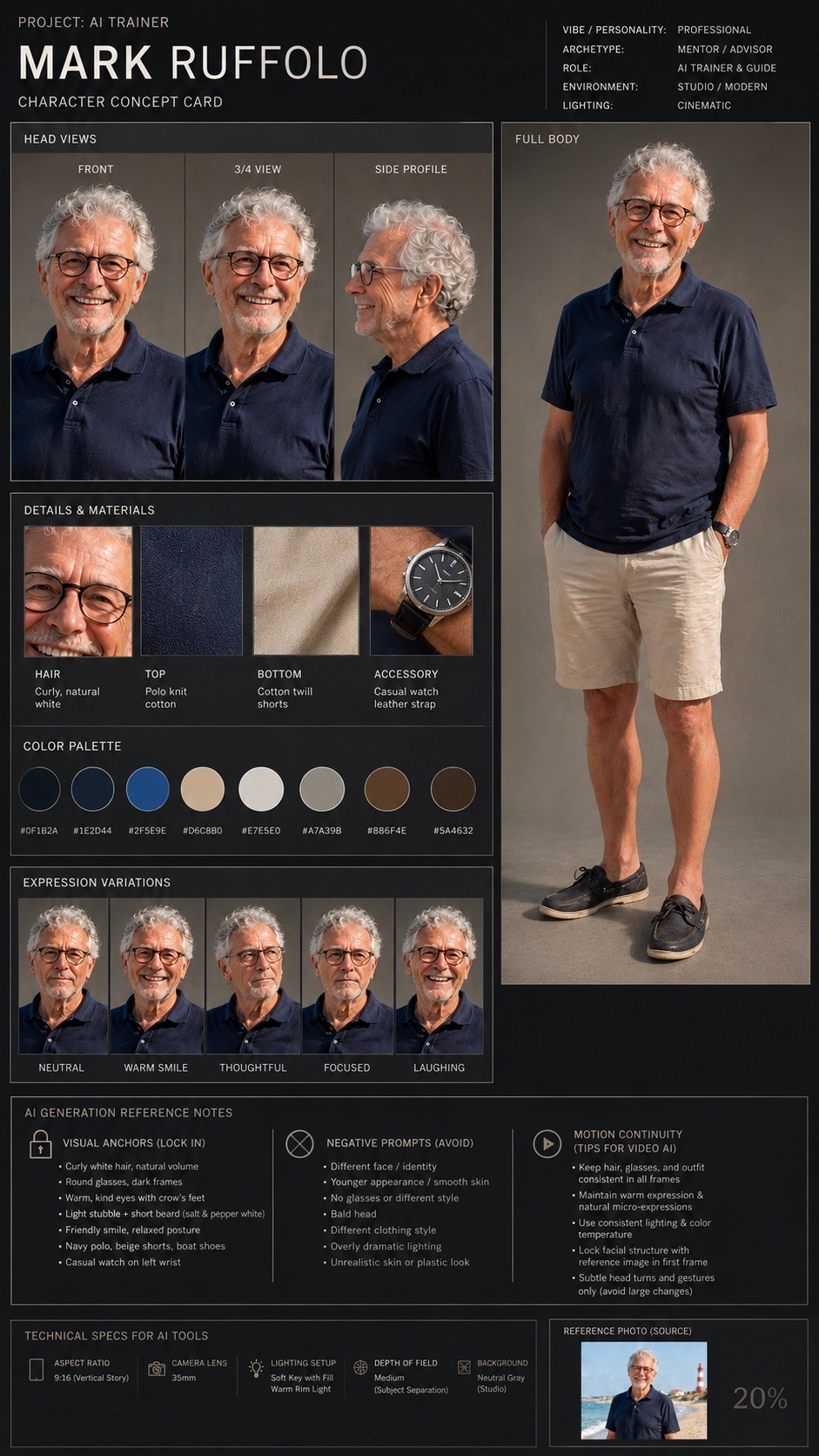
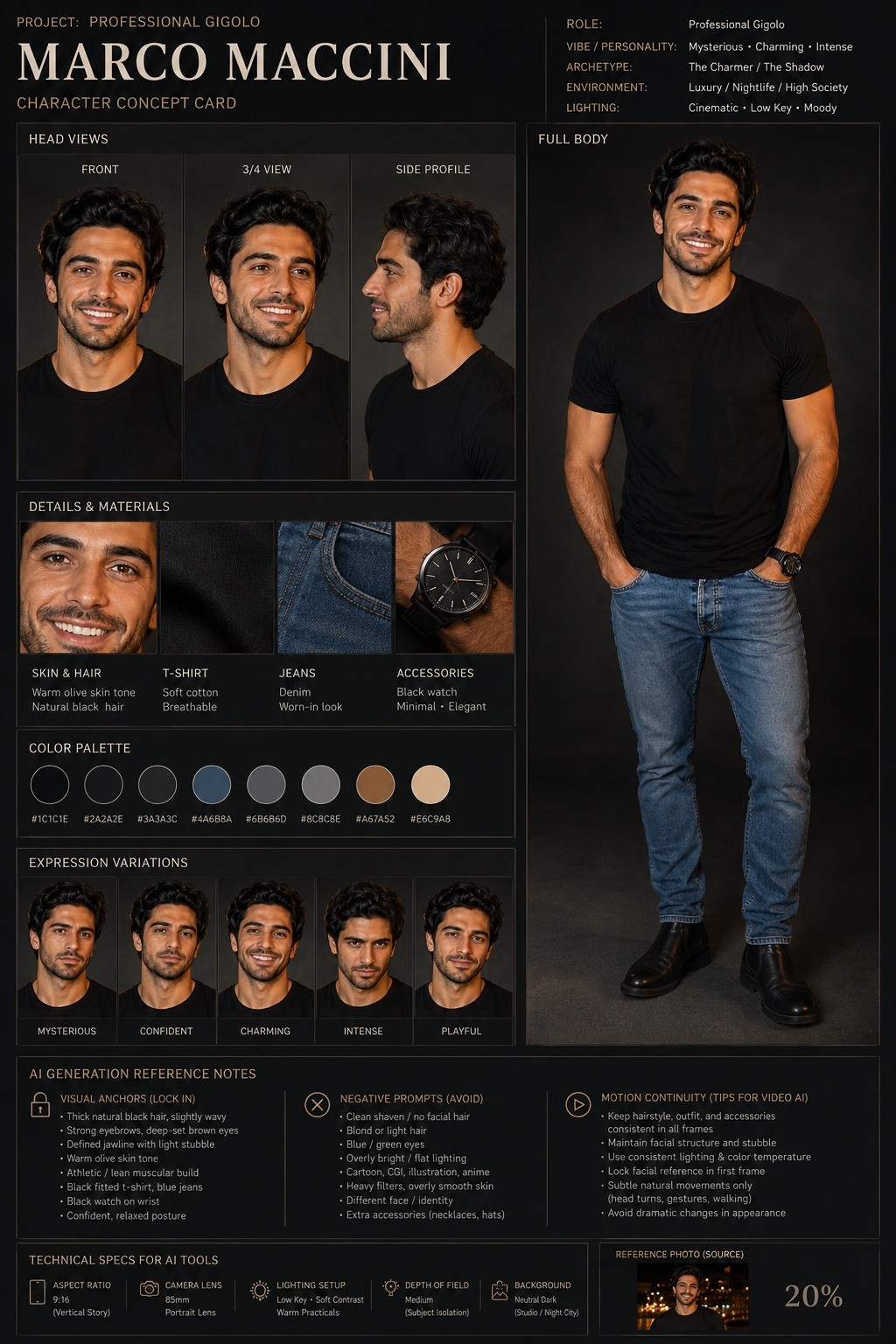
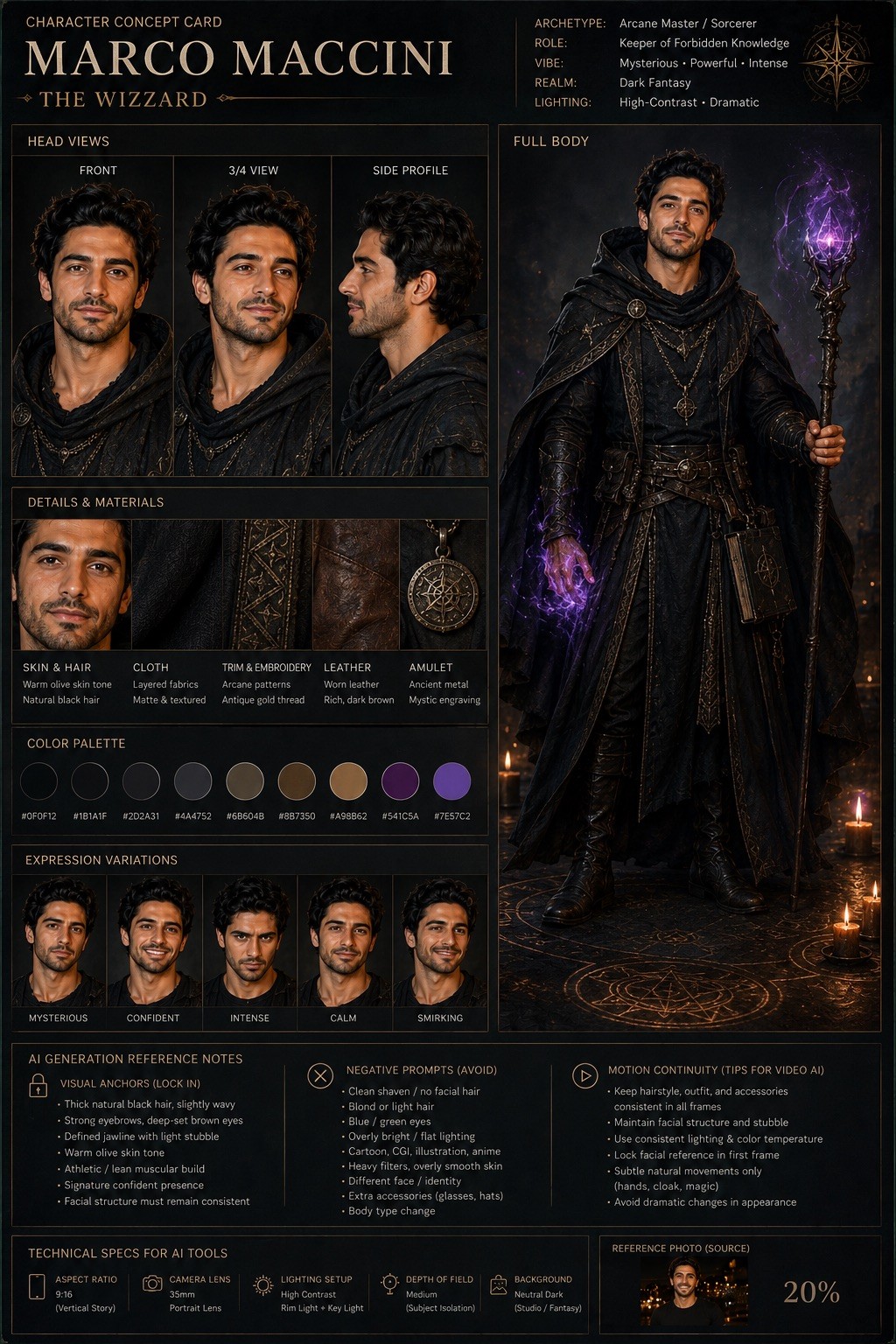
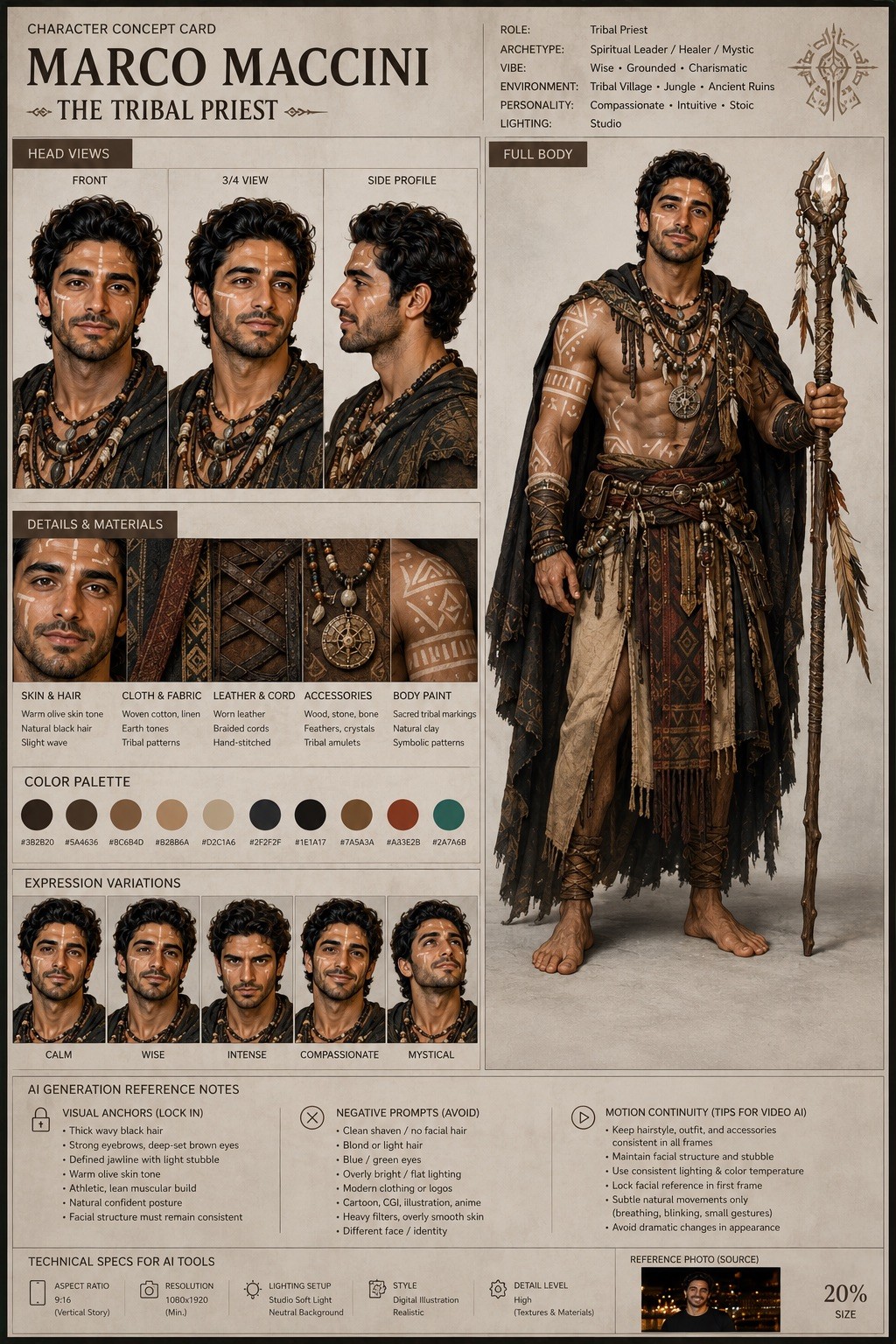
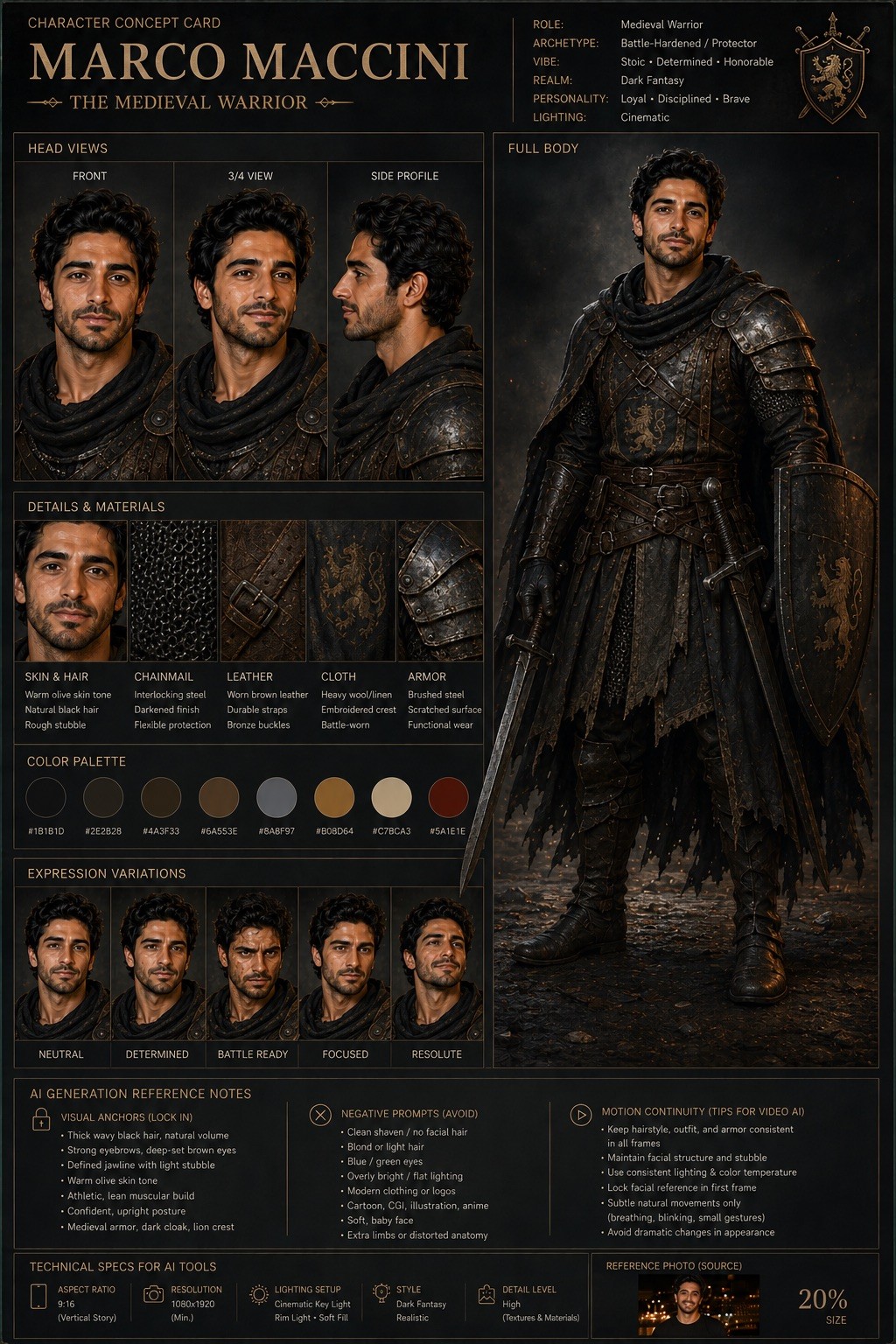
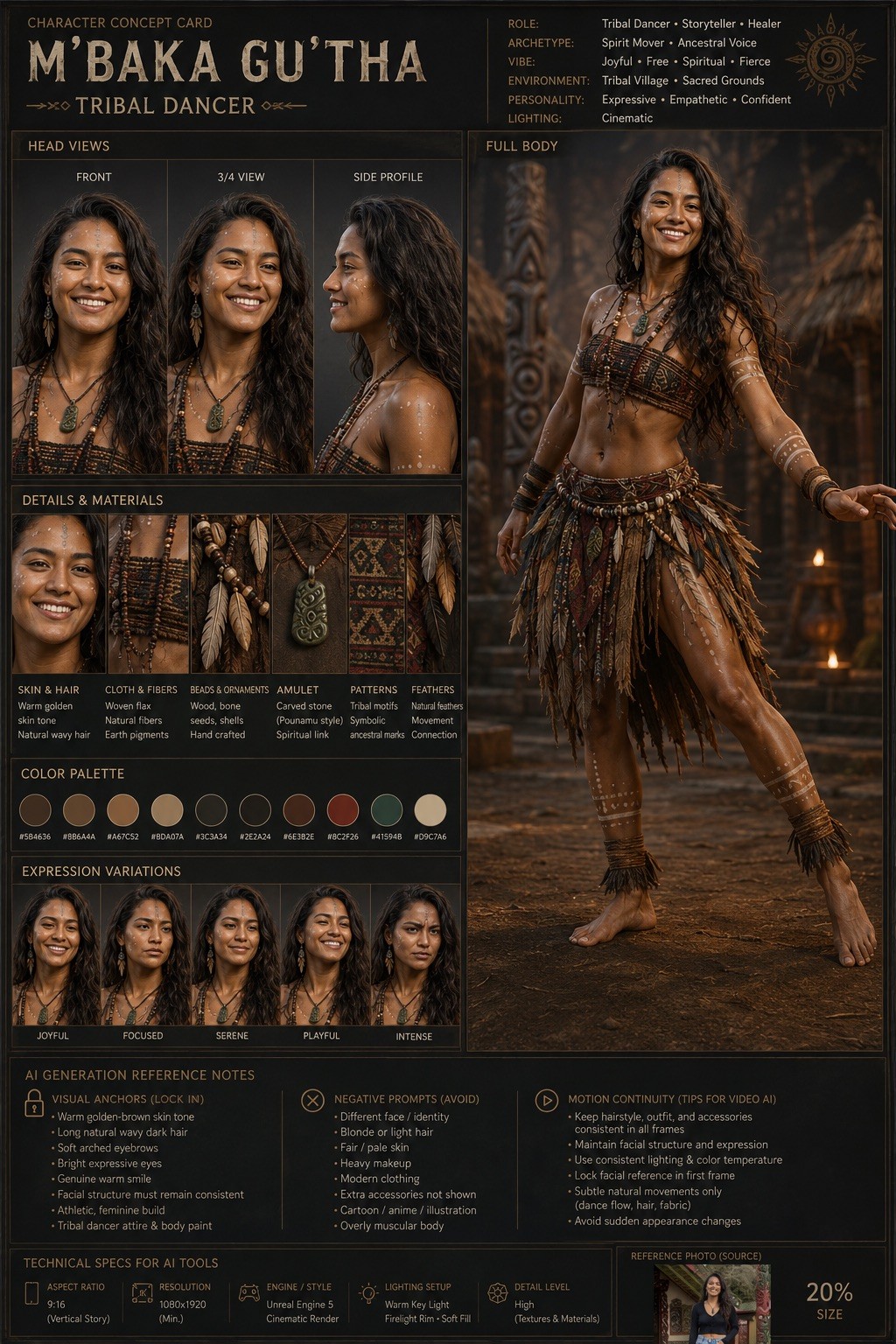
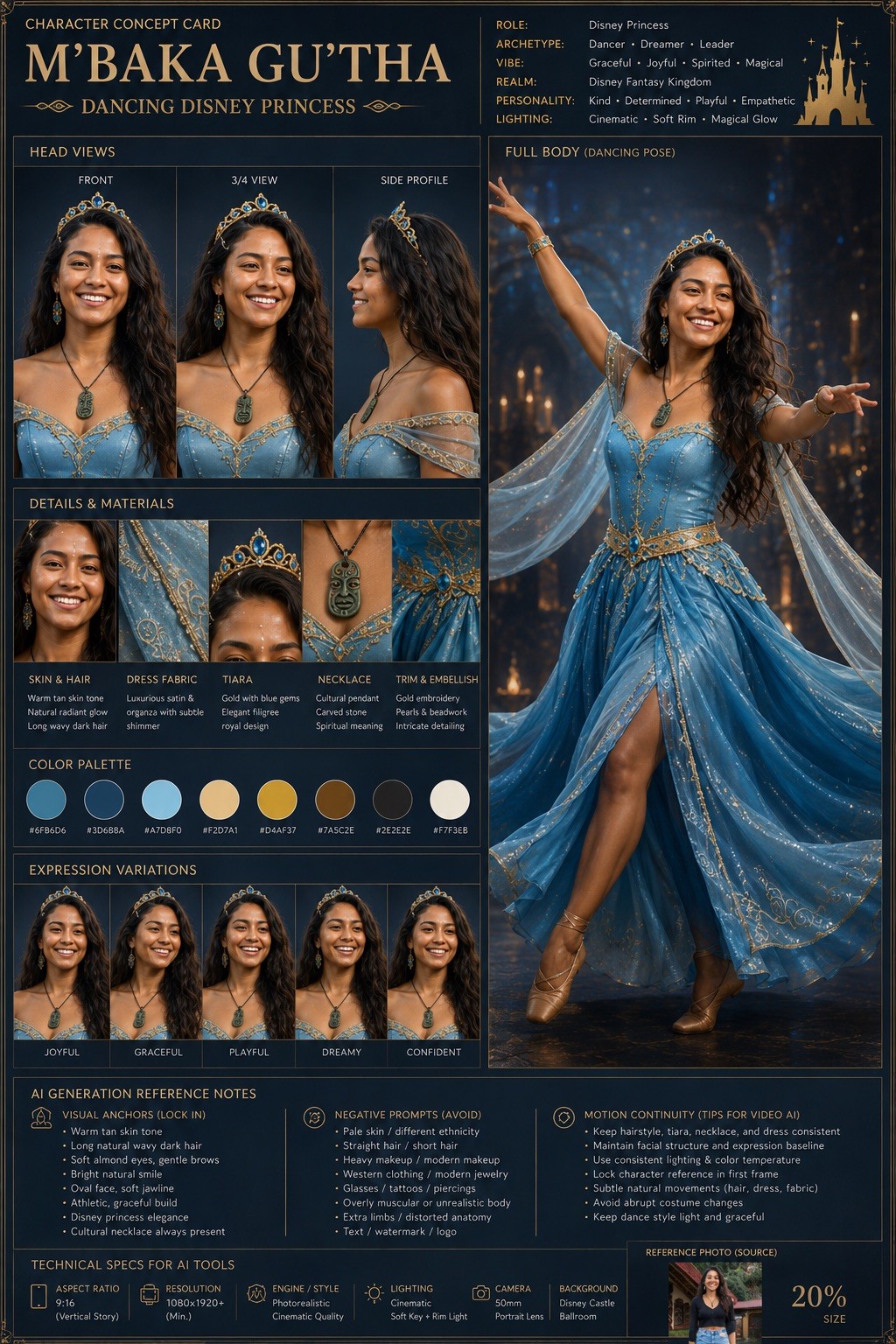
Act as a world-class AI character designer and cinematic concept artist. Your objective is to transform the uploaded character image into a highly detailed “Character Concept Card” for: {{Project Headline: e.g. AI Trainer, Marketing Specialist, Medival Warrior, Tribal Priest }}.

### Task
Analyze the original image and create a professional character sheet optimized for AI visual consistency. Preserve the exact facial structure, skin tone, eye color, and clothing silhouette of the source identity.

### Character & Style Specs
- Character Name: {{Sub Headline: e.g. Person’s Name}}
- Target Art Style: {{Art Style: # Cinematic, Photorealistic, Digital Illustration, # Gaming, AAA Concept Art, Unreal Engine 5 Render, # Stylized, 2D Animation, Cyberpunk, Dark Fantasy, Minimalist Editorial}}
- Lighting: {{Lighting Setup: Cinematic, Studio, High-Contrast, Soft-Box}}

### Output Requirements
Design a premium studio layout containing:
1. Front, Side Profile, and 3/4 angle views with consistent facial geometry.
2. A full-body pose showing costume details and silhouette.
3. A breakdown of the color palette and materials.
4. Facial expression variations matching the core identity.

### AI Generation Reference Notes
Include a technical section for consistency in tools like Midjourney, Flux, or Veo:
- Aspect Ratio: {{Aspect Ratios: [aspect_ratios]}}
- Visual Anchors: Key traits to lock in prompts.
- Negative Prompts: Traits to avoid to prevent identity drift. Avoid assumed or invented text.
- Motion Continuity: Advice for AI video tools.

Maintain an ultra-clean, AAA game concept art quality with professional typography labels and a neutral background.
e.g. AI Trainer, Marketing Specialist, Medival Warrior, Tribal Priest
e.g. Person’s Name
# Cinematic, Photorealistic, Digital Illustration, # Gaming, AAA Concept Art, Unreal Engine 5 Render, # Stylized, 2D Animation
Cinematic, Studio, High-Contrast, Soft-Box
[aspect_ratios]
Act as a world-class AI character designer and cinematic concept artist. Your objective is to transform the uploaded character image into a highly detailed “Character Concept Card” for: e.g. AI Trainer.

### Task
Analyze the original image and create a professional character sheet optimized for AI visual consistency. Preserve the exact facial structure, skin tone, eye color, and clothing silhouette of the source identity.

### Character & Style Specs
- Character Name: e.g. Person’s Name
- Target Art Style: # Cinematic
- Lighting: Cinematic

### Output Requirements
Design a premium studio layout containing:
1. Front, Side Profile, and 3/4 angle views with consistent facial geometry.
2. A full-body pose showing costume details and silhouette.
3. A breakdown of the color palette and materials.
4. Facial expression variations matching the core identity.

### AI Generation Reference...
ตัวแปรจะอยู่ภายใน {{ และ }} และเป็นไปตามรูปแบบนี้:
ตัวเลือกสามารถอ้างอิงรายการตัวแปรที่กำหนดไว้ล่วงหน้าโดยใช้วงเล็บเหลี่ยม ตัวเลือกเหล่านี้จะแสดงเป็น[สีส้ม]และให้ค่าที่ใช้บ่อย เช่น สี โทน หรือภาษา
คุณยังสามารถระบุรายการตัวเลือกแบบอินไลน์ โดยคั่นด้วยเครื่องหมายจุลภาคได้
เคล็ดลับ: คุณไม่จำเป็นต้องใช้แอป PUCO เพื่อใช้พรอมต์เหล่านี้! เพียงคัดลอกเทมเพลตและแทนที่แต่ละส่วน {{…}} ด้วยข้อความของคุณเองโดยตรงใน ChatGPT, Claude, Gemini หรือผู้ช่วย AI อื่น ๆ