Best For
- Starting from a structured, reusable prompt instead of a blank chat.
- Adapting the prompt to your own inputs while keeping the original intent intact.
- Workflows related to Creative & Visuals.

Creates a comprehensive photographic character model turnaround based on a text description.
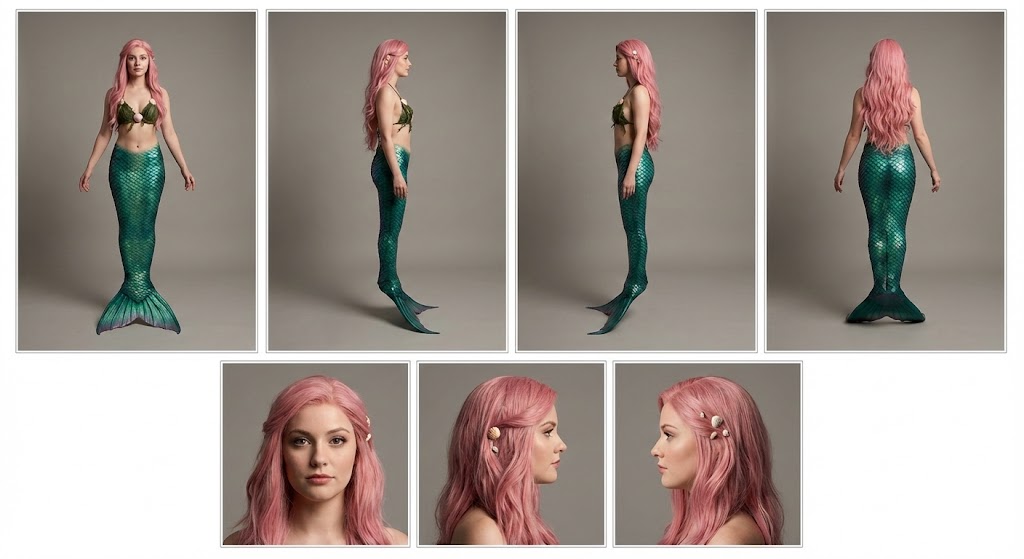
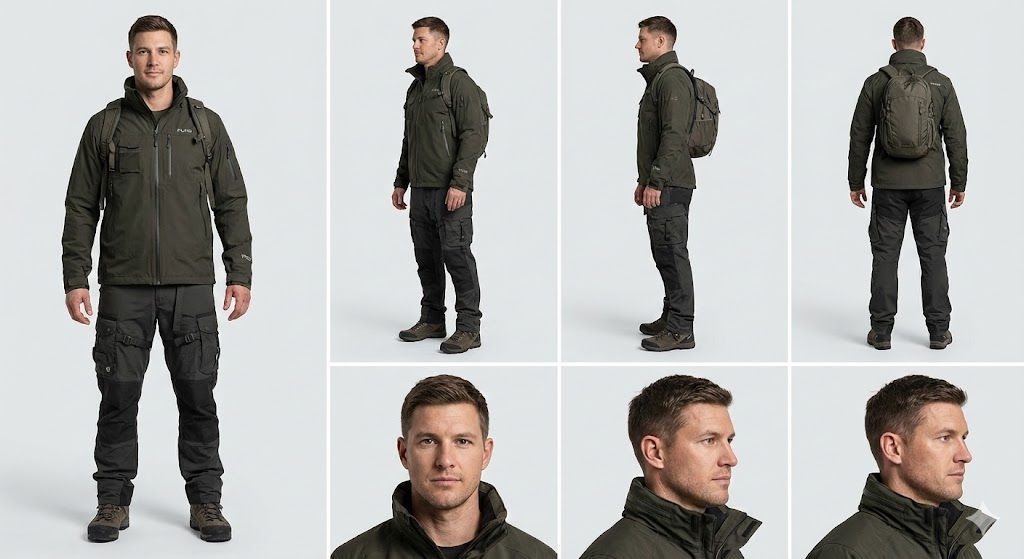
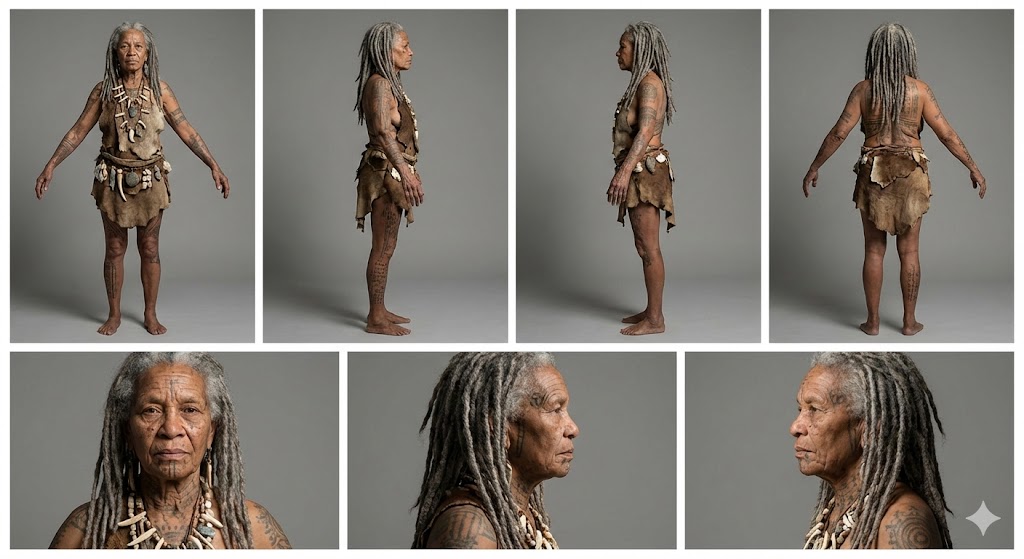
Create a professional character reference sheet of {{Character Description: e.g. An adventurer wearing a Puco-branded techwear jacket and cargo pants}}. Use a clean, neutral plain background and present the sheet as a technical model turnaround in a photographic style. Arrange the composition into two horizontal rows. Top row: four full-body standing views placed side-by-side in this order: front view, left profile view (facing left), right profile view (facing right), and back view. Bottom row: three highly detailed close-up portraits aligned beneath the full-body row in this order: front portrait, left profile portrait (facing left), and right profile portrait (facing right). Maintain perfect identity consistency across every panel. Keep the subject in a relaxed A-pose with consistent scale and alignment between views, accurate anatomy, and a clear silhouette. Ensure even spacing and clean panel separation, with uniform framing and consistent head height across the full-body lineup and consistent facial scale across the portraits. Lighting should be consistent across all panels (same direction, intensity, and softness), with natural, controlled shadows that preserve detail without dramatic mood shifts. Output a crisp, print-ready reference sheet look with sharp details.
e.g. An adventurer wearing a Puco-branded techwear jacket and cargo pants
Create a professional character reference sheet of e.g. An adventurer wearing a Puco-branded techwear jacket and cargo pants. Use a clean, neutral plain background and present the sheet as a technical model turnaround in a photographic style. Arrange the composition into two horizontal rows. Top row: four full-body standing views placed side-by-side in this order: front view, left profile view (facing left), right profile view (facing right), and back view. Bottom row: three highly detailed close-up portraits aligned beneath the full-body row in this order: front portrait, left profile portrait (facing left), and right profile portrait (facing right). Maintain perfect identity consistency across every panel. Keep the subject in a relaxed A-pose with consistent scale and alignment between views, accurate anatomy, and a clear silhouette. Ensure even spacing and clean panel separation...
Variables are wrapped in {{ and }} and follow this pattern:
A selection can reference a predefined variable list using square brackets. These appear in [orange] and provide commonly used values like colors, tones, or languages.
You can also provide an inline list of choices separated by commas.
Tip: You don't need the PUCO app to use these prompts! Simply copy the template and replace each {{…}} section with your own text directly in ChatGPT, Claude, Gemini, or any other AI assistant.