Best For
- Starting from a structured, reusable prompt instead of a blank chat.
- Adapting the prompt to your own inputs while keeping the original intent intact.
- Workflows related to Design & Art.

Transform an uploaded image into the specific style of a famous photographer.
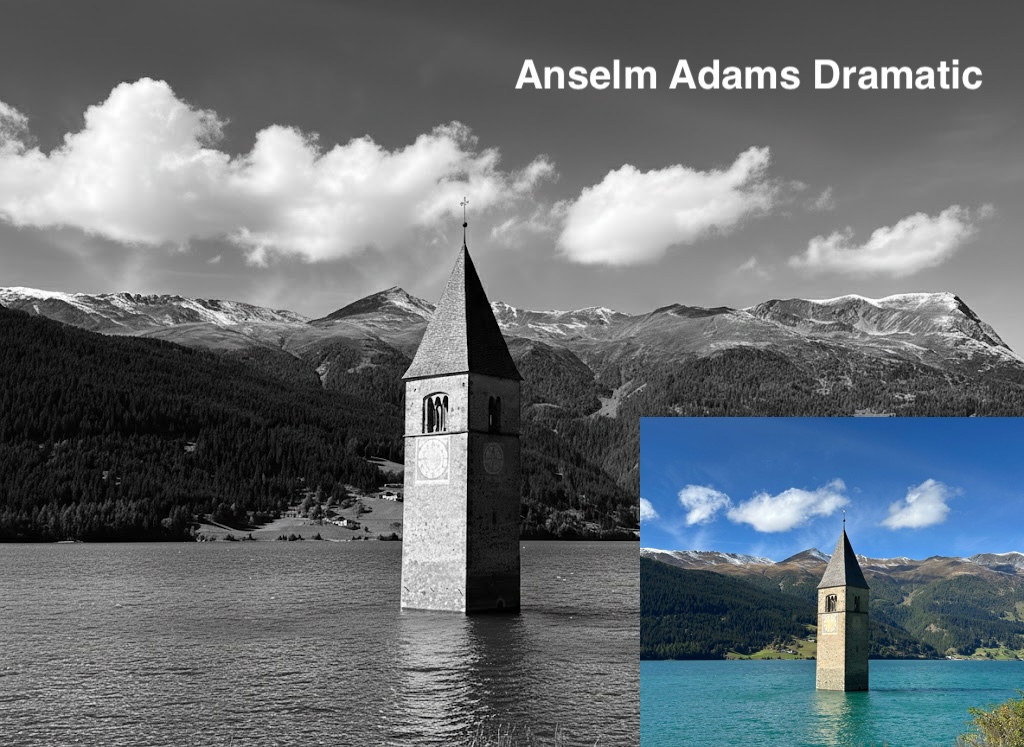
I have attached an image. Please follow these steps:

Step 1: Create a detailed description of the artistic style of {{Photographer:[photographers]}}, focusing on their lighting, composition, subject matter, and mood.

Step 2: Take the attached image and use the description from Step 1 to modify it.
[photographers]
I have attached an image. Please follow these steps:

Step 1: Create a detailed description of the artistic style of [photographers], focusing on their lighting, composition, subject matter, and mood.

Step 2: Take the attached image and use the description from Step 1 to modify it.
Variables are wrapped in {{ and }} and follow this pattern:
A selection can reference a predefined variable list using square brackets. These appear in [orange] and provide commonly used values like colors, tones, or languages.
You can also provide an inline list of choices separated by commas.
Tip: You don't need the PUCO app to use these prompts! Simply copy the template and replace each {{…}} section with your own text directly in ChatGPT, Claude, Gemini, or any other AI assistant.