
Ideale per
- Partire da un prompt strutturato e riutilizzabile invece di una chat vuota.
- Adattare il prompt ai propri input mantenendo intatto l'intento originale.
- Flussi di lavoro legati a Photography.
Genera una foto notturna grezza ad alto contrasto con flash diretto, per un’estetica da paparazzi.
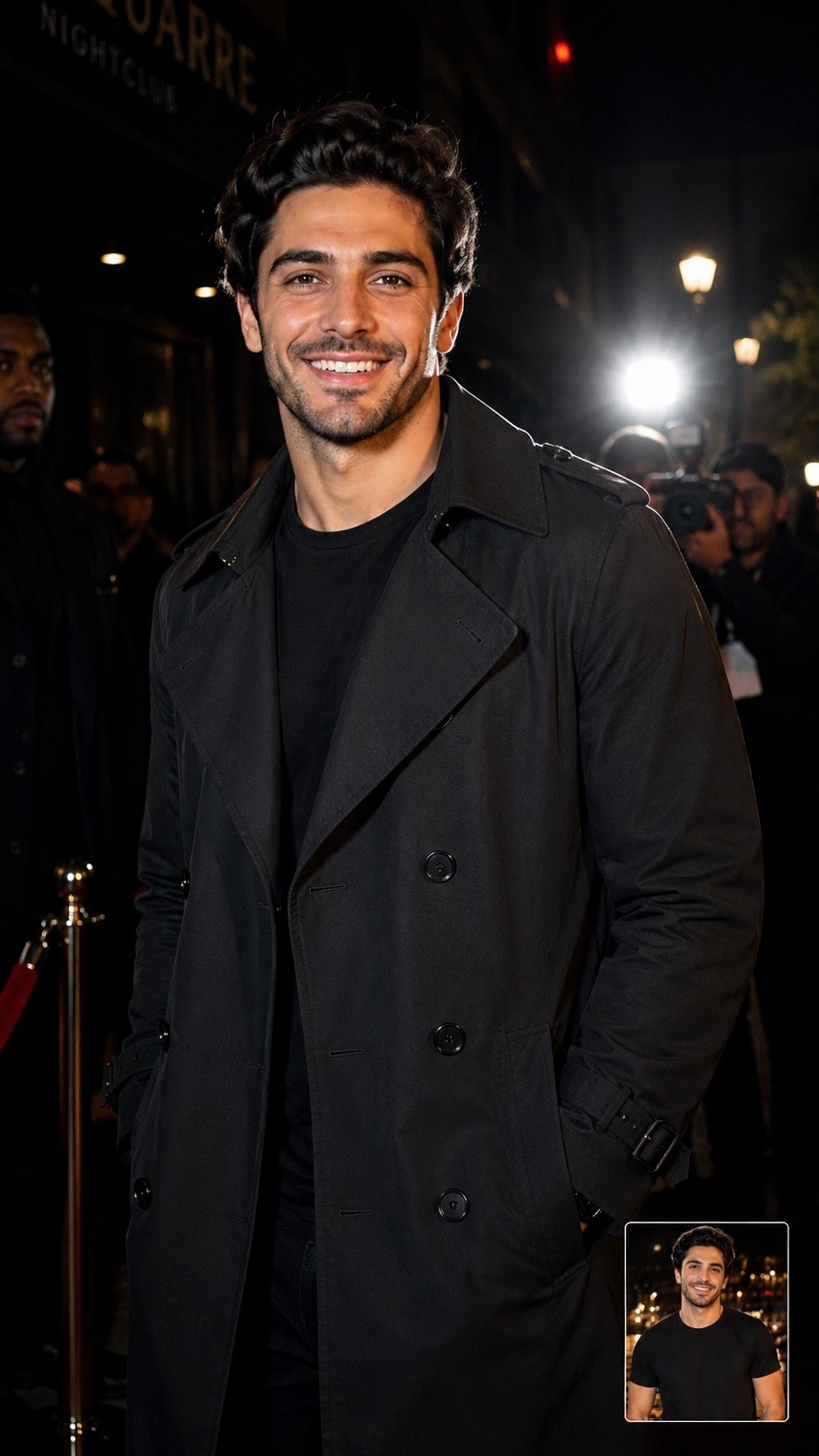
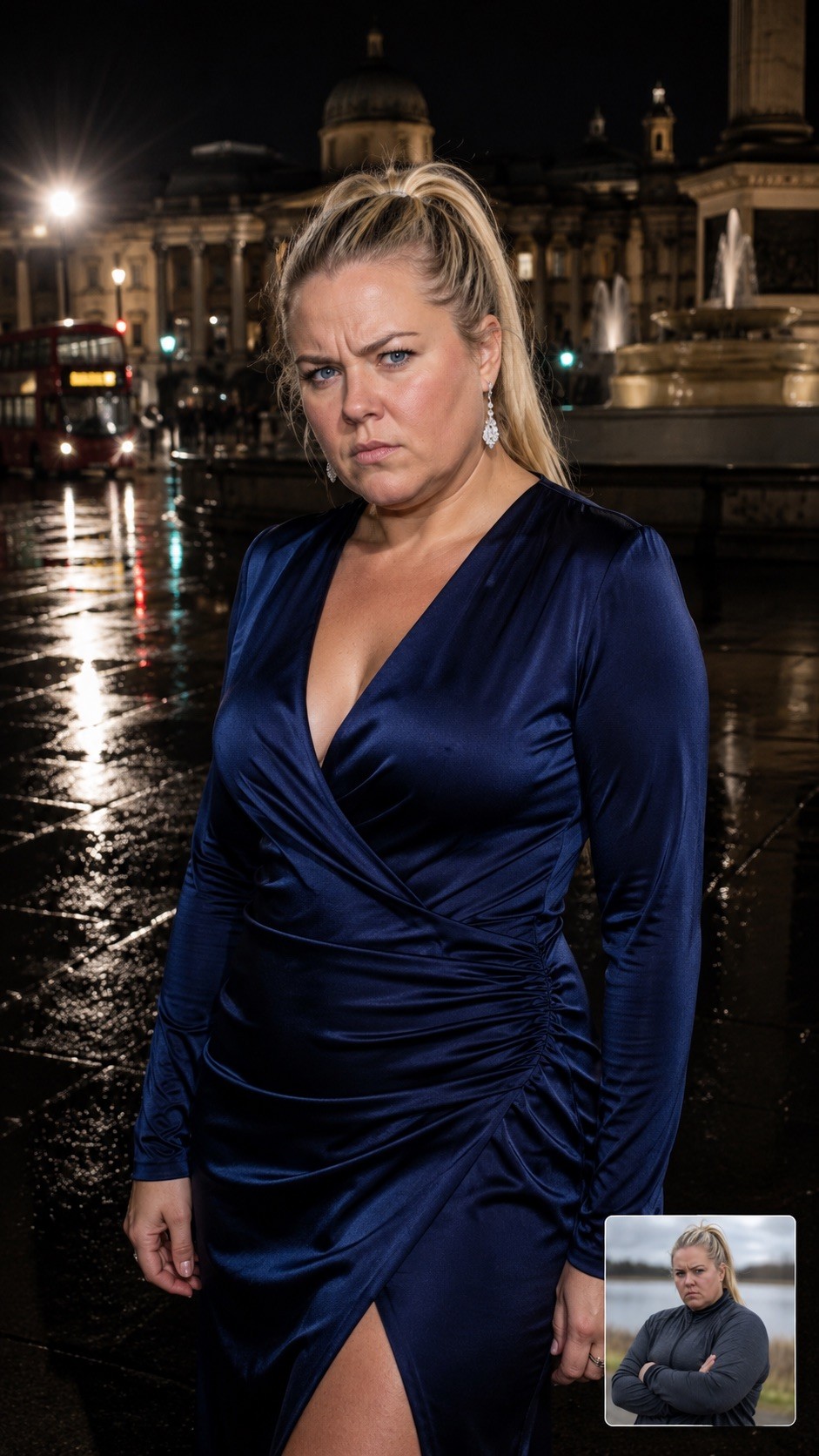
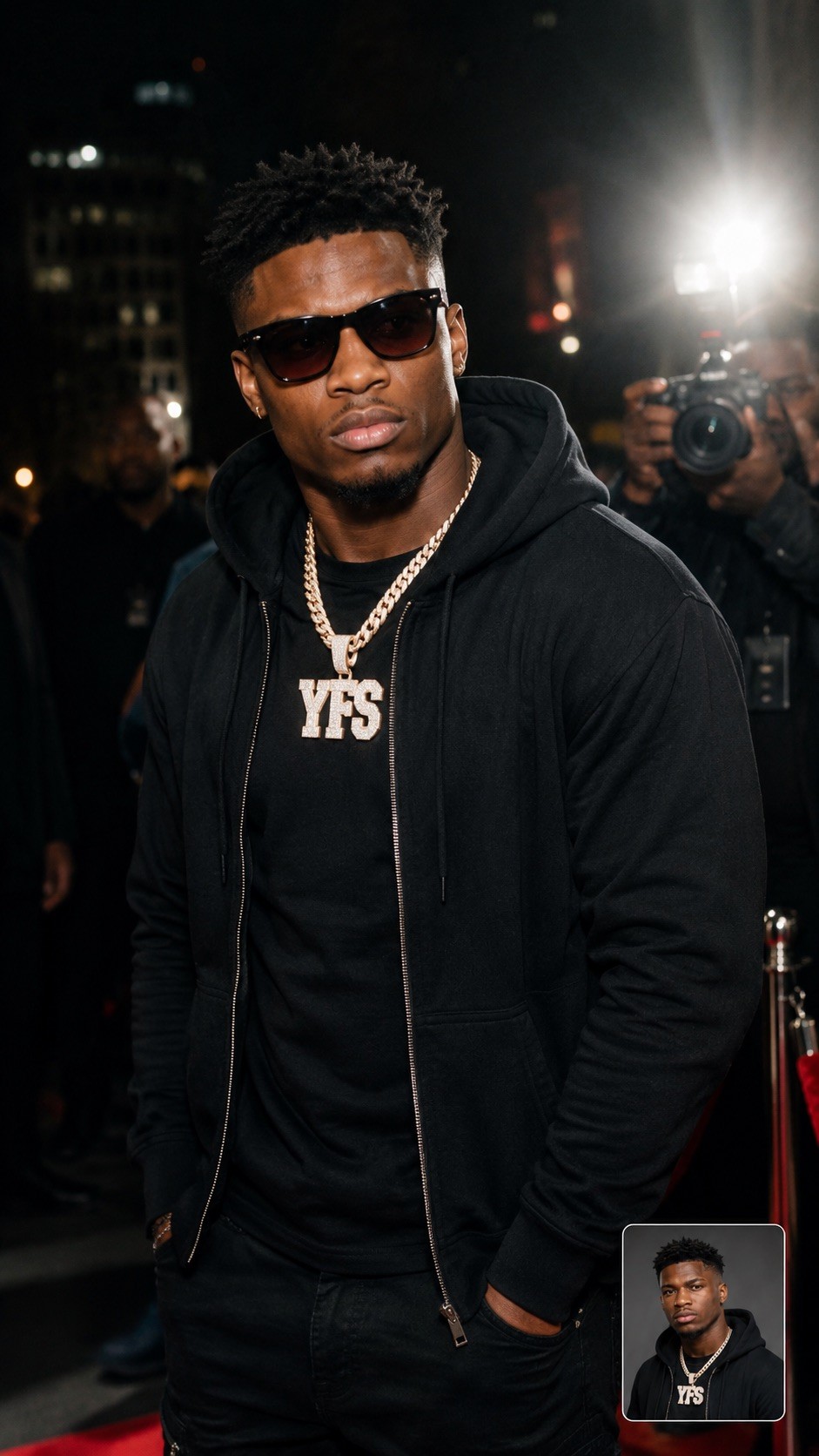
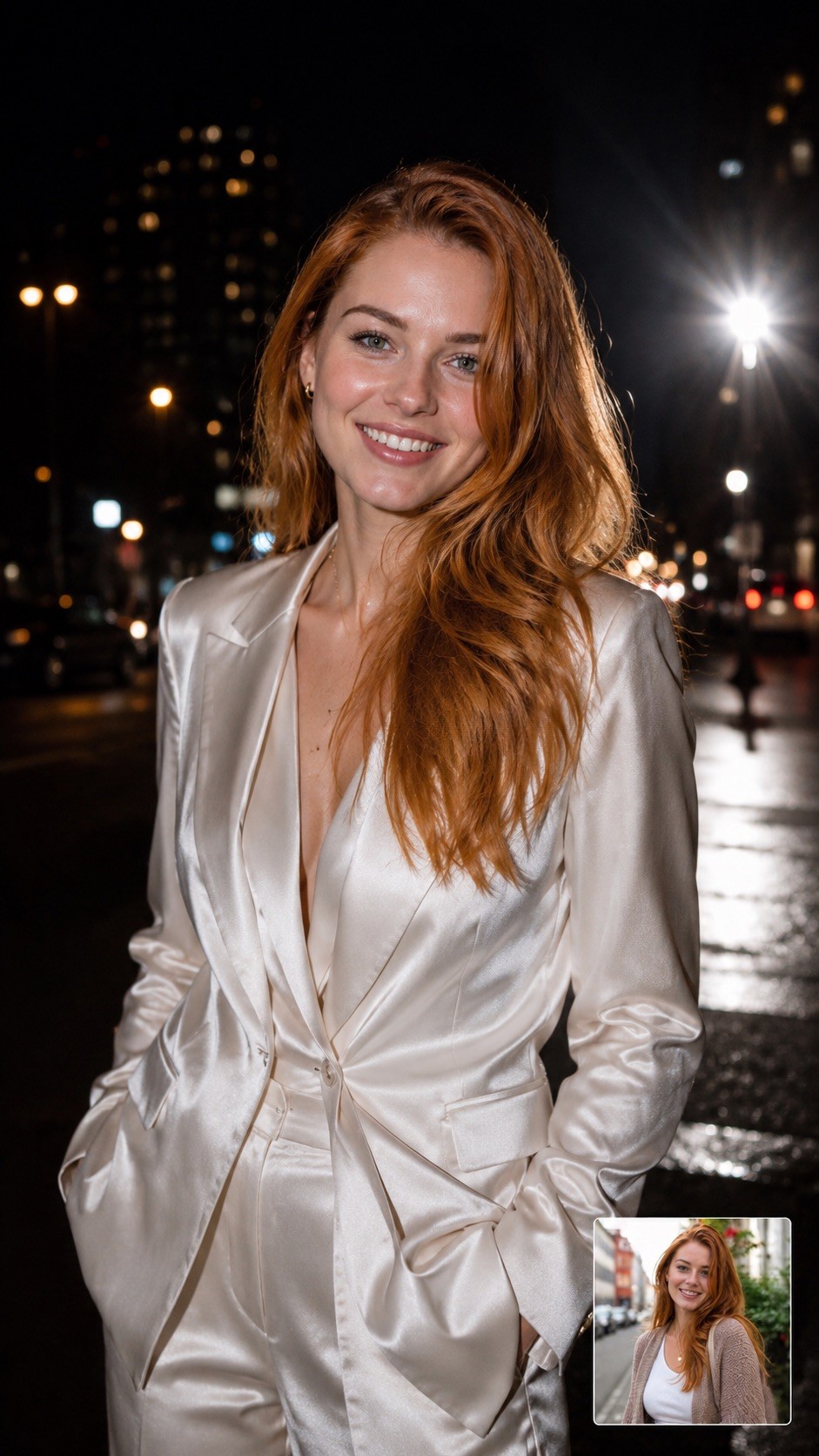
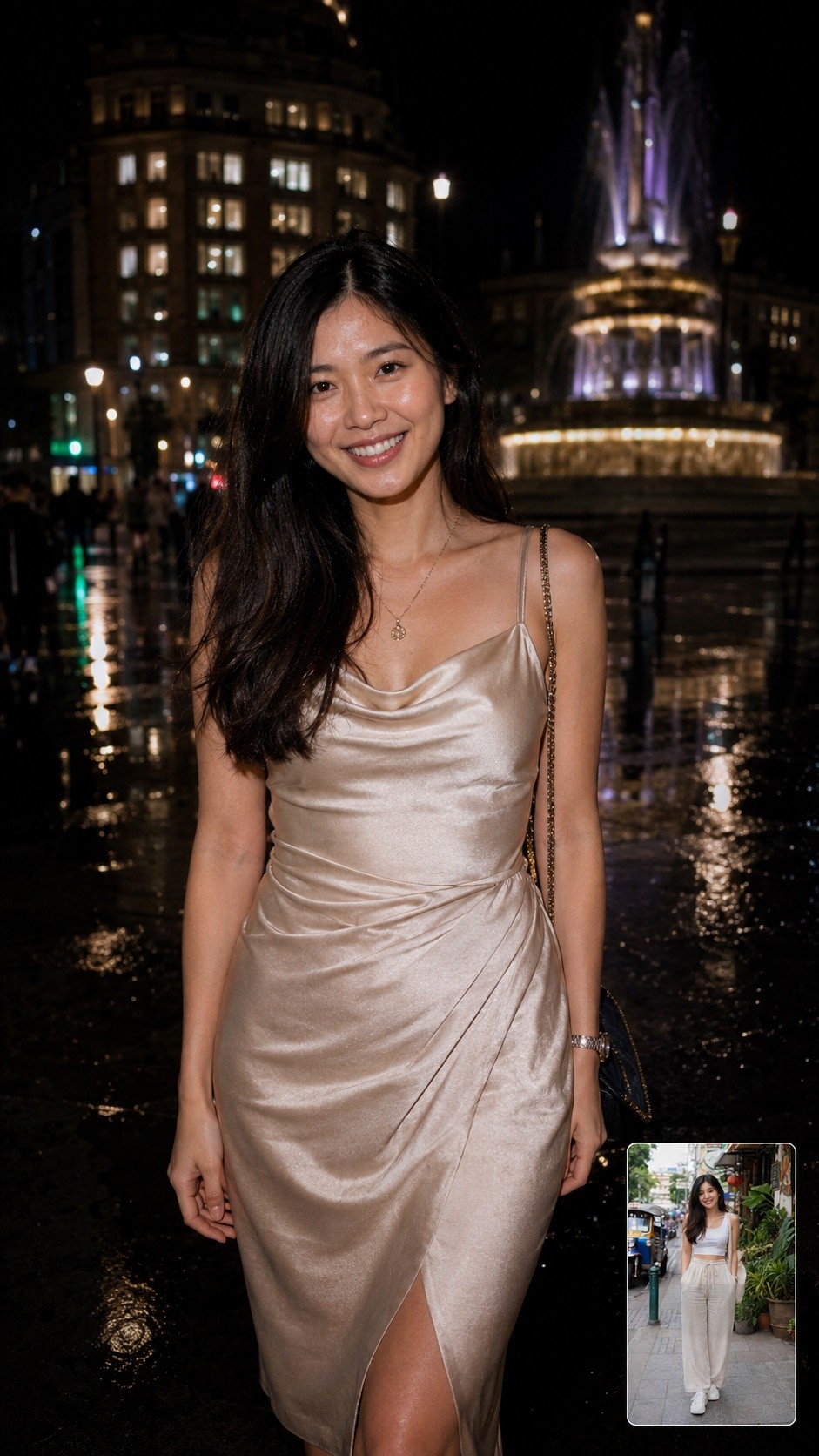
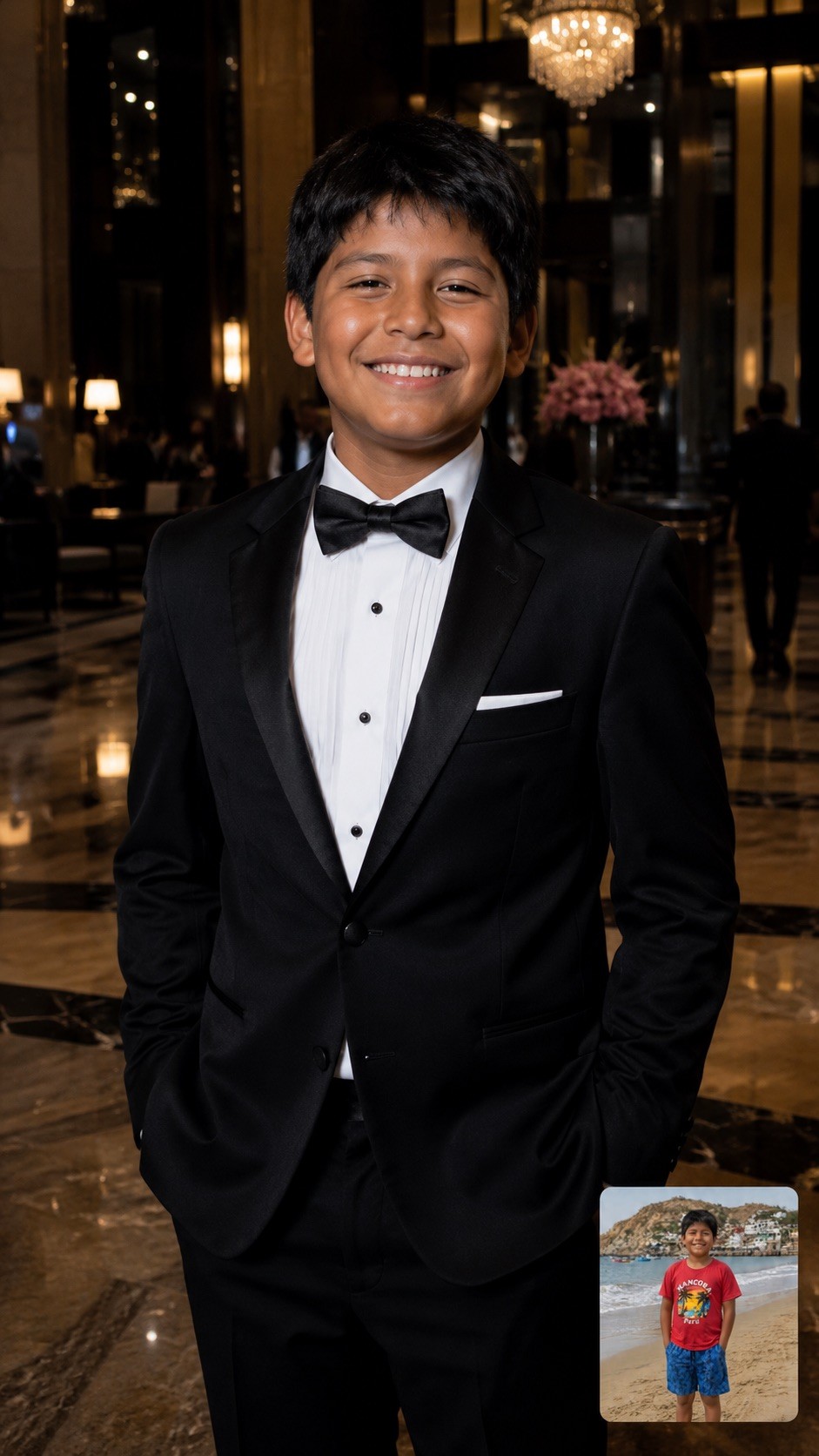
A hyper-realistic, half-body candid photograph of {{Subject: The person on the attached photo, a celebrity, a stylish woman, a man, a fashion model, a mysterious stranger, a socialite, a musician, an actor, a trendsetter, a high-profile athlete}} {{Dressing: in a designer trench coat, in a leather jacket, in a sharp tuxedo, in urban streetwear, in a fedora, in a sequined gown, in sunglasses and a hoodie, in a silk suit, in a cocktail dress, in casual chic attire}} captured at night on {{Location: a city street, a busy sidewalk, outside a premier nightclub, a red carpet entrance, a luxury hotel lobby, the back exit of a theater, a crowded airport terminal, the parking lot of a trendy restaurant, a busy subway entrance, a rainy London square, a Fifth Avenue storefront, a narrow alleyway in Soho, a beach club entrance at night}}. The lighting is dominated by a powerful, direct 'paparazzi-style' camera flash that creates bright, crisp skin tones and sharp highlights on the face. The background is a high-contrast, moody urban landscape with deep shadows. The image includes slight lens flare from the flash, maintaining a raw and authentic 'captured in the moment' nightlife aesthetic.
Aspect Ratio: {{Aspect Ratios: [aspect_ratios]}}
The person on the attached photo, a celebrity, a stylish woman, a man, a fashion model, a mysterious stranger, a socialite, a musician
in a designer trench coat, in a leather jacket, in a sharp tuxedo, in urban streetwear, in a fedora, in a sequined gown, in sunglasses and a hoodie, in a silk suit
a city street, a busy sidewalk, outside a premier nightclub, a red carpet entrance, a luxury hotel lobby, the back exit of a theater, a crowded airport terminal, the parking lot of a trendy restaurant
[aspect_ratios]
A hyper-realistic, half-body candid photograph of The person on the attached photo in a designer trench coat captured at night on a city street. The lighting is dominated by a powerful, direct 'paparazzi-style' camera flash that creates bright, crisp skin tones and sharp highlights on the face. The background is a high-contrast, moody urban landscape with deep shadows. The image includes slight lens flare from the flash, maintaining a raw and authentic 'captured in the moment' nightlife aesthetic.
Aspect Ratio: [aspect_ratios]
Le variabili sono racchiuse tra {{ e }} e seguono questo schema:
Una selezione può fare riferimento a un elenco di variabili predefinito usando le parentesi quadre. Appaiono in [arancione] e forniscono valori di uso comune come colori, toni o lingue.
Puoi anche fornire un elenco di scelte in linea, separate da virgole.
Suggerimento: non hai bisogno dell'app PUCO per usare questi prompt! Copia semplicemente il modello e sostituisci ogni sezione {{…}} con il tuo testo direttamente in ChatGPT, Claude, Gemini o qualsiasi altro assistente IA.