Ideale per
- Partire da un prompt strutturato e riutilizzabile invece di una chat vuota.
- Adattare il prompt ai propri input mantenendo intatto l'intento originale.
- Flussi di lavoro legati a Creative & Visuals.

Genera un blueprint di registrazione grafica disegnato a mano di un argomento complesso, in uno stile sketchnote professionale.
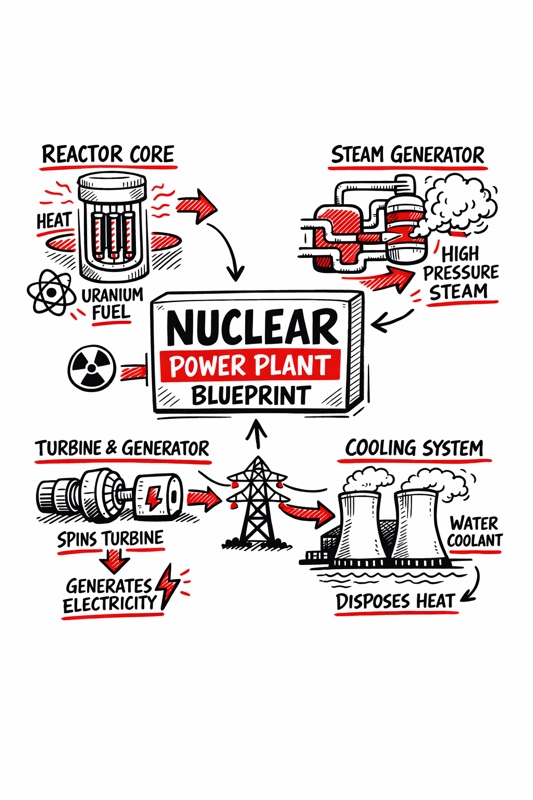
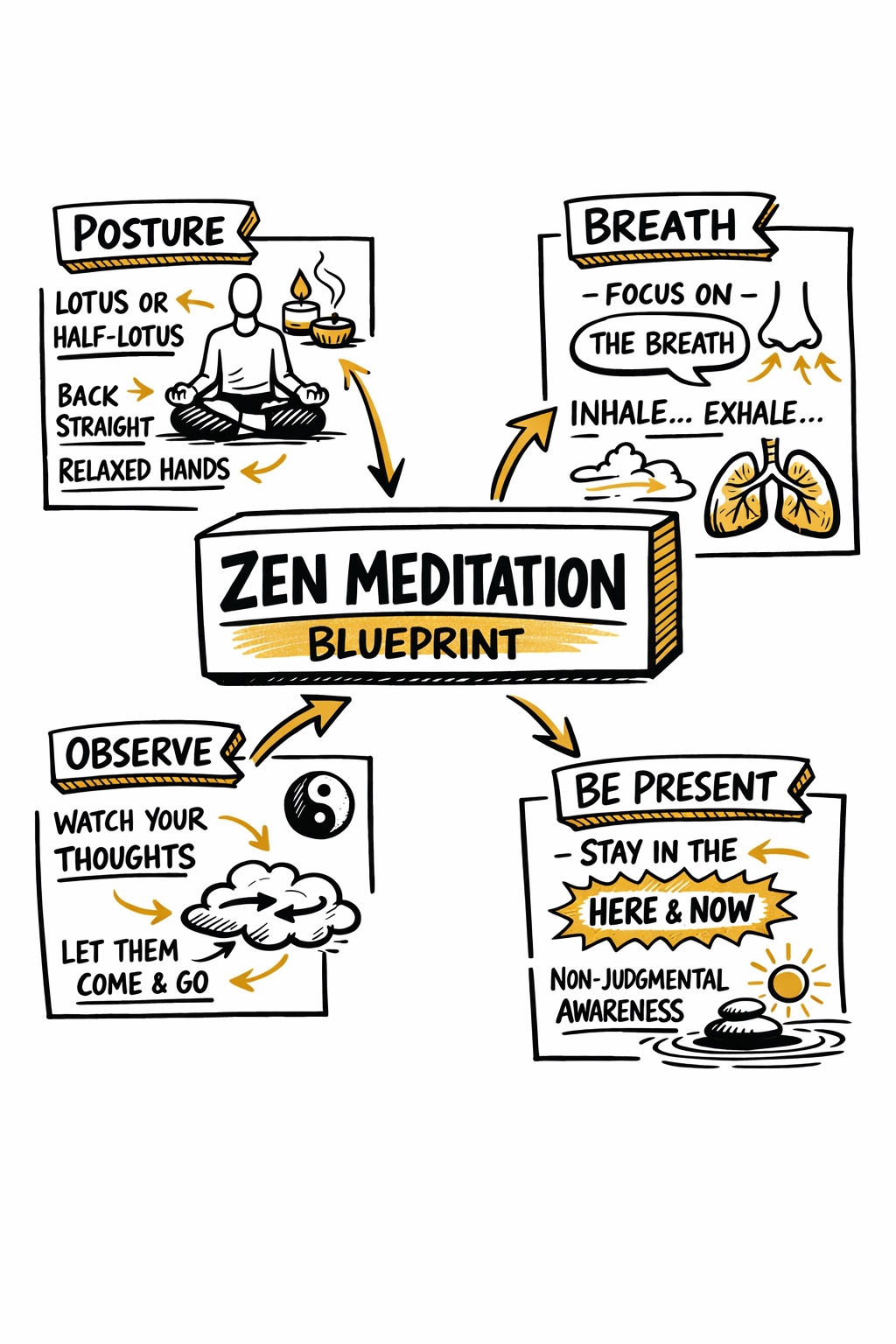
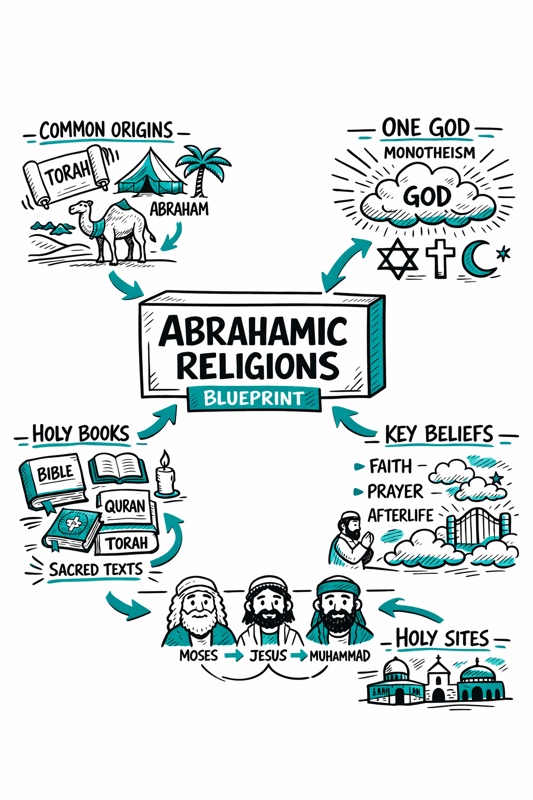
Create a hand-drawn sketchnote visual summary of a {{Topic: Day Trading, Nuclear Reaction, Photo Synthesis, Abrahamian Religions, Federal Banks}} Blueprint.

**Specifications:**
- **Layout:** A4 Vertical
- **Style:** Graphic recording / visual thinking with thick black ink fine-liners.
- **Background:** Pristine white paper (no lines).
- **Colors:** Black outlines with {{Accent Color: Teal, Orange, Red, Blue, Green, Gold}} for shading, arrows, and accents.

**Composition:**
1. **Center:** A 3D-style rectangular box containing the topic title.
2. **Structure:** Single blocks of illustration in the Top Left, Top Right, Bottom Left, and Bottom Right sections.
3. **Details:** Use arrows to connect elements. Scatter matching icons throughout the layout. Ensure all text is distinct, handwritten, and in all-caps.
Day Trading, Nuclear Reaction, Photo Synthesis, Abrahamian Religions, Federal Banks
Teal, Orange, Red, Blue, Green, Gold
Create a hand-drawn sketchnote visual summary of a Day Trading Blueprint.

**Specifications:**
- **Layout:** A4 Vertical
- **Style:** Graphic recording / visual thinking with thick black ink fine-liners.
- **Background:** Pristine white paper (no lines).
- **Colors:** Black outlines with Teal for shading, arrows, and accents.

**Composition:**
1. **Center:** A 3D-style rectangular box containing the topic title.
2. **Structure:** Single blocks of illustration in the Top Left, Top Right, Bottom Left, and Bottom Right sections.
3. **Details:** Use arrows to connect elements. Scatter matching icons throughout the layout. Ensure all text is distinct, handwritten, and in all-caps.
Le variabili sono racchiuse tra {{ e }} e seguono questo schema:
Una selezione può fare riferimento a un elenco di variabili predefinito usando le parentesi quadre. Appaiono in [arancione] e forniscono valori di uso comune come colori, toni o lingue.
Puoi anche fornire un elenco di scelte in linea, separate da virgole.
Suggerimento: non hai bisogno dell'app PUCO per usare questi prompt! Copia semplicemente il modello e sostituisci ogni sezione {{…}} con il tuo testo direttamente in ChatGPT, Claude, Gemini o qualsiasi altro assistente IA.