
Ideale per
- Partire da un prompt strutturato e riutilizzabile invece di una chat vuota.
- Adattare il prompt ai propri input mantenendo intatto l'intento originale.
- Flussi di lavoro legati a Education & Academic.
Spiega argomenti complessi attraverso analogie familiari e genera un riepilogo visivo professionale in stile sketchnote disegnato a mano.
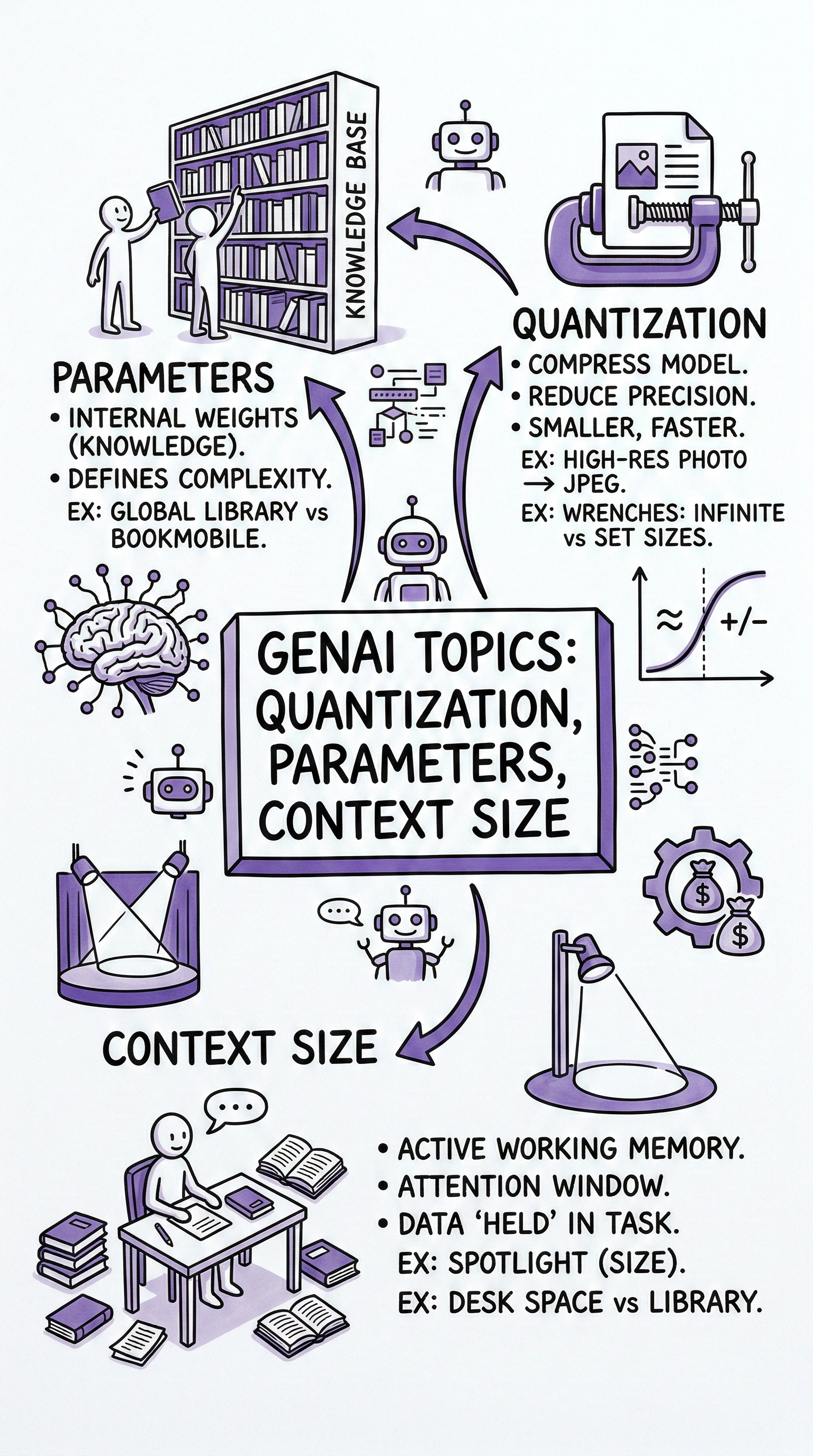
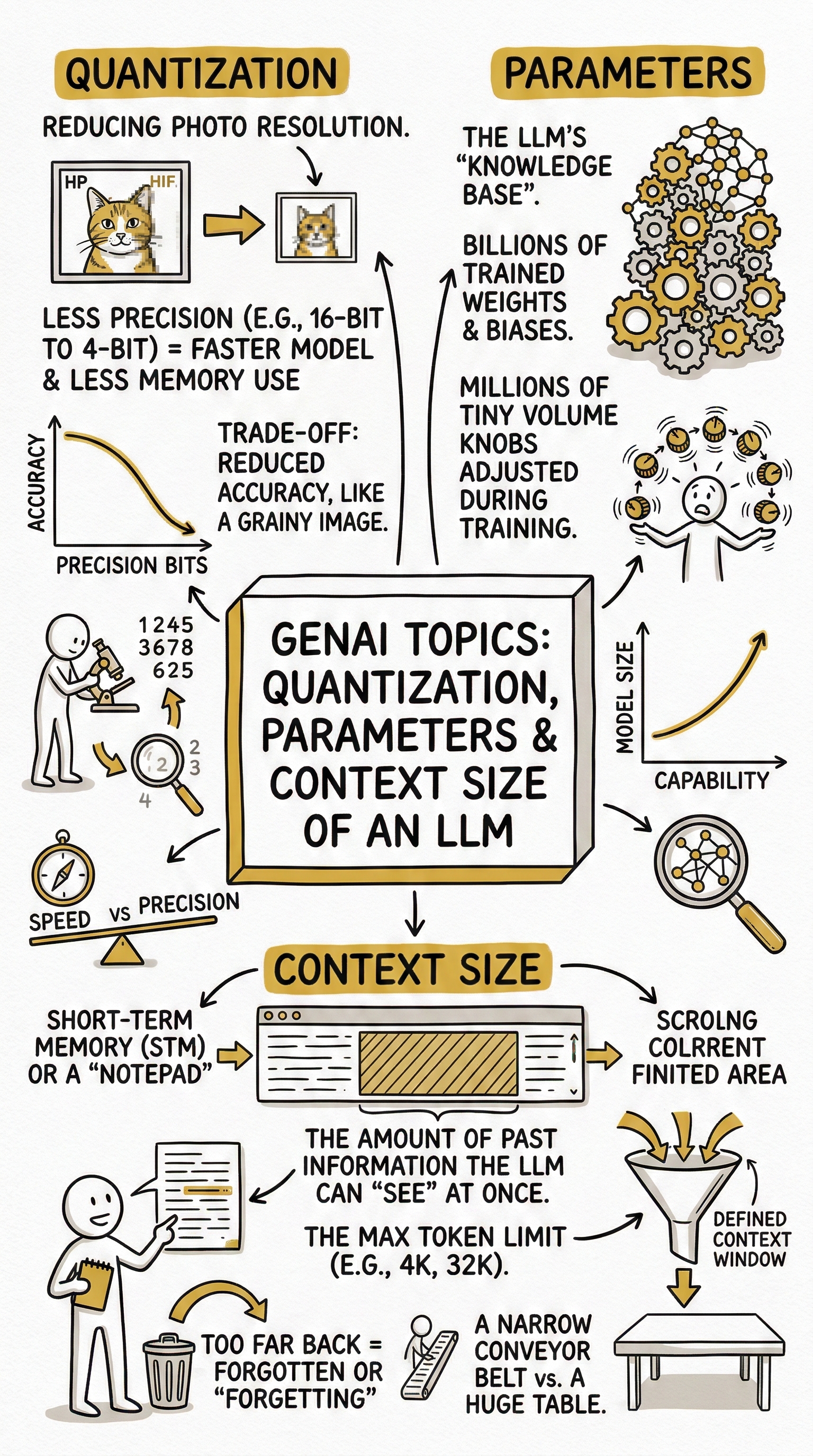
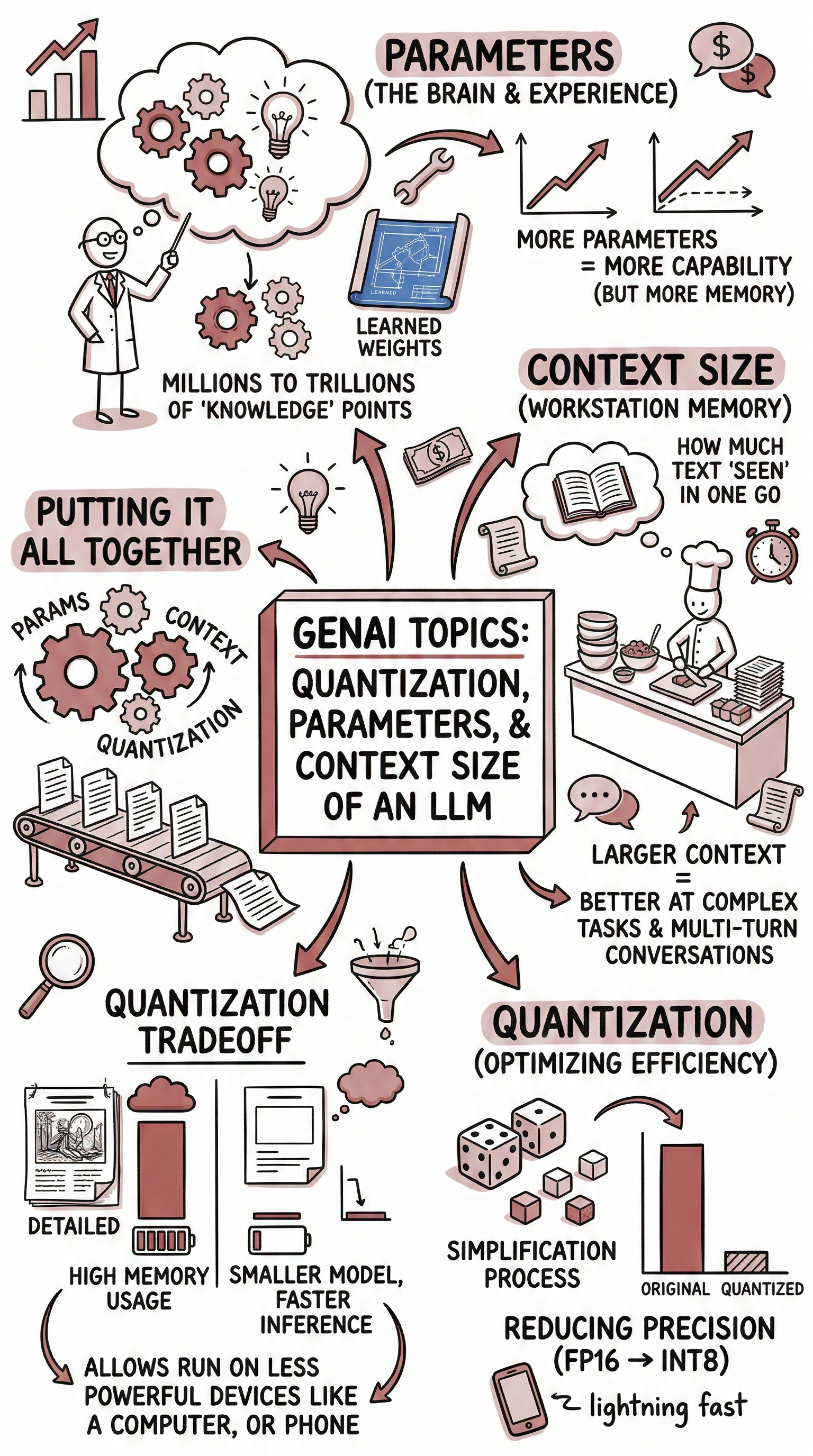
First, use well-constructed analogies and comparisons to clarify {{Topic:e.g. Cell Biology}}. Relate its principles to everyday experiences, widely known phenomena, or cross-disciplinary examples to make the concepts more tangible and memorable. Based on that explanation, create a hand-drawn sketchnote visual summary using the following specifications:
- Text Style: {{Text Style: Telegraphic: Extreme brevity. Focuses on nouns and verbs, Punchy: Short - high-impact sentences, Scannable: Heavy use of headers - bolded keywords, Nugget-sized: Distills complex ideas into standalone bite-sized "truth bombs" or facts, Expansive: The direct opposite of "condensed”}}
- Art Style: 'Graphic recording' or 'visual thinking' using black ink fine-liners for clear outlines and text.
- Colors: {{Accent Colors:Teal, Orange, Muted Red, Emerald Green, Navy Blue, Mustard Yellow, Charcoal Grey, Royal Purple}} for simple shading and accents.
- Composition: Center the main title in a 3D-style rectangular box. Surround the title with radially distributed simple doodles, business icons, stick figures, and graphs that explain the concepts. Use arrows to connect ideas.

- Text: Distinct, handwritten, all-caps printing, legible and organized like a professional brainstorming session.
- Aspect Ratio: {{Aspect Ratios: 9:16 (Portrait), 4:5 (Portrait), 3:4 (Portrait), 1:1 (Square), 16:9 (Landscape), 5:4 (Landscape), 4:3 (Landscape)}}
e.g. Cell Biology
Telegraphic: Extreme brevity. Focuses on nouns and verbs, Punchy: Short - high-impact sentences, Scannable: Heavy use of headers - bolded keywords, Nugget-sized: Distills complex ideas into standalone bite-sized "truth bombs" or facts, Expansive: The direct opposite of "condensed”
Teal, Orange, Muted Red, Emerald Green, Navy Blue, Mustard Yellow, Charcoal Grey, Royal Purple
9:16 (Portrait), 4:5 (Portrait), 3:4 (Portrait), 1:1 (Square), 16:9 (Landscape), 5:4 (Landscape), 4:3 (Landscape)
First, use well-constructed analogies and comparisons to clarify e.g. Cell Biology. Relate its principles to everyday experiences, widely known phenomena, or cross-disciplinary examples to make the concepts more tangible and memorable. Based on that explanation, create a hand-drawn sketchnote visual summary using the following specifications:
- Text Style: Telegraphic: Extreme brevity. Focuses on nouns and verbs
- Art Style: 'Graphic recording' or 'visual thinking' using black ink fine-liners for clear outlines and text.
- Colors: Teal for simple shading and accents.
- Composition: Center the main title in a 3D-style rectangular box. Surround the title with radially distributed simple doodles, business icons, stick figures, and graphs that explain the concepts. Use arrows to connect ideas.

- Text: Distinct, handwritten, all-caps printing, legible and organized like a professional...
Le variabili sono racchiuse tra {{ e }} e seguono questo schema:
Una selezione può fare riferimento a un elenco di variabili predefinito usando le parentesi quadre. Appaiono in [arancione] e forniscono valori di uso comune come colori, toni o lingue.
Puoi anche fornire un elenco di scelte in linea, separate da virgole.
Suggerimento: non hai bisogno dell'app PUCO per usare questi prompt! Copia semplicemente il modello e sostituisci ogni sezione {{…}} con il tuo testo direttamente in ChatGPT, Claude, Gemini o qualsiasi altro assistente IA.