Ideale per
- Partire da un prompt strutturato e riutilizzabile invece di una chat vuota.
- Adattare il prompt ai propri input mantenendo intatto l'intento originale.
- Flussi di lavoro legati a Creative & Visuals.

Genera una foto macro iperdettagliata di un'immagine stampata su carta fisicamente rovinata, stropicciata e appiattita.
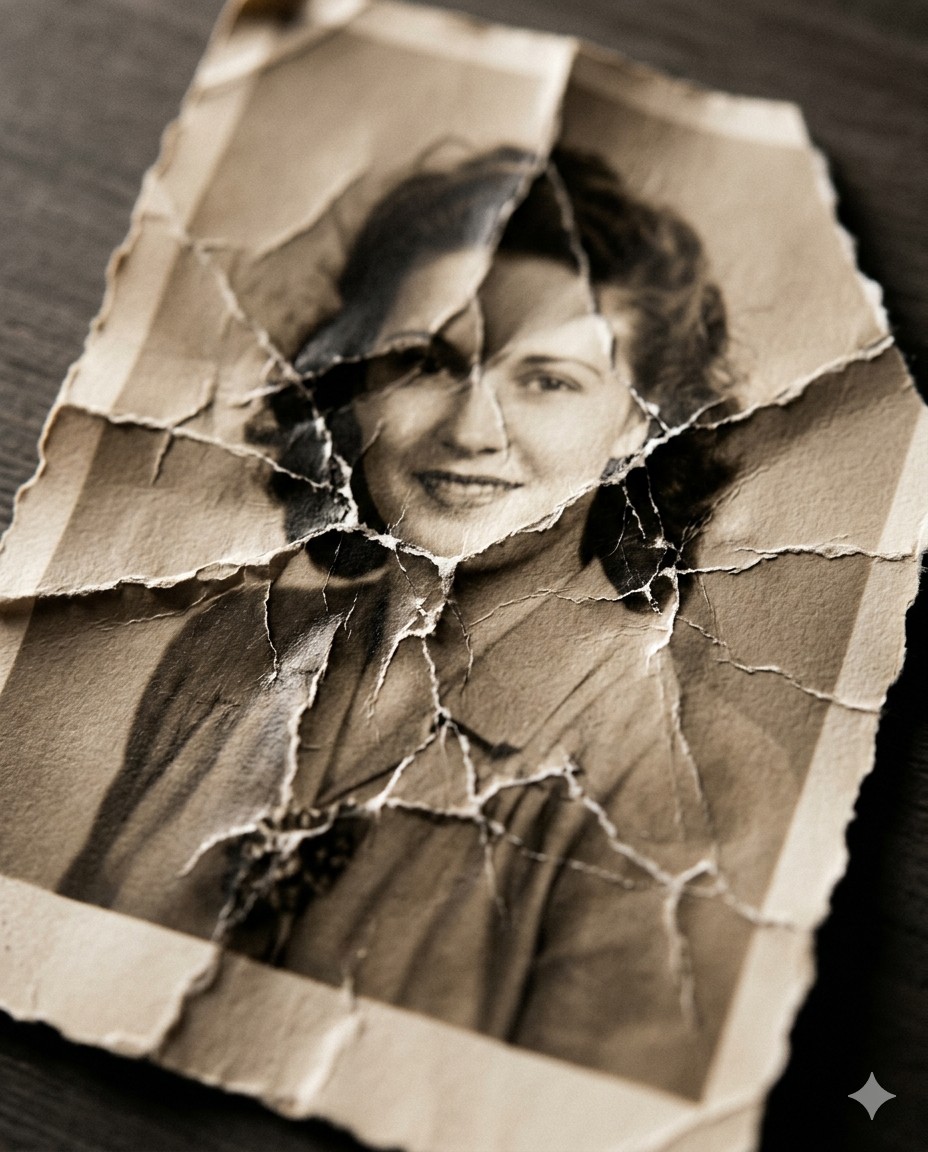
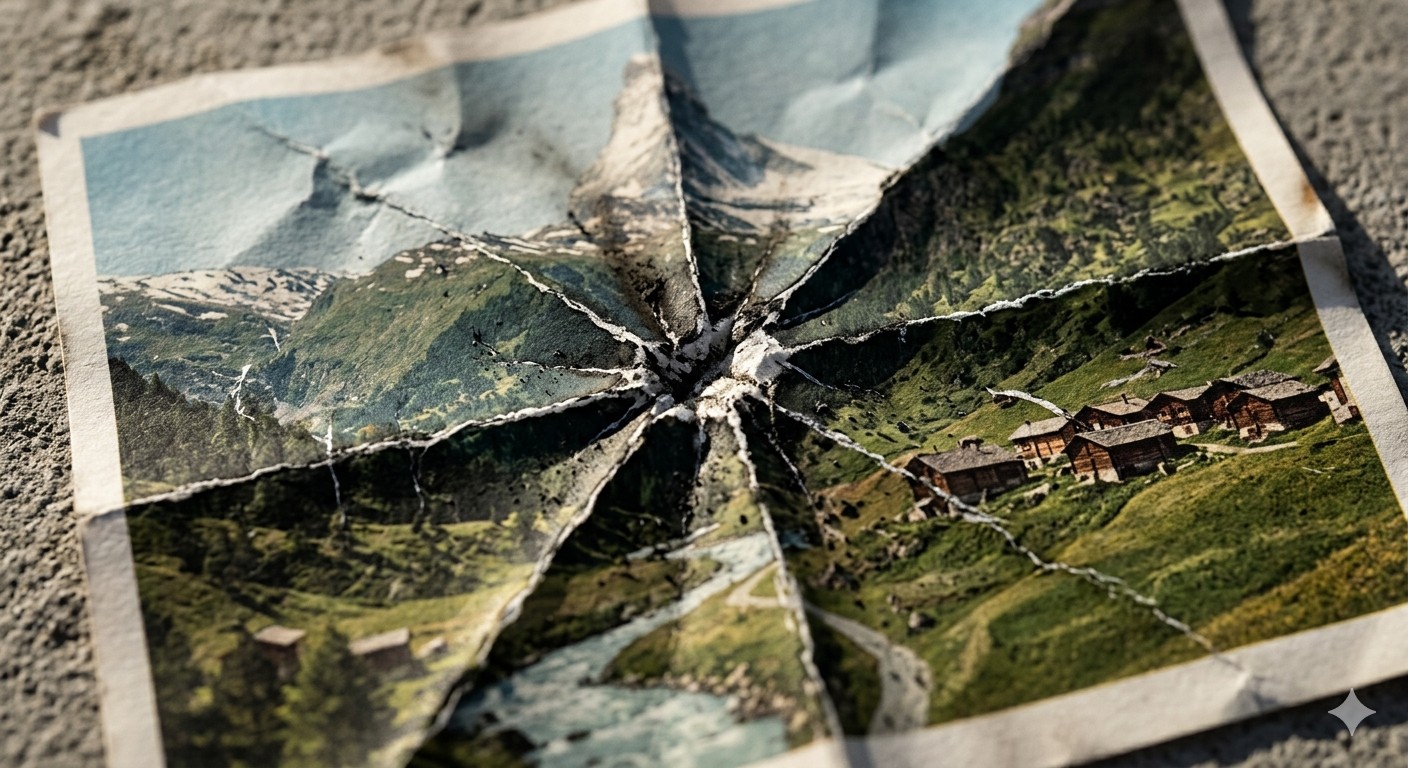
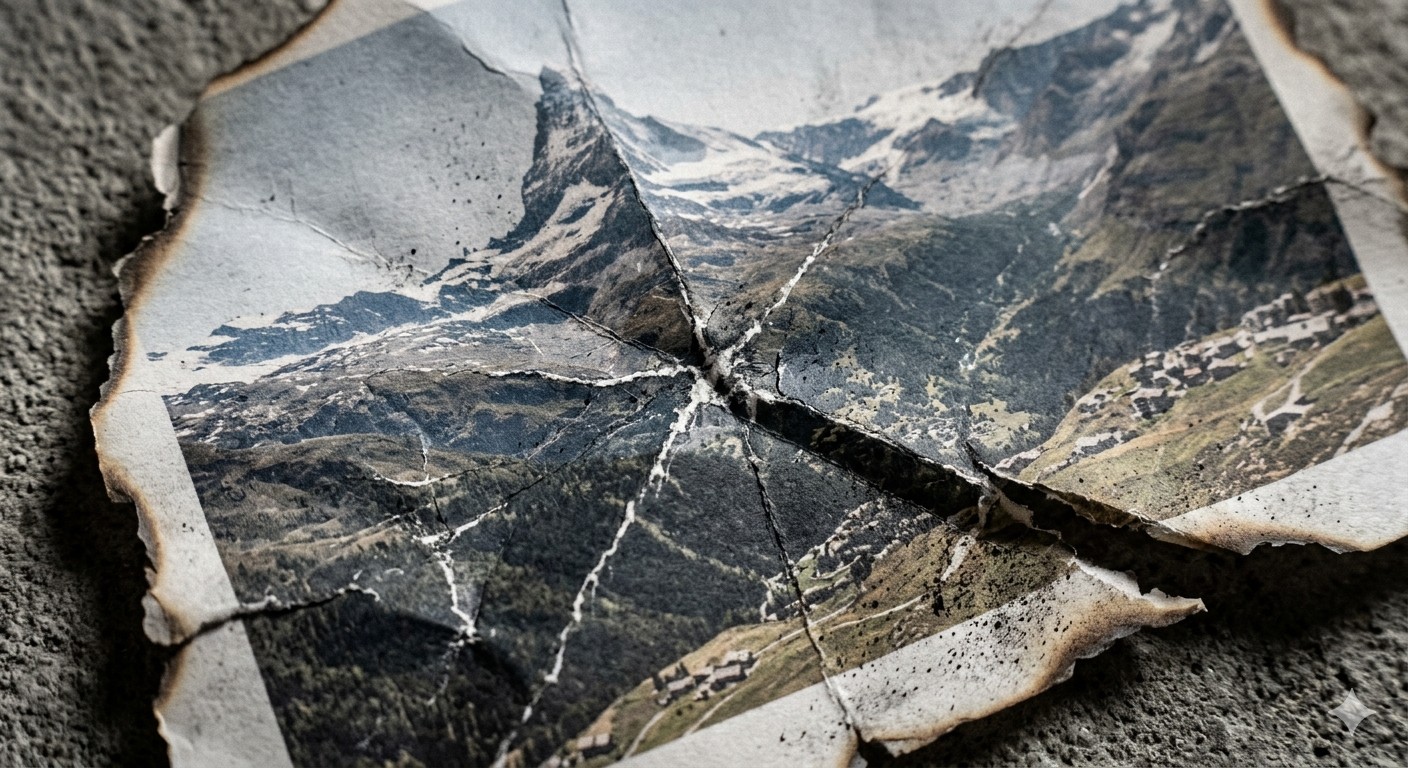
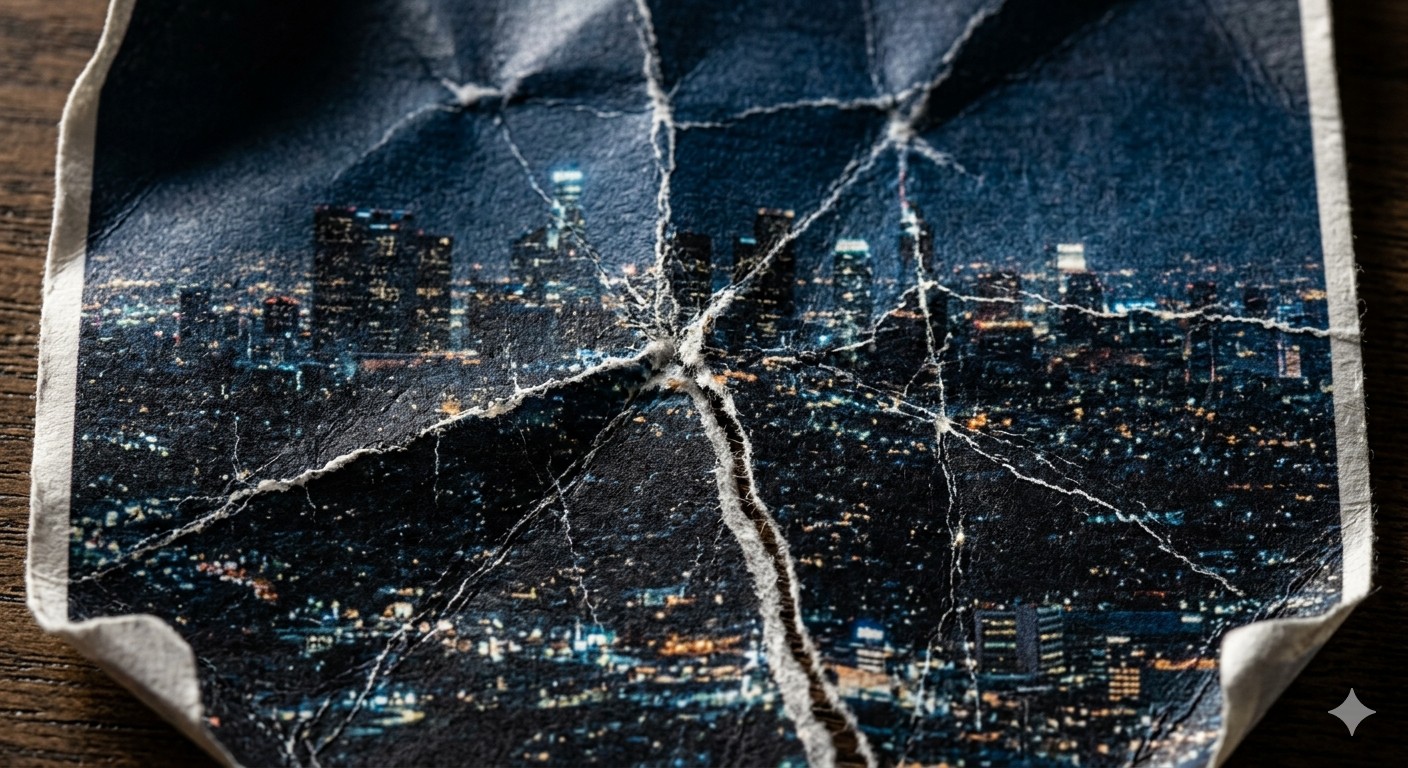
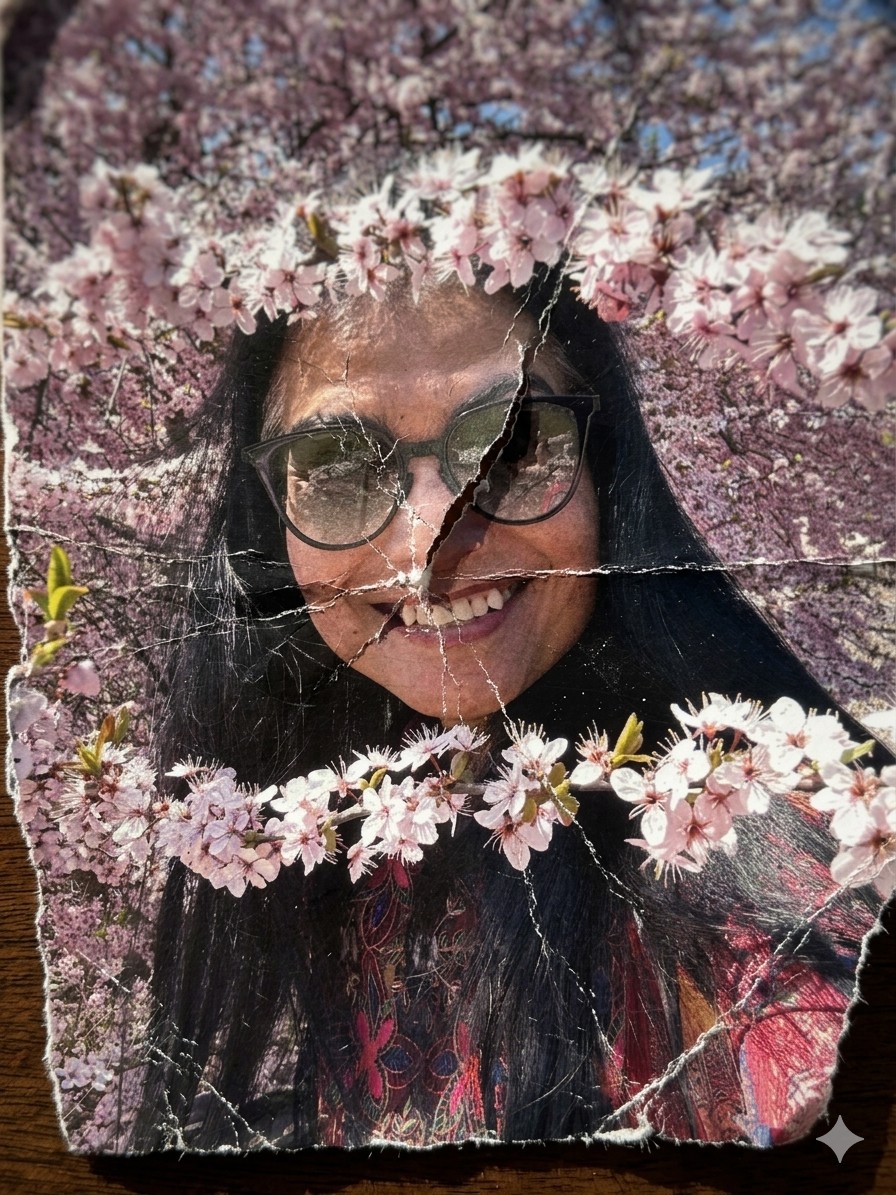
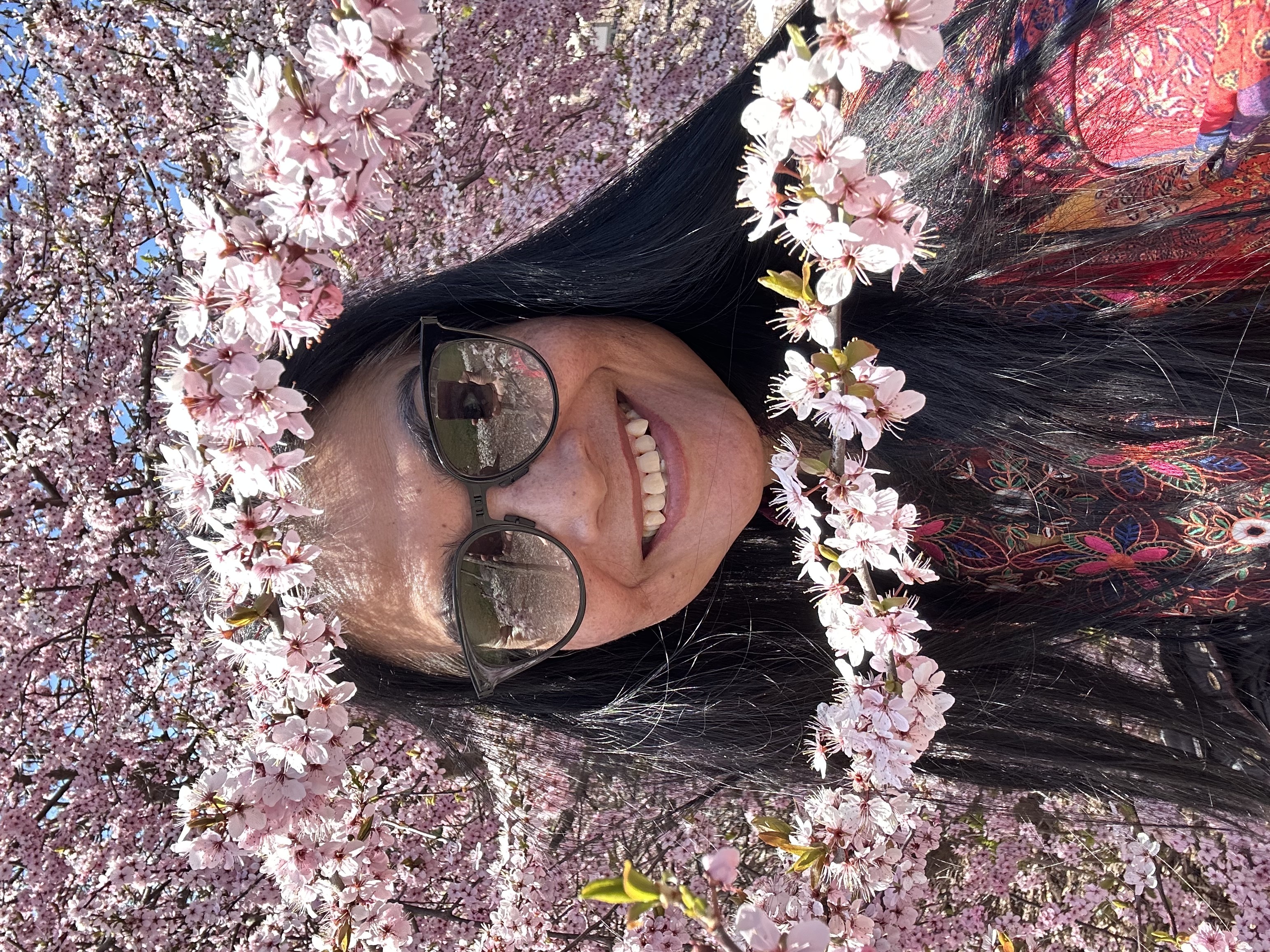
A hyper-detailed {{Style: macro, standard, wide angle}} photograph of a printed image on thick matte fine-art paper, showing {{Subject: The attached image, Swiss mountain landscape, vintage portrait of a woman, city skyline at night}}. The paper has been aggressively crumpled and partially flattened, creating deep intersecting creases, cracked ink along fold lines, and subtle pigment breakage. The surface shows realistic paper fiber texture, micro-tears, and white stress marks where the ink has fractured.

Composition: extreme close-up, top-down angle, shallow depth of field with focus on {{Focus Area: crease intersections, central fold, torn edge}}.
Lighting: hard directional side lighting (raking light) casting sharp shadows into the folds.
Environment: edges of the paper reveal {{Background Surface: dark wooden table, rough concrete surface, black studio backdrop}}.

Style: {{Style: Photoreal - ultra-sharp focus on fibers and cracked ink, Charcoal Illustration - drawing on crumpled parchment with sepia tones, Minimalist Tear - clean white paper with a single violent tear, Burned Memory - ash residue and heat-distorted creases}}.
Aperture: f/8

Additional detail: {{Detail Boost: slight desaturation along crease lines, high grain film texture, ink fading at stress points}}.

Negative prompt: smooth digital look, glossy paper, perfect print, CGI plastic texture, glowing edges, flat lighting.
macro, standard, wide angle
The attached image, Swiss mountain landscape, vintage portrait of a woman, city skyline at night
crease intersections, central fold, torn edge
dark wooden table, rough concrete surface, black studio backdrop
slight desaturation along crease lines, high grain film texture, ink fading at stress points
A hyper-detailed macro photograph of a printed image on thick matte fine-art paper, showing The attached image. The paper has been aggressively crumpled and partially flattened, creating deep intersecting creases, cracked ink along fold lines, and subtle pigment breakage. The surface shows realistic paper fiber texture, micro-tears, and white stress marks where the ink has fractured.

Composition: extreme close-up, top-down angle, shallow depth of field with focus on crease intersections.
Lighting: hard directional side lighting (raking light) casting sharp shadows into the folds.
Environment: edges of the paper reveal dark wooden table.

Style: macro.
Aperture: f/8

Additional detail: slight desaturation along crease lines.

Negative prompt: smooth digital look, glossy paper, perfect print, CGI plastic texture, glowing edges, flat lighting.
Le variabili sono racchiuse tra {{ e }} e seguono questo schema:
Una selezione può fare riferimento a un elenco di variabili predefinito usando le parentesi quadre. Appaiono in [arancione] e forniscono valori di uso comune come colori, toni o lingue.
Puoi anche fornire un elenco di scelte in linea, separate da virgole.
Suggerimento: non hai bisogno dell'app PUCO per usare questi prompt! Copia semplicemente il modello e sostituisci ogni sezione {{…}} con il tuo testo direttamente in ChatGPT, Claude, Gemini o qualsiasi altro assistente IA.