Idéal pour
- Partir d'un prompt structuré et réutilisable plutôt que d'une conversation vierge.
- Adapter le prompt à vos propres données tout en conservant l'intention d'origine.
- Les workflows liés à Creative & Visuals.

Génère une photo macro hyper détaillée d’une image imprimée sur du papier physiquement abîmé, froissé et aplati.
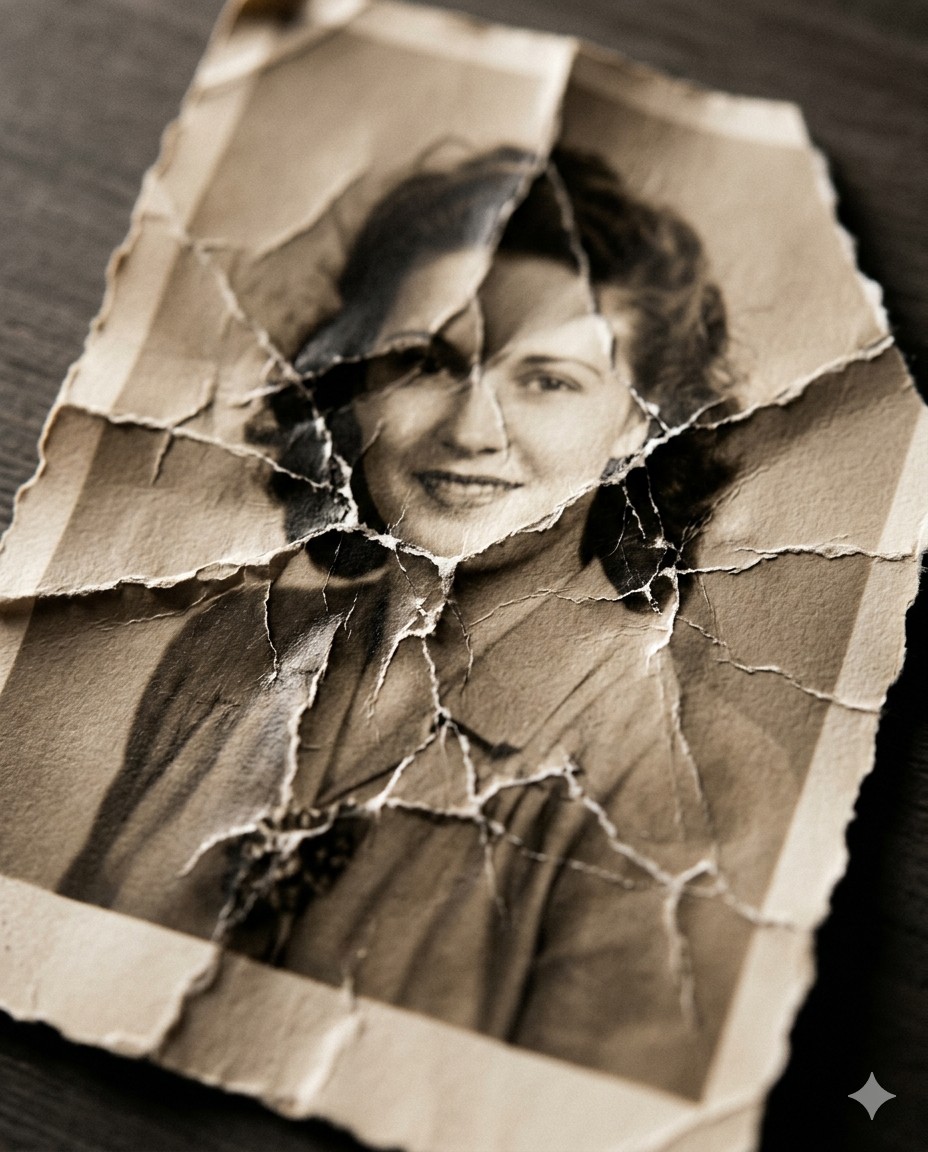
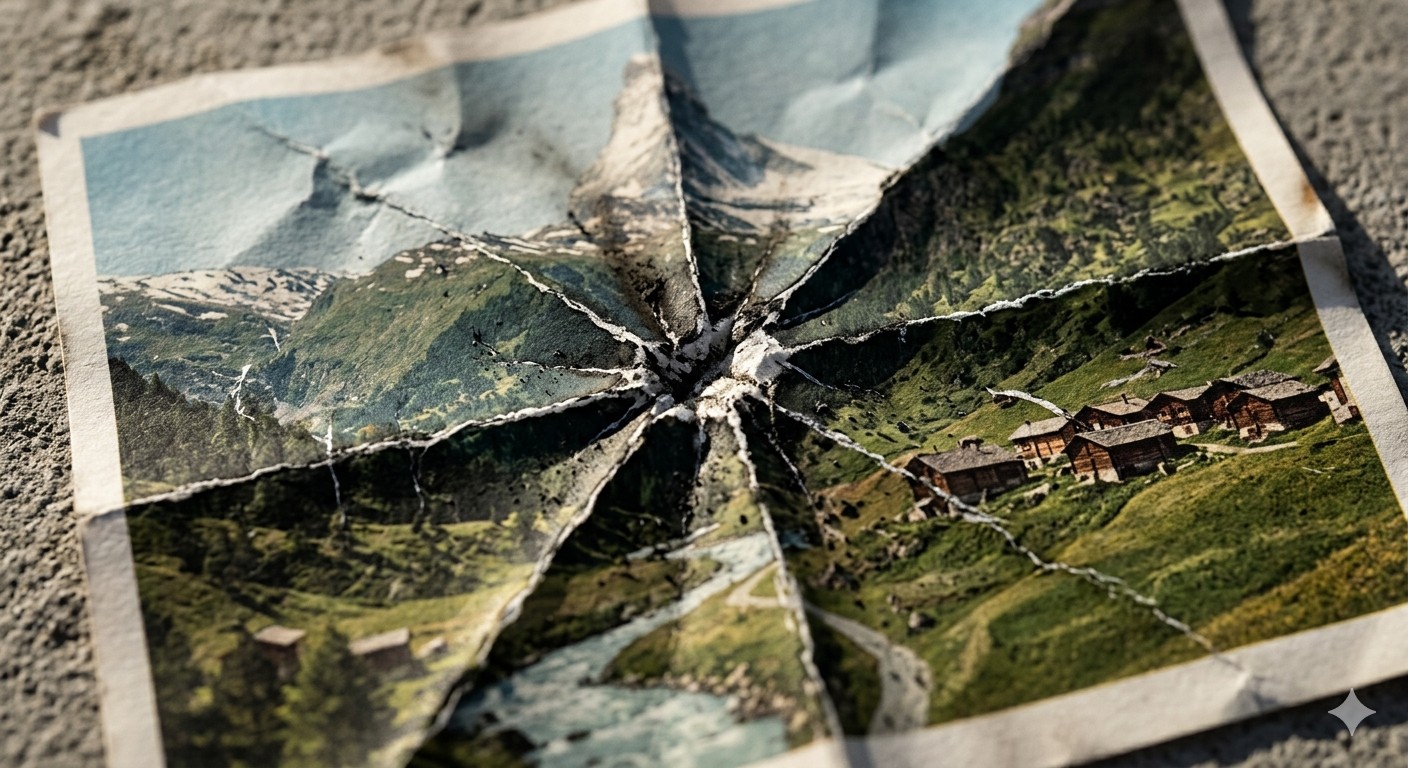
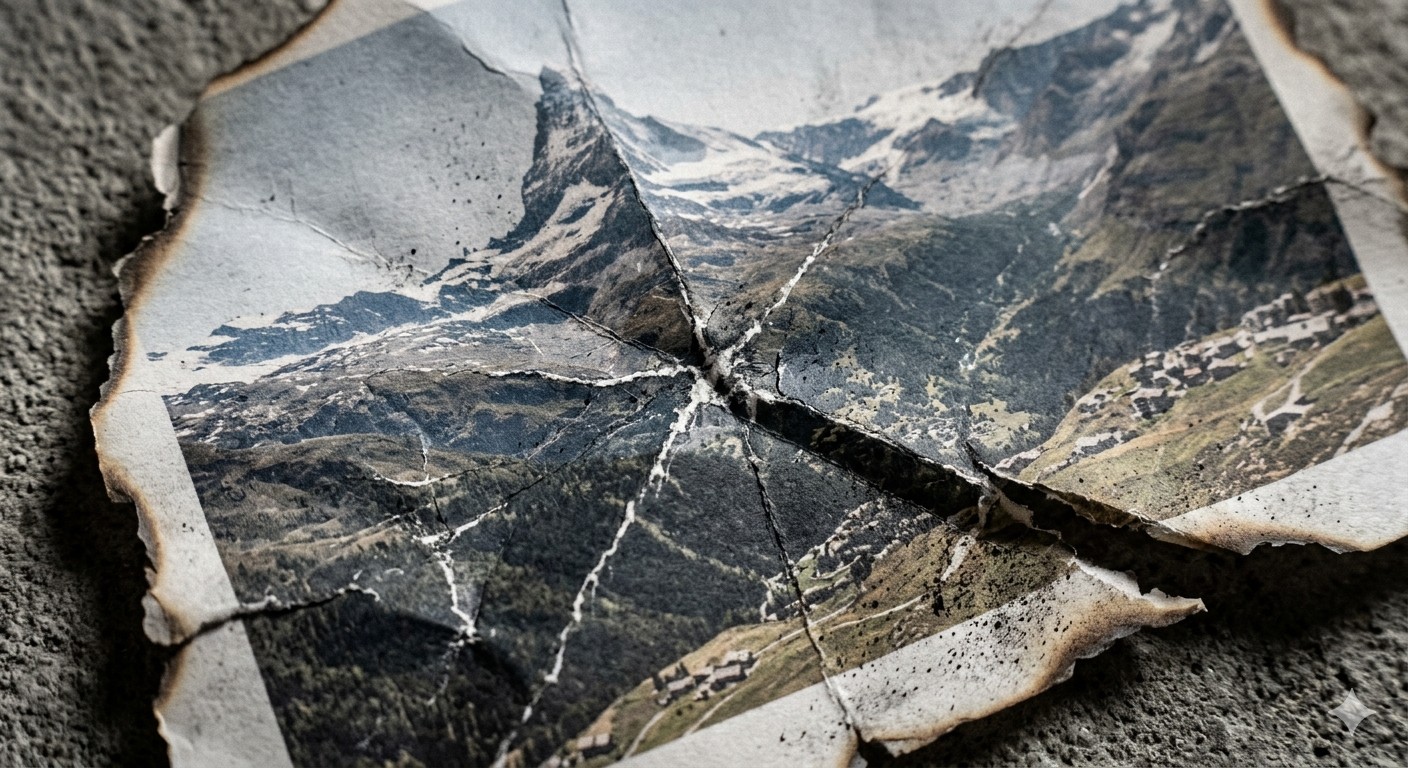
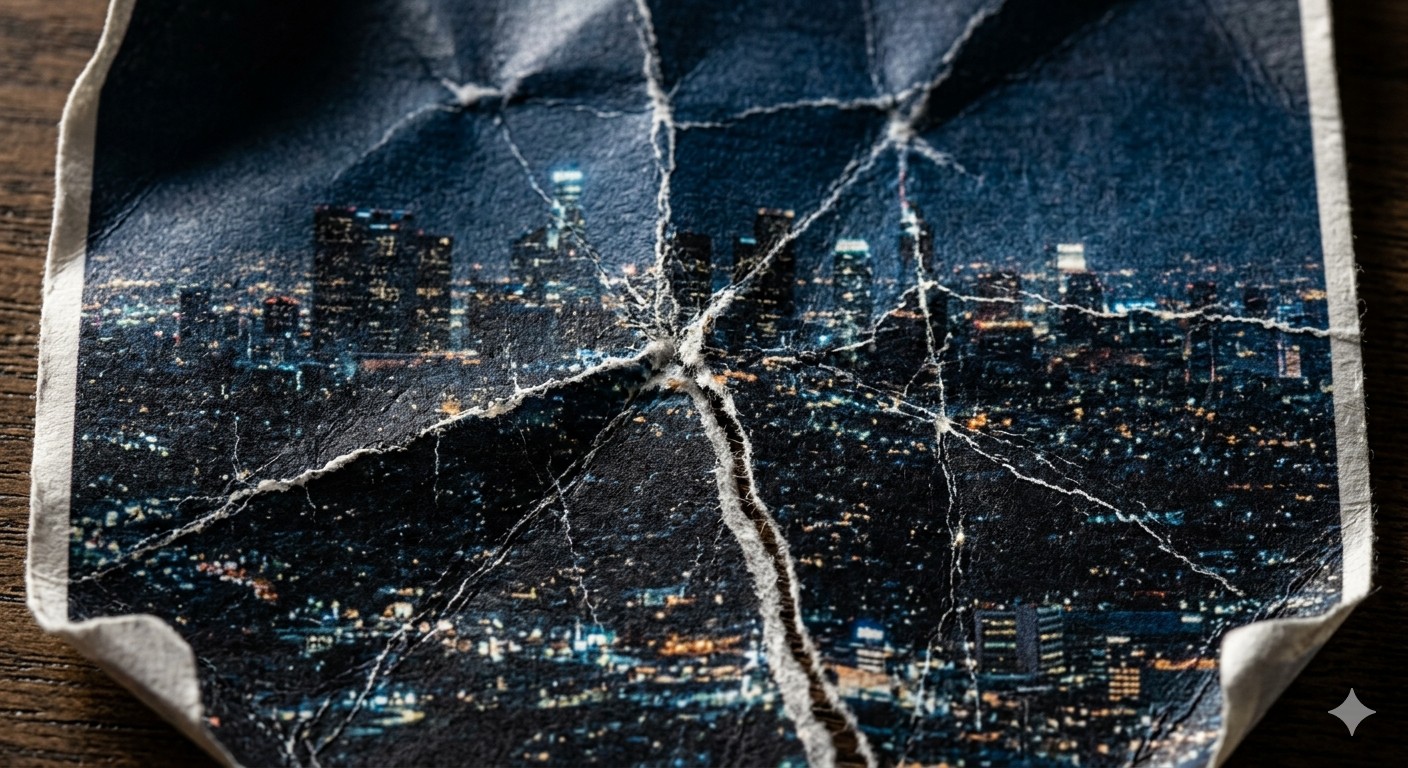
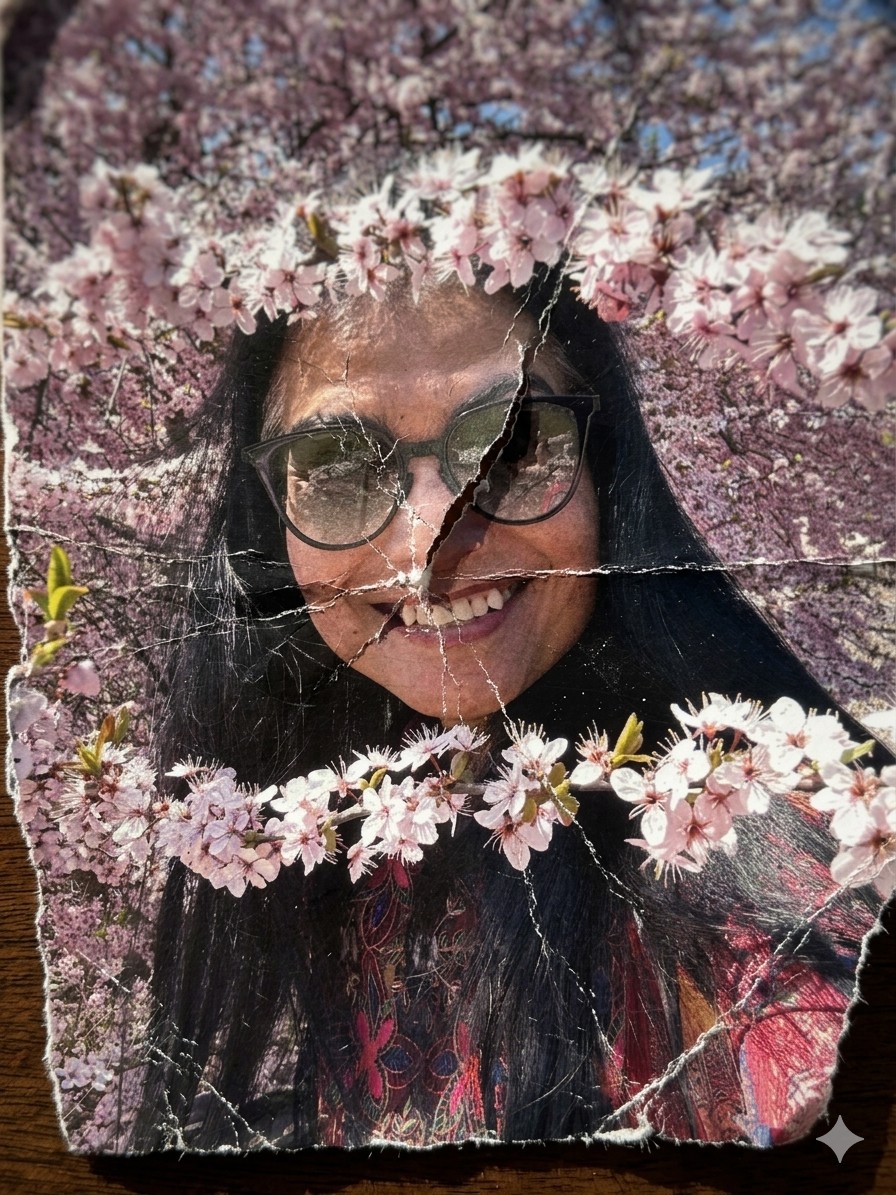
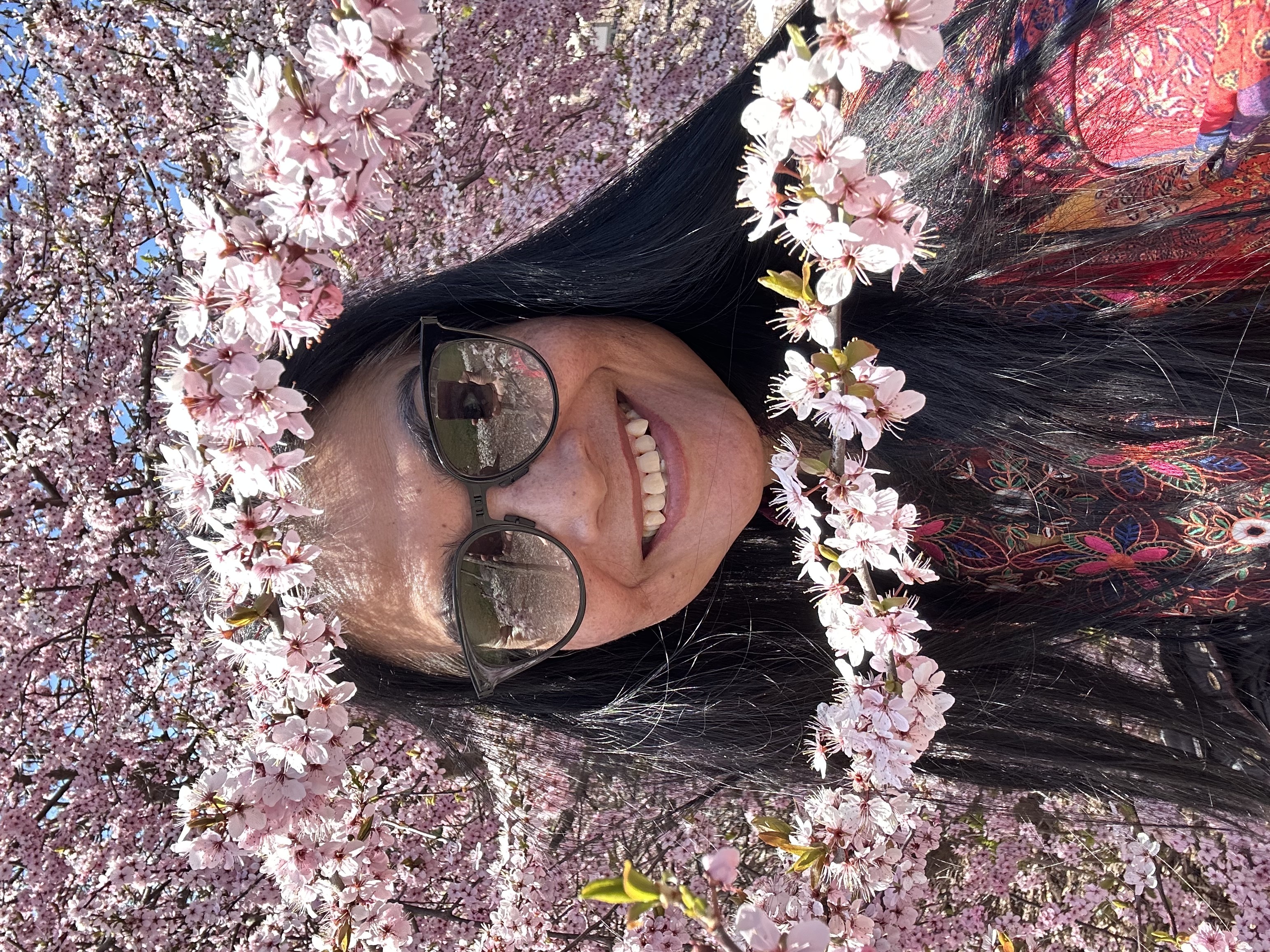
A hyper-detailed {{Style: macro, standard, wide angle}} photograph of a printed image on thick matte fine-art paper, showing {{Subject: The attached image, Swiss mountain landscape, vintage portrait of a woman, city skyline at night}}. The paper has been aggressively crumpled and partially flattened, creating deep intersecting creases, cracked ink along fold lines, and subtle pigment breakage. The surface shows realistic paper fiber texture, micro-tears, and white stress marks where the ink has fractured.

Composition: extreme close-up, top-down angle, shallow depth of field with focus on {{Focus Area: crease intersections, central fold, torn edge}}.
Lighting: hard directional side lighting (raking light) casting sharp shadows into the folds.
Environment: edges of the paper reveal {{Background Surface: dark wooden table, rough concrete surface, black studio backdrop}}.

Style: {{Style: Photoreal - ultra-sharp focus on fibers and cracked ink, Charcoal Illustration - drawing on crumpled parchment with sepia tones, Minimalist Tear - clean white paper with a single violent tear, Burned Memory - ash residue and heat-distorted creases}}.
Aperture: f/8

Additional detail: {{Detail Boost: slight desaturation along crease lines, high grain film texture, ink fading at stress points}}.

Negative prompt: smooth digital look, glossy paper, perfect print, CGI plastic texture, glowing edges, flat lighting.
macro, standard, wide angle
The attached image, Swiss mountain landscape, vintage portrait of a woman, city skyline at night
crease intersections, central fold, torn edge
dark wooden table, rough concrete surface, black studio backdrop
slight desaturation along crease lines, high grain film texture, ink fading at stress points
A hyper-detailed macro photograph of a printed image on thick matte fine-art paper, showing The attached image. The paper has been aggressively crumpled and partially flattened, creating deep intersecting creases, cracked ink along fold lines, and subtle pigment breakage. The surface shows realistic paper fiber texture, micro-tears, and white stress marks where the ink has fractured.

Composition: extreme close-up, top-down angle, shallow depth of field with focus on crease intersections.
Lighting: hard directional side lighting (raking light) casting sharp shadows into the folds.
Environment: edges of the paper reveal dark wooden table.

Style: macro.
Aperture: f/8

Additional detail: slight desaturation along crease lines.

Negative prompt: smooth digital look, glossy paper, perfect print, CGI plastic texture, glowing edges, flat lighting.
Les variables sont entourées de {{ et }} et suivent ce modèle :
Une sélection peut référencer une liste de variables prédéfinie à l'aide de crochets. Elles apparaissent en [orange] et fournissent des valeurs courantes comme des couleurs, des tons ou des langues.
Vous pouvez aussi fournir une liste de choix en ligne, séparés par des virgules.
Astuce : vous n'avez pas besoin de l'application PUCO pour utiliser ces prompts ! Copiez simplement le modèle et remplacez chaque section {{…}} par votre propre texte directement dans ChatGPT, Claude, Gemini ou tout autre assistant IA.