
Ideale per
- Partire da un prompt strutturato e riutilizzabile invece di una chat vuota.
- Adattare il prompt ai propri input mantenendo intatto l'intento originale.
- Flussi di lavoro legati a Design & Art, Global Travel, Photography.
Trasporta il soggetto di un'immagine caricata in una famosa destinazione turistica o in un punto di riferimento.

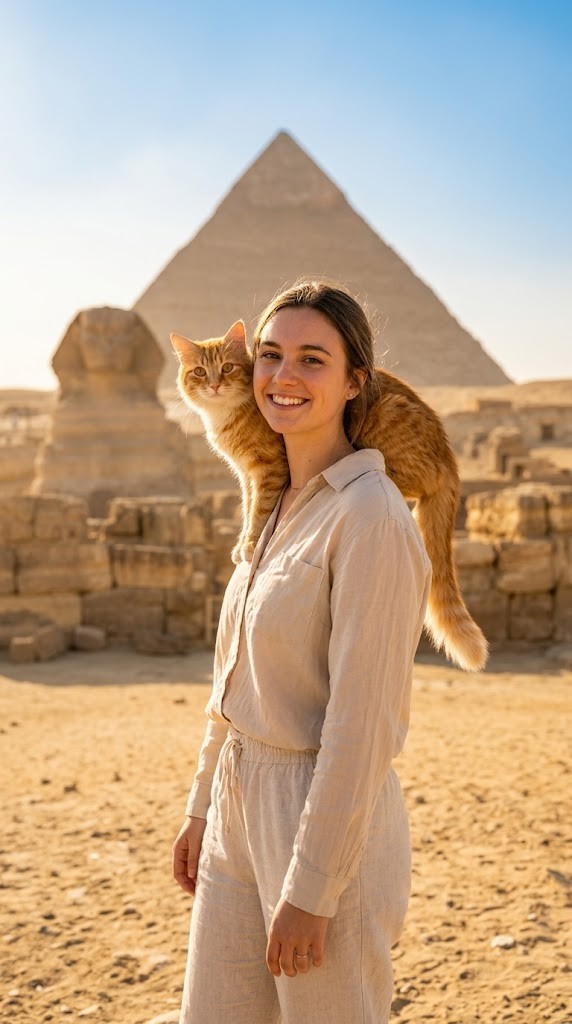
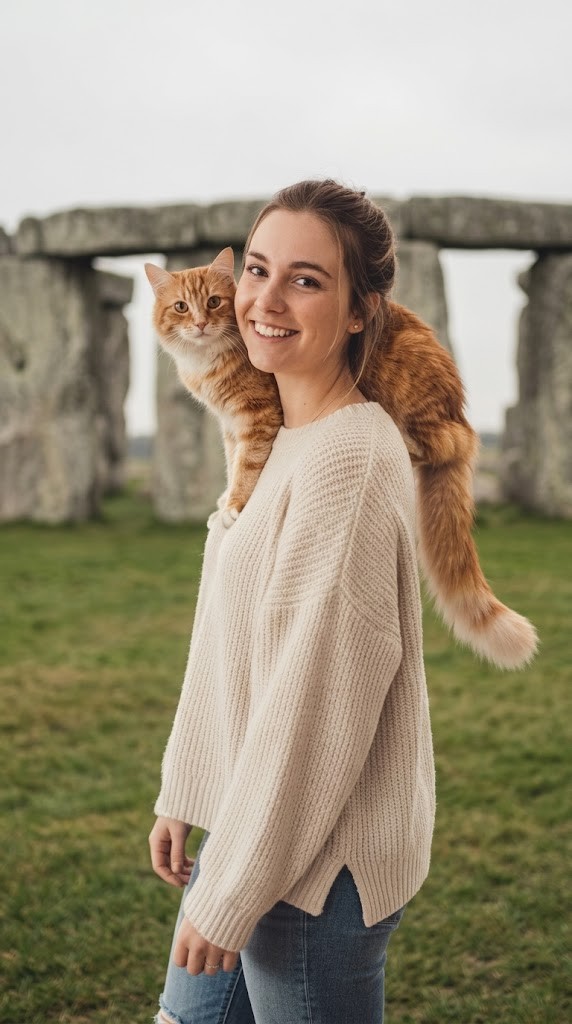
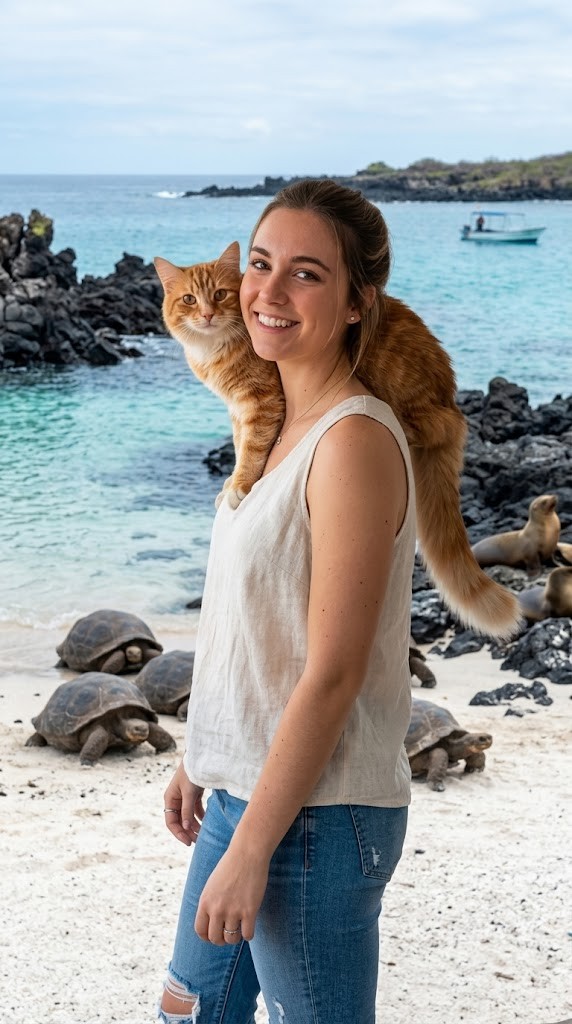
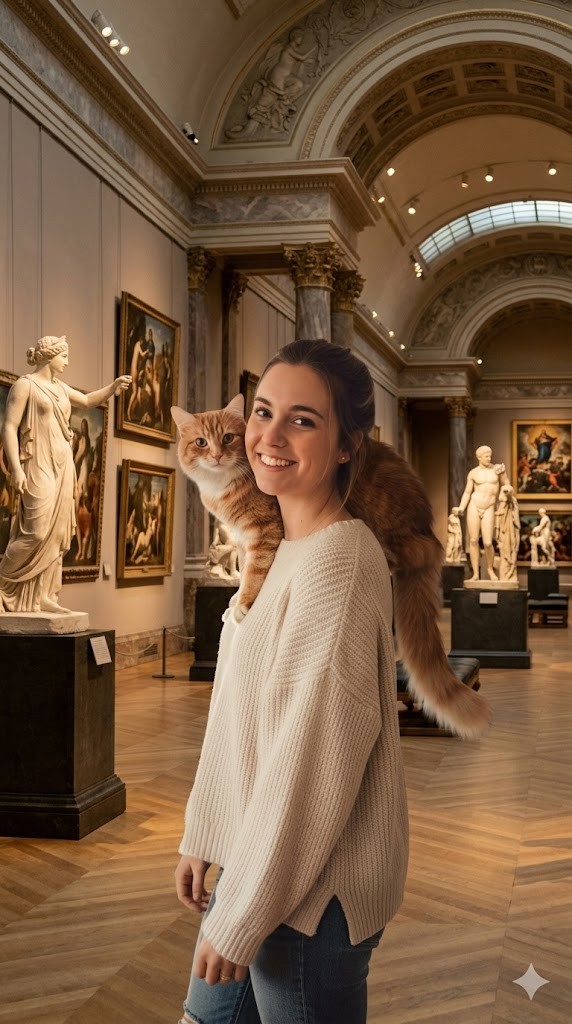
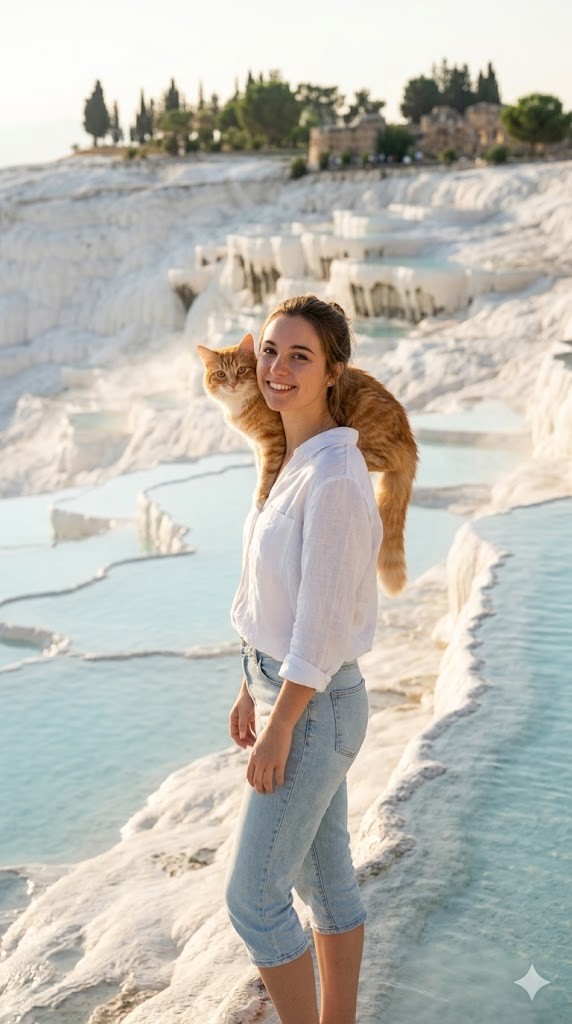
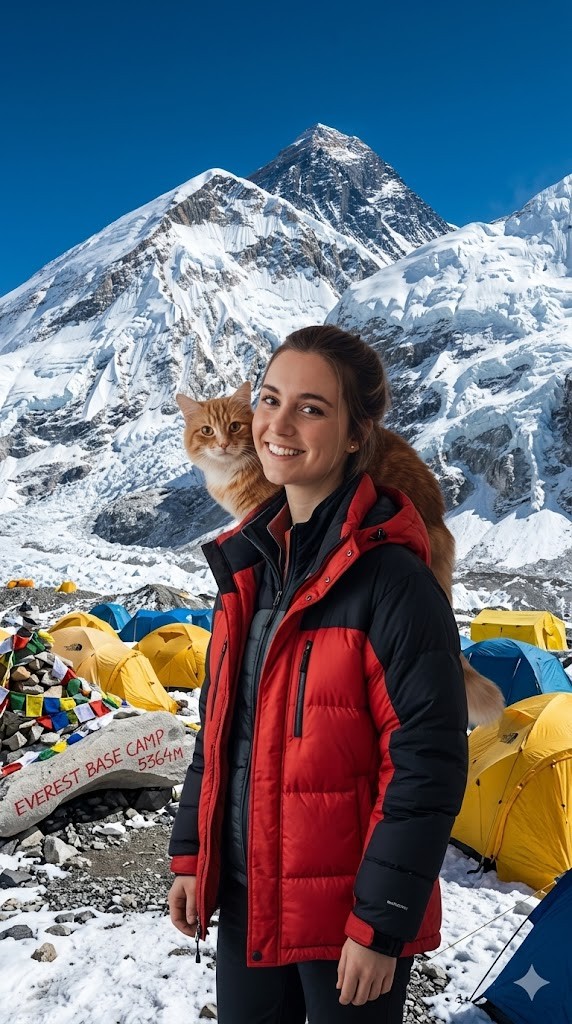
I have attached an image of myself. No public figures on the image. Please follow these steps:

Step 1: Analyze the visual environment of {{Destination:[tourist_destinations]}}, noting its iconic landmarks, typical lighting conditions, and architectural style.

Step 2: Use the attached image and the description from Step 1 to modify the background and adjust the lighting so it matches the background. If the clothing of the subject is not appropriate for the environment (e.g. warm coat at the beach), adjust the clothes accordingly.
Generate  a new version of the image where the subject appears to be visiting {{Destination:[tourist_destinations]}} and chose the Aspect ratio: {{Aspect Ratios: [aspect_ratios]}} Make sure it blends well with the backgrond
[tourist_destinations]
[aspect_ratios]
I have attached an image of myself. No public figures on the image. Please follow these steps:

Step 1: Analyze the visual environment of [tourist_destinations], noting its iconic landmarks, typical lighting conditions, and architectural style.

Step 2: Use the attached image and the description from Step 1 to modify the background and adjust the lighting so it matches the background. If the clothing of the subject is not appropriate for the environment (e.g. warm coat at the beach), adjust the clothes accordingly.
Generate  a new version of the image where the subject appears to be visiting [tourist_destinations] and chose the Aspect ratio: [aspect_ratios] Make sure it blends well with the backgrond
Le variabili sono racchiuse tra {{ e }} e seguono questo schema:
Una selezione può fare riferimento a un elenco di variabili predefinito usando le parentesi quadre. Appaiono in [arancione] e forniscono valori di uso comune come colori, toni o lingue.
Puoi anche fornire un elenco di scelte in linea, separate da virgole.
Suggerimento: non hai bisogno dell'app PUCO per usare questi prompt! Copia semplicemente il modello e sostituisci ogni sezione {{…}} con il tuo testo direttamente in ChatGPT, Claude, Gemini o qualsiasi altro assistente IA.