Idéal pour
- Partir d'un prompt structuré et réutilisable plutôt que d'une conversation vierge.
- Adapter le prompt à vos propres données tout en conservant l'intention d'origine.
- Les workflows liés à Design & Art.

Génère des affiches infographiques professionnelles au style éditorial avec des titres, styles et palettes de couleurs personnalisables.
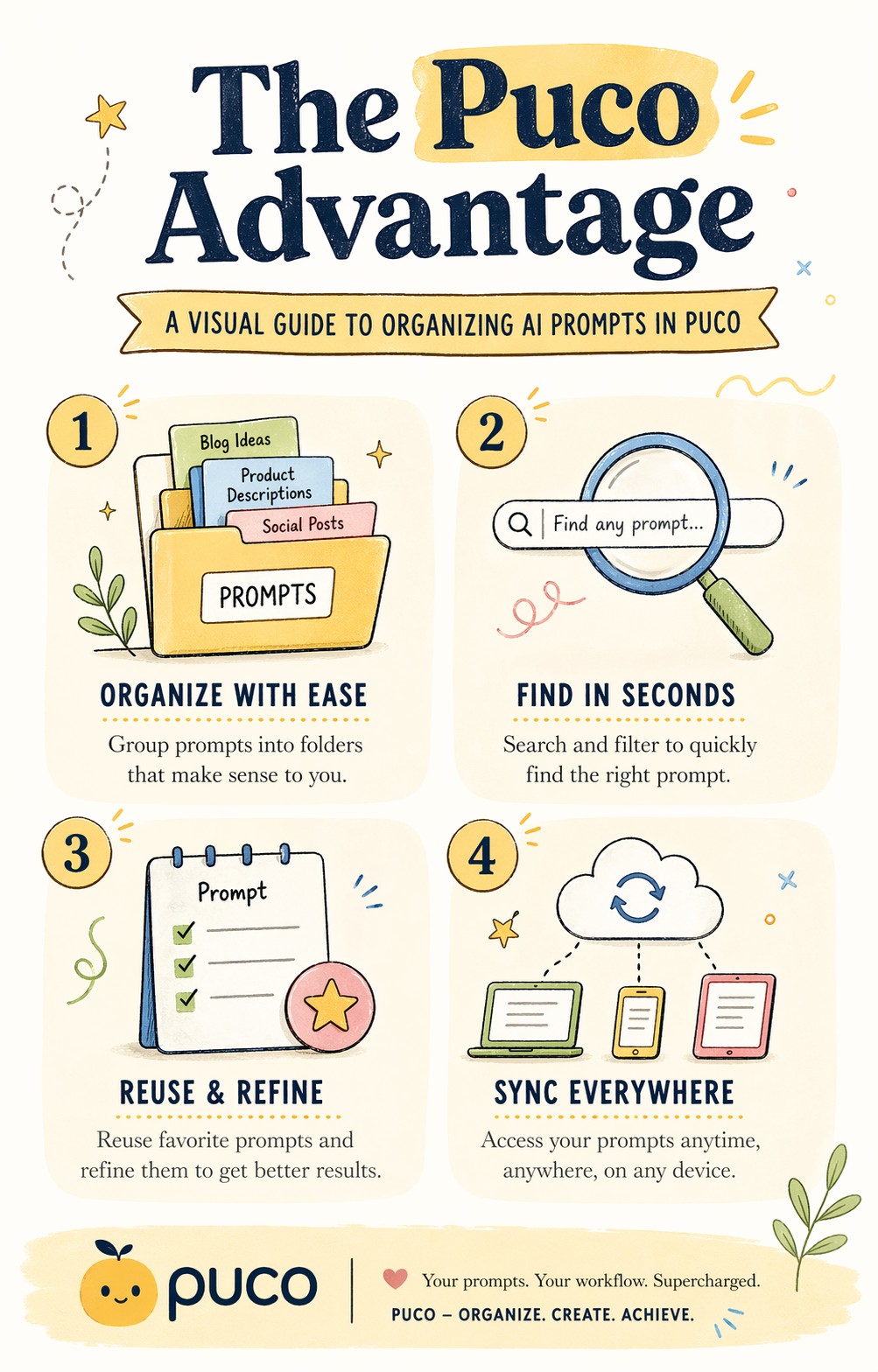
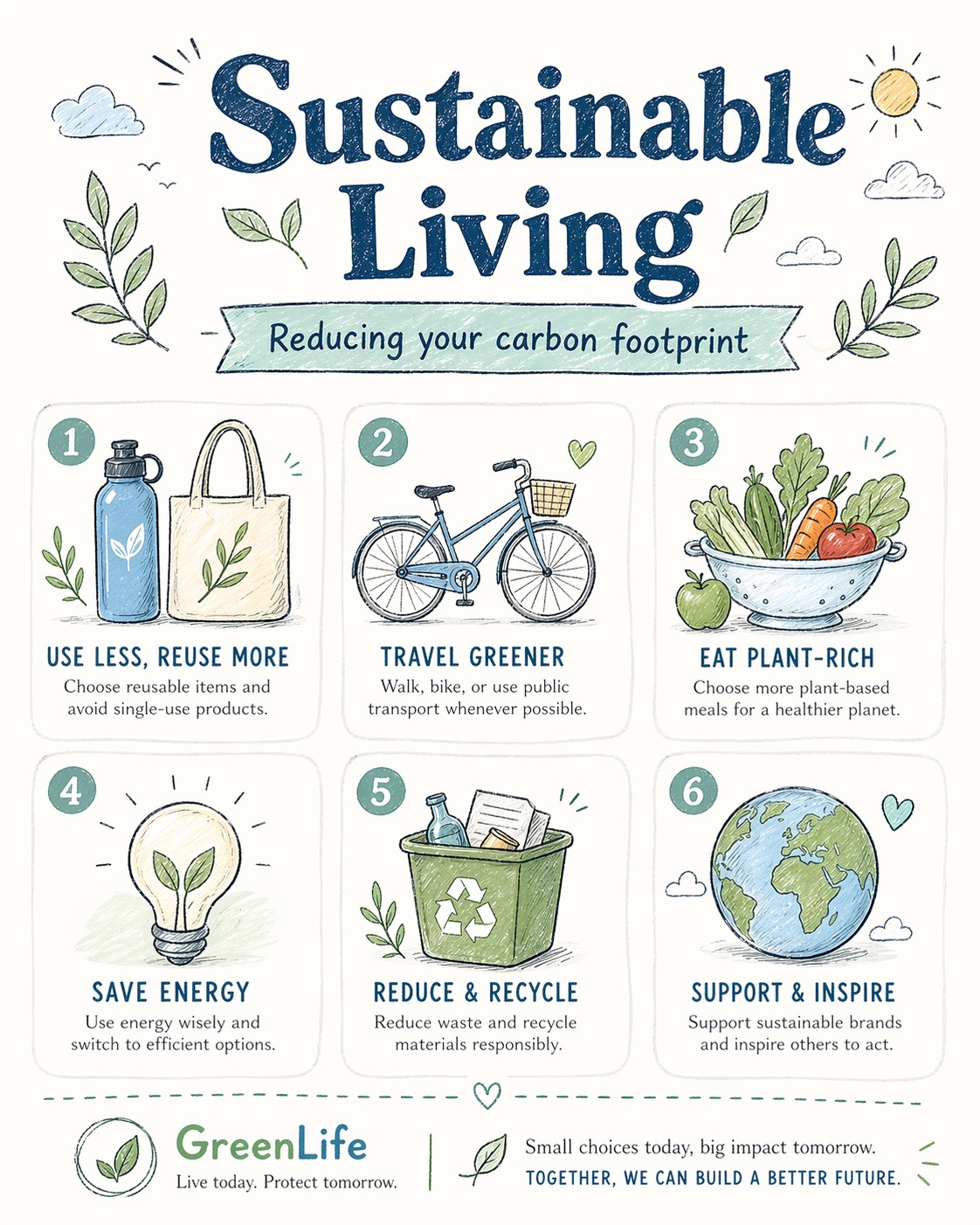
A bright, illustrated infographic poster titled "{{Headline: The Puco Workflow, Future of AI, Mastering Prompts, Digital Nomad Life, Sustainable Living, Tech Trends 2024, Productivity Hacks, Creative Mindset, Healthy Habits, Coding Best Practices}}". Sub headline: {{Sub headline: A guide to prompt engineering, How to scale your business, The evolution of neural networks, Tips for remote workers, Reducing your carbon footprint, Top gadgets this year, Time management techniques, Unlocking your potential, Meal prep for beginners, Debugging like a pro}}. Style: {{Style: Editorial Flat Design, Bauhaus Geometric, Retro Vaporwave, Minimalist Line Art, Corporate Memphis, Hand-Drawn Sketch, Cyberpunk Vector, Swiss Modernism}} — hand-drawn icons, playful but professional, similar to a Behance-award-winning social graphic. Color palette: {{Color Palette: Warm Pastels, Earthy Tones, Neon Cyber, Monochrome Blue, Sunset Gradient, Forest Green & Gold, Nordic Cool, Vibrant Pop Art}} on an off-white background. Layout: {{Section Count:4}} sections, each with a small icon and 2-line label. Title at top in bold playful serif. Footer with subtle branding area. Typography: mix of rounded sans-serif (headers) and light serif (body). All text clearly readable. Aspect ratio: {{Aspect Ratio: 4:5, 1:1, 16:9, 9:16}}. Negative constraints: no photorealism, no dark tones, no clipart, no blurry text, no stock-illustration generic look.
The Puco Workflow, Future of AI, Mastering Prompts, Digital Nomad Life, Sustainable Living, Tech Trends 2024, Productivity Hacks, Creative Mindset
A guide to prompt engineering, How to scale your business, The evolution of neural networks, Tips for remote workers, Reducing your carbon footprint, Top gadgets this year, Time management techniques, Unlocking your potential
Editorial Flat Design, Bauhaus Geometric, Retro Vaporwave, Minimalist Line Art, Corporate Memphis, Hand-Drawn Sketch, Cyberpunk Vector, Swiss Modernism
Warm Pastels, Earthy Tones, Neon Cyber, Monochrome Blue, Sunset Gradient, Forest Green & Gold, Nordic Cool, Vibrant Pop Art
4
4:5, 1:1, 16:9, 9:16
A bright, illustrated infographic poster titled "The Puco Workflow". Sub headline: A guide to prompt engineering. Style: Editorial Flat Design — hand-drawn icons, playful but professional, similar to a Behance-award-winning social graphic. Color palette: Warm Pastels on an off-white background. Layout: 4 sections, each with a small icon and 2-line label. Title at top in bold playful serif. Footer with subtle branding area. Typography: mix of rounded sans-serif (headers) and light serif (body). All text clearly readable. Aspect ratio: 4:5. Negative constraints: no photorealism, no dark tones, no clipart, no blurry text, no stock-illustration generic look.
Les variables sont entourées de {{ et }} et suivent ce modèle :
Une sélection peut référencer une liste de variables prédéfinie à l'aide de crochets. Elles apparaissent en [orange] et fournissent des valeurs courantes comme des couleurs, des tons ou des langues.
Vous pouvez aussi fournir une liste de choix en ligne, séparés par des virgules.
Astuce : vous n'avez pas besoin de l'application PUCO pour utiliser ces prompts ! Copiez simplement le modèle et remplacez chaque section {{…}} par votre propre texte directement dans ChatGPT, Claude, Gemini ou tout autre assistant IA.