Ideale per
- Partire da un prompt strutturato e riutilizzabile invece di una chat vuota.
- Adattare il prompt ai propri input mantenendo intatto l'intento originale.
- Flussi di lavoro legati a Design & Art.

Genera poster infografici professionali in stile editoriale con titoli, stili e combinazioni di colori personalizzabili.
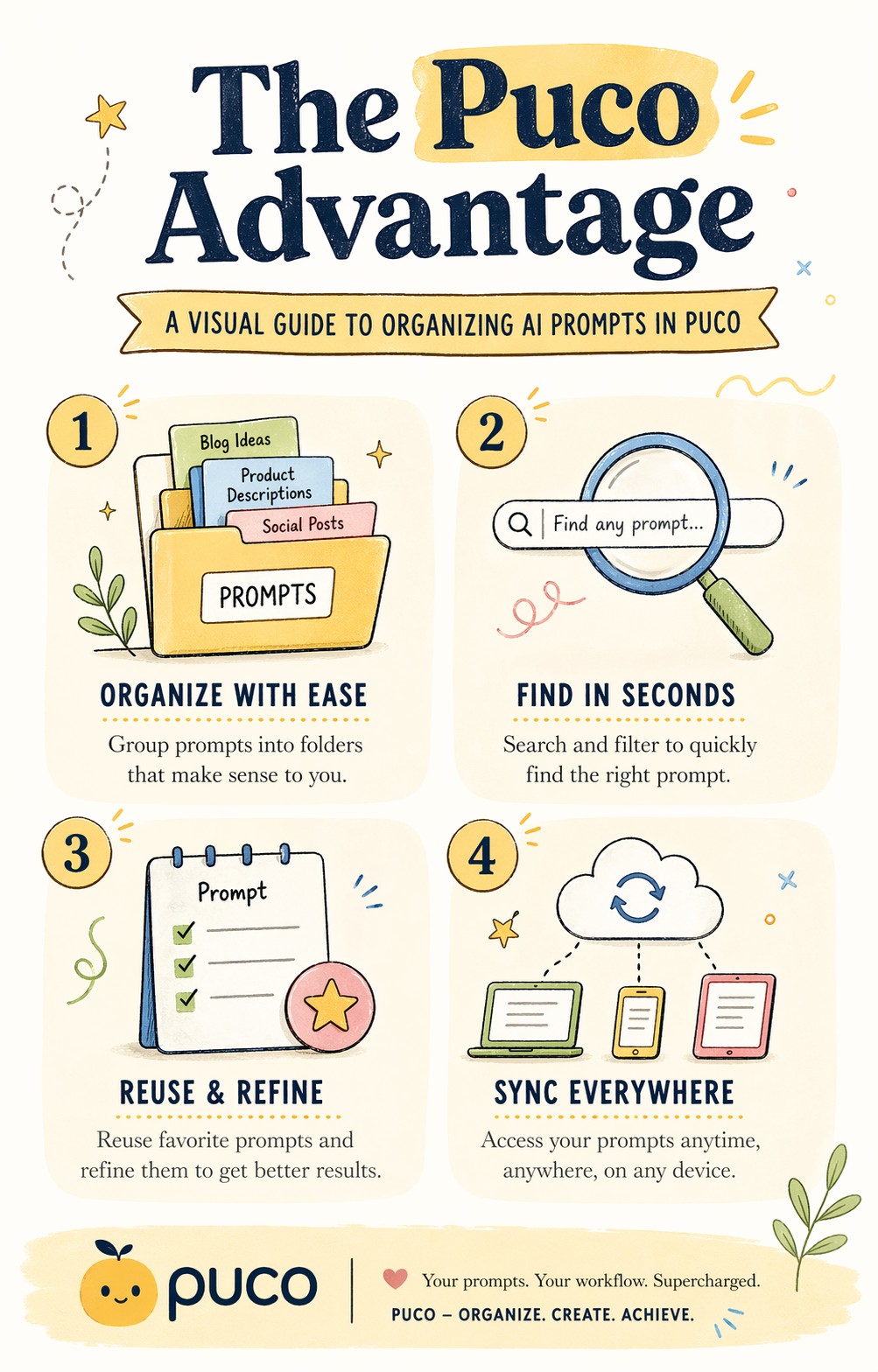
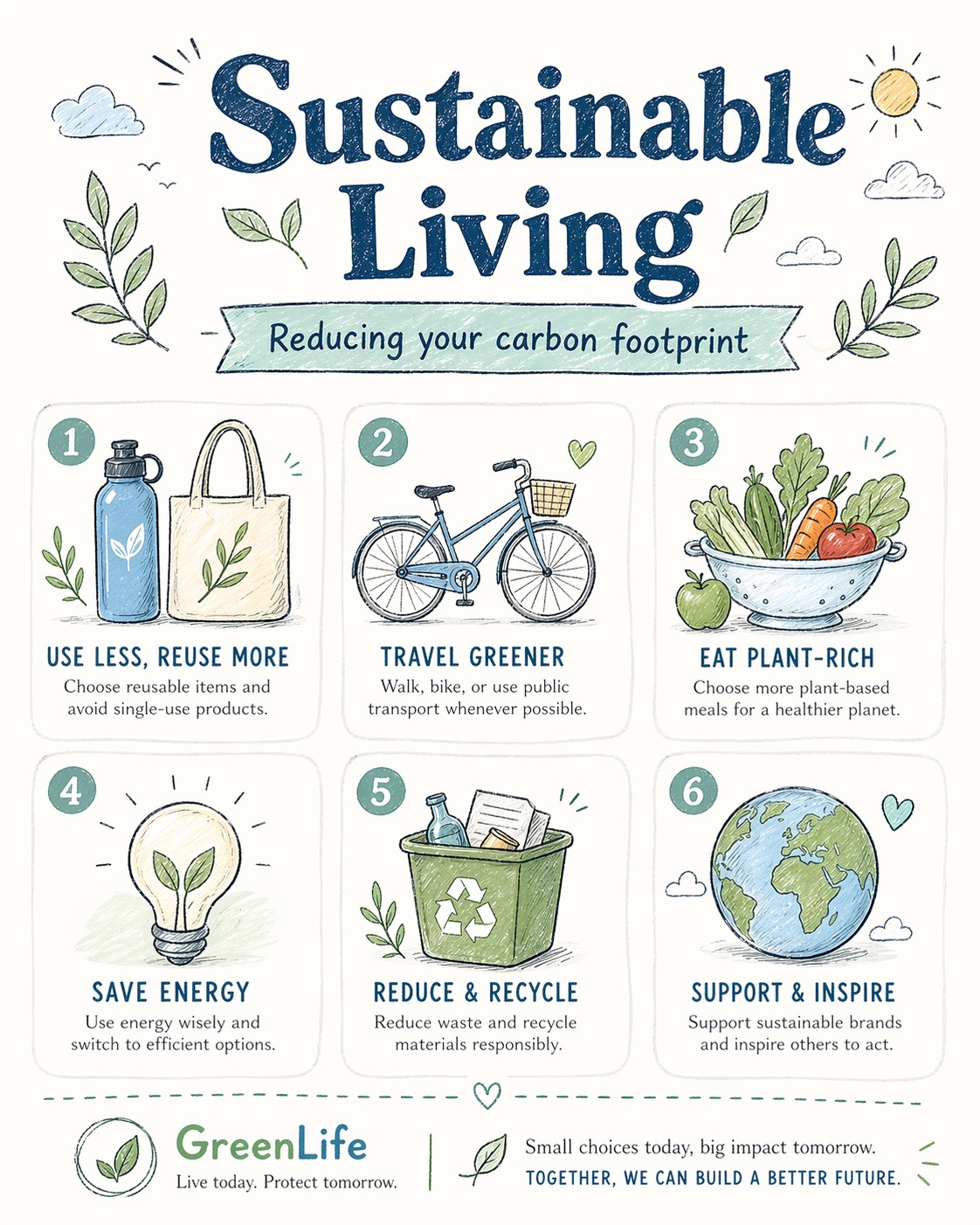
A bright, illustrated infographic poster titled "{{Headline: The Puco Workflow, Future of AI, Mastering Prompts, Digital Nomad Life, Sustainable Living, Tech Trends 2024, Productivity Hacks, Creative Mindset, Healthy Habits, Coding Best Practices}}". Sub headline: {{Sub headline: A guide to prompt engineering, How to scale your business, The evolution of neural networks, Tips for remote workers, Reducing your carbon footprint, Top gadgets this year, Time management techniques, Unlocking your potential, Meal prep for beginners, Debugging like a pro}}. Style: {{Style: Editorial Flat Design, Bauhaus Geometric, Retro Vaporwave, Minimalist Line Art, Corporate Memphis, Hand-Drawn Sketch, Cyberpunk Vector, Swiss Modernism}} — hand-drawn icons, playful but professional, similar to a Behance-award-winning social graphic. Color palette: {{Color Palette: Warm Pastels, Earthy Tones, Neon Cyber, Monochrome Blue, Sunset Gradient, Forest Green & Gold, Nordic Cool, Vibrant Pop Art}} on an off-white background. Layout: {{Section Count:4}} sections, each with a small icon and 2-line label. Title at top in bold playful serif. Footer with subtle branding area. Typography: mix of rounded sans-serif (headers) and light serif (body). All text clearly readable. Aspect ratio: {{Aspect Ratio: 4:5, 1:1, 16:9, 9:16}}. Negative constraints: no photorealism, no dark tones, no clipart, no blurry text, no stock-illustration generic look.
The Puco Workflow, Future of AI, Mastering Prompts, Digital Nomad Life, Sustainable Living, Tech Trends 2024, Productivity Hacks, Creative Mindset
A guide to prompt engineering, How to scale your business, The evolution of neural networks, Tips for remote workers, Reducing your carbon footprint, Top gadgets this year, Time management techniques, Unlocking your potential
Editorial Flat Design, Bauhaus Geometric, Retro Vaporwave, Minimalist Line Art, Corporate Memphis, Hand-Drawn Sketch, Cyberpunk Vector, Swiss Modernism
Warm Pastels, Earthy Tones, Neon Cyber, Monochrome Blue, Sunset Gradient, Forest Green & Gold, Nordic Cool, Vibrant Pop Art
4
4:5, 1:1, 16:9, 9:16
A bright, illustrated infographic poster titled "The Puco Workflow". Sub headline: A guide to prompt engineering. Style: Editorial Flat Design — hand-drawn icons, playful but professional, similar to a Behance-award-winning social graphic. Color palette: Warm Pastels on an off-white background. Layout: 4 sections, each with a small icon and 2-line label. Title at top in bold playful serif. Footer with subtle branding area. Typography: mix of rounded sans-serif (headers) and light serif (body). All text clearly readable. Aspect ratio: 4:5. Negative constraints: no photorealism, no dark tones, no clipart, no blurry text, no stock-illustration generic look.
Le variabili sono racchiuse tra {{ e }} e seguono questo schema:
Una selezione può fare riferimento a un elenco di variabili predefinito usando le parentesi quadre. Appaiono in [arancione] e forniscono valori di uso comune come colori, toni o lingue.
Puoi anche fornire un elenco di scelte in linea, separate da virgole.
Suggerimento: non hai bisogno dell'app PUCO per usare questi prompt! Copia semplicemente il modello e sostituisci ogni sezione {{…}} con il tuo testo direttamente in ChatGPT, Claude, Gemini o qualsiasi altro assistente IA.