Idéal pour
- Partir d'un prompt structuré et réutilisable plutôt que d'une conversation vierge.
- Adapter le prompt à vos propres données tout en conservant l'intention d'origine.
- Les workflows liés à Software Development, Design & Art.

Génère des icônes d’app photoréalistes selon le langage de design macOS d’Apple, avec des matériaux 3D riches et des ombres subtiles.
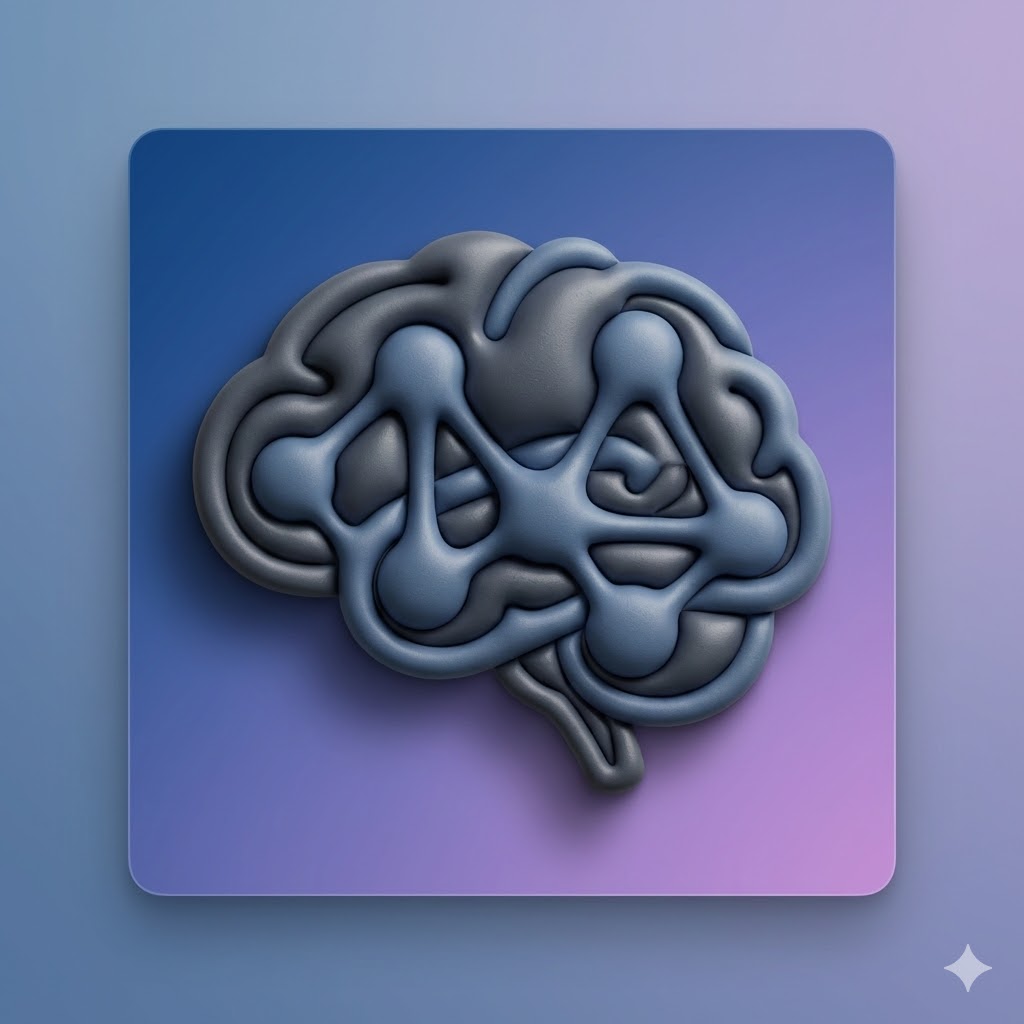

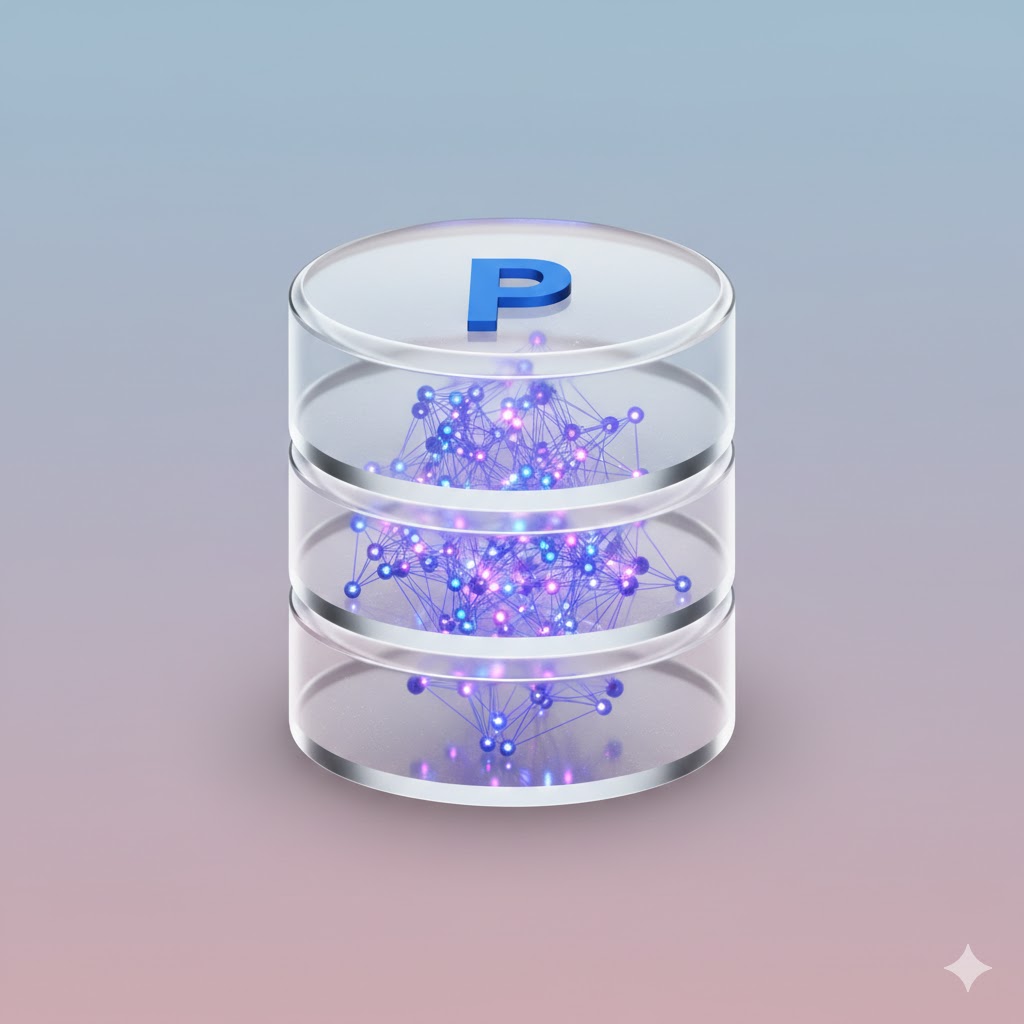
Act as an expert AI image generator. Generate a photorealistic macOS app icon based on these user inputs:

App Concept/Name: {{App Concept: e.g. A Mac App for Prompt Management}}
Central Object: {{Central Object: e.g. a brain}}
Primary Material Texture: {{Material:Matte Plastic, Glass, Brushed Metal, Fine Paper, Ceramic}}
Background Color/Style: {{Background:Subtle Gradient}}

Stylistic constraints: Follows Apple's macOS Human Interface Guidelines. Highly detailed 3D render with rich, tactile materials. Soft, realistic global lighting with a gentle drop shadow beneath the central object. The composition implies the characteristic squircle shape, but the final image is a 1024x1024 square with content drawn to the edges without rounded corners.
e.g. A Mac App for Prompt Management
e.g. a brain
Matte Plastic, Glass, Brushed Metal, Fine Paper, Ceramic
Subtle Gradient
Act as an expert AI image generator. Generate a photorealistic macOS app icon based on these user inputs:

App Concept/Name: e.g. A Mac App for Prompt Management
Central Object: e.g. a brain
Primary Material Texture: Matte Plastic
Background Color/Style: Subtle Gradient

Stylistic constraints: Follows Apple's macOS Human Interface Guidelines. Highly detailed 3D render with rich, tactile materials. Soft, realistic global lighting with a gentle drop shadow beneath the central object. The composition implies the characteristic squircle shape, but the final image is a 1024x1024 square with content drawn to the edges without rounded corners.
Les variables sont entourées de {{ et }} et suivent ce modèle :
Une sélection peut référencer une liste de variables prédéfinie à l'aide de crochets. Elles apparaissent en [orange] et fournissent des valeurs courantes comme des couleurs, des tons ou des langues.
Vous pouvez aussi fournir une liste de choix en ligne, séparés par des virgules.
Astuce : vous n'avez pas besoin de l'application PUCO pour utiliser ces prompts ! Copiez simplement le modèle et remplacez chaque section {{…}} par votre propre texte directement dans ChatGPT, Claude, Gemini ou tout autre assistant IA.