
Ideal para
- Empezar desde un prompt estructurado y reutilizable en lugar de un chat en blanco.
- Adaptar el prompt a tus propios datos manteniendo intacta la intención original.
- Flujos de trabajo relacionados con Creative & Visuals.
Redibuja una imagen adjunta con una estética de MS Paint deliberadamente cutre, torpe y llena de garabatos.
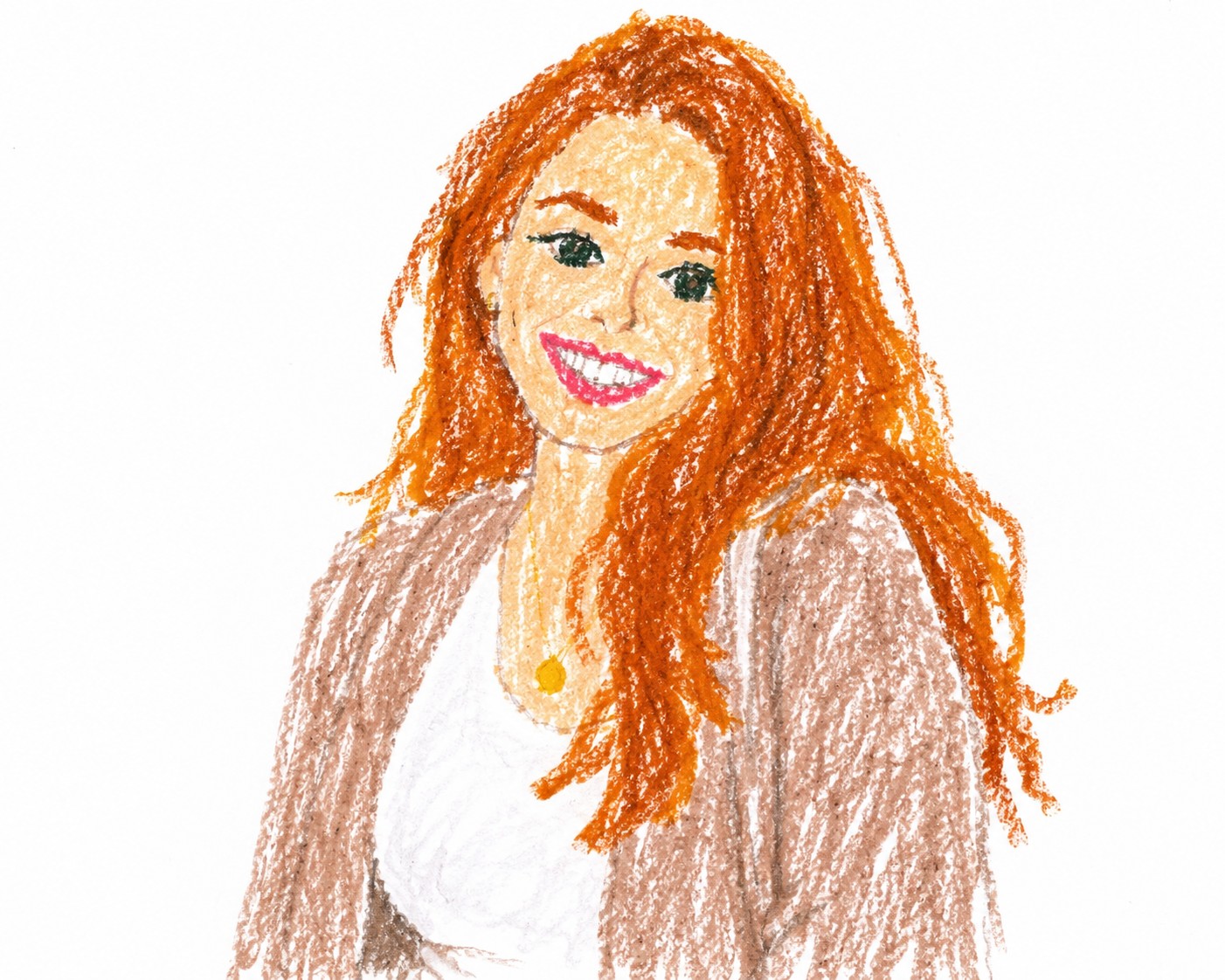
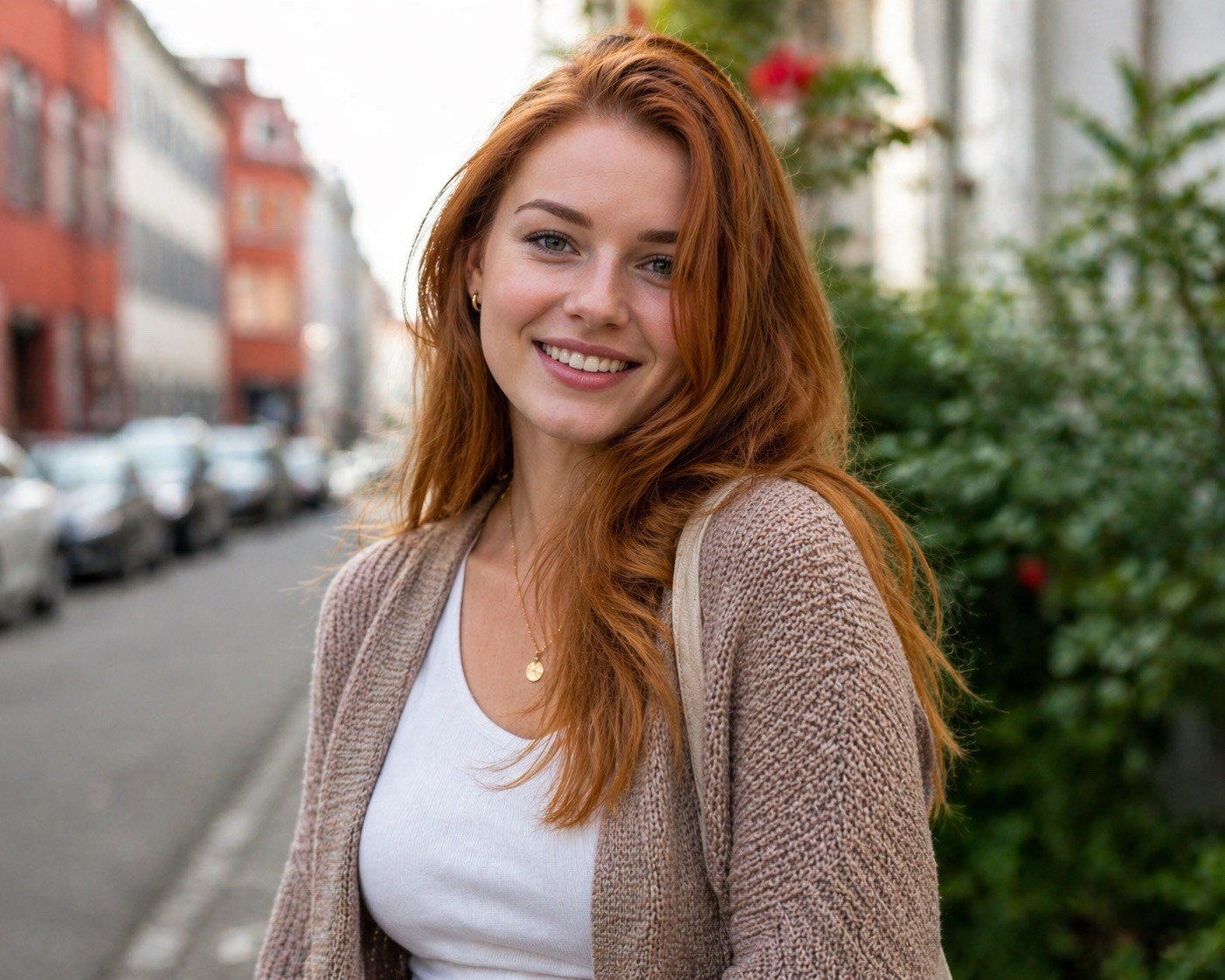
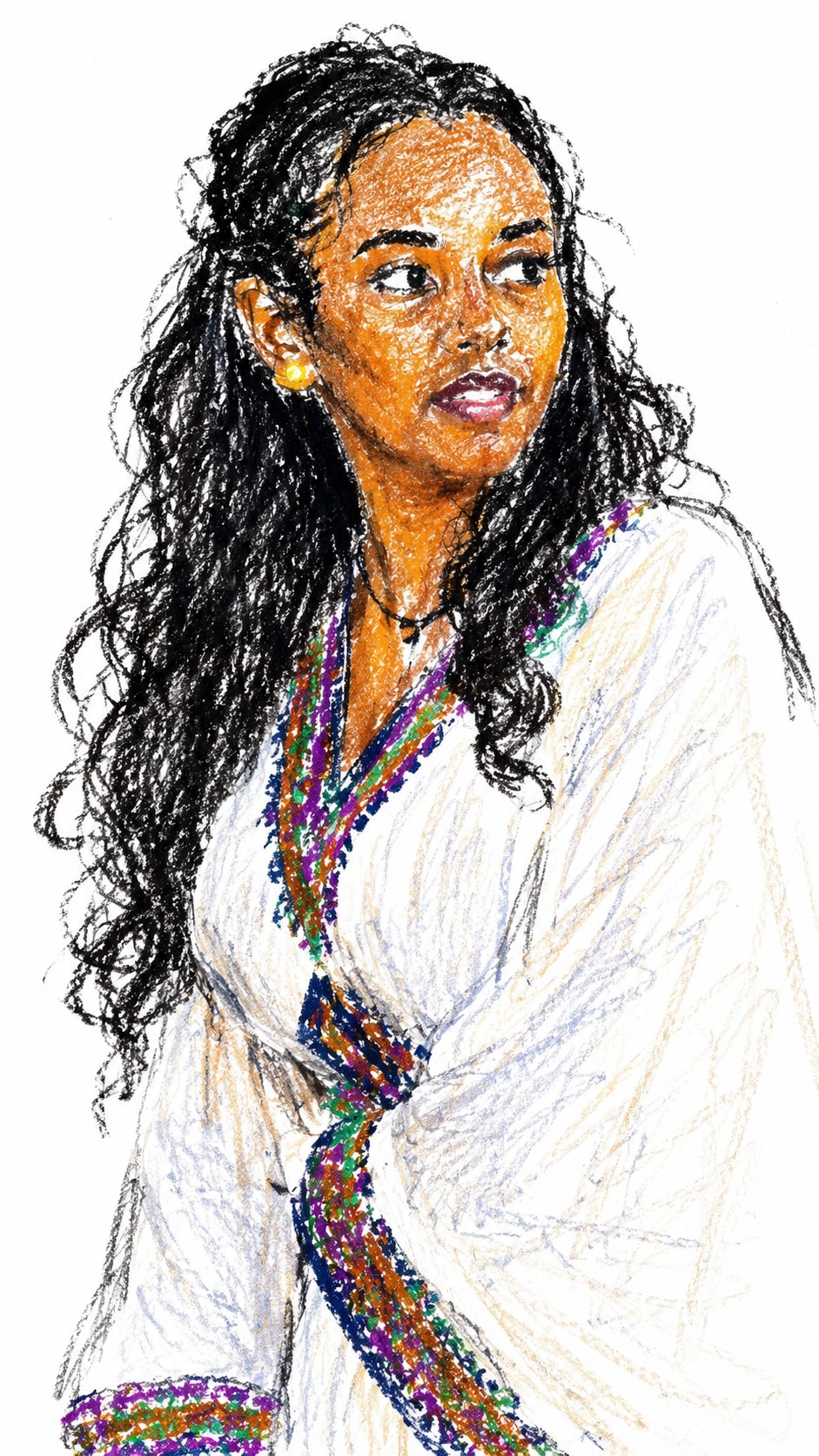
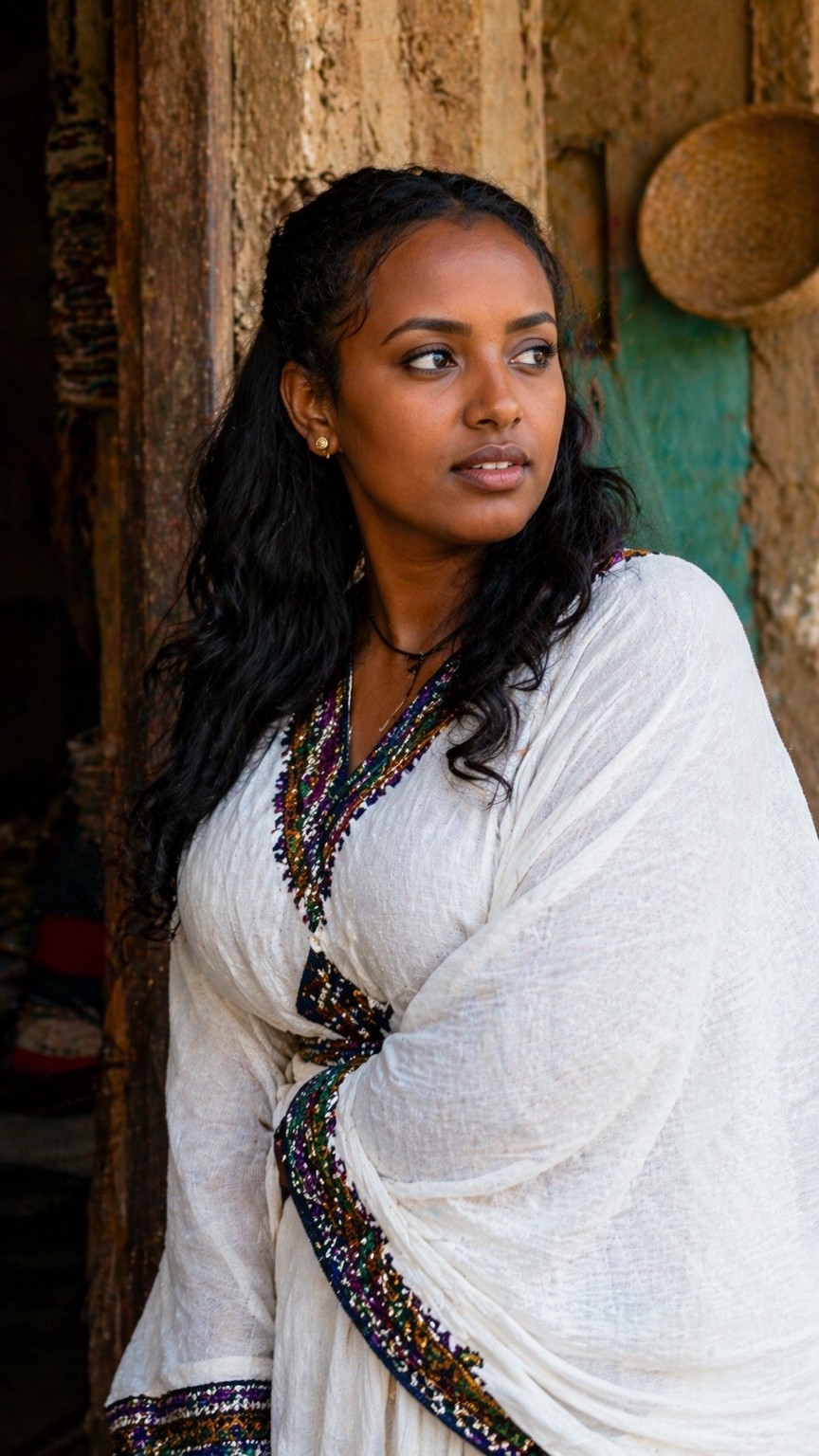
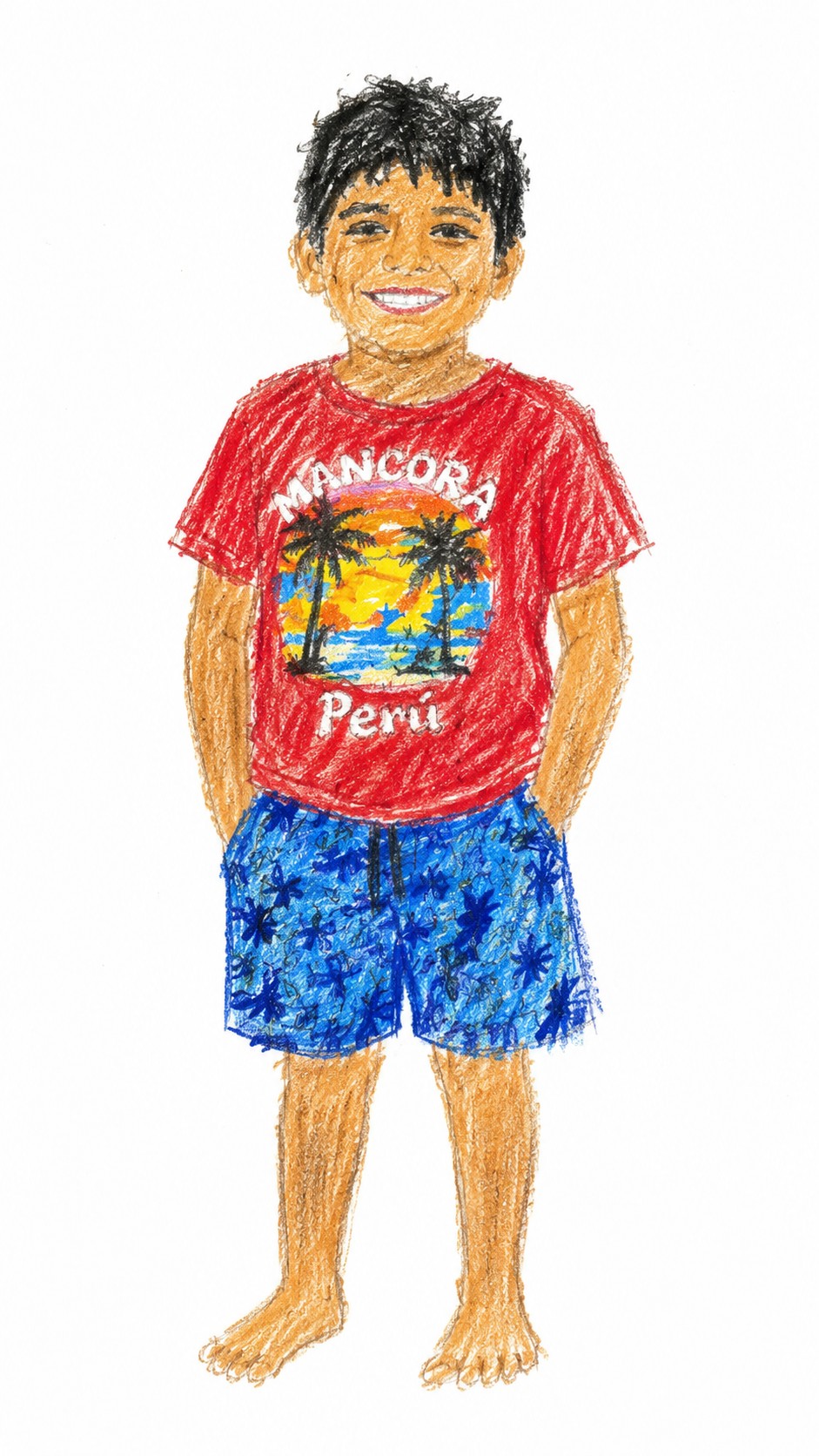
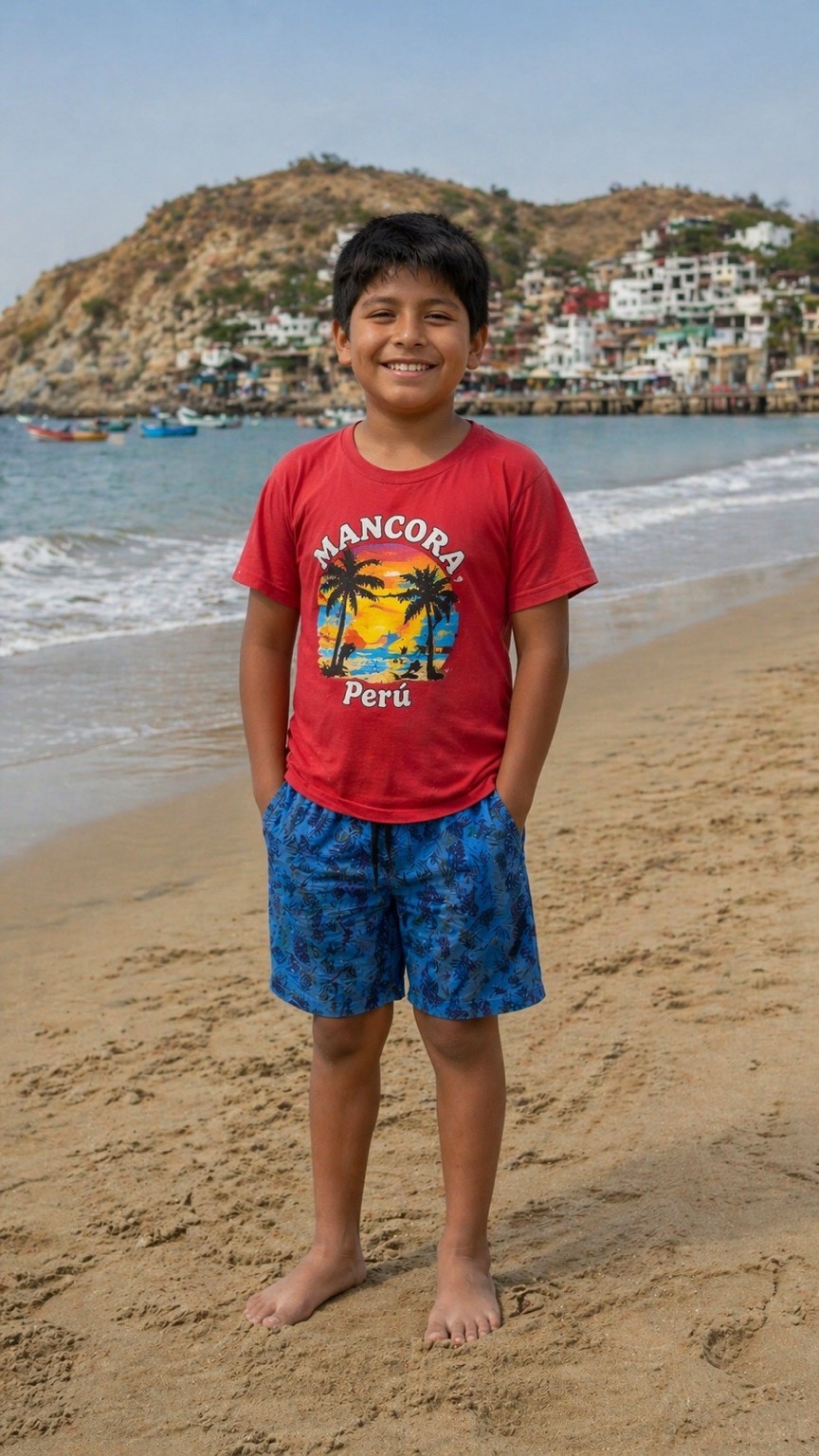
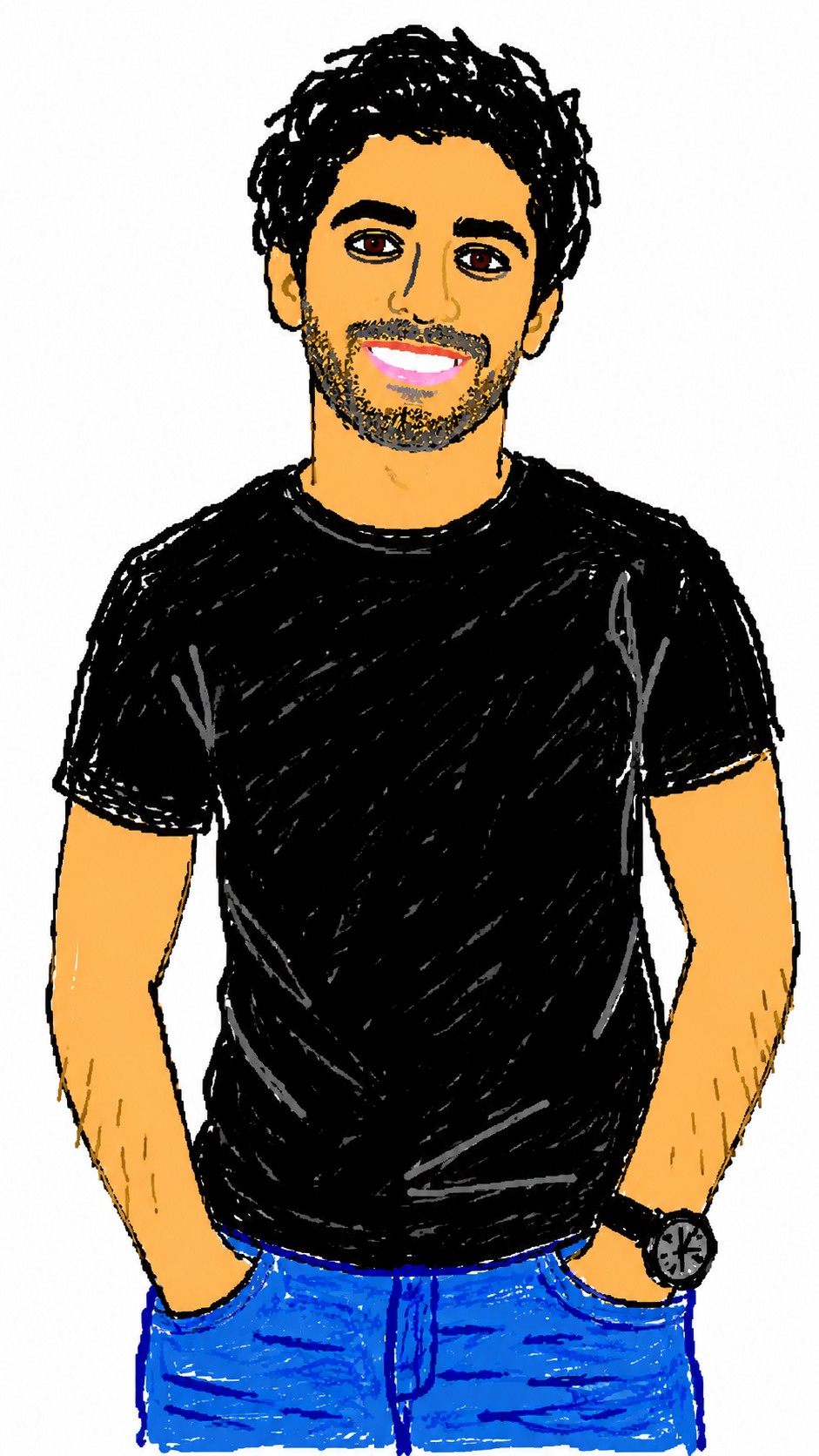

Redraw the attached image in a {{Style: clumsy and scribbly, utterly pathetic, chaotic and messy}} way. Use a {{Background Color: white, black, transparent}} background and a {{Software Aesthetic: MS Paint, Kid Pix}} style. Ensure the reproduction is vaguely similar to the original but awkward and confusing to emphasize a low-quality, pixelated feel. Use an aspect ratio of {{Aspect Ratio: 1:1, 16:9, 4:3, 3:2, 9:16}}.
clumsy and scribbly, utterly pathetic, chaotic and messy
white, black, transparent
MS Paint, Kid Pix
1:1, 16:9, 4:3, 3:2, 9:16
Redraw the attached image in a clumsy and scribbly way. Use a white background and a MS Paint style. Ensure the reproduction is vaguely similar to the original but awkward and confusing to emphasize a low-quality, pixelated feel. Use an aspect ratio of 1:1.
Las variables van entre {{ y }} y siguen este patrón:
Una selección puede hacer referencia a una lista de variables predefinida usando corchetes. Aparecen en [naranja] y proporcionan valores de uso común como colores, tonos o idiomas.
También puedes proporcionar una lista de opciones en línea, separadas por comas.
Consejo: ¡no necesitas la app PUCO para usar estos prompts! Solo copia la plantilla y sustituye cada sección {{…}} por tu propio texto directamente en ChatGPT, Claude, Gemini o cualquier otro asistente de IA.