
Ideale per
- Partire da un prompt strutturato e riutilizzabile invece di una chat vuota.
- Adattare il prompt ai propri input mantenendo intatto l'intento originale.
- Flussi di lavoro legati a Creative & Visuals.
Ridisegna un’immagine allegata in un’estetica MS Paint volutamente di bassa qualità, goffa e scarabocchiata.
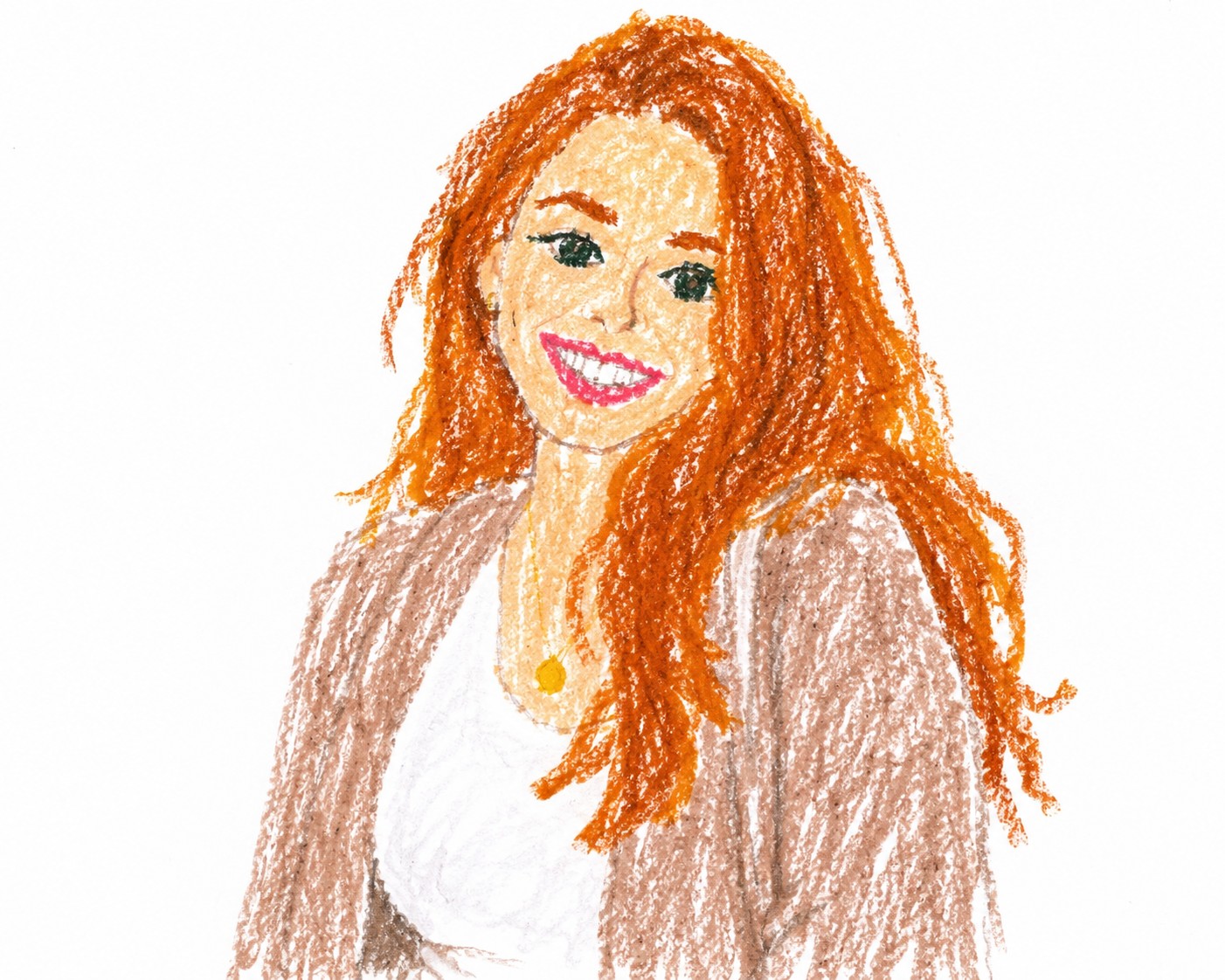
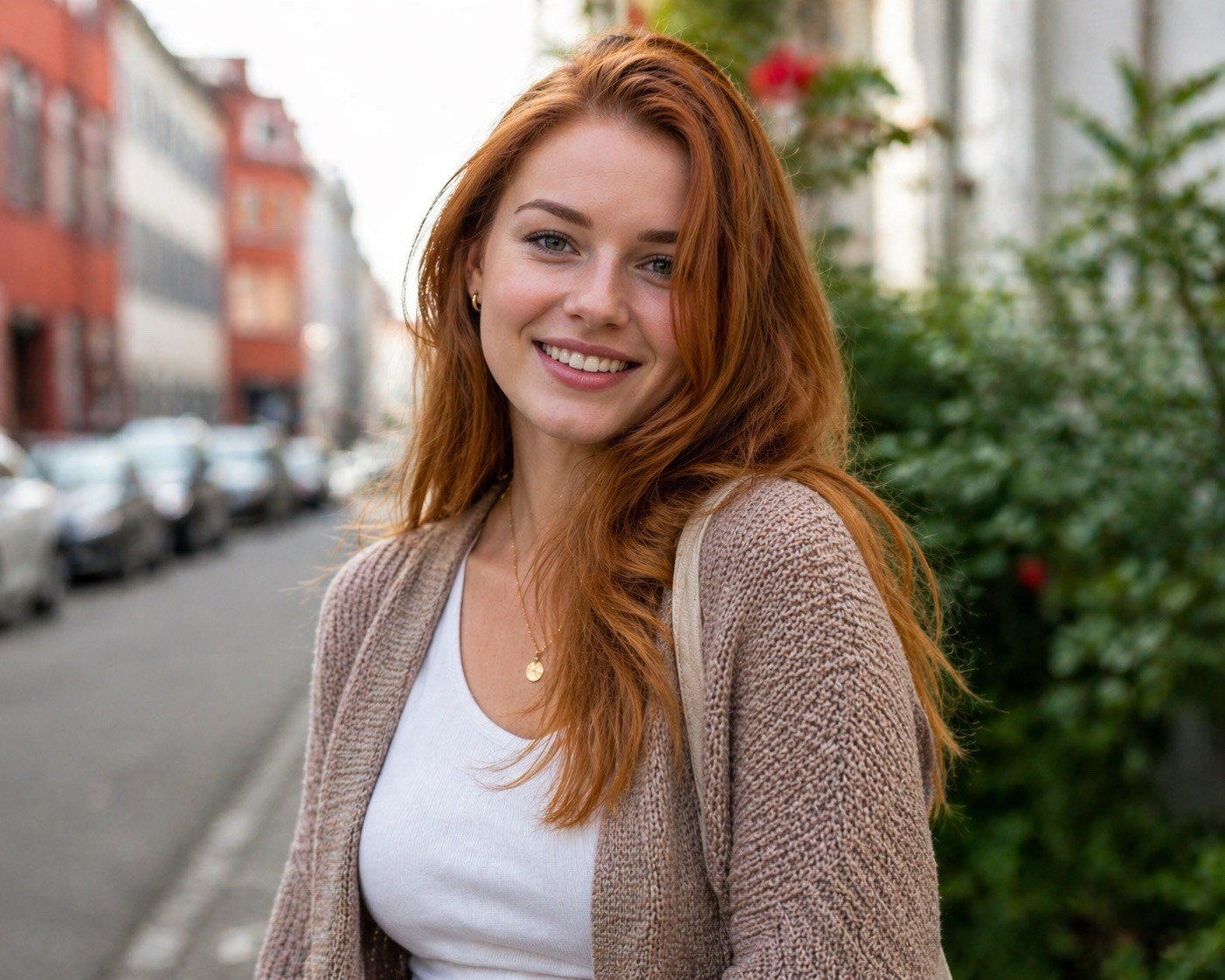
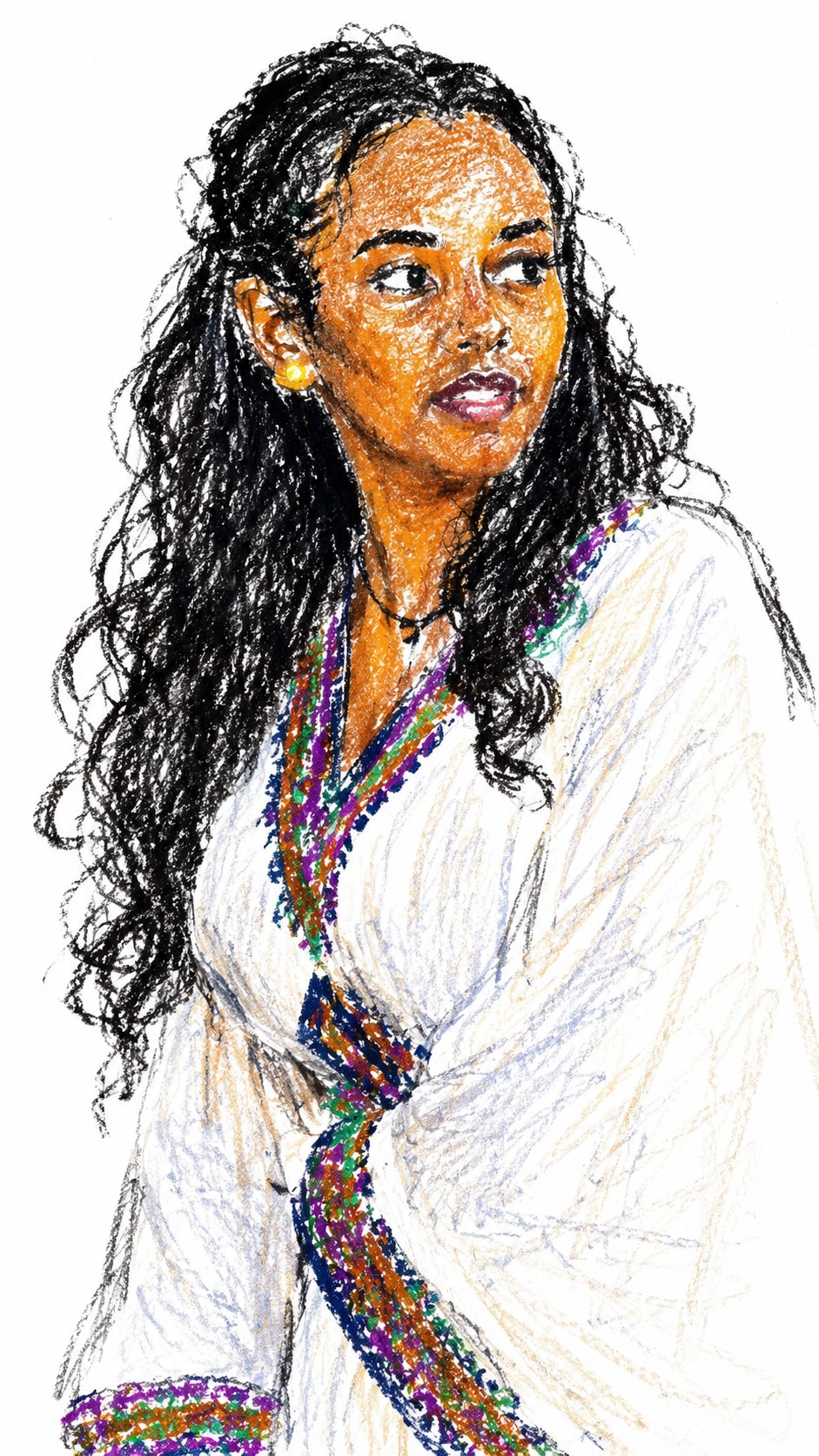
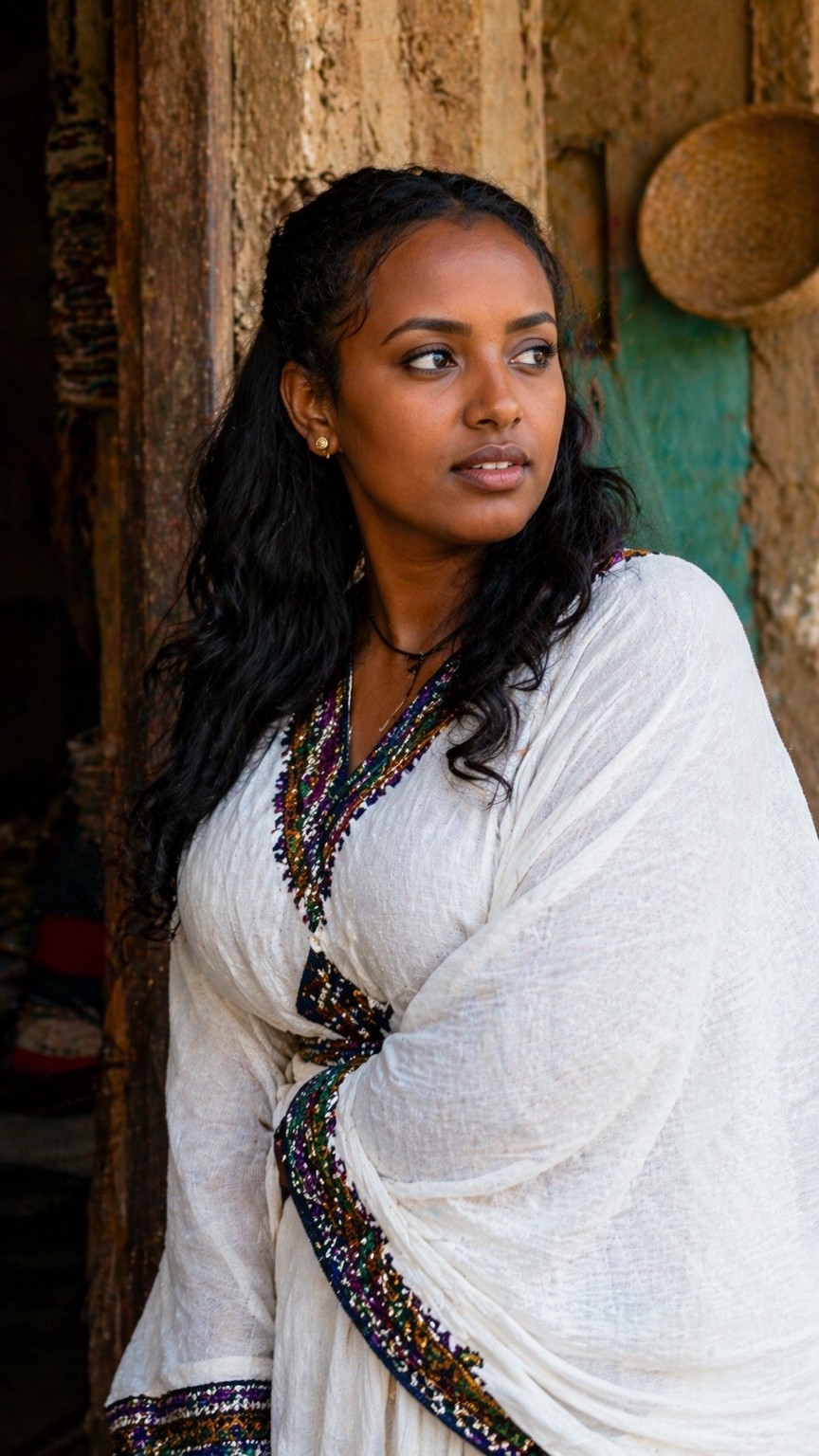
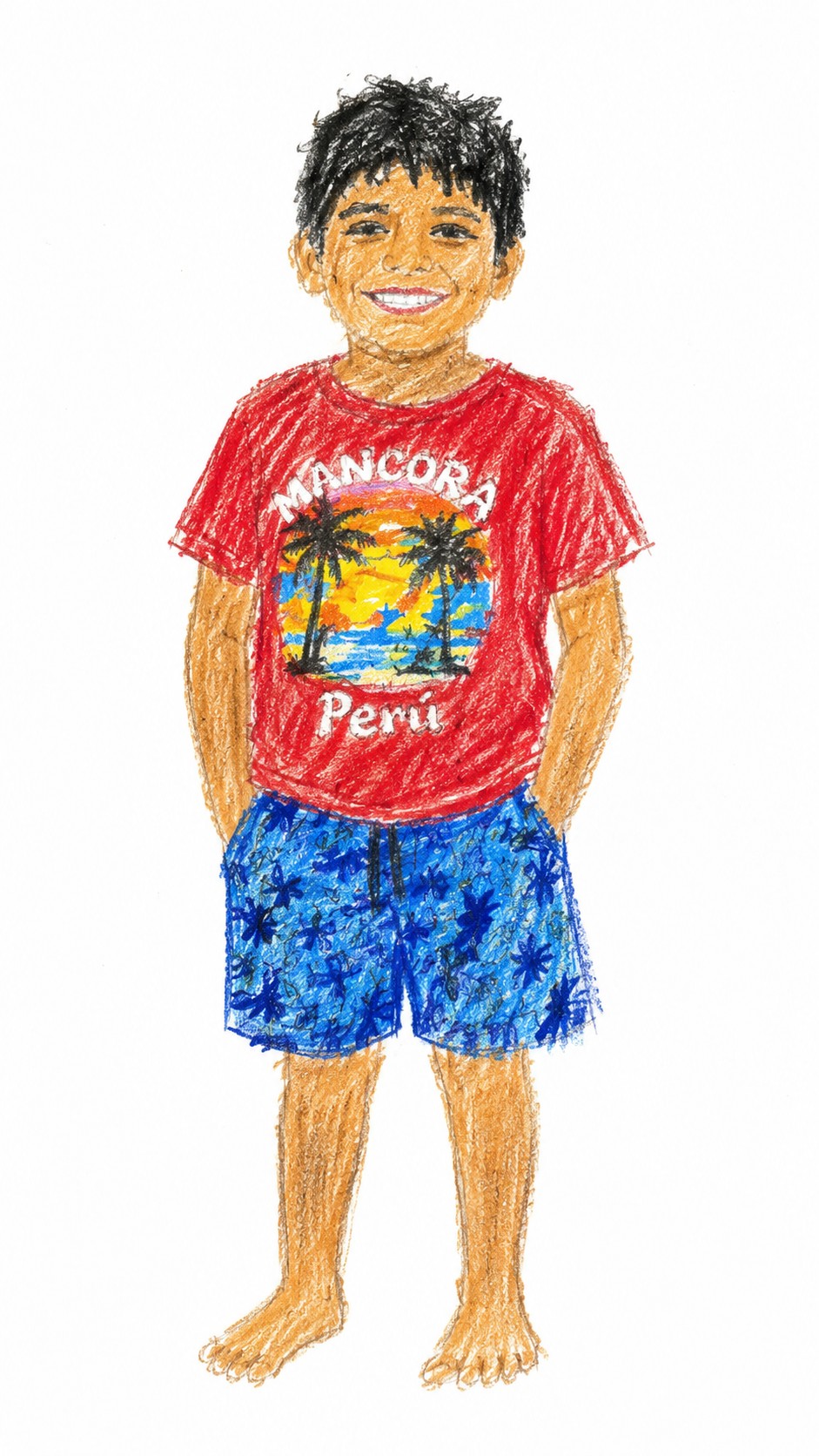

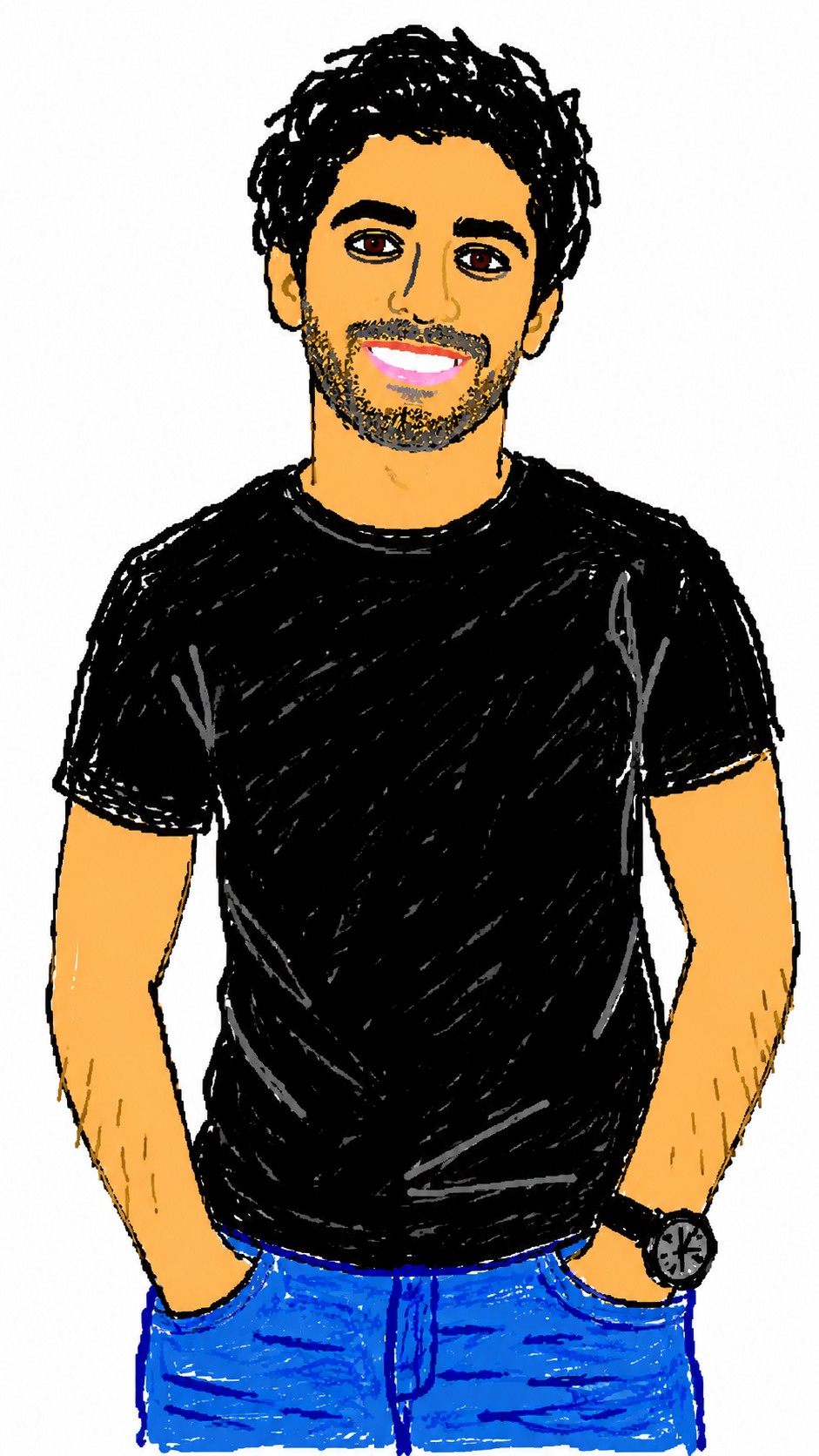

Redraw the attached image in a {{Style: clumsy and scribbly, utterly pathetic, chaotic and messy}} way. Use a {{Background Color: white, black, transparent}} background and a {{Software Aesthetic: MS Paint, Kid Pix}} style. Ensure the reproduction is vaguely similar to the original but awkward and confusing to emphasize a low-quality, pixelated feel. Use an aspect ratio of {{Aspect Ratio: 1:1, 16:9, 4:3, 3:2, 9:16}}.
clumsy and scribbly, utterly pathetic, chaotic and messy
white, black, transparent
MS Paint, Kid Pix
1:1, 16:9, 4:3, 3:2, 9:16
Redraw the attached image in a clumsy and scribbly way. Use a white background and a MS Paint style. Ensure the reproduction is vaguely similar to the original but awkward and confusing to emphasize a low-quality, pixelated feel. Use an aspect ratio of 1:1.
Le variabili sono racchiuse tra {{ e }} e seguono questo schema:
Una selezione può fare riferimento a un elenco di variabili predefinito usando le parentesi quadre. Appaiono in [arancione] e forniscono valori di uso comune come colori, toni o lingue.
Puoi anche fornire un elenco di scelte in linea, separate da virgole.
Suggerimento: non hai bisogno dell'app PUCO per usare questi prompt! Copia semplicemente il modello e sostituisci ogni sezione {{…}} con il tuo testo direttamente in ChatGPT, Claude, Gemini o qualsiasi altro assistente IA.