Ideal para
- Empezar desde un prompt estructurado y reutilizable en lugar de un chat en blanco.
- Adaptar el prompt a tus propios datos manteniendo intacta la intención original.
- Flujos de trabajo relacionados con Software Development, Design & Art.

Crea un render 3D fotorrealista de esculturas famosas, animales y objetos geométricos con distintas propiedades de material y efectos ópticos.
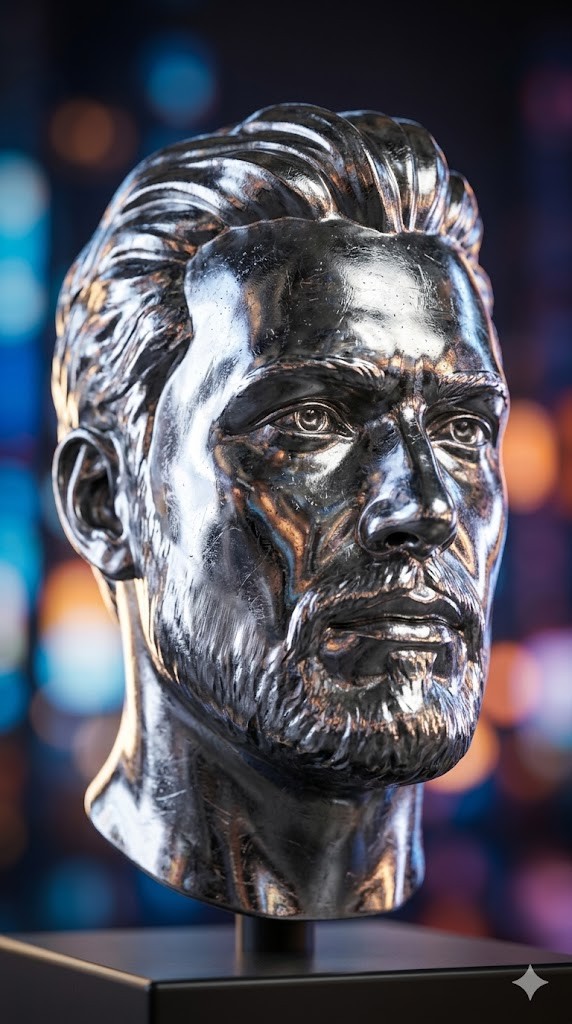
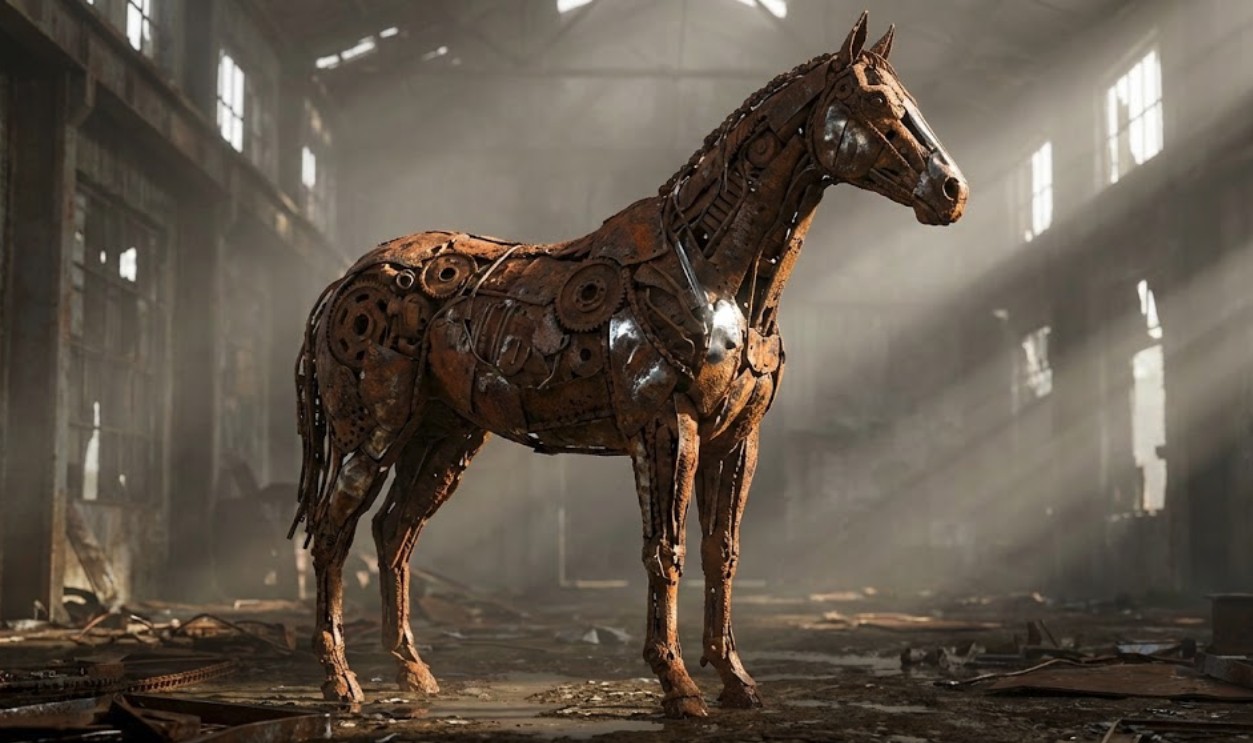
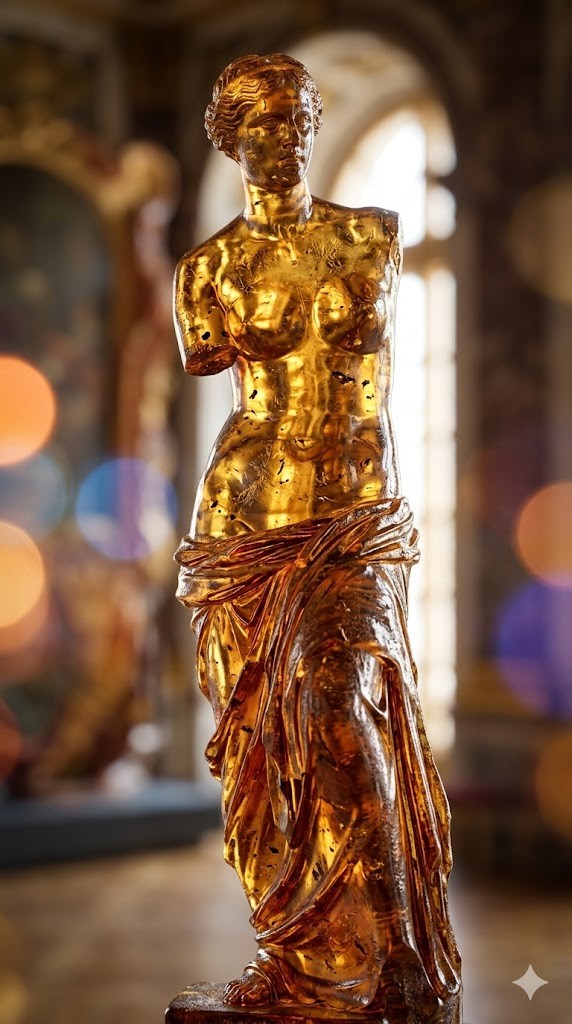
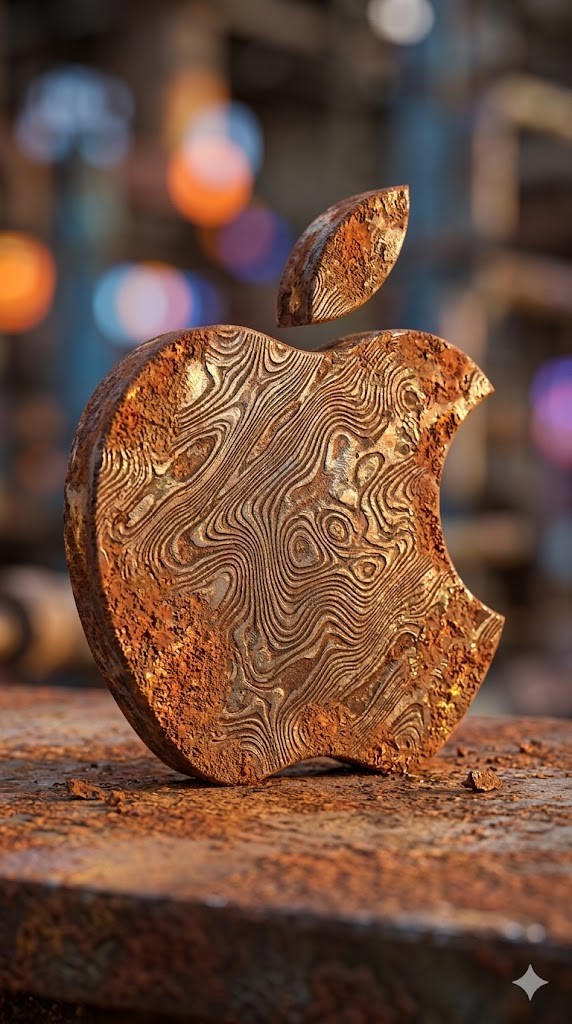
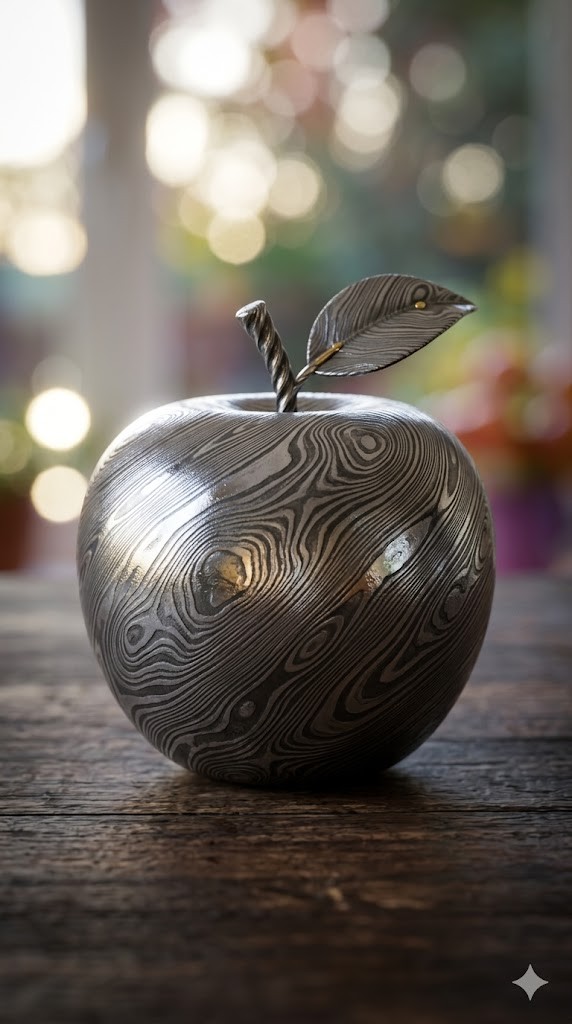

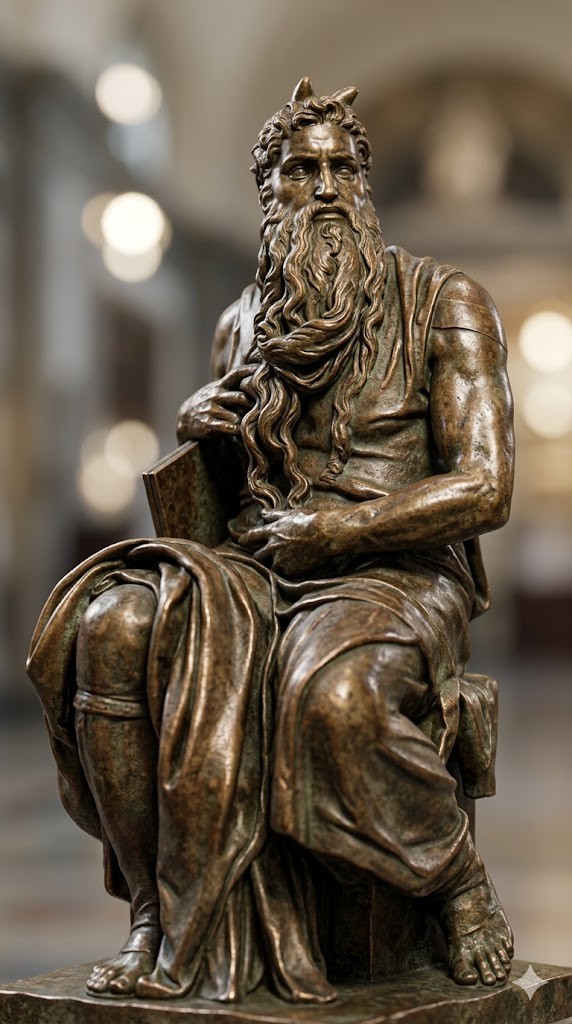
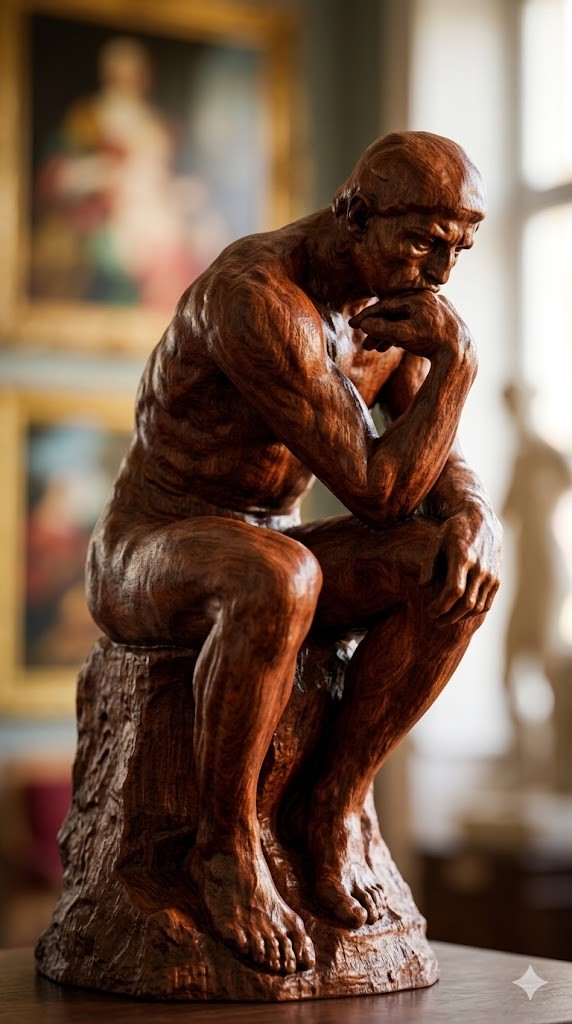
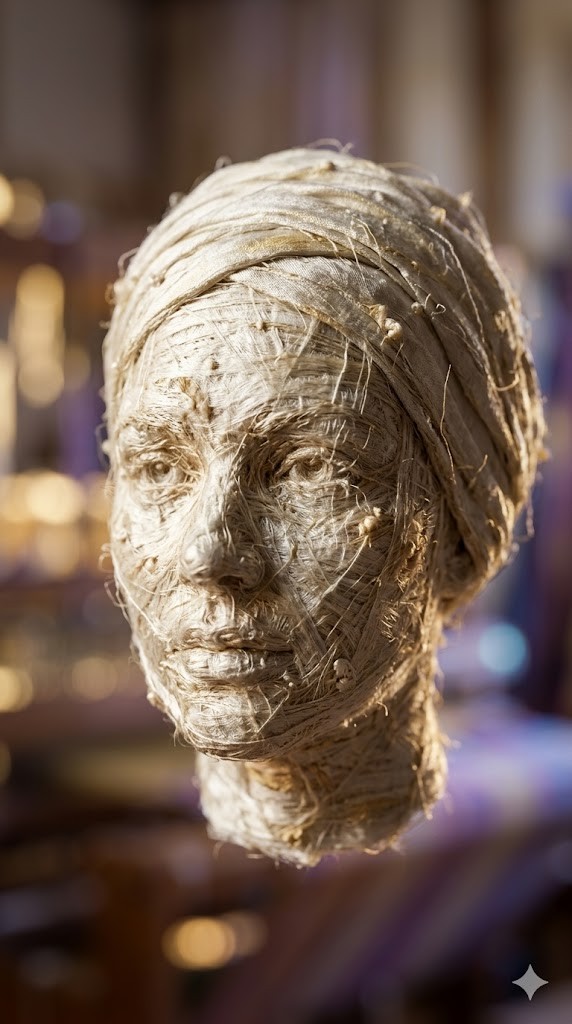
Create a photorealistic 3D render of a/the {{object: Female Head, Male Head, Human Hand, Human Foot, Sphere, Cube, Ball, Apple, Banana, Coffee Mug, Teapot, Book Stack, Chair, Table Lamp, Key, Padlock, Chess Piece, Seashell, Feather, Standing Horse, Cat, Dog, Bird, Fish, Turtle, Snail, The Thinker by Auguste Rodin, David by Michelangelo, Venus de Milo by Alexandros of Antioch, * Statue of Liberty by Frédéric Auguste Bartholdi, Pietà by Michelangelo, The Kiss by Auguste Rodin, Apollo and Daphne by Gian Lorenzo Bernini, Winged Victory of Samothrace, Discobolus by Myron, The Burghers of Calais by Auguste Rodin, Moses by Michelangelo}} made entirely of {{Material:[materials]}}.

To enhance the visual impact, apply a {{Effect:[visual_effects]}} to the image.

Focus on how light interacts with the {{Material:[materials]}} surface, capturing reflections, roughness, and texture details.

The aspect ratio of generated image is {{Aspect Ratios: [aspect_ratios]}}
Female Head, Male Head, Human Hand, Human Foot, Sphere, Cube, Ball, Apple
[materials]
[visual_effects]
[aspect_ratios]
Create a photorealistic 3D render of a/the Female Head made entirely of [materials].

To enhance the visual impact, apply a [visual_effects] to the image.

Focus on how light interacts with the [materials] surface, capturing reflections, roughness, and texture details.

The aspect ratio of generated image is [aspect_ratios]
Las variables van entre {{ y }} y siguen este patrón:
Una selección puede hacer referencia a una lista de variables predefinida usando corchetes. Aparecen en [naranja] y proporcionan valores de uso común como colores, tonos o idiomas.
También puedes proporcionar una lista de opciones en línea, separadas por comas.
Consejo: ¡no necesitas la app PUCO para usar estos prompts! Solo copia la plantilla y sustituye cada sección {{…}} por tu propio texto directamente en ChatGPT, Claude, Gemini o cualquier otro asistente de IA.