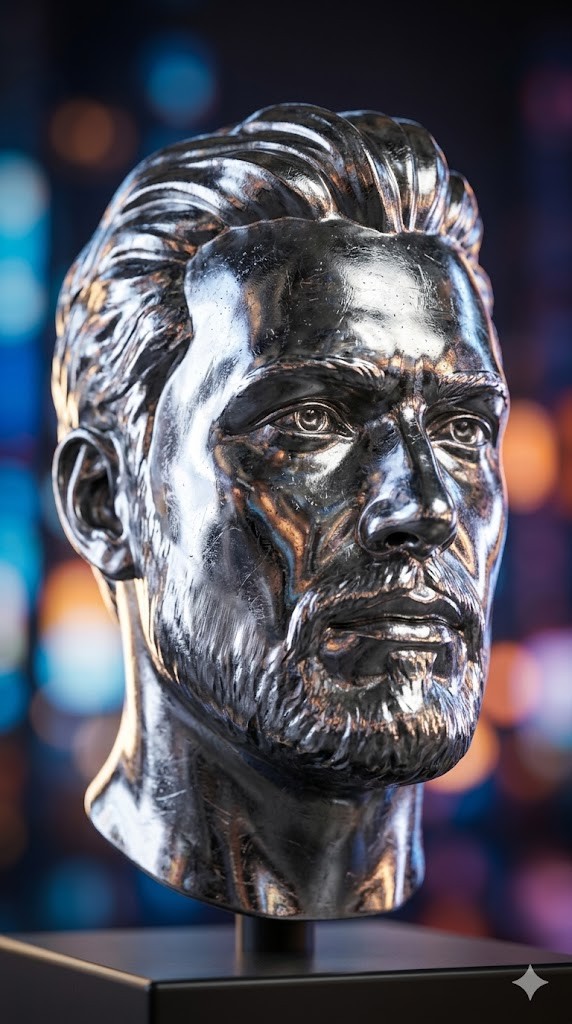
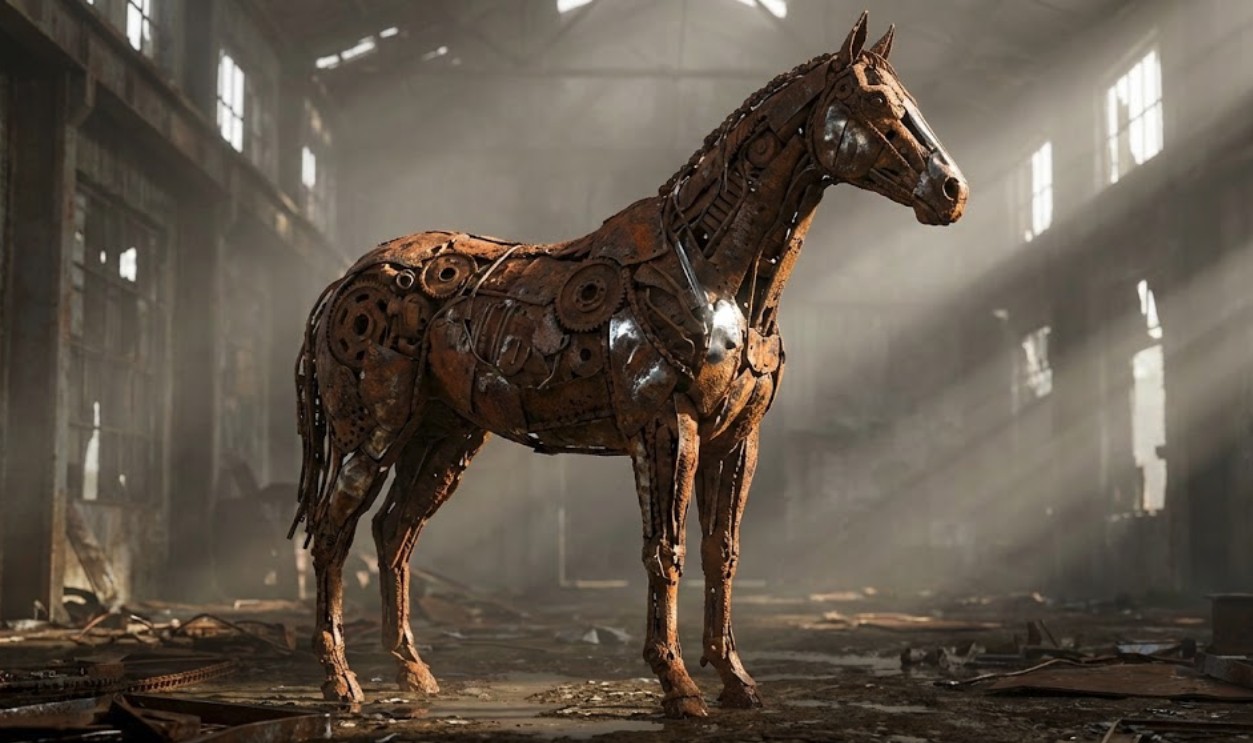
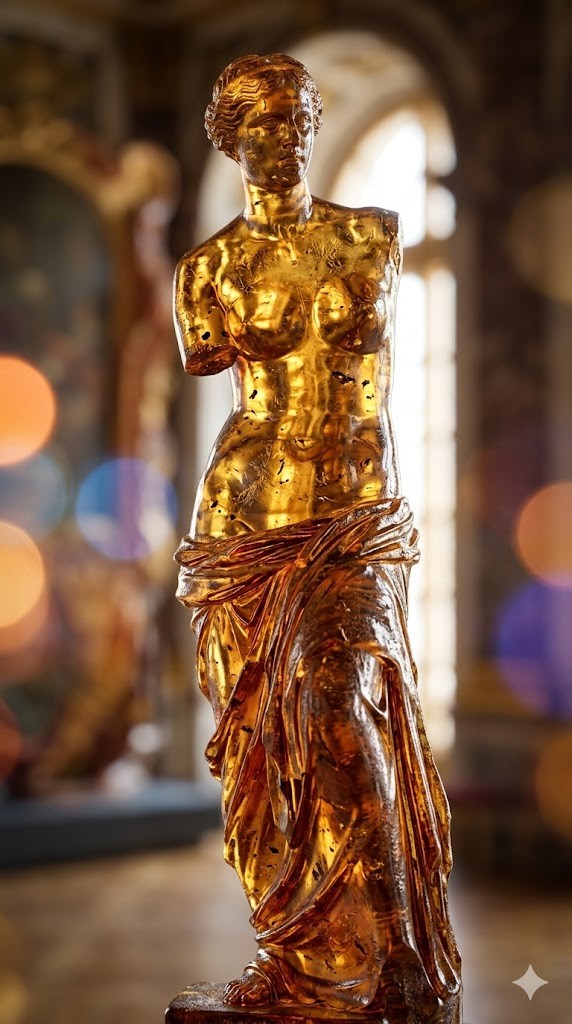
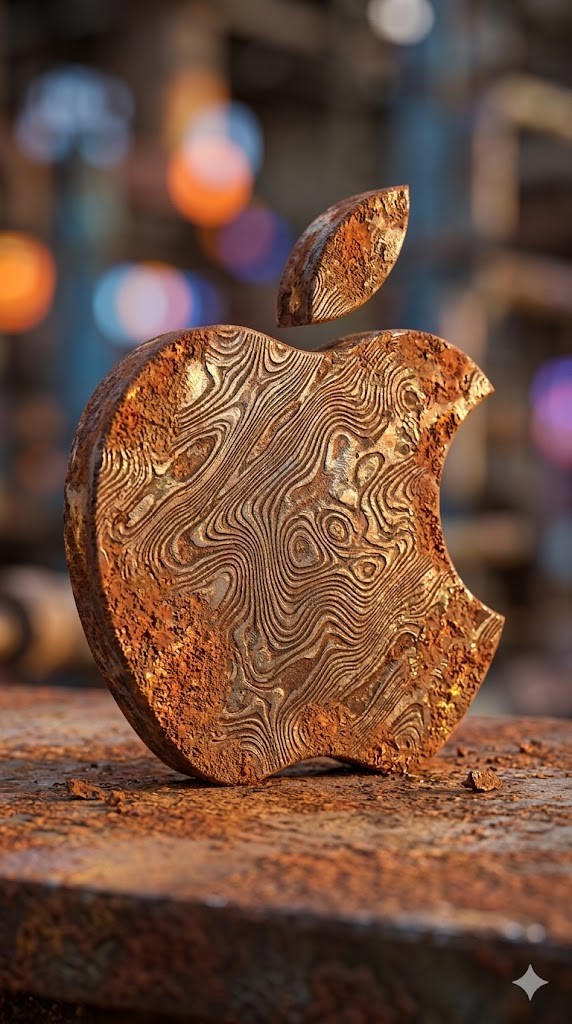
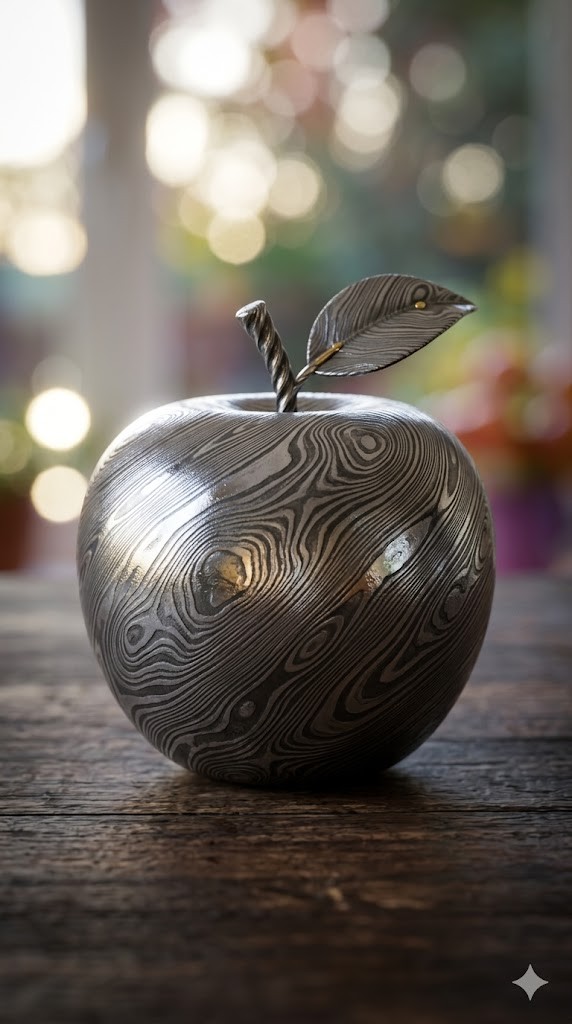
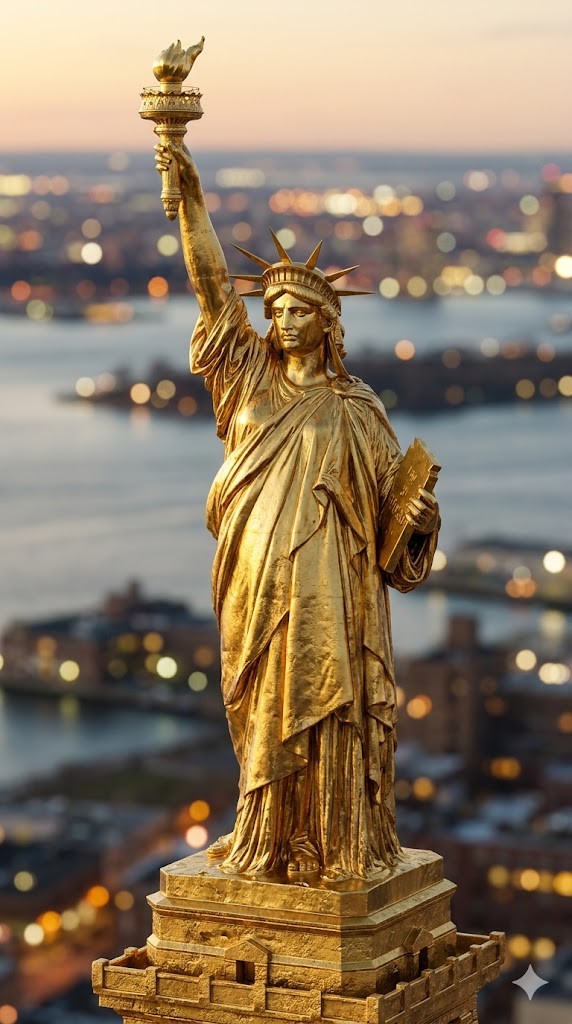
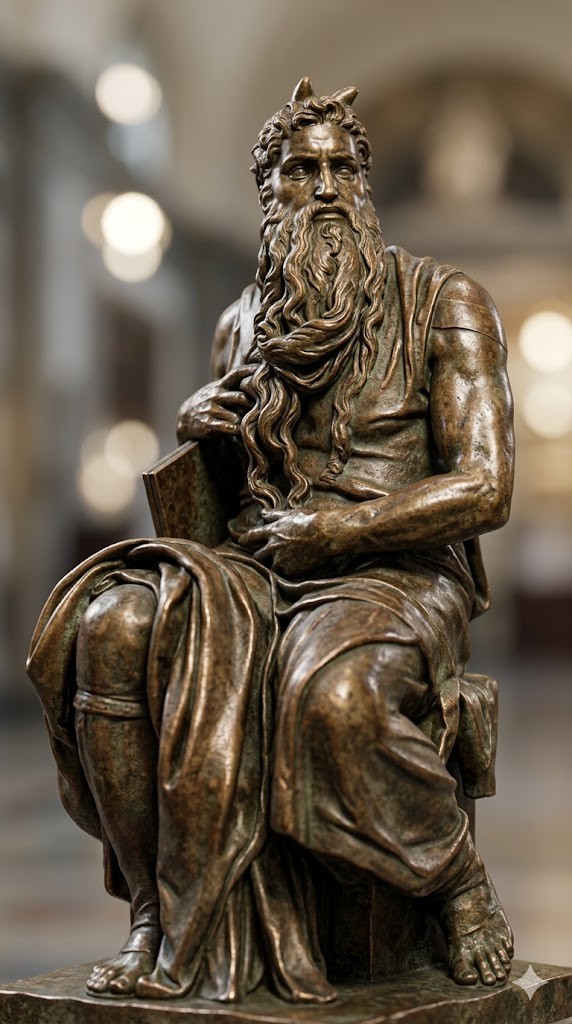
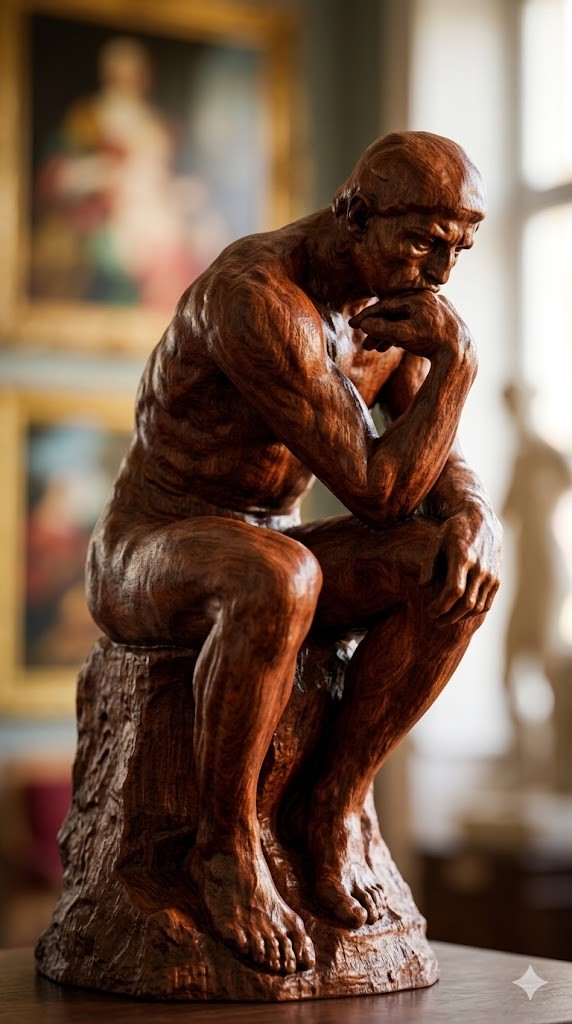
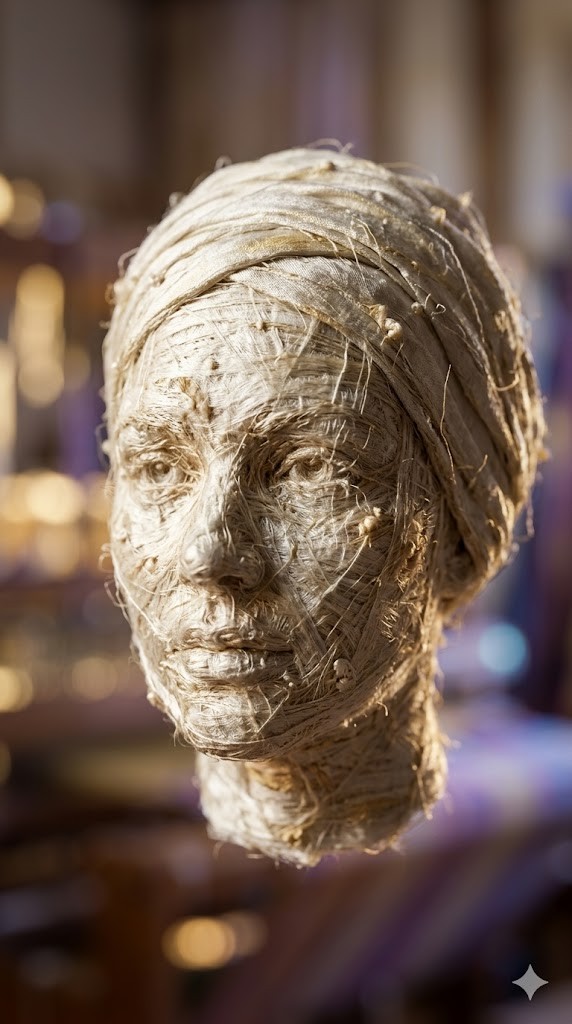
Erstelle ein fotorealistisches 3D-Rendering berühmter Skulpturen, Tiere und geometrischer Objekte mit unterschiedlichen Materialeigenschaften und optischen Effekten.
Create a photorealistic 3D render of a/the {{object: Female Head, Male Head, Human Hand, Human Foot, Sphere, Cube, Ball, Apple, Banana, Coffee Mug, Teapot, Book Stack, Chair, Table Lamp, Key, Padlock, Chess Piece, Seashell, Feather, Standing Horse, Cat, Dog, Bird, Fish, Turtle, Snail, The Thinker by Auguste Rodin, David by Michelangelo, Venus de Milo by Alexandros of Antioch, * Statue of Liberty by Frédéric Auguste Bartholdi, Pietà by Michelangelo, The Kiss by Auguste Rodin, Apollo and Daphne by Gian Lorenzo Bernini, Winged Victory of Samothrace, Discobolus by Myron, The Burghers of Calais by Auguste Rodin, Moses by Michelangelo}} made entirely of {{Material:[materials]}}.

To enhance the visual impact, apply a {{Effect:[visual_effects]}} to the image.

Focus on how light interacts with the {{Material:[materials]}} surface, capturing reflections, roughness, and texture details.

The aspect ratio of generated image is {{Aspect Ratios: [aspect_ratios]}}
Prompt-Anleitung
Ideal für
Einen strukturierten, wiederverwendbaren Prompt statt eines leeren Chats als Ausgangspunkt nutzen.
Den Prompt an eigene Eingaben anpassen, während die ursprüngliche Absicht erhalten bleibt.
Workflows rund um Software Development, Design & Art.
So wird's verwendet
Die vollständige Prompt-Vorlage kopieren.
Jede Variable durch den eigenen Kontext ersetzen oder eine der vorgeschlagenen Optionen wählen.
Den fertiggestellten Prompt in ChatGPT, Claude, Gemini oder einen anderen KI-Assistenten einfügen.
Variablen in diesem Prompt
object
Female Head, Male Head, Human Hand, Human Foot, Sphere, Cube, Ball, Apple
MaterialVordefinierte Liste
[materials]
EffectVordefinierte Liste
[visual_effects]
Aspect RatiosVordefinierte Liste
[aspect_ratios]
Beispiel-Einstieg
Create a photorealistic 3D render of a/the Female Head made entirely of [materials].

To enhance the visual impact, apply a [visual_effects] to the image.

Focus on how light interacts with the [materials] surface, capturing reflections, roughness, and texture details.

The aspect ratio of generated image is [aspect_ratios]
So funktionieren Variablen
Variablen-Syntax
Variablen sind in {{ und }} eingeschlossen und folgen diesem Muster:
{{variable name: option1, option2, option3}}
Vordefinierte Variablen
Eine Auswahl kann auf eine vordefinierte Variablenliste per eckige Klammern verweisen. Diese erscheinen in [Orange] und bieten häufig verwendete Werte wie Farben, Töne oder Sprachen.
{{Tone: [tones]}}
Eigene Auswahllisten
Du kannst auch eine durch Kommas getrennte Inline-Liste mit Optionen angeben.
Tipp: Du brauchst die PUCO-App nicht, um diese Prompts zu verwenden! Kopiere einfach die Vorlage und ersetze jeden {{…}}-Abschnitt direkt in ChatGPT, Claude, Gemini oder einem anderen KI-Assistenten durch eigenen Text.
Ähnliche Prompts
Technical Infographic Generator
Combines realistic photography with hand-drawn technical annotations and schematic overlays on a clean white background.
Transforms a subject into a colossal, intricately detailed stained-glass window panel set within a massive Gothic cathedral, emphasizing physical realism and bioluminescent pigments[cite: 1].