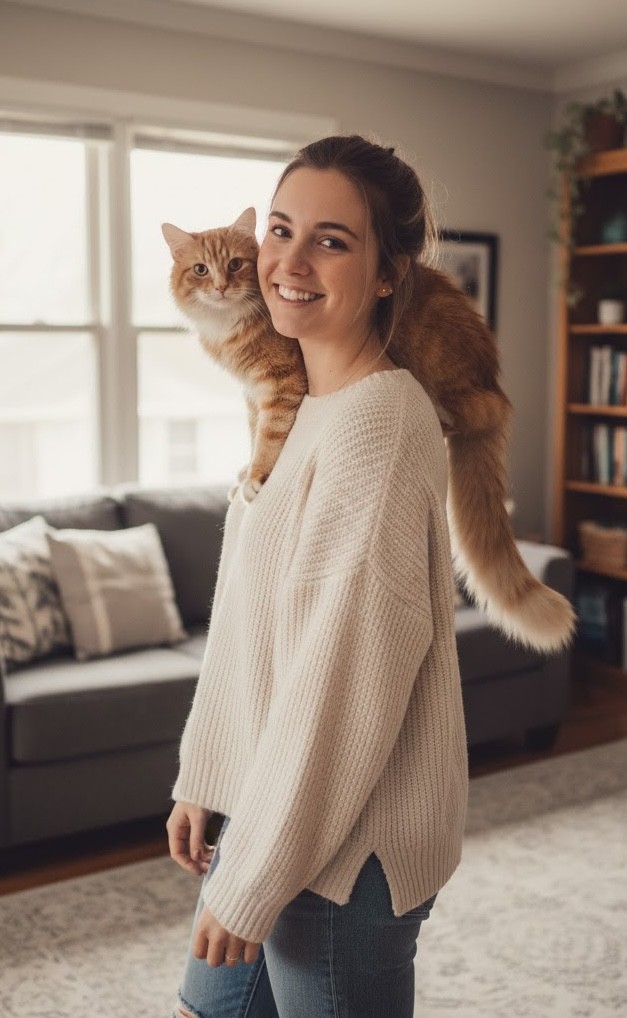
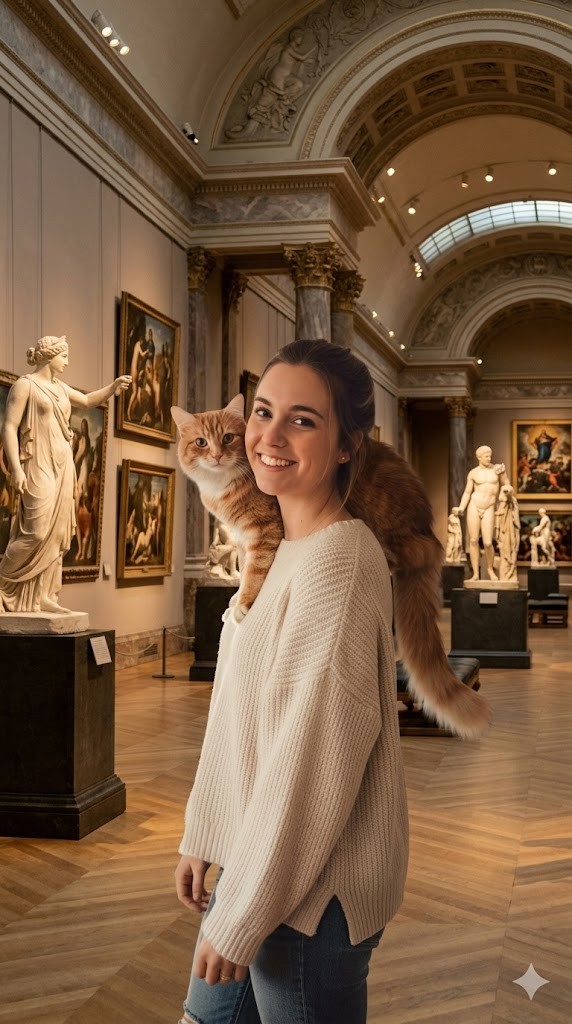
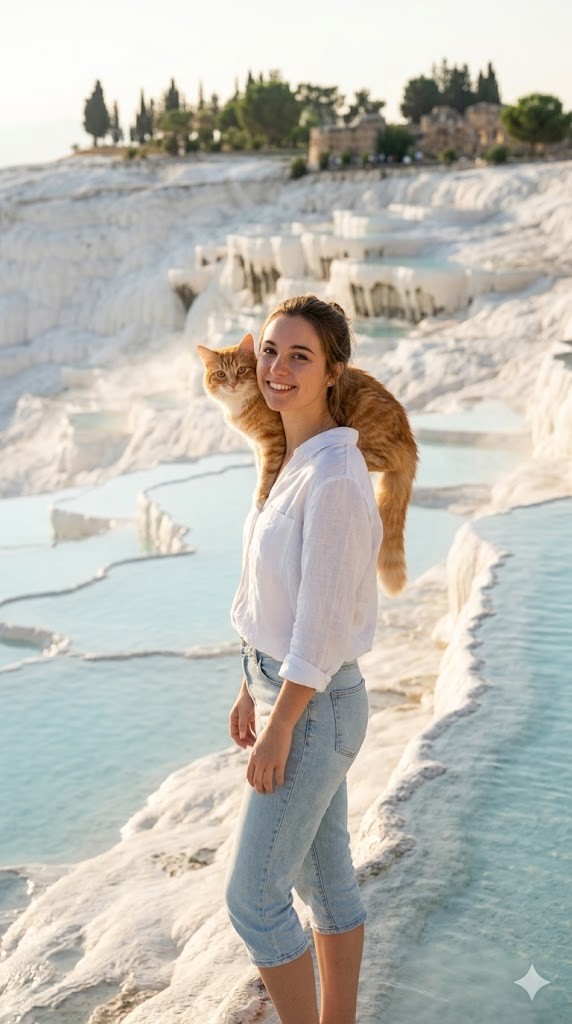
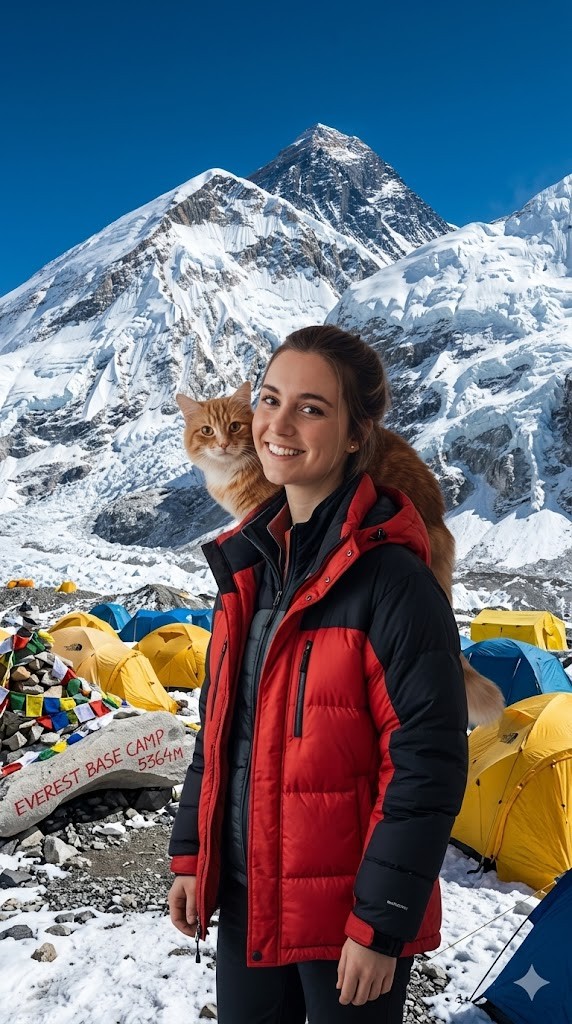
I have attached an image of myself. No public figures on the image. Please follow these steps:

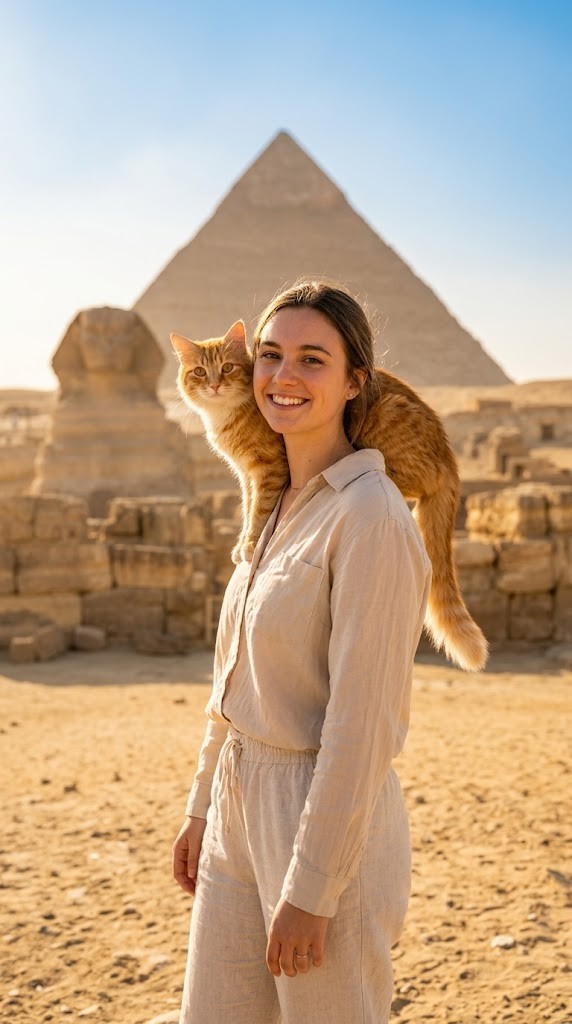
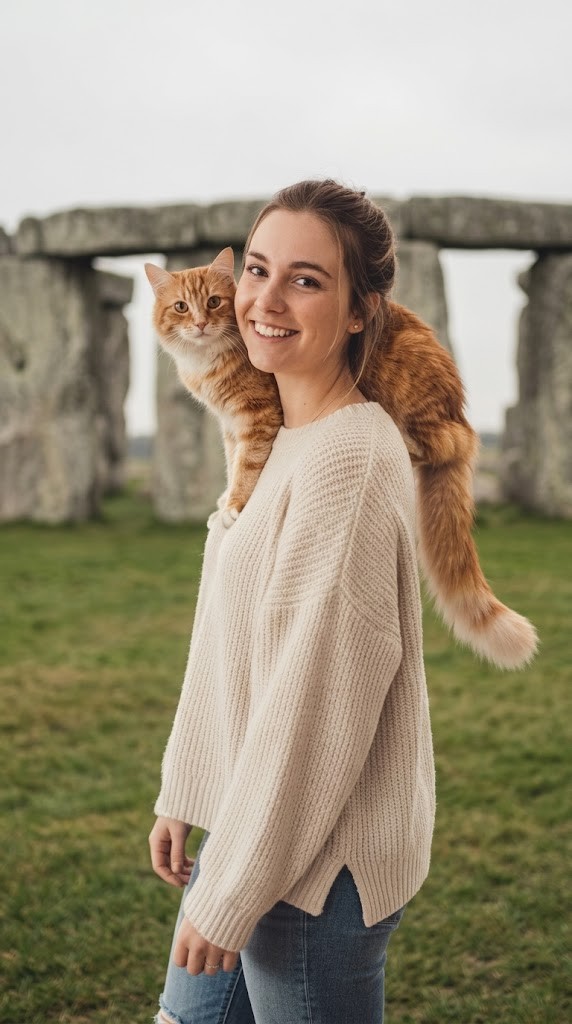
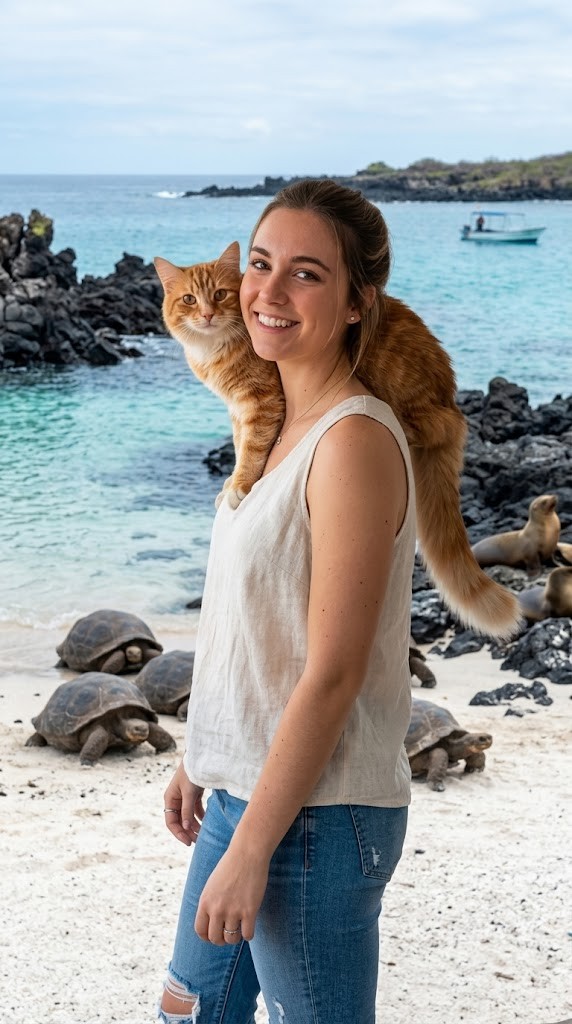
Step 1: Analyze the visual environment of {{Destination:[tourist_destinations]}}, noting its iconic landmarks, typical lighting conditions, and architectural style.

Step 2: Use the attached image and the description from Step 1 to modify the background and adjust the lighting so it matches the background. If the clothing of the subject is not appropriate for the environment (e.g. warm coat at the beach), adjust the clothes accordingly.
Generate  a new version of the image where the subject appears to be visiting {{Destination:[tourist_destinations]}} and chose the Aspect ratio: {{Aspect Ratios: [aspect_ratios]}} Make sure it blends well with the backgrond
Guía del prompt
Ideal para
Empezar desde un prompt estructurado y reutilizable en lugar de un chat en blanco.
Adaptar el prompt a tus propios datos manteniendo intacta la intención original.
Flujos de trabajo relacionados con Design & Art, Global Travel, Photography.
Cómo usarlo
Copia la plantilla de prompt completa.
Sustituye cada variable por tu propio contexto o elige una de las opciones sugeridas.
Pega el prompt completado en ChatGPT, Claude, Gemini u otro asistente de IA.
Variables de este prompt
DestinationLista predefinida
[tourist_destinations]
Aspect RatiosLista predefinida
[aspect_ratios]
Ejemplo de partida
I have attached an image of myself. No public figures on the image. Please follow these steps:

Step 1: Analyze the visual environment of [tourist_destinations], noting its iconic landmarks, typical lighting conditions, and architectural style.

Step 2: Use the attached image and the description from Step 1 to modify the background and adjust the lighting so it matches the background. If the clothing of the subject is not appropriate for the environment (e.g. warm coat at the beach), adjust the clothes accordingly.
Generate  a new version of the image where the subject appears to be visiting [tourist_destinations] and chose the Aspect ratio: [aspect_ratios] Make sure it blends well with the backgrond
Cómo funcionan las variables
Sintaxis de variables
Las variables van entre {{ y }} y siguen este patrón:
{{variable name: option1, option2, option3}}
Variables predefinidas
Una selección puede hacer referencia a una lista de variables predefinida usando corchetes. Aparecen en [naranja] y proporcionan valores de uso común como colores, tonos o idiomas.
{{Tone: [tones]}}
Listas de selección personalizadas
También puedes proporcionar una lista de opciones en línea, separadas por comas.
Consejo: ¡no necesitas la app PUCO para usar estos prompts! Solo copia la plantilla y sustituye cada sección {{…}} por tu propio texto directamente en ChatGPT, Claude, Gemini o cualquier otro asistente de IA.
Usa este prompt en segundos, no en minutos
Instala PUCO para Mac: pulsa un atajo en cualquier app, rellena un formulario inteligente, pega en ChatGPT, Claude o Gemini. Cada variable se convierte en un menú desplegable curado. Tus últimos valores se recuerdan.
Generates a highly customizable, professional studio headshot based on an input image, with extensive options for clothing, background, and atmosphere.