Ideal für
- Einen strukturierten, wiederverwendbaren Prompt statt eines leeren Chats als Ausgangspunkt nutzen.
- Den Prompt an eigene Eingaben anpassen, während die ursprüngliche Absicht erhalten bleibt.
- Workflows rund um Design & Art.

Verwandle ein hochgeladenes Bild in eine bestimmte Kunstrichtung oder einen visuellen Stil.
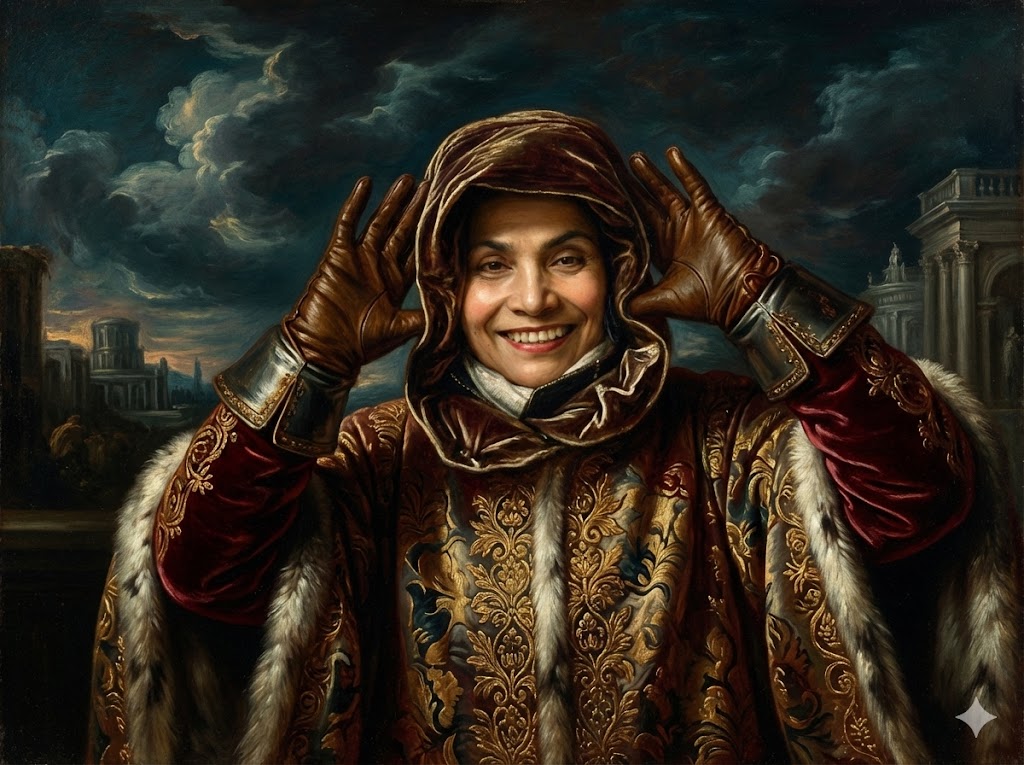
I have attached an image. Please follow these steps:

Step 1: Create a detailed description of the visual characteristics of the {{Style:[art_styles]}} style, focusing on typical techniques, color palettes, and textures.

Step 2: Take the attached image and use the description from Step 1 to modify it. Generate a new version of the image that perfectly embodies the {{Style:[art_styles]}} aesthetic.
[art_styles]
I have attached an image. Please follow these steps:

Step 1: Create a detailed description of the visual characteristics of the [art_styles] style, focusing on typical techniques, color palettes, and textures.

Step 2: Take the attached image and use the description from Step 1 to modify it. Generate a new version of the image that perfectly embodies the [art_styles] aesthetic.
Variablen sind in {{ und }} eingeschlossen und folgen diesem Muster:
Eine Auswahl kann auf eine vordefinierte Variablenliste per eckige Klammern verweisen. Diese erscheinen in [Orange] und bieten häufig verwendete Werte wie Farben, Töne oder Sprachen.
Du kannst auch eine durch Kommas getrennte Inline-Liste mit Optionen angeben.
Tipp: Du brauchst die PUCO-App nicht, um diese Prompts zu verwenden! Kopiere einfach die Vorlage und ersetze jeden {{…}}-Abschnitt direkt in ChatGPT, Claude, Gemini oder einem anderen KI-Assistenten durch eigenen Text.