Ideal für
- Einen strukturierten, wiederverwendbaren Prompt statt eines leeren Chats als Ausgangspunkt nutzen.
- Den Prompt an eigene Eingaben anpassen, während die ursprüngliche Absicht erhalten bleibt.
- Workflows rund um Design & Art.

Verwandelt ein bestimmtes Gericht und einen Ort in ein essbares Makro-Fotografie-Diorama mit Miniaturfiguren.
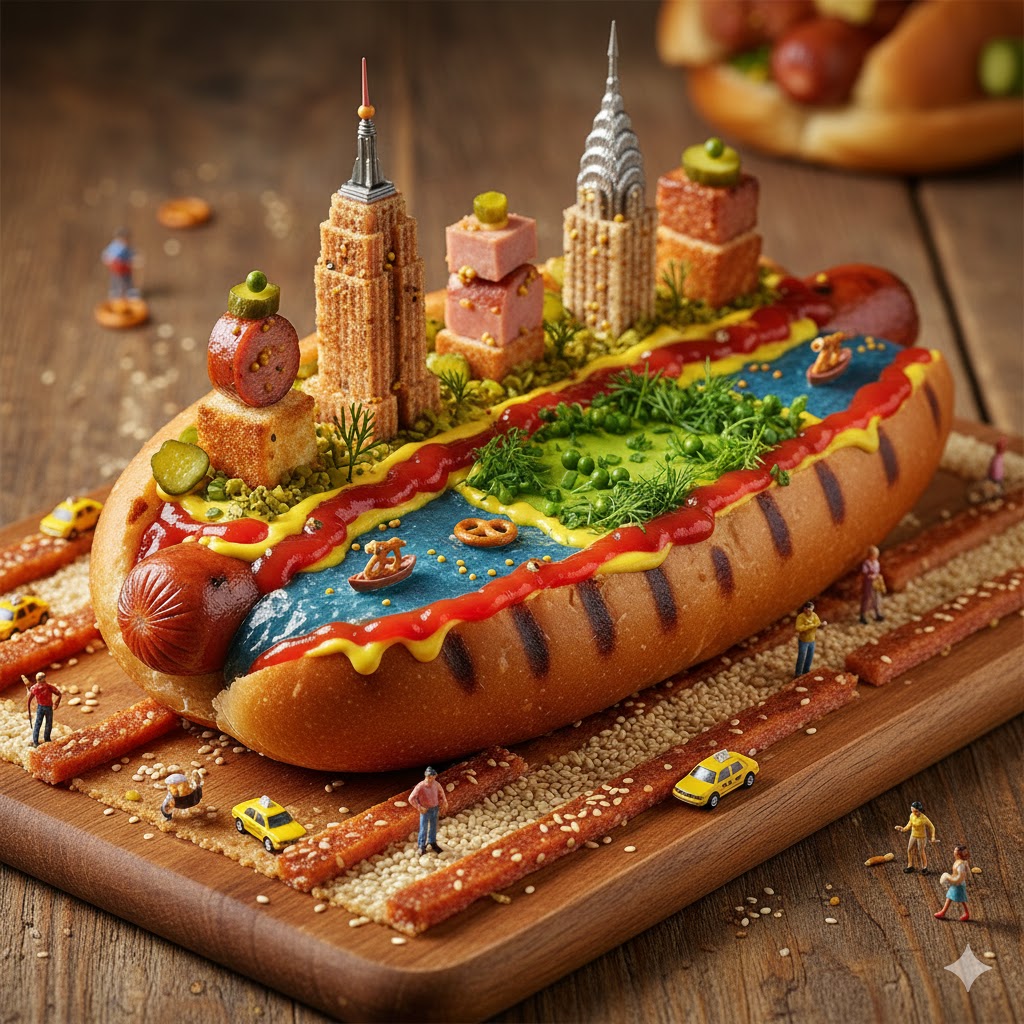
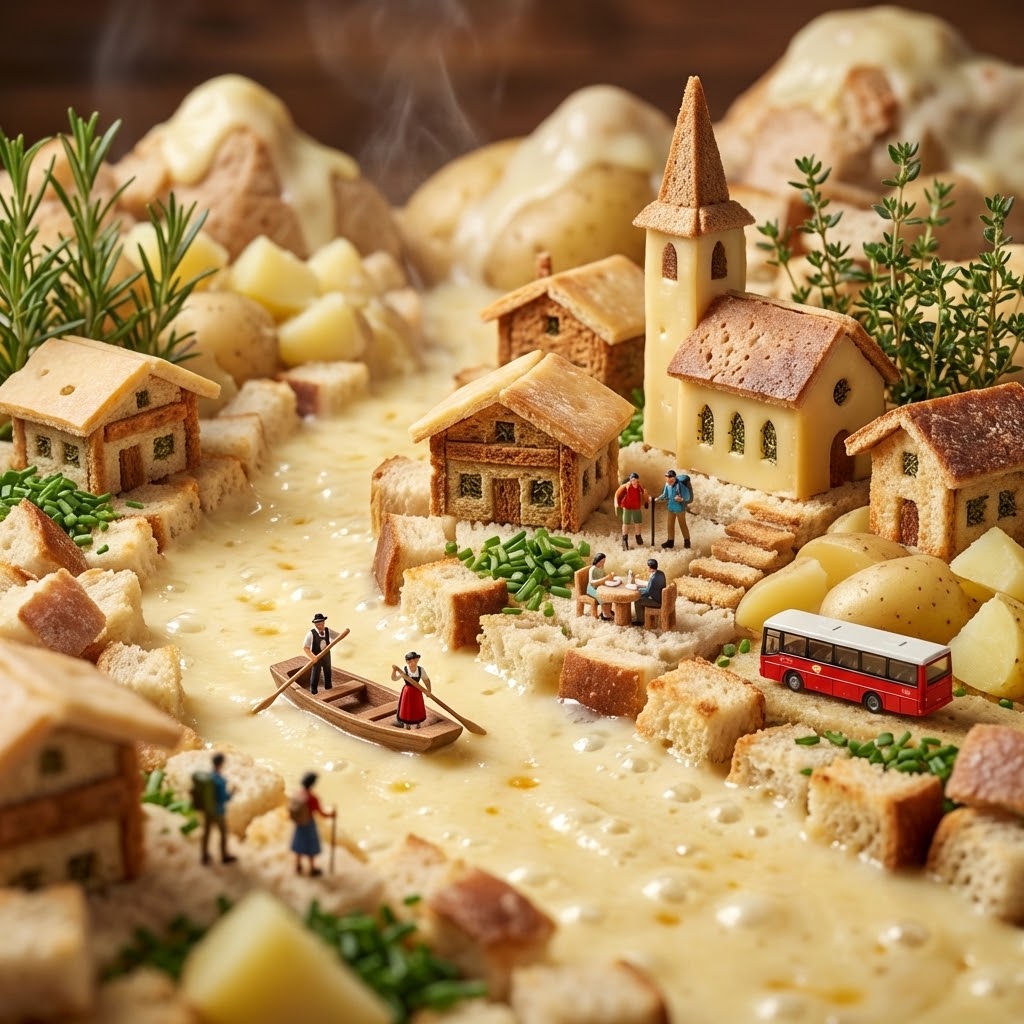
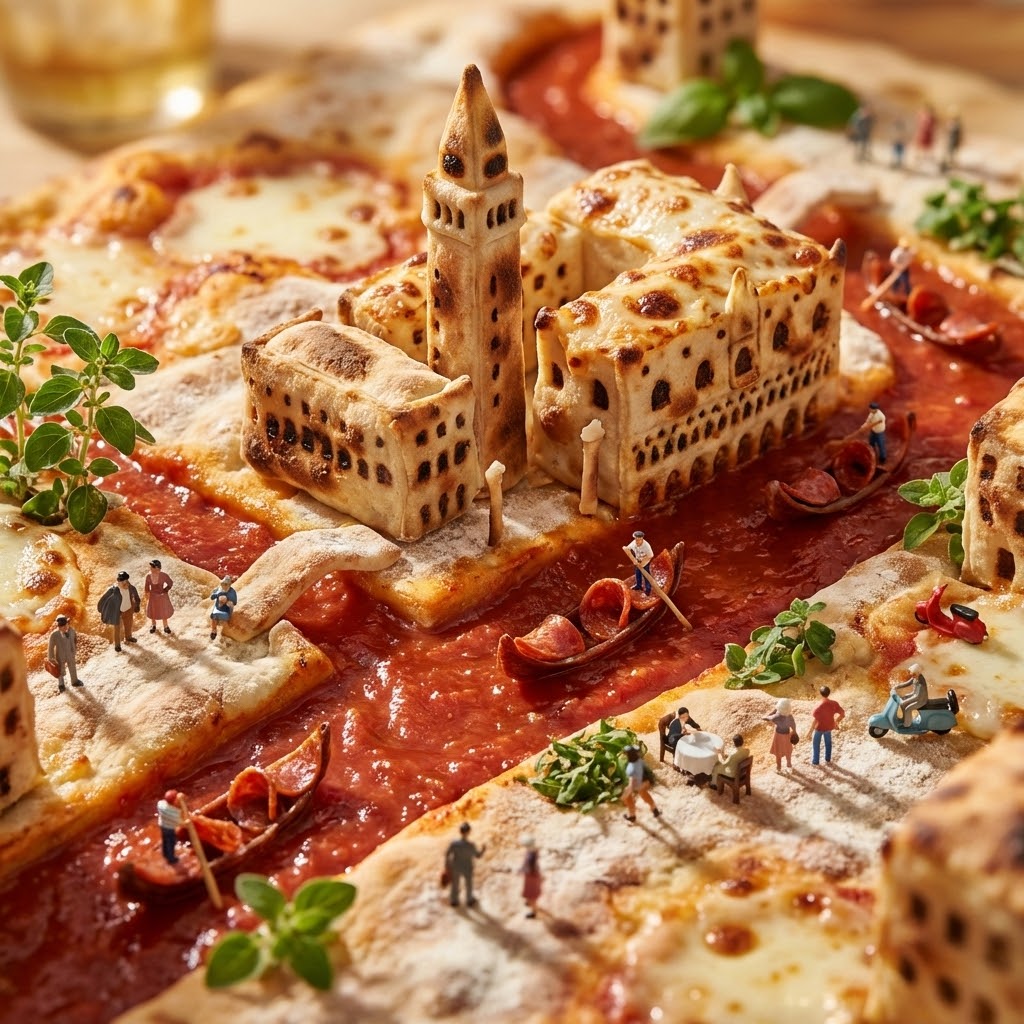
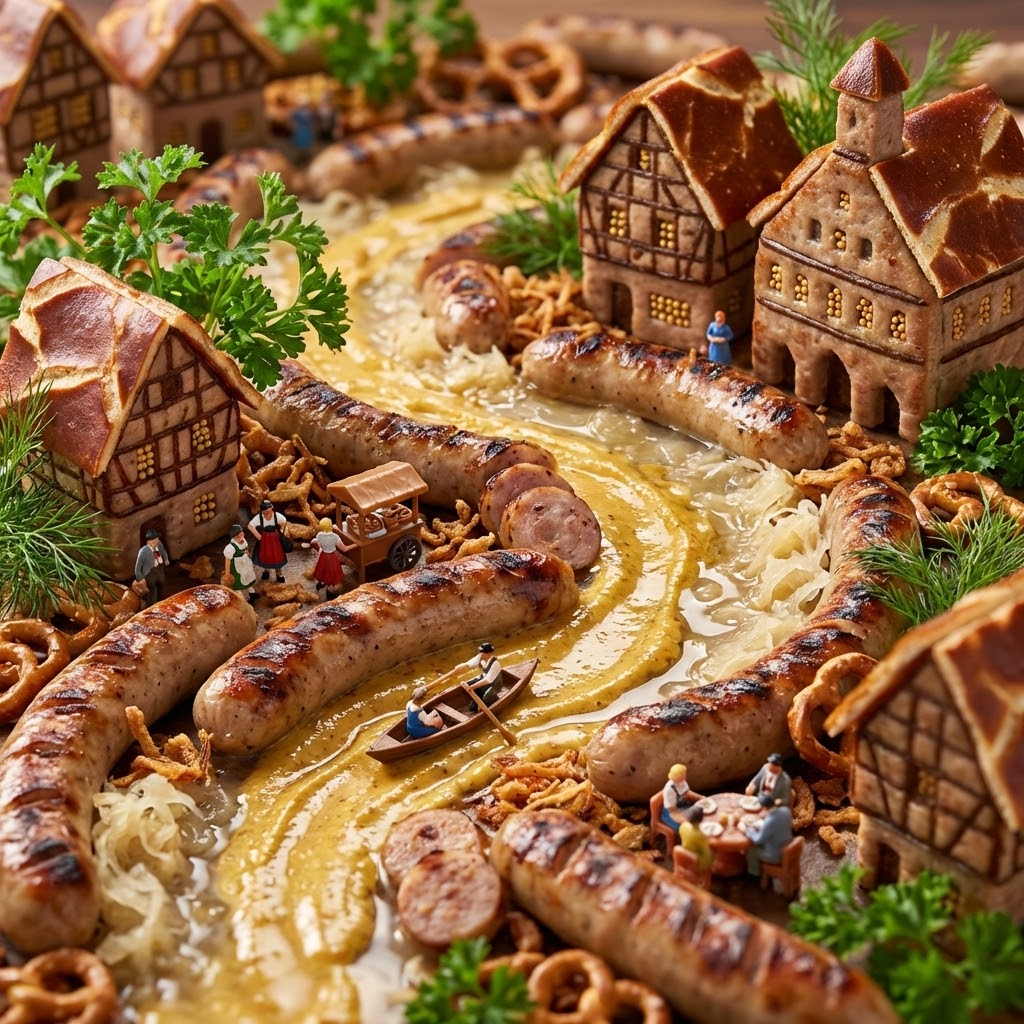
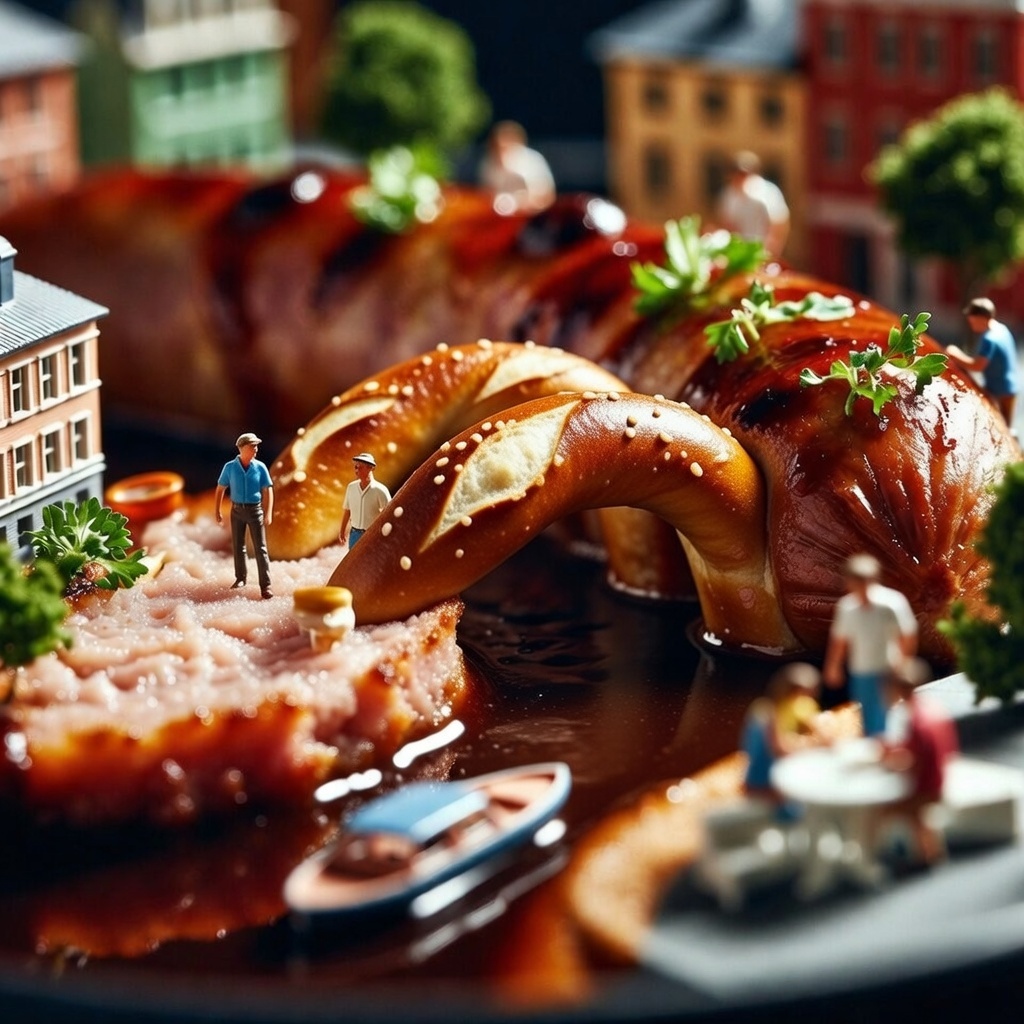
Create an 'Edible Diorama' macro photograph using the following mapping:
- Food Item: {{Dish:Pizza}}
- Geographical Inspiration: {{City or Landscape:Venice}}

Map the food ingredients to geographical features:
- Liquid (Sauce/Broth) -> Water features (Canals/Rivers)
- Solid (Carb/Protein) -> Land/Infrastructure (Pavement/Roads)
- Garnish -> Vegetation (Trees/Grass)

Architecture:
Construct miniature buildings inspired by {{City or Landscape:Venice}} rising directly from the food. The structures must mimic the texture of the food (e.g., buildings made of crust or tofu).

Narrative Scale:
Include 1:87 scale (HO Scale) miniature figures interacting with the scene. Place vehicles or boats in the liquid layer and tiny people dining or walking on the food surfaces.

Technical Specs:
- Style: Macro photography 'Foodscape' aesthetic
- Lighting: Warm food styling light with glisten on sauces
- Focus: Tilt-shift with a sharp center and blurred edges
- Aspect Ratio: 1:1
- Atmosphere: Appetizing and surreal
Pizza
Venice
Create an 'Edible Diorama' macro photograph using the following mapping:
- Food Item: Pizza
- Geographical Inspiration: Venice

Map the food ingredients to geographical features:
- Liquid (Sauce/Broth) -> Water features (Canals/Rivers)
- Solid (Carb/Protein) -> Land/Infrastructure (Pavement/Roads)
- Garnish -> Vegetation (Trees/Grass)

Architecture:
Construct miniature buildings inspired by Venice rising directly from the food. The structures must mimic the texture of the food (e.g., buildings made of crust or tofu).

Narrative Scale:
Include 1:87 scale (HO Scale) miniature figures interacting with the scene. Place vehicles or boats in the liquid layer and tiny people dining or walking on the food surfaces.

Technical Specs:
- Style: Macro photography 'Foodscape' aesthetic
- Lighting: Warm food styling light with glisten on sauces
- Focus: Tilt-shift with a sharp center and blurred...
Variablen sind in {{ und }} eingeschlossen und folgen diesem Muster:
Eine Auswahl kann auf eine vordefinierte Variablenliste per eckige Klammern verweisen. Diese erscheinen in [Orange] und bieten häufig verwendete Werte wie Farben, Töne oder Sprachen.
Du kannst auch eine durch Kommas getrennte Inline-Liste mit Optionen angeben.
Tipp: Du brauchst die PUCO-App nicht, um diese Prompts zu verwenden! Kopiere einfach die Vorlage und ersetze jeden {{…}}-Abschnitt direkt in ChatGPT, Claude, Gemini oder einem anderen KI-Assistenten durch eigenen Text.