Ideal für
- Einen strukturierten, wiederverwendbaren Prompt statt eines leeren Chats als Ausgangspunkt nutzen.
- Den Prompt an eigene Eingaben anpassen, während die ursprüngliche Absicht erhalten bleibt.
- Workflows rund um Creative & Visuals.

Erzeugt ein Foto mit hoher Verschlusszeit eines Motivs mitten im Sprung mit einer kristallisierten Bewegungsspur in vielfältigen Umgebungen.
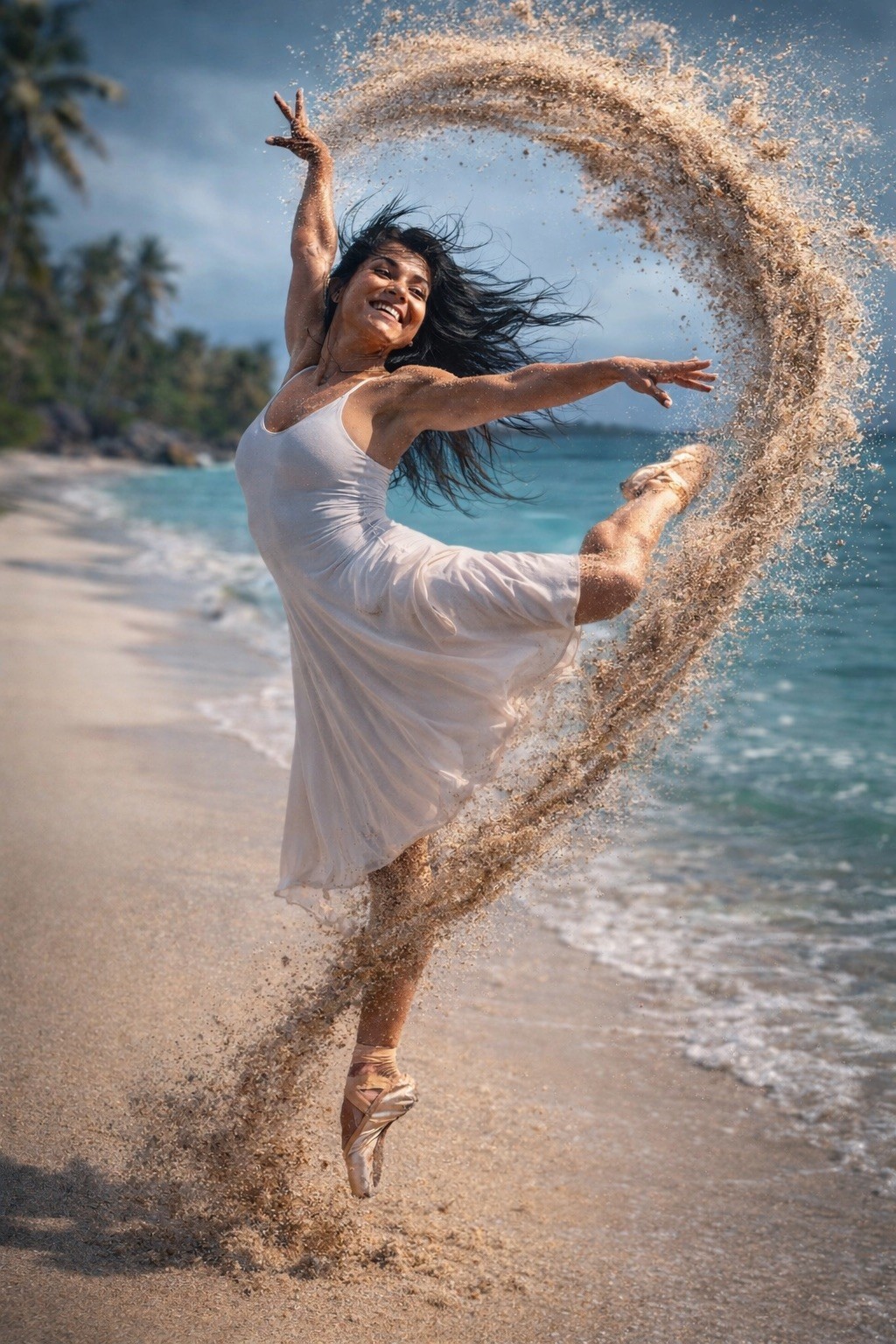
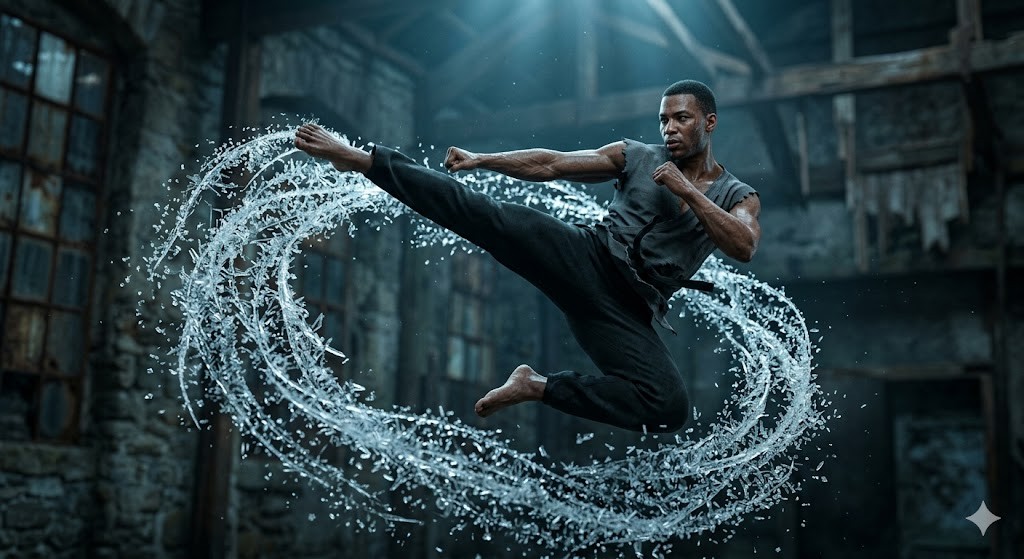
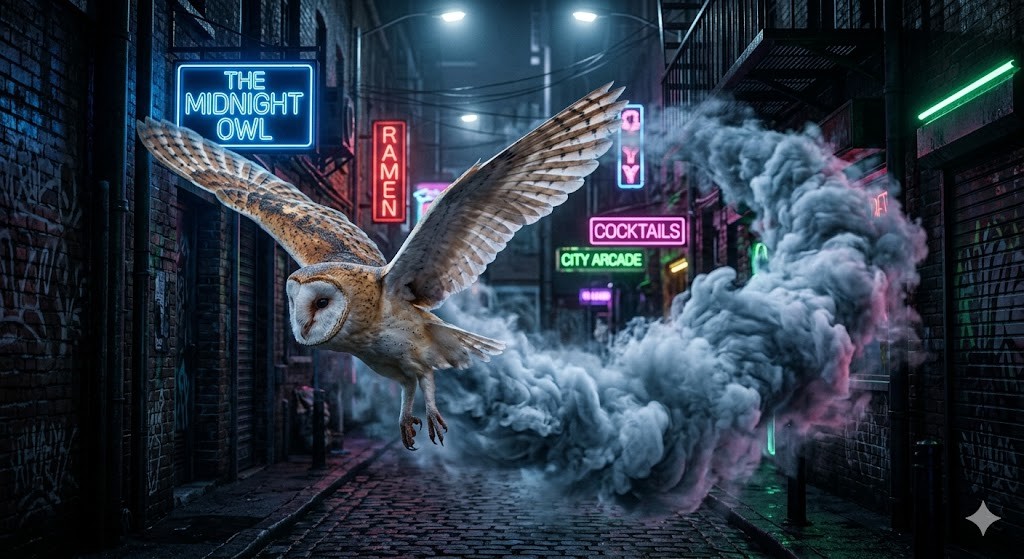
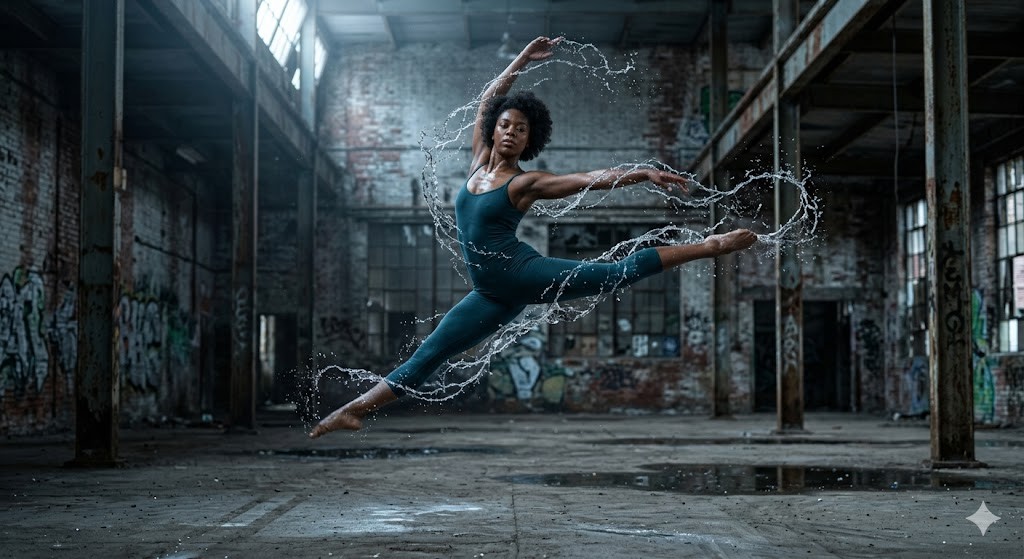
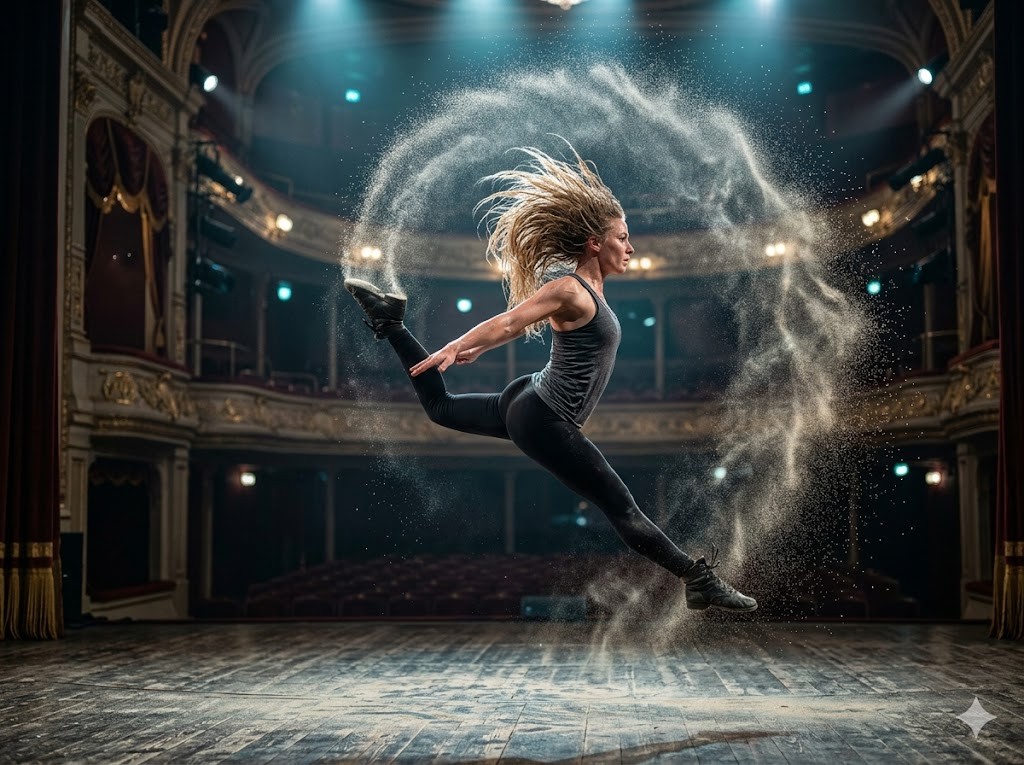
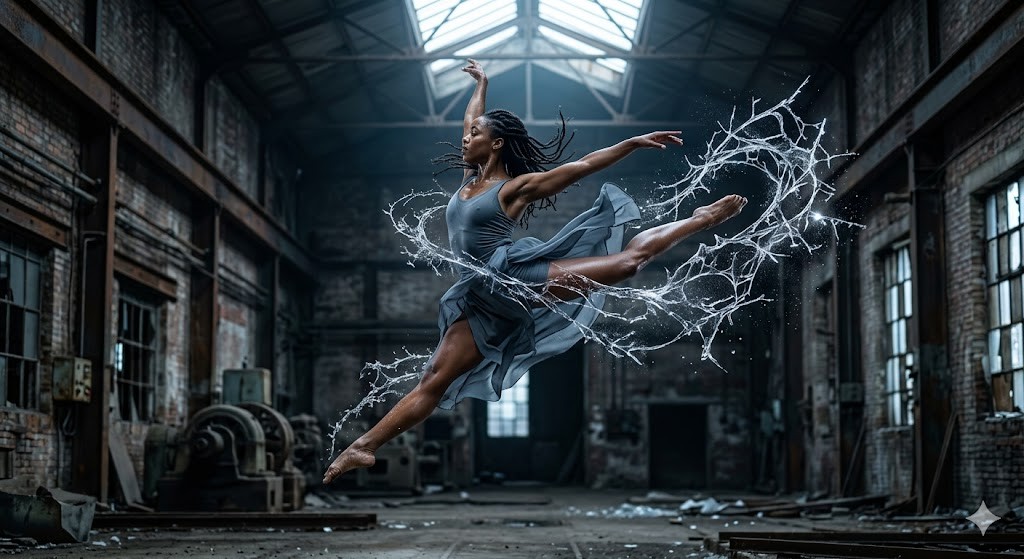
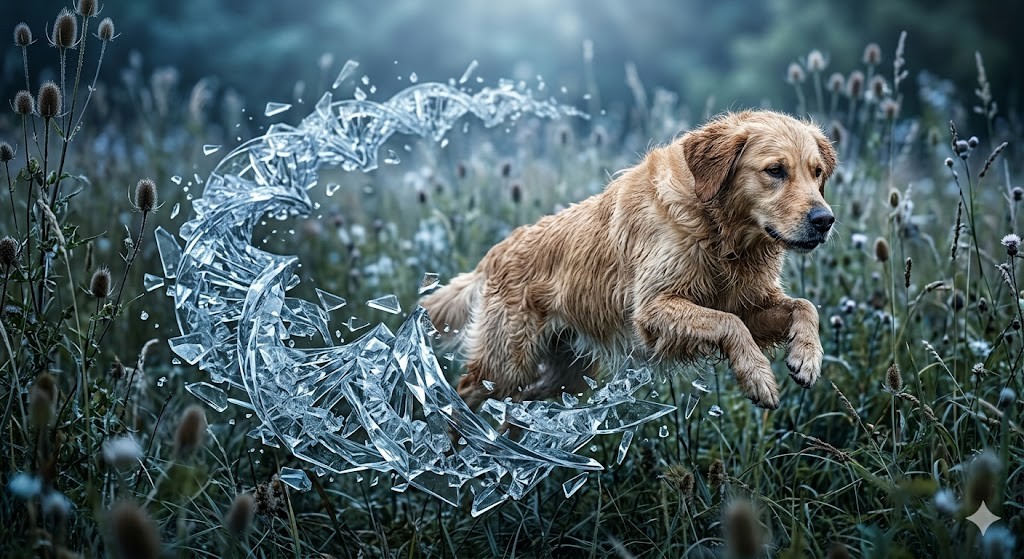
A hyper-detailed, high-shutter-speed photograph of a {{Subject:The subject from the attached photo dancing ballet , #Dancers & Athletes, Contemporary dancer, Ballet performer, Parkour athlete, Martial artist, Capoeira practitioner, Woman with long wet hair swinging her head, # Creatures & Others, Leaping snow leopard, Flying barn owl, Ethereal spirit, Cybernetic ninja, Galactic traveler}} captured mid-leap within a {{Scenery:# Urban & Industrial, Abandoned factory, Neon-lit alleyway, Brutalist concrete hall, # Culture & Nature, Grand theater stage, Ancient stone temple, Misty pine forest, Minimalist art gallery, A beautiful tropical beach, # Sci-Fi & Other, Futuristic space station, Volcanic landscape, Sun-drenched desert dunes}}. The air trailing their movement has instantly turned into a swirling, realistic looking intricate {{Formation: web, cloud, spray, vortex, mist, burst, shroud, trail}}  of {{Particles:# Style, Large jagged glass shards, Tiny frozen hexagonal crystals, Long translucent needles, Chunky geometric ice blocks, Fine crystalline dust, Spiraling glass ribbons, Sharp diamond-cut fragments, Iridescent prismatic flakes, Evaporating water, Foggy Vapor, Flying sand }} that follow the exact arc of their motion. The subject’s skin is rendered with natural, realistic texture, contrasting sharply with the {{Particles}} structures. Soft, cool-toned cinematic lighting from above creates deep shadows and brilliant highlights on the glass edges. 8k resolution, photorealistic, captured on a 35mm lens, shallow depth of field, atmospheric and powerful.

Aspect Ratios: {{Aspect Ratio: [aspect_ratios]}}
The subject from the attached photo dancing ballet, #Dancers & Athletes, Contemporary dancer, Ballet performer, Parkour athlete, Martial artist, Capoeira practitioner, Woman with long wet hair swinging her head
# Urban & Industrial, Abandoned factory, Neon-lit alleyway, Brutalist concrete hall, # Culture & Nature, Grand theater stage, Ancient stone temple, Misty pine forest
web, cloud, spray, vortex, mist, burst, shroud, trail
# Style, Large jagged glass shards, Tiny frozen hexagonal crystals, Long translucent needles, Chunky geometric ice blocks, Fine crystalline dust, Spiraling glass ribbons, Sharp diamond-cut fragments
[aspect_ratios]
A hyper-detailed, high-shutter-speed photograph of a The subject from the attached photo dancing ballet captured mid-leap within a # Urban & Industrial. The air trailing their movement has instantly turned into a swirling, realistic looking intricate web  of # Style that follow the exact arc of their motion. The subject’s skin is rendered with natural, realistic texture, contrasting sharply with the # Style structures. Soft, cool-toned cinematic lighting from above creates deep shadows and brilliant highlights on the glass edges. 8k resolution, photorealistic, captured on a 35mm lens, shallow depth of field, atmospheric and powerful.

Aspect Ratios: [aspect_ratios]
Variablen sind in {{ und }} eingeschlossen und folgen diesem Muster:
Eine Auswahl kann auf eine vordefinierte Variablenliste per eckige Klammern verweisen. Diese erscheinen in [Orange] und bieten häufig verwendete Werte wie Farben, Töne oder Sprachen.
Du kannst auch eine durch Kommas getrennte Inline-Liste mit Optionen angeben.
Tipp: Du brauchst die PUCO-App nicht, um diese Prompts zu verwenden! Kopiere einfach die Vorlage und ersetze jeden {{…}}-Abschnitt direkt in ChatGPT, Claude, Gemini oder einem anderen KI-Assistenten durch eigenen Text.