Ideal für
- Einen strukturierten, wiederverwendbaren Prompt statt eines leeren Chats als Ausgangspunkt nutzen.
- Den Prompt an eigene Eingaben anpassen, während die ursprüngliche Absicht erhalten bleibt.
- Workflows rund um Creative & Visuals.

Erstellt eine lebendige, dreidimensionale antike Karte, die aus einer Pergamentrolle hervorbricht, mit geschichteten Zivilisationen und Gelände.
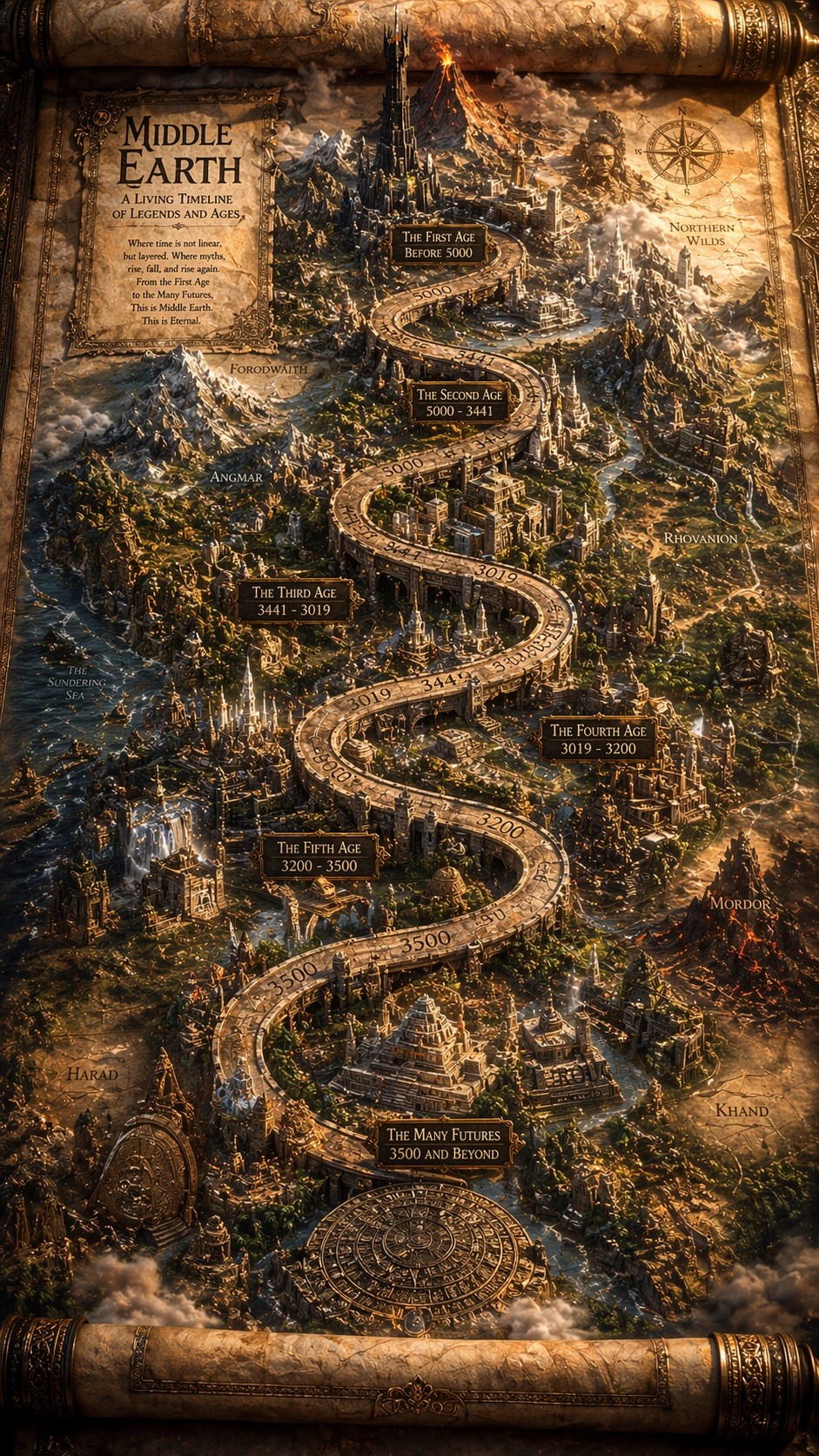
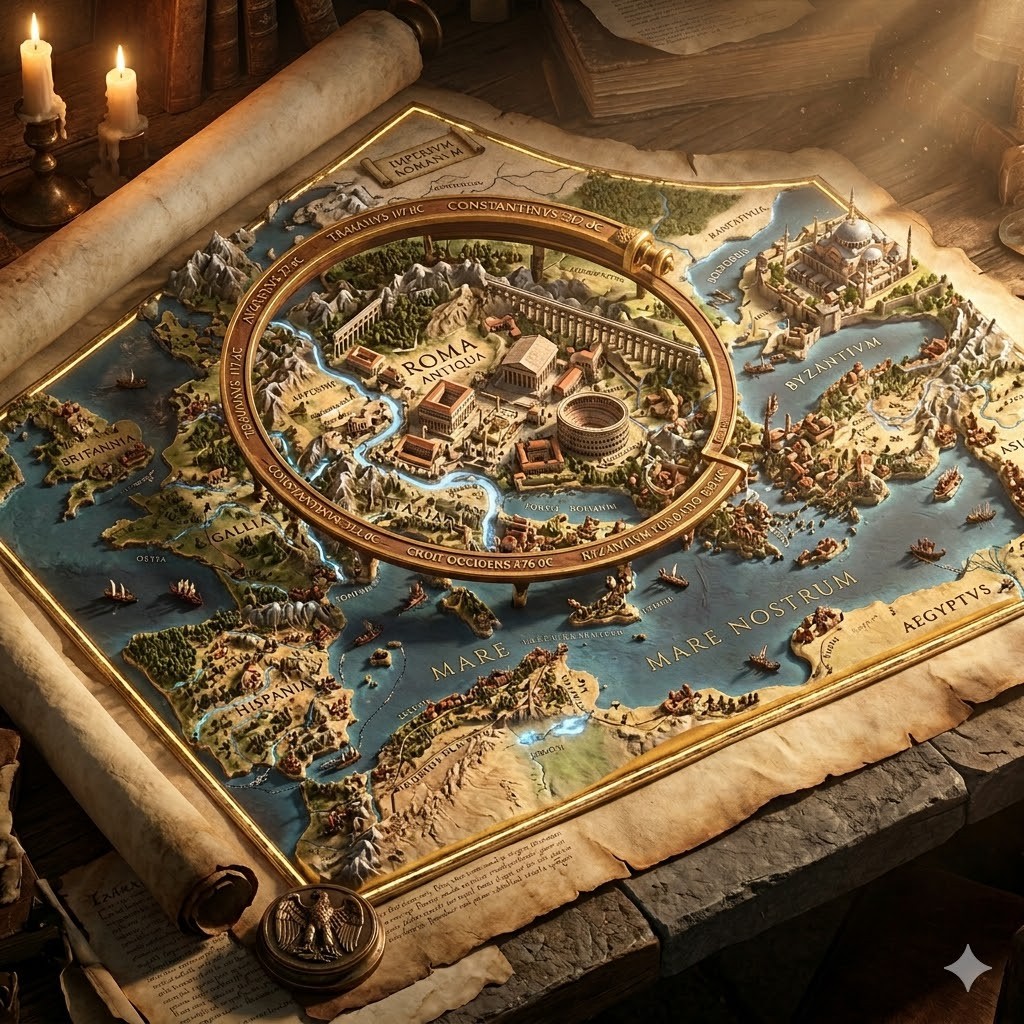
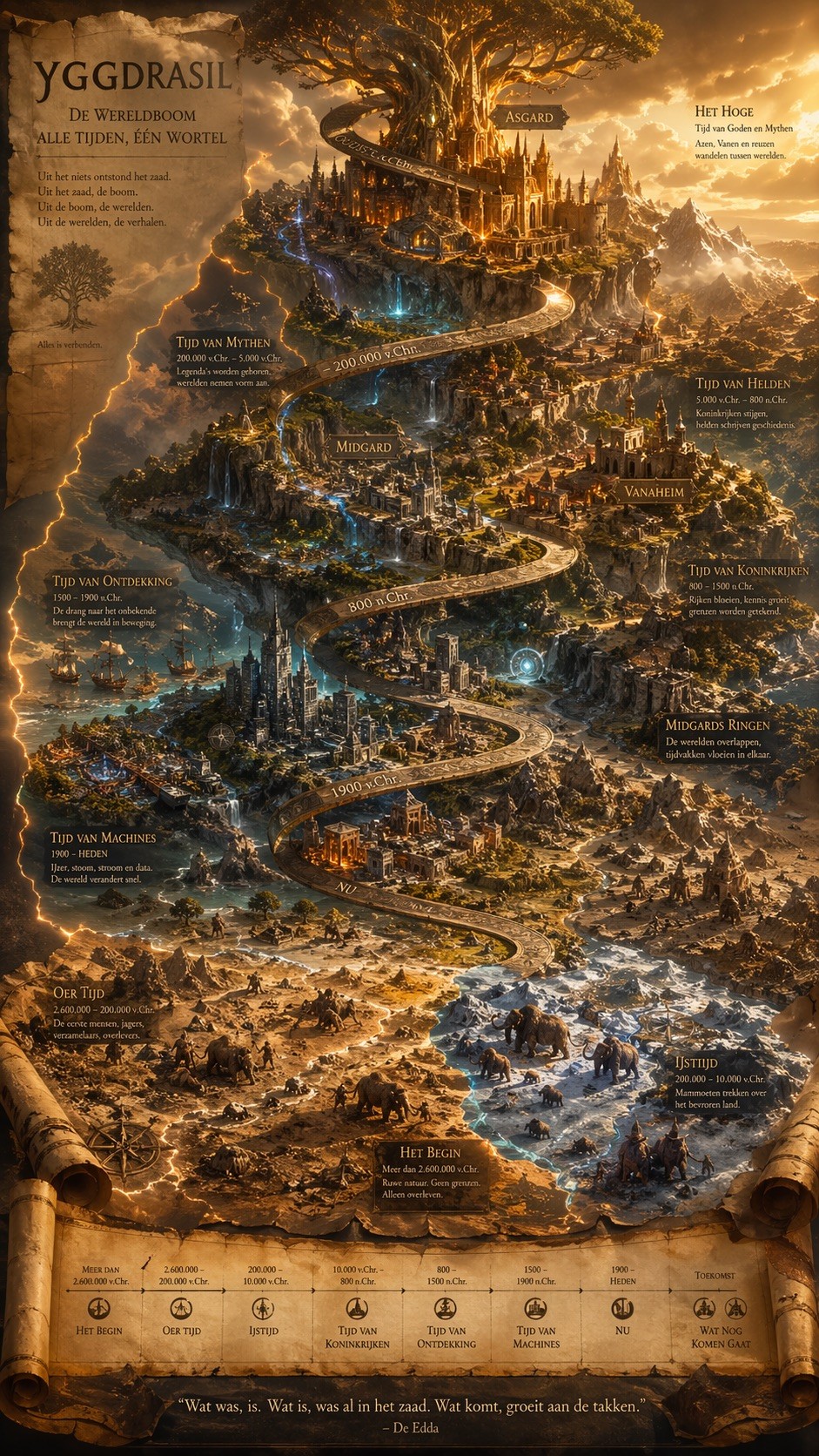
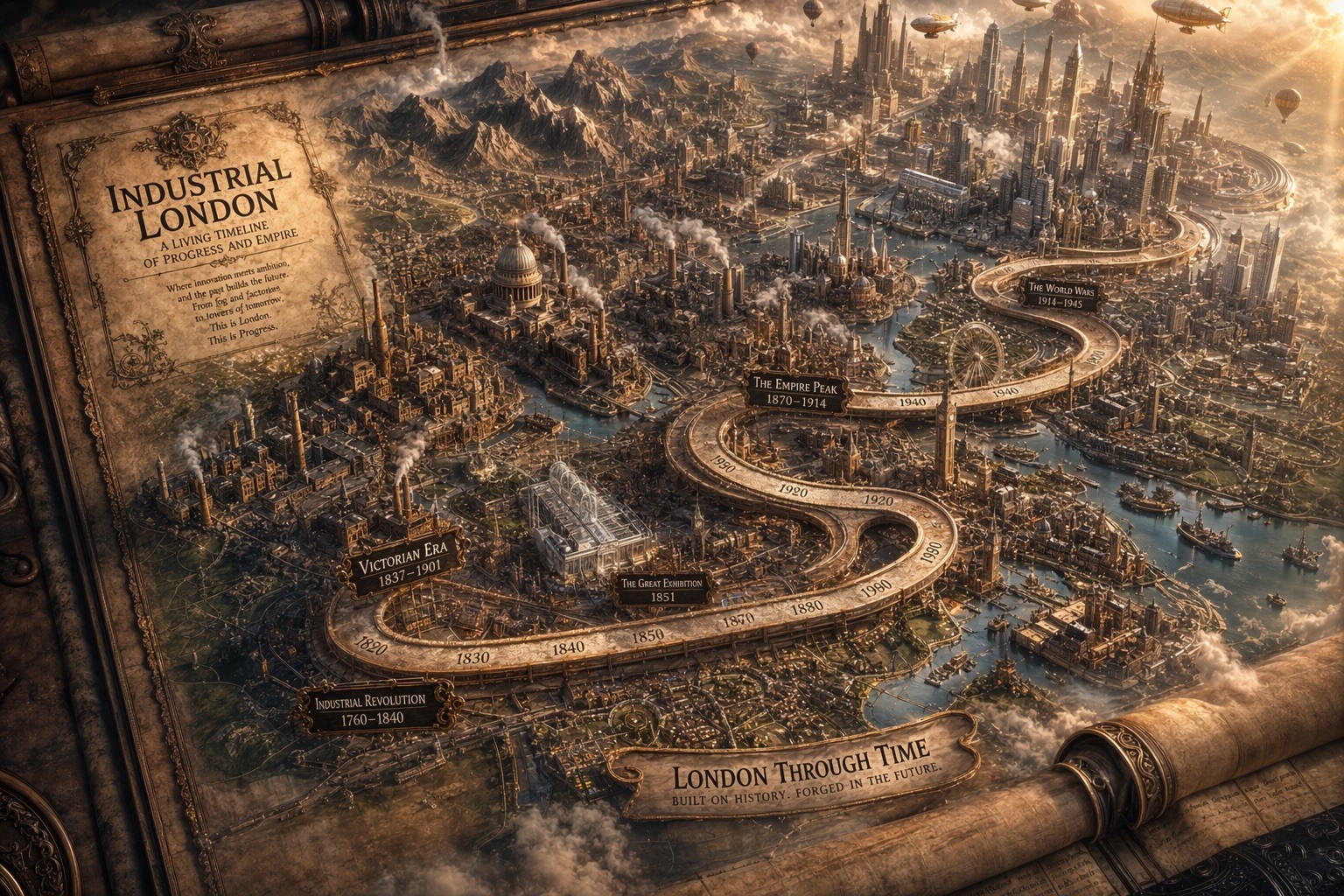
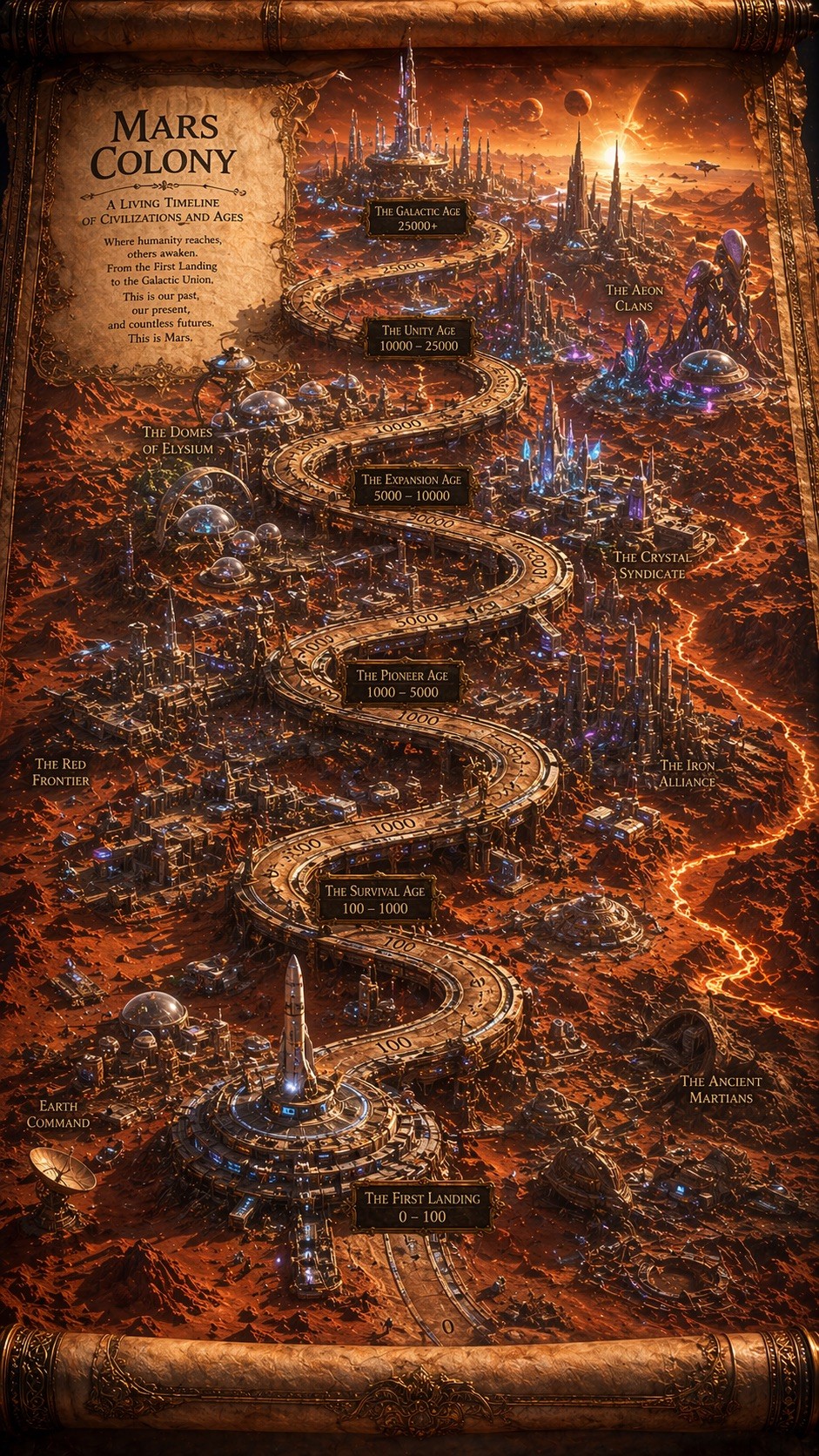
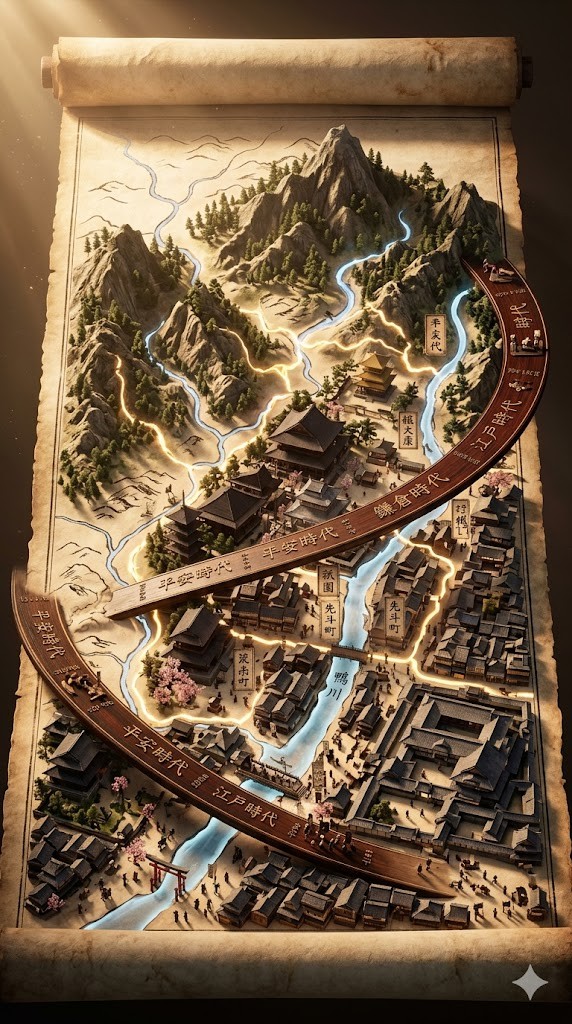
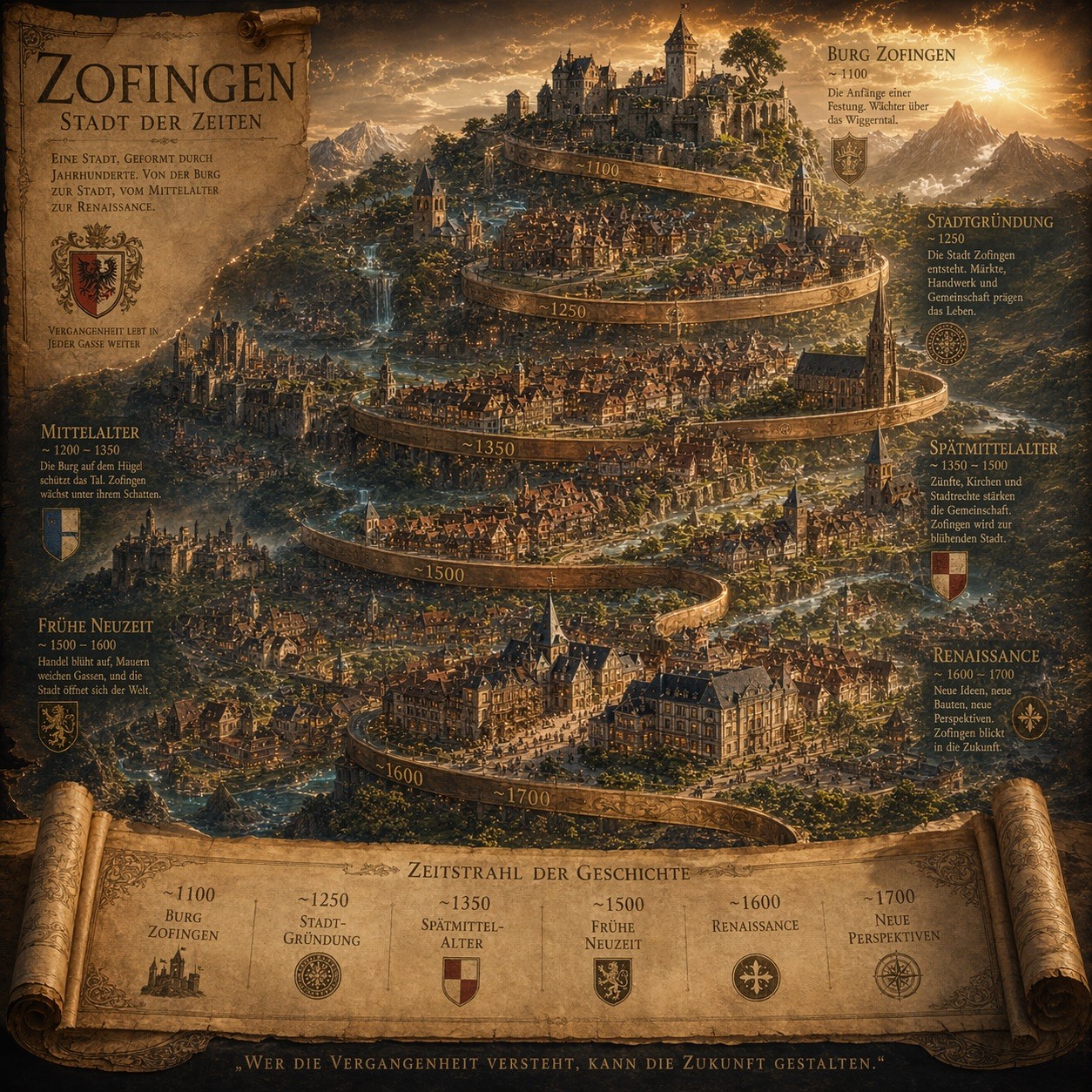
Epic 3D isometric atlas scene: a massive ancient map of {{Subject: # Landscapes, Mount Olympus, Yggdrasil, Atlantis, Mars Colony, # History, Ancient Rome, Industrial London, Feudal Kyoto, # Fantasy, Middle Earth, Forgotten Realms, Sky Islands}}  erupts from an unfurled parchment scroll, filling nearly the entire frame. Ink lines ignite into living terrain: mountain ranges push upward, cities rise in vertical layers, rivers glow and flow, borders burn softly in gold. Multiple civilizations {{Civilizations: Steampunk and Victorian, Roman and Byzantine, Mayan and Aztec, Cyberpunk and Synthwave, Medieval and Renaissance, Ancient Egyptian and Nubian, Feudal Japanese and Edo, Futuristic and Alien, Pirate and Colonial, Prehistoric and Ice Age}} coexist in stacked time, their architectures phasing through one another as if time is folding. A carved timeline spirals across the map with engraved dates. All text in {{Language:[languages]}}. Extreme scale contrast, dense micro-detail everywhere, dramatic golden-hour light, volumetric dust, cinematic depth, 8K, UE5.

Aspect Ratio: {{Aspect Ratios: [aspect_ratios]}}
# Landscapes, Mount Olympus, Yggdrasil, Atlantis, Mars Colony, # History, Ancient Rome, Industrial London
Steampunk and Victorian, Roman and Byzantine, Mayan and Aztec, Cyberpunk and Synthwave, Medieval and Renaissance, Ancient Egyptian and Nubian, Feudal Japanese and Edo, Futuristic and Alien
[languages]
[aspect_ratios]
Epic 3D isometric atlas scene: a massive ancient map of # Landscapes  erupts from an unfurled parchment scroll, filling nearly the entire frame. Ink lines ignite into living terrain: mountain ranges push upward, cities rise in vertical layers, rivers glow and flow, borders burn softly in gold. Multiple civilizations Steampunk and Victorian coexist in stacked time, their architectures phasing through one another as if time is folding. A carved timeline spirals across the map with engraved dates. All text in [languages]. Extreme scale contrast, dense micro-detail everywhere, dramatic golden-hour light, volumetric dust, cinematic depth, 8K, UE5.

Aspect Ratio: [aspect_ratios]
Variablen sind in {{ und }} eingeschlossen und folgen diesem Muster:
Eine Auswahl kann auf eine vordefinierte Variablenliste per eckige Klammern verweisen. Diese erscheinen in [Orange] und bieten häufig verwendete Werte wie Farben, Töne oder Sprachen.
Du kannst auch eine durch Kommas getrennte Inline-Liste mit Optionen angeben.
Tipp: Du brauchst die PUCO-App nicht, um diese Prompts zu verwenden! Kopiere einfach die Vorlage und ersetze jeden {{…}}-Abschnitt direkt in ChatGPT, Claude, Gemini oder einem anderen KI-Assistenten durch eigenen Text.