Ideal für
- Einen strukturierten, wiederverwendbaren Prompt statt eines leeren Chats als Ausgangspunkt nutzen.
- Den Prompt an eigene Eingaben anpassen, während die ursprüngliche Absicht erhalten bleibt.
- Workflows rund um Creative & Visuals.

Erzeugt hyperdetaillierte, anthropomorphe Objekte mit ausdrucksstarken Gesichtern und kinohafter Atmosphäre.
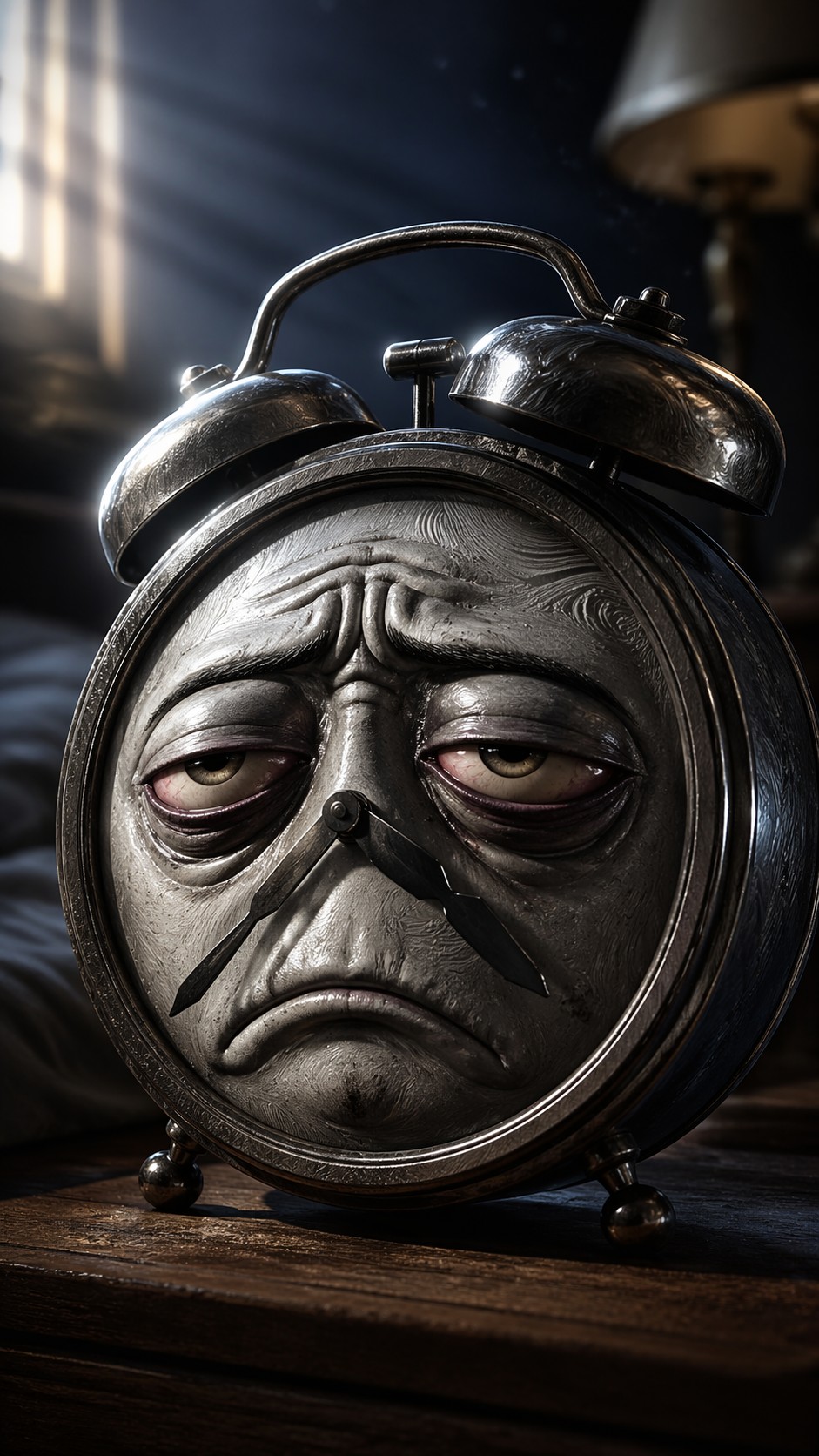
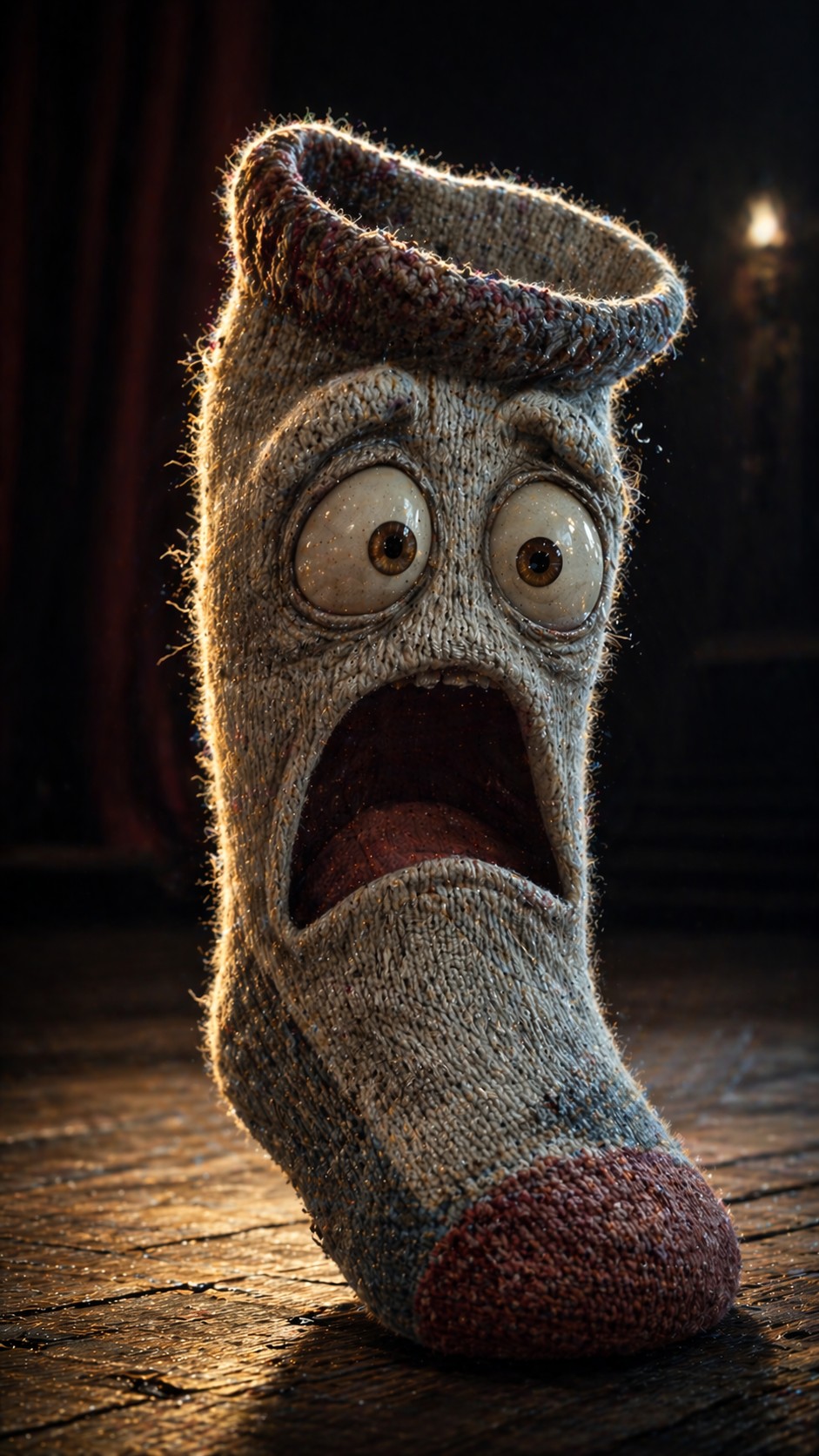
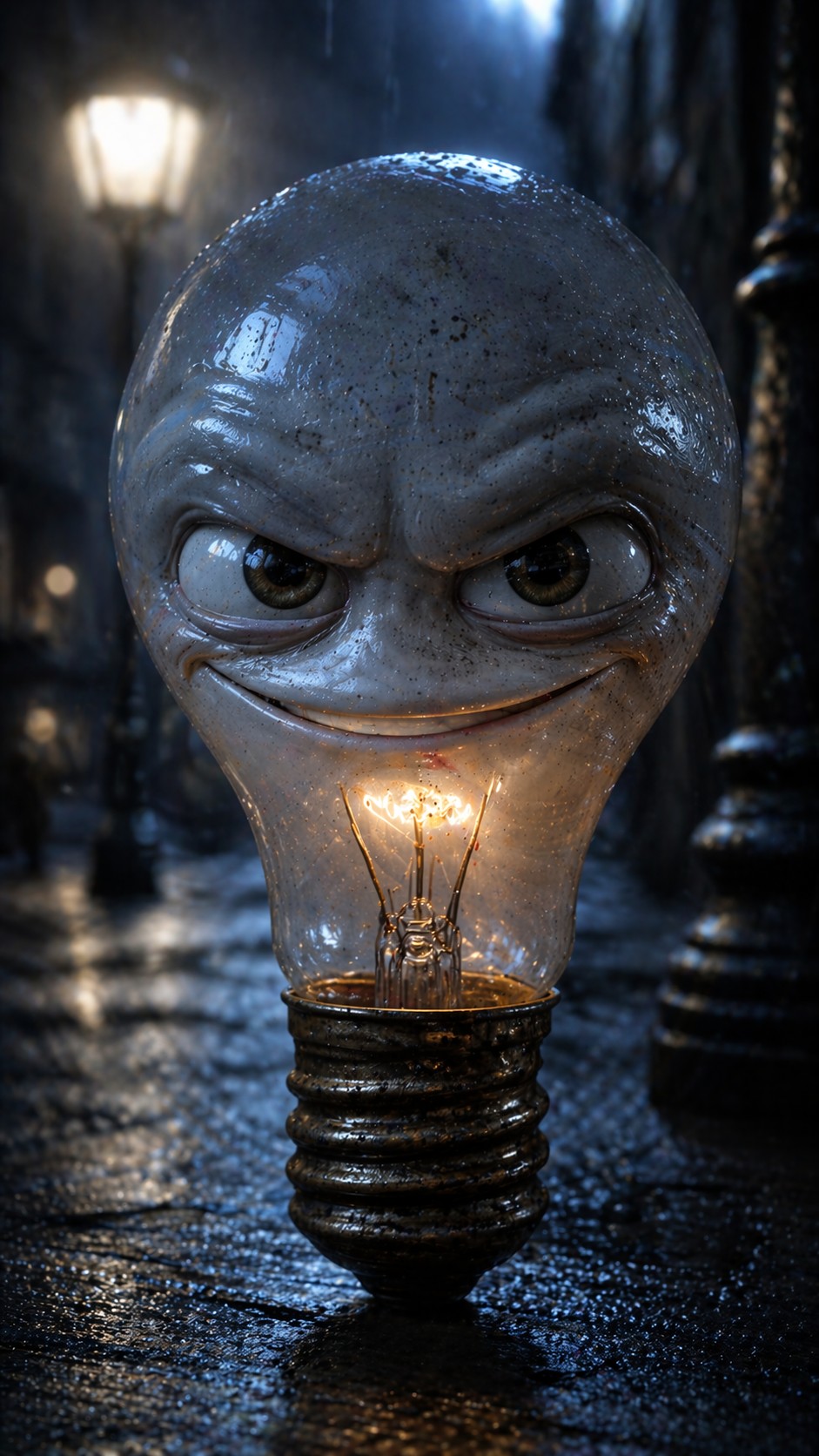
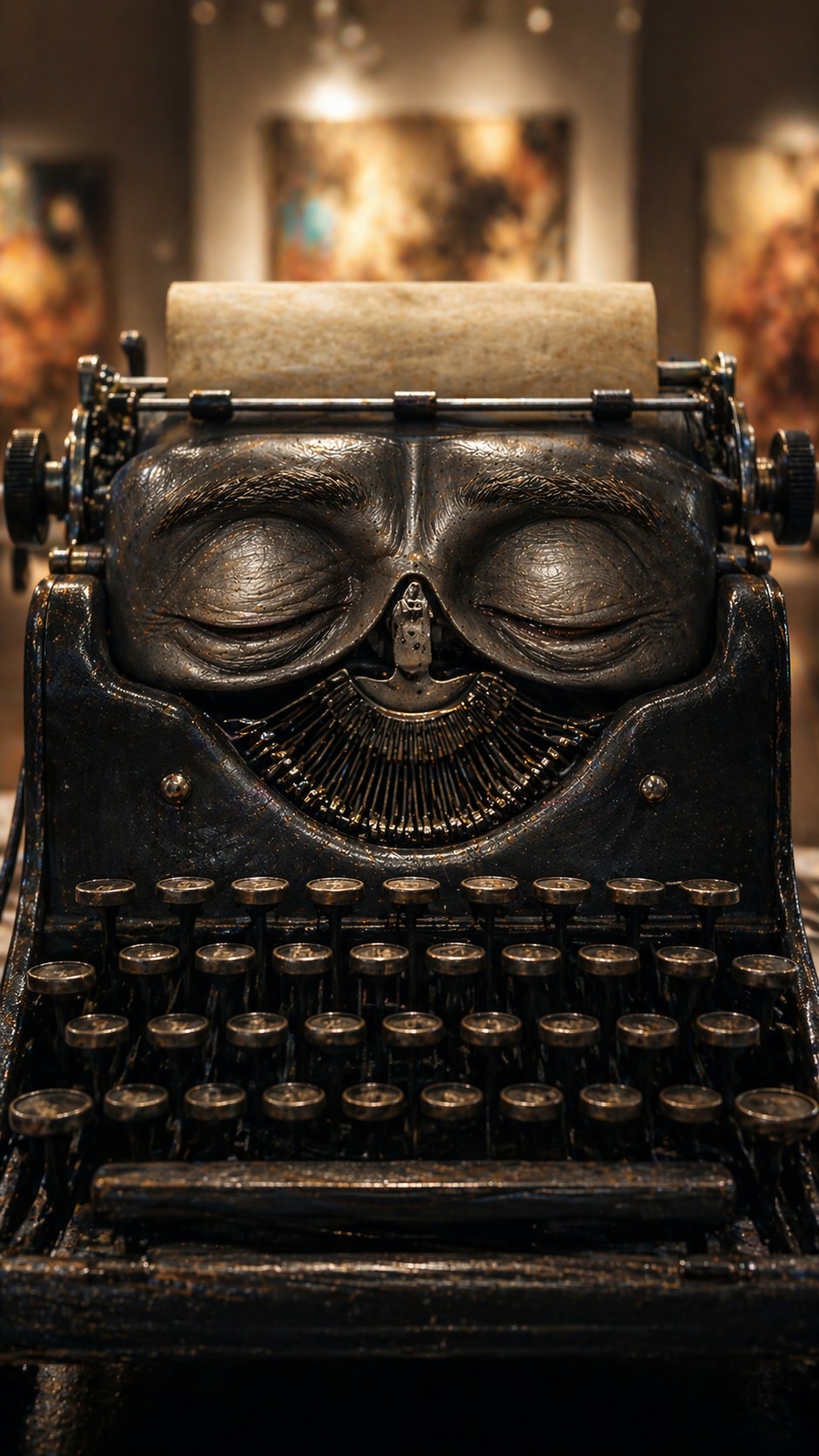
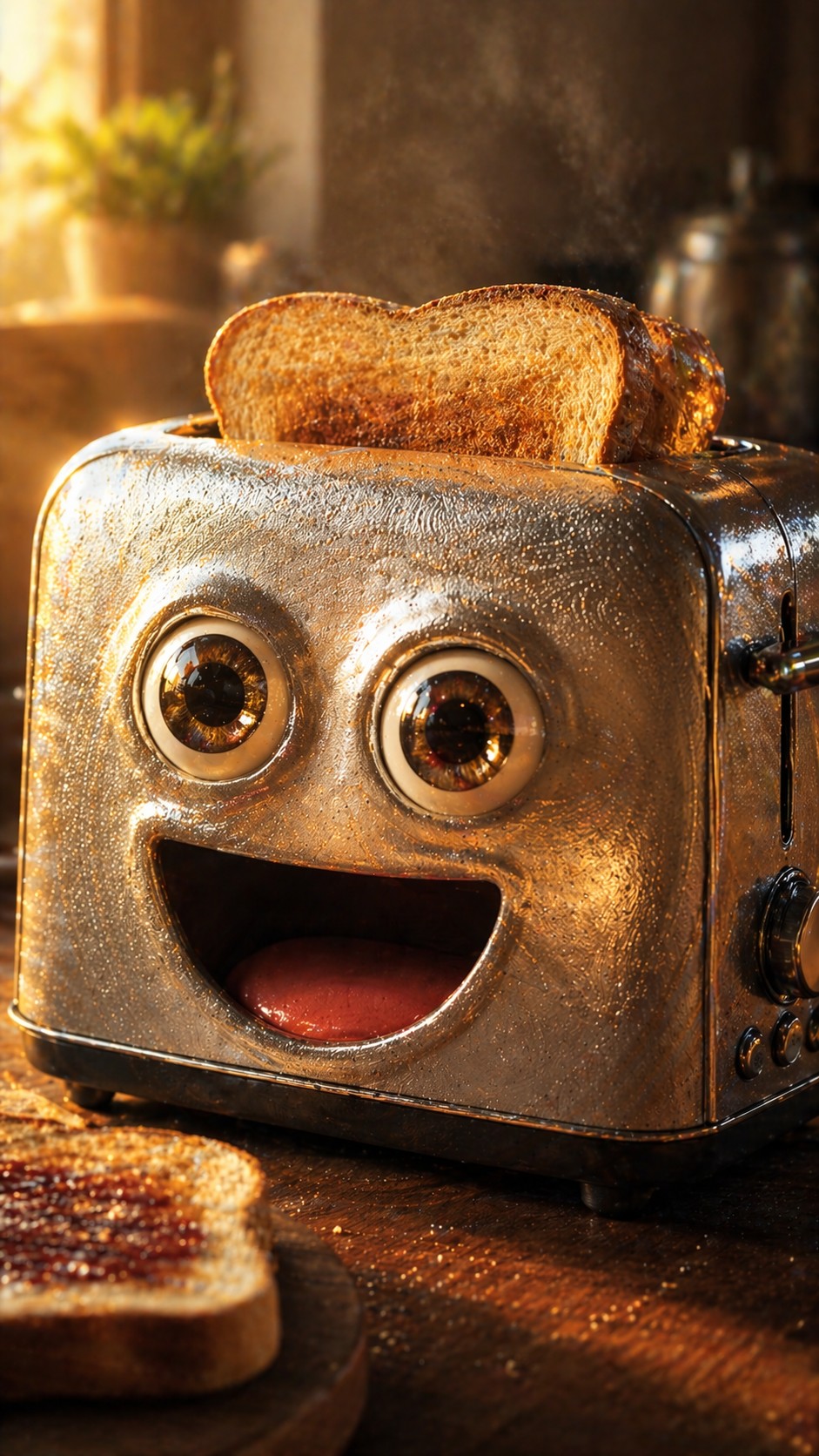

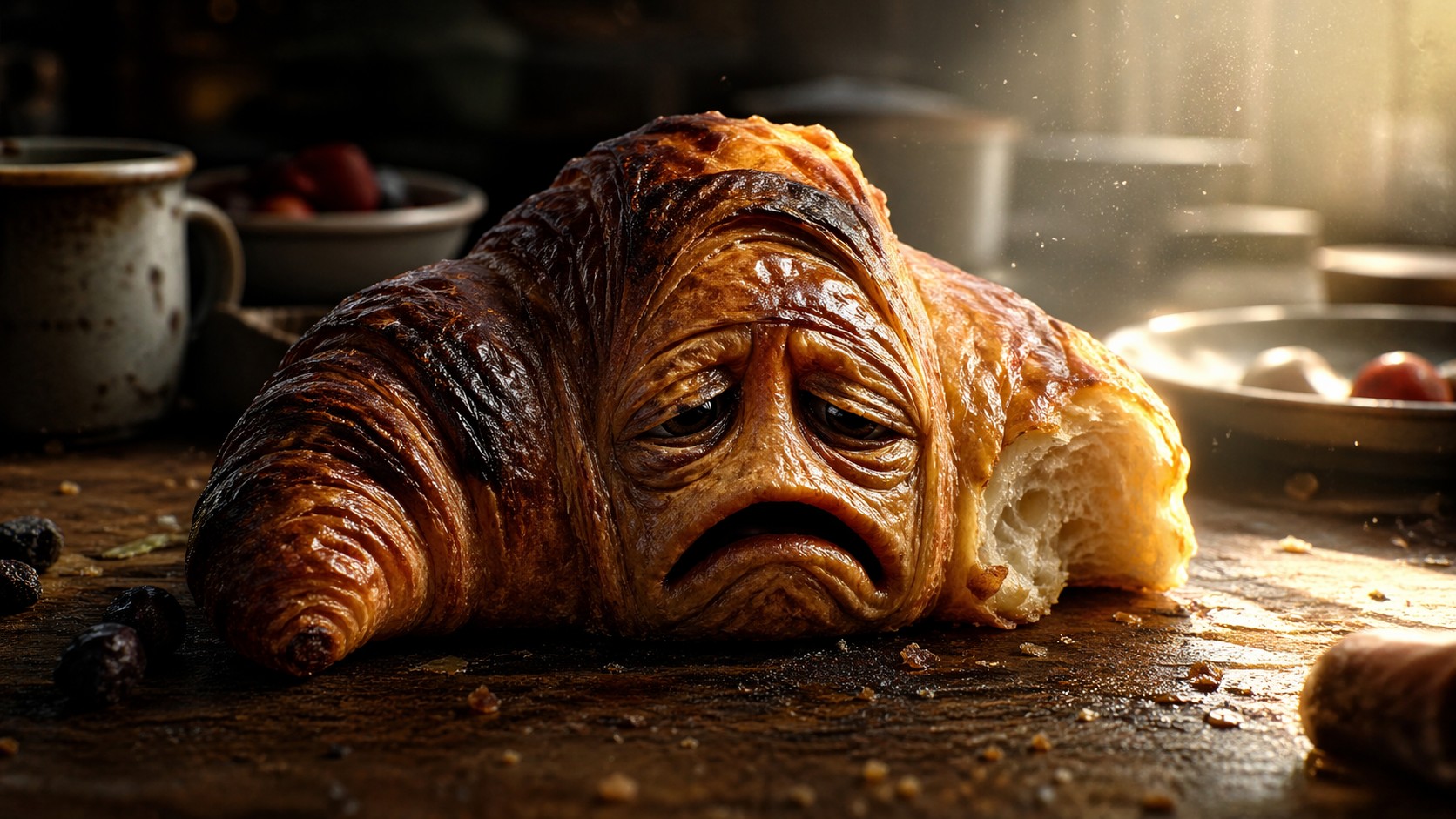
Generate a hyper-detailed, anthropomorphic {{Subject: Half-eaten croissant, Tired alarm clock, Cracked coffee mug, Grumpy smartphone, Nervous lightbulb, Angry broccoli, Joyful strawberry, Worn-out sneaker, Forgotten umbrella, Wise typewriter, Melancholy violin, Excited toaster, Suspicious backpack, Bored office chair, Lonely sock}} with a highly expressive, {{Emotion: Pure exhaustion, Manic joy, Deep contemplation, Grumpy defiance, Eager excitement, Suspicious side-eye, Heartbreaking sadness, Sly confidence, Abject panic, Calm Zen, Mischievous grin, Overwhelming curiosity, Sleepy grumpiness, Existential dread}} face. The texture of the subject is hyper-realistic, featuring microscopic details like {{Materials: [materials]}}. Style: {{Style: 3D animation cinematic render, Photoreal macro photography, Studio Ghibli-inspired illustration, Minimalist flat clay 3D icon, Watercolor whimsical texture, Isometric high-end app aesthetic, 100mm lens realistic photography, Surrealist oil painting, Cyberpunk neon digital art, 3D toy photography}}. Composition: Extreme close-up, shallow depth of field, subject centered. Lighting: {{Lighting: Dramatic side-lighting with volumetric god rays, Soft natural sunlight, Harsh neon glow, Warm golden hour, Dim moody candlelight, Cool moonlight, High-contrast rim lighting, Ethereal glow}}. Background: A softly blurred {{Location: Messy breakfast table, Dark bedroom, Dust-filled attic, Rainy street corner, Sun-drenched garden, Misty forest floor, Abandoned toy store, Busy workshop, Cozy kitchen counter, Quiet park bench, Modern art gallery, Crowded subway floor, Overgrown greenhouse, Minimalist studio, Empty stage}}. Aspect Ratio: {{Aspect Ratio: 16:9, 9:16, 1:1}}. Negative constraints: avoid human bodies, low resolution, blurry main subject, text, distorted facial features, flat lighting.
Half-eaten croissant, Tired alarm clock, Cracked coffee mug, Grumpy smartphone, Nervous lightbulb, Angry broccoli, Joyful strawberry, Worn-out sneaker
Pure exhaustion, Manic joy, Deep contemplation, Grumpy defiance, Eager excitement, Suspicious side-eye, Heartbreaking sadness, Sly confidence
[materials]
3D animation cinematic render, Photoreal macro photography, Studio Ghibli-inspired illustration, Minimalist flat clay 3D icon, Watercolor whimsical texture, Isometric high-end app aesthetic, 100mm lens realistic photography, Surrealist oil painting
Dramatic side-lighting with volumetric god rays, Soft natural sunlight, Harsh neon glow, Warm golden hour, Dim moody candlelight, Cool moonlight, High-contrast rim lighting, Ethereal glow
Messy breakfast table, Dark bedroom, Dust-filled attic, Rainy street corner, Sun-drenched garden, Misty forest floor, Abandoned toy store, Busy workshop
16:9, 9:16, 1:1
Generate a hyper-detailed, anthropomorphic Half-eaten croissant with a highly expressive, Pure exhaustion face. The texture of the subject is hyper-realistic, featuring microscopic details like [materials]. Style: 3D animation cinematic render. Composition: Extreme close-up, shallow depth of field, subject centered. Lighting: Dramatic side-lighting with volumetric god rays. Background: A softly blurred Messy breakfast table. Aspect Ratio: 16:9. Negative constraints: avoid human bodies, low resolution, blurry main subject, text, distorted facial features, flat lighting.
Variablen sind in {{ und }} eingeschlossen und folgen diesem Muster:
Eine Auswahl kann auf eine vordefinierte Variablenliste per eckige Klammern verweisen. Diese erscheinen in [Orange] und bieten häufig verwendete Werte wie Farben, Töne oder Sprachen.
Du kannst auch eine durch Kommas getrennte Inline-Liste mit Optionen angeben.
Tipp: Du brauchst die PUCO-App nicht, um diese Prompts zu verwenden! Kopiere einfach die Vorlage und ersetze jeden {{…}}-Abschnitt direkt in ChatGPT, Claude, Gemini oder einem anderen KI-Assistenten durch eigenen Text.