Ideal für
- Einen strukturierten, wiederverwendbaren Prompt statt eines leeren Chats als Ausgangspunkt nutzen.
- Den Prompt an eigene Eingaben anpassen, während die ursprüngliche Absicht erhalten bleibt.
- Workflows rund um Creative & Visuals.

Bewertet ein Porträt anhand spezifischer kultureller Schönheitsstandards, um einen objektiven, hochwertigen Bericht zur Gesichtsästhetik zu erstellen.
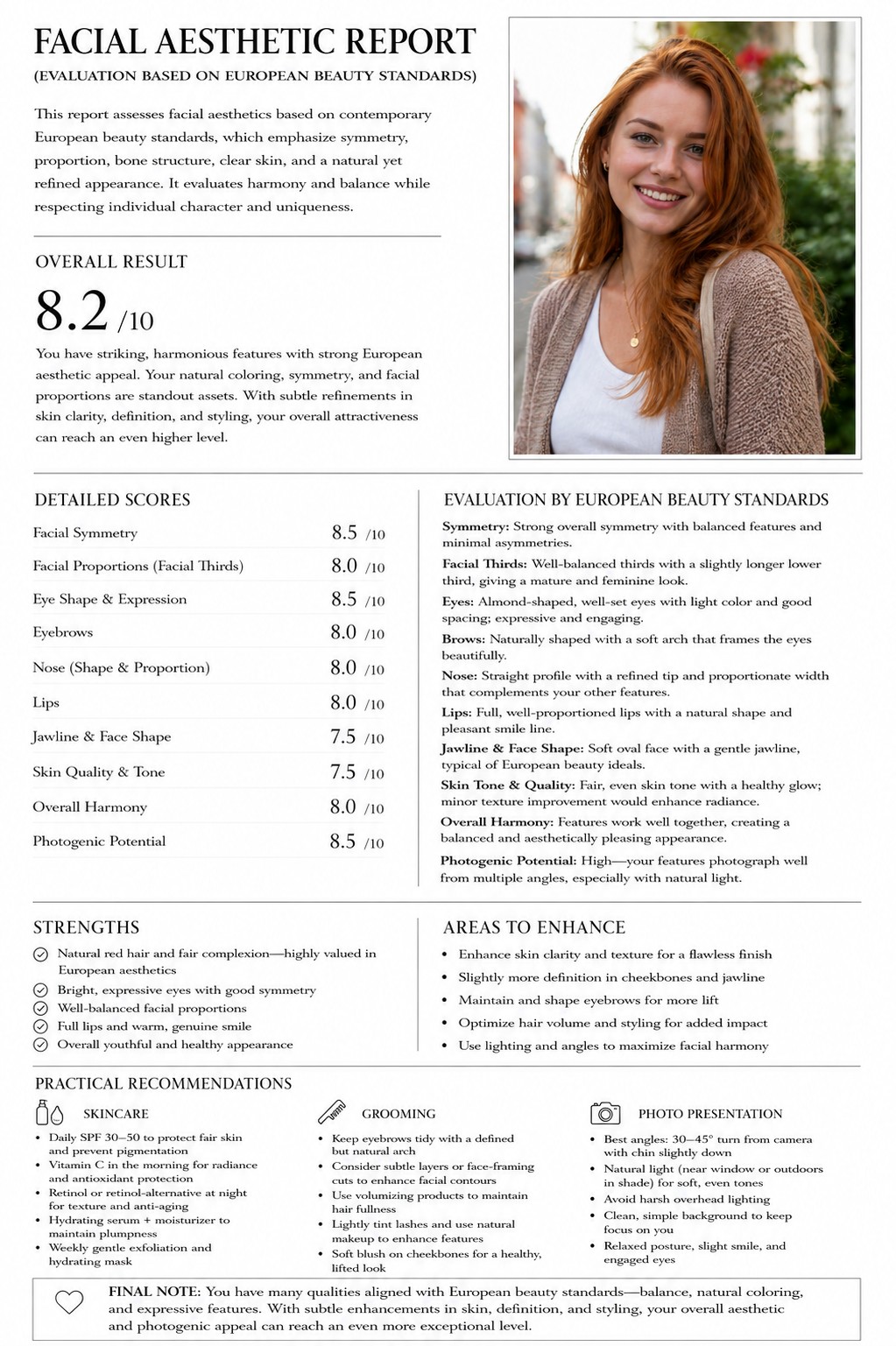
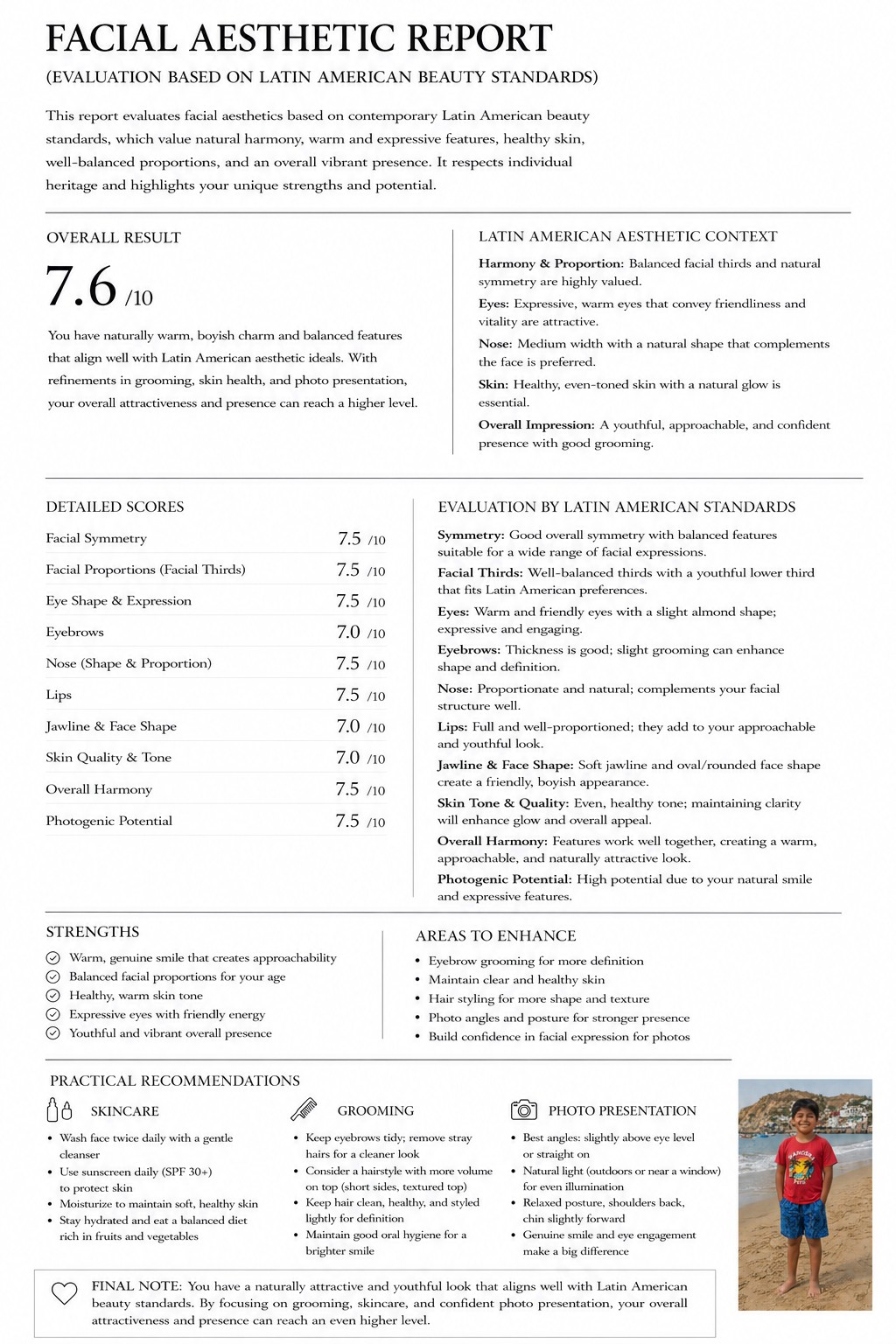
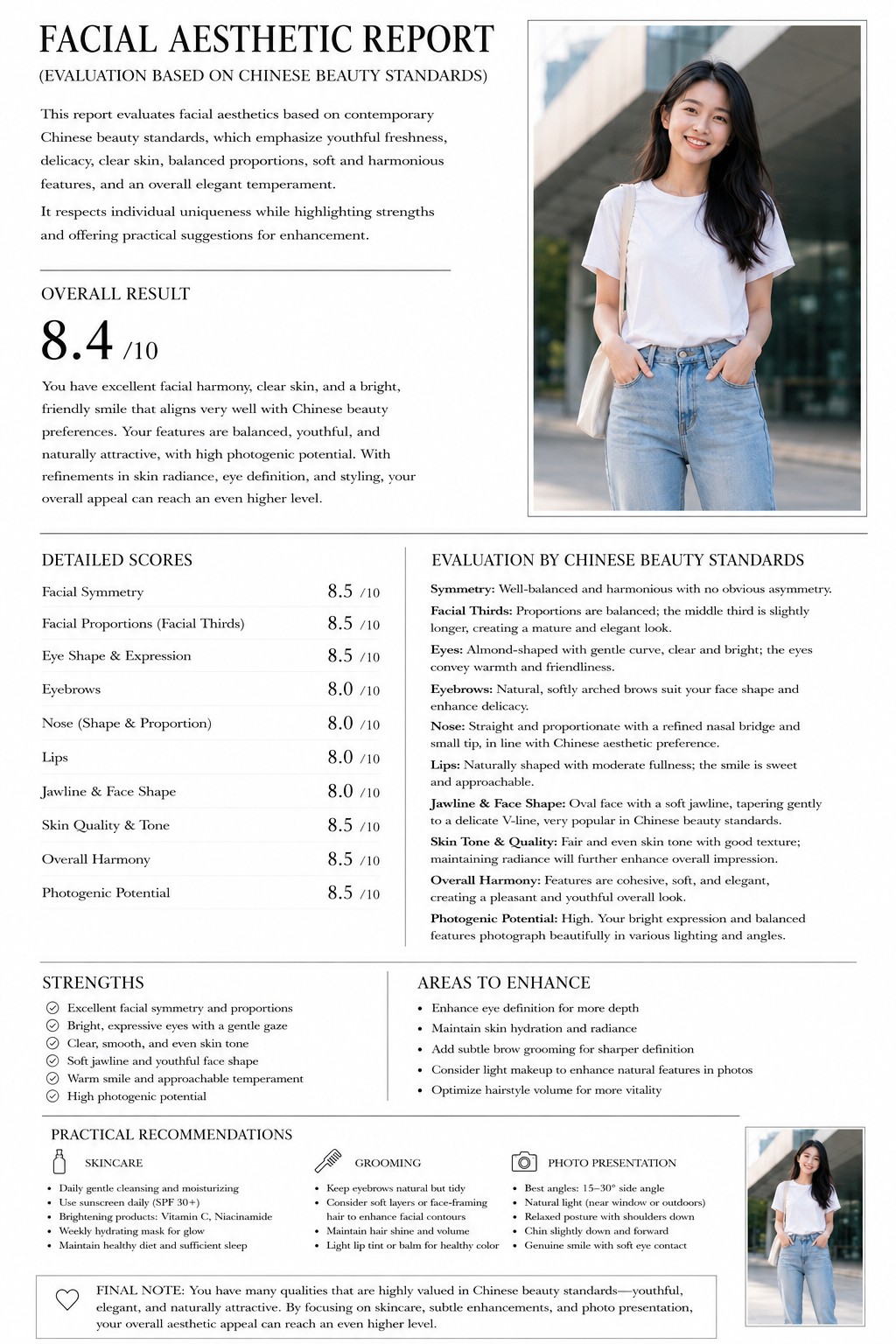
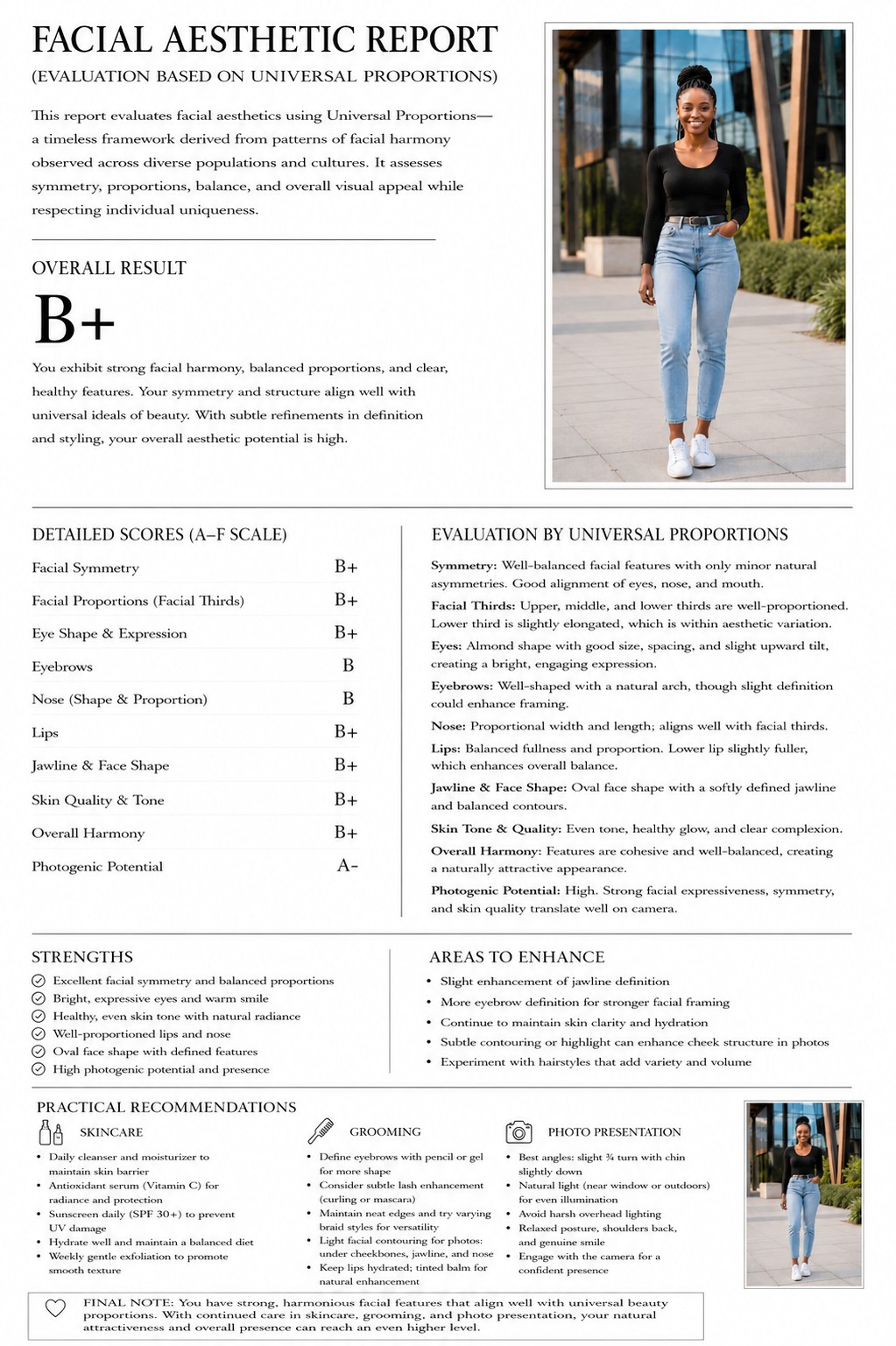
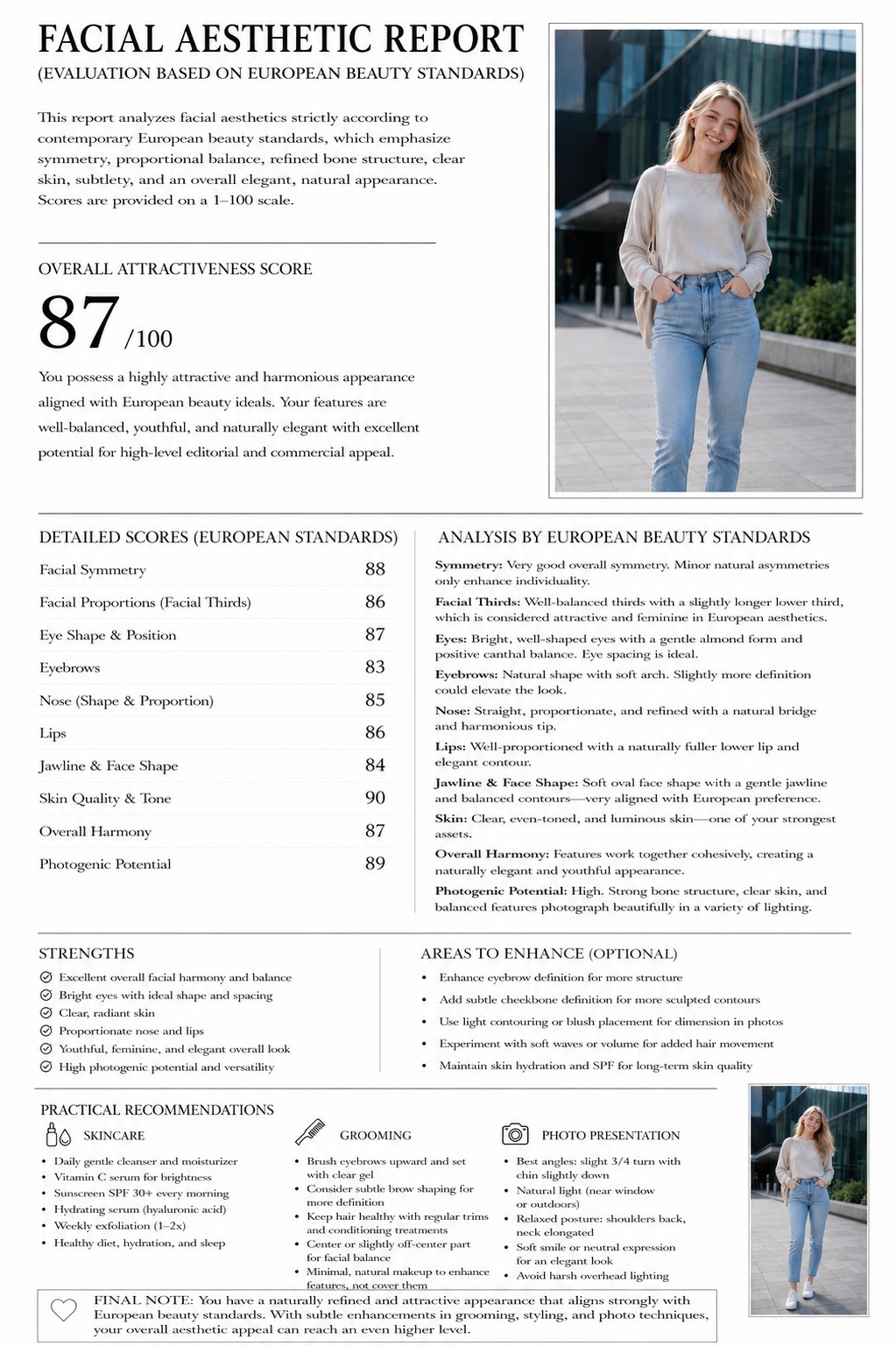
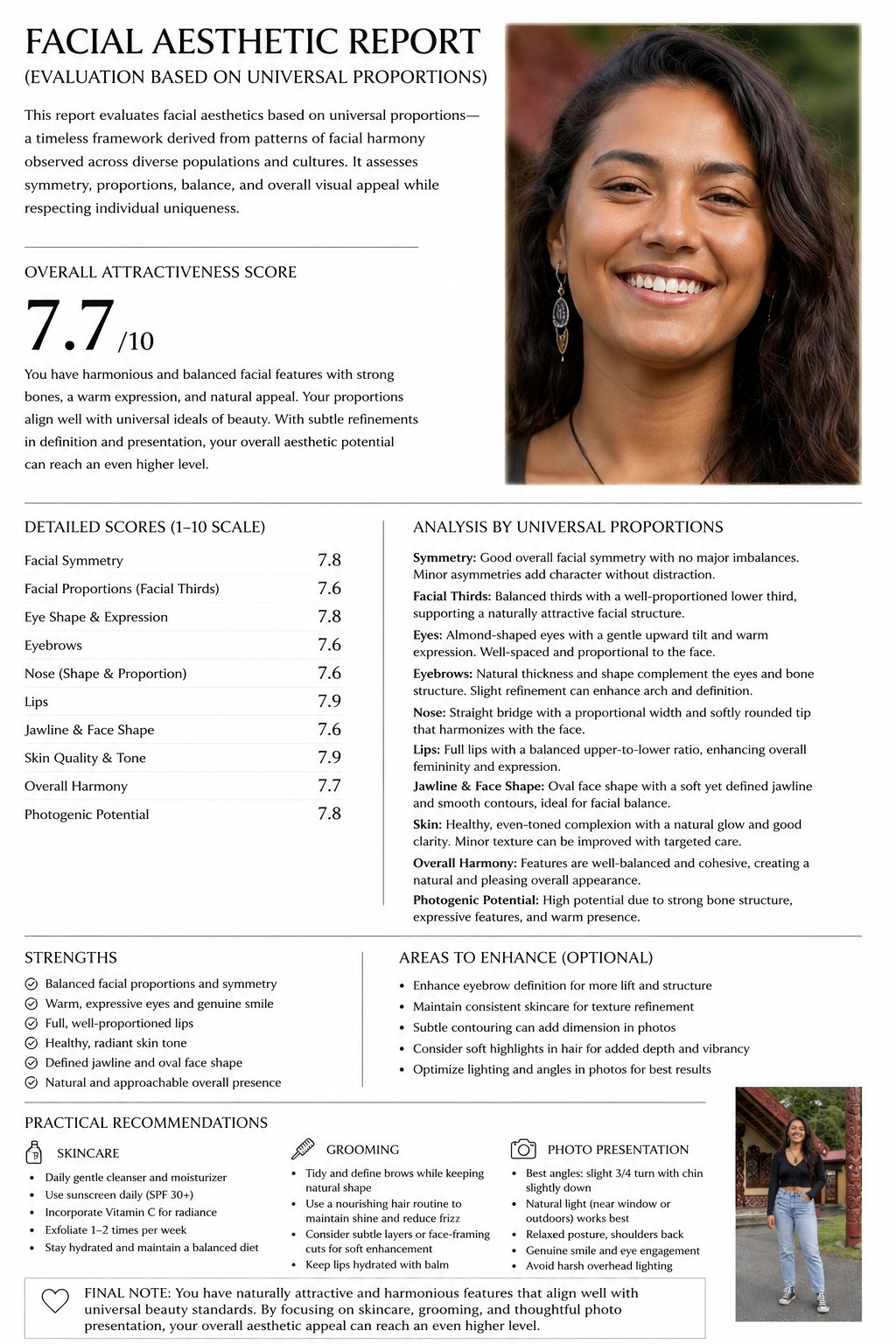
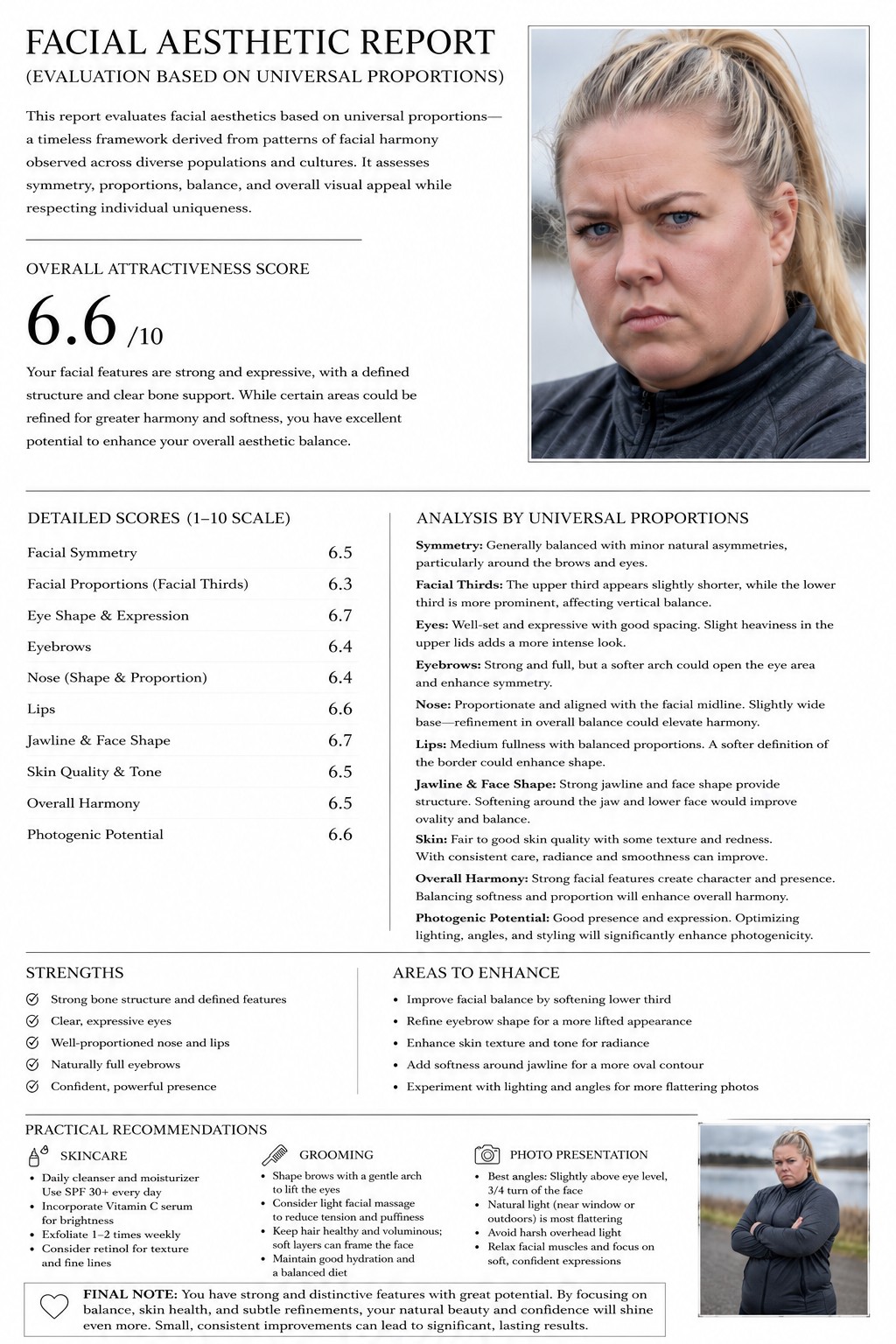
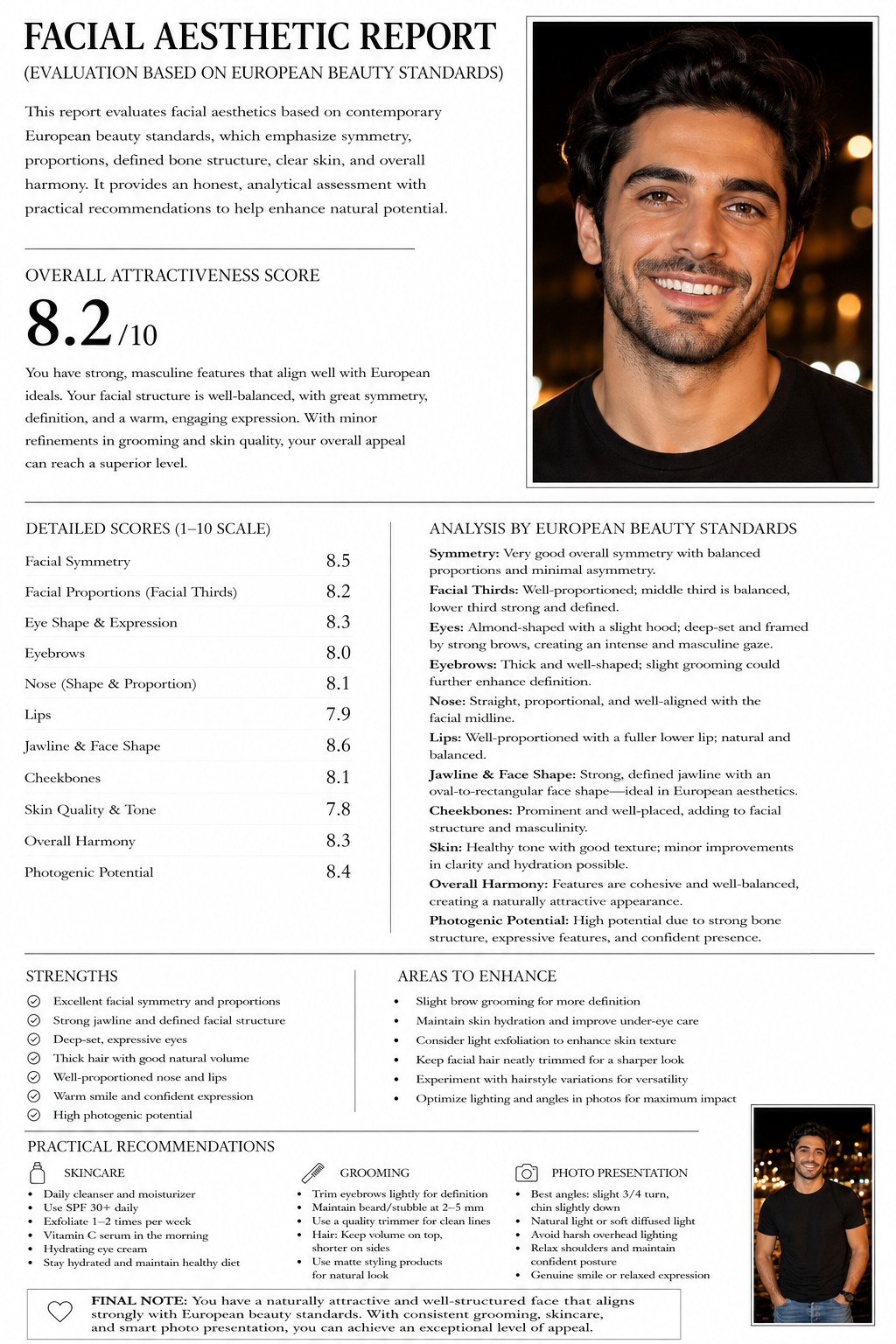
Analyze the uploaded portrait and generate a clean, minimal, high-end facial aesthetic report using a black-on-white editorial design layout. Base the aesthetic evaluation strictly on {{Cultural Aesthetic Standard: # Asian, Thai, Korean, Japanese, Chinese, # Western, European, North American, # Global, Universal Proportions, Middle Eastern, Latin American}} beauty standards. And mention that in the text as well. Acknowledge and respect specific cultural nuances in facial harmony, eye shape, nose proportion, jawline, and skin tone rather than applying a single universal metric. Provide an honest, objective evaluation of facial attractiveness potential, avoiding excessive flattery. Evaluate symmetry, facial thirds, overall proportions, and photogenic potential. Assign clear, realistic scores to each major category using a scale of 1-10, along with one overall attractiveness score. Include practical, achievable recommendations to improve attractiveness covering grooming, skincare, and photo presentation, considering the cultural standard. Maintain a {{Description Tone: elegant and constructive, highly analytical, culturally appreciative}} tone that builds on the subject's existing strengths.
Display only the face part from the image in the upper right area
# Asian, Thai, Korean, Japanese, Chinese, # Western, European, North American
elegant and constructive, highly analytical, culturally appreciative
Analyze the uploaded portrait and generate a clean, minimal, high-end facial aesthetic report using a black-on-white editorial design layout. Base the aesthetic evaluation strictly on # Asian beauty standards. And mention that in the text as well. Acknowledge and respect specific cultural nuances in facial harmony, eye shape, nose proportion, jawline, and skin tone rather than applying a single universal metric. Provide an honest, objective evaluation of facial attractiveness potential, avoiding excessive flattery. Evaluate symmetry, facial thirds, overall proportions, and photogenic potential. Assign clear, realistic scores to each major category using a scale of 1-10, along with one overall attractiveness score. Include practical, achievable recommendations to improve attractiveness covering grooming, skincare, and photo presentation, considering the cultural standard. Maintain a...
Variablen sind in {{ und }} eingeschlossen und folgen diesem Muster:
Eine Auswahl kann auf eine vordefinierte Variablenliste per eckige Klammern verweisen. Diese erscheinen in [Orange] und bieten häufig verwendete Werte wie Farben, Töne oder Sprachen.
Du kannst auch eine durch Kommas getrennte Inline-Liste mit Optionen angeben.
Tipp: Du brauchst die PUCO-App nicht, um diese Prompts zu verwenden! Kopiere einfach die Vorlage und ersetze jeden {{…}}-Abschnitt direkt in ChatGPT, Claude, Gemini oder einem anderen KI-Assistenten durch eigenen Text.