Ideal für
- Einen strukturierten, wiederverwendbaren Prompt statt eines leeren Chats als Ausgangspunkt nutzen.
- Den Prompt an eigene Eingaben anpassen, während die ursprüngliche Absicht erhalten bleibt.
- Workflows rund um Design & Art.

Verwandelt ein Motiv in ein kolossales, äußerst detailreiches Buntglasfenster-Panel in einer massiven gotischen Kathedrale, mit Fokus auf physische Realität und biolumineszente Pigmente[cite: 1].
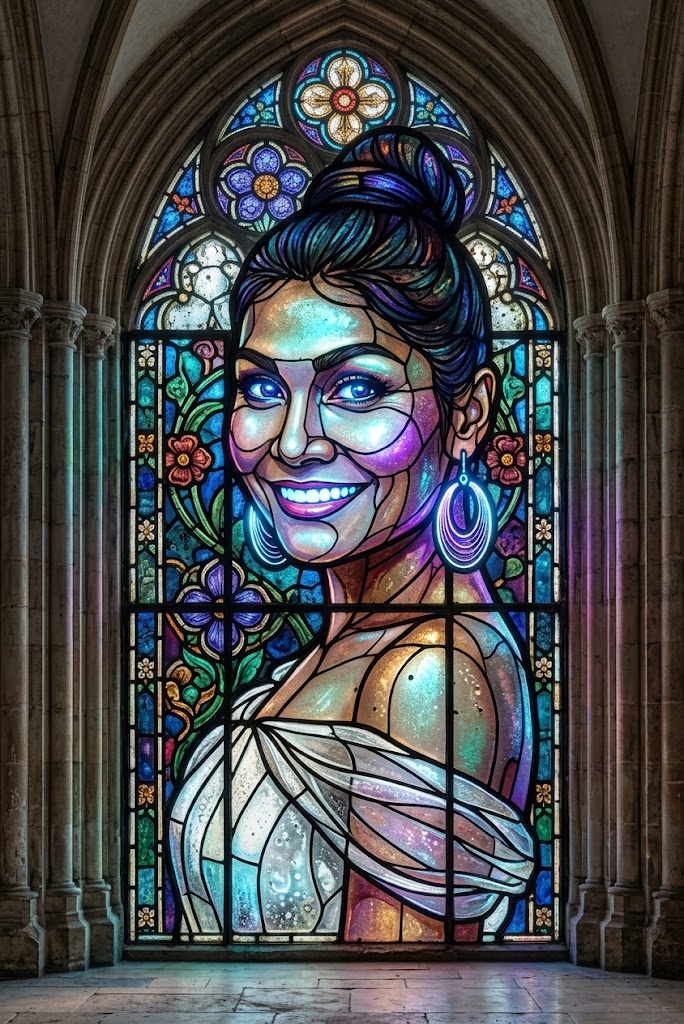
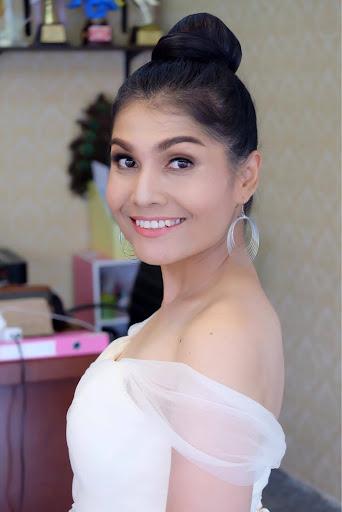
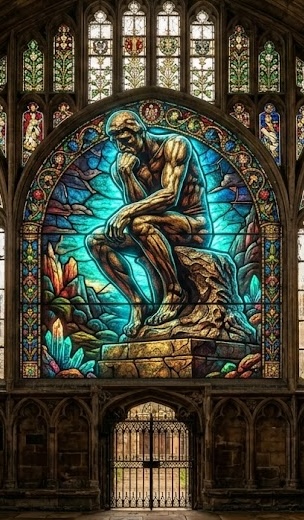
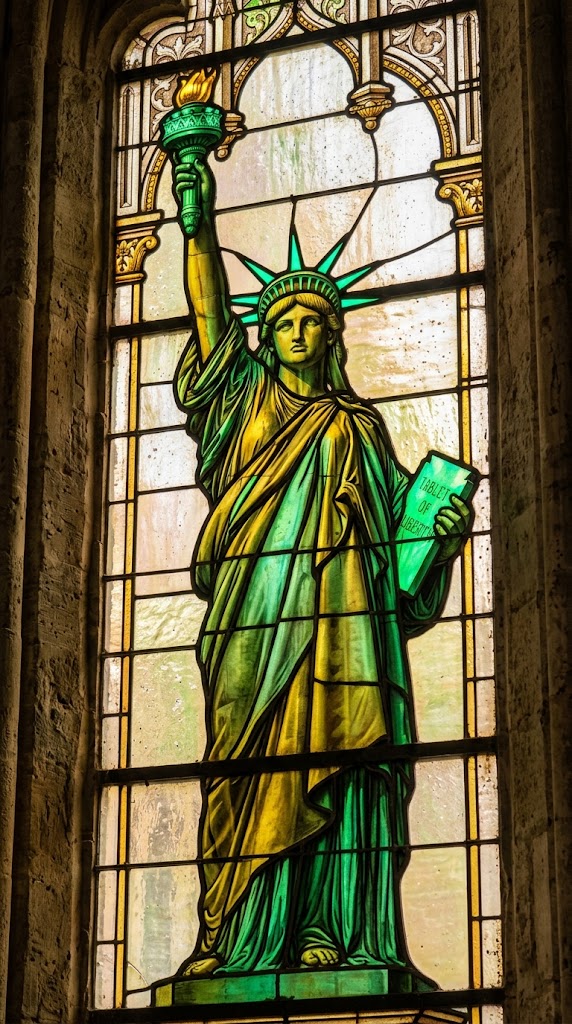
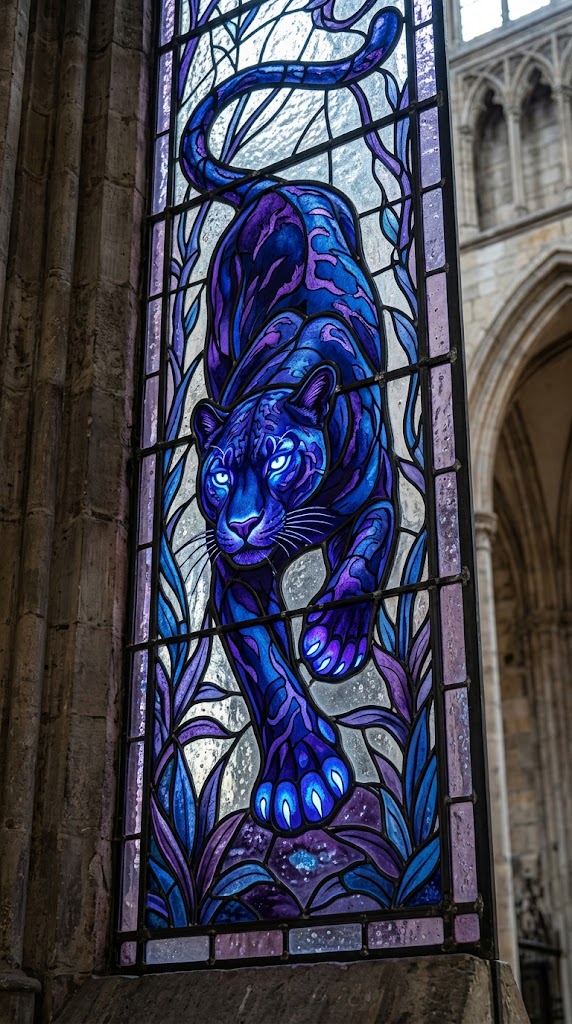
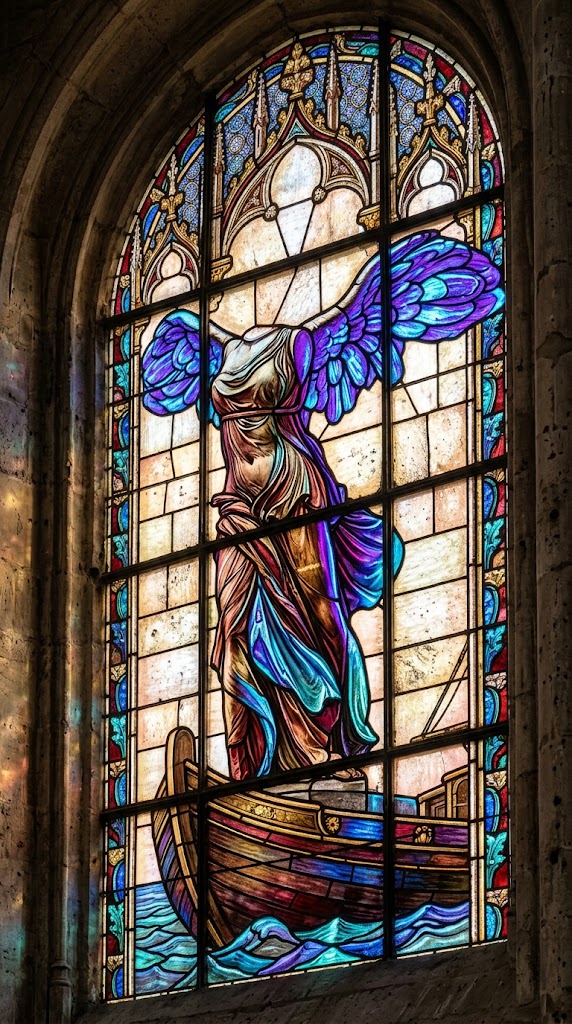
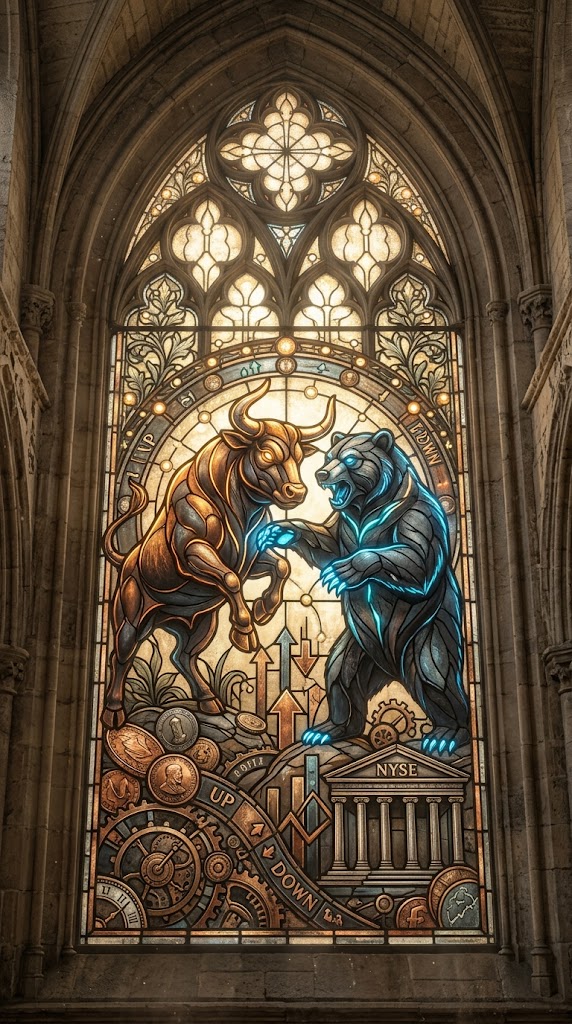
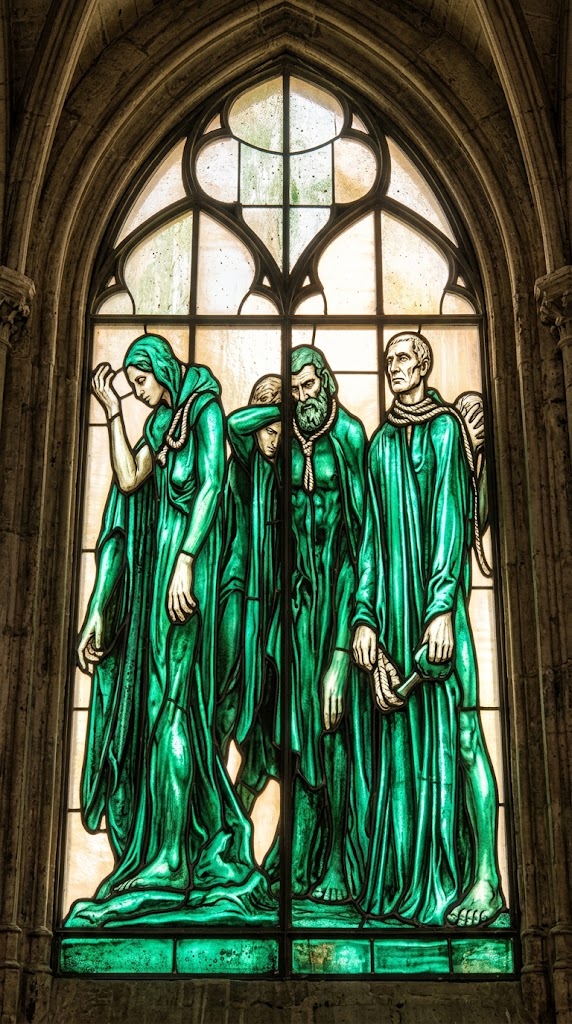
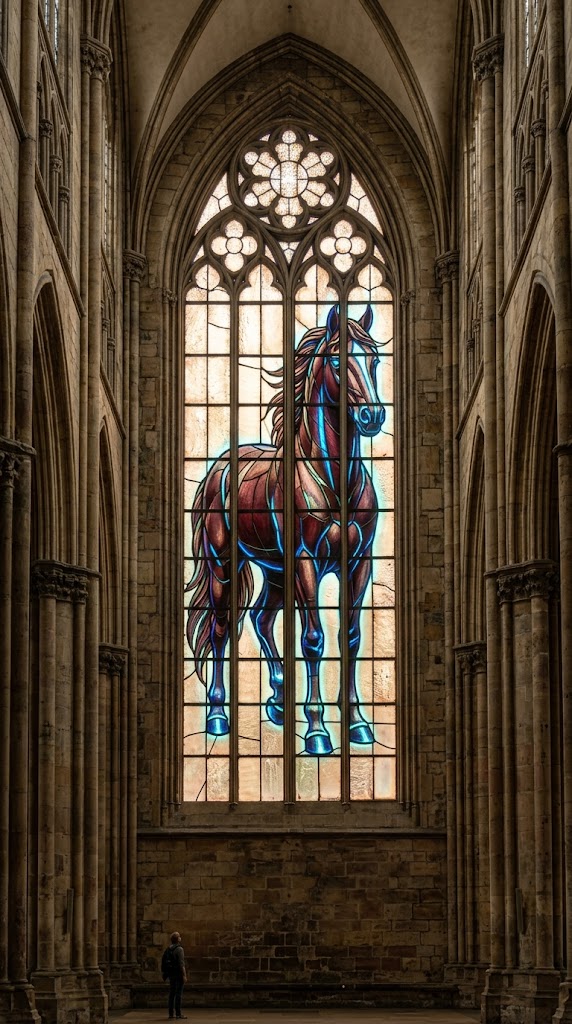
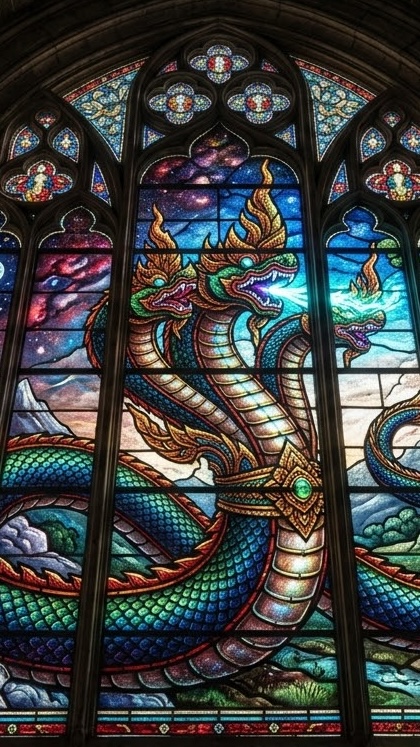
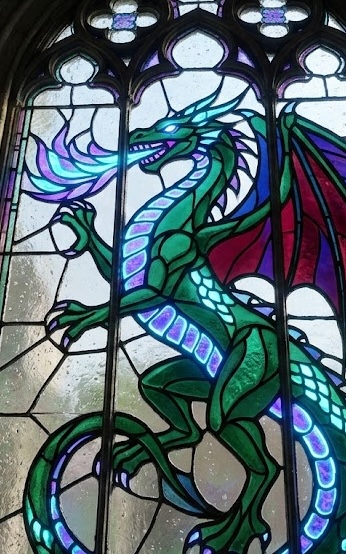
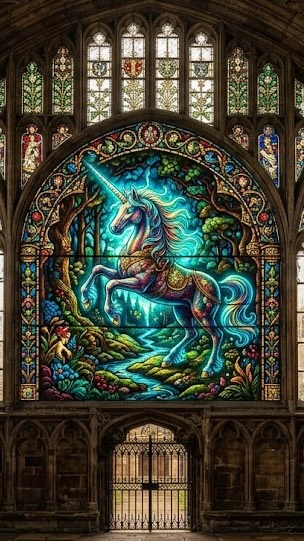
A colossal, intricately detailed stained-glass window panel set within a massive Gothic cathedral. The window depicts the {{object: # Animals & Mythological Creatures, Panther, Wolf, Tiger, Eagle, Horse, Dragon, Thai Naga, Lion, Unicorn, Standing Horse, Cat, Dog, Bird, Fish, Turtle, Snail, # Humans & Anatomy, Man, Woman, Female Head, Male Head, Human Hand, Human Foot, # Famous Sculptures & Monuments, NYSE bull and bear, The Thinker by Auguste Rodin, David by Michelangelo, Venus de Milo by Alexandros of Antioch, Statue of Liberty by Frédéric Auguste Bartholdi, Pietà by Michelangelo, The Kiss by Auguste Rodin, Apollo and Daphne by Gian Lorenzo Bernini, Winged Victory of Samothrace, Discobolus by Myron, The Burghers of Calais by Auguste Rodin, Moses by Michelangelo, # Everyday Objects & Props, Apple, Banana, Coffee Mug, Teapot, Book Stack, Chair, Table Lamp, Key, Padlock, Chess Piece, Seashell, Feather, # Basic Shapes & Forms, Sphere, Cube, Ball, # Custom Subjects, * The subject on the attached image}} as the central figure, rendered with a combination of {{Color Palette: Deep rich historical colors, Emerald and gold, Sapphire and amethyst, Ruby red and onyx, Turquoise and brass, Cobalt blue and silver, Burgundy and bronze, Jade green and ivory, Obsidian and crimson, Charcoal and copper, Peacock blue and mustard yellow}} and striking, modern bioluminescent pigments that glow intensely. The construction must show physical realism: prominent, dark lead cames (lines) of varying widths, thick, textured, imperfect glass with bubbles, and lead soldering points. Soft, diffused daylight filters through, creating a warm glow. The surrounding cathedral stone is rough and ancient, providing contrast. Photorealistic textures, high definition, {{Shot Type: Wide shot, Close-up, Low angle}}.

Aspect Ratio: {{Aspect Ratios: [aspect_ratios]}}
# Animals & Mythological Creatures, Panther, Wolf, Tiger, Eagle, Horse, Dragon, Thai Naga
Deep rich historical colors, Emerald and gold, Sapphire and amethyst, Ruby red and onyx, Turquoise and brass, Cobalt blue and silver, Burgundy and bronze, Jade green and ivory
Wide shot, Close-up, Low angle
[aspect_ratios]
A colossal, intricately detailed stained-glass window panel set within a massive Gothic cathedral. The window depicts the # Animals & Mythological Creatures as the central figure, rendered with a combination of Deep rich historical colors and striking, modern bioluminescent pigments that glow intensely. The construction must show physical realism: prominent, dark lead cames (lines) of varying widths, thick, textured, imperfect glass with bubbles, and lead soldering points. Soft, diffused daylight filters through, creating a warm glow. The surrounding cathedral stone is rough and ancient, providing contrast. Photorealistic textures, high definition, Wide shot.

Aspect Ratio: [aspect_ratios]
Variablen sind in {{ und }} eingeschlossen und folgen diesem Muster:
Eine Auswahl kann auf eine vordefinierte Variablenliste per eckige Klammern verweisen. Diese erscheinen in [Orange] und bieten häufig verwendete Werte wie Farben, Töne oder Sprachen.
Du kannst auch eine durch Kommas getrennte Inline-Liste mit Optionen angeben.
Tipp: Du brauchst die PUCO-App nicht, um diese Prompts zu verwenden! Kopiere einfach die Vorlage und ersetze jeden {{…}}-Abschnitt direkt in ChatGPT, Claude, Gemini oder einem anderen KI-Assistenten durch eigenen Text.