Ideal für
- Einen strukturierten, wiederverwendbaren Prompt statt eines leeren Chats als Ausgangspunkt nutzen.
- Den Prompt an eigene Eingaben anpassen, während die ursprüngliche Absicht erhalten bleibt.
- Workflows rund um Creative & Visuals.

Erstellt ein hochwertiges Fine-Art-Doppelbelichtungs-Seitenprofilporträt einer Person, das mit einem symbolischen inneren Thema verschmilzt.
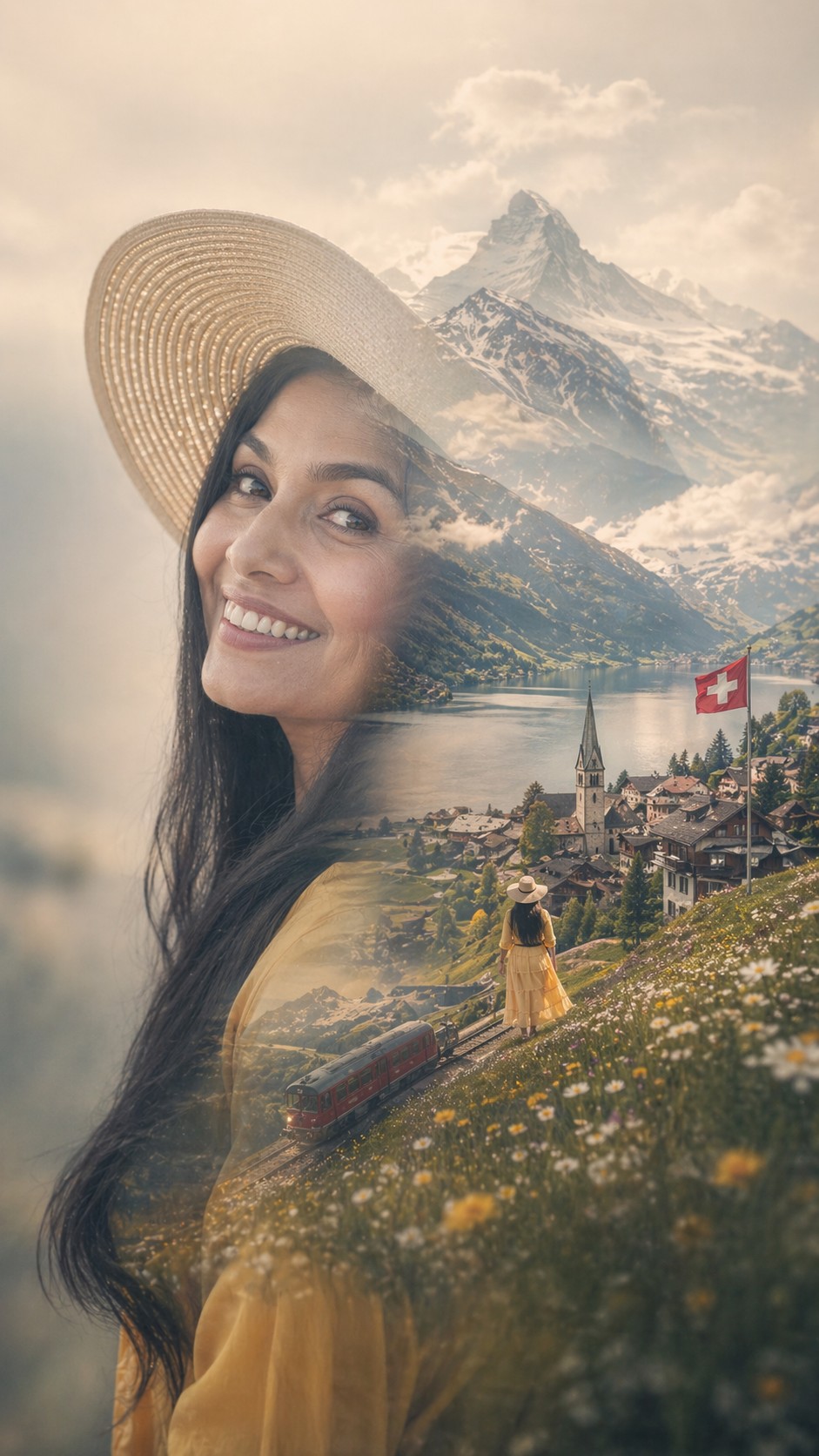
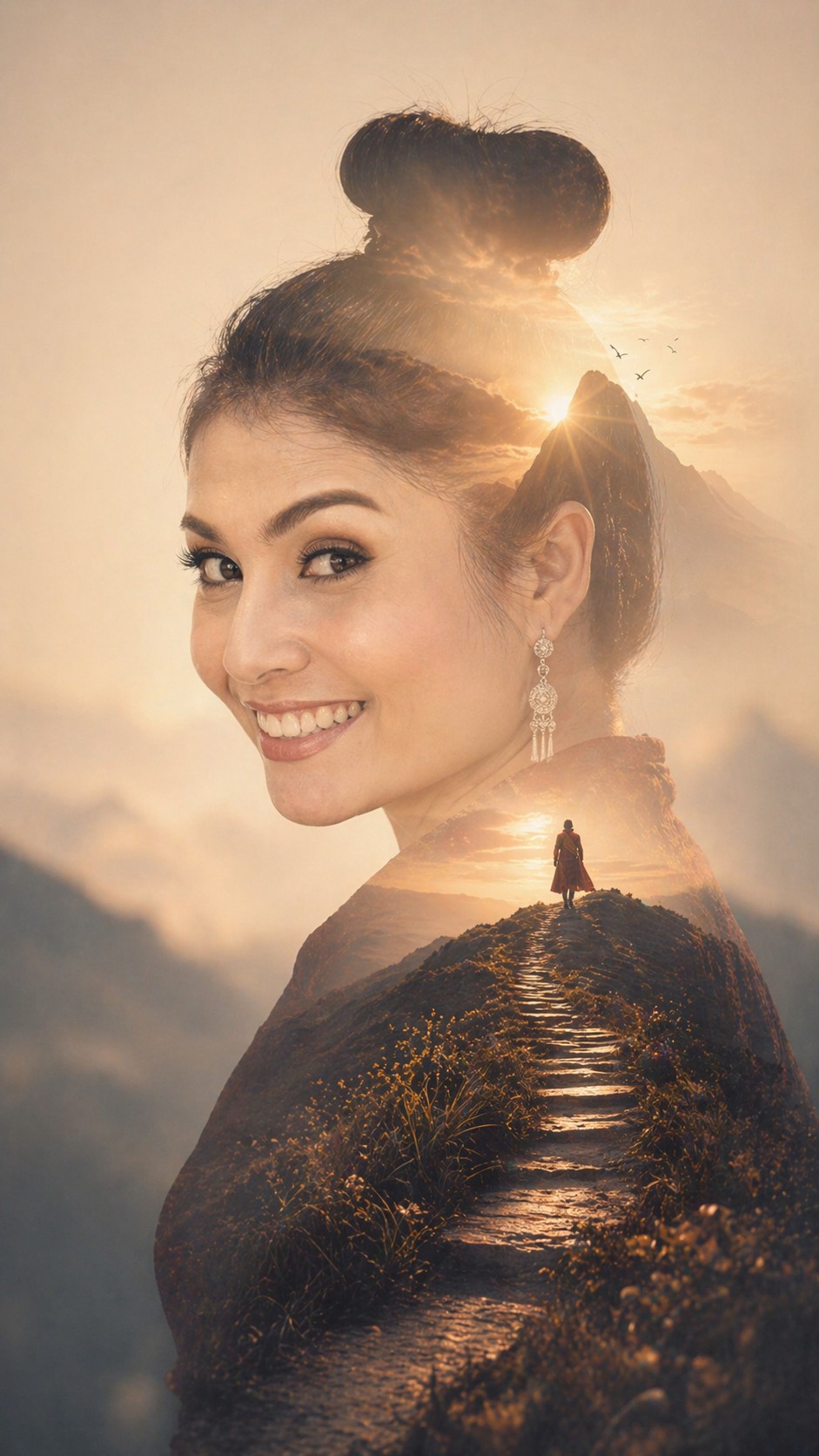
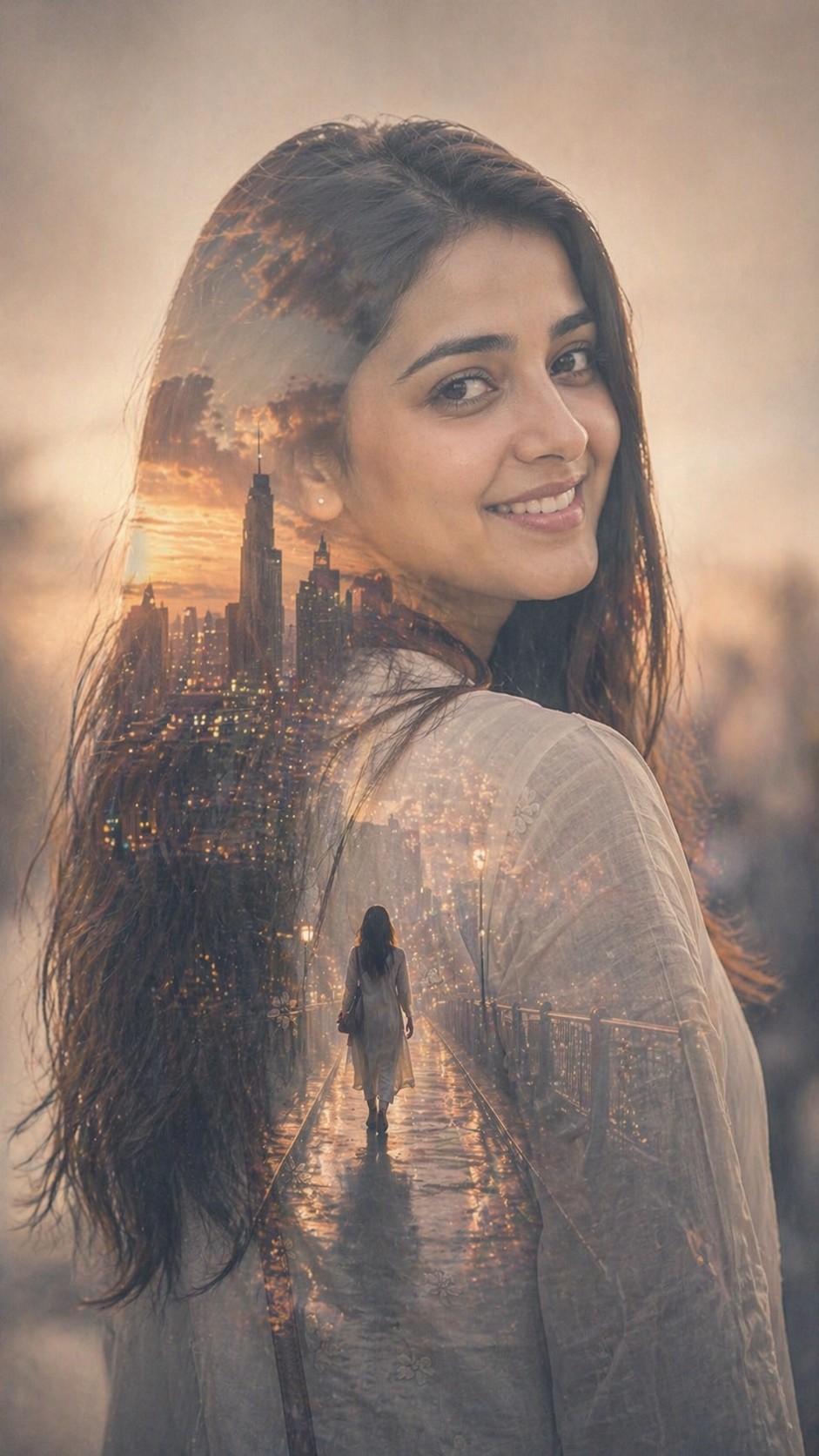
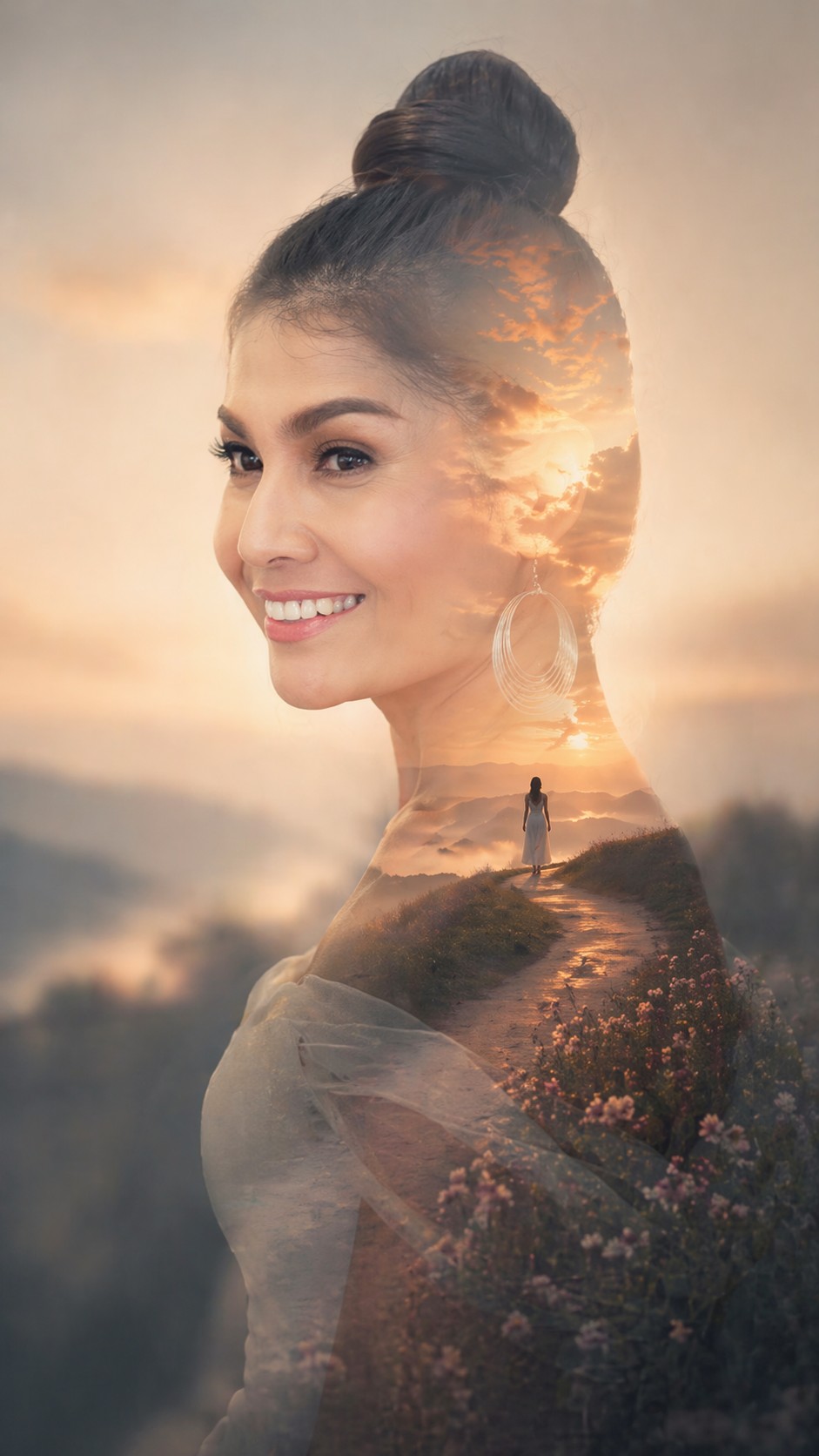
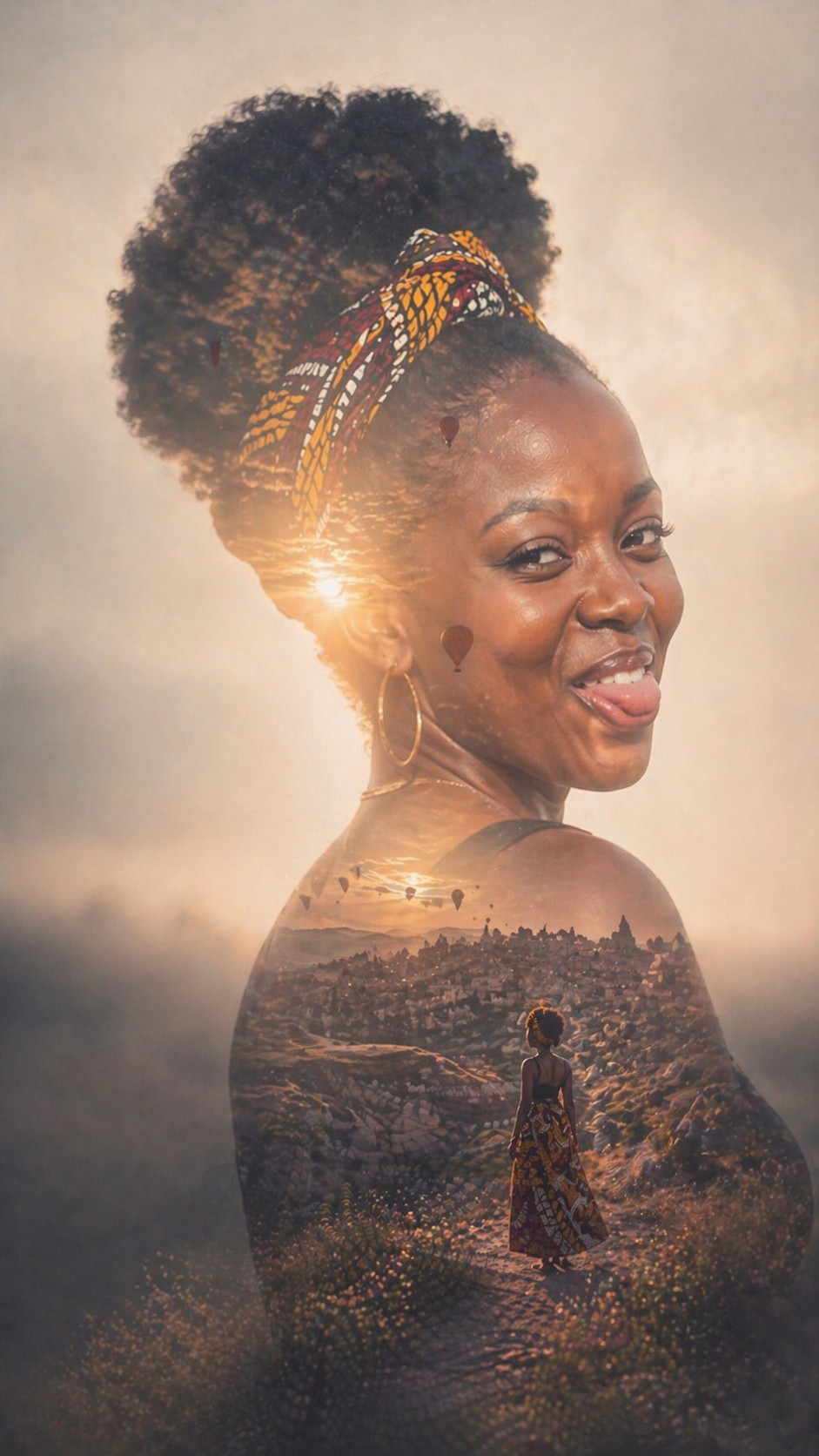
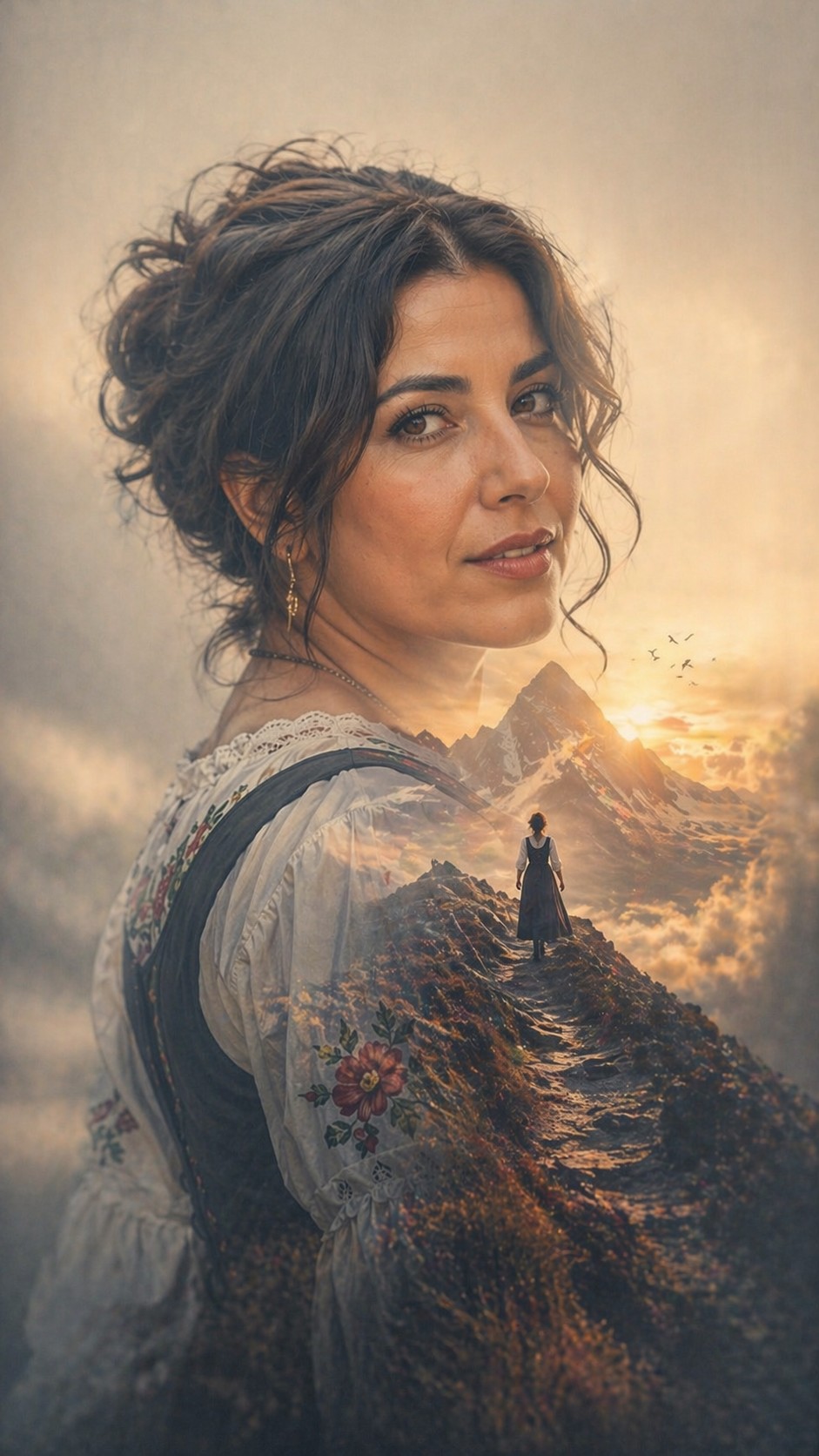
Create a premium fine-art double-exposure portrait using the uploaded reference photo as the identity source. Keep the person recognizable. Reinterpret the person into a clean side-profile silhouette while strictly preserving their facial structure, features, and hairstyle. Inside the silhouette, blend a symbolic cinematic scene based on {{Inner Theme: # Themes, dream, city, freedom, memory, ambition, solitude, # Custom, e.g. A holographic neural network for a PUCO architect}}. The composition should feature a large, dominant silhouette with strong negative space and a very soft, blurred atmospheric background that relates to the inner scene's emotional world. Use a high-end photorealistic style with soft seamless blending, a dreamlike atmosphere, and a limited palette of muted cinematic tones. The inner scene should include one subtle narrative focal element like a lone figure or horizon to enhance depth. Final image aspect {{Aspect Ratios: [aspect_ratios]}}
# Themes, dream, city, freedom, memory, ambition, solitude, # Custom
[aspect_ratios]
Create a premium fine-art double-exposure portrait using the uploaded reference photo as the identity source. Keep the person recognizable. Reinterpret the person into a clean side-profile silhouette while strictly preserving their facial structure, features, and hairstyle. Inside the silhouette, blend a symbolic cinematic scene based on # Themes. The composition should feature a large, dominant silhouette with strong negative space and a very soft, blurred atmospheric background that relates to the inner scene's emotional world. Use a high-end photorealistic style with soft seamless blending, a dreamlike atmosphere, and a limited palette of muted cinematic tones. The inner scene should include one subtle narrative focal element like a lone figure or horizon to enhance depth. Final image aspect [aspect_ratios]
Variablen sind in {{ und }} eingeschlossen und folgen diesem Muster:
Eine Auswahl kann auf eine vordefinierte Variablenliste per eckige Klammern verweisen. Diese erscheinen in [Orange] und bieten häufig verwendete Werte wie Farben, Töne oder Sprachen.
Du kannst auch eine durch Kommas getrennte Inline-Liste mit Optionen angeben.
Tipp: Du brauchst die PUCO-App nicht, um diese Prompts zu verwenden! Kopiere einfach die Vorlage und ersetze jeden {{…}}-Abschnitt direkt in ChatGPT, Claude, Gemini oder einem anderen KI-Assistenten durch eigenen Text.