适用场景
- 以结构化、可复用的提示词为起点,而非空白对话框。
- 根据自己的需求调整提示词,同时保持原始意图不变。
- 与Design & Art相关的工作流。

生成一个高度详细的45度等距3D技术信息图,展示指定对象,并配有精确注释和示意图。
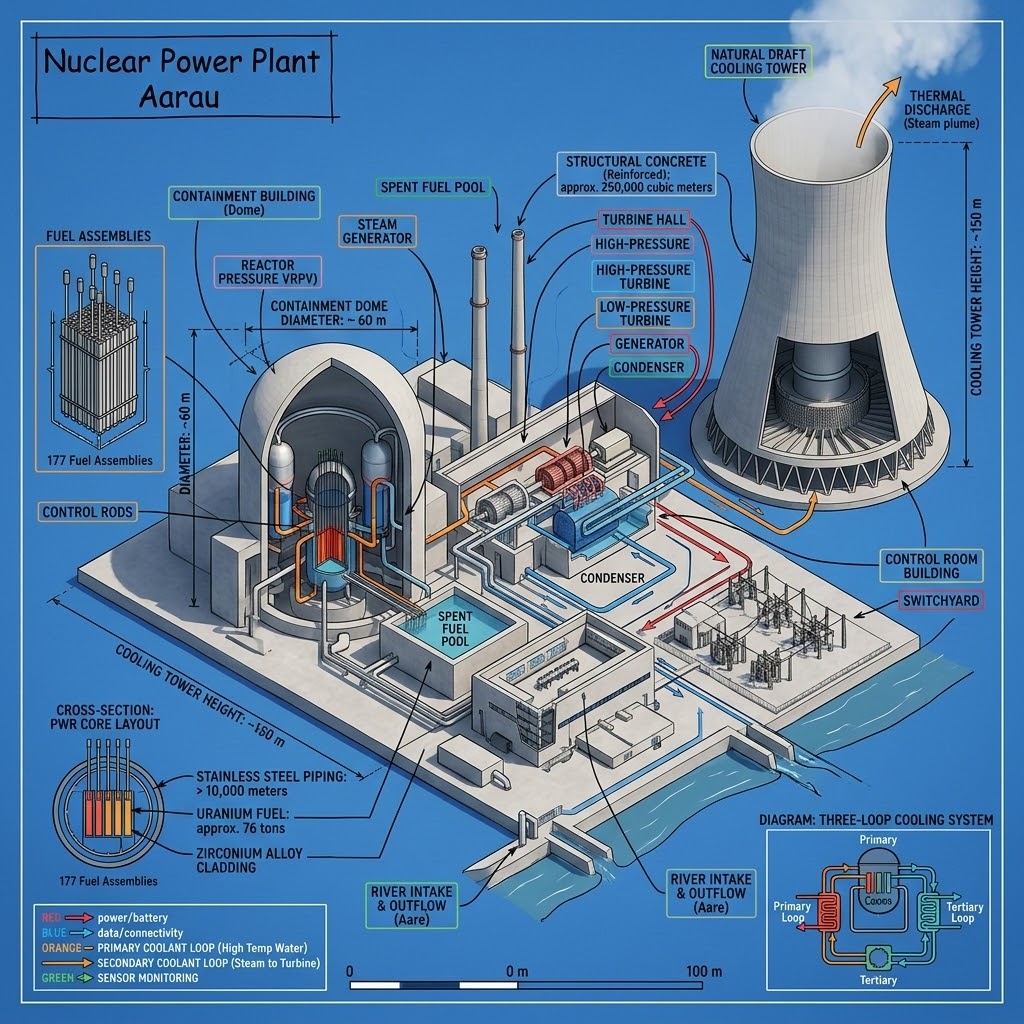
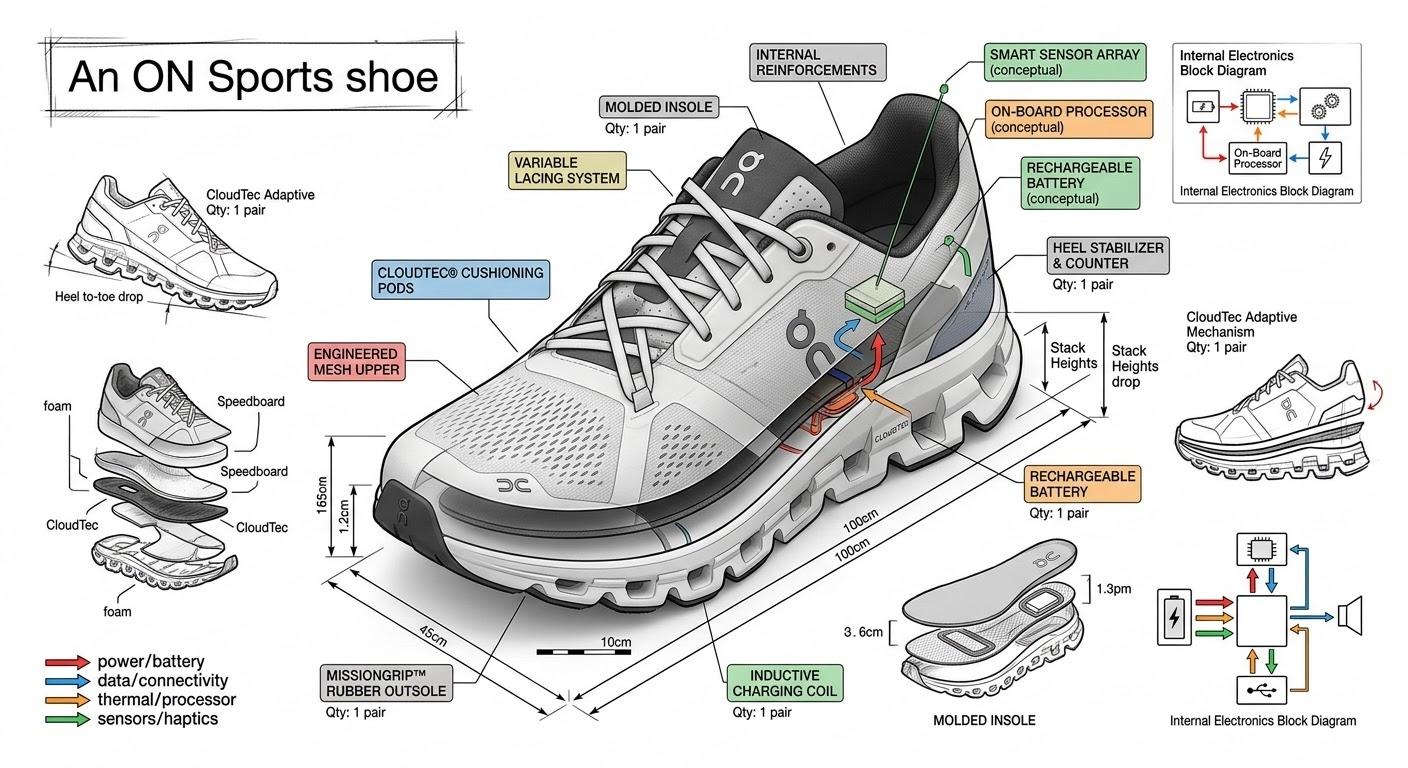
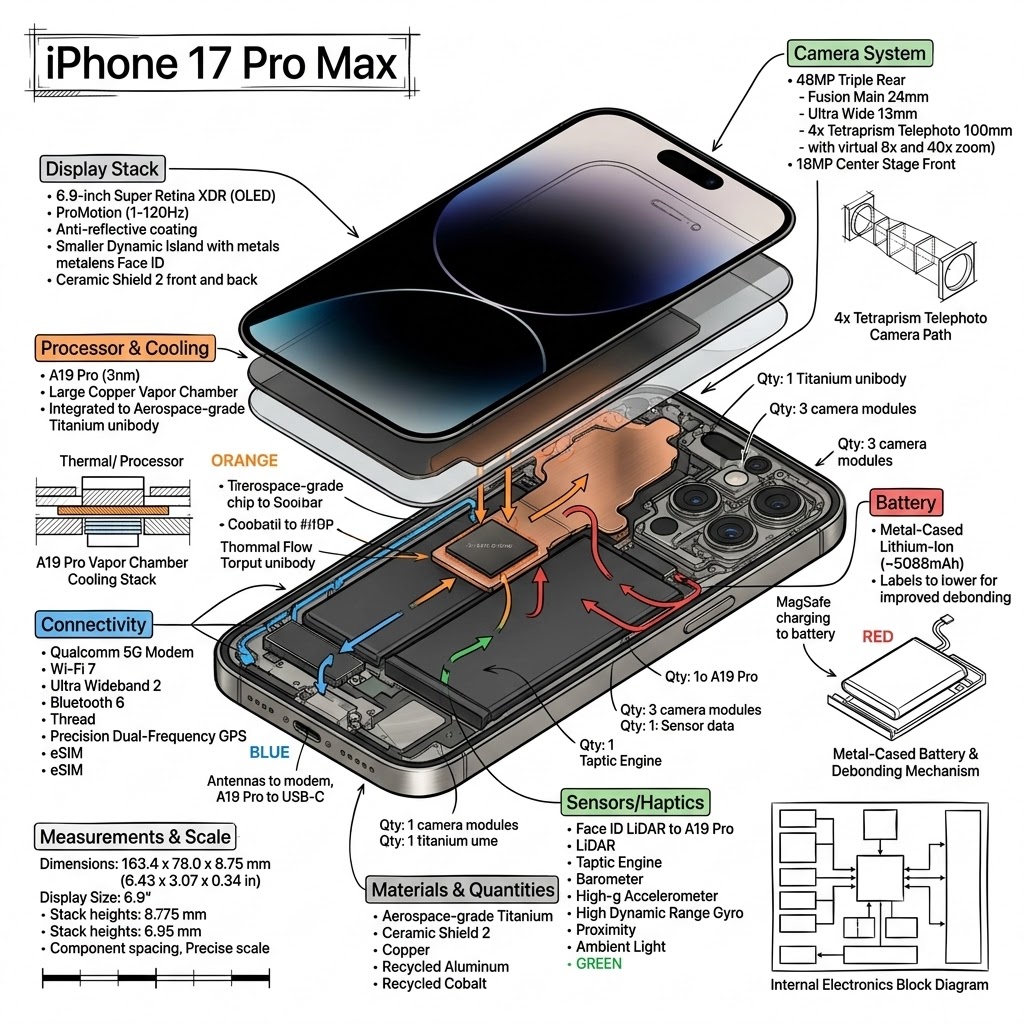
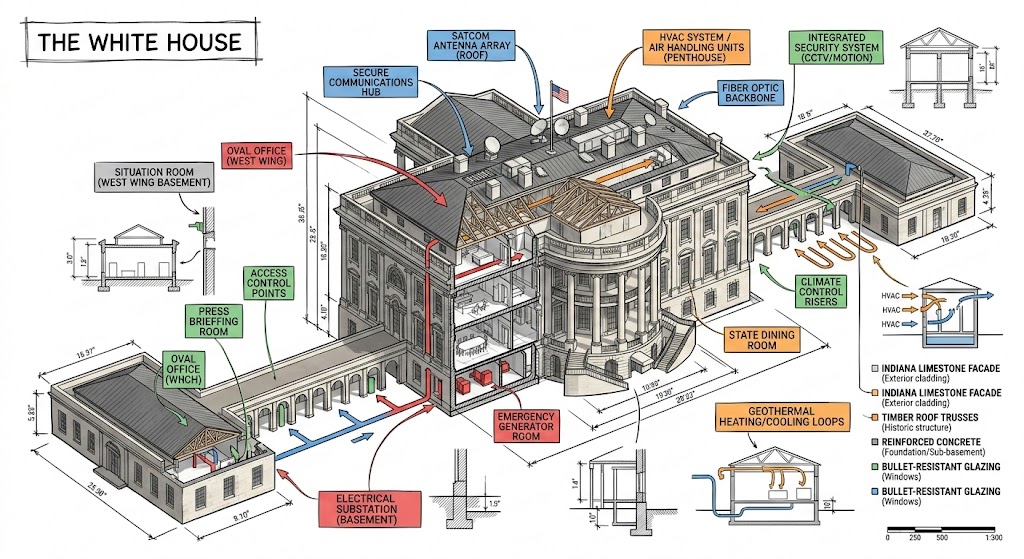
Create a technical infographic of {{Object: e.g. A smartphone running the PUCO prompt management app}} with a 45-degree isometric 3D perspective showing the device slightly tilted to reveal depth and dimension. Combine a realistic photoreal render with black ink technical annotations on a {{Background Color: pure white, blueprint blue, stark black}} background. Include:

1. Key component labels with color-coded callout boxes. Do not repeat a label more than once.
2. Internal component visibility through transparent/cutaway sections.
3. Measurements, dimensions, and precise scale markers.
4. Material callouts and quantities.
5. Color-coded arrows for function/flow: RED (power/battery), BLUE (data/connectivity), ORANGE (thermal/processor), GREEN (sensors/haptics).
6. Simple schematics or cross-sectional diagrams where relevant.

Place the {{Object: e.g. A smartphone running the PUCO prompt management app}} title in a hand-drawn technical box (top-left corner). Style: Black linework (technical pen/architectural), sketched but precise. Object remains clearly visible. Educational museum-exhibit vibe. Clean composition, balanced negative space.

Perspective: Isometric 3D angle-tilted to show depth, dimension, and internal architecture dramatically. Like a professional product teardown or engineering manual. Colors: {{Accent Color Density: Minimal (mostly monochrome with slight accents), Balanced (clear color-coded pops), Vibrant (heavy use of accent colors)}}. Output: {{Resolution: 1080x1080, 1920x1080, 1080x1920}}, ultra-crisp, social-feed optimized.
e.g. A smartphone running the PUCO prompt management app
pure white, blueprint blue, stark black
Minimal (mostly monochrome with slight accents), Balanced (clear color-coded pops), Vibrant (heavy use of accent colors)
1080x1080, 1920x1080, 1080x1920
Create a technical infographic of e.g. A smartphone running the PUCO prompt management app with a 45-degree isometric 3D perspective showing the device slightly tilted to reveal depth and dimension. Combine a realistic photoreal render with black ink technical annotations on a pure white background. Include:

1. Key component labels with color-coded callout boxes. Do not repeat a label more than once.
2. Internal component visibility through transparent/cutaway sections.
3. Measurements, dimensions, and precise scale markers.
4. Material callouts and quantities.
5. Color-coded arrows for function/flow: RED (power/battery), BLUE (data/connectivity), ORANGE (thermal/processor), GREEN (sensors/haptics).
6. Simple schematics or cross-sectional diagrams where relevant.

Place the e.g. A smartphone running the PUCO prompt management app title in a hand-drawn technical box (top-left corner)...
变量被 {{ 和 }} 包裹,遵循以下格式:
选项可以通过方括号引用预定义变量列表。这些选项以[橙色]显示,提供颜色、语气或语言等常用值。
也可以提供以逗号分隔的内联选项列表。
提示:使用这些提示词无需 PUCO 应用!只需复制模板,直接在 ChatGPT、Claude、Gemini 或任何其他 AI 助手中将每个 {{…}} 部分替换为自己的文本。