
适用场景
- 以结构化、可复用的提示词为起点,而非空白对话框。
- 根据自己的需求调整提示词,同时保持原始意图不变。
- 与Music & Audio相关的工作流。
创建一个建立在旋转黑胶唱片上的 3D 微缩景观,用于可视化音乐艺术家的声音特征。
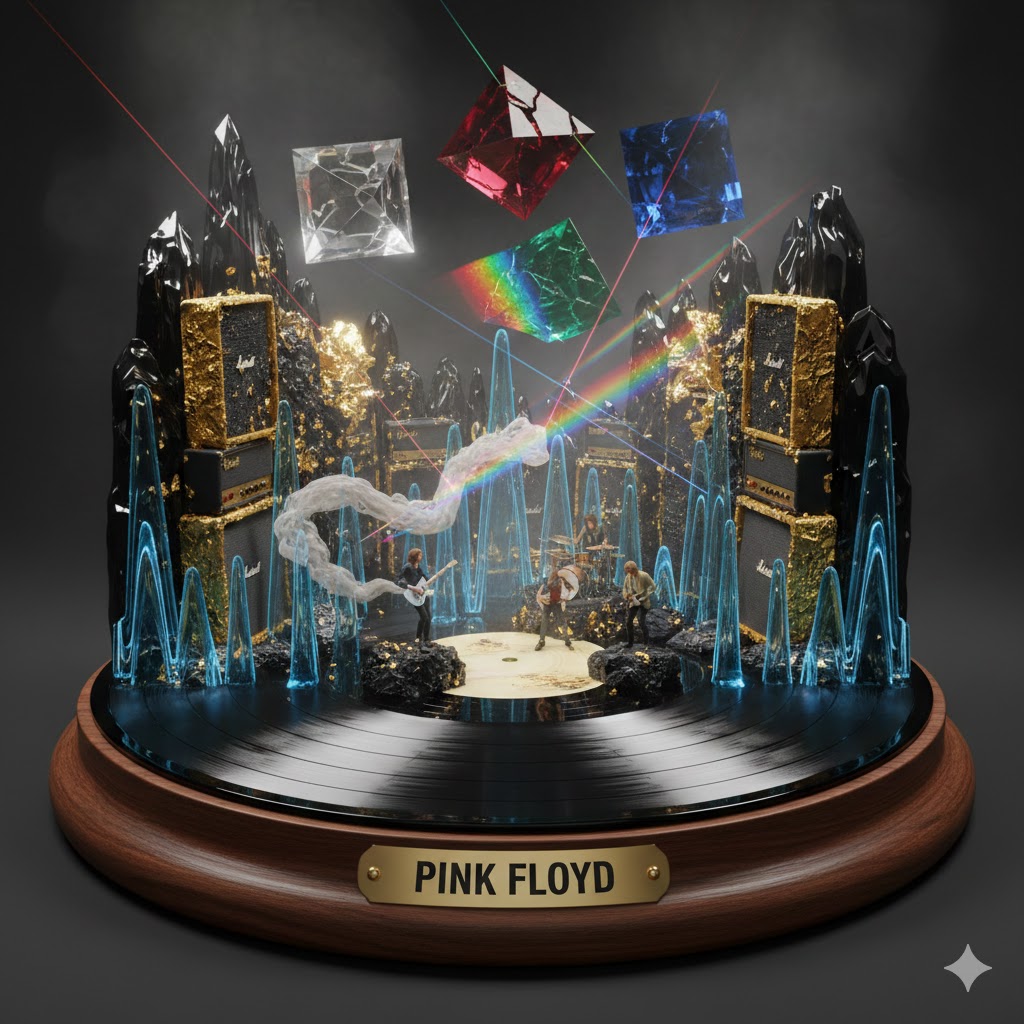
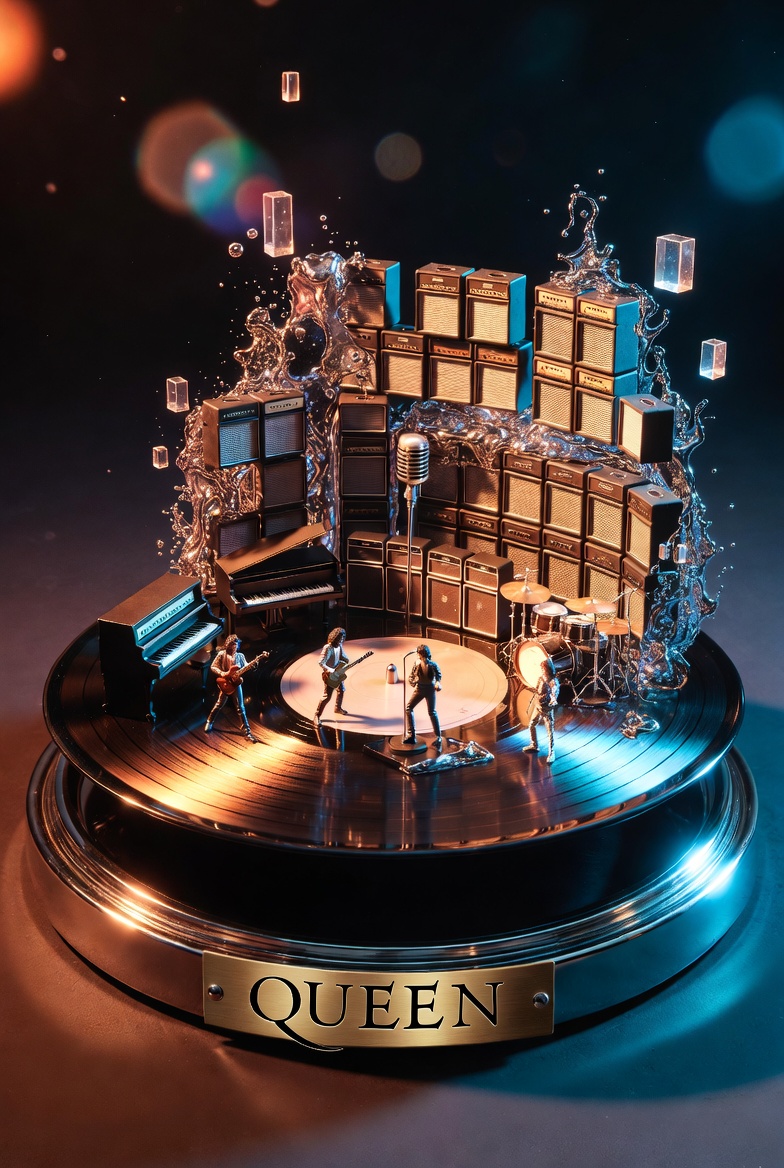
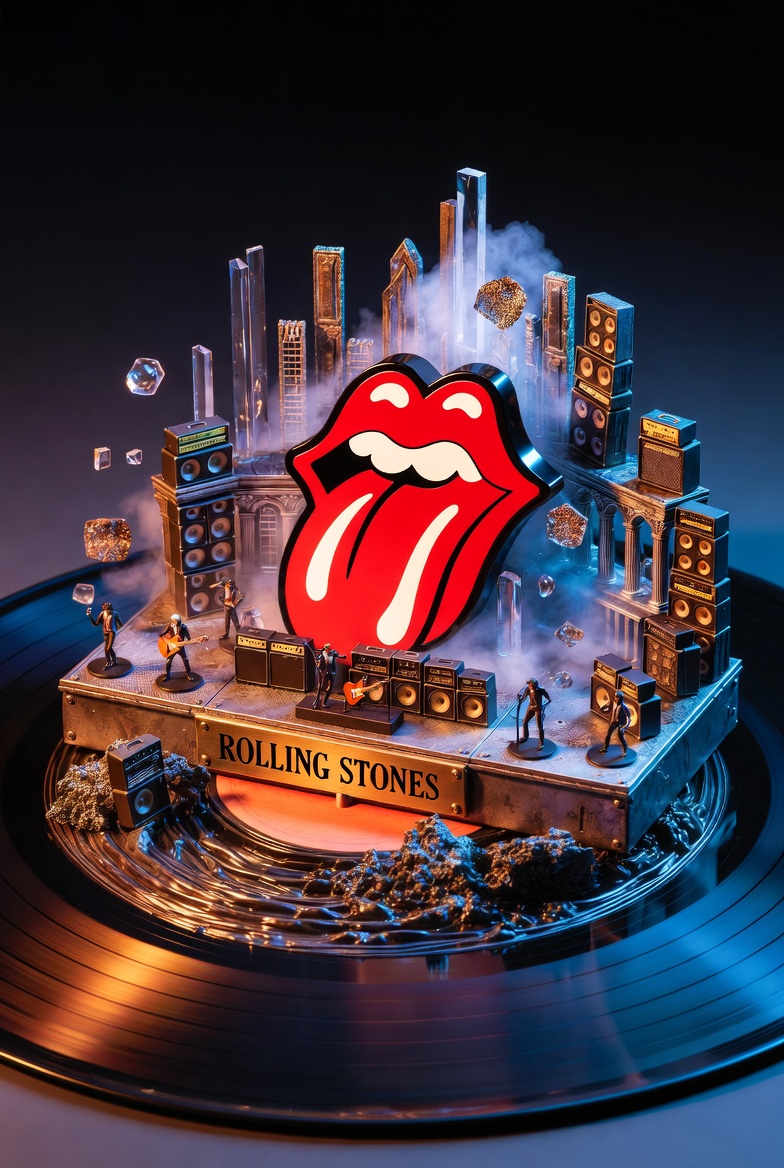
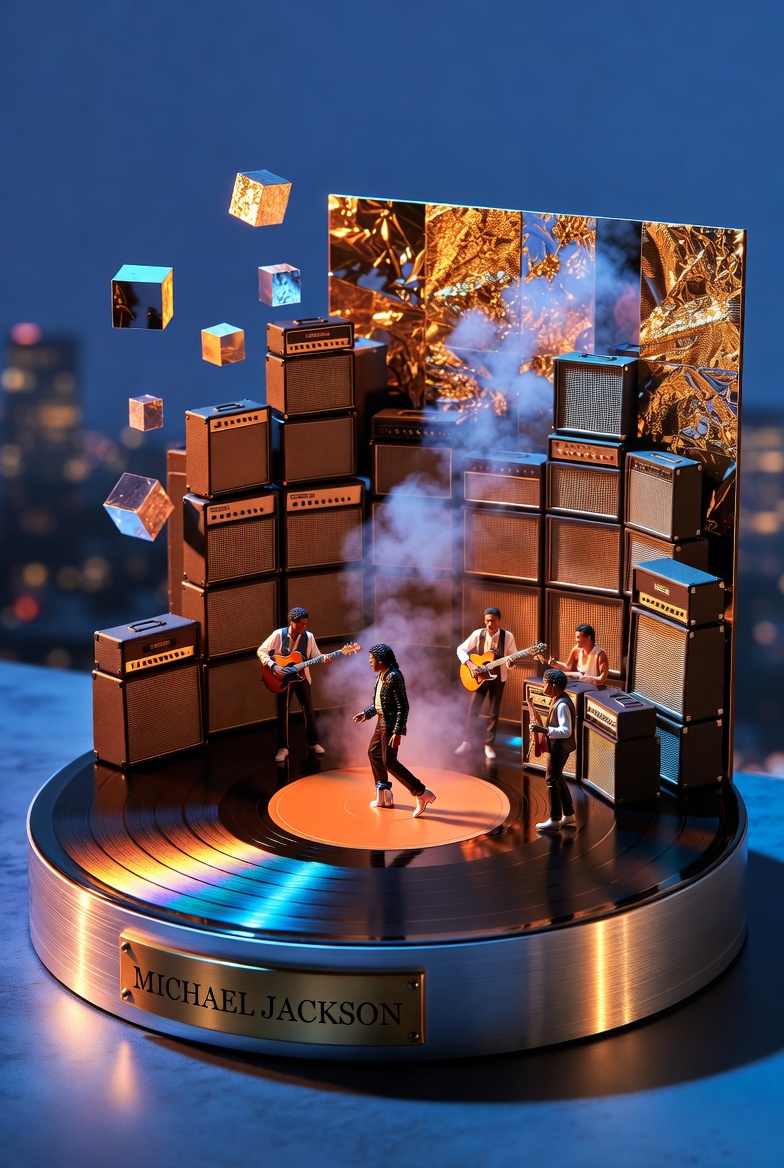
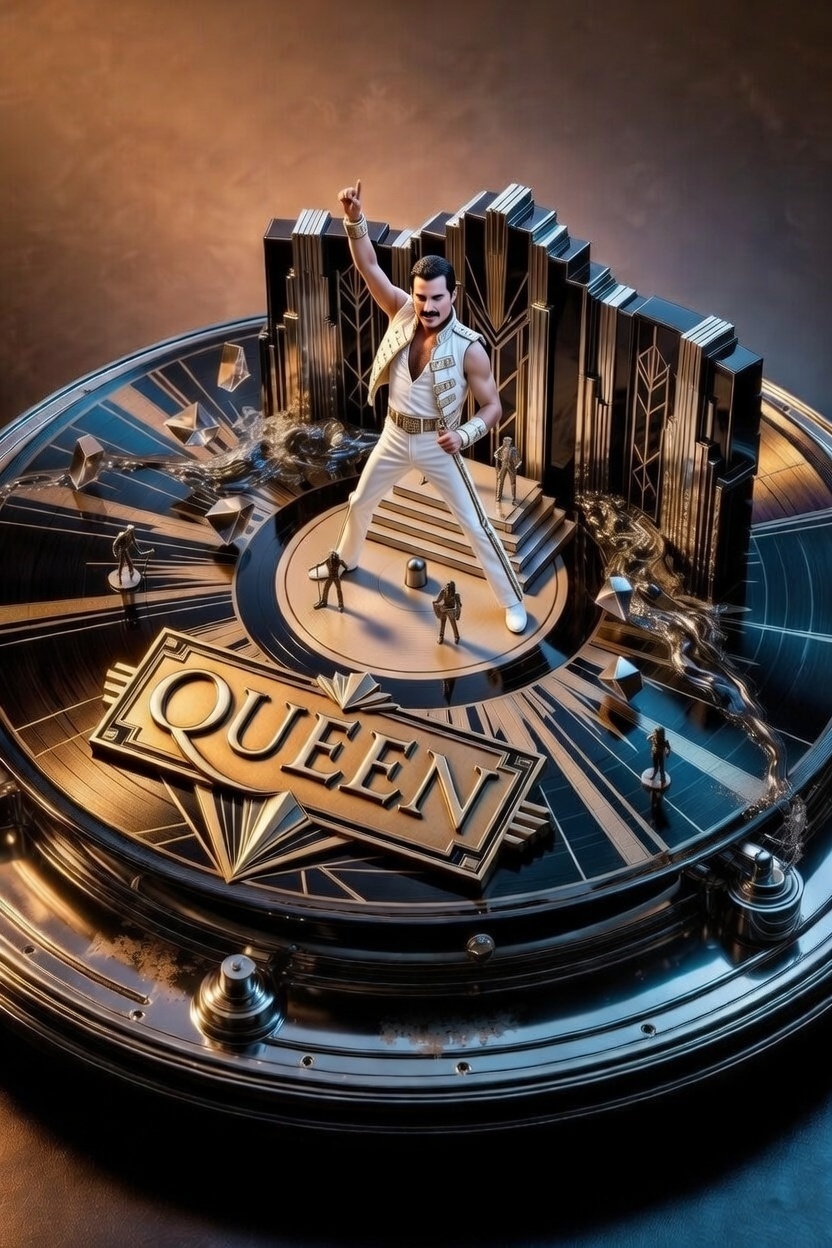
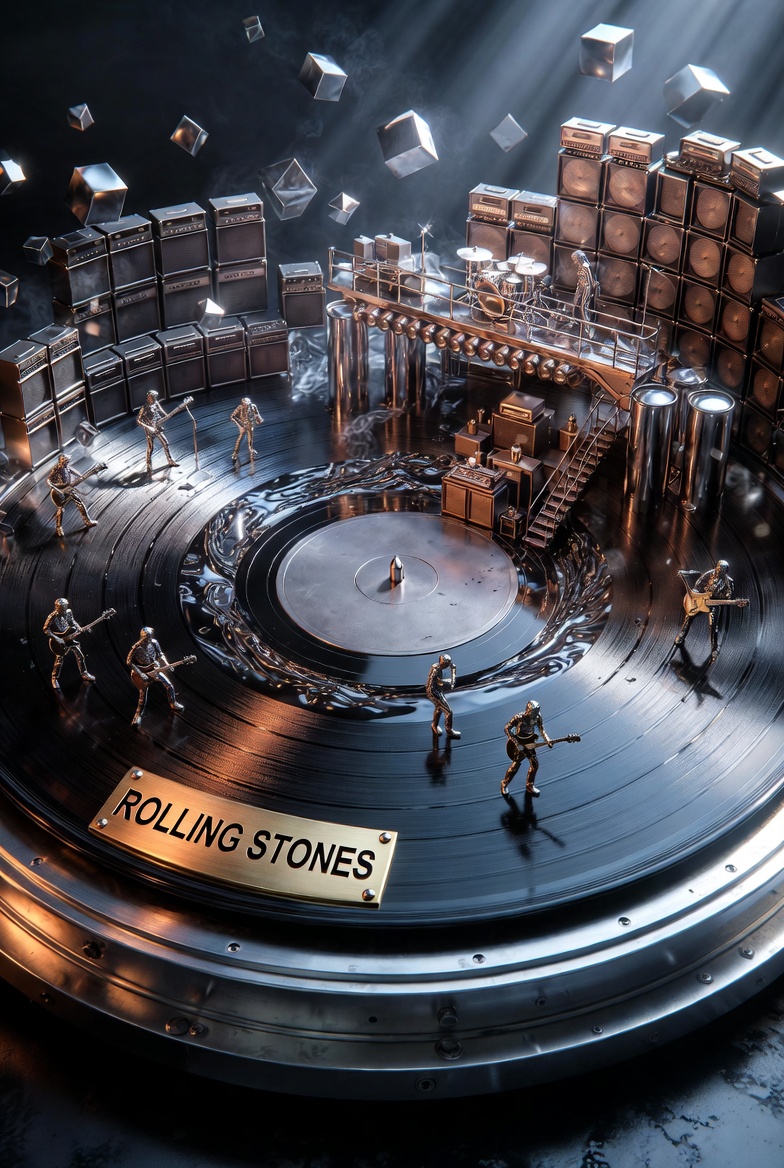
Act as a Music Historian and Set Designer. Create an audio-visual diorama based on the artist: {{Artist Name:Pink Floyd}}.

Design Rules:
1. The Base: The diorama is built on a spinning vinyl record acting as a circular stage, sitting on a high-end {{Turntable Material:Wood, Brushed Aluminum}} base.
2. The Plinth: A brass nameplate on the front must display '{{Artist Name:Pink Floyd}}' in bold capital letters.
3. Sonic Materiality: Translate the band's genre into textures. Use materials like {{Materiality:[materials]}}.
4. Composition: Architecture must rise from the grooves of the record (e.g., walls of amplifiers, floating prisms). Include tiny 1:87 scale band members performing inside the landscape.
5. Atmosphere: Use particle effects like smoke or vibrating liquid to visualize sound waves.
6. Style: 3D render, hyper-detailed, cinematic lighting.
Pink Floyd
Wood, Brushed Aluminum
[materials]
Act as a Music Historian and Set Designer. Create an audio-visual diorama based on the artist: Pink Floyd.

Design Rules:
1. The Base: The diorama is built on a spinning vinyl record acting as a circular stage, sitting on a high-end Wood base.
2. The Plinth: A brass nameplate on the front must display 'Pink Floyd' in bold capital letters.
3. Sonic Materiality: Translate the band's genre into textures. Use materials like [materials].
4. Composition: Architecture must rise from the grooves of the record (e.g., walls of amplifiers, floating prisms). Include tiny 1:87 scale band members performing inside the landscape.
5. Atmosphere: Use particle effects like smoke or vibrating liquid to visualize sound waves.
6. Style: 3D render, hyper-detailed, cinematic lighting.
变量被 {{ 和 }} 包裹,遵循以下格式:
选项可以通过方括号引用预定义变量列表。这些选项以[橙色]显示,提供颜色、语气或语言等常用值。
也可以提供以逗号分隔的内联选项列表。
提示:使用这些提示词无需 PUCO 应用!只需复制模板,直接在 ChatGPT、Claude、Gemini 或任何其他 AI 助手中将每个 {{…}} 部分替换为自己的文本。