适用场景
- 以结构化、可复用的提示词为起点,而非空白对话框。
- 根据自己的需求调整提示词,同时保持原始意图不变。
- 与Fun & Casual, Design & Art相关的工作流。

通过先分析艺术风格,再生成一条详细的图片提示词来复刻该风格,将一张附加照片转换为所选漫画宇宙的视觉风格。
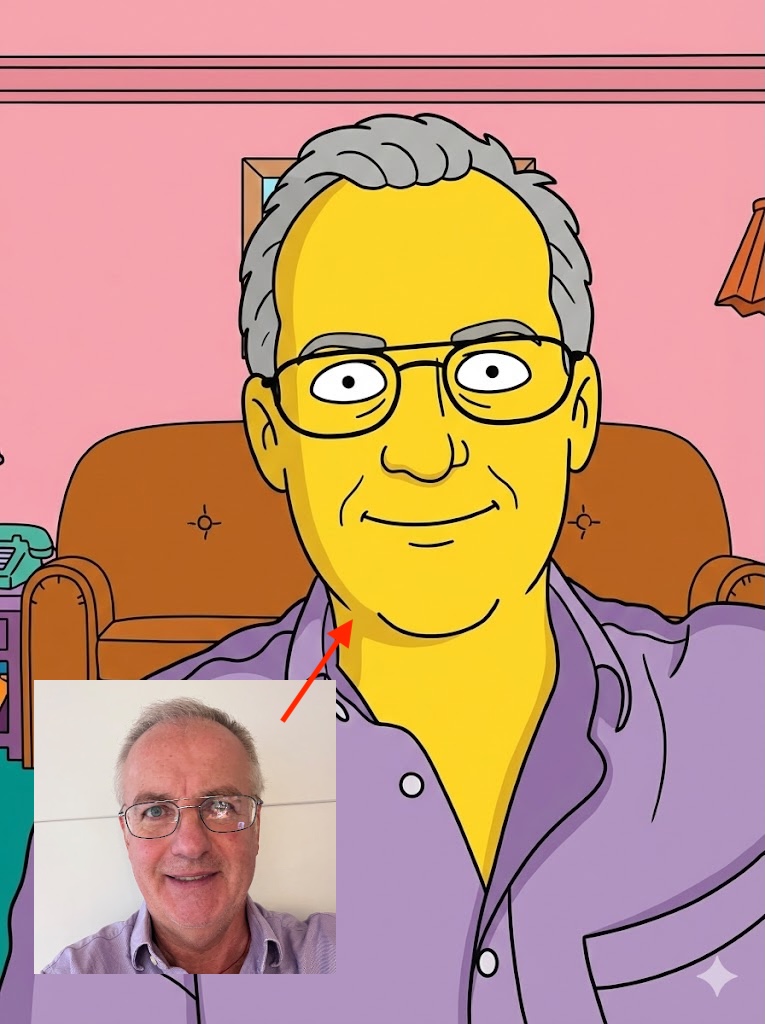
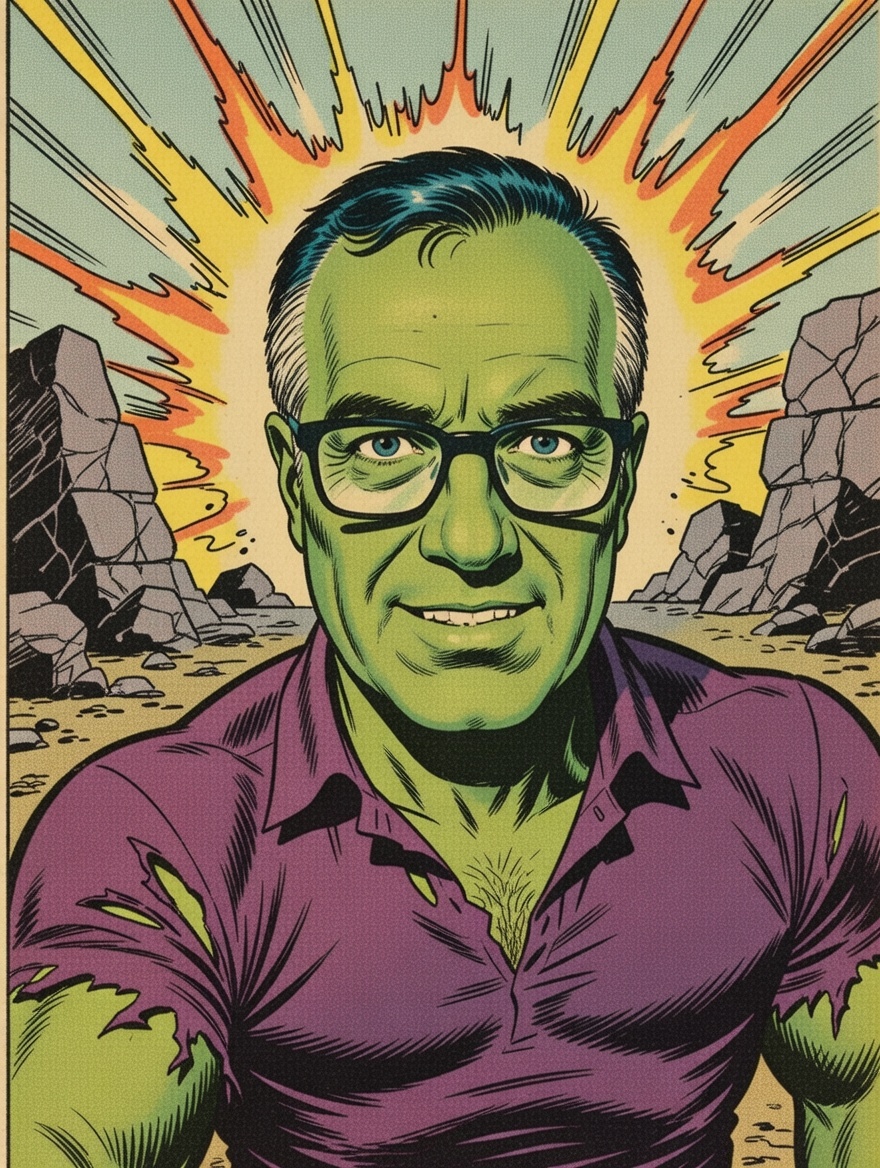
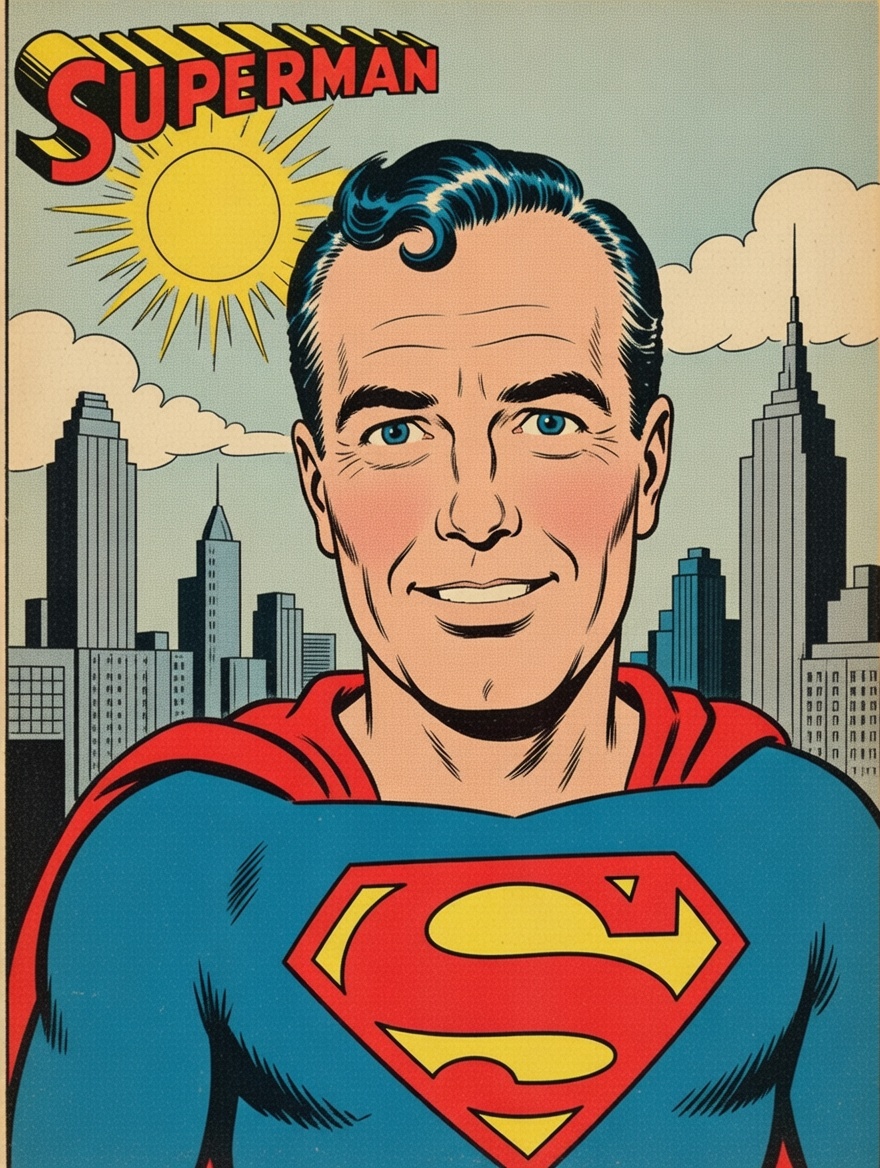
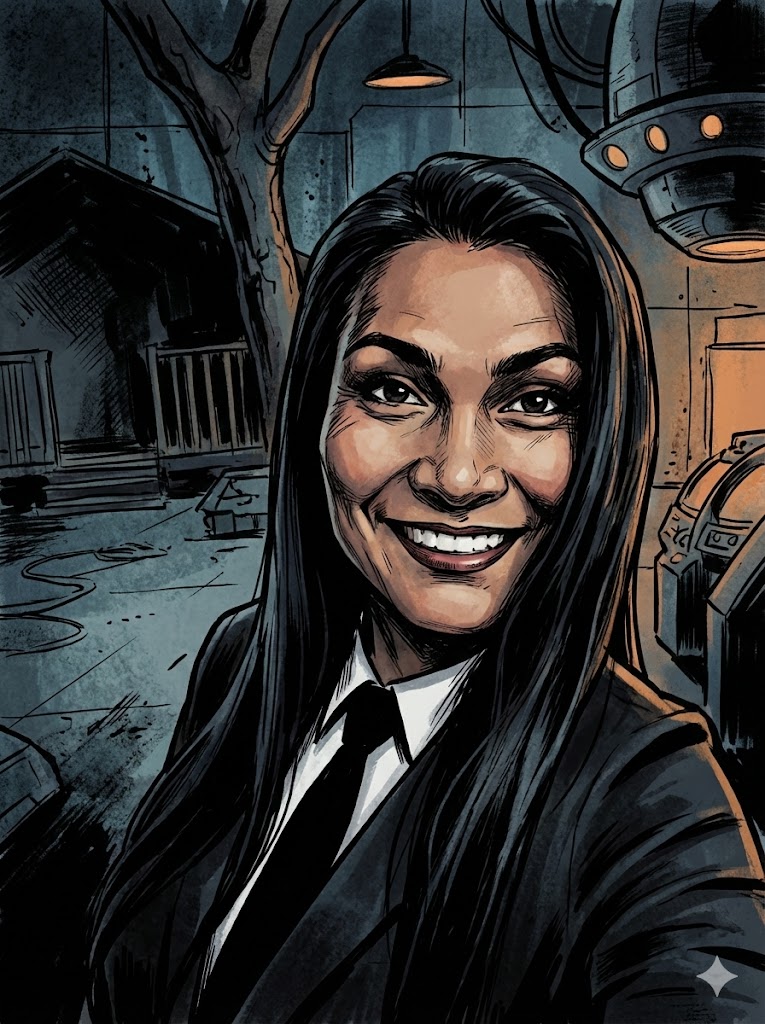
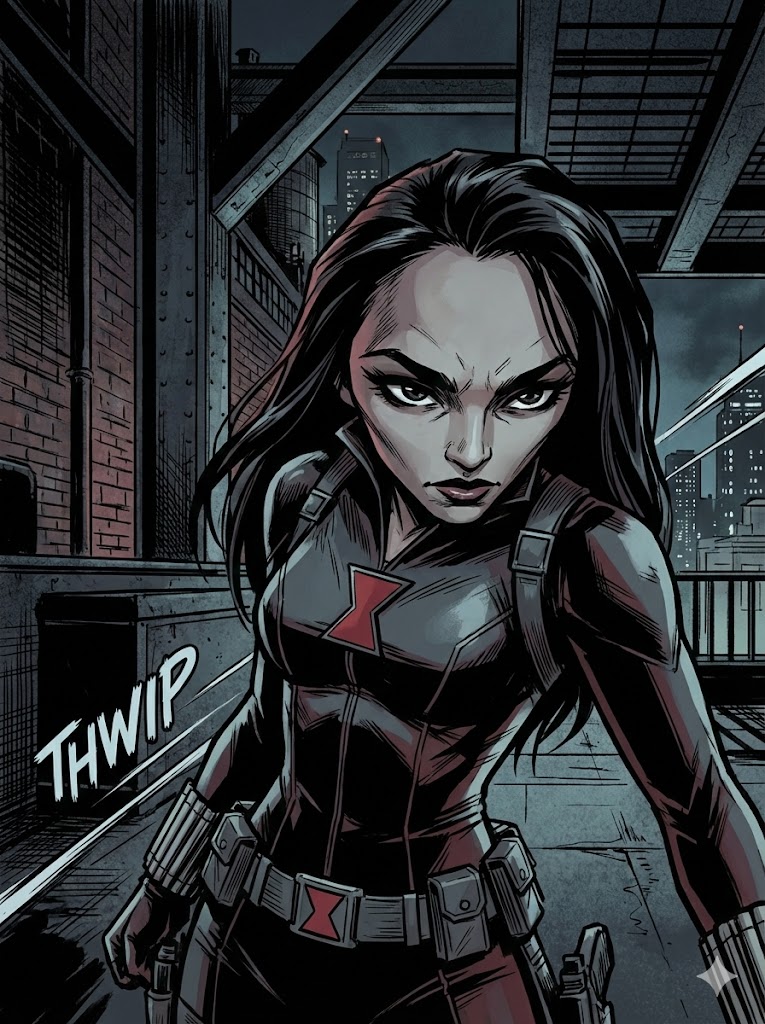
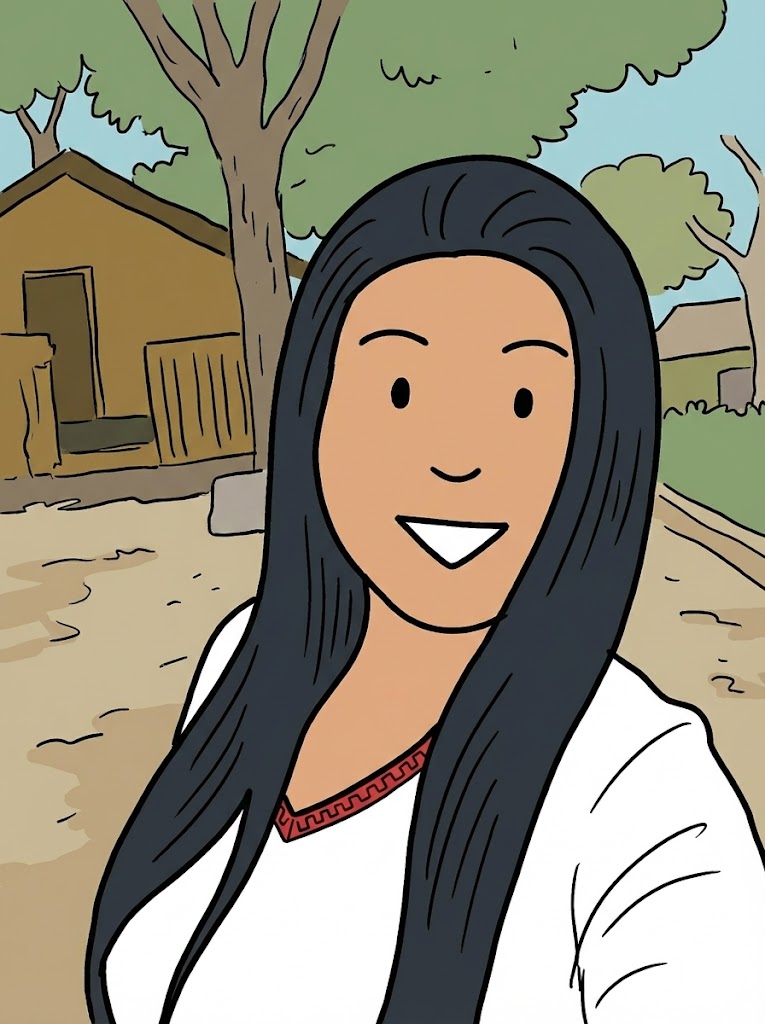
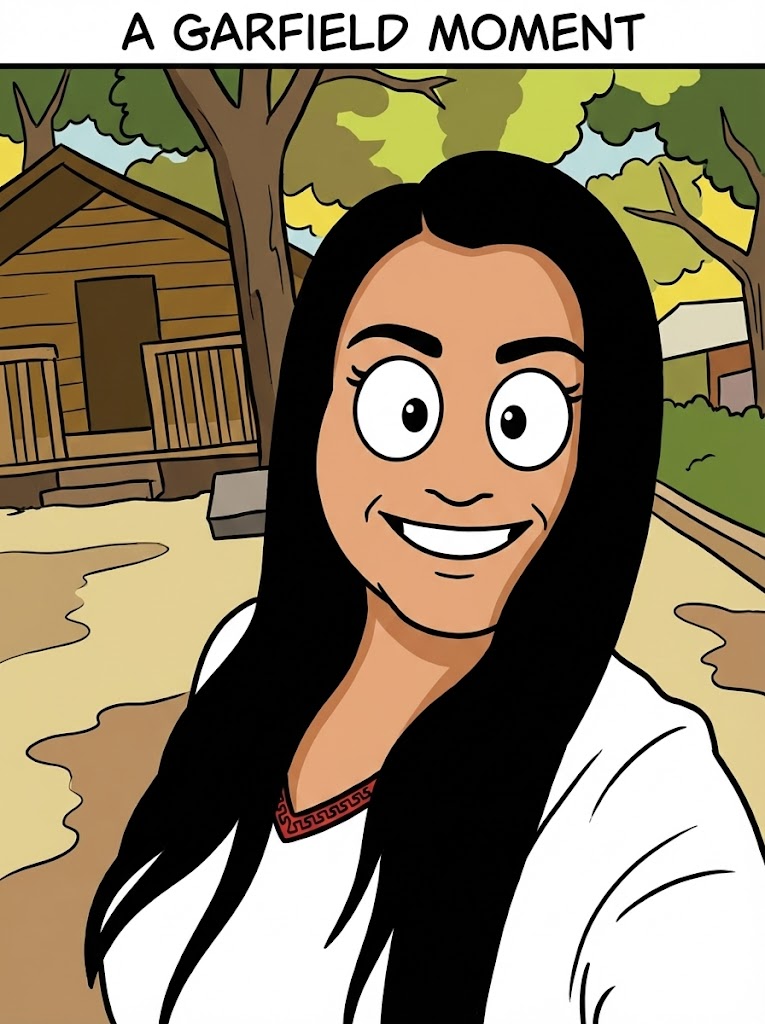
I have attached an image. Please follow these steps:

Step 1: Write a detailed analysis of the artistic style of {{Comic:[comics]}}. Cover: character design conventions, line weight, shading technique, color palette, typical backgrounds, and costume design.

Step 2: Using the attached image as the subject, apply the style described in Step 1 to generate a detailed image generation prompt. The subject must remain recognizable. Output only the final image generation prompt, ready to paste into an image generator.
[comics]
I have attached an image. Please follow these steps:

Step 1: Write a detailed analysis of the artistic style of [comics]. Cover: character design conventions, line weight, shading technique, color palette, typical backgrounds, and costume design.

Step 2: Using the attached image as the subject, apply the style described in Step 1 to generate a detailed image generation prompt. The subject must remain recognizable. Output only the final image generation prompt, ready to paste into an image generator.
变量被 {{ 和 }} 包裹,遵循以下格式:
选项可以通过方括号引用预定义变量列表。这些选项以[橙色]显示,提供颜色、语气或语言等常用值。
也可以提供以逗号分隔的内联选项列表。
提示:使用这些提示词无需 PUCO 应用!只需复制模板,直接在 ChatGPT、Claude、Gemini 或任何其他 AI 助手中将每个 {{…}} 部分替换为自己的文本。