适用场景
- 以结构化、可复用的提示词为起点,而非空白对话框。
- 根据自己的需求调整提示词,同时保持原始意图不变。
- 与Creative & Visuals相关的工作流。

将上传的图像转换为高度精细的 3D 塑料积木 Lego 场景模型,同时保留原始构图、主体和光照。
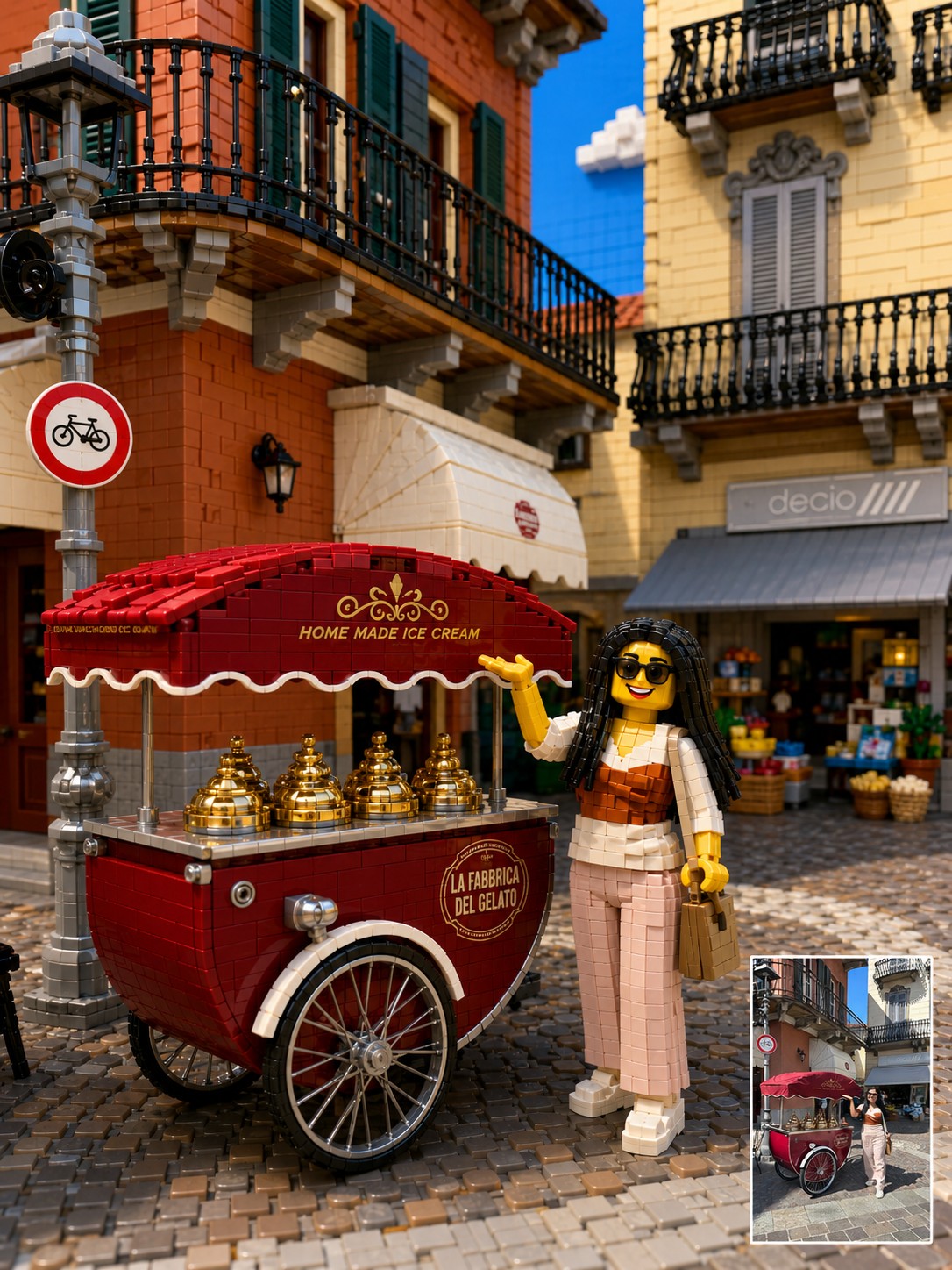
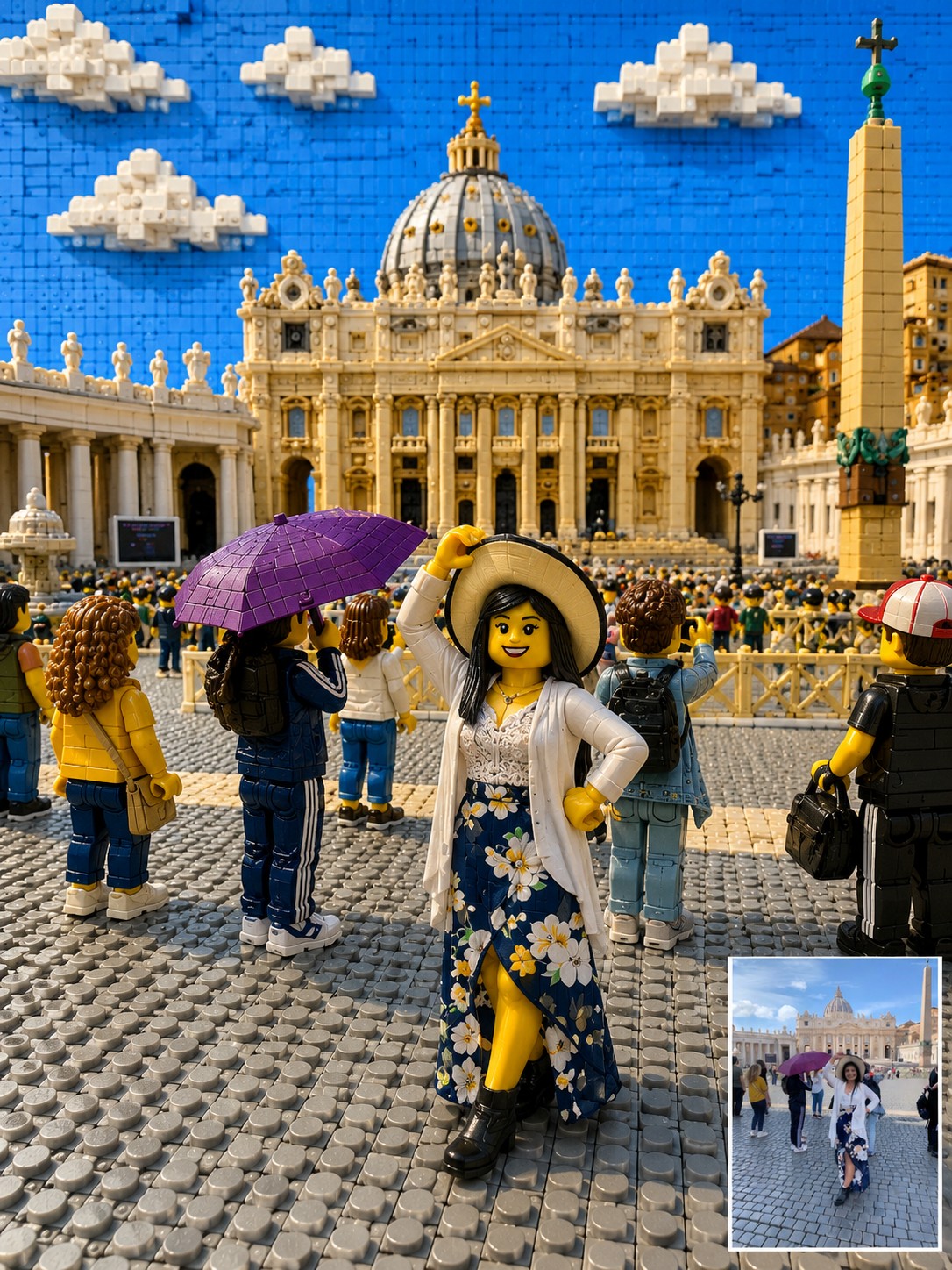
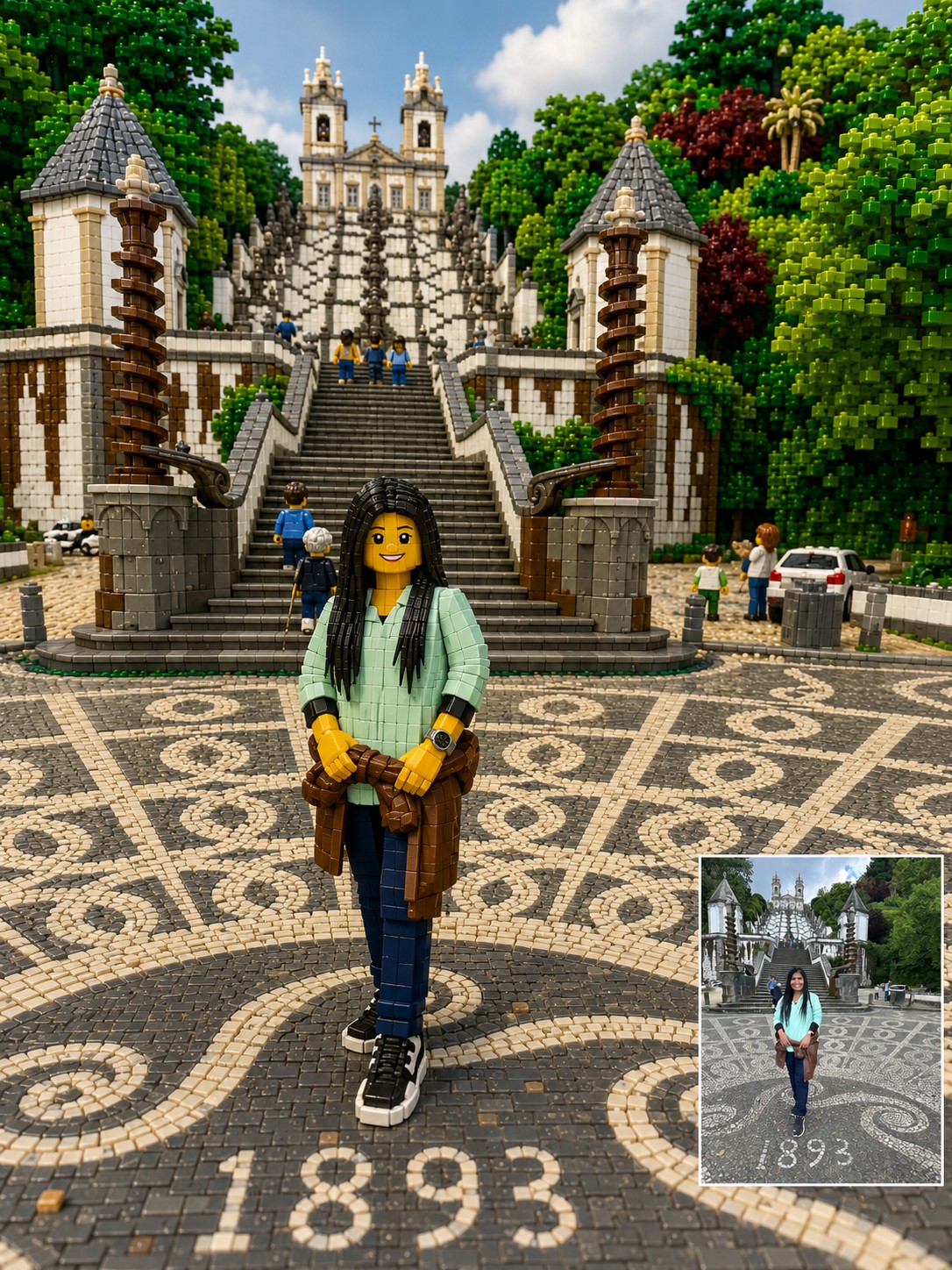
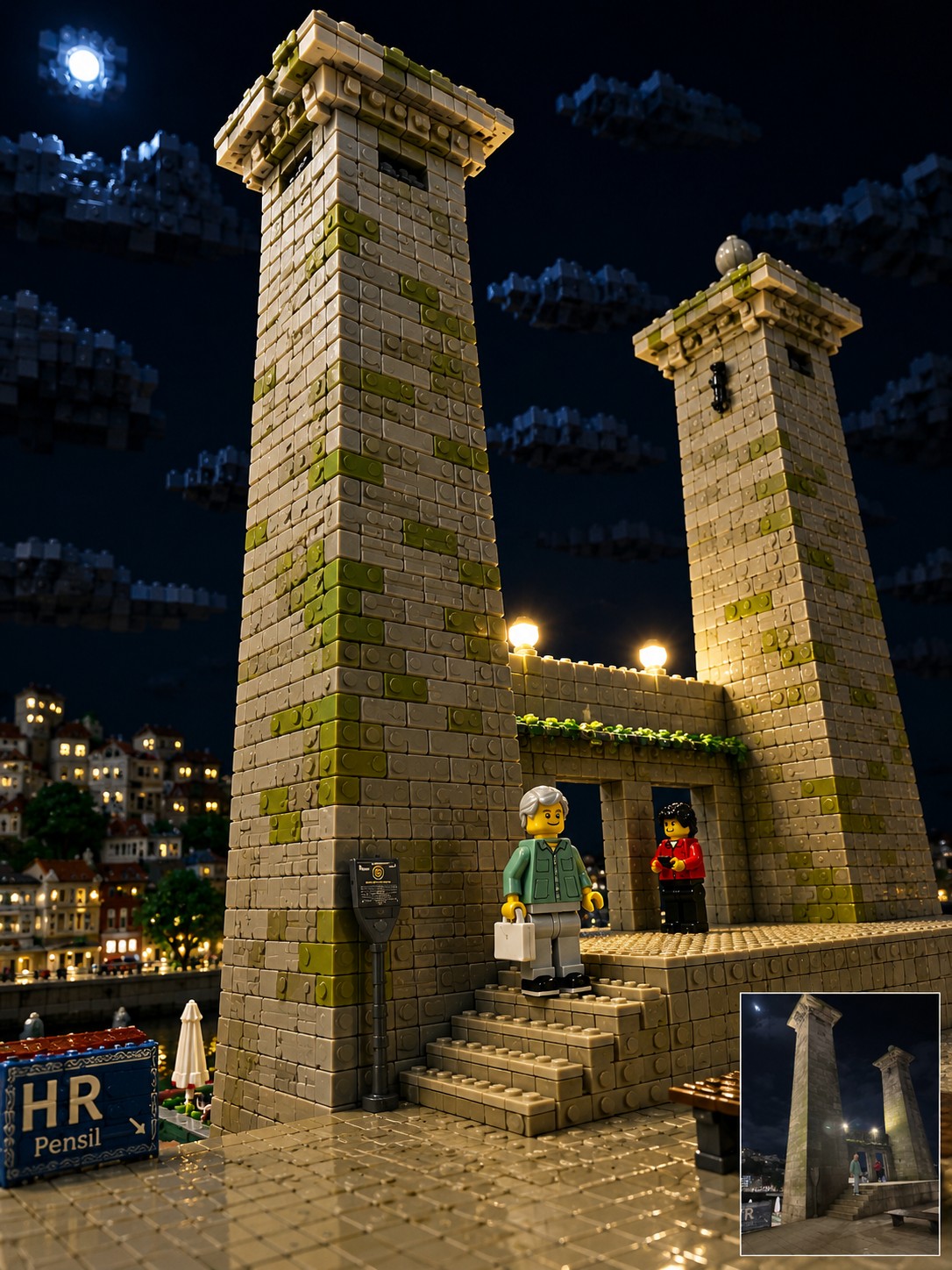
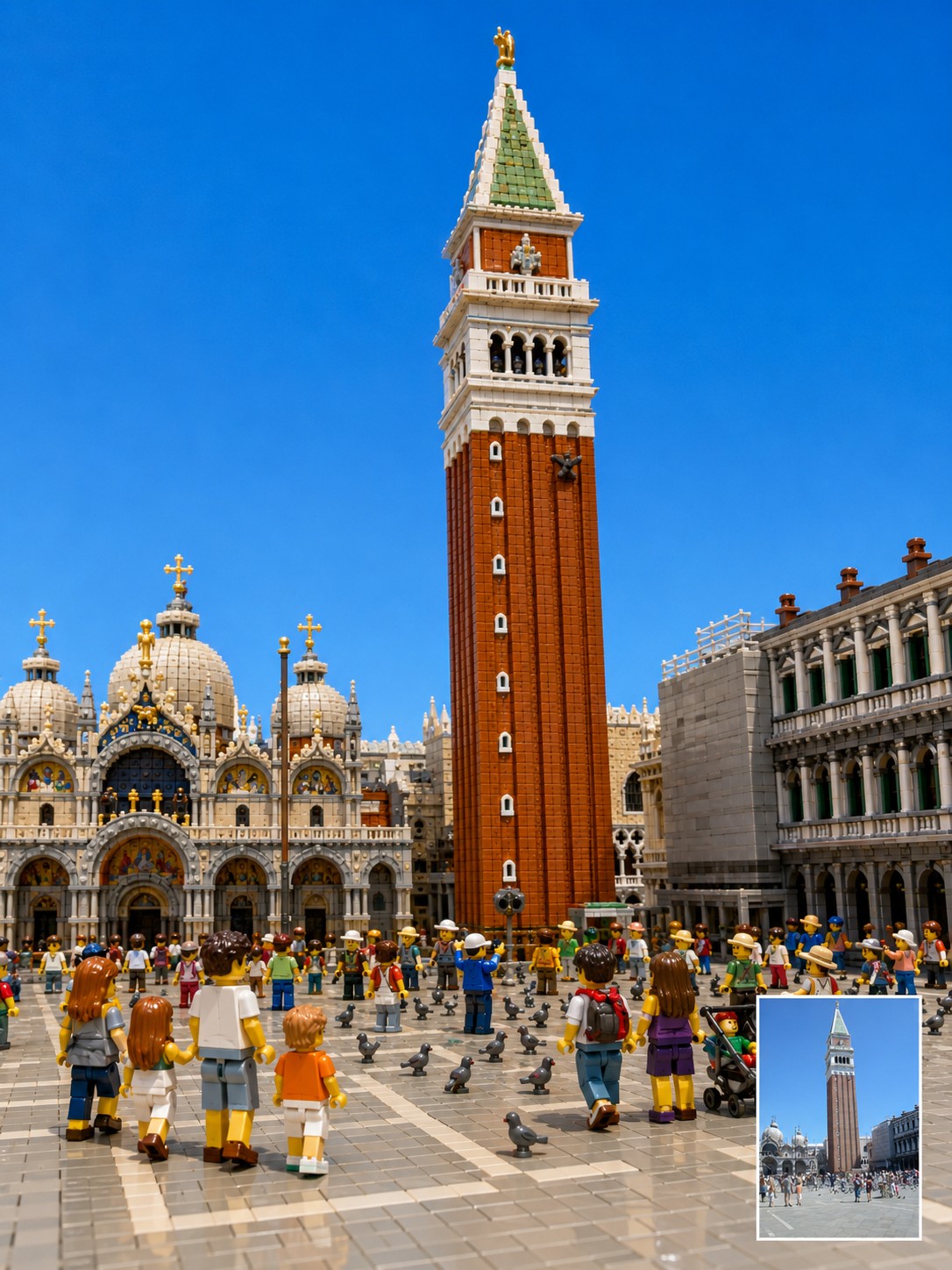
Reinterpret the uploaded photo as a highly detailed, three-dimensional toy-brick diorama built from interlocking plastic building blocks. Focus on translating the context. Preserve the original photo’s camera angle, framing, perspective, subject placement, pose, lighting direction, landmark identity, room layout, background architecture, visible objects, and overall mood as closely as possible. The final image should feel like a premium miniature brick-built scene photographed in a studio, not a flat cartoon or generic toy illustration. Every major object in the original photo should be rebuilt as volumetric plastic bricks with visible studs, seams, layered plates, curved specialty pieces, and a subtle glossy plastic sheen. Keep the location recognizable. If the photo includes a famous landmark, bridge, monument, skyline, interior room, street, sign, window view, furniture, railing, road, artwork, desk setup, pet, or travel prop, preserve its position and visual role in the composition. Translate these elements into brick form instead of replacing them with unrelated objects. Transform people and animals into cute, detailed brick figures while preserving their essence. Maintain the original pose, body orientation, outfit colors, hairstyle silhouette, accessories, pet breed, pet posture, facial expression, and emotional vibe. If a face is blurred, hidden, very small, or unclear, do not invent a realistic identity. Use a simple friendly brick-figure face while preserving the pose, clothing colors, and scene relationship. Use a {{Palette: Bright and Vivid, Pastel, Muted, Vintage Travel-Poster}} color palette with crisp details, clean edges, realistic miniature depth, and playful craftsmanship. Make the scene look {{Vibe: Joyful, Playful, Retro, Cinematic}}, tactile, and collectible, as if it were a custom display set built from thousands of pieces. Important constraints: Do not change the location. Do not move the main subject. Do not replace the landmark. Do not add fantasy elements. Do not simplify the scene into a children’s cartoon. Do not make it look like clay, paper, plush, or low-poly 3D. Keep it recognizably based on the uploaded photo while converting the entire material world into detailed plastic building blocks.
Bright and Vivid, Pastel, Muted, Vintage Travel-Poster
Joyful, Playful, Retro, Cinematic
Reinterpret the uploaded photo as a highly detailed, three-dimensional toy-brick diorama built from interlocking plastic building blocks. Focus on translating the context. Preserve the original photo’s camera angle, framing, perspective, subject placement, pose, lighting direction, landmark identity, room layout, background architecture, visible objects, and overall mood as closely as possible. The final image should feel like a premium miniature brick-built scene photographed in a studio, not a flat cartoon or generic toy illustration. Every major object in the original photo should be rebuilt as volumetric plastic bricks with visible studs, seams, layered plates, curved specialty pieces, and a subtle glossy plastic sheen. Keep the location recognizable. If the photo includes a famous landmark, bridge, monument, skyline, interior room, street, sign, window view, furniture, railing...
变量被 {{ 和 }} 包裹,遵循以下格式:
选项可以通过方括号引用预定义变量列表。这些选项以[橙色]显示,提供颜色、语气或语言等常用值。
也可以提供以逗号分隔的内联选项列表。
提示:使用这些提示词无需 PUCO 应用!只需复制模板,直接在 ChatGPT、Claude、Gemini 或任何其他 AI 助手中将每个 {{…}} 部分替换为自己的文本。