
适用场景
- 以结构化、可复用的提示词为起点,而非空白对话框。
- 根据自己的需求调整提示词,同时保持原始意图不变。
- 与Software Development, Design & Art相关的工作流。
生成符合 Apple macOS 设计语言的逼真应用图标,采用丰富的 3D 材质和细腻的阴影。
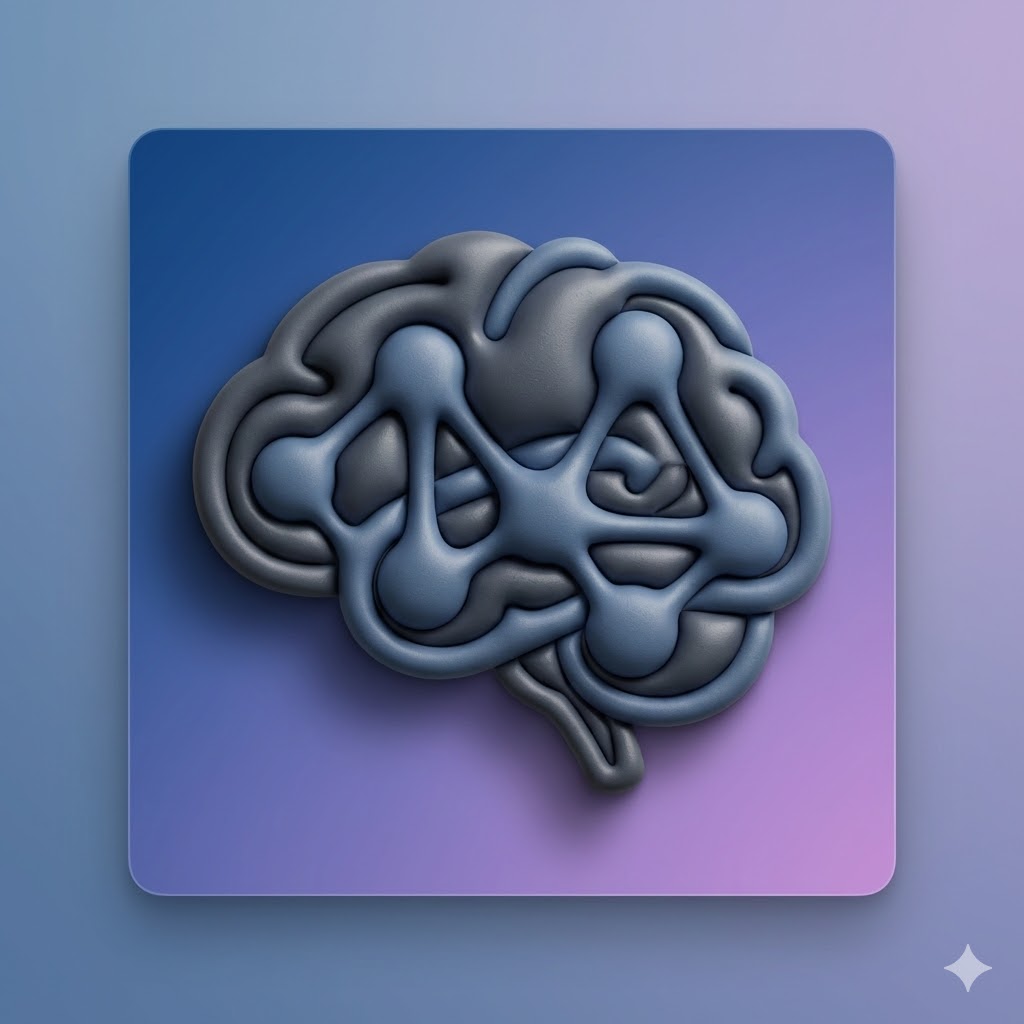

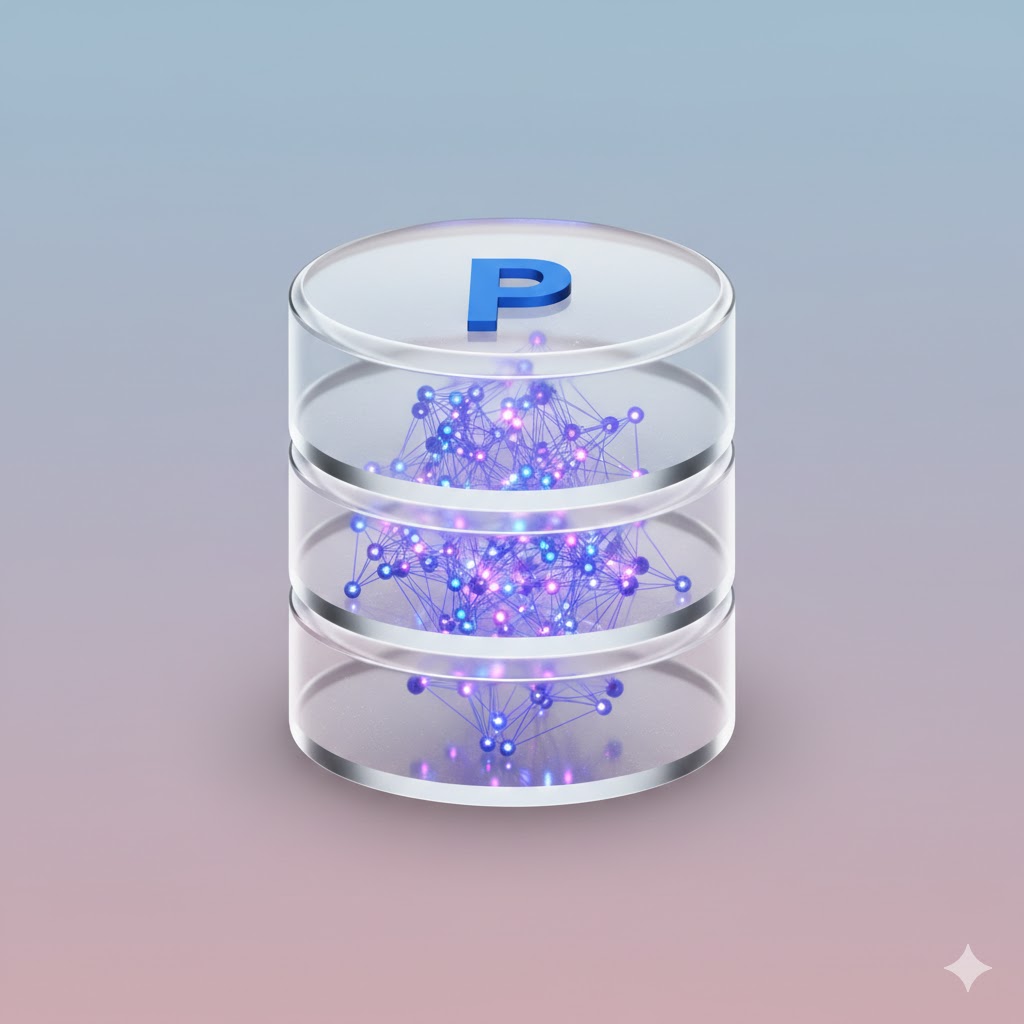
Act as an expert AI image generator. Generate a photorealistic macOS app icon based on these user inputs:

App Concept/Name: {{App Concept: e.g. A Mac App for Prompt Management}}
Central Object: {{Central Object: e.g. a brain}}
Primary Material Texture: {{Material:Matte Plastic, Glass, Brushed Metal, Fine Paper, Ceramic}}
Background Color/Style: {{Background:Subtle Gradient}}

Stylistic constraints: Follows Apple's macOS Human Interface Guidelines. Highly detailed 3D render with rich, tactile materials. Soft, realistic global lighting with a gentle drop shadow beneath the central object. The composition implies the characteristic squircle shape, but the final image is a 1024x1024 square with content drawn to the edges without rounded corners.
e.g. A Mac App for Prompt Management
e.g. a brain
Matte Plastic, Glass, Brushed Metal, Fine Paper, Ceramic
Subtle Gradient
Act as an expert AI image generator. Generate a photorealistic macOS app icon based on these user inputs:

App Concept/Name: e.g. A Mac App for Prompt Management
Central Object: e.g. a brain
Primary Material Texture: Matte Plastic
Background Color/Style: Subtle Gradient

Stylistic constraints: Follows Apple's macOS Human Interface Guidelines. Highly detailed 3D render with rich, tactile materials. Soft, realistic global lighting with a gentle drop shadow beneath the central object. The composition implies the characteristic squircle shape, but the final image is a 1024x1024 square with content drawn to the edges without rounded corners.
变量被 {{ 和 }} 包裹,遵循以下格式:
选项可以通过方括号引用预定义变量列表。这些选项以[橙色]显示,提供颜色、语气或语言等常用值。
也可以提供以逗号分隔的内联选项列表。
提示:使用这些提示词无需 PUCO 应用!只需复制模板,直接在 ChatGPT、Claude、Gemini 或任何其他 AI 助手中将每个 {{…}} 部分替换为自己的文本。