适用场景
- 以结构化、可复用的提示词为起点,而非空白对话框。
- 根据自己的需求调整提示词,同时保持原始意图不变。
- 与Design & Art相关的工作流。

使用可自定义的布局、配色方案和排版,创建专业的杂志风信息图。
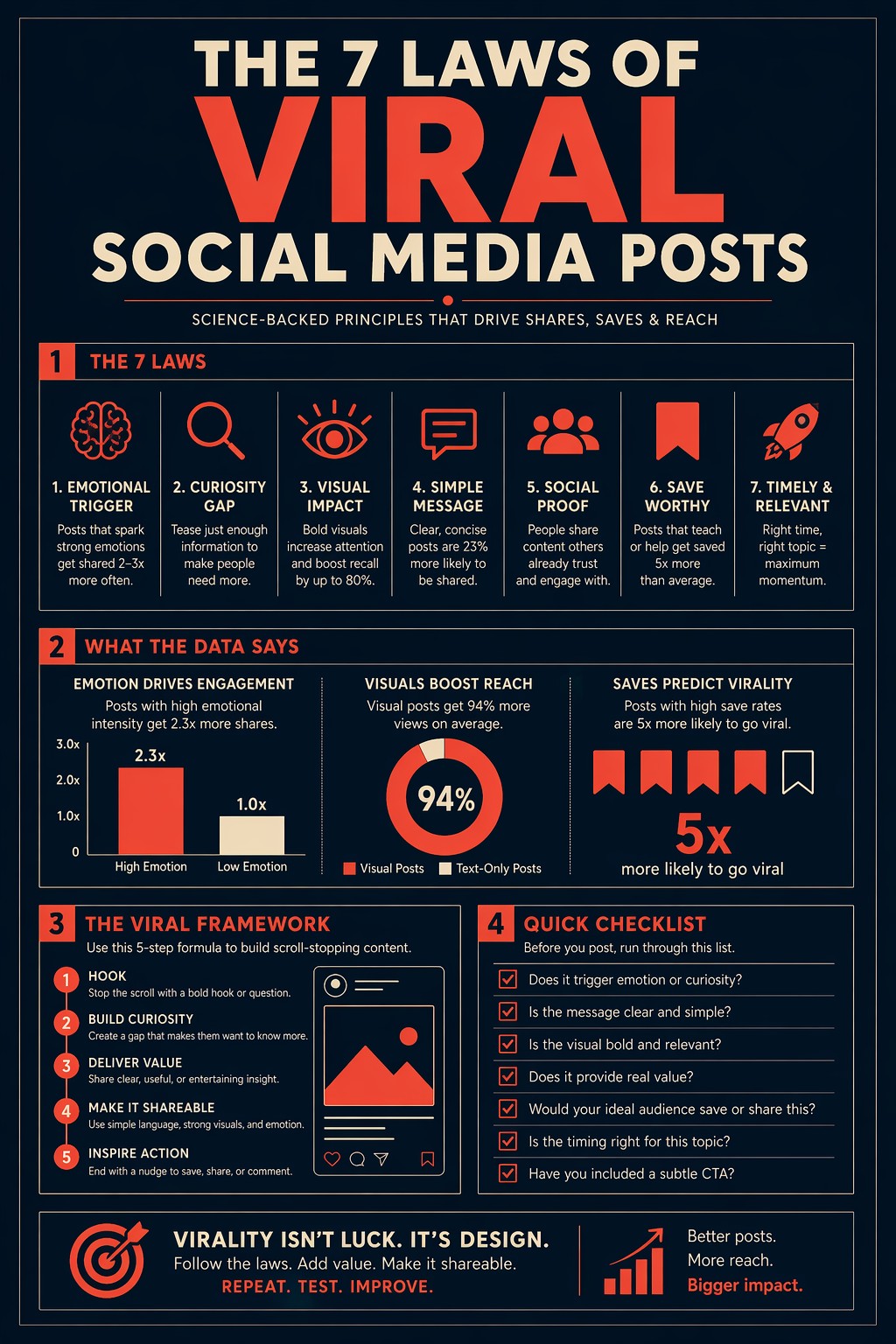
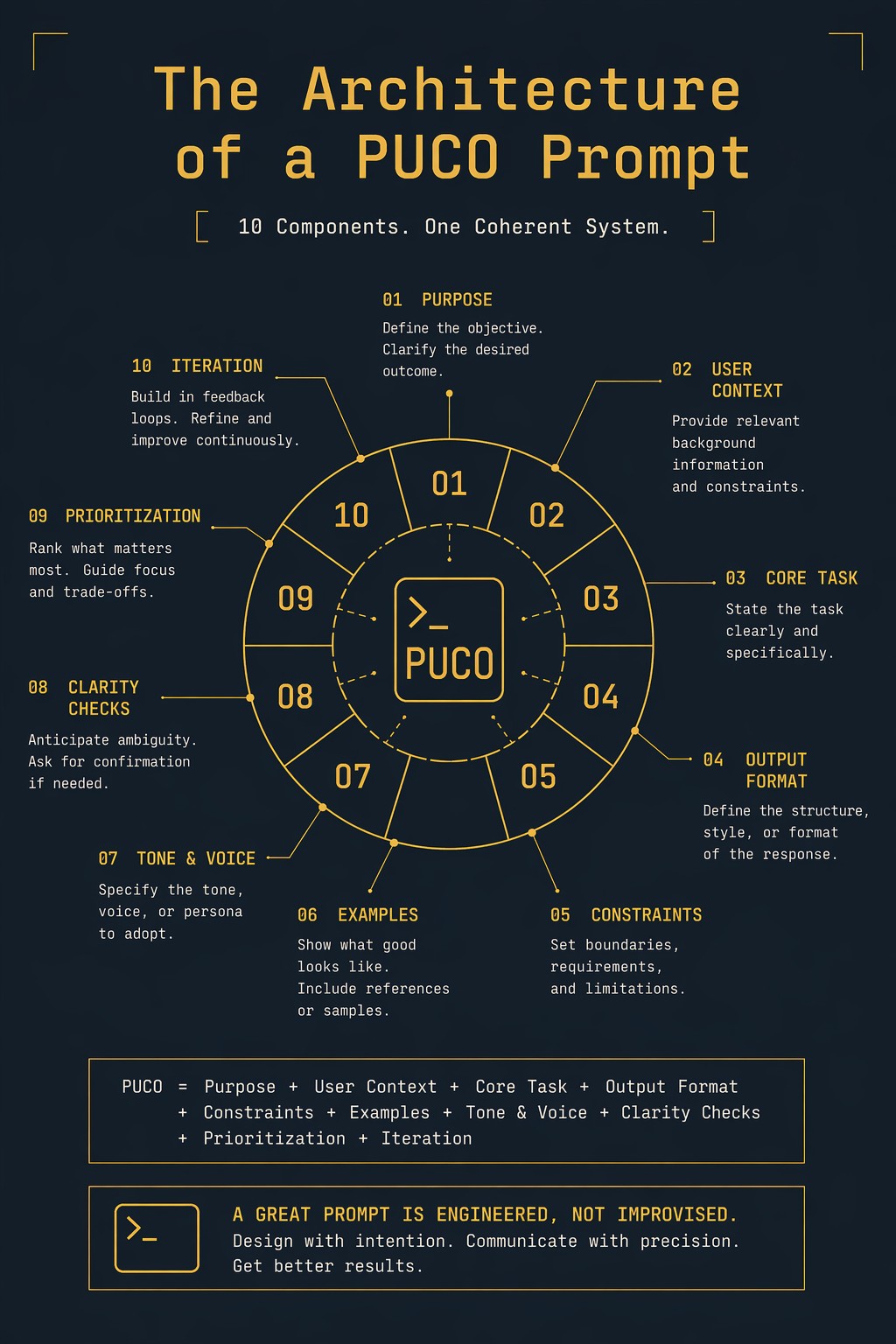
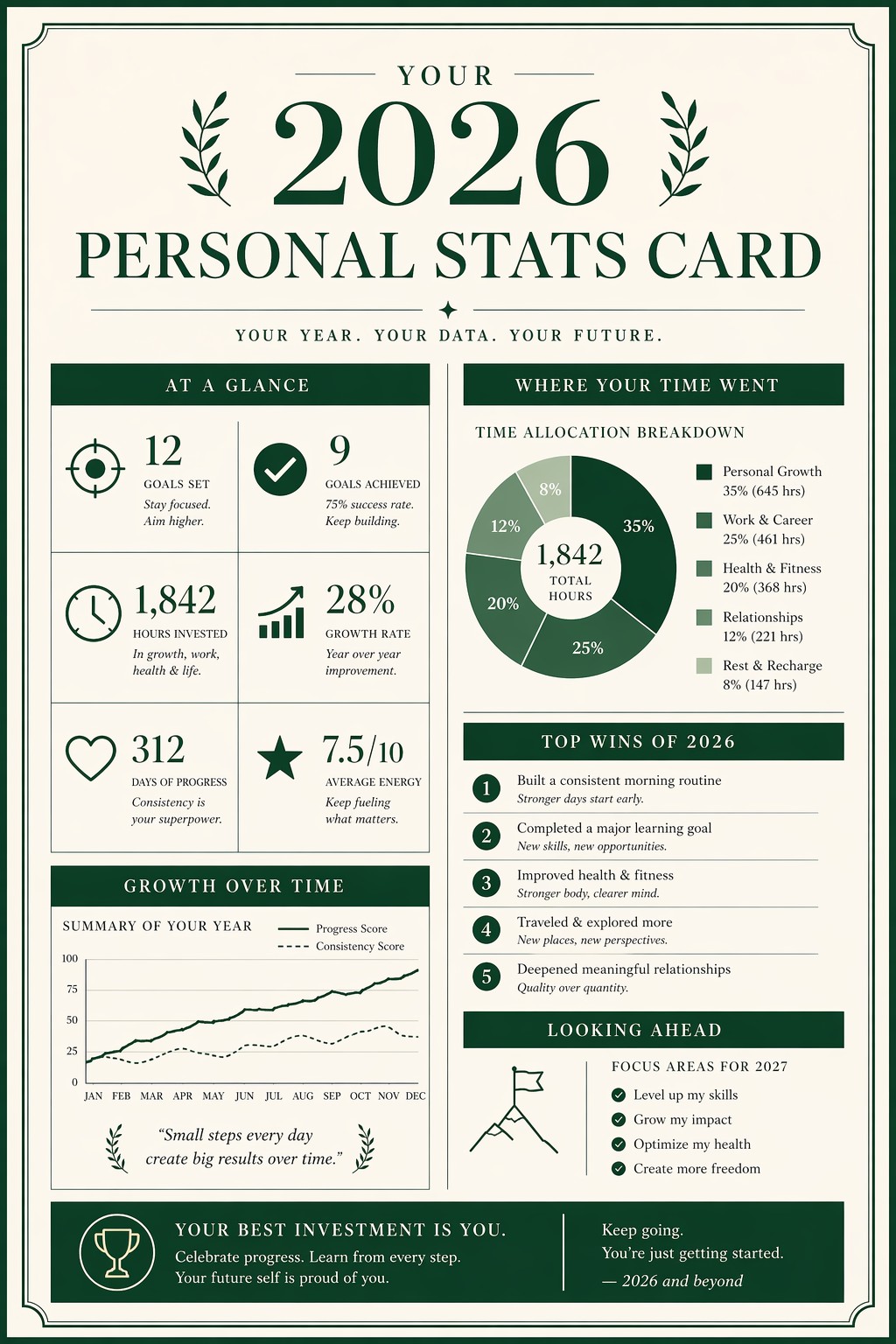
Create a single-page editorial infographic titled "{{Subject: The Architecture of a PUCO Prompt, Your 2026 Personal Stats Card, The 7 Laws of Viral Social Media Posts}}" in the style of a premium magazine data spread. Visual style: Information design meets editorial print. Layout: {{Layout: Clean portrait with 4 sections, Balanced two-column spread, Focused central diagram}}. Color palette: {{Color Palette: Midnight Navy and Coral, Forest Green and Cream, Deep Slate and Gold}}. Typography: {{Typography: Bold geometric sans-serif, High-contrast elegant serif, Clean minimalist monospace}}. Composition: Centered layout with {{Margin: 10-25}}% breathing margin on all sides and balanced whitespace. Lighting: Flat design with no gradients. Aspect ratio: {{Aspect Ratio: 2:3, 3:4, 9:16}}. Negative constraints: No blurry or garbled text, no clipart, no overcrowded layout, no watermarks, no generic textures.
The Architecture of a PUCO Prompt, Your 2026 Personal Stats Card, The 7 Laws of Viral Social Media Posts
Clean portrait with 4 sections, Balanced two-column spread, Focused central diagram
Midnight Navy and Coral, Forest Green and Cream, Deep Slate and Gold
Bold geometric sans-serif, High-contrast elegant serif, Clean minimalist monospace
10-25
2:3, 3:4, 9:16
Create a single-page editorial infographic titled "The Architecture of a PUCO Prompt" in the style of a premium magazine data spread. Visual style: Information design meets editorial print. Layout: Clean portrait with 4 sections. Color palette: Midnight Navy and Coral. Typography: Bold geometric sans-serif. Composition: Centered layout with 10-25% breathing margin on all sides and balanced whitespace. Lighting: Flat design with no gradients. Aspect ratio: 2:3. Negative constraints: No blurry or garbled text, no clipart, no overcrowded layout, no watermarks, no generic textures.
变量被 {{ 和 }} 包裹,遵循以下格式:
选项可以通过方括号引用预定义变量列表。这些选项以[橙色]显示,提供颜色、语气或语言等常用值。
也可以提供以逗号分隔的内联选项列表。
提示:使用这些提示词无需 PUCO 应用!只需复制模板,直接在 ChatGPT、Claude、Gemini 或任何其他 AI 助手中将每个 {{…}} 部分替换为自己的文本。