เหมาะสำหรับ
- เริ่มจากพรอมต์ที่มีโครงสร้างและใช้ซ้ำได้ แทนที่จะเป็นแชทเปล่า
- ปรับพรอมต์ให้เข้ากับข้อมูลของคุณ โดยยังคงเจตนาเดิมไว้
- เวิร์กโฟลว์ที่เกี่ยวข้องกับ Design & Art

สร้างอินโฟกราฟิกเทคนิค 3D แบบไอโซเมตริกมุม 45 องศา ที่มีรายละเอียดสูงสำหรับวัตถุที่ระบุ พร้อมคำอธิบายกำกับและแผนผังที่แม่นยำ
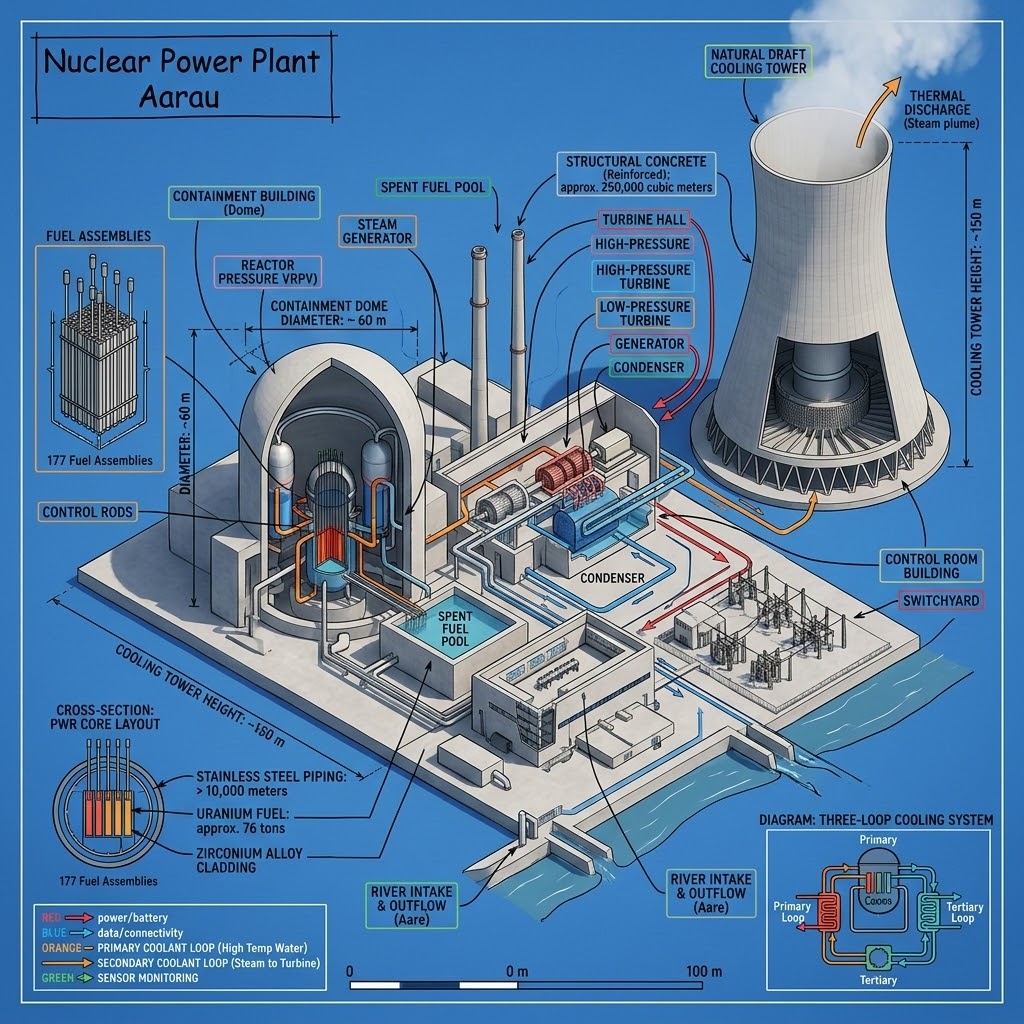
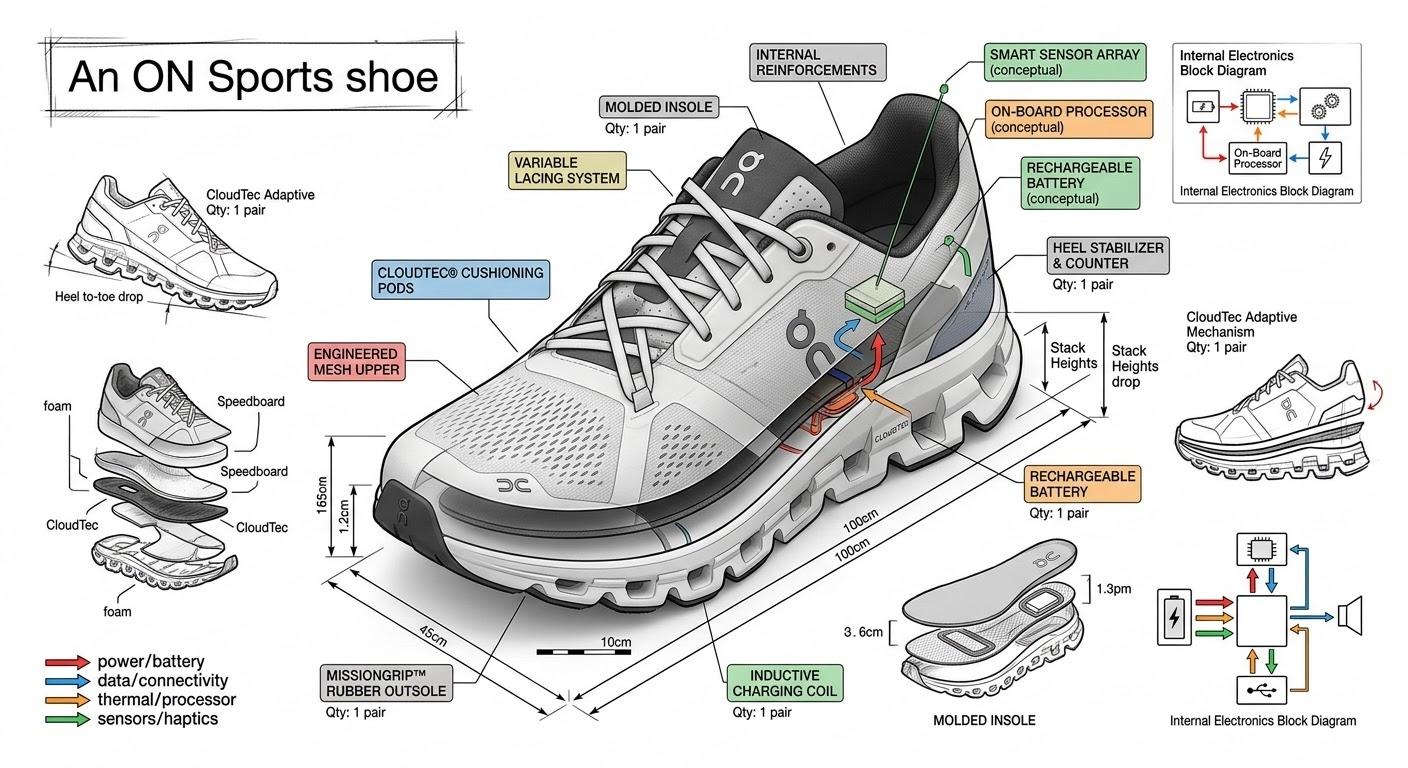
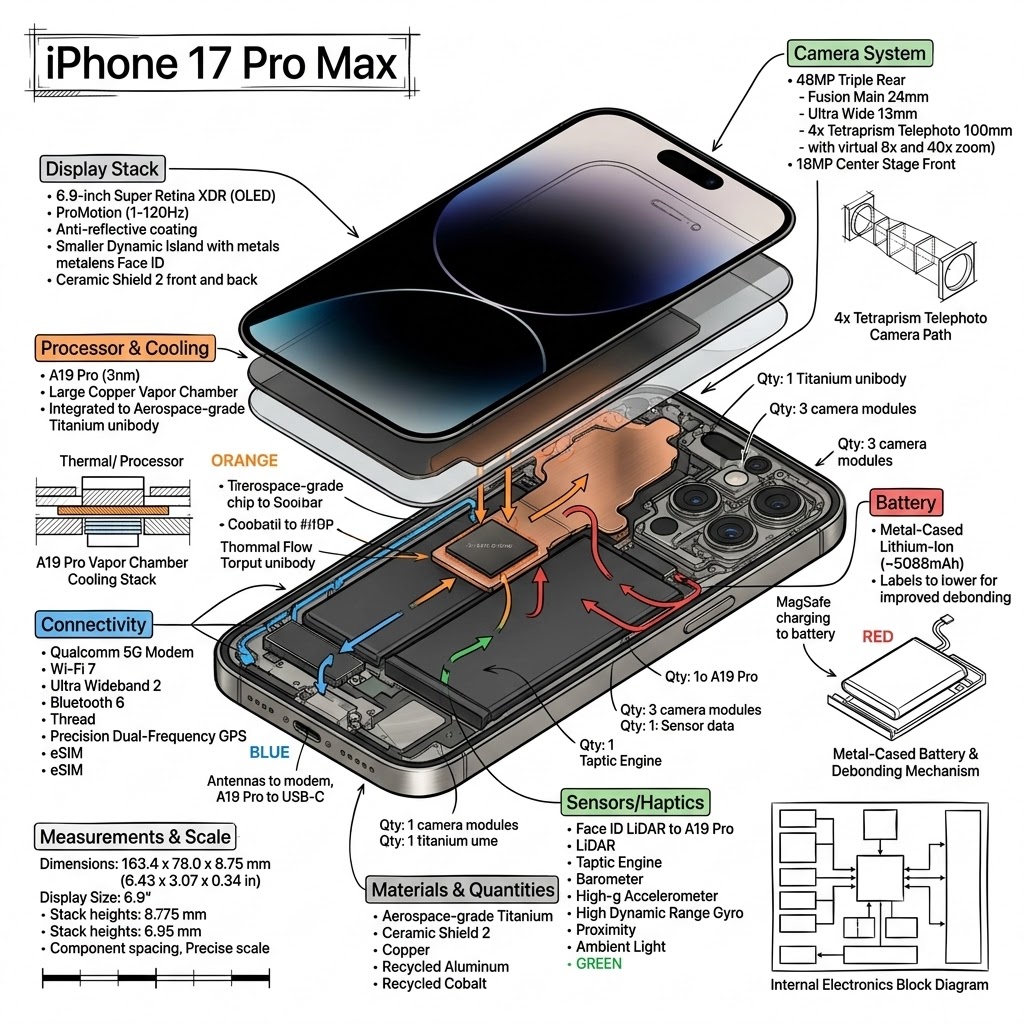
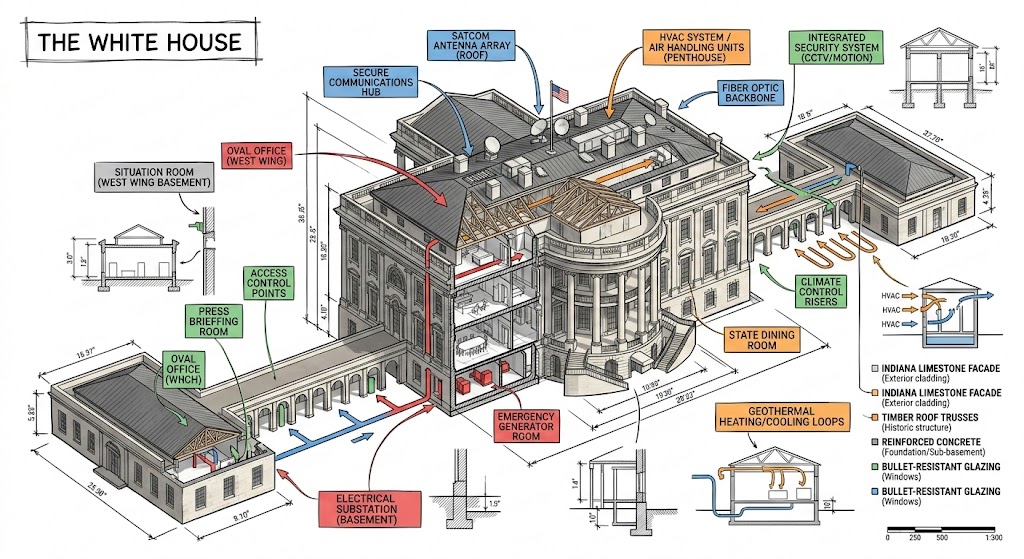
Create a technical infographic of {{Object: e.g. A smartphone running the PUCO prompt management app}} with a 45-degree isometric 3D perspective showing the device slightly tilted to reveal depth and dimension. Combine a realistic photoreal render with black ink technical annotations on a {{Background Color: pure white, blueprint blue, stark black}} background. Include:

1. Key component labels with color-coded callout boxes. Do not repeat a label more than once.
2. Internal component visibility through transparent/cutaway sections.
3. Measurements, dimensions, and precise scale markers.
4. Material callouts and quantities.
5. Color-coded arrows for function/flow: RED (power/battery), BLUE (data/connectivity), ORANGE (thermal/processor), GREEN (sensors/haptics).
6. Simple schematics or cross-sectional diagrams where relevant.

Place the {{Object: e.g. A smartphone running the PUCO prompt management app}} title in a hand-drawn technical box (top-left corner). Style: Black linework (technical pen/architectural), sketched but precise. Object remains clearly visible. Educational museum-exhibit vibe. Clean composition, balanced negative space.

Perspective: Isometric 3D angle-tilted to show depth, dimension, and internal architecture dramatically. Like a professional product teardown or engineering manual. Colors: {{Accent Color Density: Minimal (mostly monochrome with slight accents), Balanced (clear color-coded pops), Vibrant (heavy use of accent colors)}}. Output: {{Resolution: 1080x1080, 1920x1080, 1080x1920}}, ultra-crisp, social-feed optimized.
e.g. A smartphone running the PUCO prompt management app
pure white, blueprint blue, stark black
Minimal (mostly monochrome with slight accents), Balanced (clear color-coded pops), Vibrant (heavy use of accent colors)
1080x1080, 1920x1080, 1080x1920
Create a technical infographic of e.g. A smartphone running the PUCO prompt management app with a 45-degree isometric 3D perspective showing the device slightly tilted to reveal depth and dimension. Combine a realistic photoreal render with black ink technical annotations on a pure white background. Include:

1. Key component labels with color-coded callout boxes. Do not repeat a label more than once.
2. Internal component visibility through transparent/cutaway sections.
3. Measurements, dimensions, and precise scale markers.
4. Material callouts and quantities.
5. Color-coded arrows for function/flow: RED (power/battery), BLUE (data/connectivity), ORANGE (thermal/processor), GREEN (sensors/haptics).
6. Simple schematics or cross-sectional diagrams where relevant.

Place the e.g. A smartphone running the PUCO prompt management app title in a hand-drawn technical box (top-left corner)...
ตัวแปรจะอยู่ภายใน {{ และ }} และเป็นไปตามรูปแบบนี้:
ตัวเลือกสามารถอ้างอิงรายการตัวแปรที่กำหนดไว้ล่วงหน้าโดยใช้วงเล็บเหลี่ยม ตัวเลือกเหล่านี้จะแสดงเป็น[สีส้ม]และให้ค่าที่ใช้บ่อย เช่น สี โทน หรือภาษา
คุณยังสามารถระบุรายการตัวเลือกแบบอินไลน์ โดยคั่นด้วยเครื่องหมายจุลภาคได้
เคล็ดลับ: คุณไม่จำเป็นต้องใช้แอป PUCO เพื่อใช้พรอมต์เหล่านี้! เพียงคัดลอกเทมเพลตและแทนที่แต่ละส่วน {{…}} ด้วยข้อความของคุณเองโดยตรงใน ChatGPT, Claude, Gemini หรือผู้ช่วย AI อื่น ๆ