
เหมาะสำหรับ
- เริ่มจากพรอมต์ที่มีโครงสร้างและใช้ซ้ำได้ แทนที่จะเป็นแชทเปล่า
- ปรับพรอมต์ให้เข้ากับข้อมูลของคุณ โดยยังคงเจตนาเดิมไว้
- เวิร์กโฟลว์ที่เกี่ยวข้องกับ Music & Audio
สร้างไดโอรามา 3 มิติที่วางอยู่บนแผ่นไวนิลหมุน ซึ่งแสดงภาพลักษณ์ของเอกลักษณ์เสียงของศิลปินเพลง
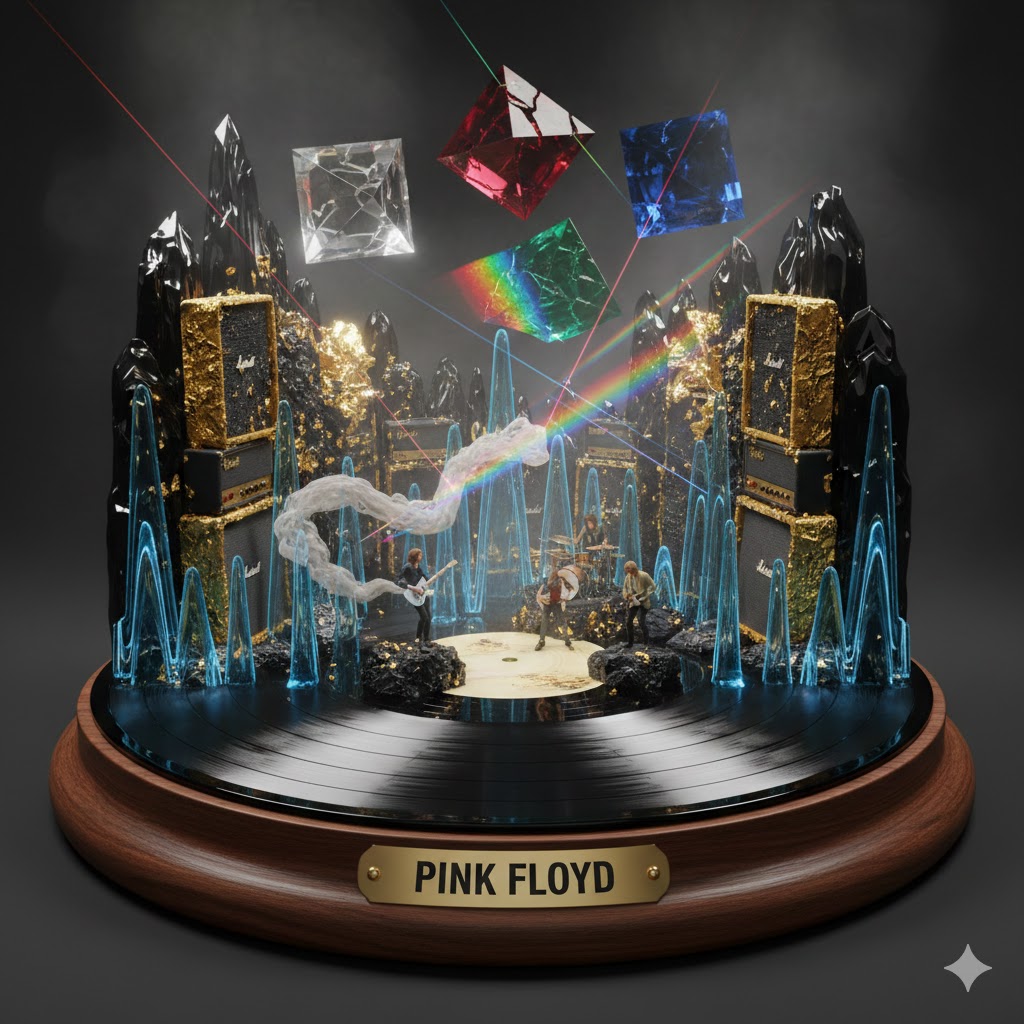
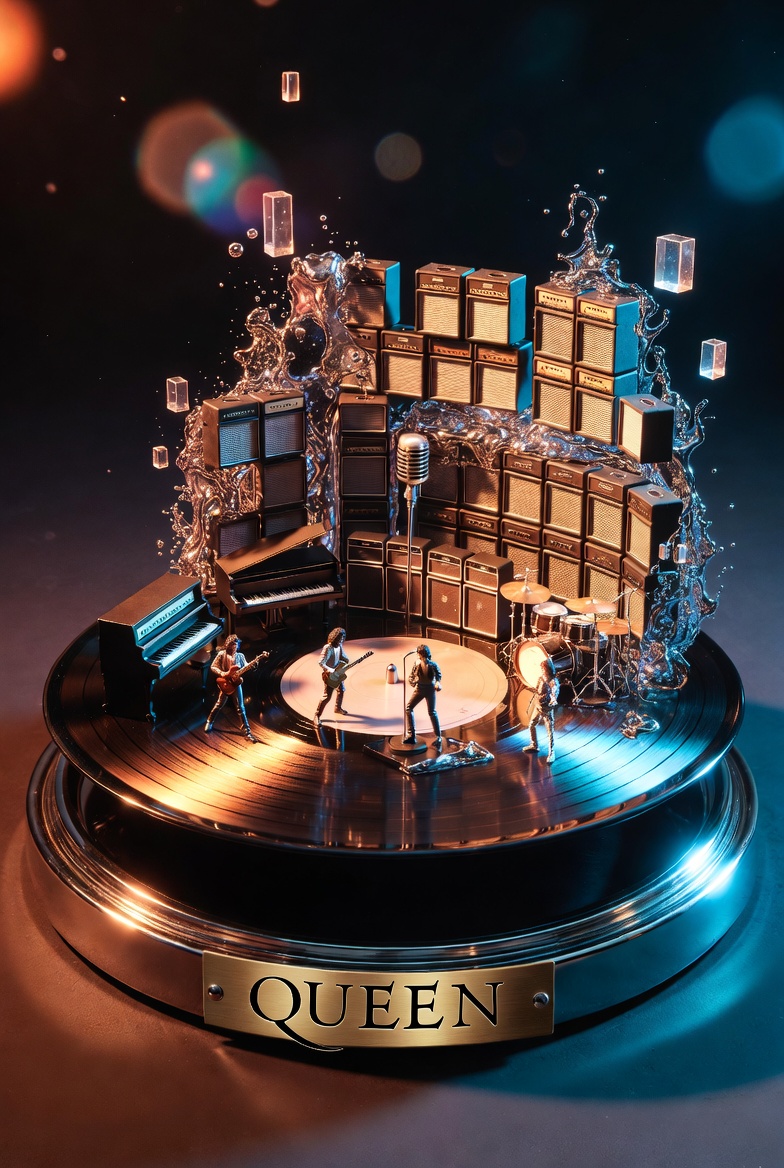

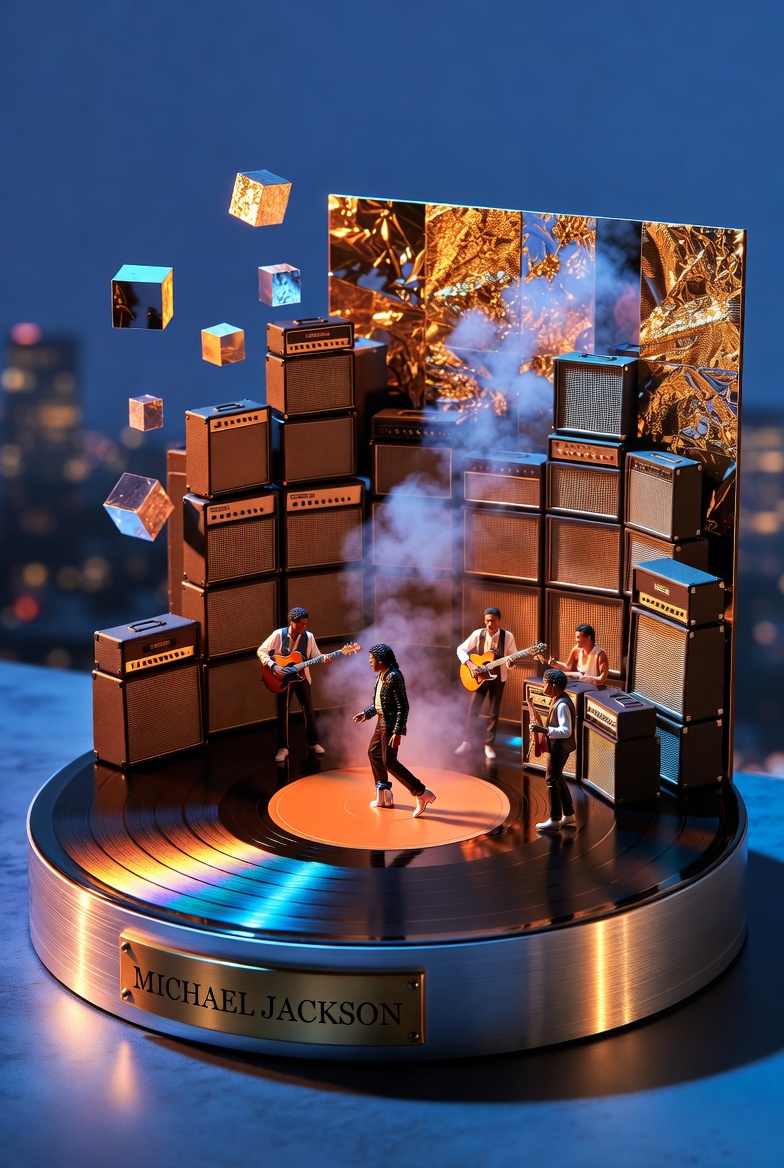
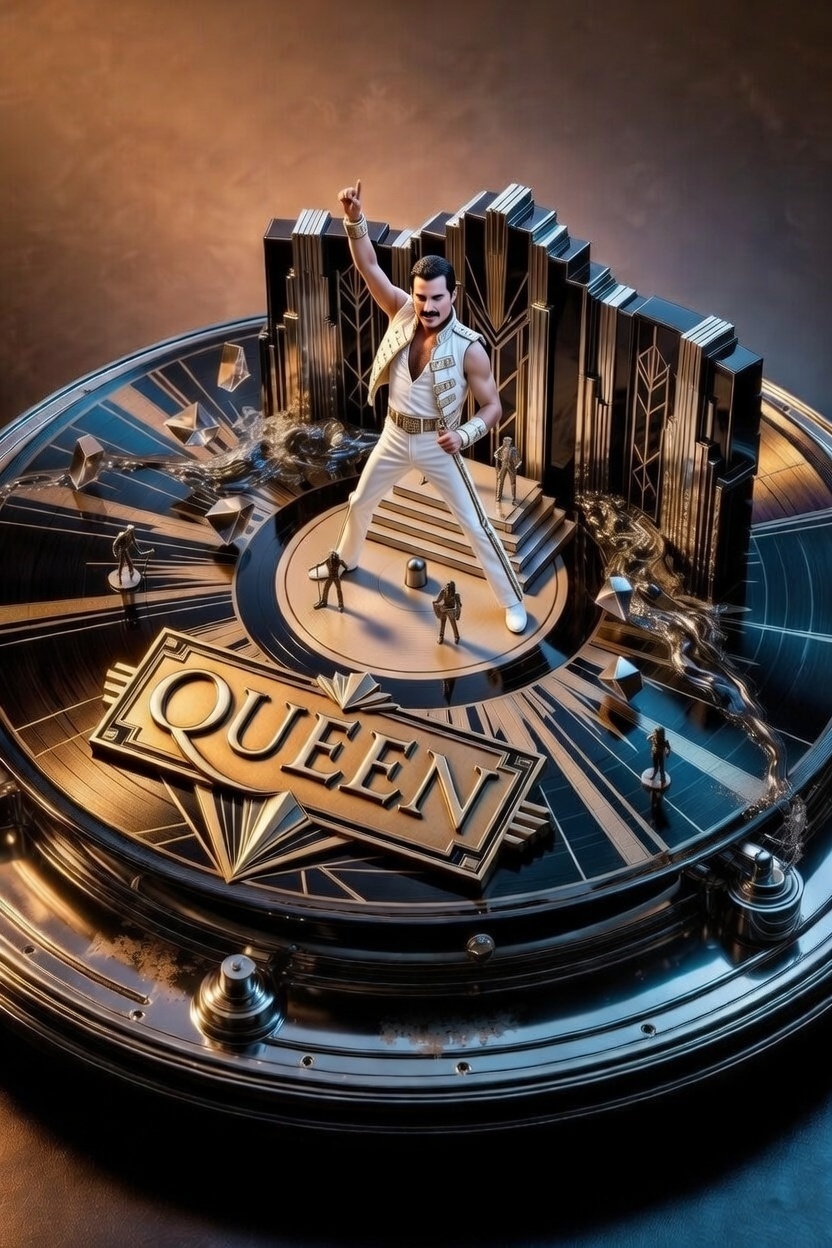
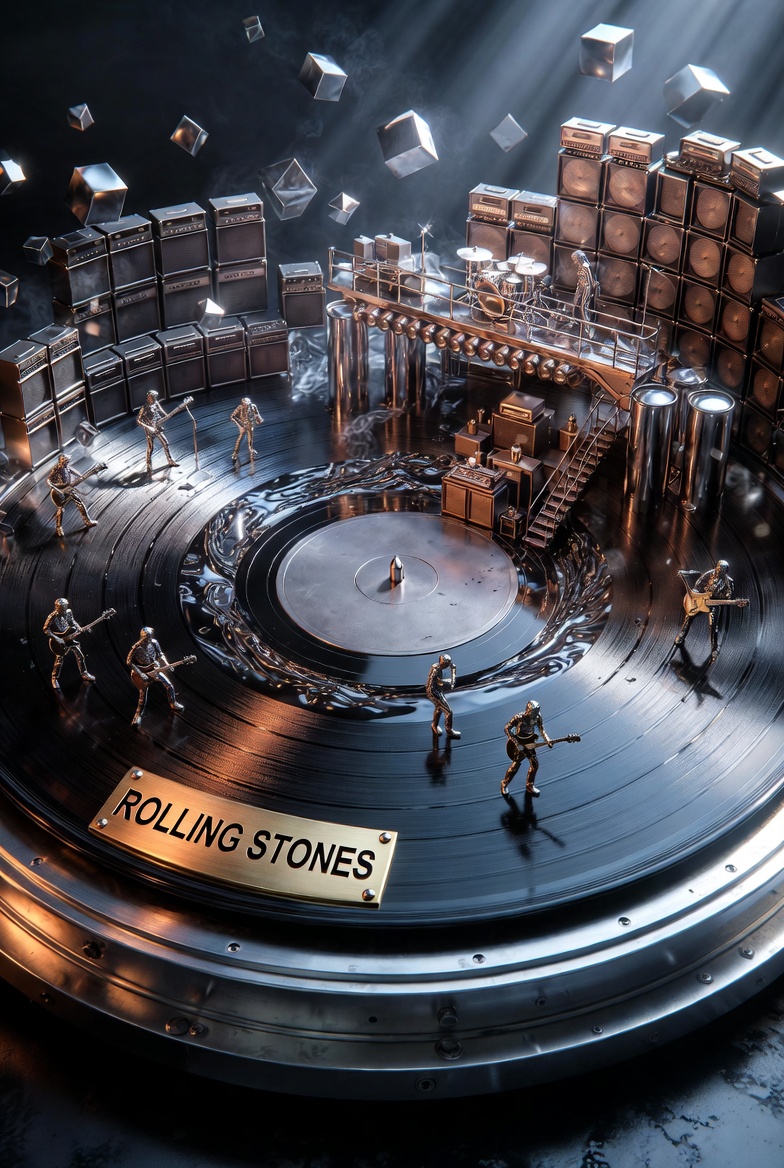
Act as a Music Historian and Set Designer. Create an audio-visual diorama based on the artist: {{Artist Name:Pink Floyd}}.

Design Rules:
1. The Base: The diorama is built on a spinning vinyl record acting as a circular stage, sitting on a high-end {{Turntable Material:Wood, Brushed Aluminum}} base.
2. The Plinth: A brass nameplate on the front must display '{{Artist Name:Pink Floyd}}' in bold capital letters.
3. Sonic Materiality: Translate the band's genre into textures. Use materials like {{Materiality:[materials]}}.
4. Composition: Architecture must rise from the grooves of the record (e.g., walls of amplifiers, floating prisms). Include tiny 1:87 scale band members performing inside the landscape.
5. Atmosphere: Use particle effects like smoke or vibrating liquid to visualize sound waves.
6. Style: 3D render, hyper-detailed, cinematic lighting.
Pink Floyd
Wood, Brushed Aluminum
[materials]
Act as a Music Historian and Set Designer. Create an audio-visual diorama based on the artist: Pink Floyd.

Design Rules:
1. The Base: The diorama is built on a spinning vinyl record acting as a circular stage, sitting on a high-end Wood base.
2. The Plinth: A brass nameplate on the front must display 'Pink Floyd' in bold capital letters.
3. Sonic Materiality: Translate the band's genre into textures. Use materials like [materials].
4. Composition: Architecture must rise from the grooves of the record (e.g., walls of amplifiers, floating prisms). Include tiny 1:87 scale band members performing inside the landscape.
5. Atmosphere: Use particle effects like smoke or vibrating liquid to visualize sound waves.
6. Style: 3D render, hyper-detailed, cinematic lighting.
ตัวแปรจะอยู่ภายใน {{ และ }} และเป็นไปตามรูปแบบนี้:
ตัวเลือกสามารถอ้างอิงรายการตัวแปรที่กำหนดไว้ล่วงหน้าโดยใช้วงเล็บเหลี่ยม ตัวเลือกเหล่านี้จะแสดงเป็น[สีส้ม]และให้ค่าที่ใช้บ่อย เช่น สี โทน หรือภาษา
คุณยังสามารถระบุรายการตัวเลือกแบบอินไลน์ โดยคั่นด้วยเครื่องหมายจุลภาคได้
เคล็ดลับ: คุณไม่จำเป็นต้องใช้แอป PUCO เพื่อใช้พรอมต์เหล่านี้! เพียงคัดลอกเทมเพลตและแทนที่แต่ละส่วน {{…}} ด้วยข้อความของคุณเองโดยตรงใน ChatGPT, Claude, Gemini หรือผู้ช่วย AI อื่น ๆ