เหมาะสำหรับ
- เริ่มจากพรอมต์ที่มีโครงสร้างและใช้ซ้ำได้ แทนที่จะเป็นแชทเปล่า
- ปรับพรอมต์ให้เข้ากับข้อมูลของคุณ โดยยังคงเจตนาเดิมไว้
- เวิร์กโฟลว์ที่เกี่ยวข้องกับ Fun & Casual, Design & Art

แปลงรูปภาพที่แนบมาให้เป็นสไตล์ภาพของจักรวาลการ์ตูนที่เลือก โดยเริ่มจากวิเคราะห์สไตล์งานศิลป์ แล้วสร้างพรอมป์ต์ภาพแบบละเอียดเพื่อเลียนแบบสไตล์นั้น
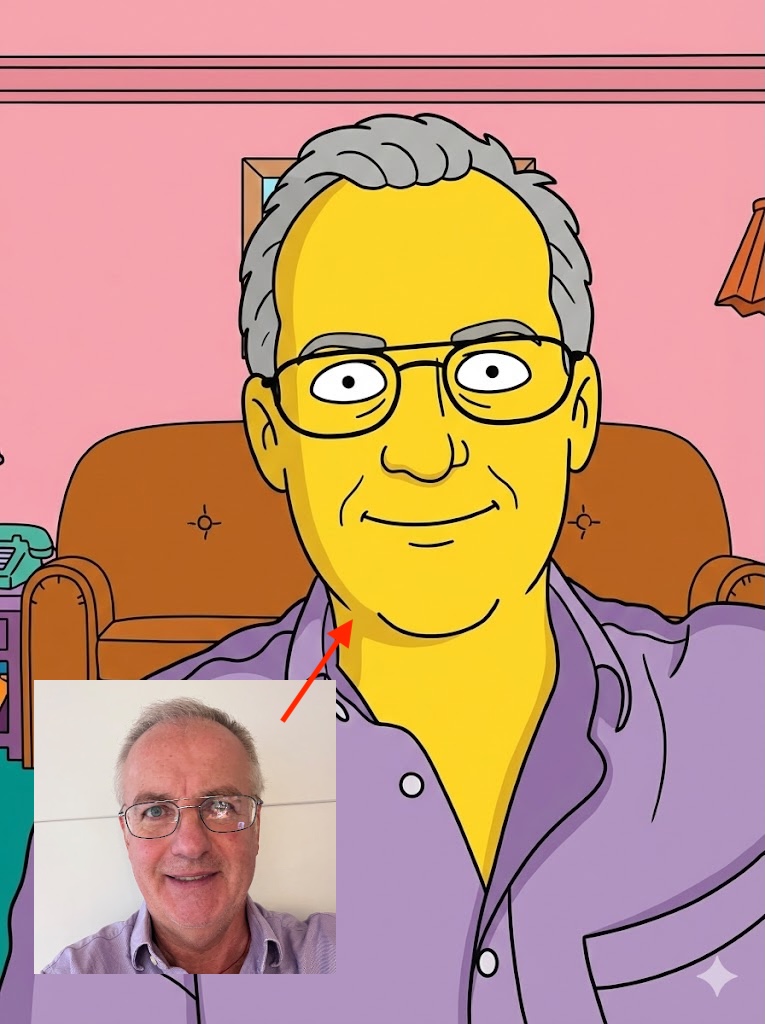
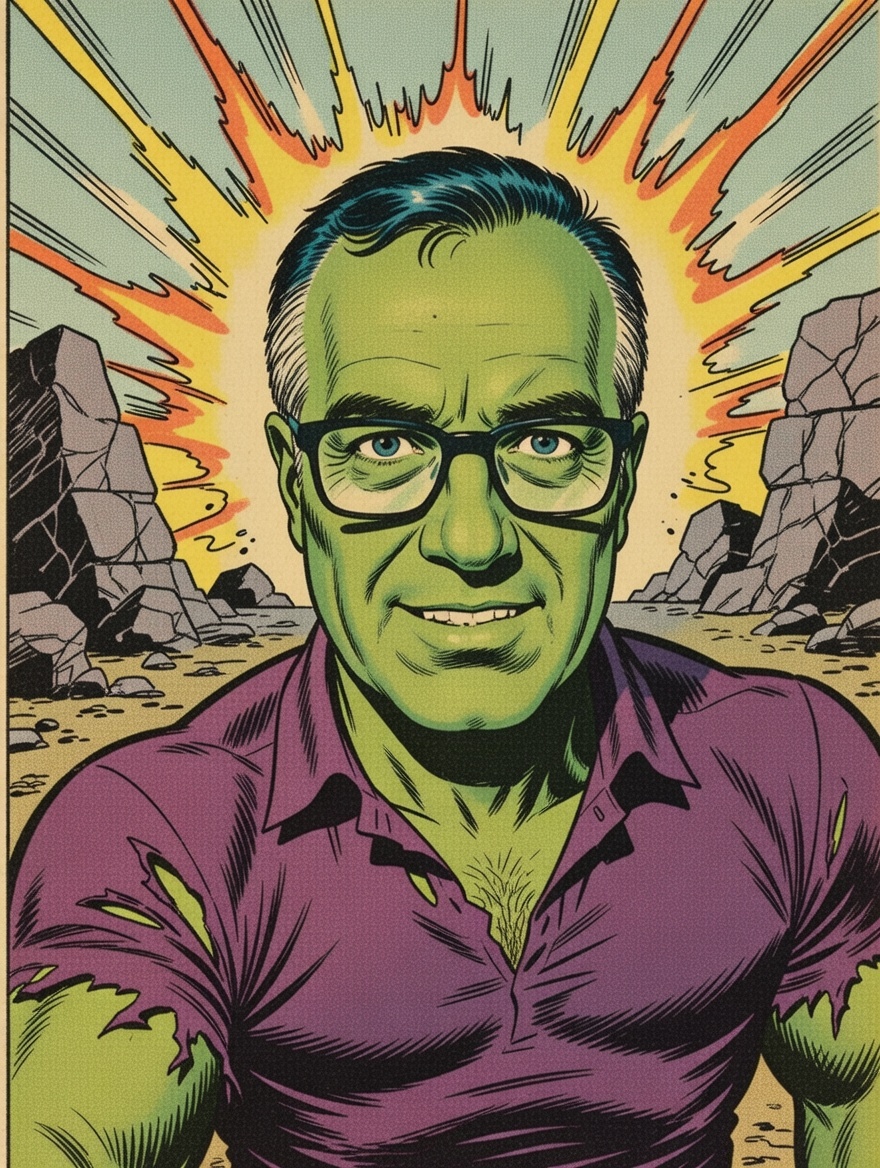
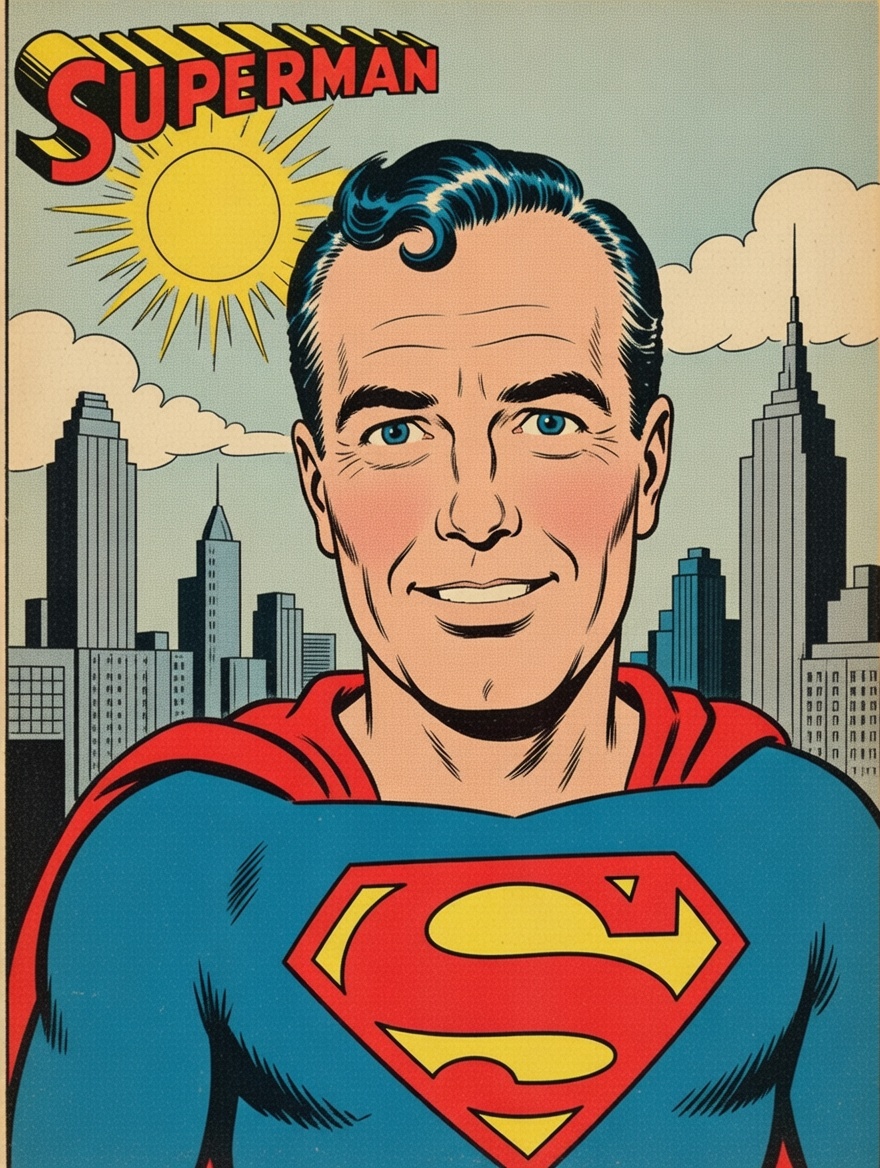
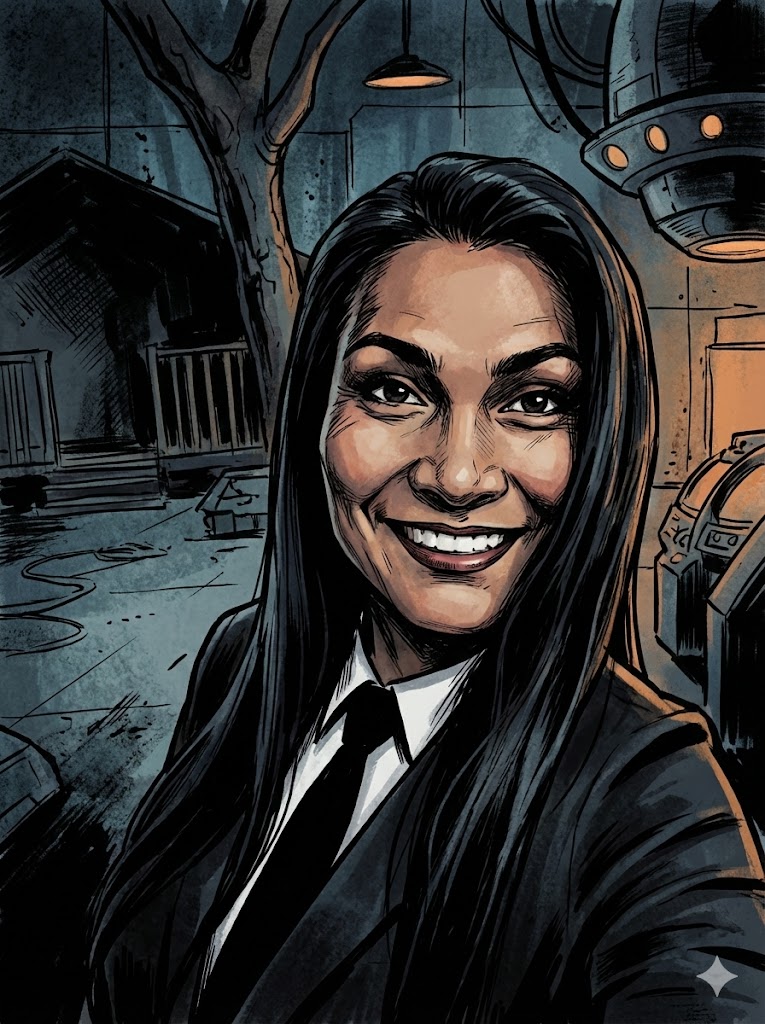
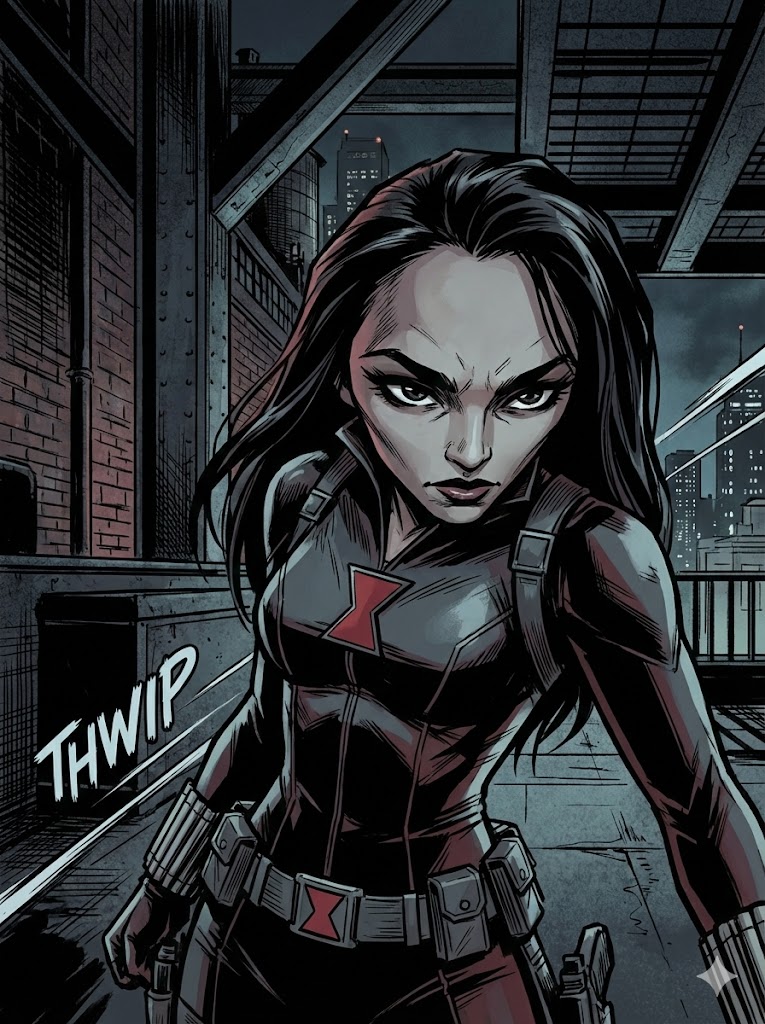
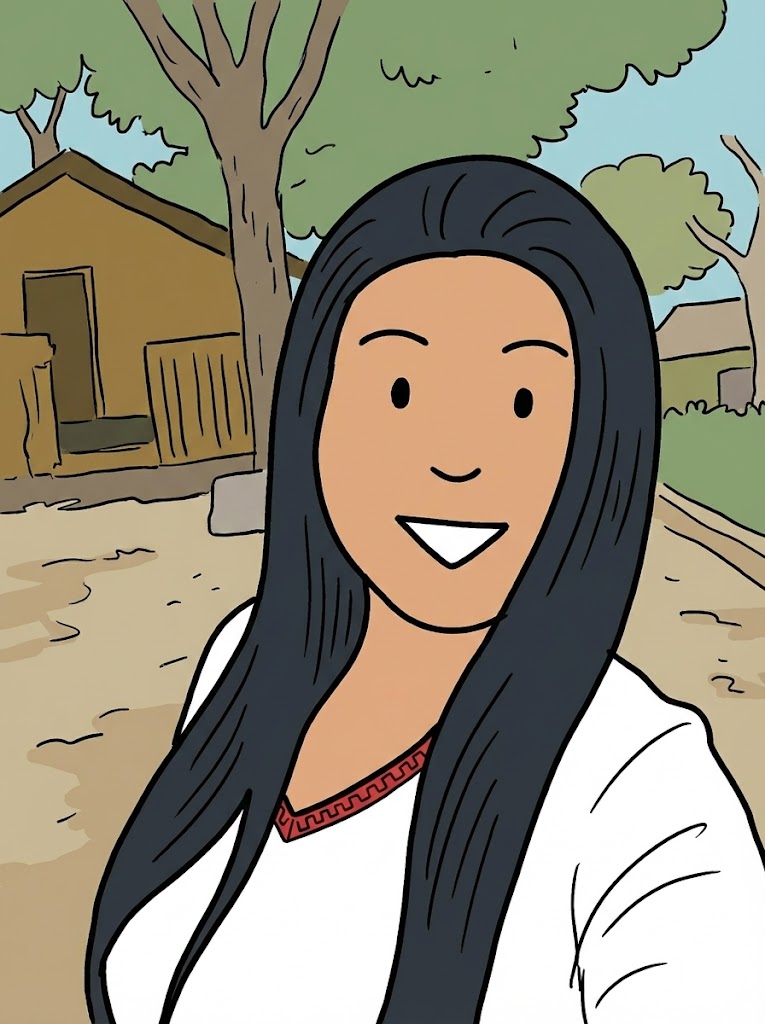
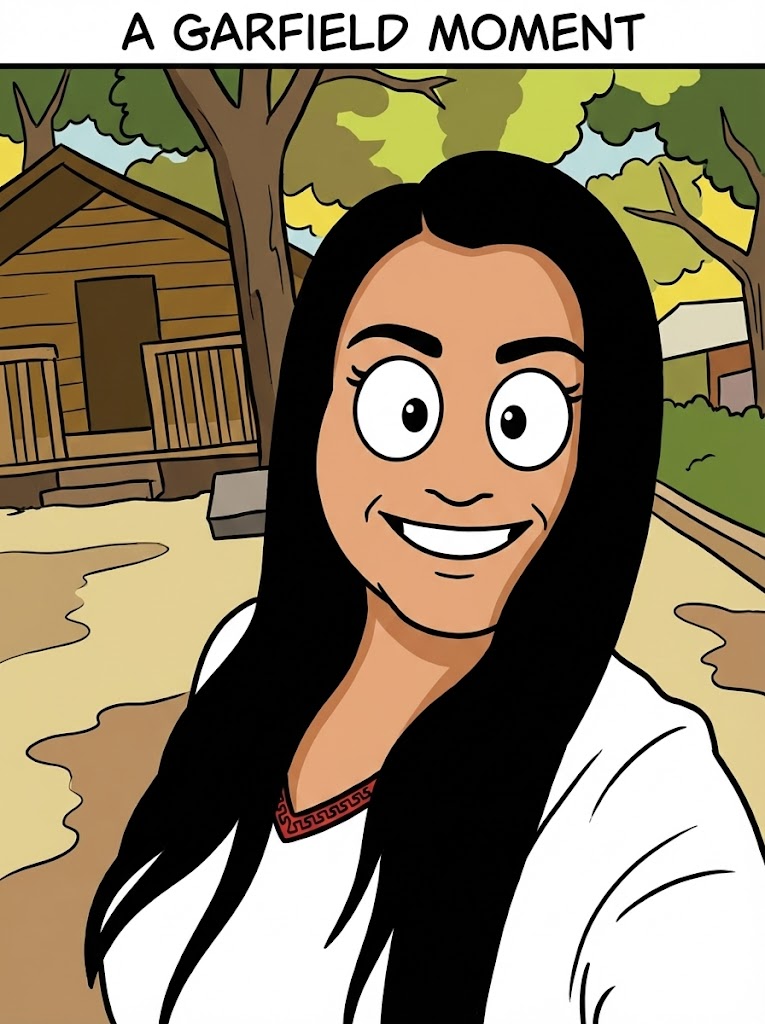
I have attached an image. Please follow these steps:

Step 1: Write a detailed analysis of the artistic style of {{Comic:[comics]}}. Cover: character design conventions, line weight, shading technique, color palette, typical backgrounds, and costume design.

Step 2: Using the attached image as the subject, apply the style described in Step 1 to generate a detailed image generation prompt. The subject must remain recognizable. Output only the final image generation prompt, ready to paste into an image generator.
[comics]
I have attached an image. Please follow these steps:

Step 1: Write a detailed analysis of the artistic style of [comics]. Cover: character design conventions, line weight, shading technique, color palette, typical backgrounds, and costume design.

Step 2: Using the attached image as the subject, apply the style described in Step 1 to generate a detailed image generation prompt. The subject must remain recognizable. Output only the final image generation prompt, ready to paste into an image generator.
ตัวแปรจะอยู่ภายใน {{ และ }} และเป็นไปตามรูปแบบนี้:
ตัวเลือกสามารถอ้างอิงรายการตัวแปรที่กำหนดไว้ล่วงหน้าโดยใช้วงเล็บเหลี่ยม ตัวเลือกเหล่านี้จะแสดงเป็น[สีส้ม]และให้ค่าที่ใช้บ่อย เช่น สี โทน หรือภาษา
คุณยังสามารถระบุรายการตัวเลือกแบบอินไลน์ โดยคั่นด้วยเครื่องหมายจุลภาคได้
เคล็ดลับ: คุณไม่จำเป็นต้องใช้แอป PUCO เพื่อใช้พรอมต์เหล่านี้! เพียงคัดลอกเทมเพลตและแทนที่แต่ละส่วน {{…}} ด้วยข้อความของคุณเองโดยตรงใน ChatGPT, Claude, Gemini หรือผู้ช่วย AI อื่น ๆ