เหมาะสำหรับ
- เริ่มจากพรอมต์ที่มีโครงสร้างและใช้ซ้ำได้ แทนที่จะเป็นแชทเปล่า
- ปรับพรอมต์ให้เข้ากับข้อมูลของคุณ โดยยังคงเจตนาเดิมไว้
- เวิร์กโฟลว์ที่เกี่ยวข้องกับ Software Development, Design & Art

สร้างไอคอนแอปแบบสมจริงตามภาษาออกแบบ macOS ของ Apple พร้อมวัสดุ 3D ที่สมจริงและเงาแบบนุ่มนวล
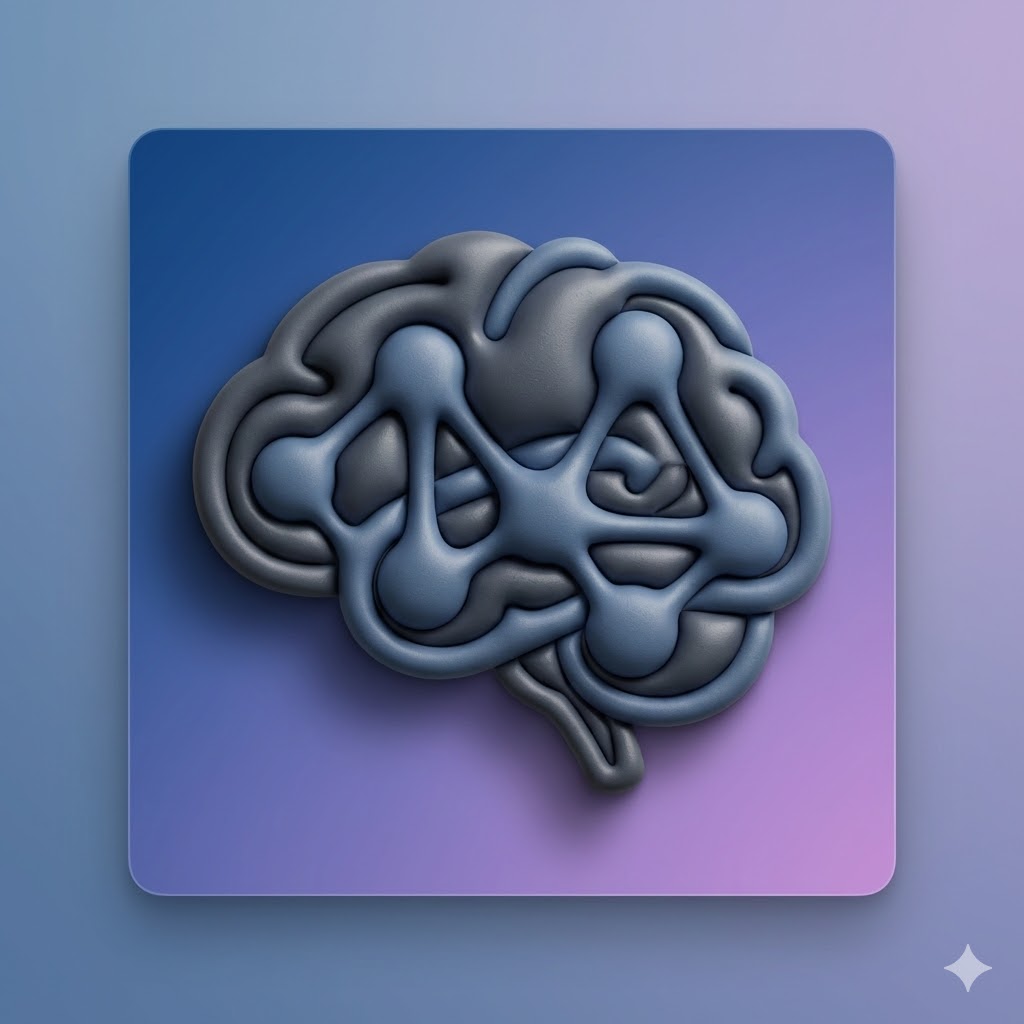

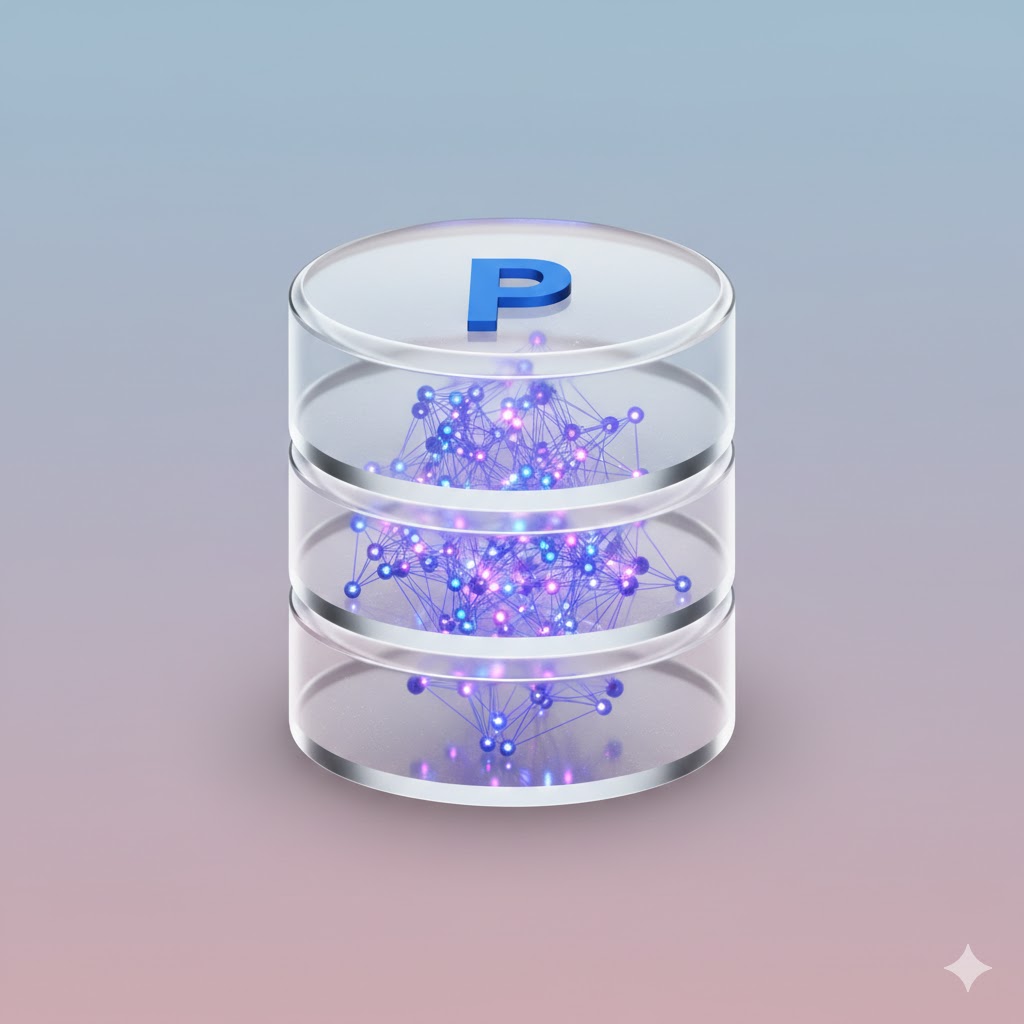
Act as an expert AI image generator. Generate a photorealistic macOS app icon based on these user inputs:

App Concept/Name: {{App Concept: e.g. A Mac App for Prompt Management}}
Central Object: {{Central Object: e.g. a brain}}
Primary Material Texture: {{Material:Matte Plastic, Glass, Brushed Metal, Fine Paper, Ceramic}}
Background Color/Style: {{Background:Subtle Gradient}}

Stylistic constraints: Follows Apple's macOS Human Interface Guidelines. Highly detailed 3D render with rich, tactile materials. Soft, realistic global lighting with a gentle drop shadow beneath the central object. The composition implies the characteristic squircle shape, but the final image is a 1024x1024 square with content drawn to the edges without rounded corners.
e.g. A Mac App for Prompt Management
e.g. a brain
Matte Plastic, Glass, Brushed Metal, Fine Paper, Ceramic
Subtle Gradient
Act as an expert AI image generator. Generate a photorealistic macOS app icon based on these user inputs:

App Concept/Name: e.g. A Mac App for Prompt Management
Central Object: e.g. a brain
Primary Material Texture: Matte Plastic
Background Color/Style: Subtle Gradient

Stylistic constraints: Follows Apple's macOS Human Interface Guidelines. Highly detailed 3D render with rich, tactile materials. Soft, realistic global lighting with a gentle drop shadow beneath the central object. The composition implies the characteristic squircle shape, but the final image is a 1024x1024 square with content drawn to the edges without rounded corners.
ตัวแปรจะอยู่ภายใน {{ และ }} และเป็นไปตามรูปแบบนี้:
ตัวเลือกสามารถอ้างอิงรายการตัวแปรที่กำหนดไว้ล่วงหน้าโดยใช้วงเล็บเหลี่ยม ตัวเลือกเหล่านี้จะแสดงเป็น[สีส้ม]และให้ค่าที่ใช้บ่อย เช่น สี โทน หรือภาษา
คุณยังสามารถระบุรายการตัวเลือกแบบอินไลน์ โดยคั่นด้วยเครื่องหมายจุลภาคได้
เคล็ดลับ: คุณไม่จำเป็นต้องใช้แอป PUCO เพื่อใช้พรอมต์เหล่านี้! เพียงคัดลอกเทมเพลตและแทนที่แต่ละส่วน {{…}} ด้วยข้อความของคุณเองโดยตรงใน ChatGPT, Claude, Gemini หรือผู้ช่วย AI อื่น ๆ