เหมาะสำหรับ
- เริ่มจากพรอมต์ที่มีโครงสร้างและใช้ซ้ำได้ แทนที่จะเป็นแชทเปล่า
- ปรับพรอมต์ให้เข้ากับข้อมูลของคุณ โดยยังคงเจตนาเดิมไว้
- เวิร์กโฟลว์ที่เกี่ยวข้องกับ Software Development, Education & Academic

เปลี่ยนโน้ตดิบ ฟลาชการ์ด หรือเนื้อหาบทสนทนาให้เป็นชีตสรุป PWA บนมือถือที่ใช้งานได้จริง พร้อมโฟลว์การสนทนาแบบแนะนำทีละขั้นตอน
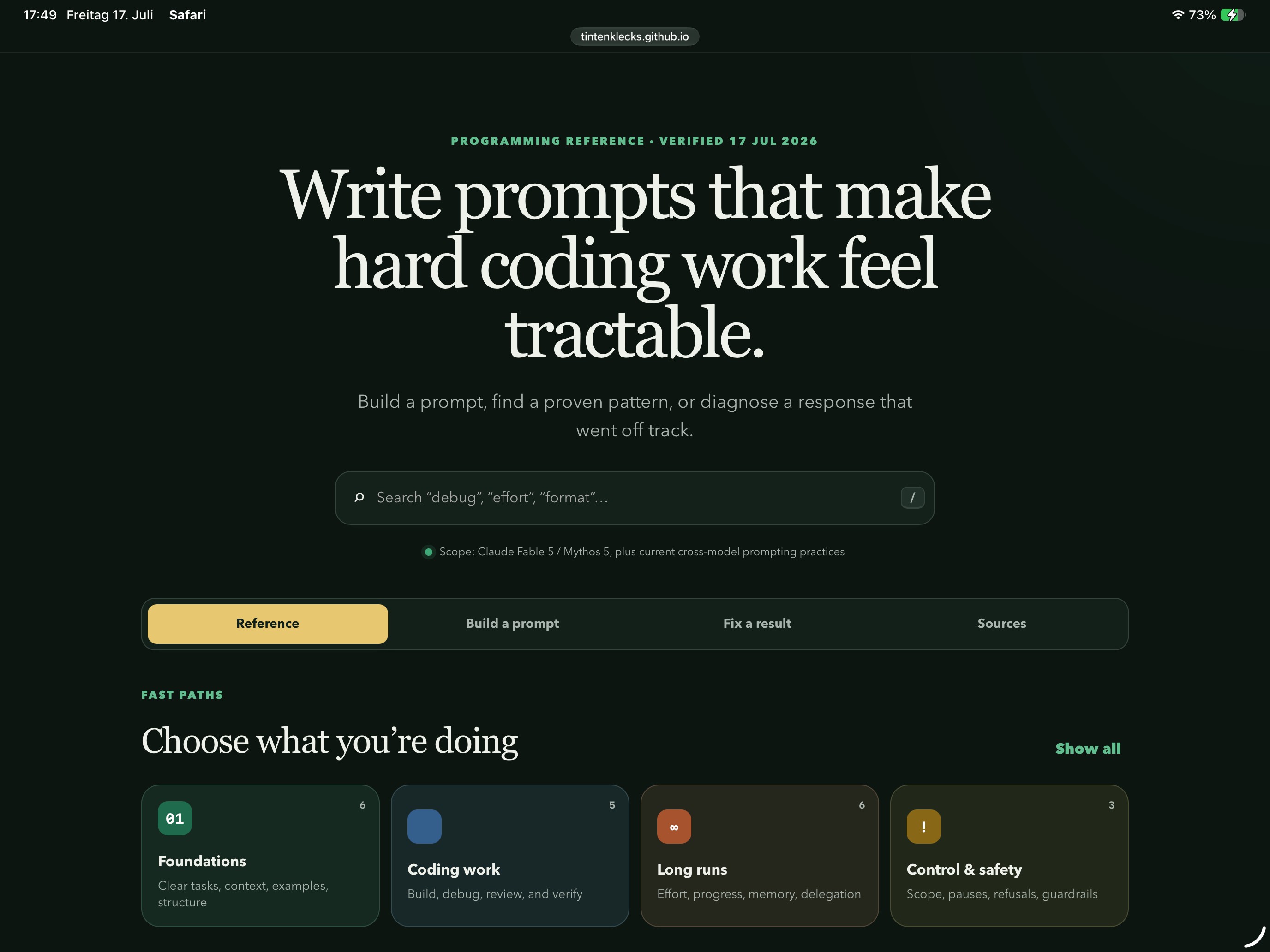
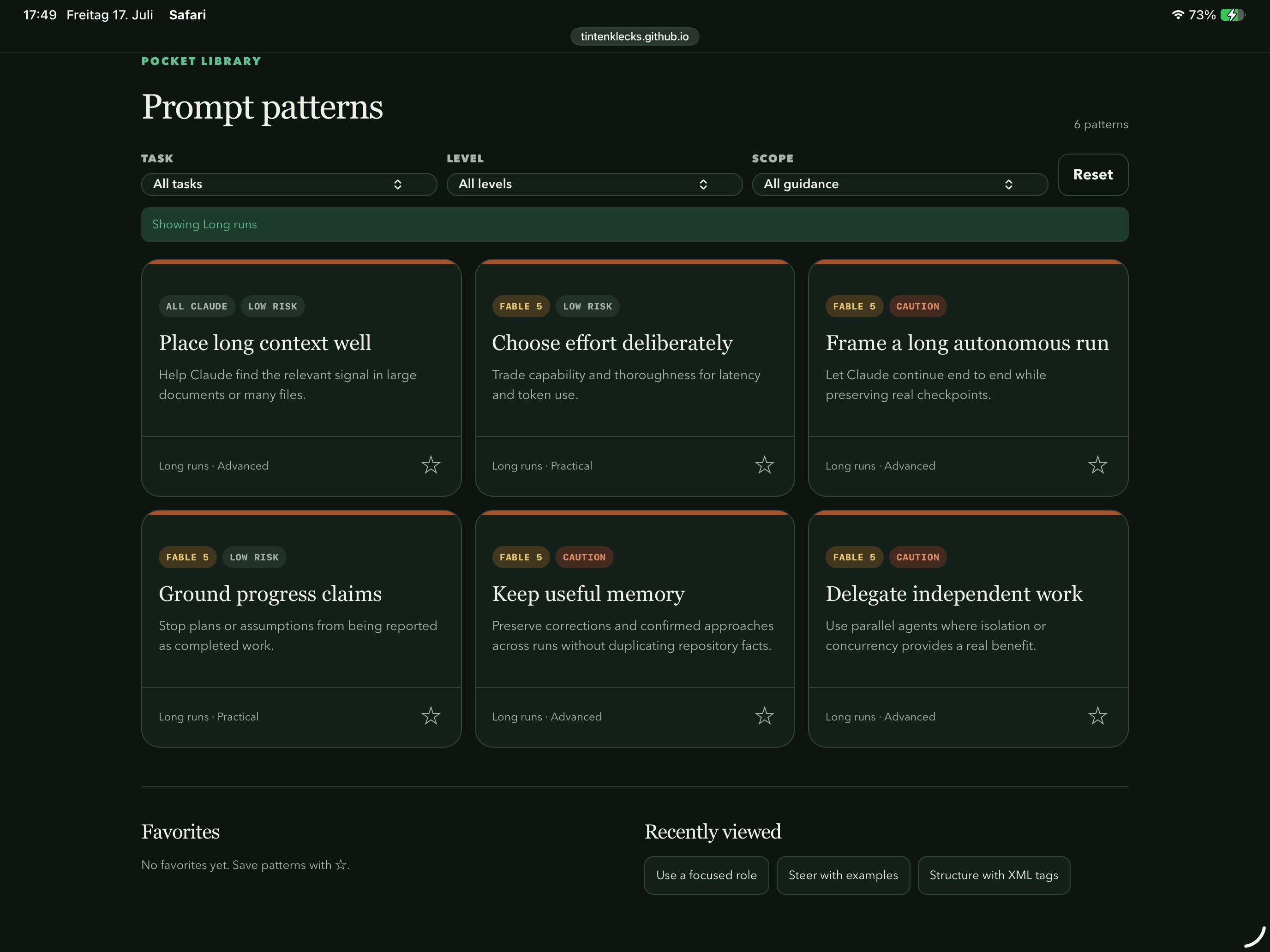
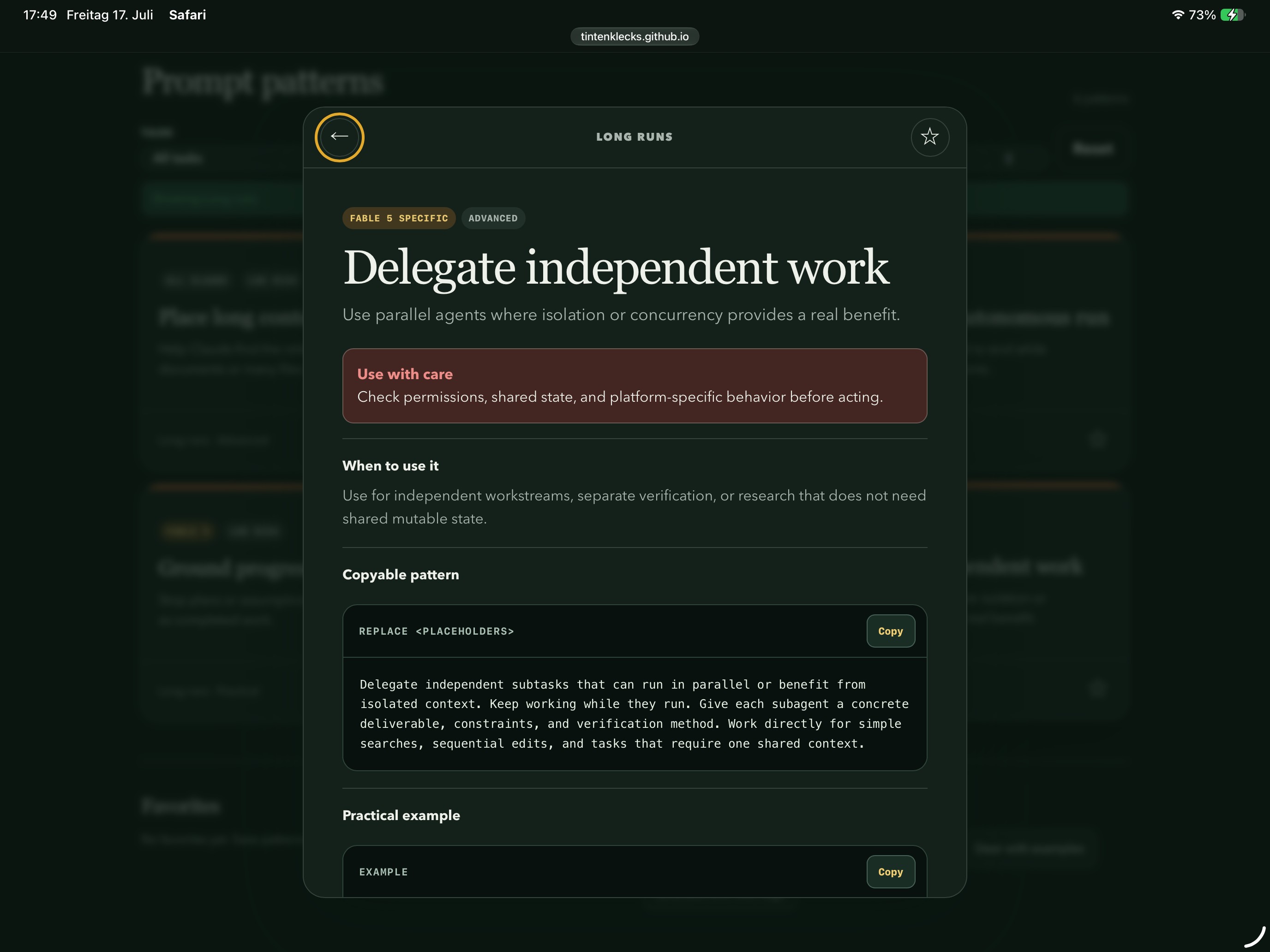
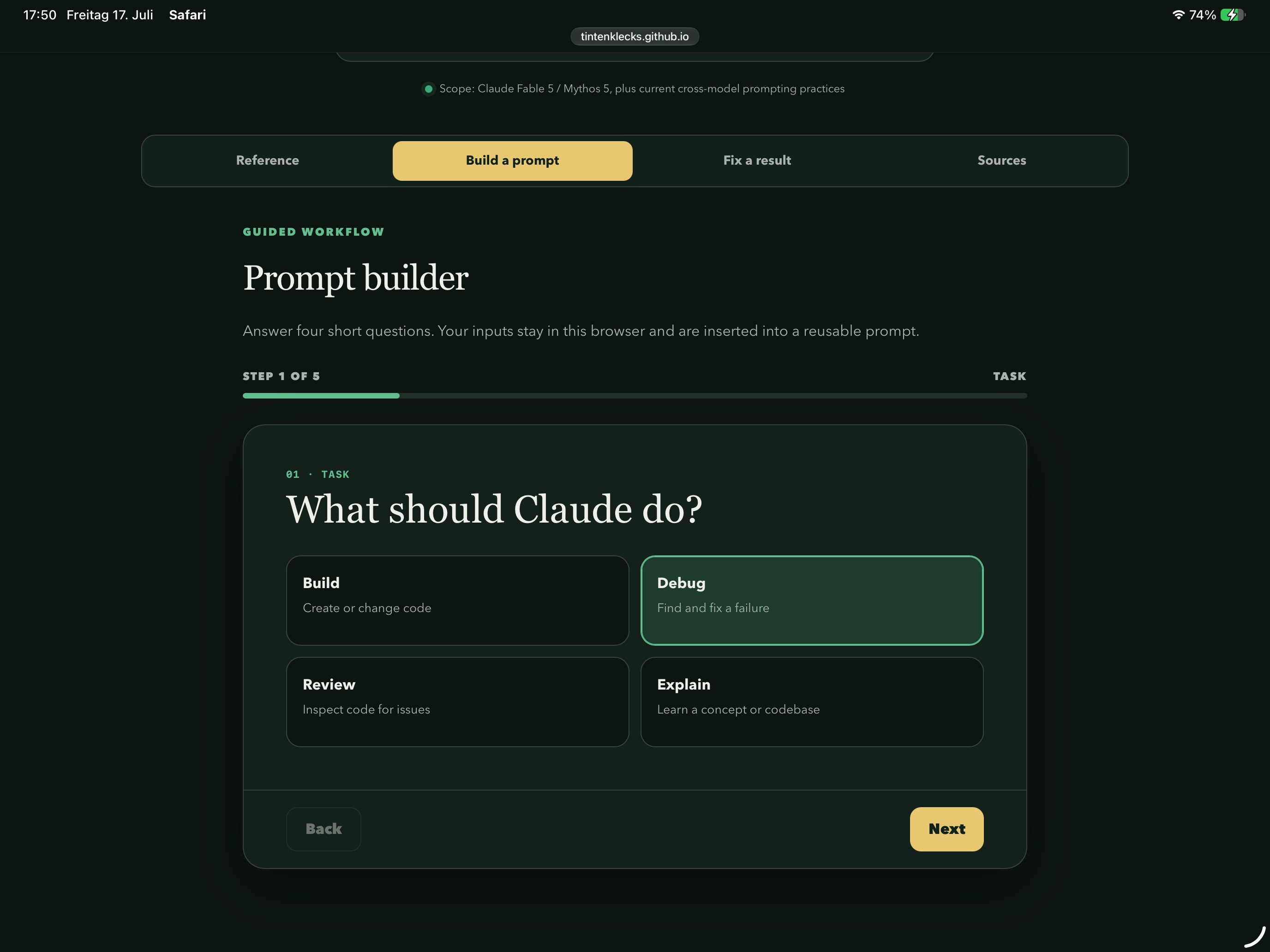
Create an interactive HTML-based cheat sheet as a mobile Progressive Web App (PWA) using the information and topic below.

Context

- Target audience: {{Target audience: # Profession, *Customer service staff, Healthcare staff, Sales staff, Support team, Reception staff, Software developers, System administrators, Technical support staff, # Learning, Language learners, Beginners, Trainees, Students, Career changers, Experienced professionals}}
- Typical use case: {{Use case: # Communication, *Phone call, Customer conversation, Sales conversation, Support request, Consultation, # Processes, Medical procedure, Reception and check-in, Ordering and reservations, Administrative appointment, Emergency situation, # Technology, Command reference, Programming reference, Troubleshooting, Development workflow, System administration, Configuration, Debugging}}

- Preferred content scope: {{Content scope: *Most common and practical use cases, Beginner essentials, Comprehensive reference, Advanced workflows}}

- Primary application language: {{Primary language: [languages]}}
- Support/translation language: {{Support language: *None, German, English, French, Italian, Spanish, Portuguese, Thai, Turkish, Ukrainian}}

Determine the most appropriate application structure from the selected topic and source material. The application may be:

1. A guided situational assistant for conversations, procedures, and workflows.
2. An interactive reference for commands, programming languages, APIs, tools, concepts, or troubleshooting.
3. A hybrid application combining guided workflows with a searchable reference.

Derive the main categories directly from the content and the most common real-world use cases unless the source material already provides a suitable structure.

Research and Source Requirements

If the supplied source material is missing, incomplete, outdated, or insufficient for a useful application, research the topic before implementation.

Identify the most common, practical, and relevant use cases, commands, concepts, questions, workflows, and mistakes for the specified target audience. Prioritize information users are likely to need during real work.

Use authoritative and current sources whenever possible, in this order:

1. Official documentation and specifications
2. Platform or vendor documentation
3. Established standards and primary sources
4. Well-maintained technical documentation
5. Reputable secondary sources only when primary sources are insufficient

For technical topics, verify version compatibility, platform differences, deprecated features, command availability, syntax, flags, APIs, and safety implications. Do not assume that commands or APIs behave identically across operating systems, shells, frameworks, or versions.

Include a compact “Sources” or “References” section inside the application containing the relevant source names, direct links, and access date. Do not copy large passages from sources. Summarize and restructure the information in your own words.

If web research is unavailable, clearly identify information that could not be verified and mark it as “Please verify.”

Source Material

Below this prompt, there may be notes, flashcards, questions and answers, commands, code examples, documentation excerpts, sample dialogues, or other information.

The material may be unstructured, duplicated, grammatically incorrect, outdated, incomplete, or multilingual. Analyze it first, verify it where necessary, and transform it into a logically structured, immediately usable application.

If no source material is supplied, build the application from researched common use cases for the specified topic, audience, scope, platform, and version.

Content Preparation

1. Identify the most important situations, intentions, tasks, commands, concepts, and workflows.
2. Prioritize common and practical use cases over obscure details unless the selected scope requests a comprehensive or advanced reference.
3. Group related information into a small number of clear main categories, each with its own consistent color.
4. Arrange procedural content according to the actual workflow: starting point, required information, actions, decisions, branches, validation, troubleshooting, confirmation, and completion.
5. Arrange reference content from common and foundational items to more specialized items.
6. Remove unnecessary repetition without losing important variations, platform differences, or alternative approaches.
7. Correct obvious spelling, grammar, syntax, and formatting errors while preserving the intended meaning.
8. Do not invent professional rules, prices, policies, company information, technical behavior, command flags, APIs, or version requirements.
9. Clearly mark uncertain or unverified information as “Please verify.”
10. Make frequently needed content accessible through cross-references, related-item links, favorites, recent items, or an always-accessible quick-help feature.

Structure for Technical Content

For command-line, programming, API, configuration, or development topics, include the relevant parts of the following structure for each item:

- Name and short purpose
- When to use it
- Syntax or signature
- Important arguments, options, parameters, or flags
- One or more practical examples
- Explanation of each example
- Expected result or output where useful
- Platform, shell, framework, or version compatibility
- Common mistakes and troubleshooting advice
- Safety warnings and side effects
- Related commands, APIs, concepts, or alternatives
- A copy button for commands and code examples

Clearly distinguish placeholders from literal text in commands and code. For example, display `<filename>` as a value the user must replace.

Never present destructive, irreversible, security-sensitive, or privilege-changing commands without a prominent warning and an explanation of their effects. Examples include deletion, disk formatting, permission changes, force operations, credential handling, remote script execution, database modification, and destructive Git commands.

Do not execute commands from the researched material. They are reference content only.

Application Logic

Choose the interaction model that best matches the topic.

For conversations, procedures, and situational workflows, actively guide the user through:

- Starting the interaction
- Determining the request or objective
- Collecting necessary information
- Recording or selecting answers
- Displaying context-dependent follow-up questions
- Handling decisions and special cases
- Summarizing entered information
- Confirming the result
- Closing the interaction appropriately

Each guided workflow must have a clear next step, a back function, visible progress, logical branches, no dead ends, an alternative path for negative outcomes, and an accurate final summary.

Automatically insert entered values such as names, dates, times, products, durations, amounts, filenames, paths, platforms, or versions into later sentences, commands, examples, and summaries where appropriate.

For example:

“Certainly, [NAME]. We have reserved [SERVICE] for you on [DATE] from [START TIME] to [END TIME].”

For commands, programming, development, and reference-oriented topics, provide:

- Fast category navigation
- Full-text search
- Filtering by task, difficulty, platform, version, or risk level where relevant
- Expandable details
- Copyable commands and code examples
- Related-item navigation
- Common task recipes
- Guided troubleshooting or decision trees where useful
- Favorites or bookmarks stored locally
- Recently viewed items stored locally
- Clear empty-search and no-result states
- A way to reset filters and return to the complete reference

For hybrid topics, combine guided task selection with searchable reference cards.

User Interface

Design the application primarily for smartphones and for quick use during real situations. It must also work well on tablets and desktop screens.

The home screen must make the purpose immediately clear and provide:

- Large, color-coded buttons for the main categories
- A prominent search function when appropriate
- Quick access to common tasks or frequently used items
- An always-accessible quick-help feature
- A clear indication of platform or version scope where relevant

During a guided workflow, highlight only the currently relevant content:

- Display the most important sentence, action, command, or code example prominently
- Visually subordinate explanations and translations
- Use large buttons for answer options
- Provide suitable input fields
- Keep progress, back, and next controls within easy reach
- Avoid horizontal scrolling

For technical reference cards:

- Make commands and code easy to read and copy
- Preserve indentation and formatting
- Allow long code blocks to scroll internally without breaking the page layout
- Clearly distinguish commands, output, placeholders, warnings, and explanations
- Display risk and compatibility labels prominently
- Provide accessible feedback after copying content

Use a calm, professional design with good typography, sufficient contrast, large touch targets, and support for light and dark color schemes. Avoid cluttered menus, small text, and long unstructured lists.

Quick Help

Create a global quick-help feature appropriate to the selected topic.

For communication-oriented applications, this may include:

- “Please speak more slowly”
- “Please repeat that”
- “One moment, please”
- Numbers, times, and dates
- Spelling assistance
- Frequently asked questions
- Special cases
- Standard closings
- Important warnings

For technical applications, this may include:

- Syntax conventions
- Placeholder explanations
- Keyboard shortcuts
- Common symbols
- Frequently used commands or code patterns
- Error interpretation
- Safety warnings
- Platform and version differences
- Links to official documentation

Quick help must be accessible from every screen without losing entered data, navigation state, filters, favorites, or the current workflow position.

Technical Requirements

Create a fully functional PWA using responsive HTML, CSS, and JavaScript with:

- Clean semantic HTML
- Good keyboard accessibility
- Visible keyboard focus states
- Clear ARIA labels
- Appropriate live regions for dynamic feedback
- A valid PWA manifest
- A registered service worker
- Offline support
- Smartphone installability
- iPhone safe-area support
- Functional browser and in-app back navigation
- Local persistence where appropriate
- No horizontal page scrolling
- Graceful handling of missing or unavailable data

Prefer vanilla HTML, CSS, and JavaScript without external dependencies unless the existing project uses another foundation.

Create at least:

- `index.html`
- `styles.css`
- `app.js`
- `manifest.webmanifest`
- `sw.js`
- Required app icons
- `README.md` with concise usage and local testing instructions

The core application, navigation, search, content, icons, and styles must work offline after the first successful load. Avoid externally hosted fonts, scripts, stylesheets, and other assets unless they are downloaded and packaged locally.

If you have access to a project directory, implement the application directly there. Otherwise, create all required files in a new application directory.

Quality Assurance

After implementation, test:

- All categories
- All forward and backward navigation
- All branches and decision paths
- Search and filters
- Favorites and recent items where implemented
- Copy buttons for commands and code
- Dynamically generated sentences, commands, and summaries
- Empty, invalid, and completed input fields
- Empty-search and no-result states
- Mobile, tablet, and desktop screen sizes
- Light and dark color schemes
- Keyboard-only navigation
- Quick help and dialogs
- Platform and version labels
- Warnings for risky commands or actions
- Internal and external links
- PWA manifest validity
- Service worker registration and caching
- Reloading without a network connection
- JavaScript and browser-console errors

Correct all identified issues before delivery.

ZIP Delivery Requirement

Package the finished application into a ZIP archive named from the app name, using a safe filename such as:

`puco-phrasebook.zip`

The ZIP archive must contain the complete ready-to-use application, including all HTML, CSS, JavaScript, manifest, service worker, icons, local assets, source references, and README files.

Do not include temporary files, build caches, operating-system metadata, dependency caches, test artifacts, secrets, credentials, or unrelated project files.

Verify the ZIP archive by:

1. Listing and checking its contents.
2. Extracting it into a temporary directory.
3. Confirming that all required files are present.
4. Running the extracted application locally.
5. Repeating the essential functional and offline checks against the extracted copy.

Deliver the ZIP archive as the primary result. Do not substitute a description or an incomplete collection of code snippets for the archive.

Final Summary

Alongside the ZIP archive, provide a brief summary of:

- The main sections created
- The researched common use cases, commands, or workflows
- How the interaction and process logic operate
- Search, filtering, favorites, and quick-help functionality
- Compatibility and safety considerations
- Special cases covered
- Sources used
- Files created or modified
- Tests successfully completed
- The name and location of the final ZIP archive

Source material starts here

{{Source material: Text or PDF file attached, Research the topic and common use cases by your own.}}
# Profession, Customer service staff, Healthcare staff, Sales staff, Support team, Reception staff, Software developers, System administrators
# Communication, Phone call, Customer conversation, Sales conversation, Support request, Consultation, # Processes, Medical procedure
Most common and practical use cases, Beginner essentials, Comprehensive reference, Advanced workflows
[languages]
None, German, English, French, Italian, Spanish, Portuguese, Thai
Text or PDF file attached, Research the topic and common use cases by your own.
Create an interactive HTML-based cheat sheet as a mobile Progressive Web App (PWA) using the information and topic below.

Context

- Target audience: # Profession
- Typical use case: # Communication

- Preferred content scope: Most common and practical use cases

- Primary application language: [languages]
- Support/translation language: None

Determine the most appropriate application structure from the selected topic and source material. The application may be:

1. A guided situational assistant for conversations, procedures, and workflows.
2. An interactive reference for commands, programming languages, APIs, tools, concepts, or troubleshooting.
3. A hybrid application combining guided workflows with a searchable reference.

Derive the main categories directly from the content and the most common real-world use cases unless the source material already provides a suitable...
ตัวแปรจะอยู่ภายใน {{ และ }} และเป็นไปตามรูปแบบนี้:
ตัวเลือกสามารถอ้างอิงรายการตัวแปรที่กำหนดไว้ล่วงหน้าโดยใช้วงเล็บเหลี่ยม ตัวเลือกเหล่านี้จะแสดงเป็น[สีส้ม]และให้ค่าที่ใช้บ่อย เช่น สี โทน หรือภาษา
คุณยังสามารถระบุรายการตัวเลือกแบบอินไลน์ โดยคั่นด้วยเครื่องหมายจุลภาคได้
เคล็ดลับ: คุณไม่จำเป็นต้องใช้แอป PUCO เพื่อใช้พรอมต์เหล่านี้! เพียงคัดลอกเทมเพลตและแทนที่แต่ละส่วน {{…}} ด้วยข้อความของคุณเองโดยตรงใน ChatGPT, Claude, Gemini หรือผู้ช่วย AI อื่น ๆ