Ideal para
- Começar a partir de um prompt estruturado e reutilizável em vez de um chat em branco.
- Adaptar o prompt aos seus próprios dados, mantendo intacta a intenção original.
- Fluxos de trabalho relacionados com Photography.

Gera uma foto noturna crua e de alto contraste com flash direto para uma estética estilo paparazzi.
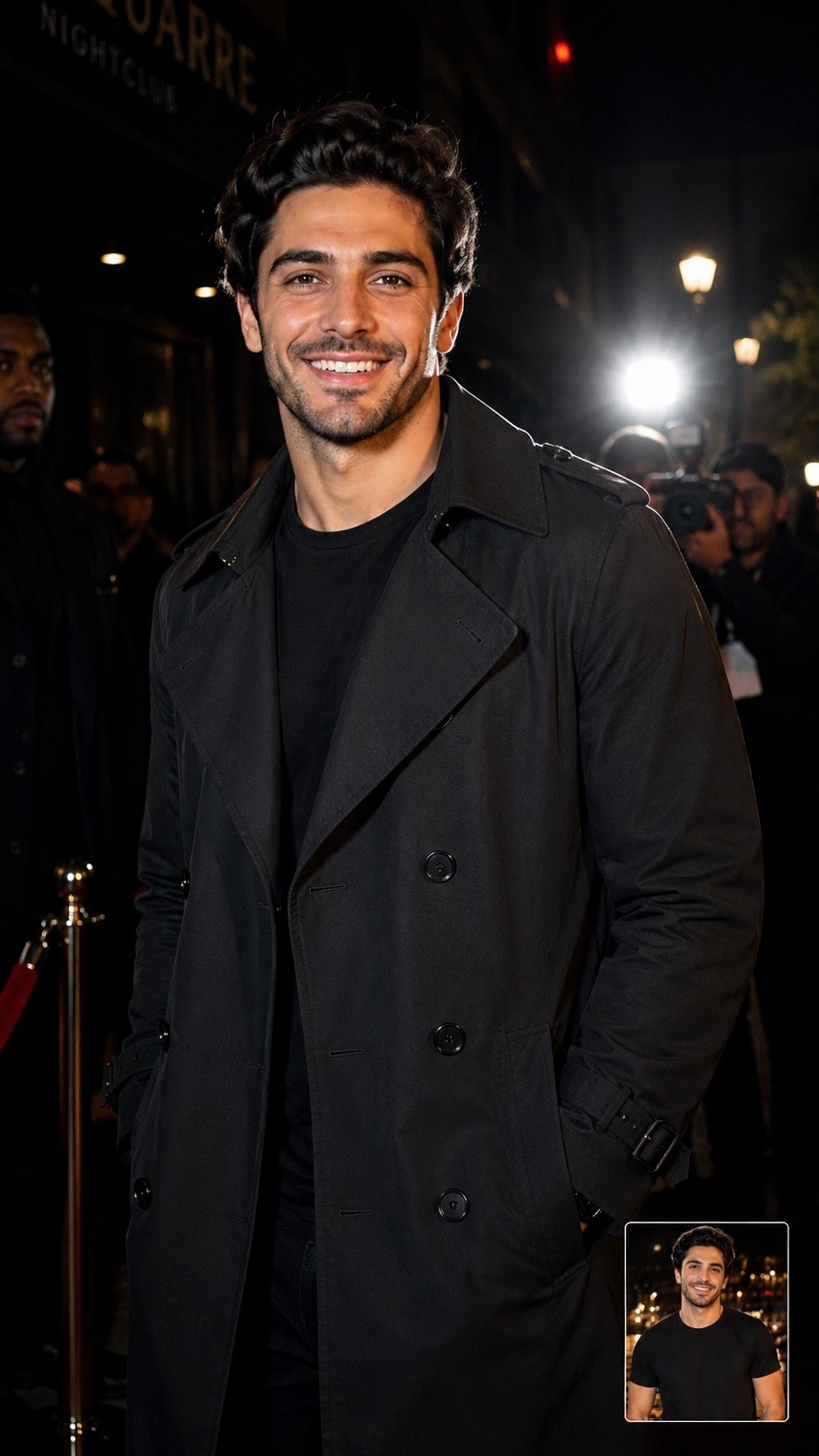
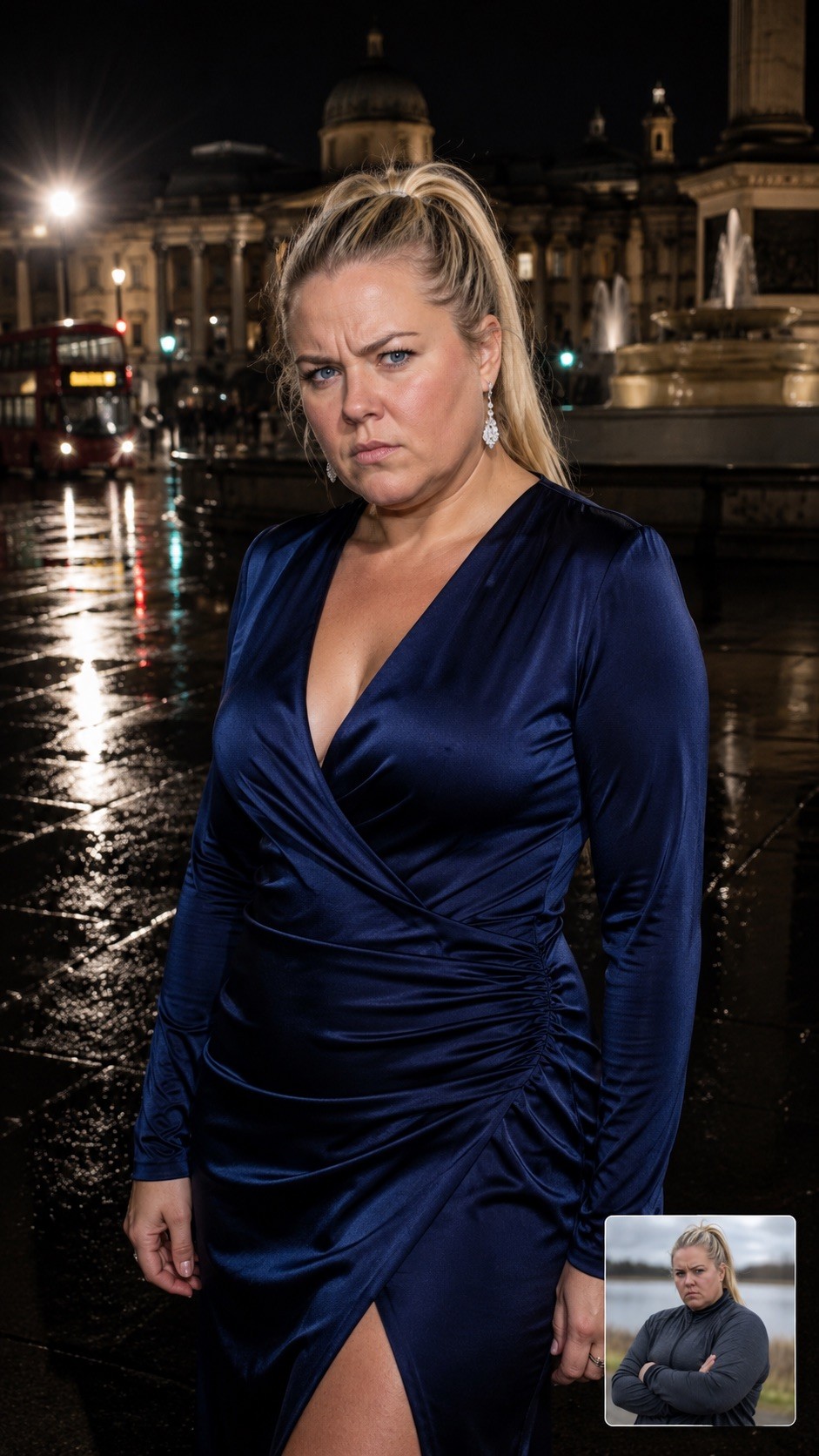
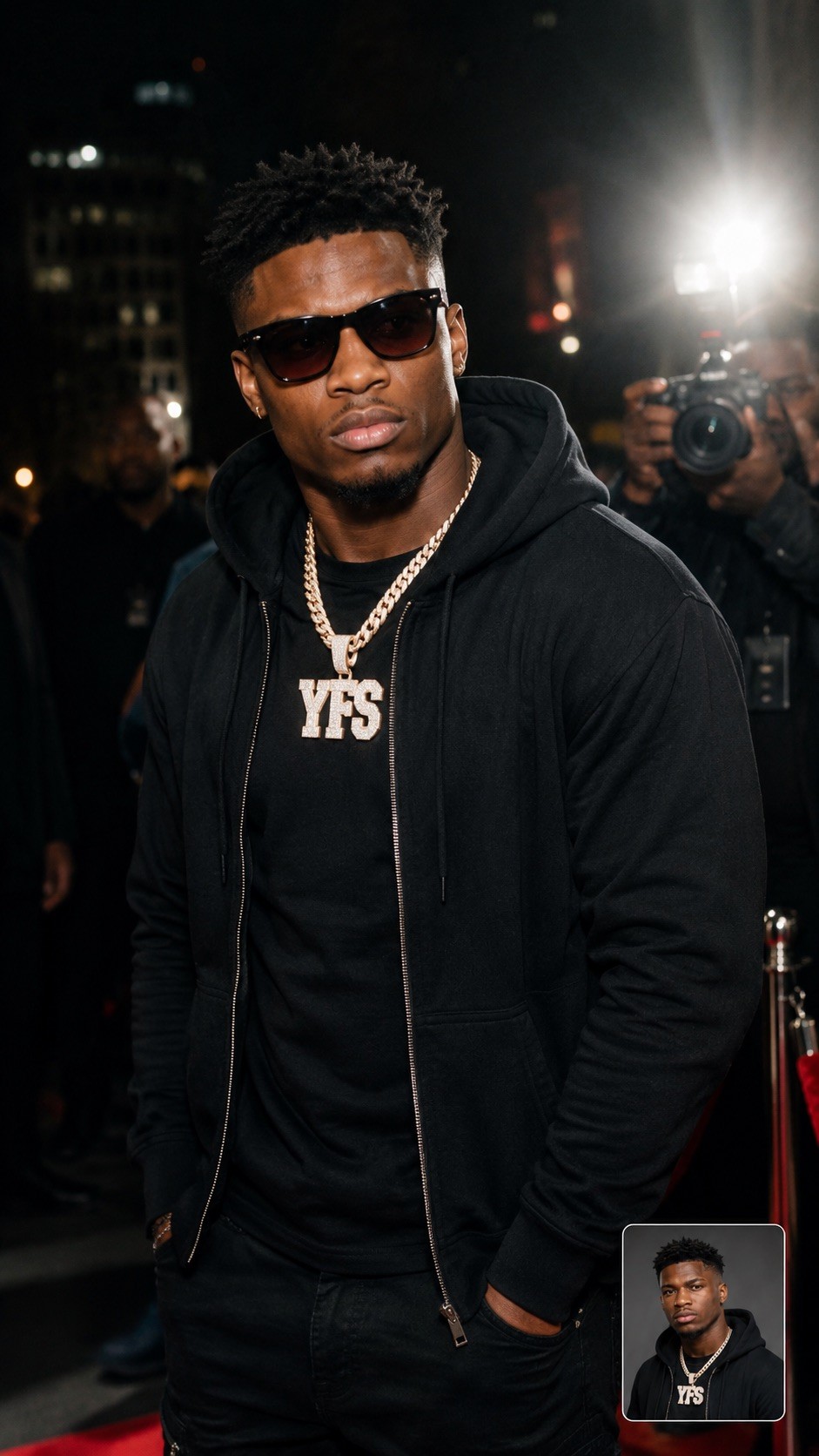
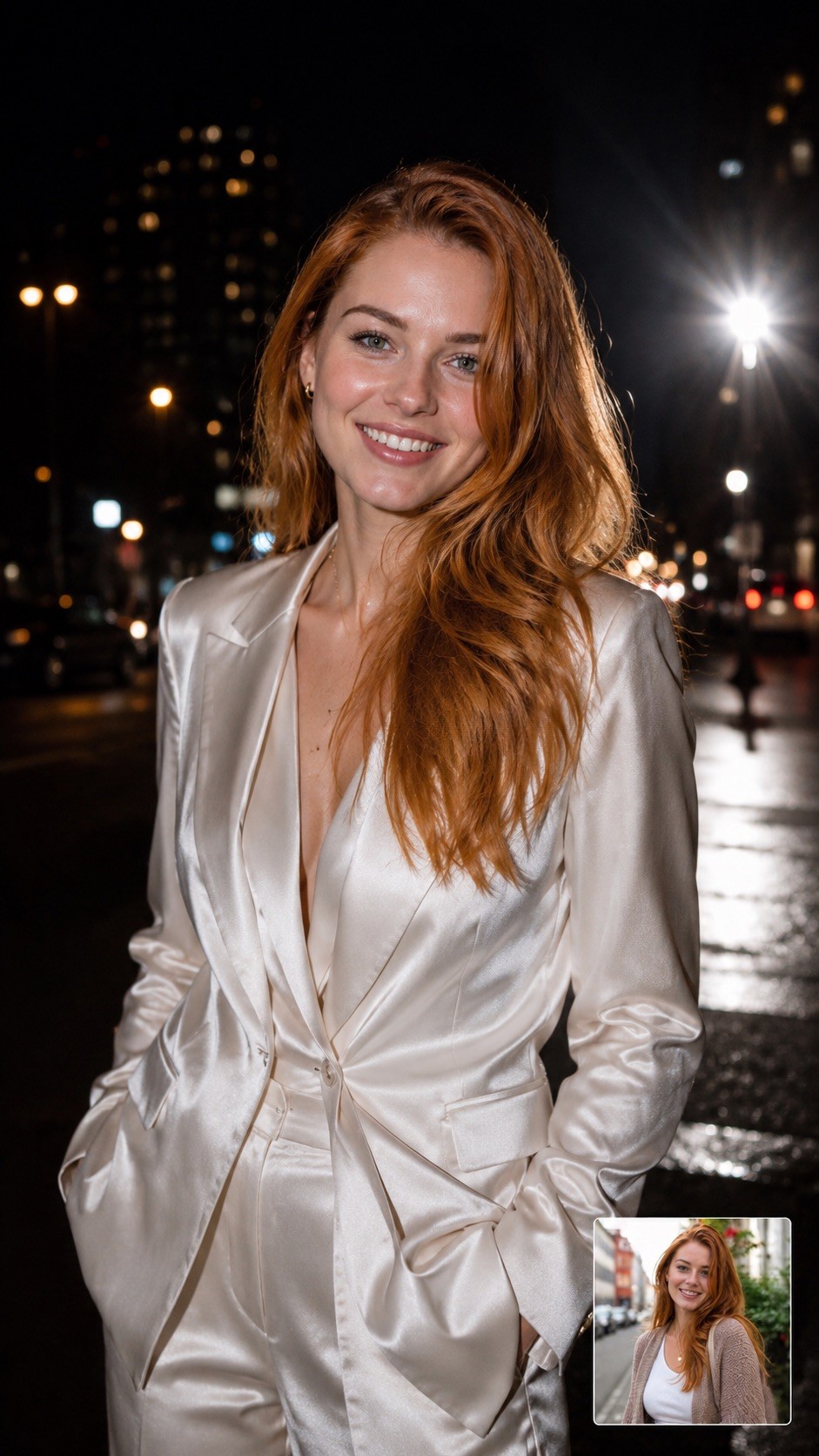
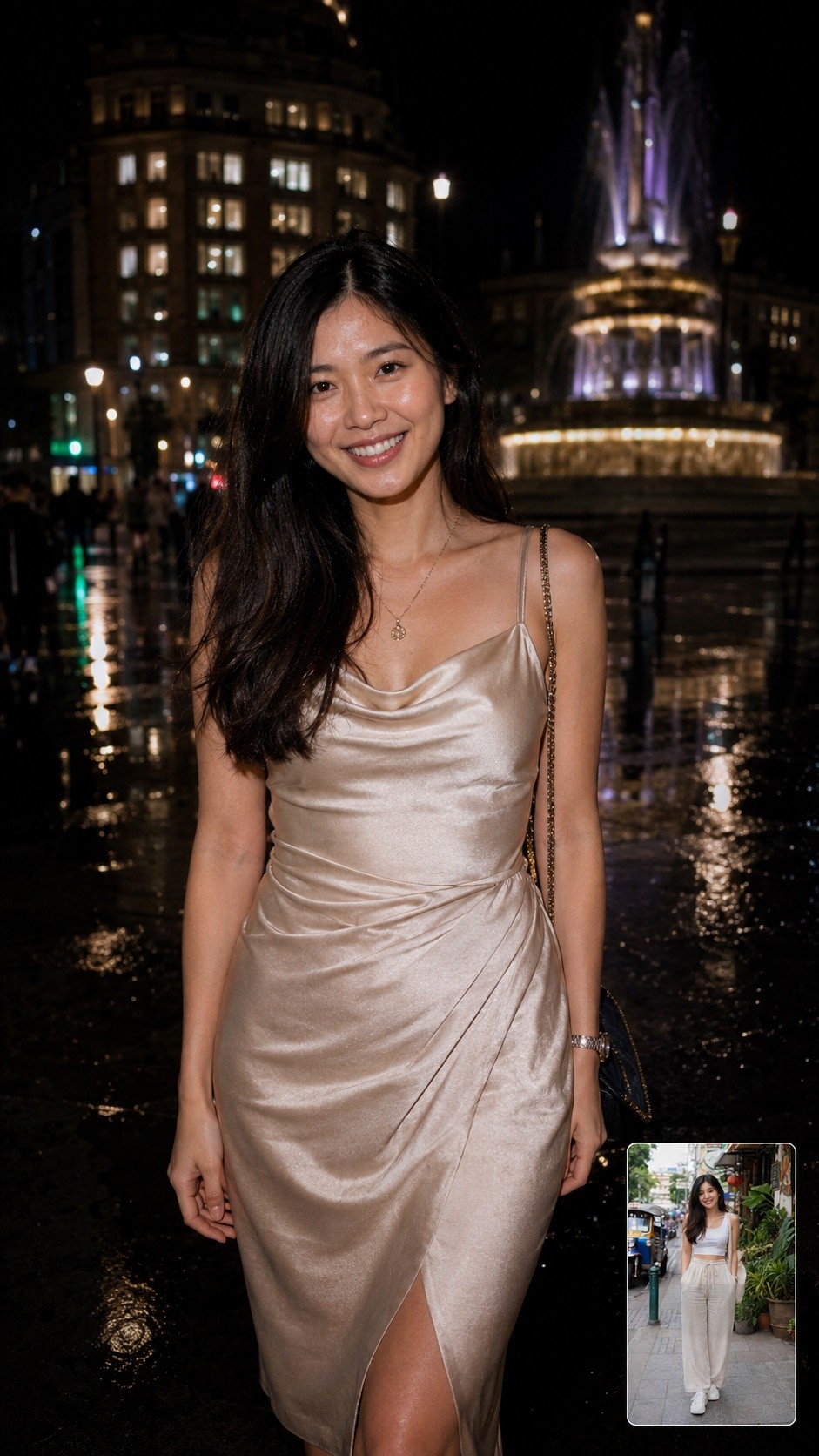
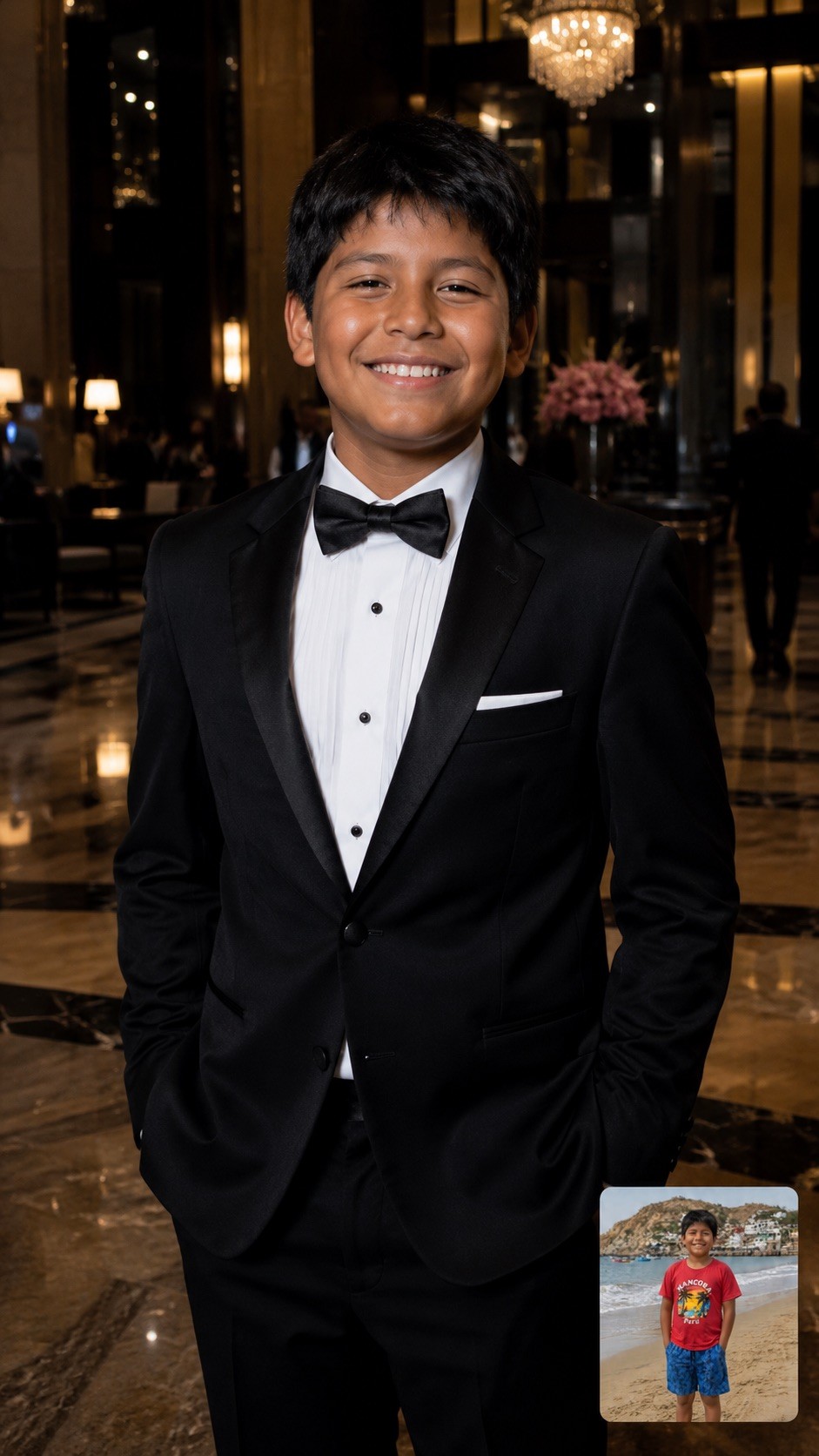
A hyper-realistic, half-body candid photograph of {{Subject: The person on the attached photo, a celebrity, a stylish woman, a man, a fashion model, a mysterious stranger, a socialite, a musician, an actor, a trendsetter, a high-profile athlete}} {{Dressing: in a designer trench coat, in a leather jacket, in a sharp tuxedo, in urban streetwear, in a fedora, in a sequined gown, in sunglasses and a hoodie, in a silk suit, in a cocktail dress, in casual chic attire}} captured at night on {{Location: a city street, a busy sidewalk, outside a premier nightclub, a red carpet entrance, a luxury hotel lobby, the back exit of a theater, a crowded airport terminal, the parking lot of a trendy restaurant, a busy subway entrance, a rainy London square, a Fifth Avenue storefront, a narrow alleyway in Soho, a beach club entrance at night}}. The lighting is dominated by a powerful, direct 'paparazzi-style' camera flash that creates bright, crisp skin tones and sharp highlights on the face. The background is a high-contrast, moody urban landscape with deep shadows. The image includes slight lens flare from the flash, maintaining a raw and authentic 'captured in the moment' nightlife aesthetic.
Aspect Ratio: {{Aspect Ratios: [aspect_ratios]}}
The person on the attached photo, a celebrity, a stylish woman, a man, a fashion model, a mysterious stranger, a socialite, a musician
in a designer trench coat, in a leather jacket, in a sharp tuxedo, in urban streetwear, in a fedora, in a sequined gown, in sunglasses and a hoodie, in a silk suit
a city street, a busy sidewalk, outside a premier nightclub, a red carpet entrance, a luxury hotel lobby, the back exit of a theater, a crowded airport terminal, the parking lot of a trendy restaurant
[aspect_ratios]
A hyper-realistic, half-body candid photograph of The person on the attached photo in a designer trench coat captured at night on a city street. The lighting is dominated by a powerful, direct 'paparazzi-style' camera flash that creates bright, crisp skin tones and sharp highlights on the face. The background is a high-contrast, moody urban landscape with deep shadows. The image includes slight lens flare from the flash, maintaining a raw and authentic 'captured in the moment' nightlife aesthetic.
Aspect Ratio: [aspect_ratios]
As variáveis ficam entre {{ e }} e seguem este padrão:
Uma seleção pode fazer referência a uma lista de variáveis predefinida usando colchetes. Aparecem em [laranja] e fornecem valores comuns, como cores, tons ou idiomas.
Também pode fornecer uma lista de opções em linha, separadas por vírgulas.
Dica: não precisa da app PUCO para usar estes prompts! Basta copiar o modelo e substituir cada secção {{…}} pelo seu próprio texto diretamente no ChatGPT, Claude, Gemini ou qualquer outro assistente de IA.