Ideal para
- Começar a partir de um prompt estruturado e reutilizável em vez de um chat em branco.
- Adaptar o prompt aos seus próprios dados, mantendo intacta a intenção original.
- Fluxos de trabalho relacionados com Creative & Visuals.

Gera um blueprint de registro gráfico desenhado à mão de um tema complexo, usando um estilo sketchnote profissional.
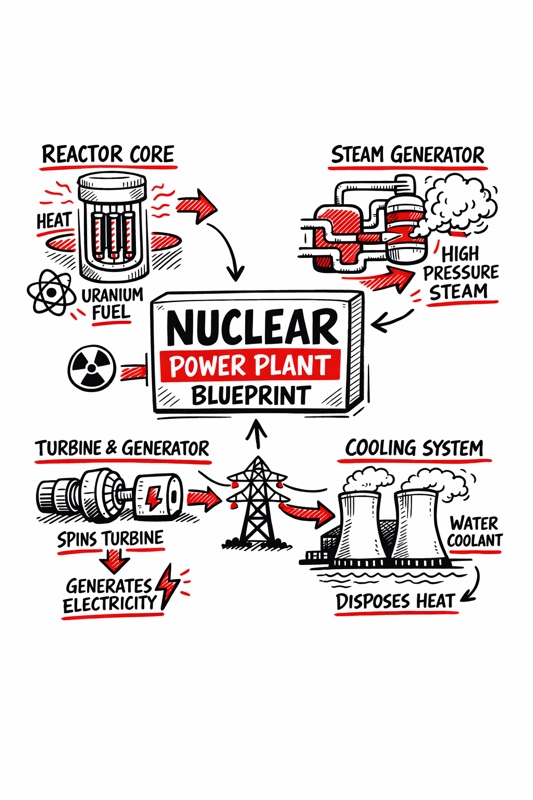
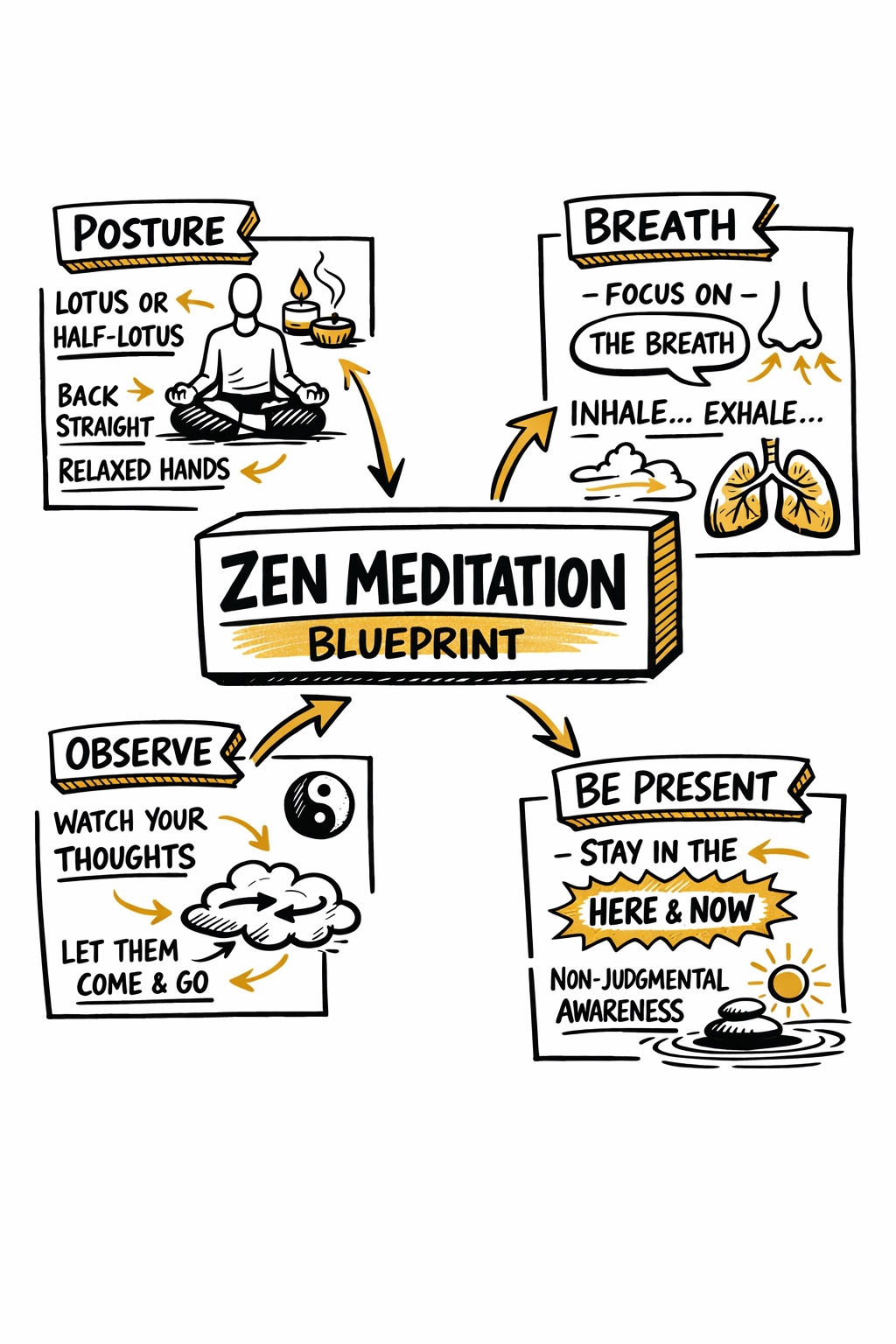
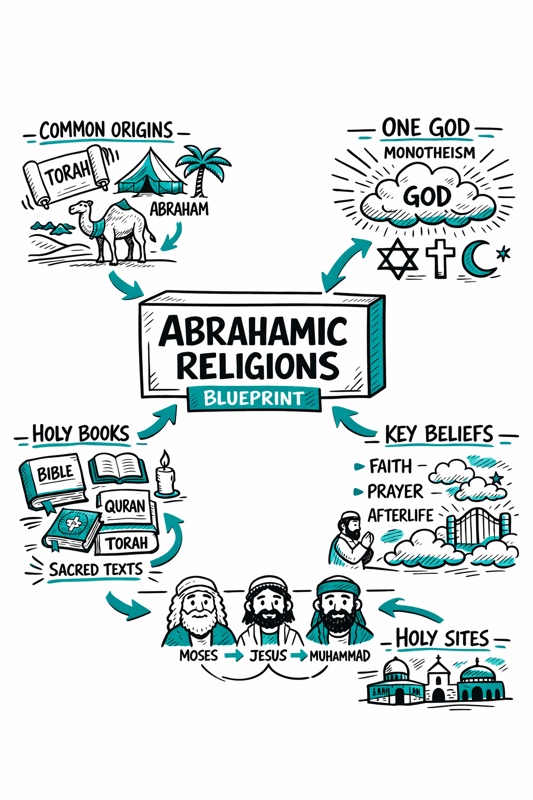
Create a hand-drawn sketchnote visual summary of a {{Topic: Day Trading, Nuclear Reaction, Photo Synthesis, Abrahamian Religions, Federal Banks}} Blueprint.

**Specifications:**
- **Layout:** A4 Vertical
- **Style:** Graphic recording / visual thinking with thick black ink fine-liners.
- **Background:** Pristine white paper (no lines).
- **Colors:** Black outlines with {{Accent Color: Teal, Orange, Red, Blue, Green, Gold}} for shading, arrows, and accents.

**Composition:**
1. **Center:** A 3D-style rectangular box containing the topic title.
2. **Structure:** Single blocks of illustration in the Top Left, Top Right, Bottom Left, and Bottom Right sections.
3. **Details:** Use arrows to connect elements. Scatter matching icons throughout the layout. Ensure all text is distinct, handwritten, and in all-caps.
Day Trading, Nuclear Reaction, Photo Synthesis, Abrahamian Religions, Federal Banks
Teal, Orange, Red, Blue, Green, Gold
Create a hand-drawn sketchnote visual summary of a Day Trading Blueprint.

**Specifications:**
- **Layout:** A4 Vertical
- **Style:** Graphic recording / visual thinking with thick black ink fine-liners.
- **Background:** Pristine white paper (no lines).
- **Colors:** Black outlines with Teal for shading, arrows, and accents.

**Composition:**
1. **Center:** A 3D-style rectangular box containing the topic title.
2. **Structure:** Single blocks of illustration in the Top Left, Top Right, Bottom Left, and Bottom Right sections.
3. **Details:** Use arrows to connect elements. Scatter matching icons throughout the layout. Ensure all text is distinct, handwritten, and in all-caps.
As variáveis ficam entre {{ e }} e seguem este padrão:
Uma seleção pode fazer referência a uma lista de variáveis predefinida usando colchetes. Aparecem em [laranja] e fornecem valores comuns, como cores, tons ou idiomas.
Também pode fornecer uma lista de opções em linha, separadas por vírgulas.
Dica: não precisa da app PUCO para usar estes prompts! Basta copiar o modelo e substituir cada secção {{…}} pelo seu próprio texto diretamente no ChatGPT, Claude, Gemini ou qualquer outro assistente de IA.