Ideal para
- Começar a partir de um prompt estruturado e reutilizável em vez de um chat em branco.
- Adaptar o prompt aos seus próprios dados, mantendo intacta a intenção original.
- Fluxos de trabalho relacionados com Creative & Visuals.

Redesenha uma imagem anexada com uma estética de MS Paint deliberadamente de baixa qualidade, desajeitada e rabiscada.
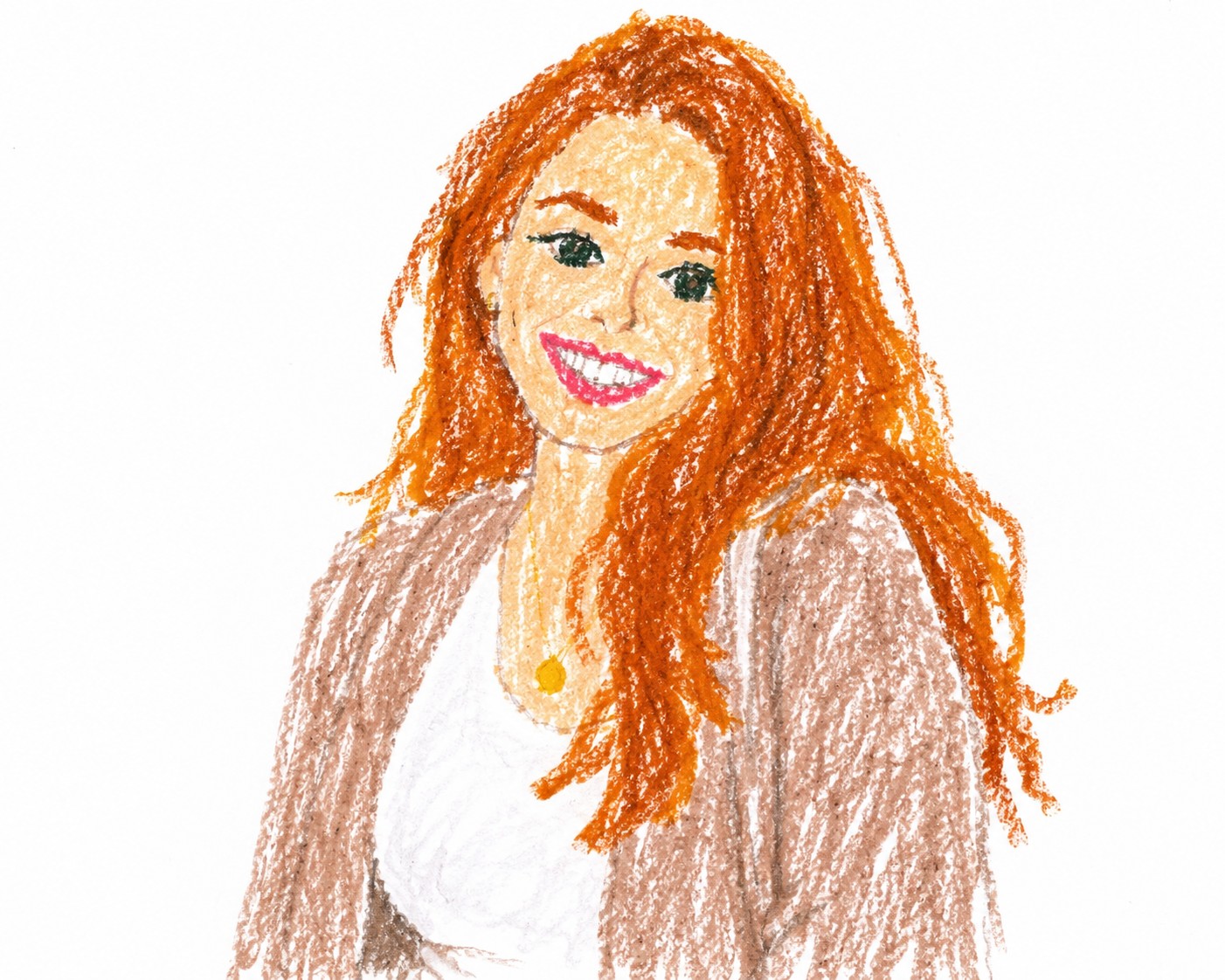
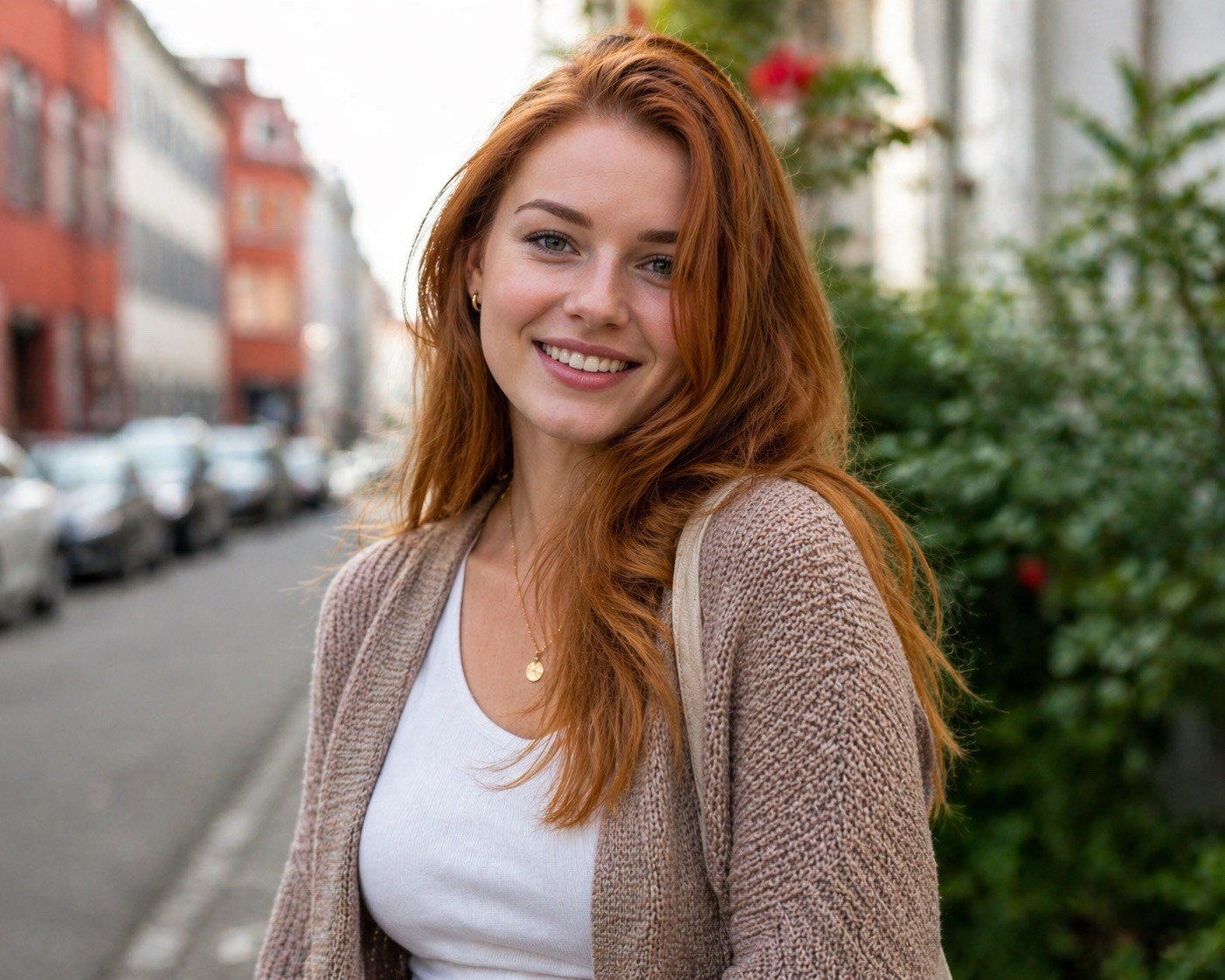
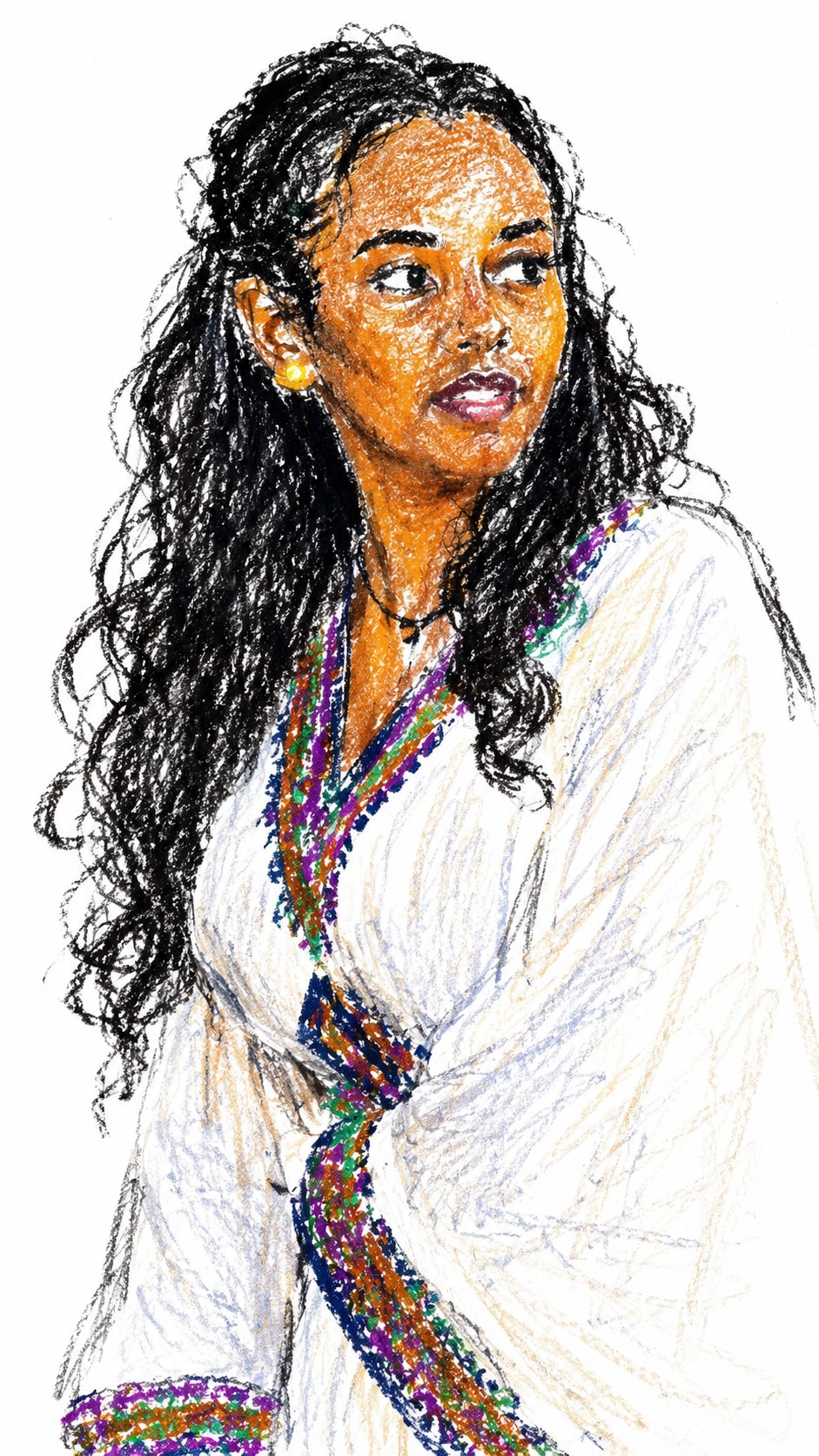
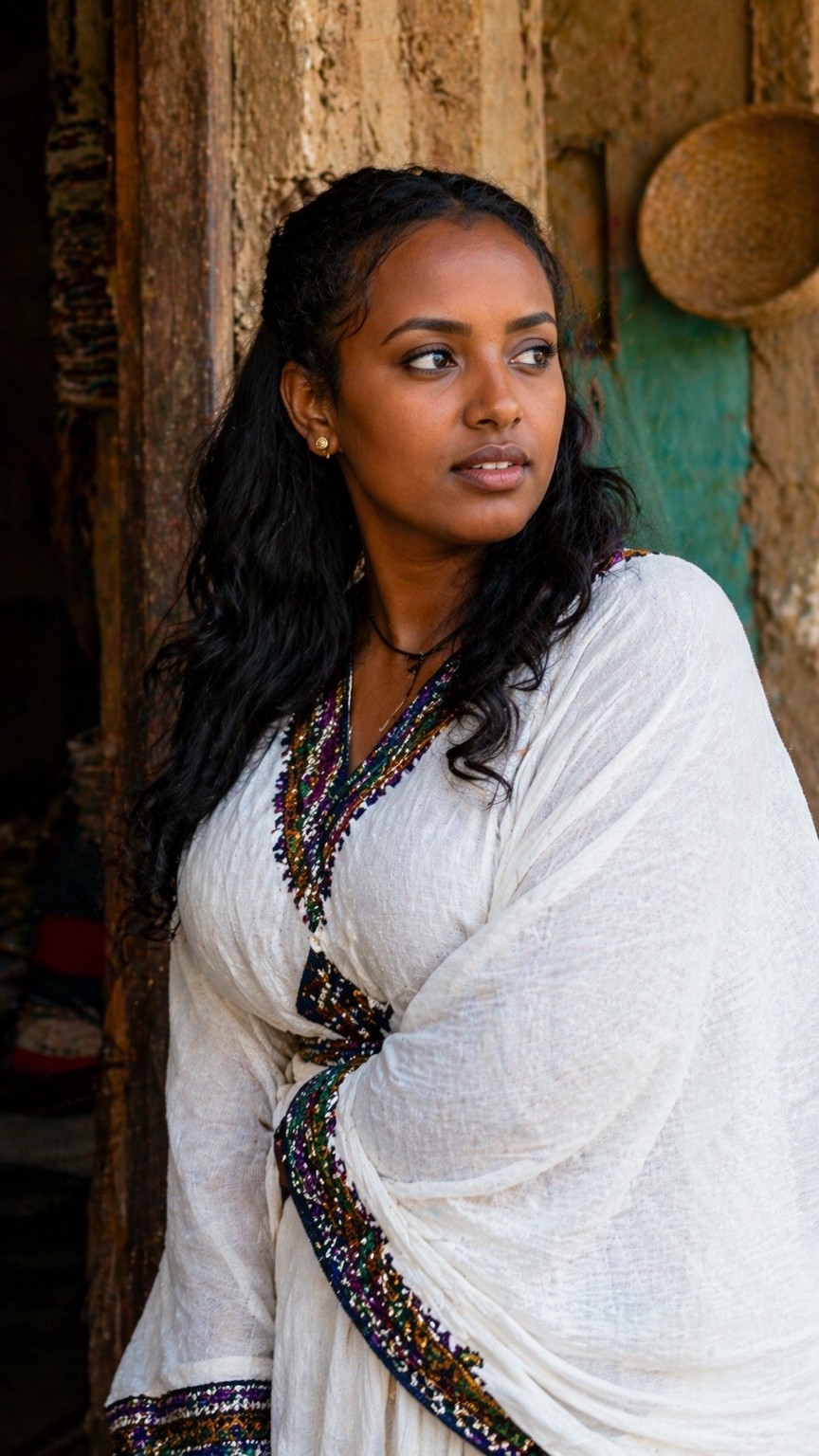
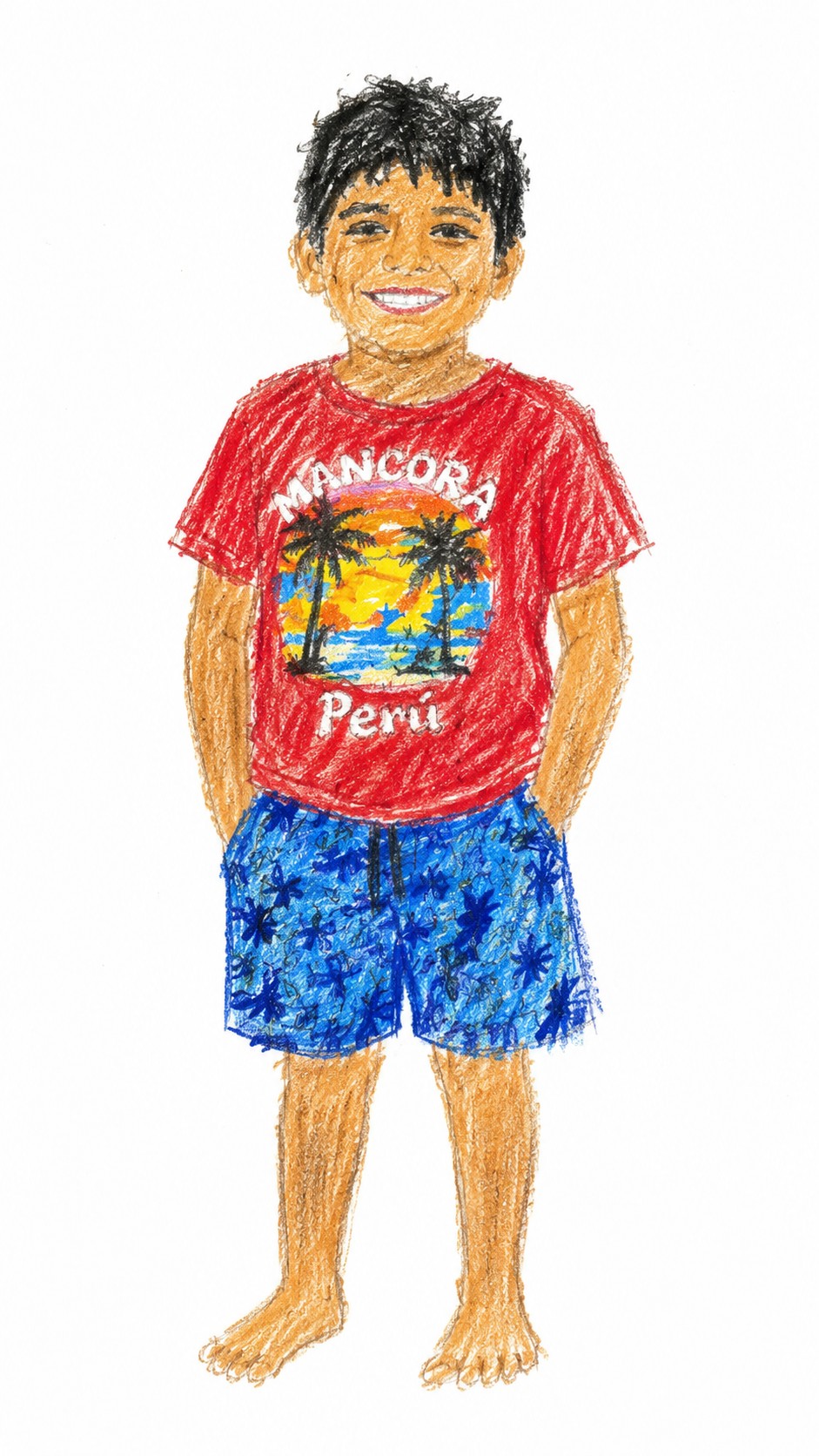
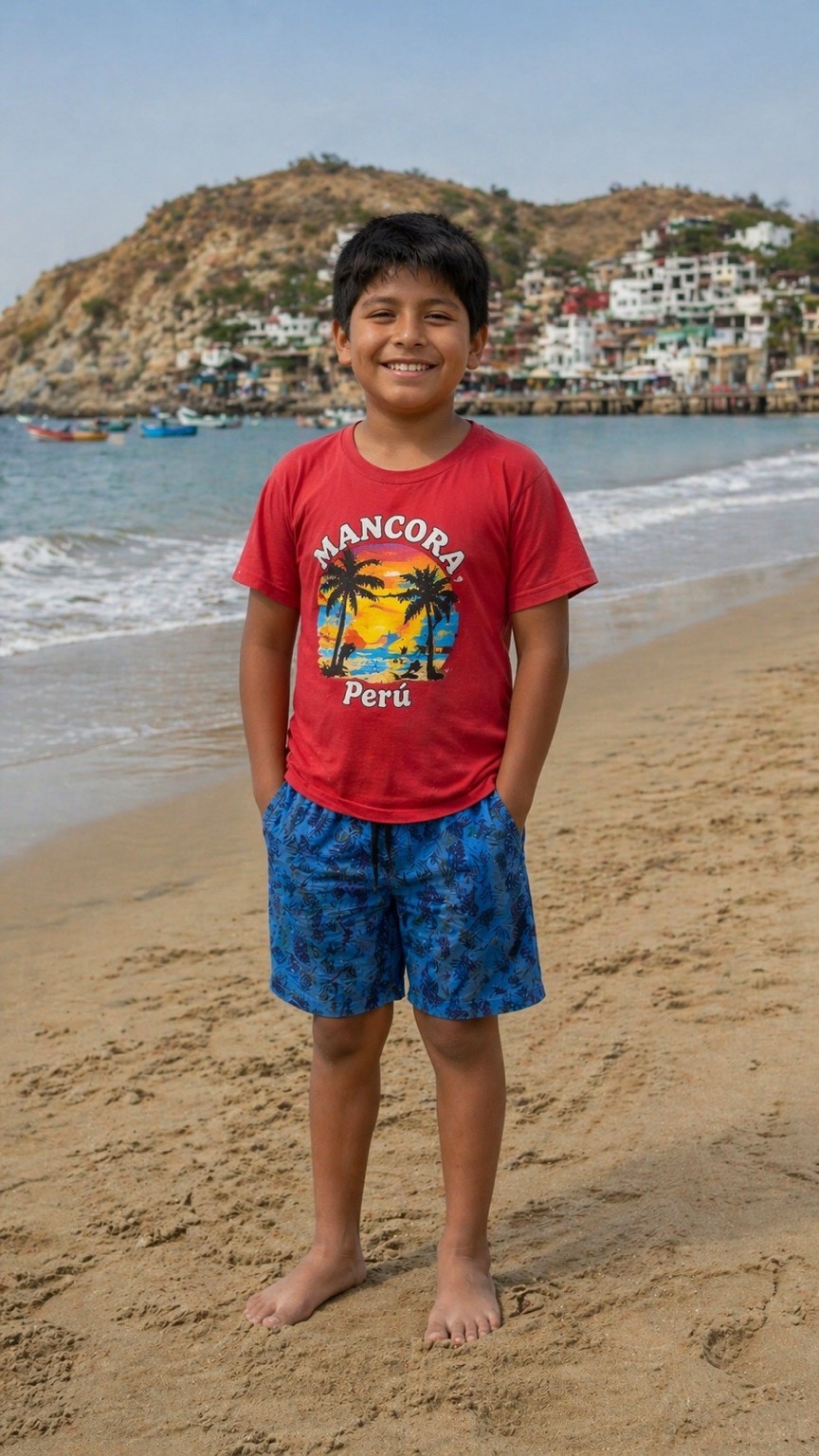
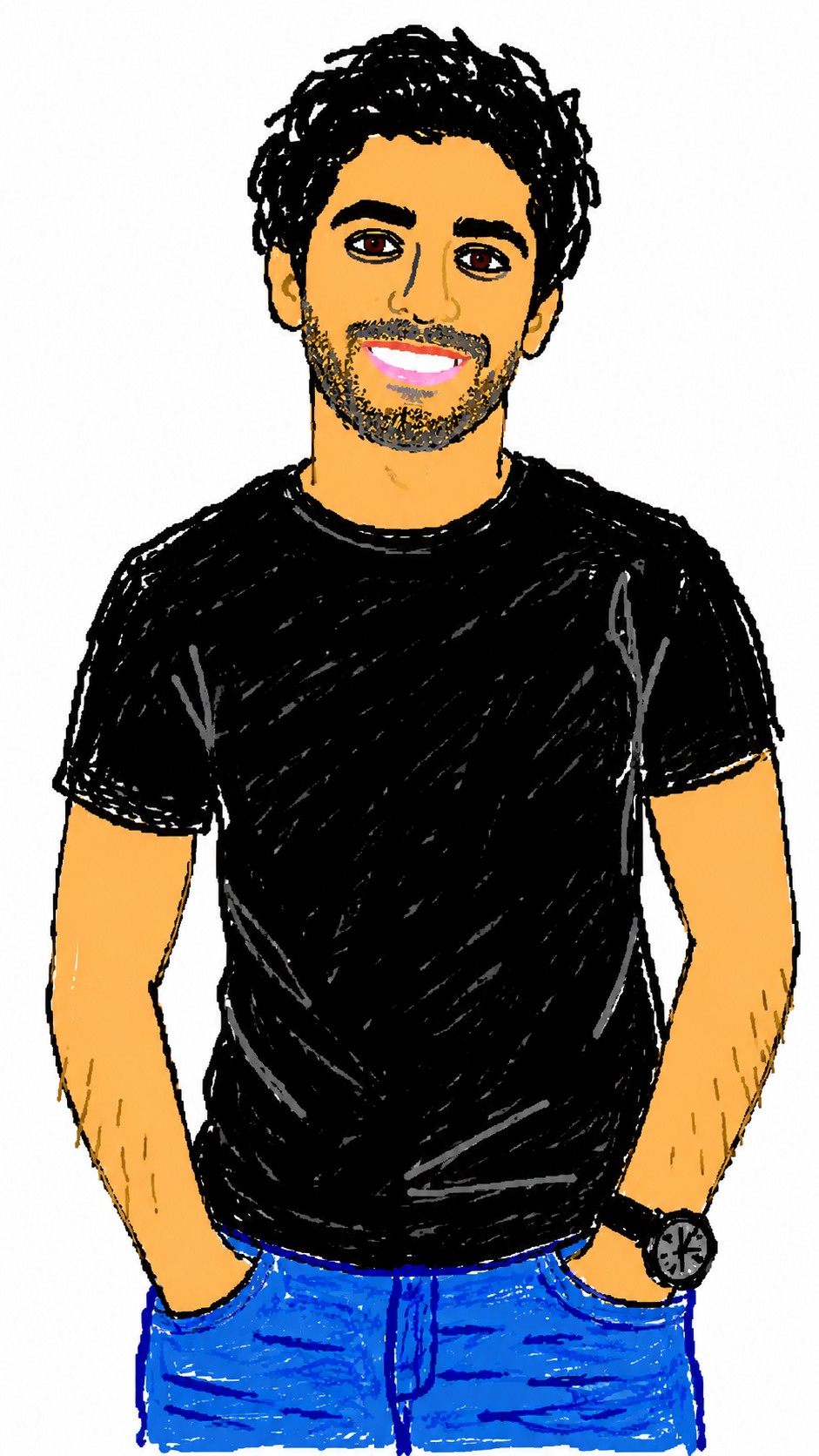

Redraw the attached image in a {{Style: clumsy and scribbly, utterly pathetic, chaotic and messy}} way. Use a {{Background Color: white, black, transparent}} background and a {{Software Aesthetic: MS Paint, Kid Pix}} style. Ensure the reproduction is vaguely similar to the original but awkward and confusing to emphasize a low-quality, pixelated feel. Use an aspect ratio of {{Aspect Ratio: 1:1, 16:9, 4:3, 3:2, 9:16}}.
clumsy and scribbly, utterly pathetic, chaotic and messy
white, black, transparent
MS Paint, Kid Pix
1:1, 16:9, 4:3, 3:2, 9:16
Redraw the attached image in a clumsy and scribbly way. Use a white background and a MS Paint style. Ensure the reproduction is vaguely similar to the original but awkward and confusing to emphasize a low-quality, pixelated feel. Use an aspect ratio of 1:1.
As variáveis ficam entre {{ e }} e seguem este padrão:
Uma seleção pode fazer referência a uma lista de variáveis predefinida usando colchetes. Aparecem em [laranja] e fornecem valores comuns, como cores, tons ou idiomas.
Também pode fornecer uma lista de opções em linha, separadas por vírgulas.
Dica: não precisa da app PUCO para usar estes prompts! Basta copiar o modelo e substituir cada secção {{…}} pelo seu próprio texto diretamente no ChatGPT, Claude, Gemini ou qualquer outro assistente de IA.