Ideal para
- Começar a partir de um prompt estruturado e reutilizável em vez de um chat em branco.
- Adaptar o prompt aos seus próprios dados, mantendo intacta a intenção original.
- Fluxos de trabalho relacionados com Creative & Visuals.

Transforma uma imagem enviada em um diorama 3D de blocos plásticos Lego altamente detalhado, preservando a composição, os sujeitos e a iluminação originais.
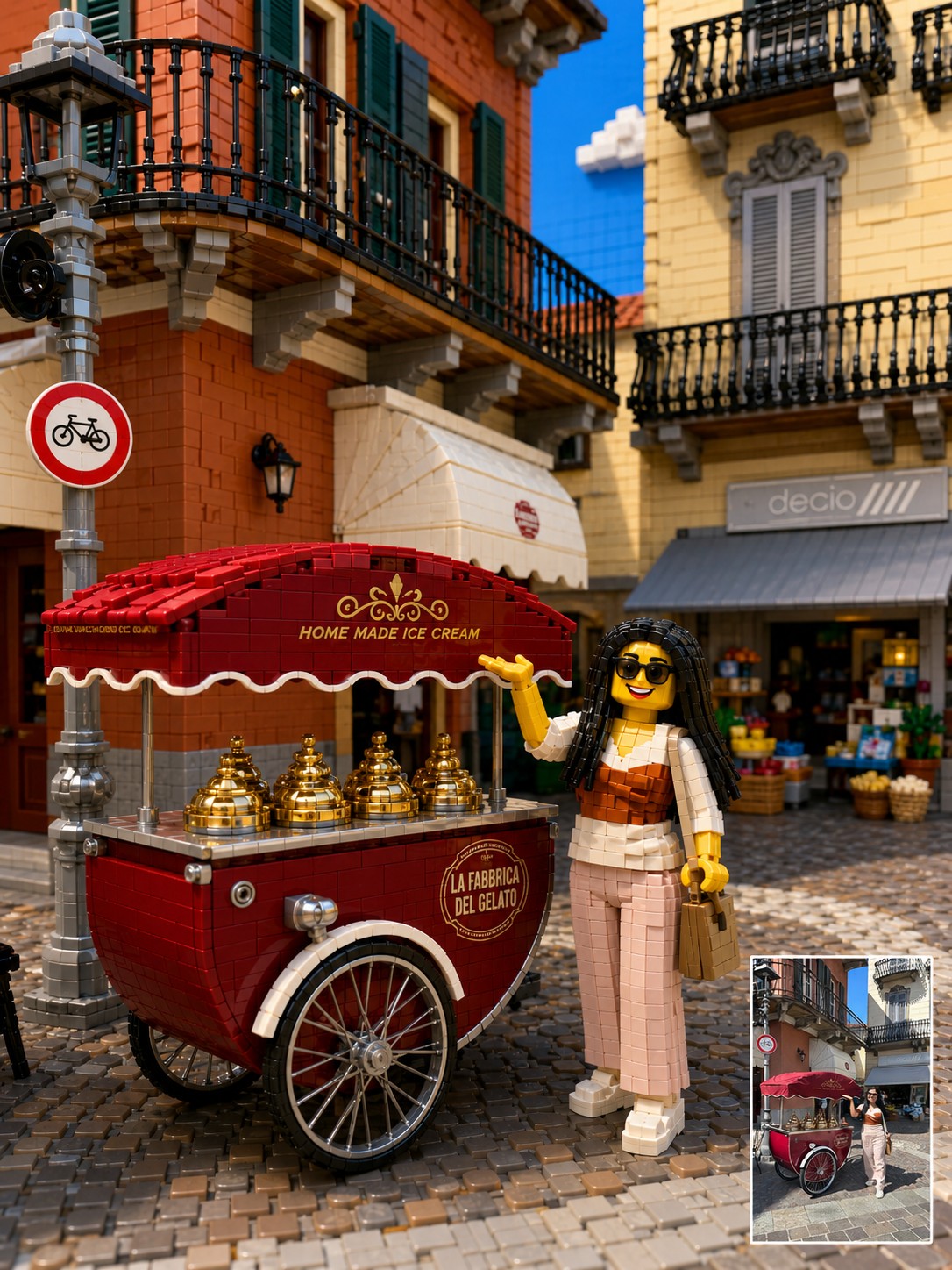
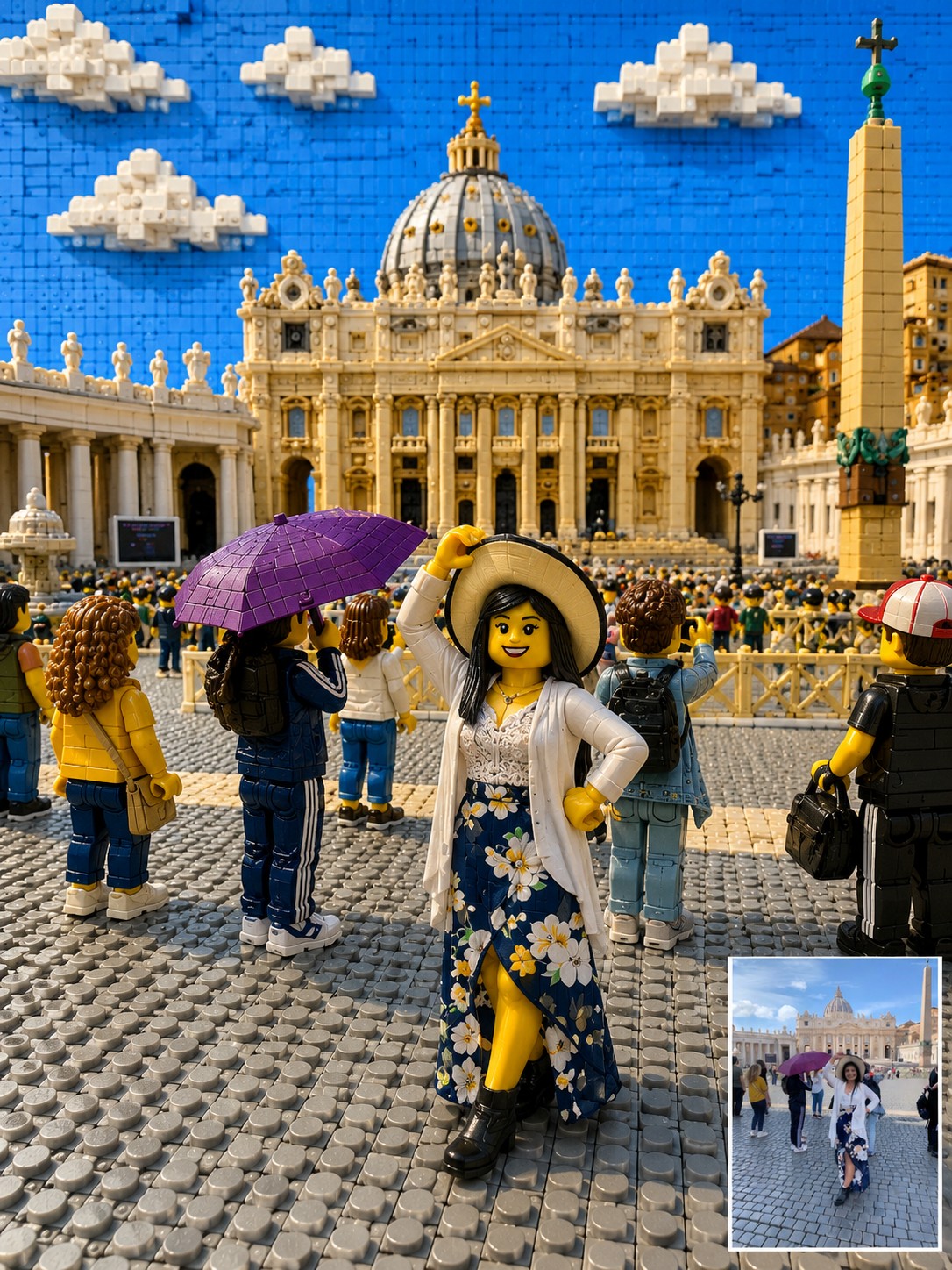
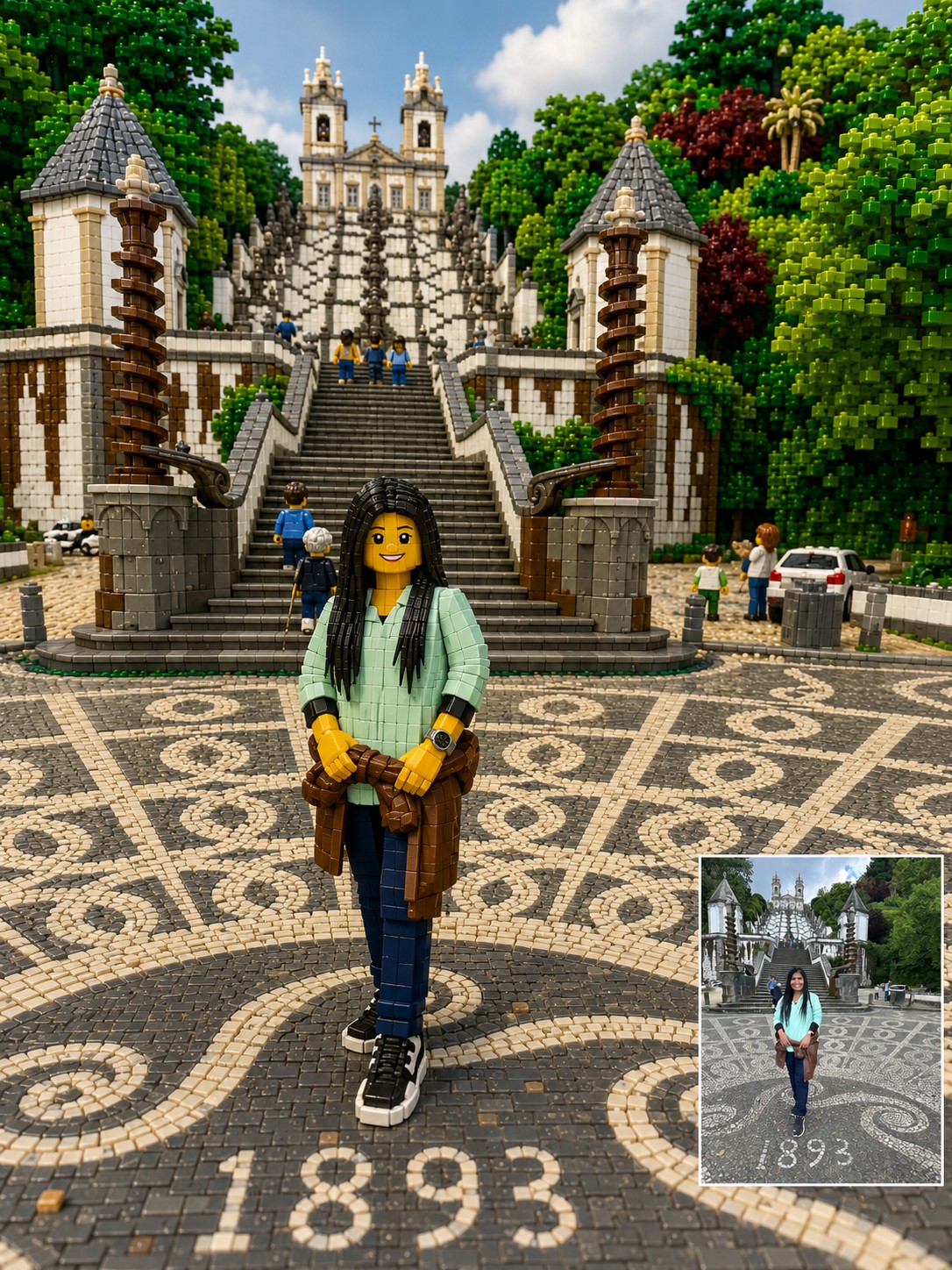
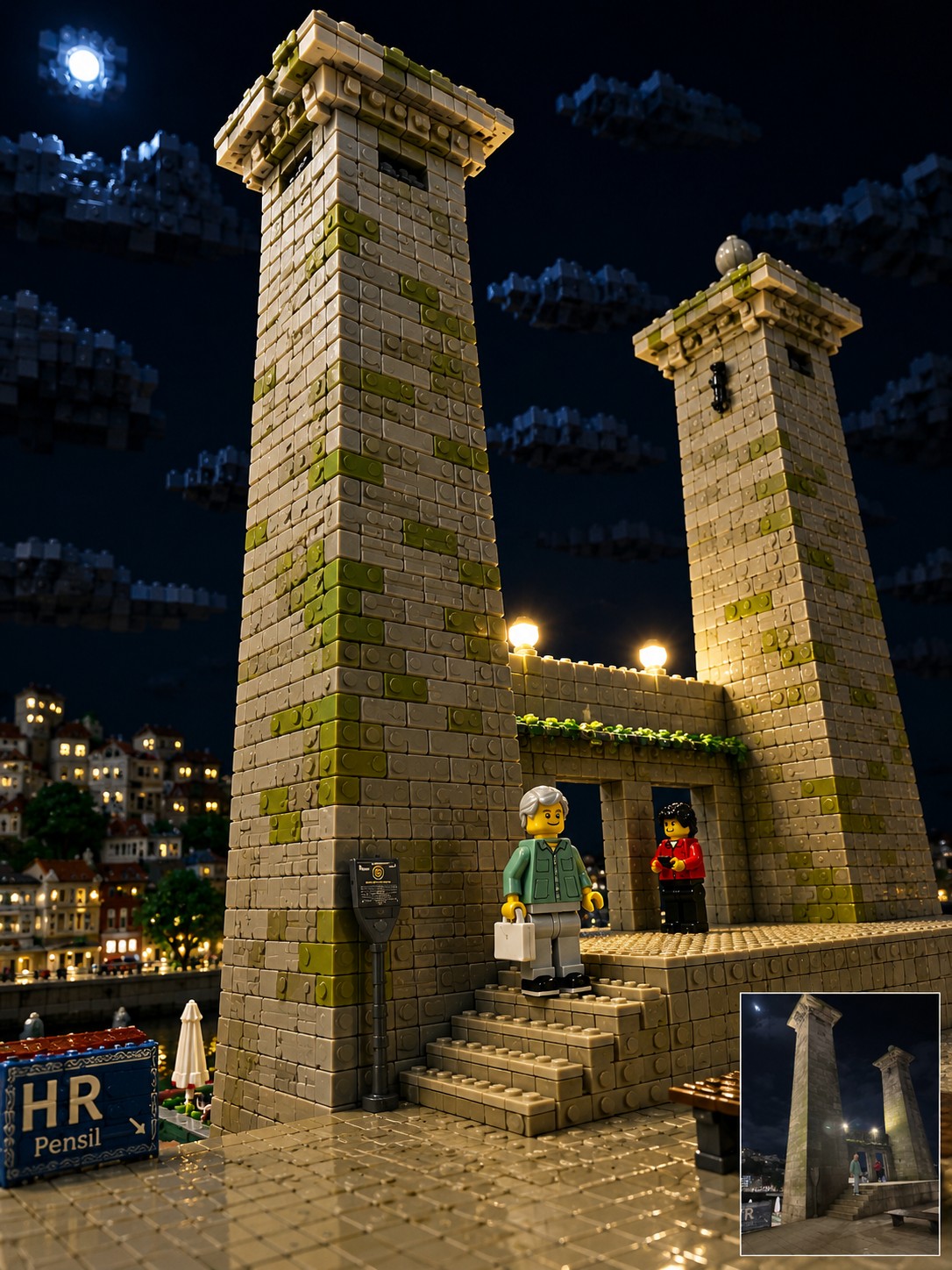
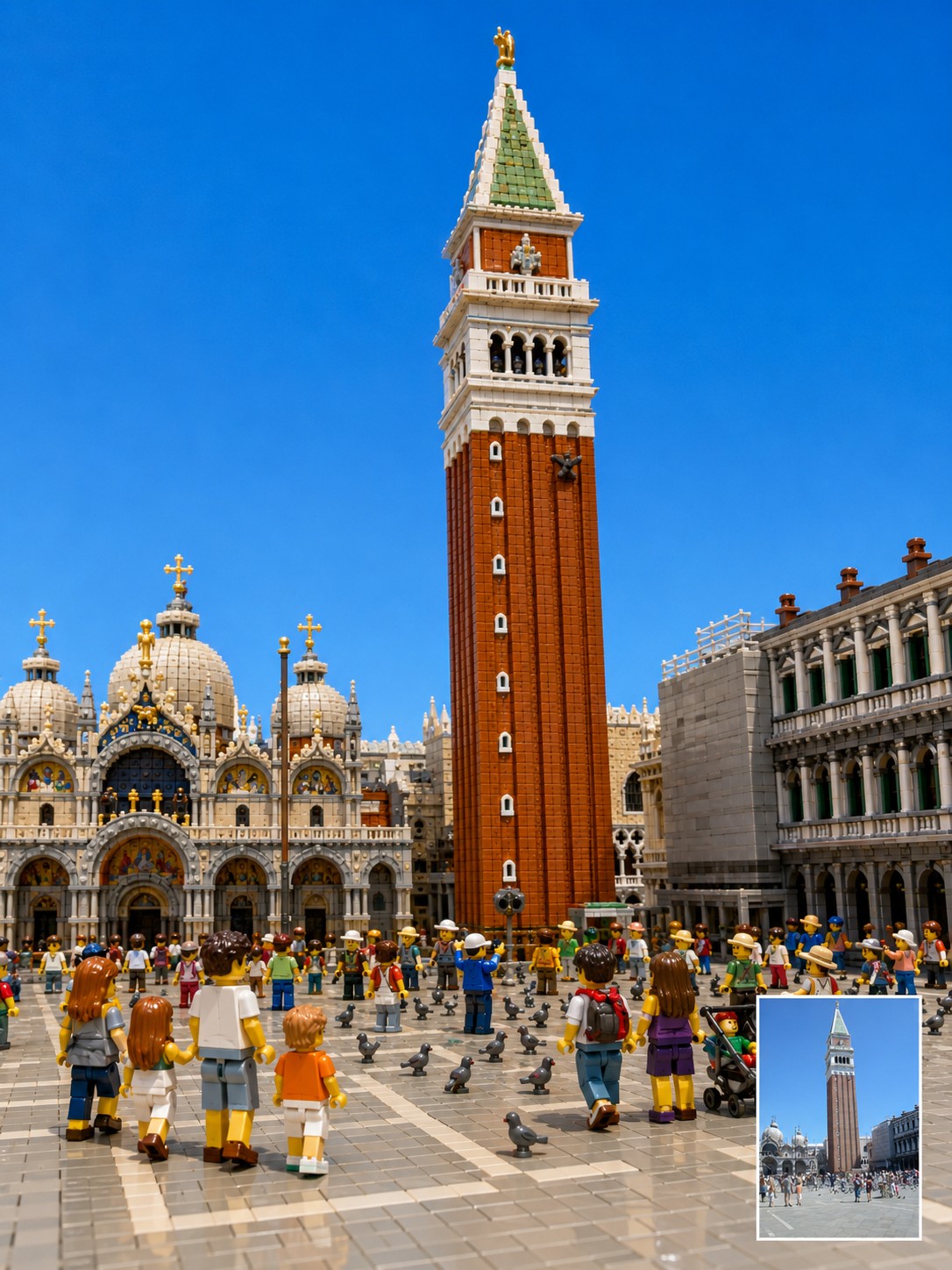
Reinterpret the uploaded photo as a highly detailed, three-dimensional toy-brick diorama built from interlocking plastic building blocks. Focus on translating the context. Preserve the original photo’s camera angle, framing, perspective, subject placement, pose, lighting direction, landmark identity, room layout, background architecture, visible objects, and overall mood as closely as possible. The final image should feel like a premium miniature brick-built scene photographed in a studio, not a flat cartoon or generic toy illustration. Every major object in the original photo should be rebuilt as volumetric plastic bricks with visible studs, seams, layered plates, curved specialty pieces, and a subtle glossy plastic sheen. Keep the location recognizable. If the photo includes a famous landmark, bridge, monument, skyline, interior room, street, sign, window view, furniture, railing, road, artwork, desk setup, pet, or travel prop, preserve its position and visual role in the composition. Translate these elements into brick form instead of replacing them with unrelated objects. Transform people and animals into cute, detailed brick figures while preserving their essence. Maintain the original pose, body orientation, outfit colors, hairstyle silhouette, accessories, pet breed, pet posture, facial expression, and emotional vibe. If a face is blurred, hidden, very small, or unclear, do not invent a realistic identity. Use a simple friendly brick-figure face while preserving the pose, clothing colors, and scene relationship. Use a {{Palette: Bright and Vivid, Pastel, Muted, Vintage Travel-Poster}} color palette with crisp details, clean edges, realistic miniature depth, and playful craftsmanship. Make the scene look {{Vibe: Joyful, Playful, Retro, Cinematic}}, tactile, and collectible, as if it were a custom display set built from thousands of pieces. Important constraints: Do not change the location. Do not move the main subject. Do not replace the landmark. Do not add fantasy elements. Do not simplify the scene into a children’s cartoon. Do not make it look like clay, paper, plush, or low-poly 3D. Keep it recognizably based on the uploaded photo while converting the entire material world into detailed plastic building blocks.
Bright and Vivid, Pastel, Muted, Vintage Travel-Poster
Joyful, Playful, Retro, Cinematic
Reinterpret the uploaded photo as a highly detailed, three-dimensional toy-brick diorama built from interlocking plastic building blocks. Focus on translating the context. Preserve the original photo’s camera angle, framing, perspective, subject placement, pose, lighting direction, landmark identity, room layout, background architecture, visible objects, and overall mood as closely as possible. The final image should feel like a premium miniature brick-built scene photographed in a studio, not a flat cartoon or generic toy illustration. Every major object in the original photo should be rebuilt as volumetric plastic bricks with visible studs, seams, layered plates, curved specialty pieces, and a subtle glossy plastic sheen. Keep the location recognizable. If the photo includes a famous landmark, bridge, monument, skyline, interior room, street, sign, window view, furniture, railing...
As variáveis ficam entre {{ e }} e seguem este padrão:
Uma seleção pode fazer referência a uma lista de variáveis predefinida usando colchetes. Aparecem em [laranja] e fornecem valores comuns, como cores, tons ou idiomas.
Também pode fornecer uma lista de opções em linha, separadas por vírgulas.
Dica: não precisa da app PUCO para usar estes prompts! Basta copiar o modelo e substituir cada secção {{…}} pelo seu próprio texto diretamente no ChatGPT, Claude, Gemini ou qualquer outro assistente de IA.