Ideal para
- Começar a partir de um prompt estruturado e reutilizável em vez de um chat em branco.
- Adaptar o prompt aos seus próprios dados, mantendo intacta a intenção original.
- Fluxos de trabalho relacionados com Creative & Visuals.

Gera uma foto macro hiper detalhada de uma imagem impressa em papel fisicamente danificado, amassado e achatado.
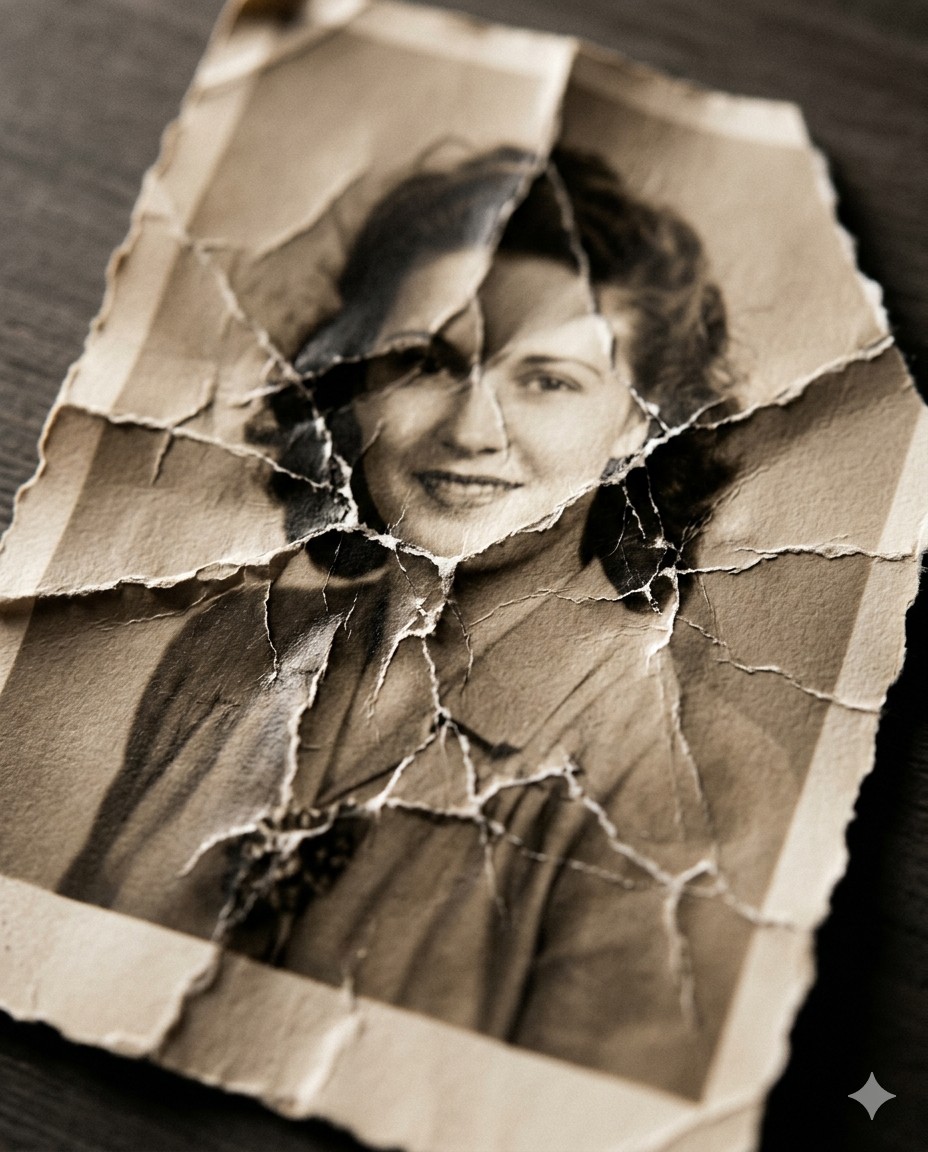
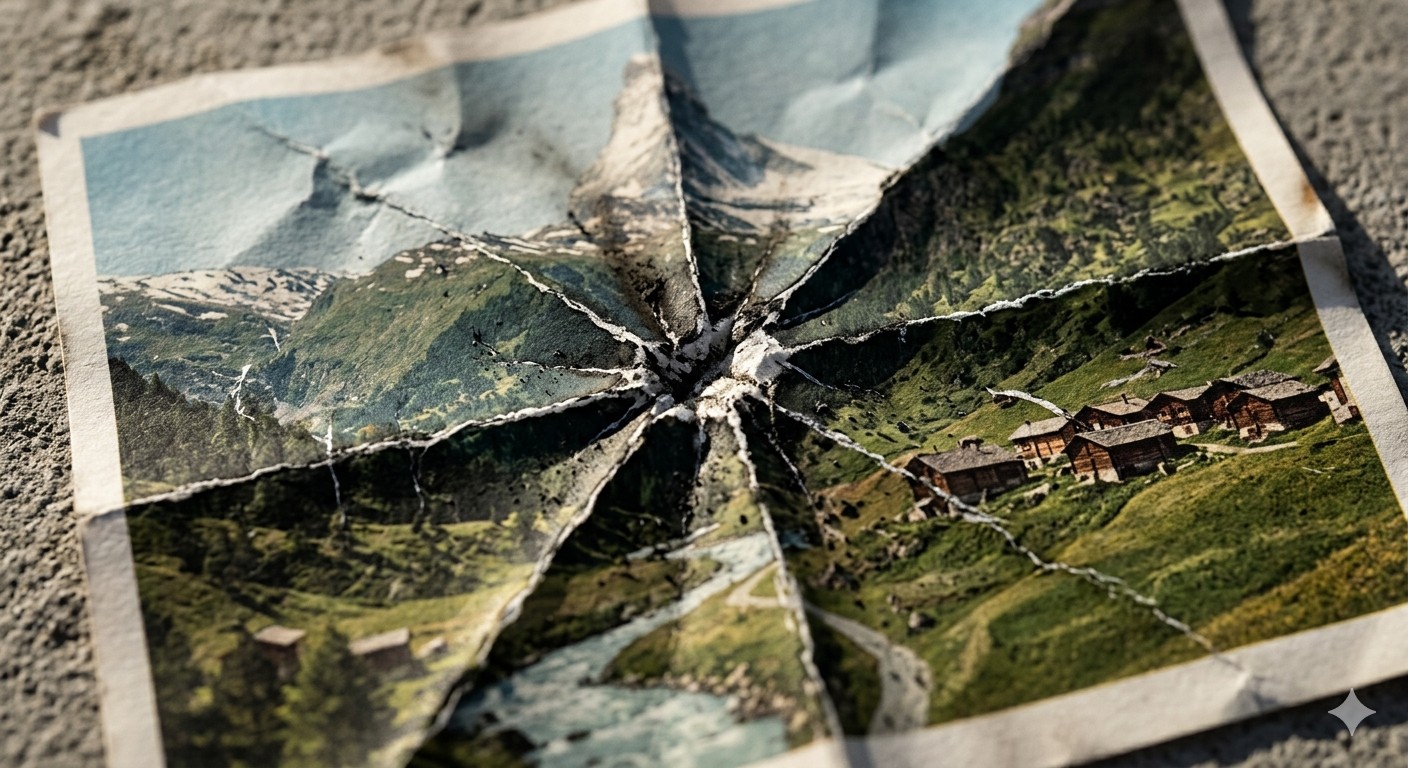
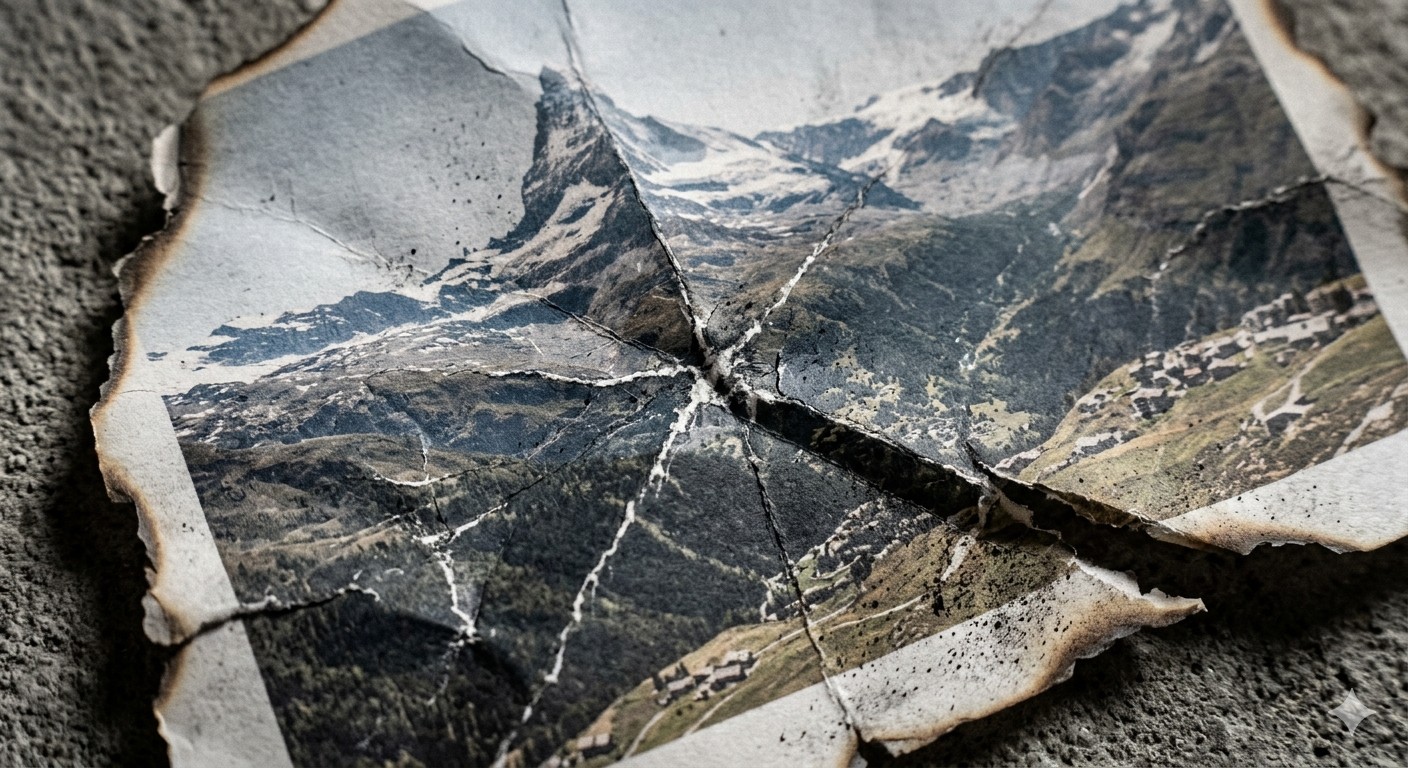
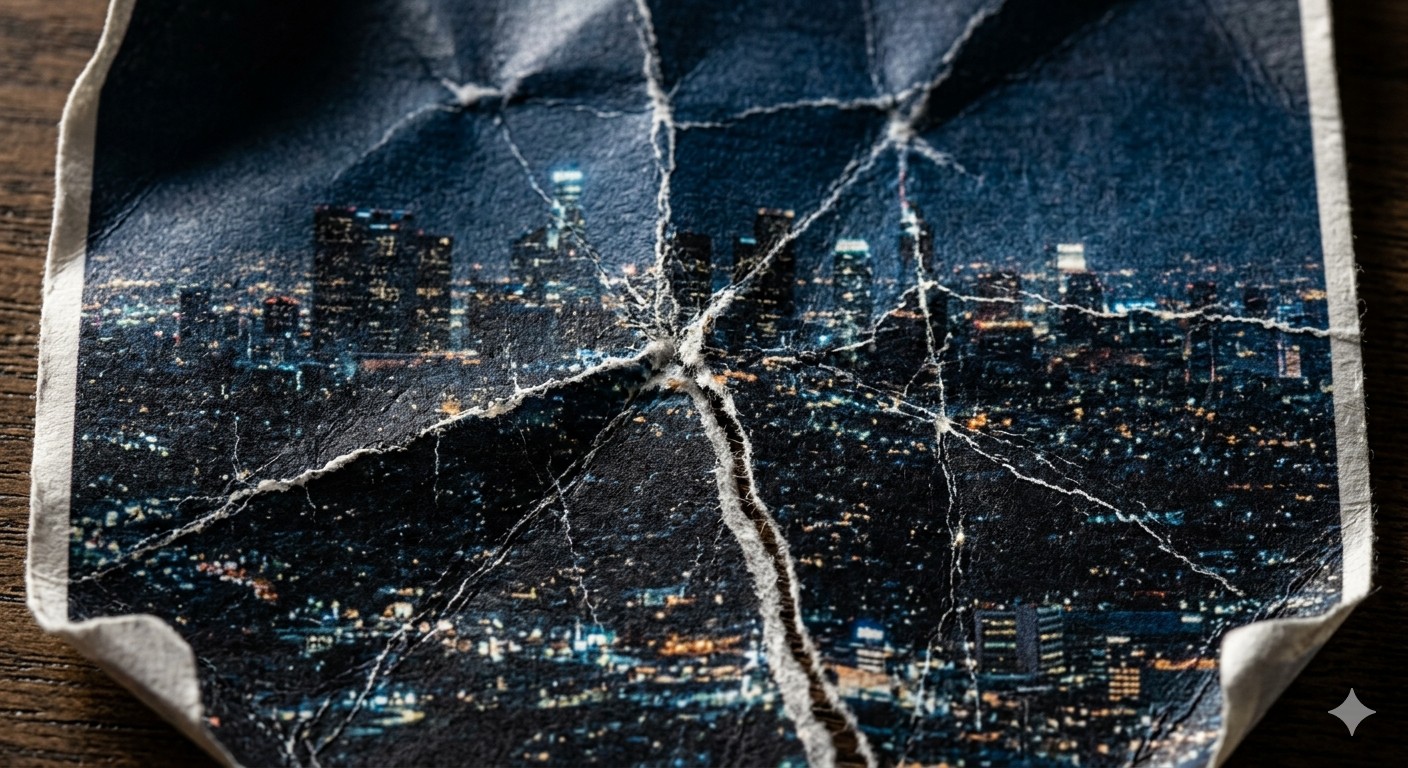
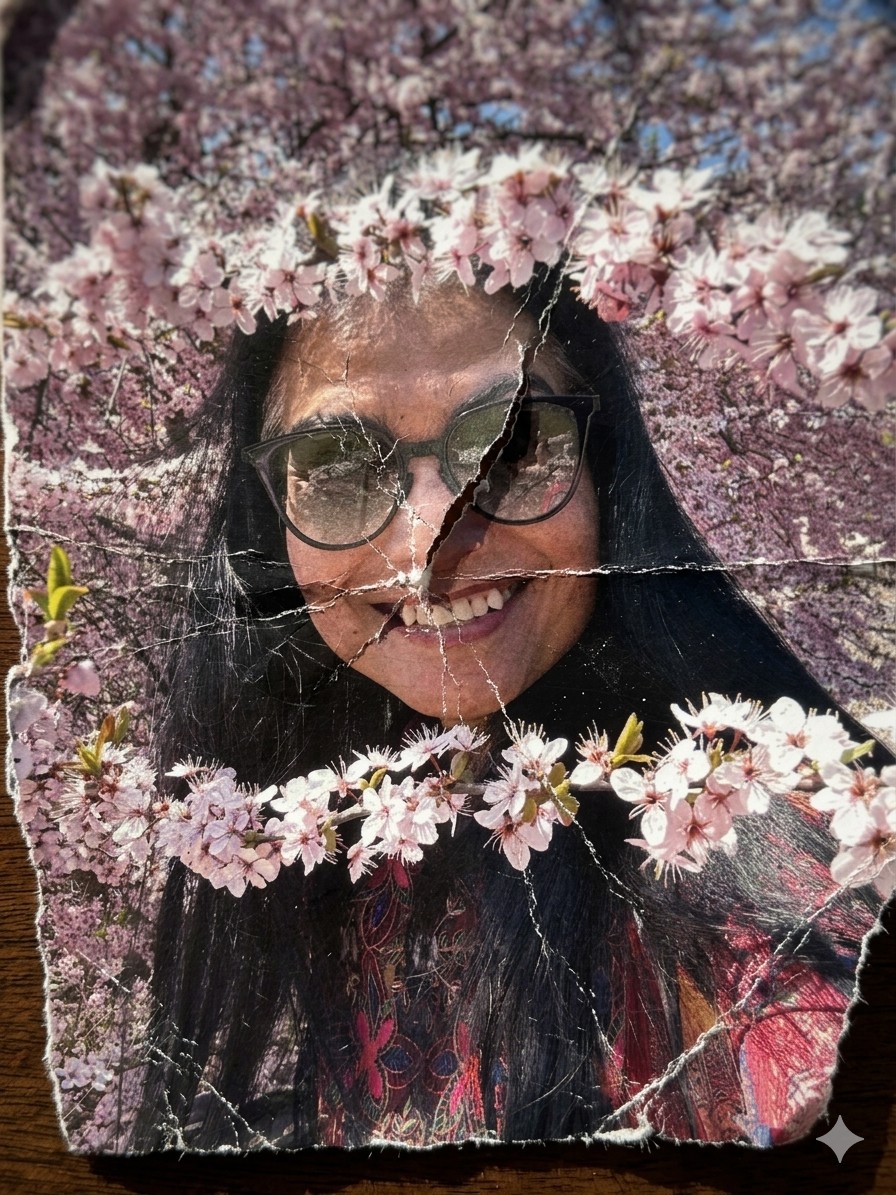
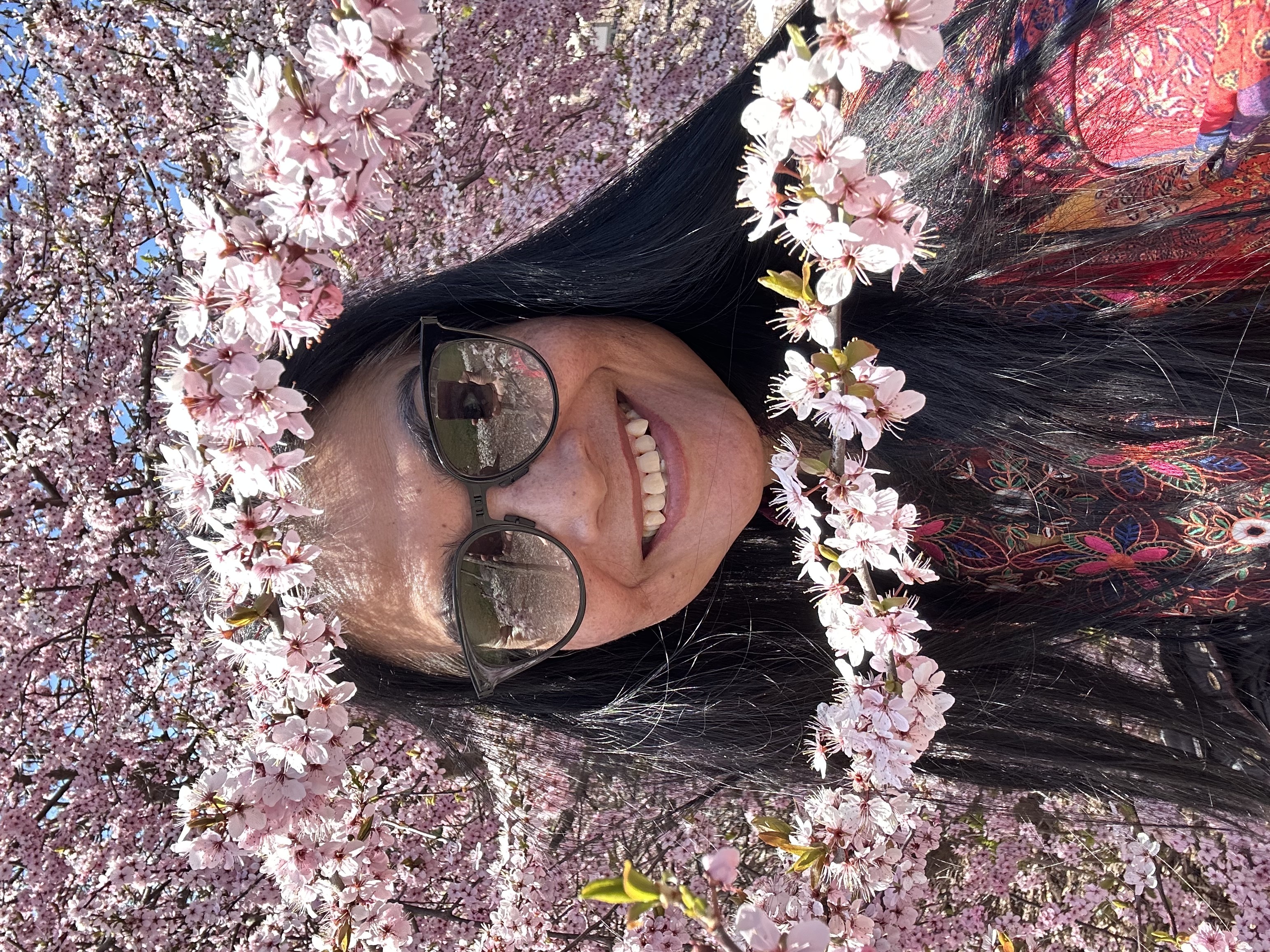
A hyper-detailed {{Style: macro, standard, wide angle}} photograph of a printed image on thick matte fine-art paper, showing {{Subject: The attached image, Swiss mountain landscape, vintage portrait of a woman, city skyline at night}}. The paper has been aggressively crumpled and partially flattened, creating deep intersecting creases, cracked ink along fold lines, and subtle pigment breakage. The surface shows realistic paper fiber texture, micro-tears, and white stress marks where the ink has fractured.

Composition: extreme close-up, top-down angle, shallow depth of field with focus on {{Focus Area: crease intersections, central fold, torn edge}}.
Lighting: hard directional side lighting (raking light) casting sharp shadows into the folds.
Environment: edges of the paper reveal {{Background Surface: dark wooden table, rough concrete surface, black studio backdrop}}.

Style: {{Style: Photoreal - ultra-sharp focus on fibers and cracked ink, Charcoal Illustration - drawing on crumpled parchment with sepia tones, Minimalist Tear - clean white paper with a single violent tear, Burned Memory - ash residue and heat-distorted creases}}.
Aperture: f/8

Additional detail: {{Detail Boost: slight desaturation along crease lines, high grain film texture, ink fading at stress points}}.

Negative prompt: smooth digital look, glossy paper, perfect print, CGI plastic texture, glowing edges, flat lighting.
macro, standard, wide angle
The attached image, Swiss mountain landscape, vintage portrait of a woman, city skyline at night
crease intersections, central fold, torn edge
dark wooden table, rough concrete surface, black studio backdrop
slight desaturation along crease lines, high grain film texture, ink fading at stress points
A hyper-detailed macro photograph of a printed image on thick matte fine-art paper, showing The attached image. The paper has been aggressively crumpled and partially flattened, creating deep intersecting creases, cracked ink along fold lines, and subtle pigment breakage. The surface shows realistic paper fiber texture, micro-tears, and white stress marks where the ink has fractured.

Composition: extreme close-up, top-down angle, shallow depth of field with focus on crease intersections.
Lighting: hard directional side lighting (raking light) casting sharp shadows into the folds.
Environment: edges of the paper reveal dark wooden table.

Style: macro.
Aperture: f/8

Additional detail: slight desaturation along crease lines.

Negative prompt: smooth digital look, glossy paper, perfect print, CGI plastic texture, glowing edges, flat lighting.
As variáveis ficam entre {{ e }} e seguem este padrão:
Uma seleção pode fazer referência a uma lista de variáveis predefinida usando colchetes. Aparecem em [laranja] e fornecem valores comuns, como cores, tons ou idiomas.
Também pode fornecer uma lista de opções em linha, separadas por vírgulas.
Dica: não precisa da app PUCO para usar estes prompts! Basta copiar o modelo e substituir cada secção {{…}} pelo seu próprio texto diretamente no ChatGPT, Claude, Gemini ou qualquer outro assistente de IA.