
Ideale per
- Partire da un prompt strutturato e riutilizzabile invece di una chat vuota.
- Adattare il prompt ai propri input mantenendo intatto l'intento originale.
- Flussi di lavoro legati a Creative & Visuals.
Genera un'immagine cinematografica di una persona che riflette su una diversa fase della vita attraverso uno specchio usurato, usando le foto di riferimento allegate.
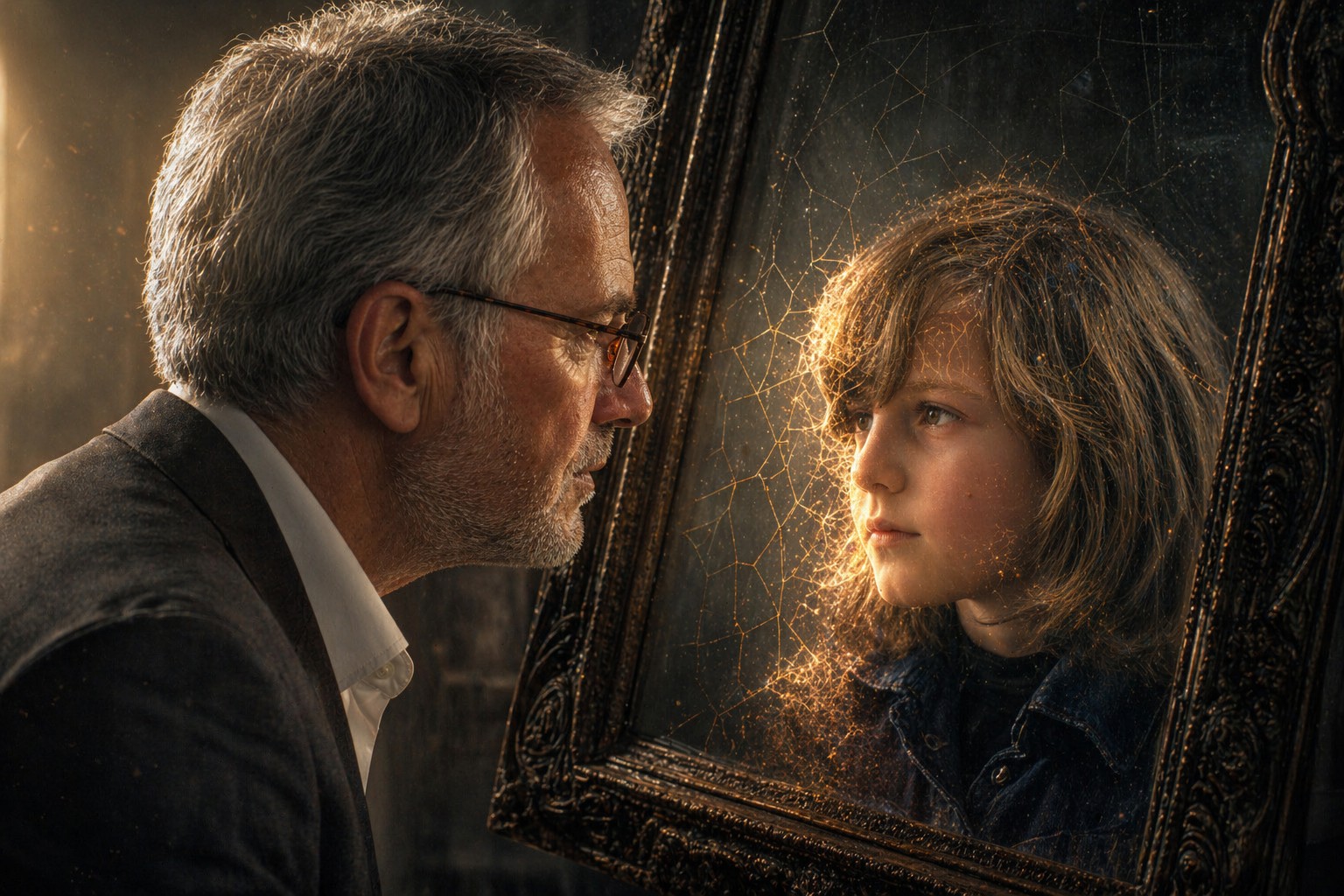
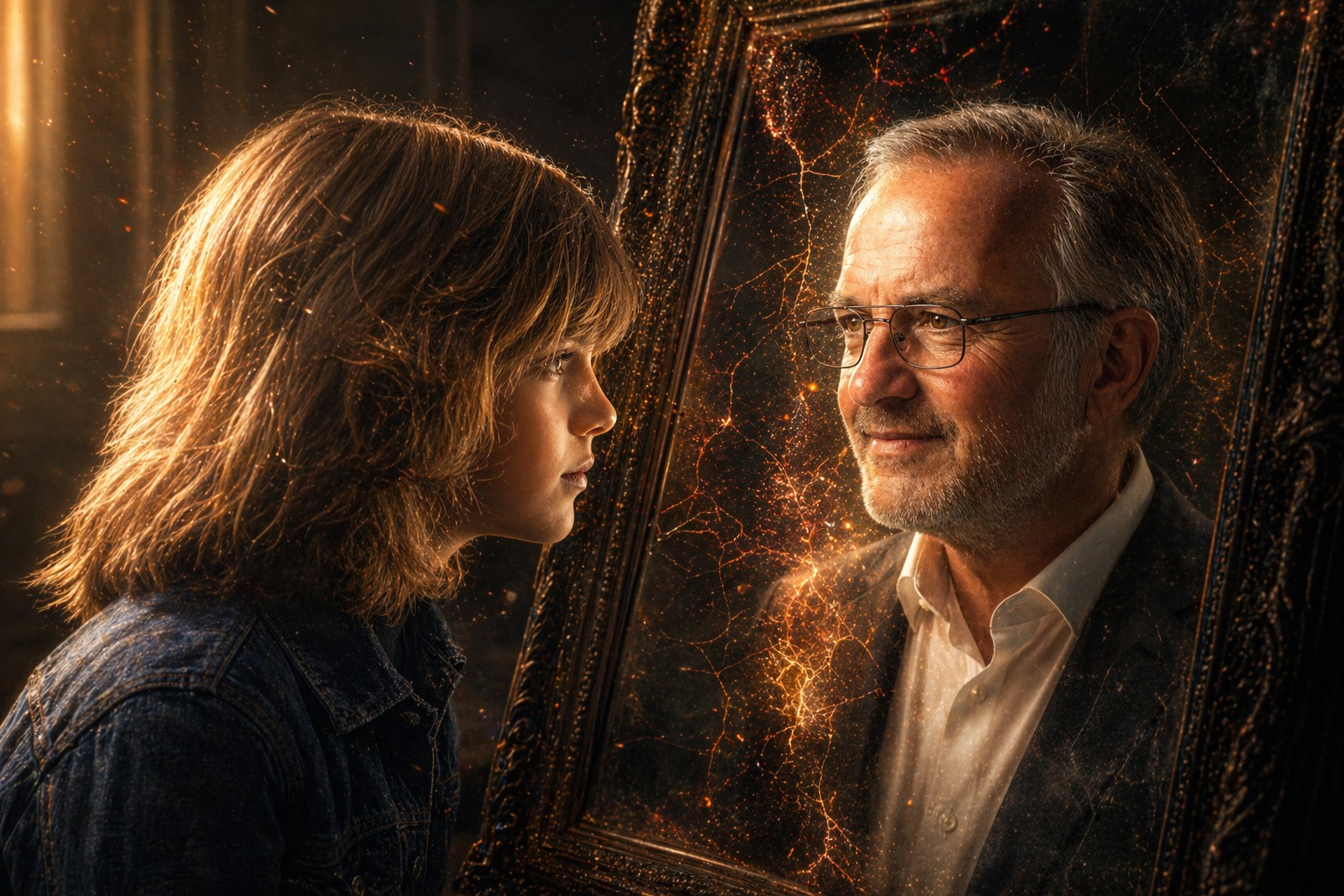
A hyper-detailed, high-contrast portrait based on the attached photo of my current self (Photo 1) and my younger self (Photo 2). The {{Subject: Child, Teenager, Young Adult, Middle-Aged, Senior}} is looking intently into a dark, slightly weathered mirror. The person in the mirror is their {{Reflection: Childhood Self, Teenage Self, Young Adult Self, Middle-Aged Self, Senior Self}}, maintaining the exact same curious eye expression and facial structure. The transition between the two versions is a seamless, painterly morph involving soft, glowing light leaks and {{Effect Style: subtle geometric cracks, liquid distortion, smoke wisps, glowing embers, shifting sand}} that reveal the reflection layer underneath. {{Lighting Conditions: [lighting_conditions]}}, featuring realistic skin textures and delicate subsurface scattering. Background is a {{Background: minimalist, dimly lit room}} with floating dust particles captured in the light beam. 4k resolution, photorealistic, evocative and deeply personal.
Aspect Ratio: {{Aspect Ratios: [aspect_ratios]}}
Child, Teenager, Young Adult, Middle-Aged, Senior
Childhood Self, Teenage Self, Young Adult Self, Middle-Aged Self, Senior Self
subtle geometric cracks, liquid distortion, smoke wisps, glowing embers, shifting sand
[lighting_conditions]
minimalist, dimly lit room
[aspect_ratios]
A hyper-detailed, high-contrast portrait based on the attached photo of my current self (Photo 1) and my younger self (Photo 2). The Child is looking intently into a dark, slightly weathered mirror. The person in the mirror is their Childhood Self, maintaining the exact same curious eye expression and facial structure. The transition between the two versions is a seamless, painterly morph involving soft, glowing light leaks and subtle geometric cracks that reveal the reflection layer underneath. [lighting_conditions], featuring realistic skin textures and delicate subsurface scattering. Background is a minimalist with floating dust particles captured in the light beam. 4k resolution, photorealistic, evocative and deeply personal.
Aspect Ratio: [aspect_ratios]
Le variabili sono racchiuse tra {{ e }} e seguono questo schema:
Una selezione può fare riferimento a un elenco di variabili predefinito usando le parentesi quadre. Appaiono in [arancione] e forniscono valori di uso comune come colori, toni o lingue.
Puoi anche fornire un elenco di scelte in linea, separate da virgole.
Suggerimento: non hai bisogno dell'app PUCO per usare questi prompt! Copia semplicemente il modello e sostituisci ogni sezione {{…}} con il tuo testo direttamente in ChatGPT, Claude, Gemini o qualsiasi altro assistente IA.