
Ideale per
- Partire da un prompt strutturato e riutilizzabile invece di una chat vuota.
- Adattare il prompt ai propri input mantenendo intatto l'intento originale.
- Flussi di lavoro legati a Fun & Casual, Design & Art.
Trasforma una foto allegata nello stile visivo di un universo fumettistico scelto, analizzando prima lo stile artistico e poi generando un prompt immagine dettagliato che ne replica lo stile.
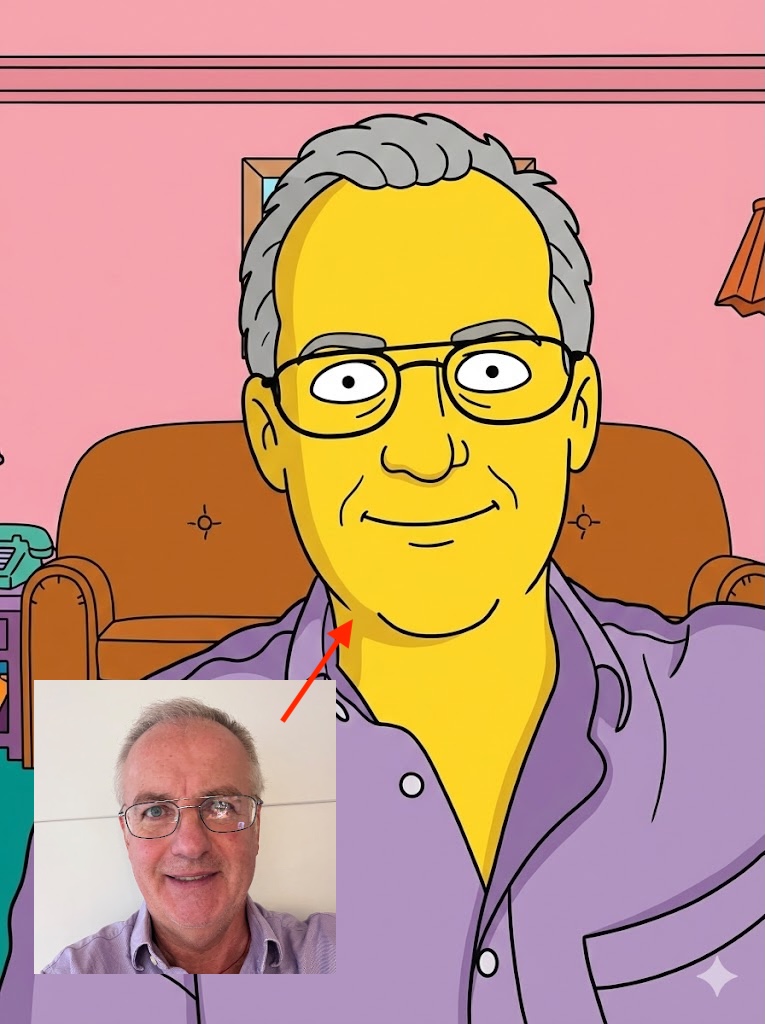
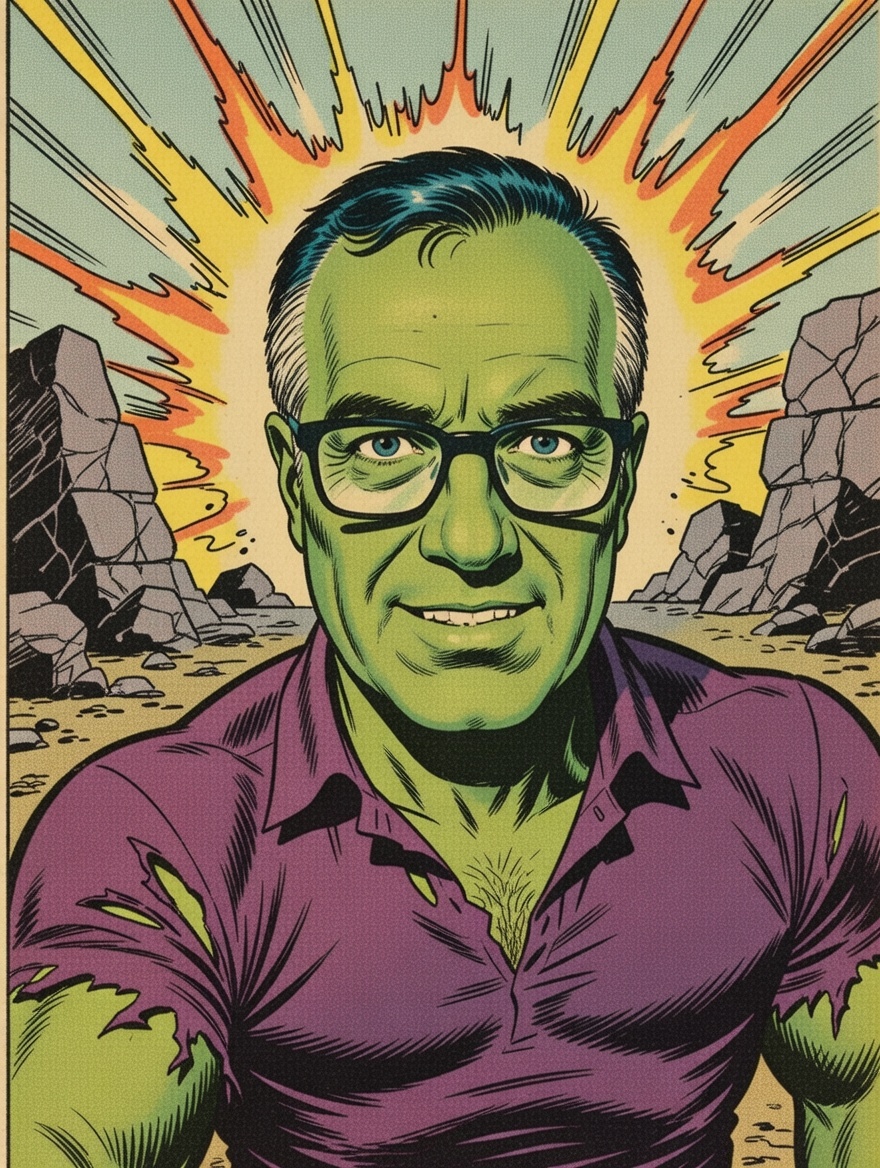
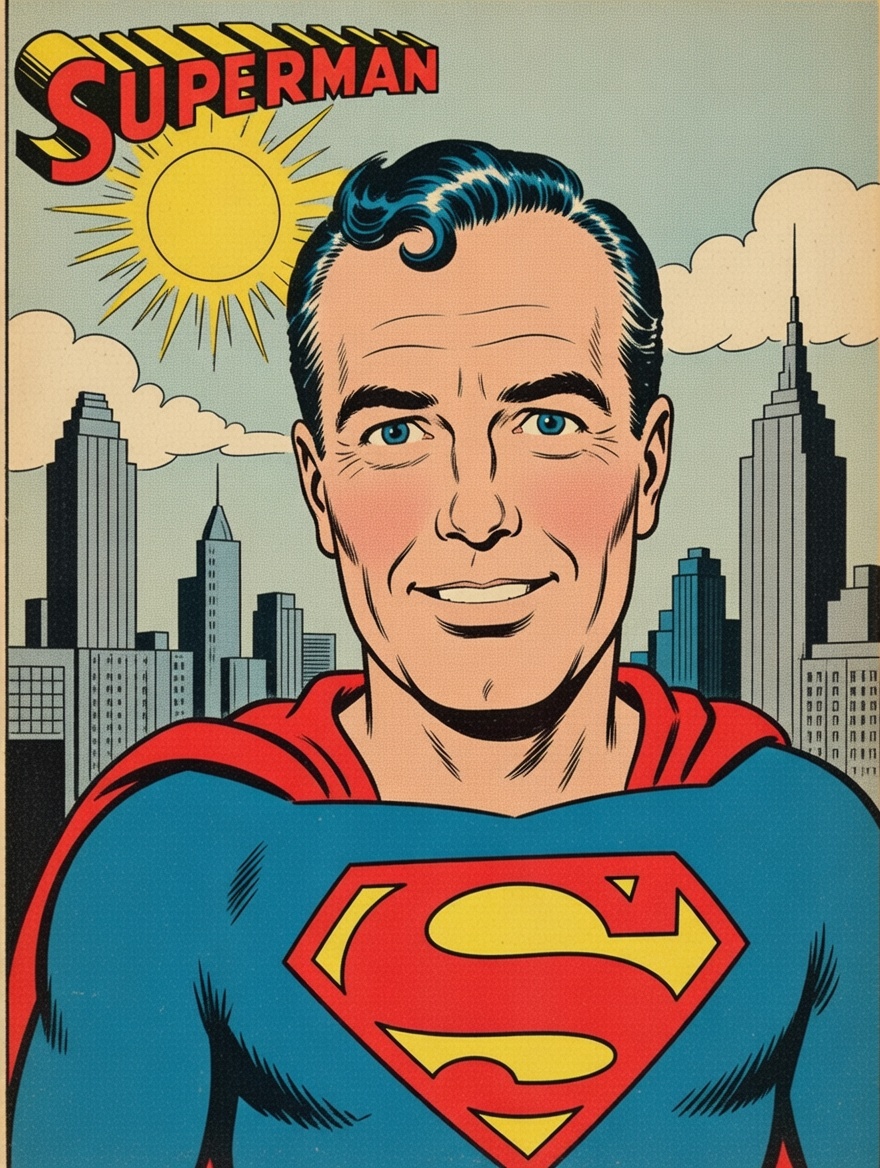
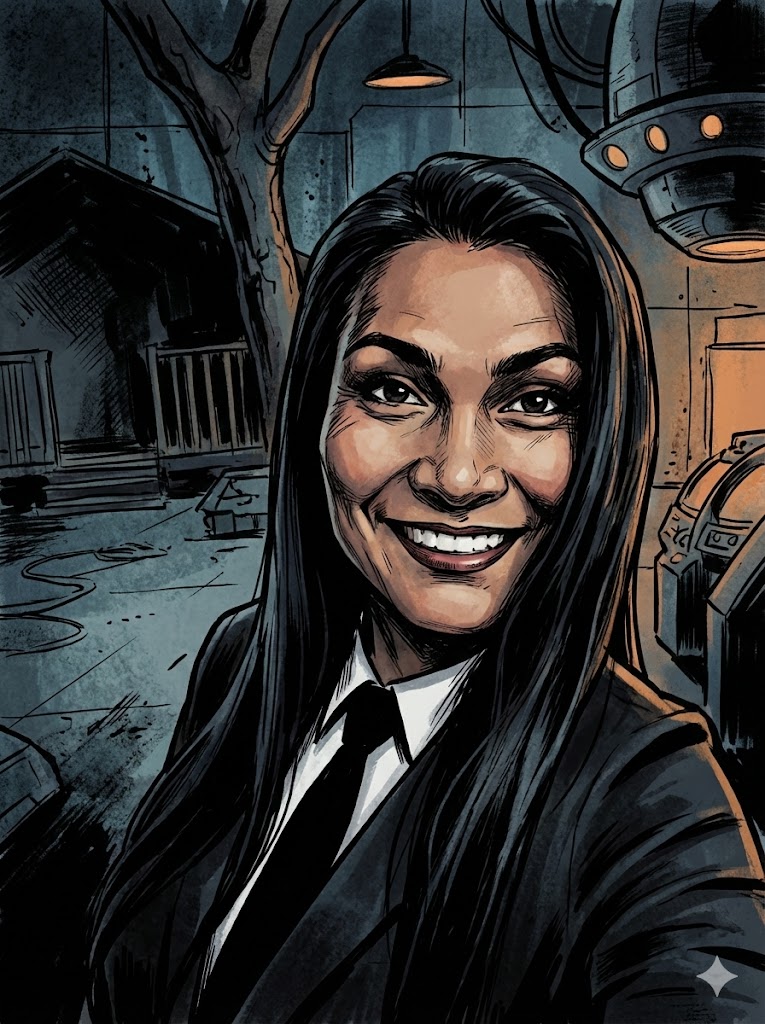
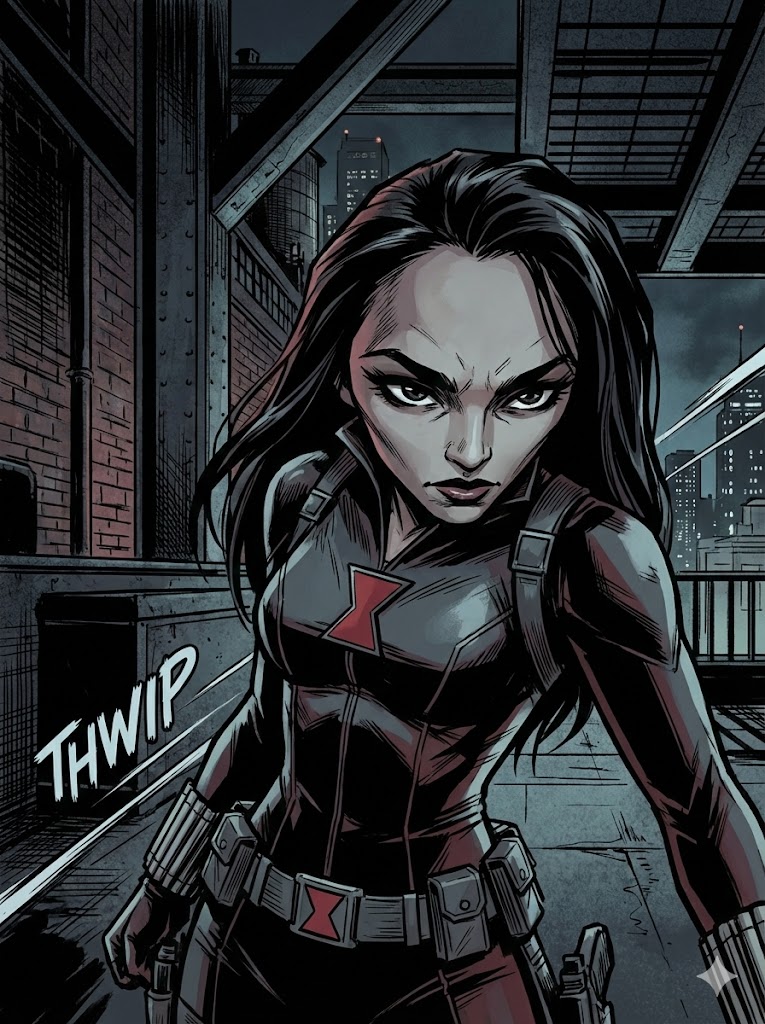
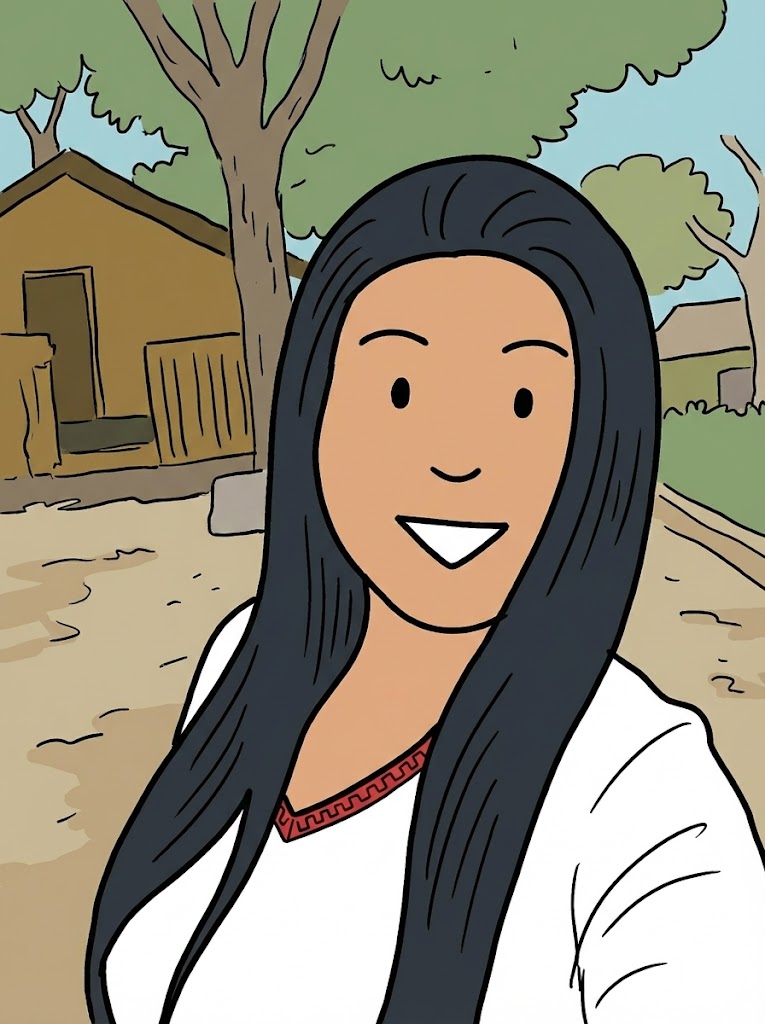
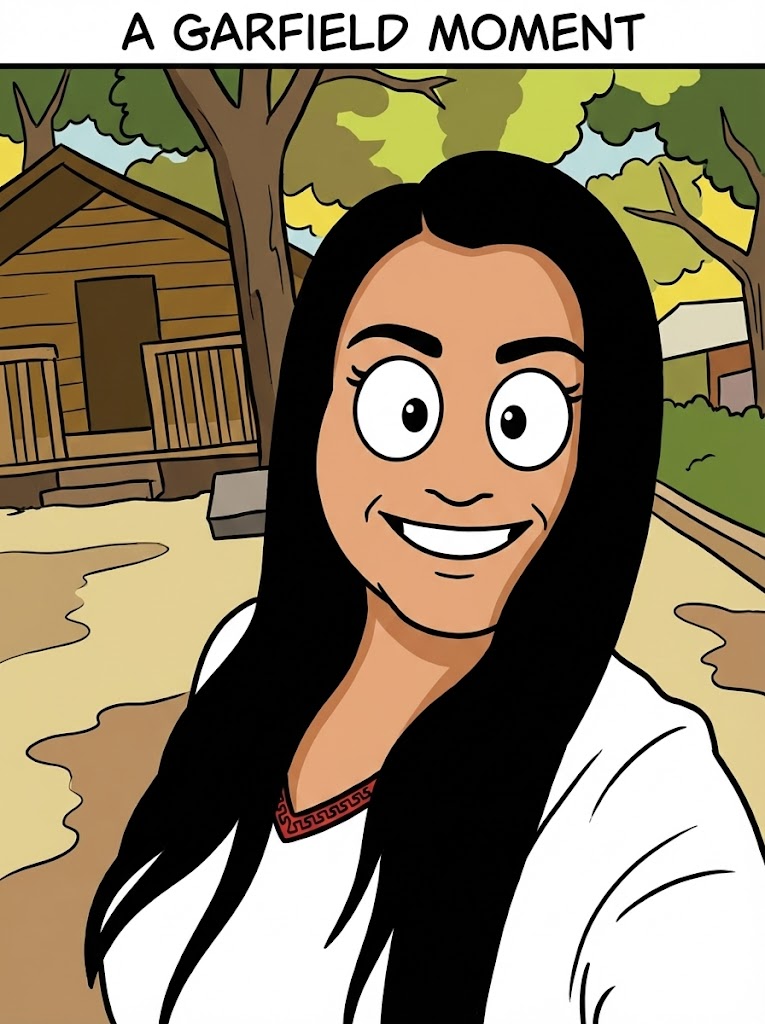
I have attached an image. Please follow these steps:

Step 1: Write a detailed analysis of the artistic style of {{Comic:[comics]}}. Cover: character design conventions, line weight, shading technique, color palette, typical backgrounds, and costume design.

Step 2: Using the attached image as the subject, apply the style described in Step 1 to generate a detailed image generation prompt. The subject must remain recognizable. Output only the final image generation prompt, ready to paste into an image generator.
[comics]
I have attached an image. Please follow these steps:

Step 1: Write a detailed analysis of the artistic style of [comics]. Cover: character design conventions, line weight, shading technique, color palette, typical backgrounds, and costume design.

Step 2: Using the attached image as the subject, apply the style described in Step 1 to generate a detailed image generation prompt. The subject must remain recognizable. Output only the final image generation prompt, ready to paste into an image generator.
Le variabili sono racchiuse tra {{ e }} e seguono questo schema:
Una selezione può fare riferimento a un elenco di variabili predefinito usando le parentesi quadre. Appaiono in [arancione] e forniscono valori di uso comune come colori, toni o lingue.
Puoi anche fornire un elenco di scelte in linea, separate da virgole.
Suggerimento: non hai bisogno dell'app PUCO per usare questi prompt! Copia semplicemente il modello e sostituisci ogni sezione {{…}} con il tuo testo direttamente in ChatGPT, Claude, Gemini o qualsiasi altro assistente IA.