
Ideale per
- Partire da un prompt strutturato e riutilizzabile invece di una chat vuota.
- Adattare il prompt ai propri input mantenendo intatto l'intento originale.
- Flussi di lavoro legati a Creative & Visuals.
Genera una caricatura digitale umoristica e di alta qualità che visualizza il nickname di una persona attraverso elementi simbolici e tratti esagerati.
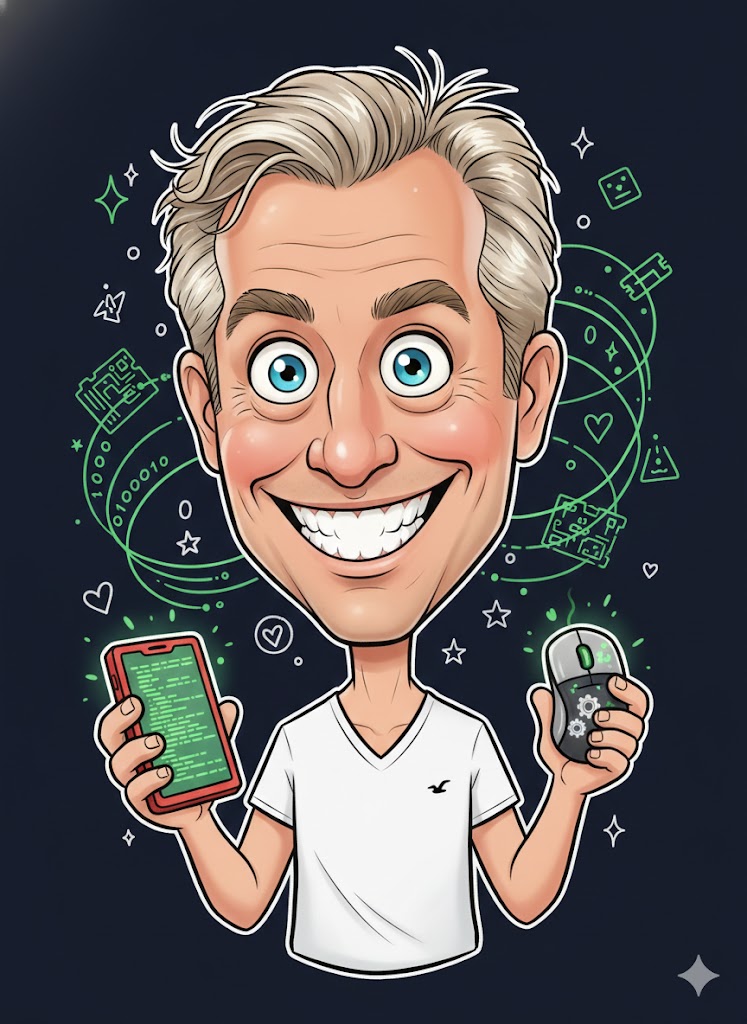
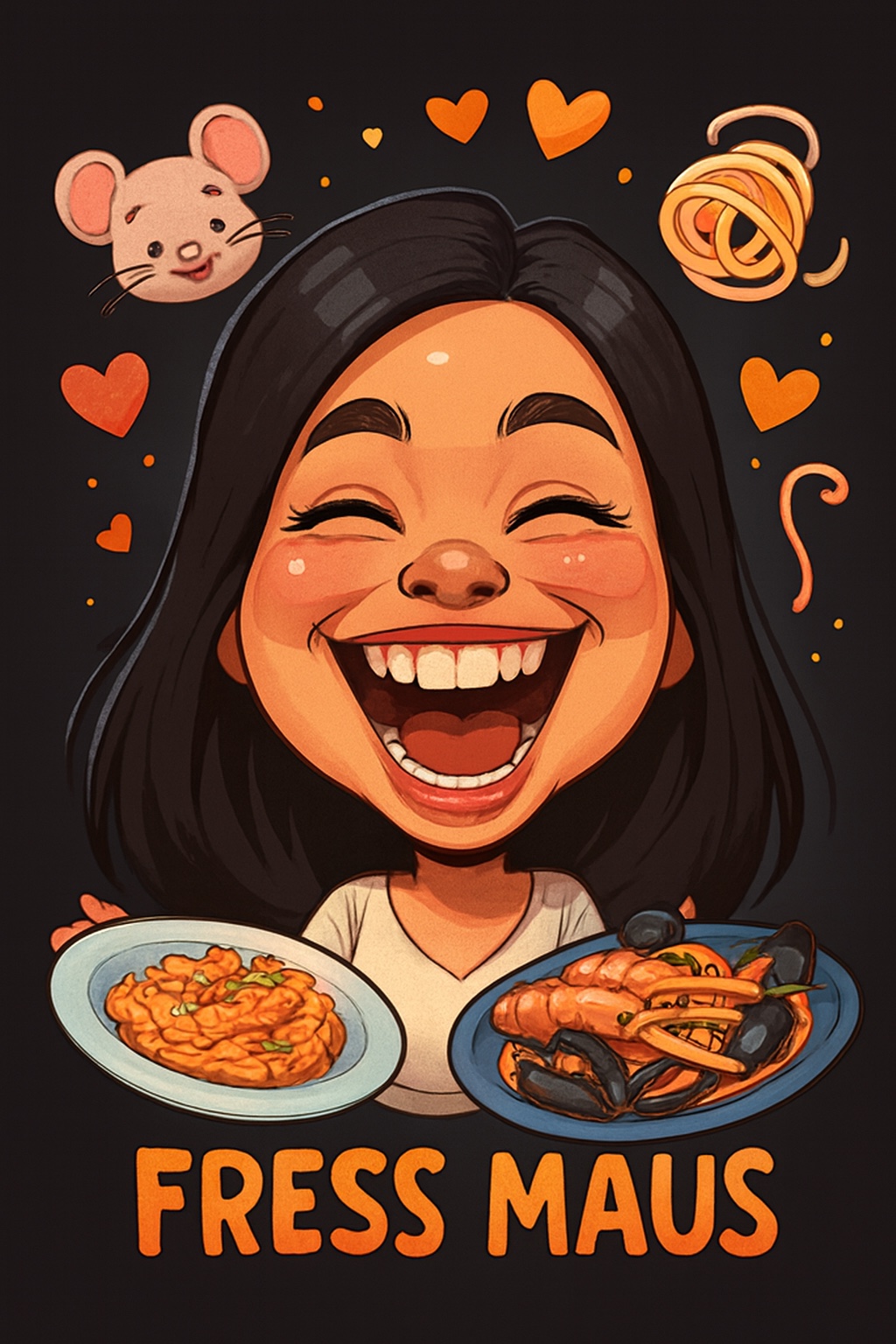

Create a humorous caricature of {{Subject: The subject on the attached picture}} in the style of a modern digital cartoon illustration. The person should remain recognizable but with strongly exaggerated facial features, specifically a {{Expression: Wide Smile, Huge Grin, Laughing Face}}, large eyes, and a slightly enlarged head on a smaller body. Use soft, clean outlines with varying line weight, organic shapes, and warm, saturated colors with soft-shading. The style should be semi-flat digital painting (Pixar/sticker aesthetic) with gentle highlights on skin and hair. Visually interpret the nickname '{{Nickname: e.g. The Code Wizard}}' by including symbolic elements related to it floating playfully around the head and having the subject hold thematic objects in their hands. Composition: Central frontal figure, dark or black background, with small supporting icons like hearts or symbols. The final image should look like a premium sticker or poster with high aesthetic appeal and friendly, non-offensive humor.
The subject on the attached picture
Wide Smile, Huge Grin, Laughing Face
e.g. The Code Wizard
Create a humorous caricature of The subject on the attached picture in the style of a modern digital cartoon illustration. The person should remain recognizable but with strongly exaggerated facial features, specifically a Wide Smile, large eyes, and a slightly enlarged head on a smaller body. Use soft, clean outlines with varying line weight, organic shapes, and warm, saturated colors with soft-shading. The style should be semi-flat digital painting (Pixar/sticker aesthetic) with gentle highlights on skin and hair. Visually interpret the nickname 'e.g. The Code Wizard' by including symbolic elements related to it floating playfully around the head and having the subject hold thematic objects in their hands. Composition: Central frontal figure, dark or black background, with small supporting icons like hearts or symbols. The final image should look like a premium sticker or poster with...
Le variabili sono racchiuse tra {{ e }} e seguono questo schema:
Una selezione può fare riferimento a un elenco di variabili predefinito usando le parentesi quadre. Appaiono in [arancione] e forniscono valori di uso comune come colori, toni o lingue.
Puoi anche fornire un elenco di scelte in linea, separate da virgole.
Suggerimento: non hai bisogno dell'app PUCO per usare questi prompt! Copia semplicemente il modello e sostituisci ogni sezione {{…}} con il tuo testo direttamente in ChatGPT, Claude, Gemini o qualsiasi altro assistente IA.